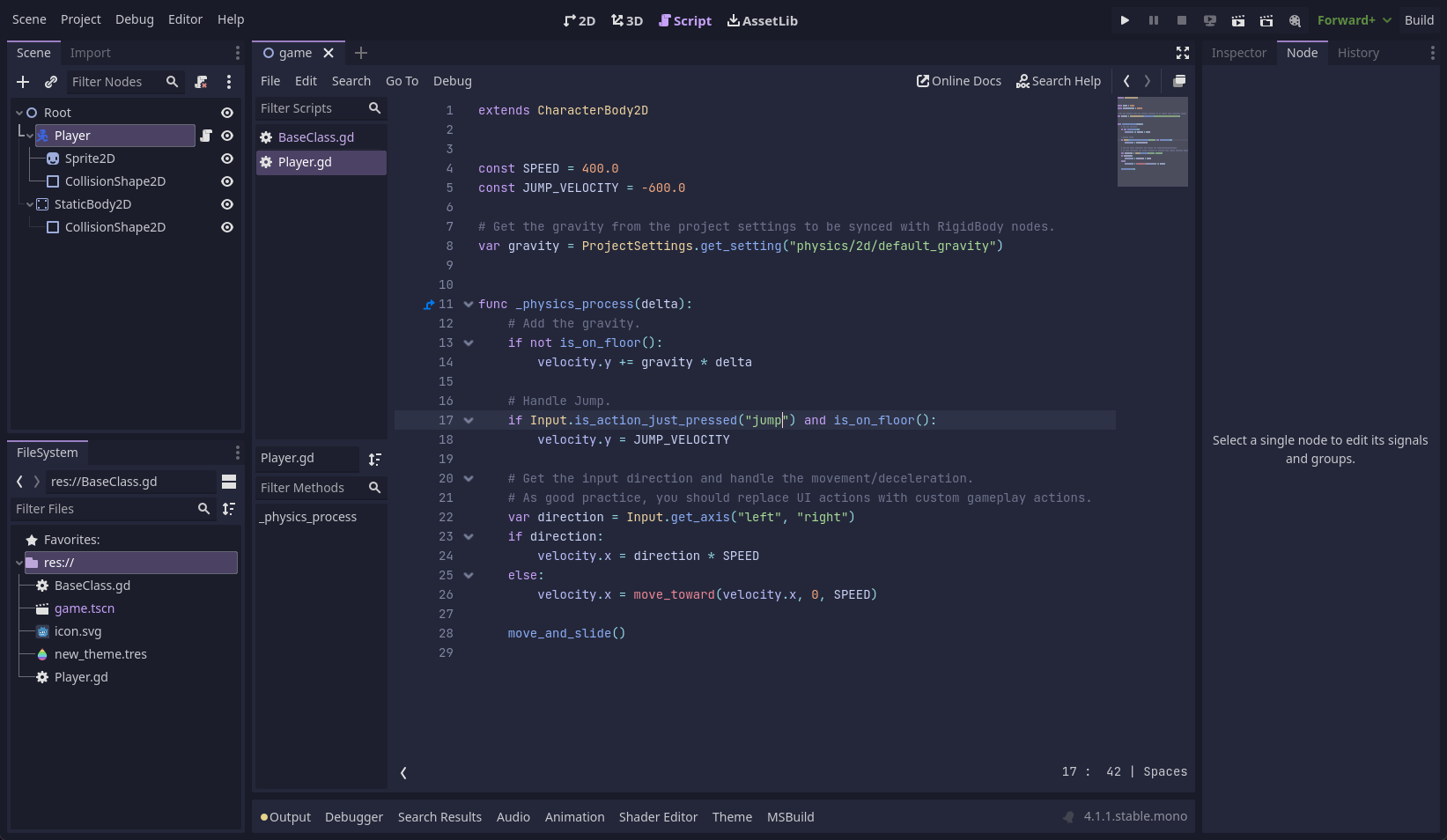
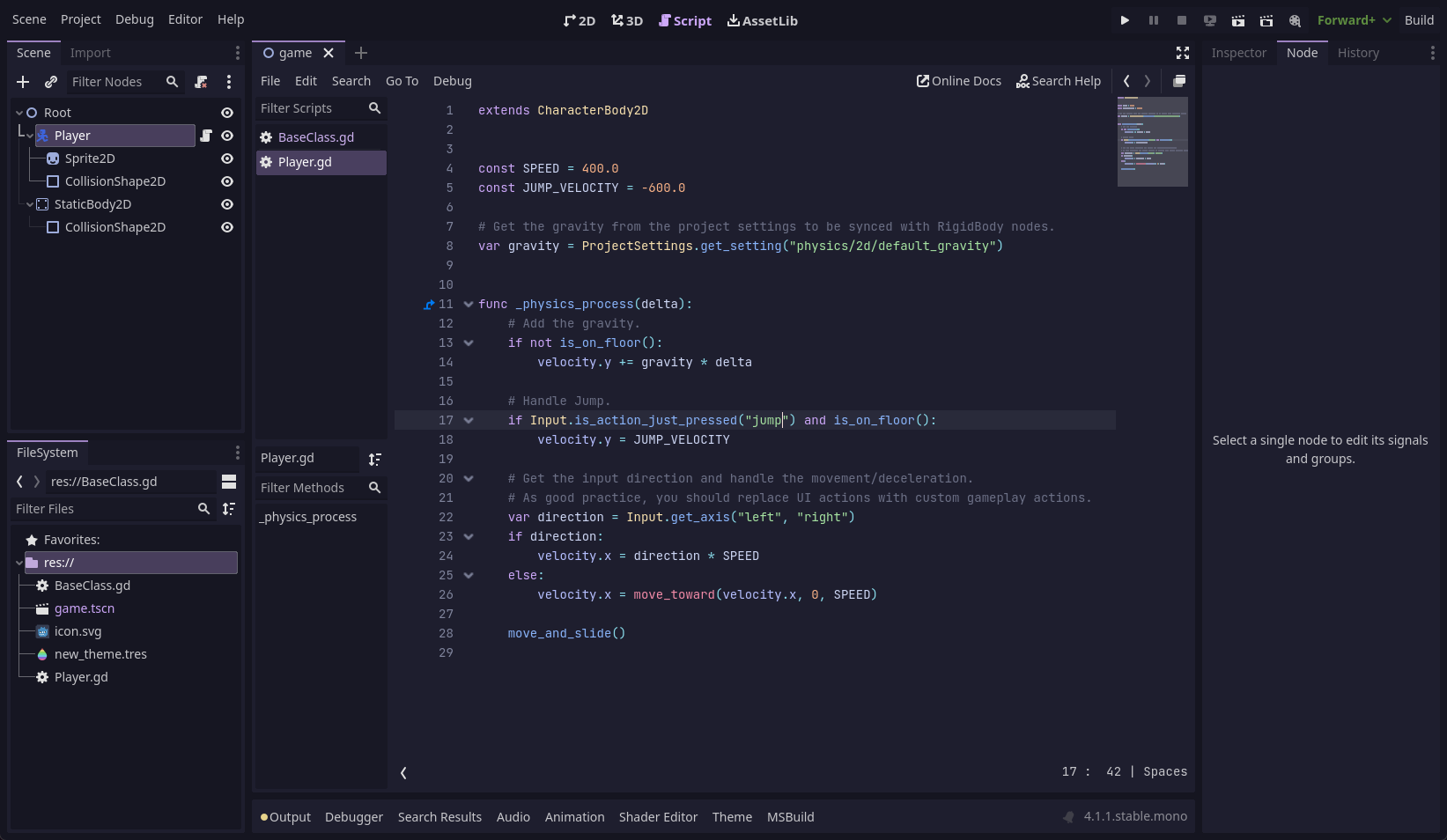
## Previews
🌻 Latte🪴 Frappé🌺 Macchiato🌿 Mocha
## Usage
> [!NOTE]
> This theme is for Godot 4. For Godot 3 support, use the [godot3 branch](https://github.com/catppuccin/godot/tree/godot3)
### Text Editor Theme
#### Official Collection
Catppuccin is available in the [Godot Syntax Themes repository](https://github.com/godotengine/godot-syntax-themes), installation instructions are in the readme.
#### Manual Installation
1. Download the [`.tet` files](themes/) for the flavour(s) you want into Godot's text editor themes directory:
- Linux: `~/.config/godot/text_editor_themes/`
- macOS: `~/Library/Application Support/Godot/text_editor_themes/`
- Windows: `%APPDATA%\Godot\text_editor_themes\`
- Steam: `steamapps/common/Godot Engine/editor_data/text_editor_themes/`
2. In Godot, go to Editor → Editor Settings → Text Editor → Theme
3. Choose your flavour in the Color Theme dropdown.
### Interface Theme
1. In Godot, go to Editor → Editor Settings → Interface → Theme
2. Use the following settings:
- Base Color:
- Latte: `#eff1f5`
- Frappé: `#303446`
- Macchiato: `#24273a`
- Mocha: `#1e1e2e`
- Accent:
- Latte: `#8839ef`
- Frappé: `#ca9ee6`
- Macchiato: `#c6a0f6`
- Mocha: `#cba6f7`
- Contrast:
- Latte: `0.06`
- Mocha/Macchiato/Frappé: `0.2`
- Icon Saturation:
- Latte: `1.0`
- Mocha/Macchiato/Frappé: `0.6`
## Customization
The text editor themes are generated from a [template file](godot.tera). You can customize the themes by editing the template file and running [catppuccin/whiskers](https://github.com/catppuccin/whiskers):
```shell
whiskers godot.tera
```
## 💝 Thanks to
- [Boranroni](https://github.com/boranroni)
- [backwardspy](https://github.com/backwardspy)

 Catppuccin for Godot