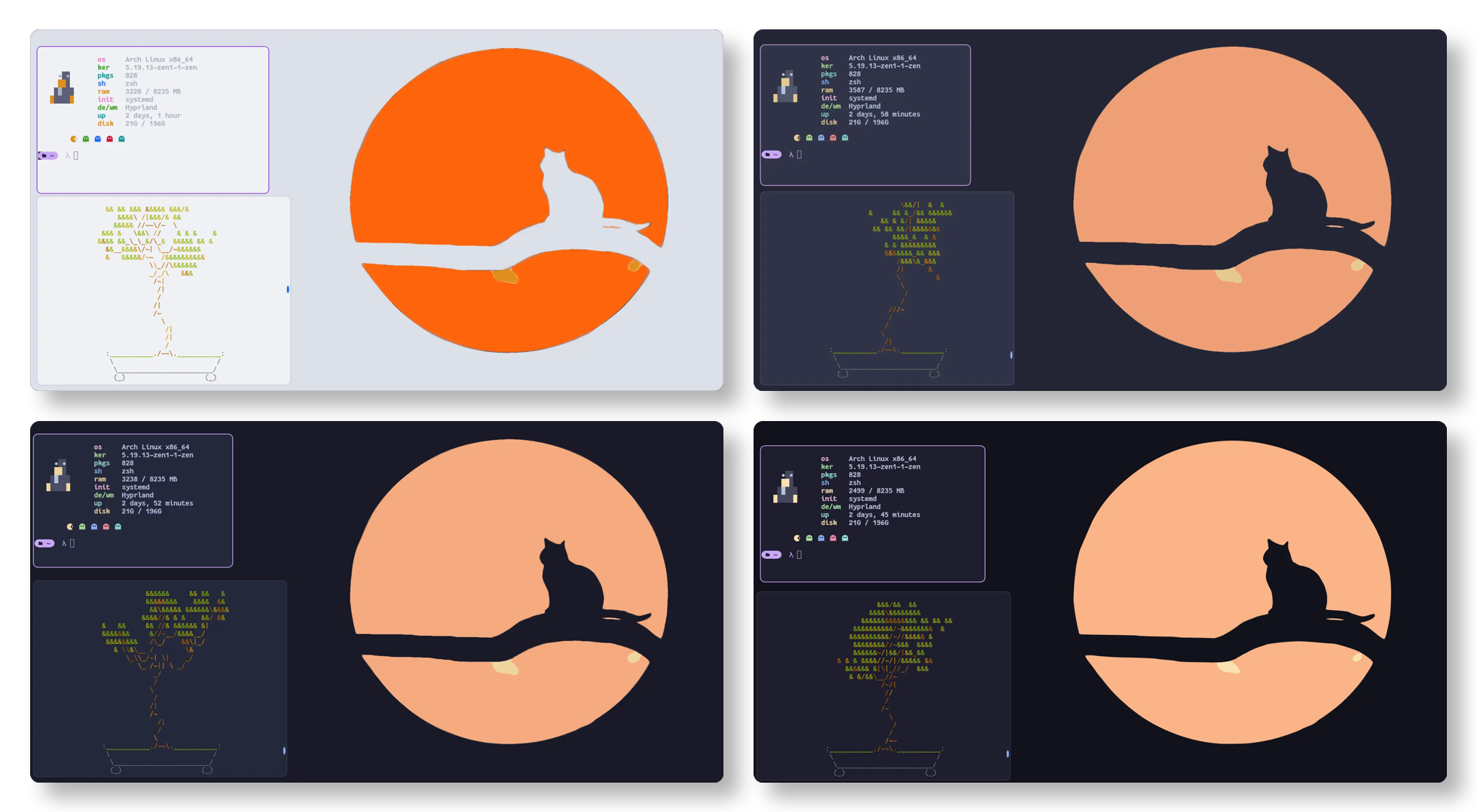
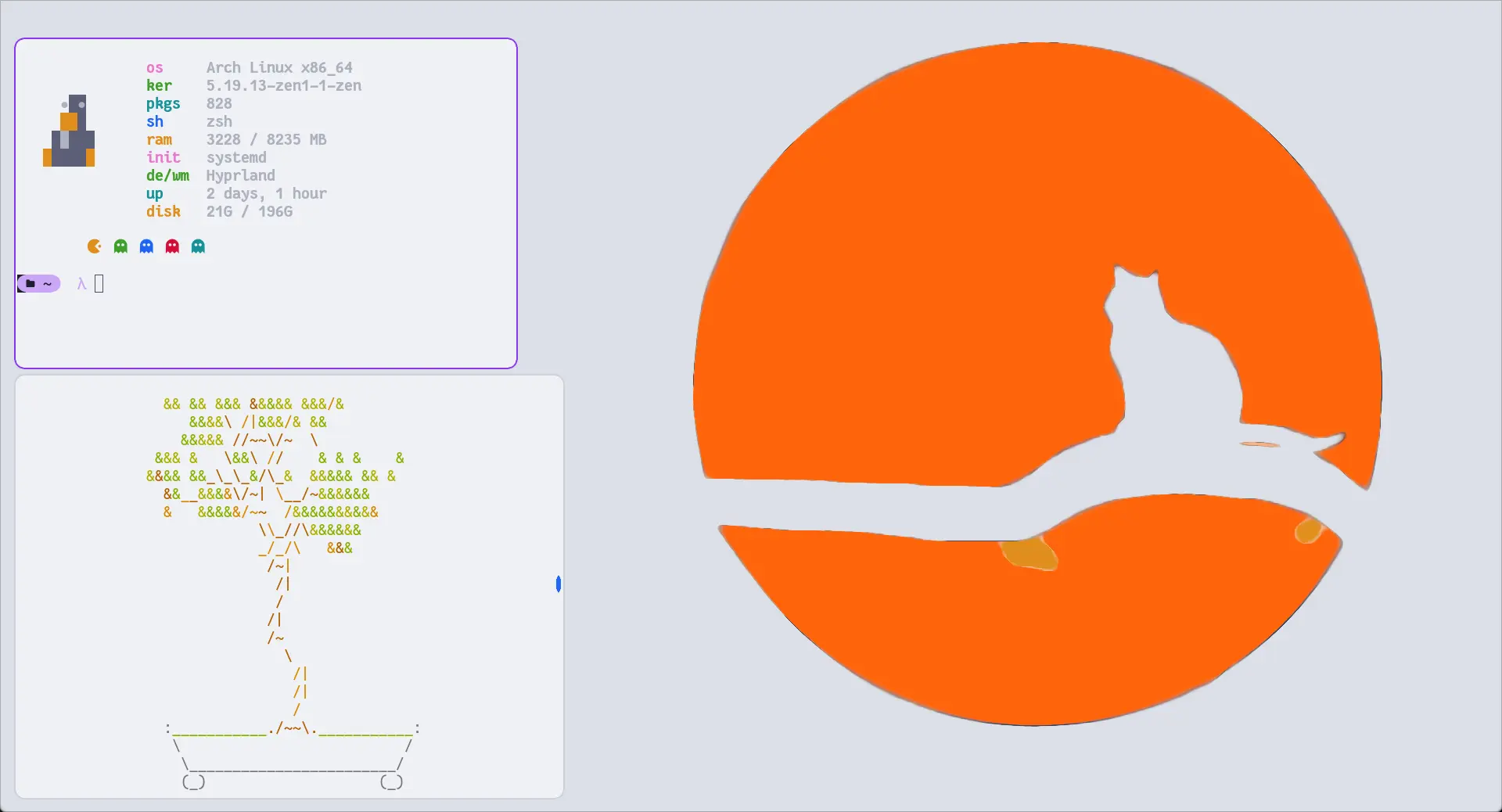
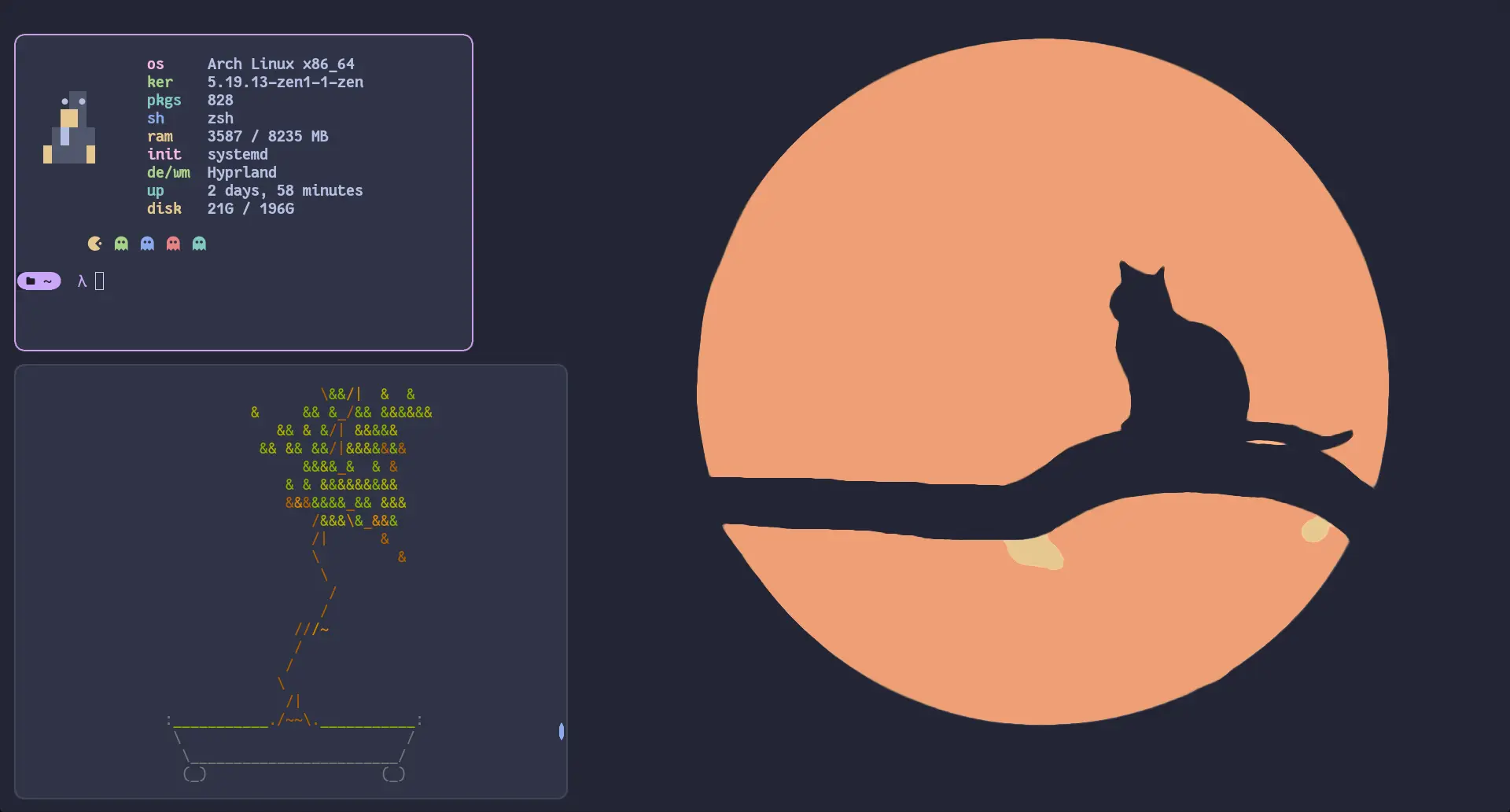
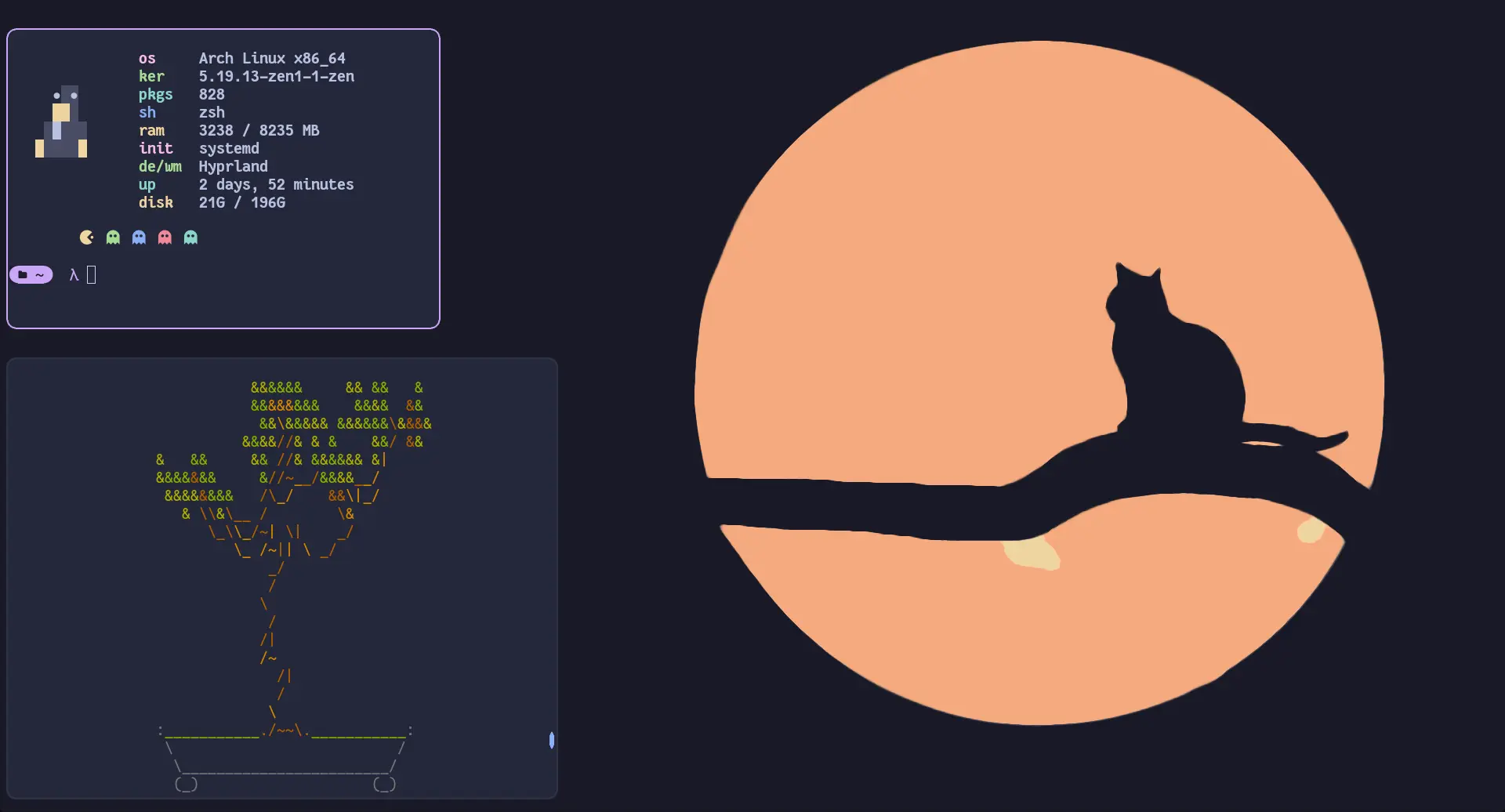
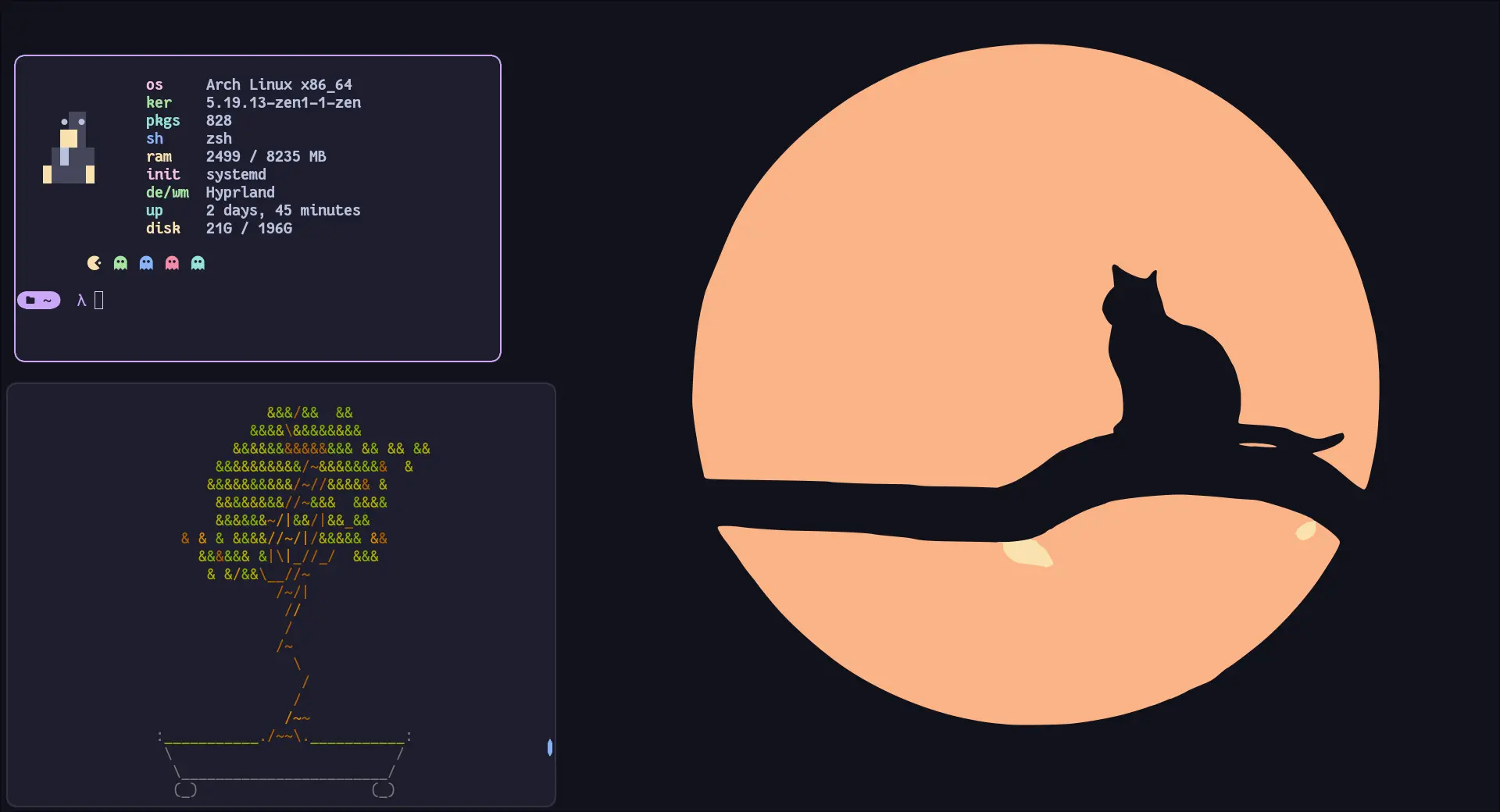
## Previews
🌻 Latte🪴 Frappé🌺 Macchiato🌿 Mocha
## Usage
> [!IMPORTANT]
> Since Hyprland `0.55`, Hyprland configuration is done in Lua.
> For the legacy `.conf` format, please visit and follow the instructions on the [v1.3](https://github.com/catppuccin/hyprland/tree/v1.3) tag.
1. Download the theme for your desired flavour, e.g. `catppuccin-mocha.lua` (from the [release](https://github.com/catppuccin/hyprland/releases/latest) or from `themes/lua/` after cloning)
2. Copy it into your Hyprland config, e.g. `~/.config/hypr/themes/catppuccin-mocha.lua`
3. Load it from your `hyprland.lua`
```lua
local colors = require('themes.catppuccin-mocha')
```
4. Use colors
```lua
-- Non-alpha values are already in Hyprland's rgb(...) format.
local base = colors.base
-- Alpha values are hex without transparency; append the alpha, eg. `ee` and wrap in rgba(...).
local surface0_ee = rgba(colors.surface0Alpha .. 'ee')
```
## 🙋 FAQ
- Q: **_"Hyprland doesn't work with the colors"_**\
A: Make sure you are loading the correct theme file for your Hyprland version (`.lua` for >= 0.55) and referencing the values correctly (e.g. `colors.base`).
## 💝 Thanks to
- [rubyowo](https://github.com/rubyowo)

 Catppuccin for Hyprland