

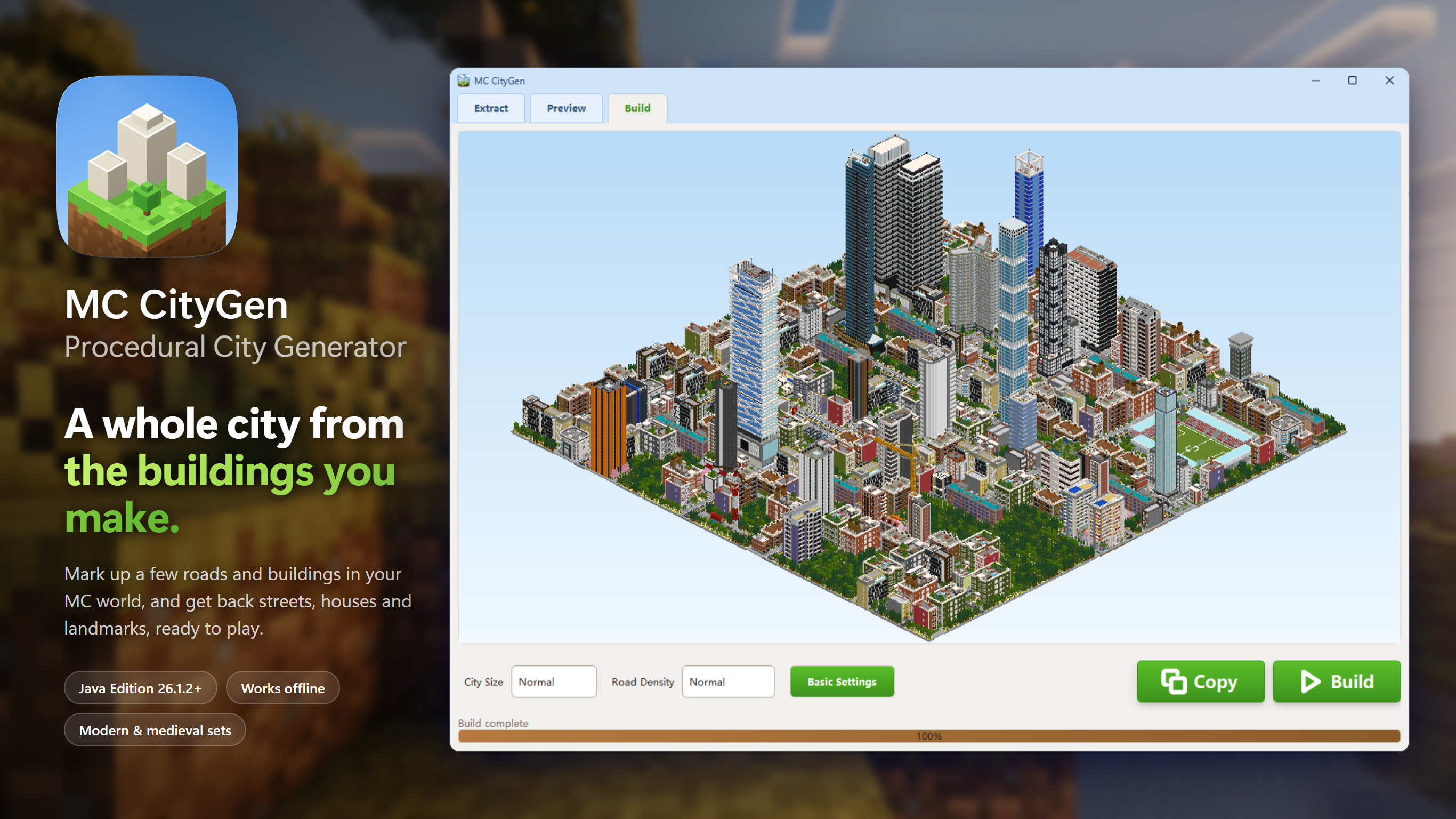
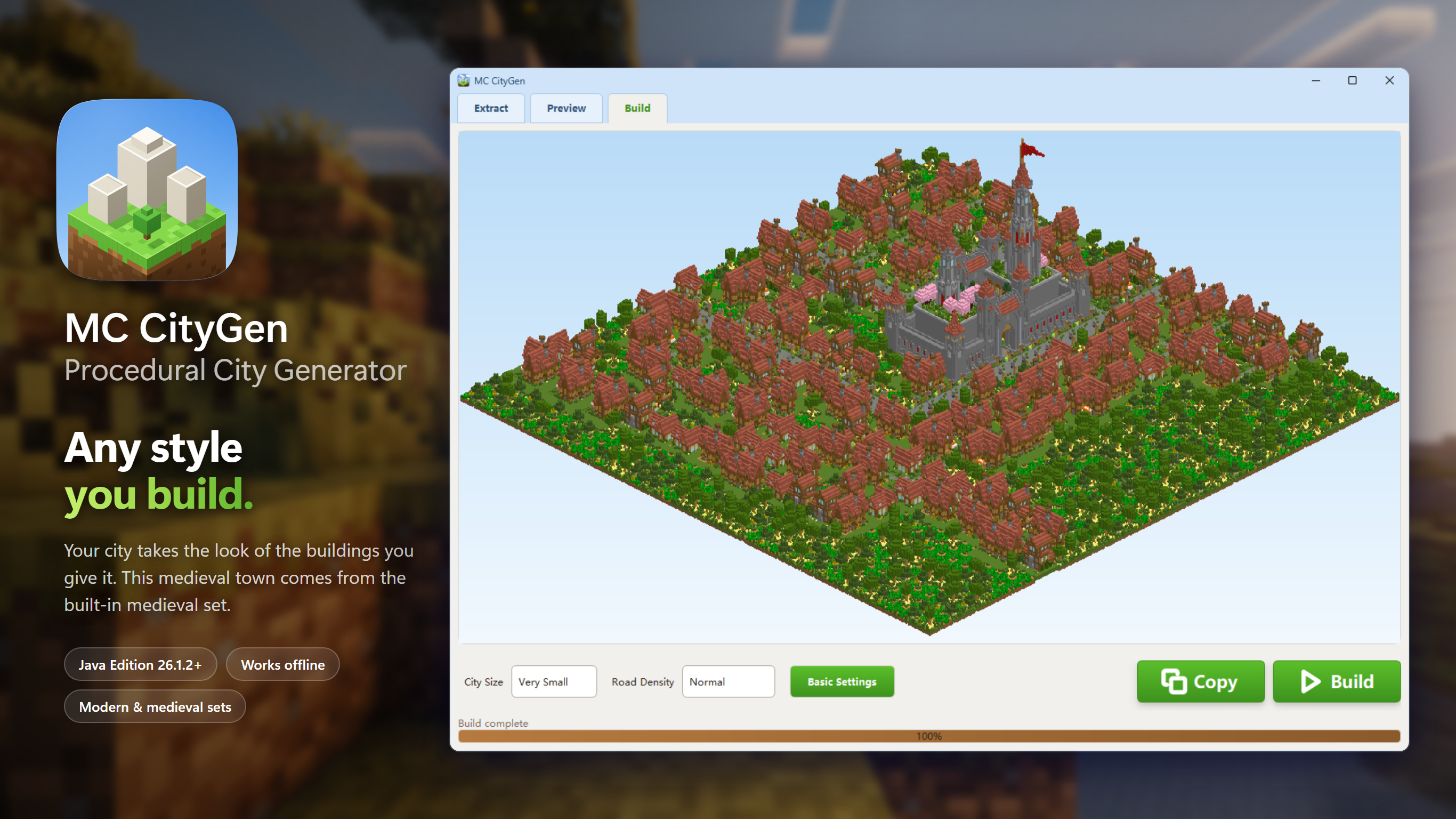
MC CityGen - Procedural City Generator
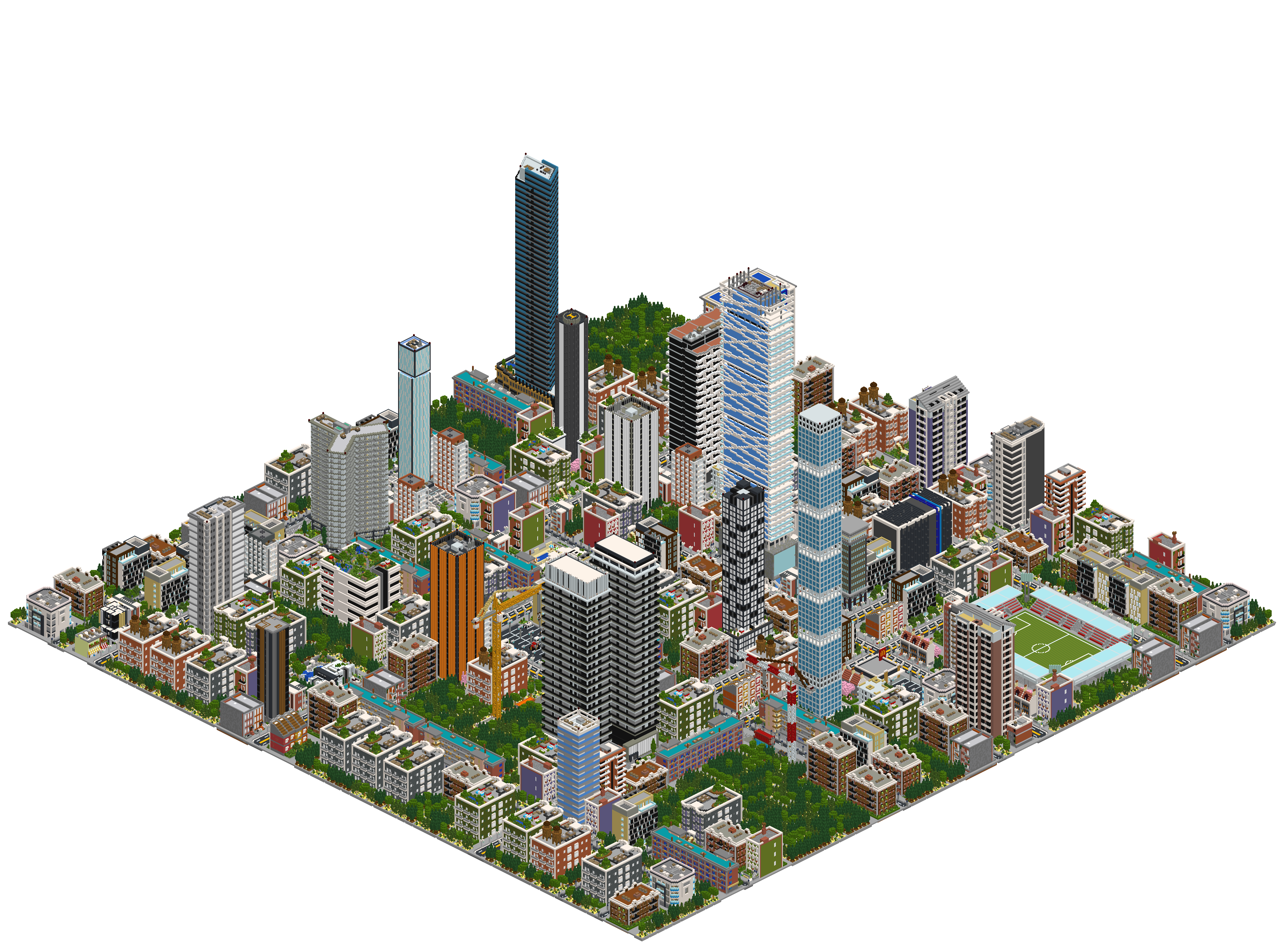
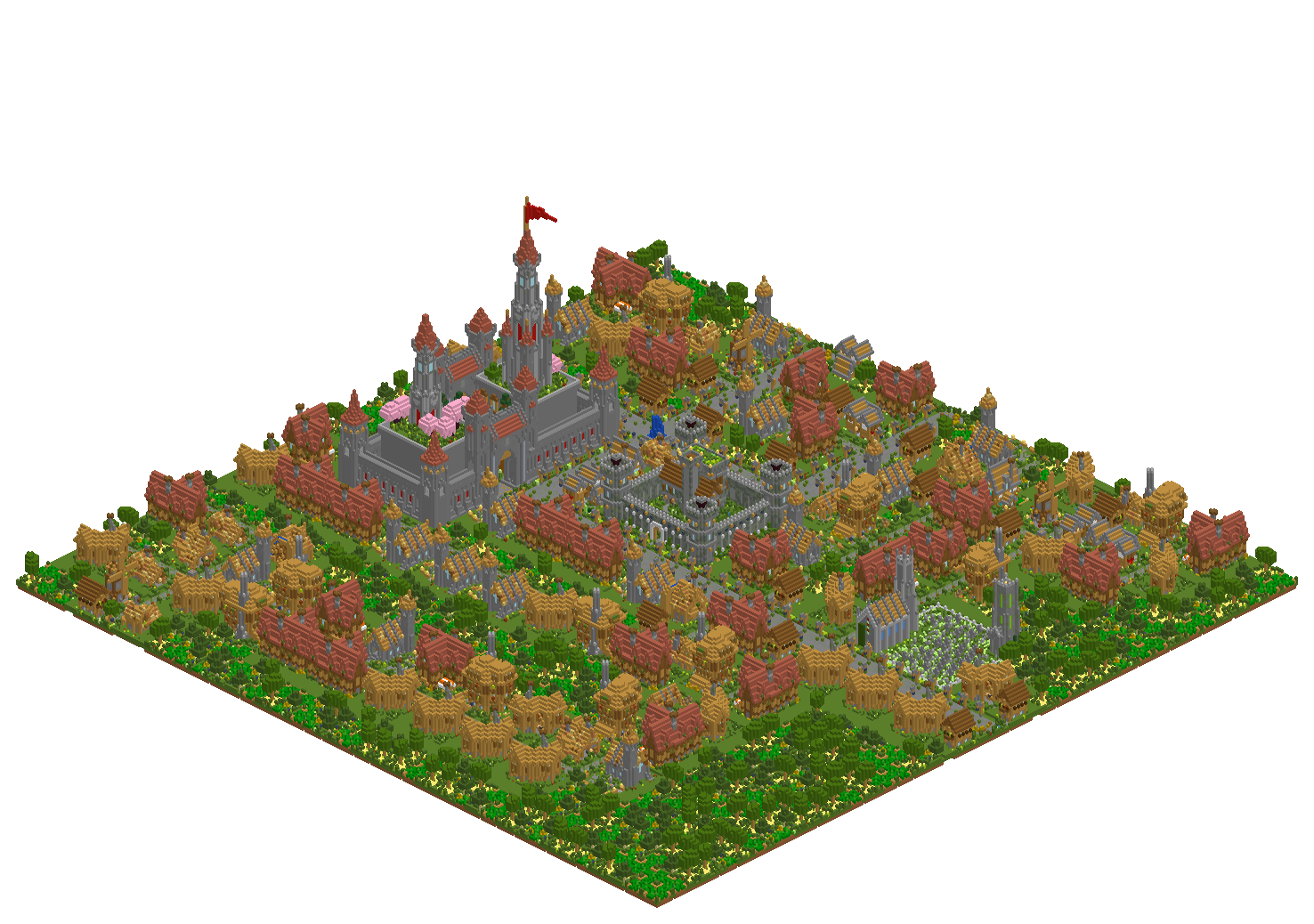
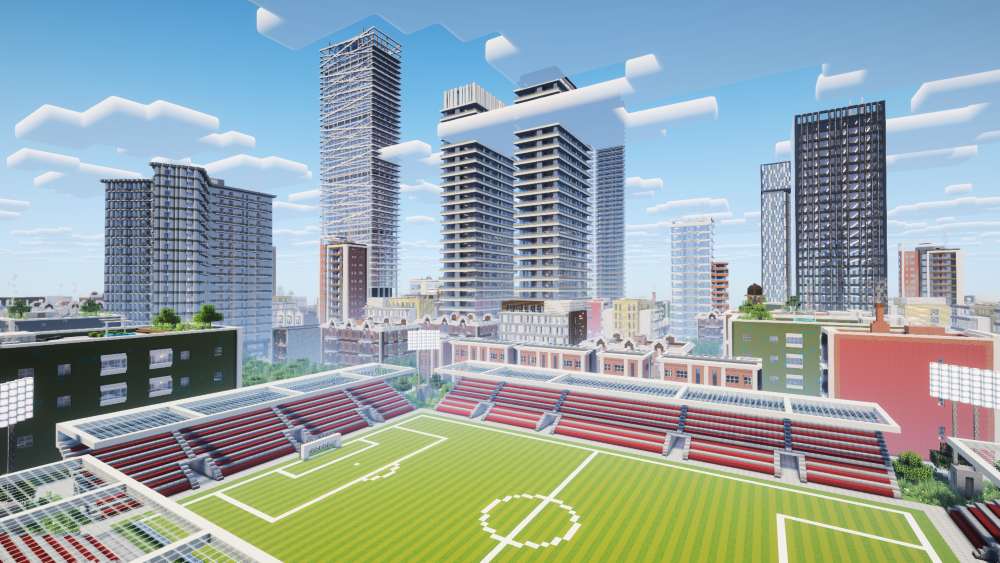
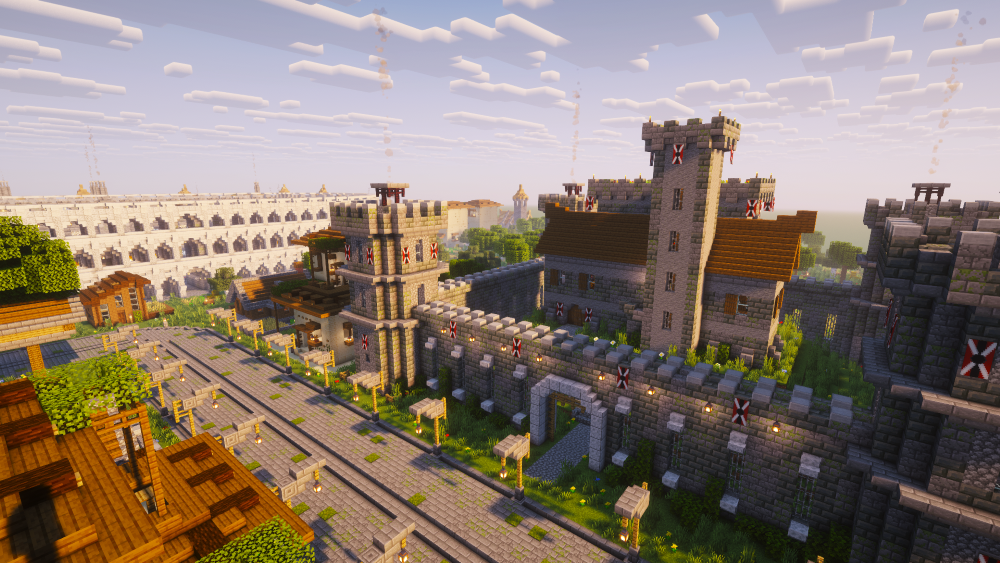
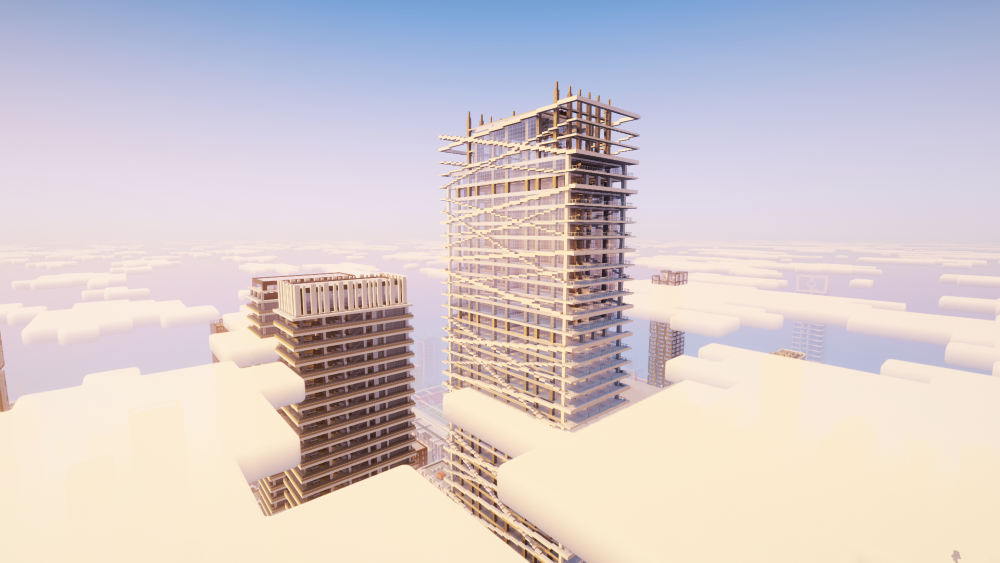
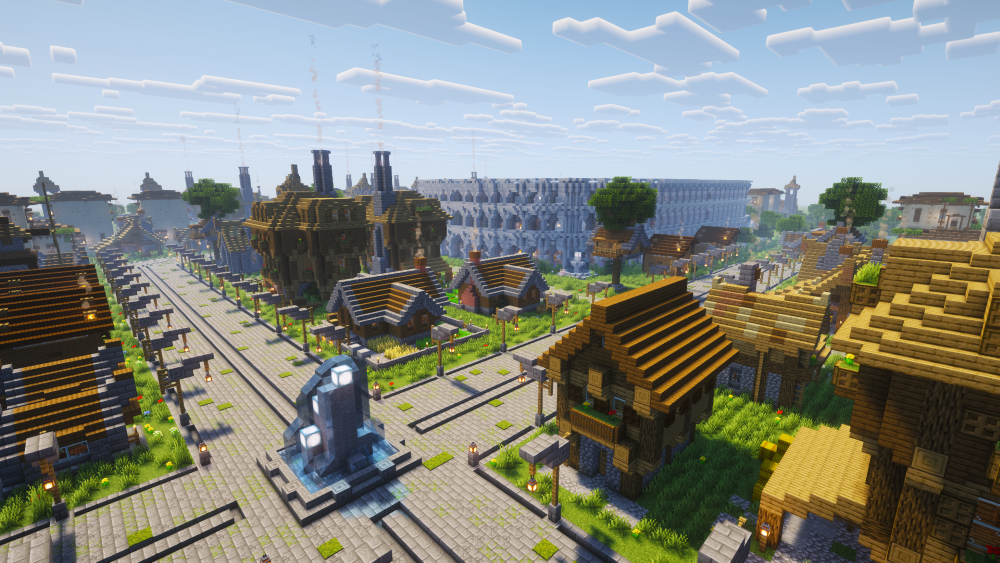
## Generated Cities
# Built-in Assets
| Assets Overview | Individual Asset |
| --- | --- |
| 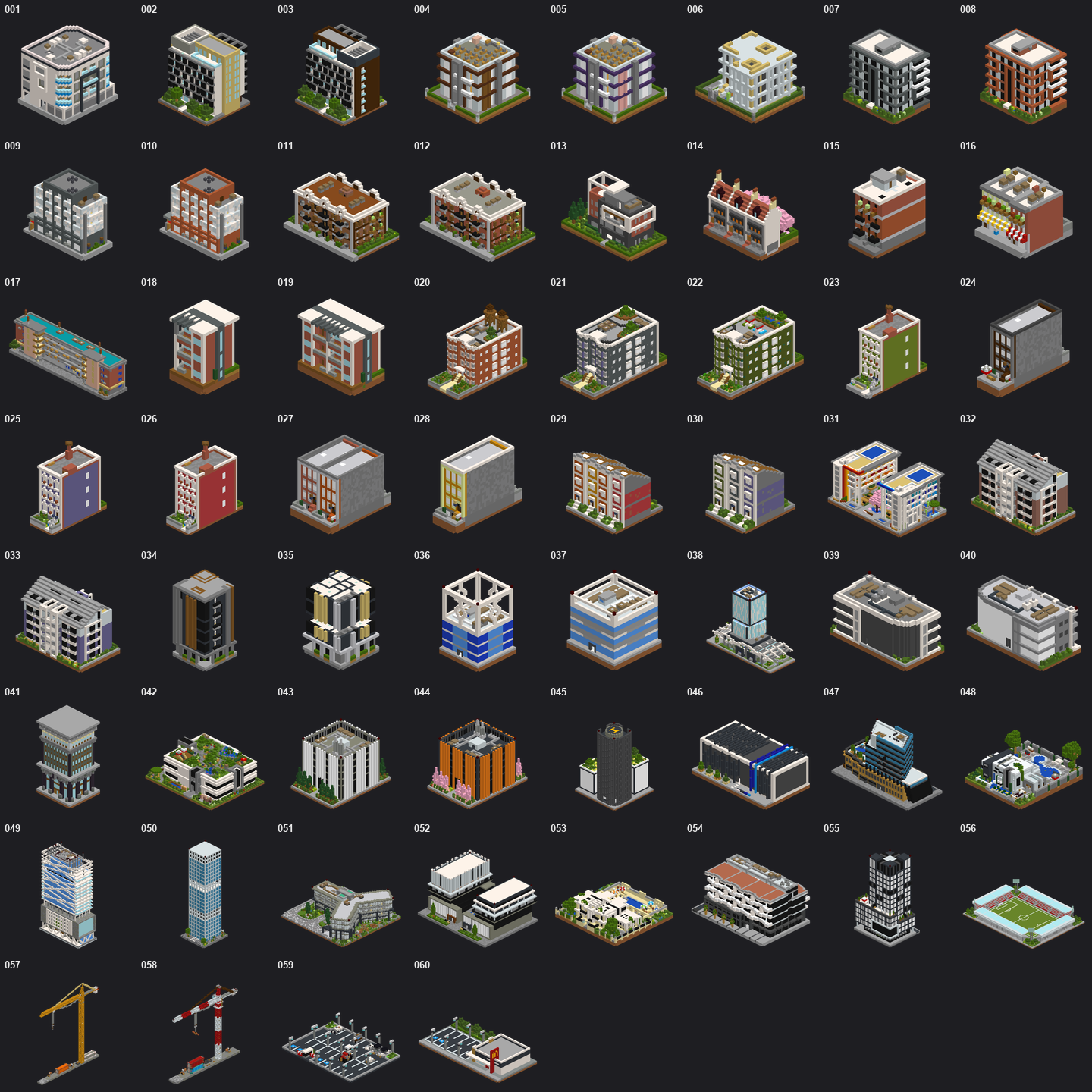 |
| 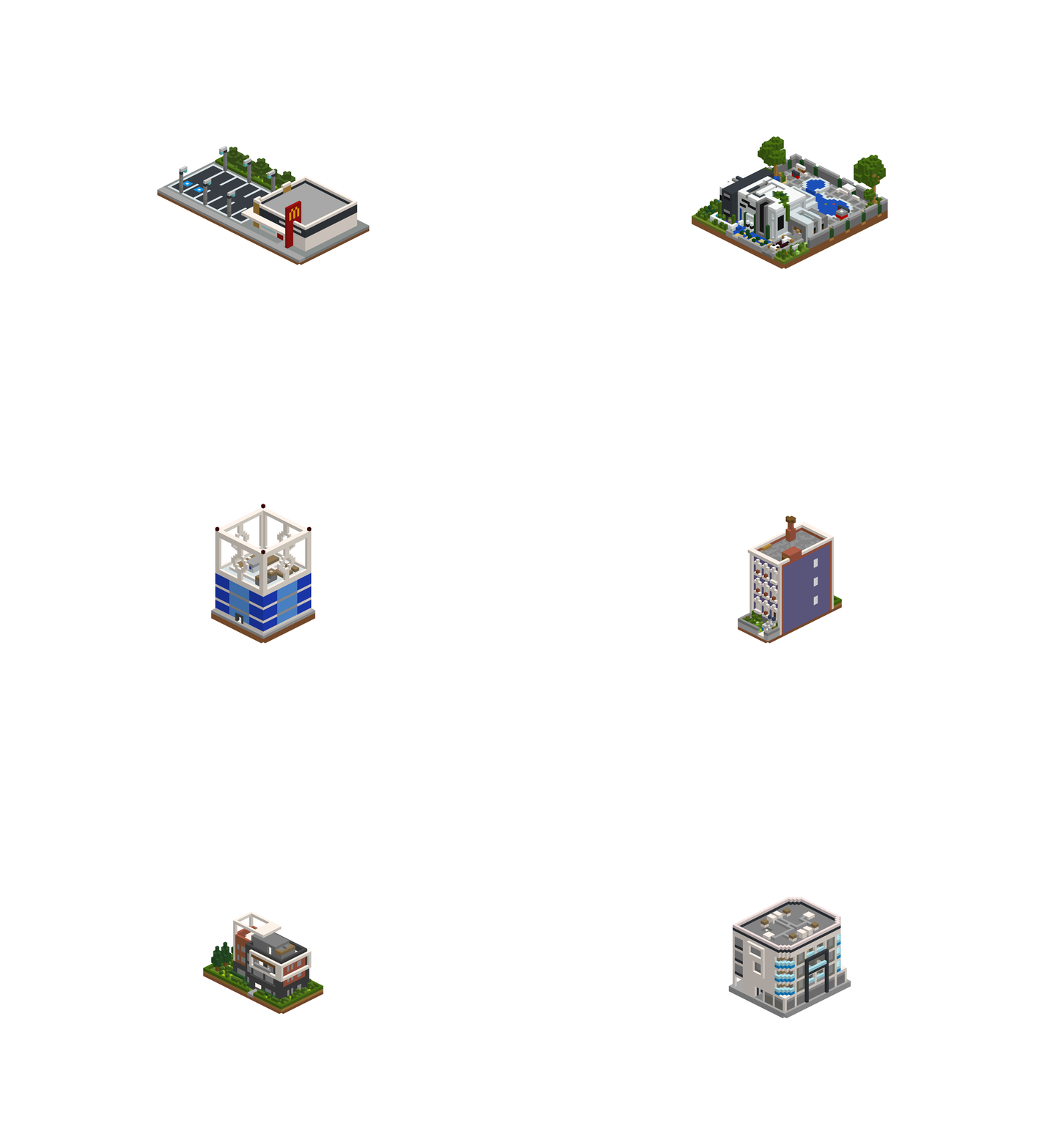 |
|
|
| 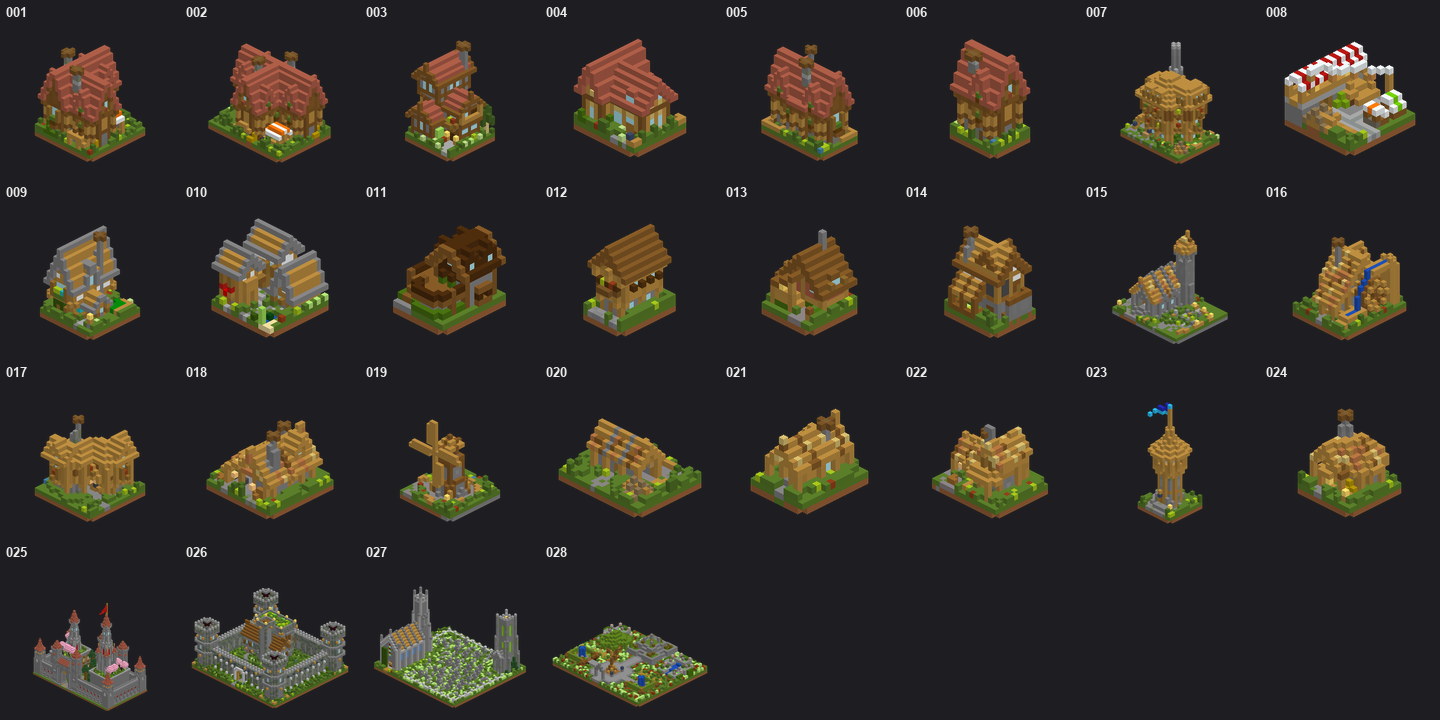 |
| 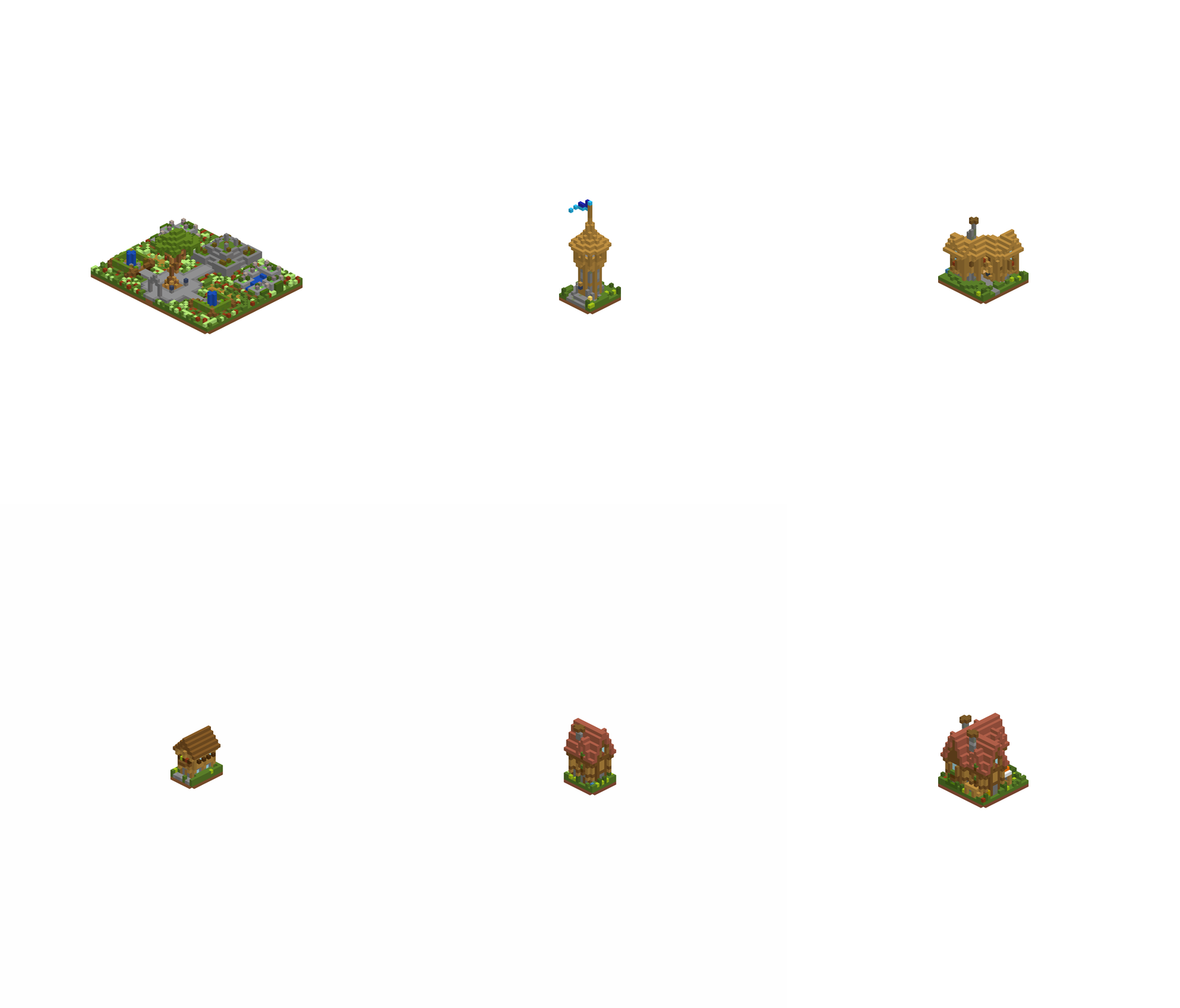 |
# Tutorial - Marking Your Own Assets
### Your buildings must face south
**MC CityGen** builds cities from structures you mark up inside your own MC world,
using a handful of marker blocks.
For buildings, place:
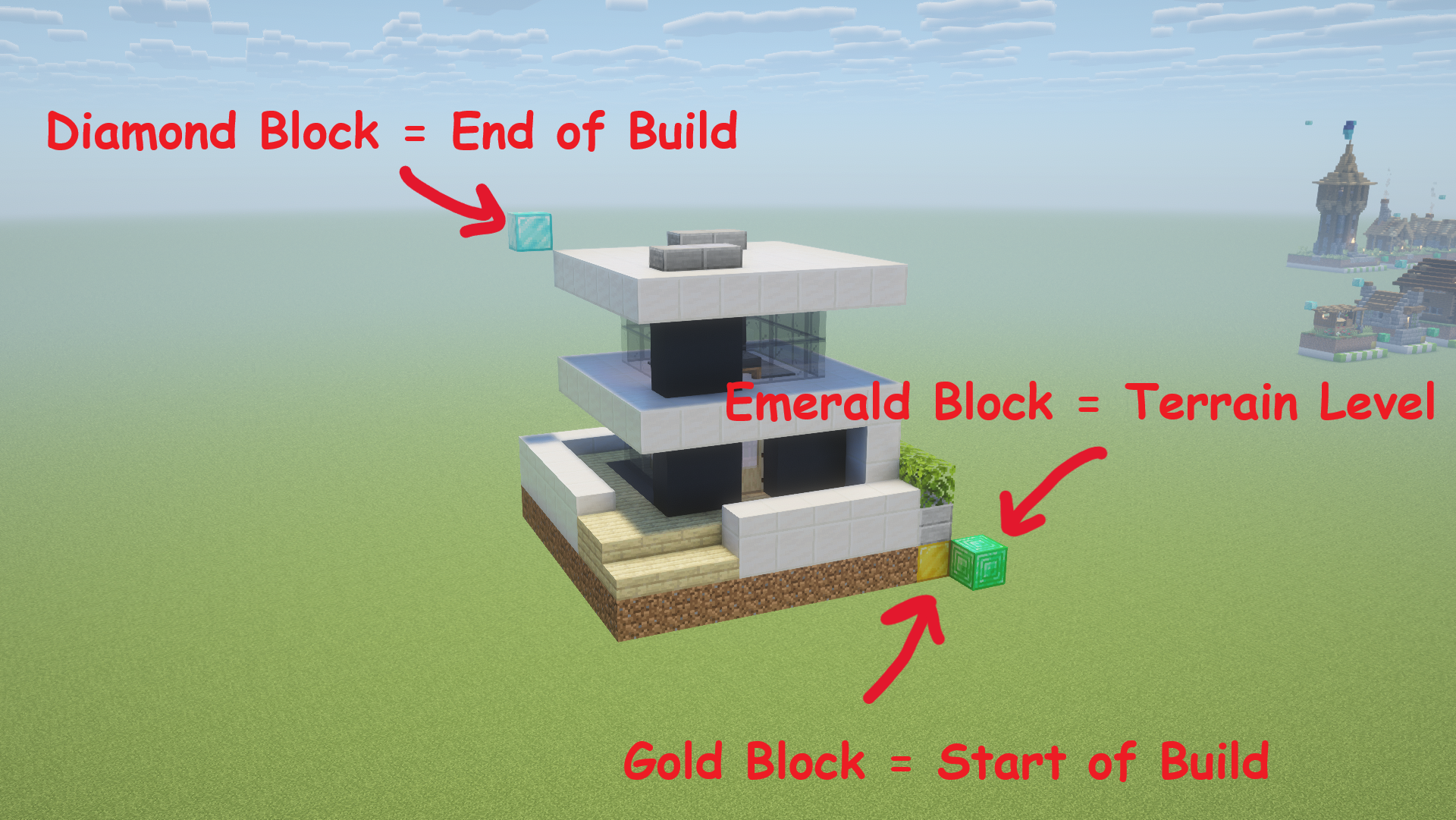
- a **Gold block** and a **Diamond block** at two opposite corners of each region you want captured.
- an **Emerald block** horizontally adjacent to the bottom gold block to mark the authored ground level.
## One-piece building & three-piece building
- One gold/diamond pair creates a one-piece building.
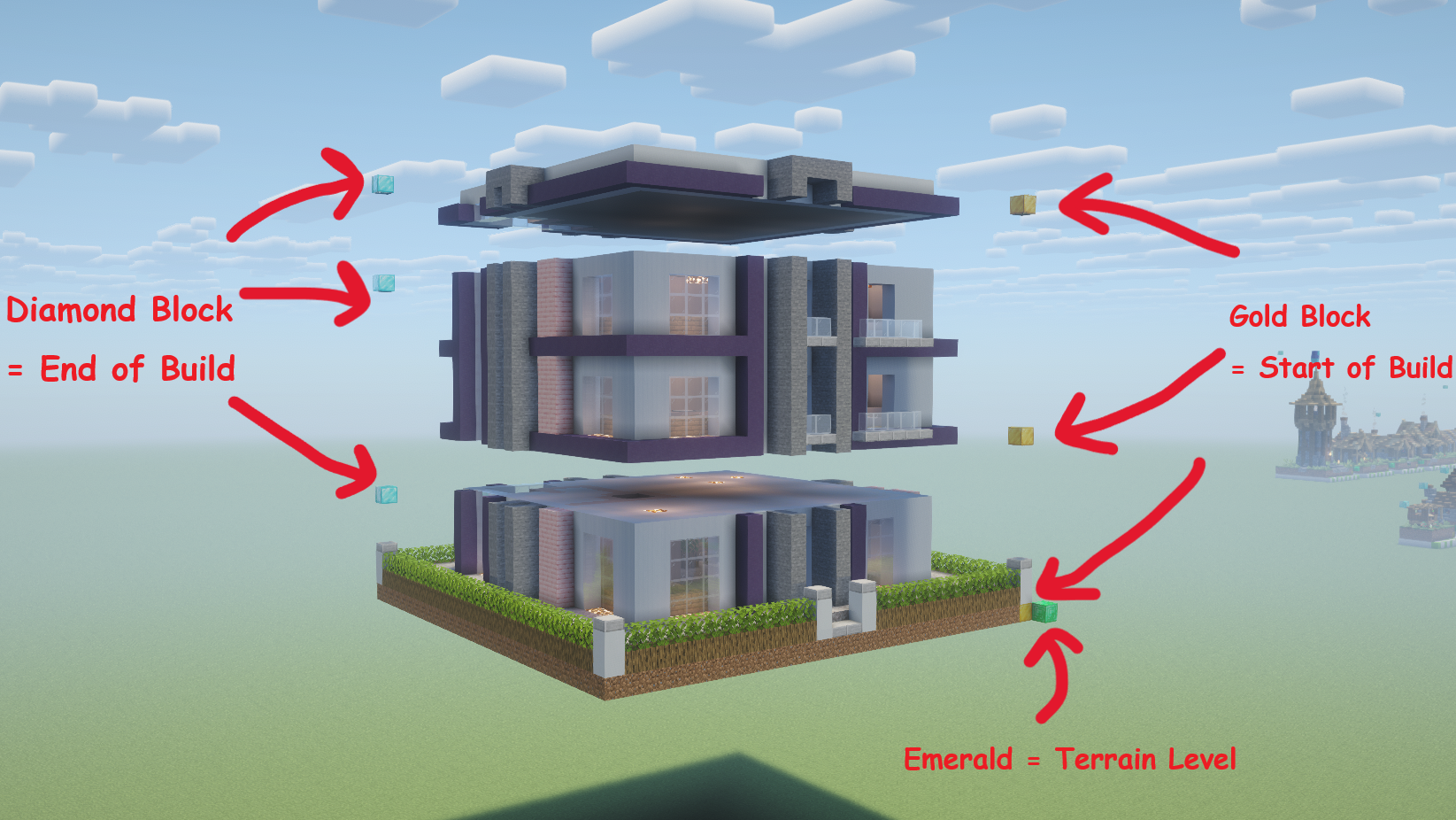
- Three vertically aligned pairs with the same footprint create a stackable building with bottom, middle, and top pieces.
- You can tune any three-piece building with a sign directive above its emerald: `stack: 3-7` — how many middle sections it may grow (min–max)
|
# Tutorial - Marking Your Own Assets
### Your buildings must face south
**MC CityGen** builds cities from structures you mark up inside your own MC world,
using a handful of marker blocks.
For buildings, place:
- a **Gold block** and a **Diamond block** at two opposite corners of each region you want captured.
- an **Emerald block** horizontally adjacent to the bottom gold block to mark the authored ground level.
## One-piece building & three-piece building
- One gold/diamond pair creates a one-piece building.
- Three vertically aligned pairs with the same footprint create a stackable building with bottom, middle, and top pieces.
- You can tune any three-piece building with a sign directive above its emerald: `stack: 3-7` — how many middle sections it may grow (min–max)
 The exact rules for roads and buildings are in the
[in-world asset conventions](src/pipeline/README.md#in-world-asset-conventions).
# Technical Details
```bash
python -m pip install -e .
python -m pytest -q
pythonw application.pyw
```
Start at the [source architecture overview](src/README.md), then follow the
package guides: [config](src/config/README.md), [engine](src/engine/README.md),
[pipeline](src/pipeline/README.md), and [gui](src/gui/README.md). Releases
follow the [release guide](docs/RELEASING.md).
The exact rules for roads and buildings are in the
[in-world asset conventions](src/pipeline/README.md#in-world-asset-conventions).
# Technical Details
```bash
python -m pip install -e .
python -m pytest -q
pythonw application.pyw
```
Start at the [source architecture overview](src/README.md), then follow the
package guides: [config](src/config/README.md), [engine](src/engine/README.md),
[pipeline](src/pipeline/README.md), and [gui](src/gui/README.md). Releases
follow the [release guide](docs/RELEASING.md).