
The self-hosted game library for a household.
Scan folders · identify with IGDB / Steam / GOG · invite the family · download · play · chat.





Overview · Features · Screens · Videos · Quick start · Scan locations · Config · Troubleshooting · Docs
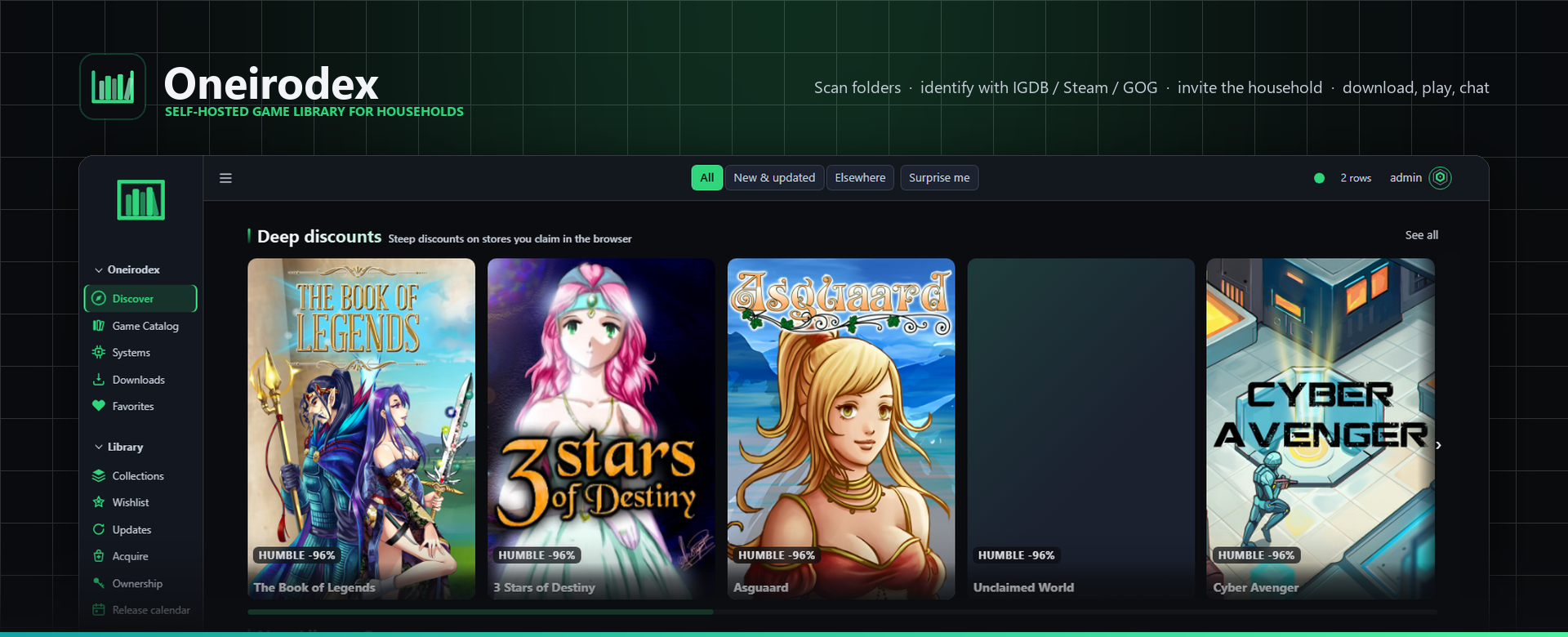
 Oneirodex is a **FastAPI + React** server you run at home or on a NAS. Point it at folders of DRM-free games and ROMs, let it identify them against IGDB / Steam / GOG / RAWG, then give the household a modern browser app to **browse, download, play in the browser where a system supports it, and hang out** — with a desktop companion for PC titles and a ten-foot mode for the TV.
Every screenshot and clip on this page is **live UI** from a stock install seeded with five legal free ROMs: what you see is what ships.
| 🏷️ Release | 1.1.9 · VERSION | 🌐 Default URL | http://localhost:5006 |
| 🐳 Containers | oneirodex-app · oneirodex-db · optional oneirodex-livekit | 🖼️ Image | local Compose build oneirodex:1.1.9 |
| 📦 Package | oneirodex/ — FastAPI under uvicorn | 🧩 Front ends | member · admin · ops-glance SPAs, Tauri desktop, Quest PWA |

 |
 |
 |
 |
 |
 |

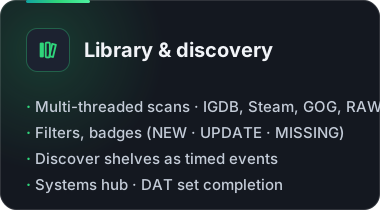
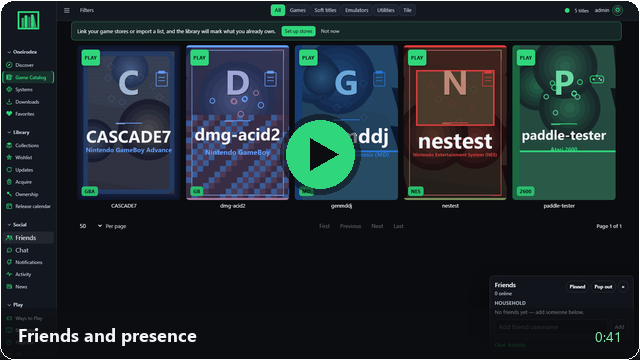
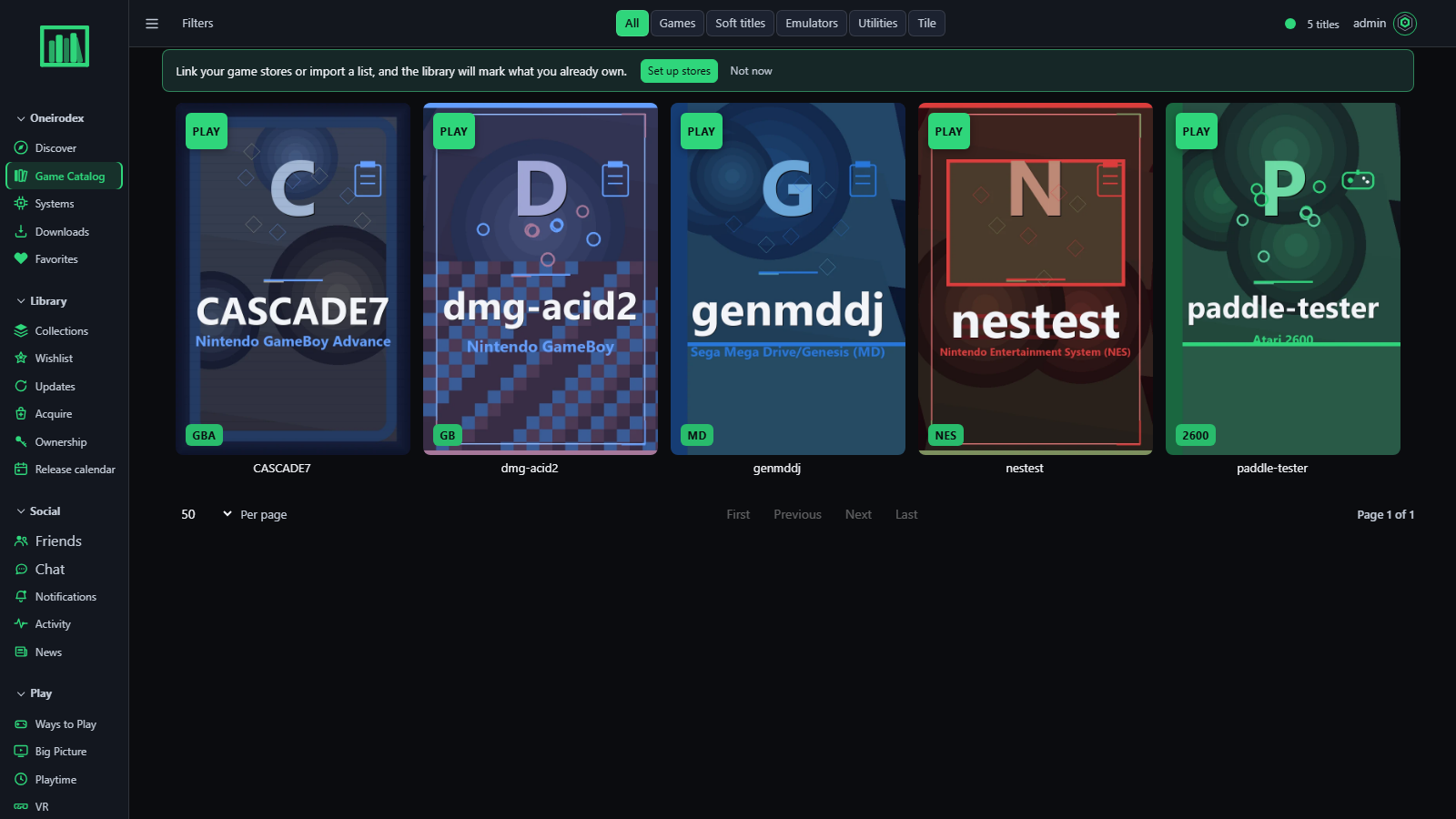 Game Catalog — every scanned title; Play where the system supports it, badges for what changed. |
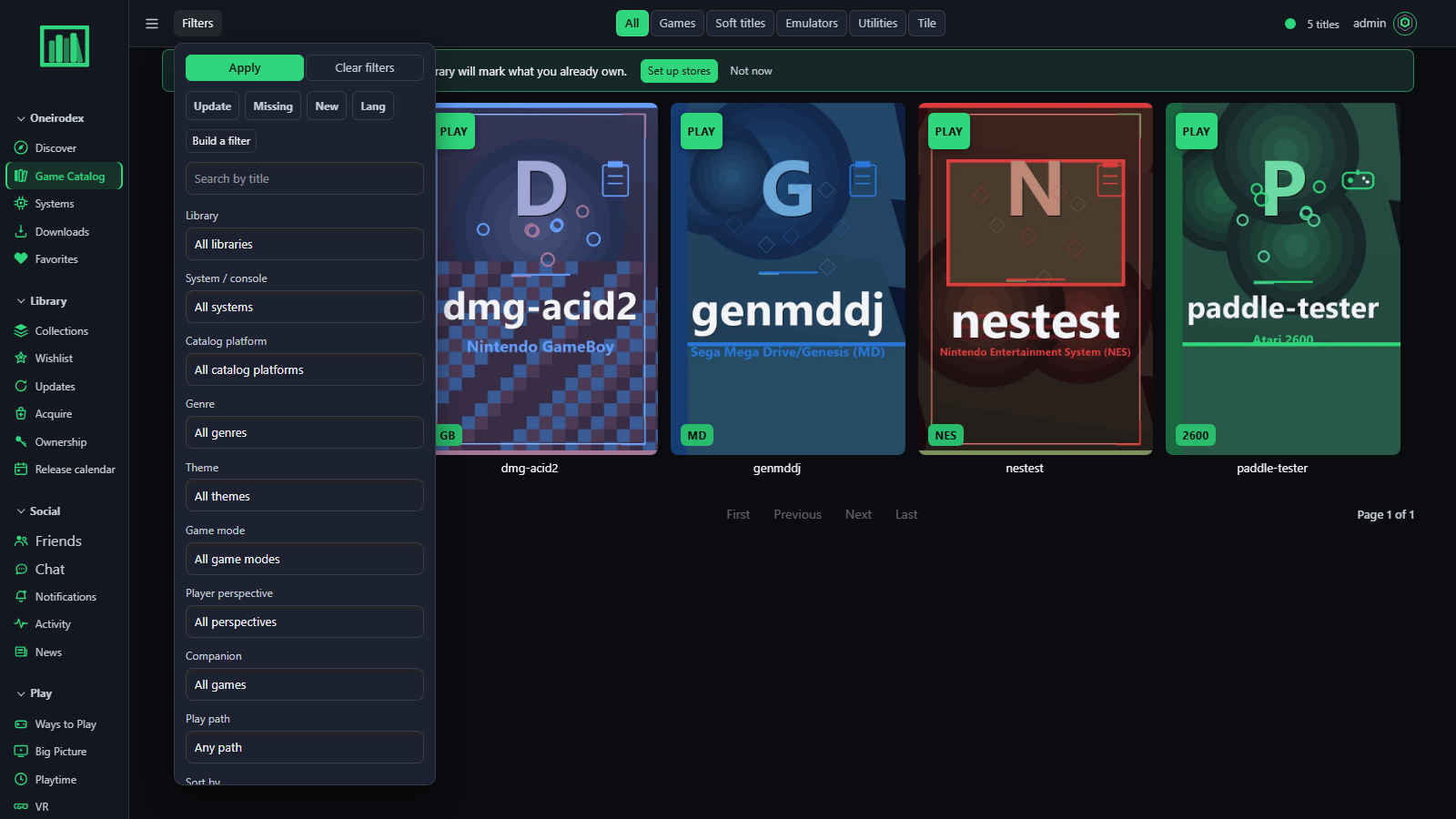 Filters — library, system, genre, theme, companion, play path, sort; Update / Missing / New / Lang chips. |
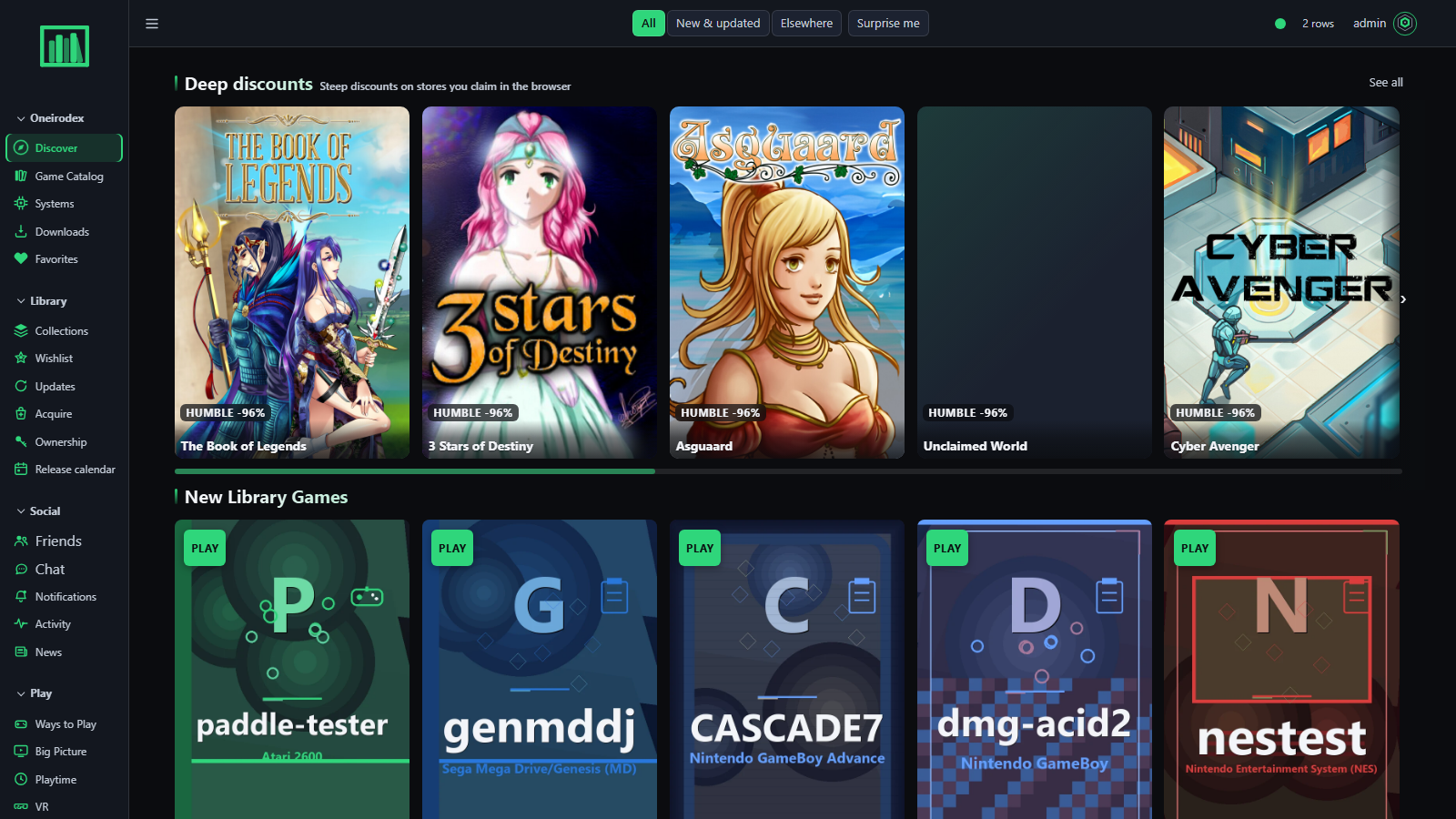 Discover — the library as a storefront; shelves an admin orders, pins and hides per member. |
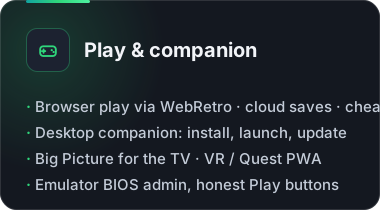
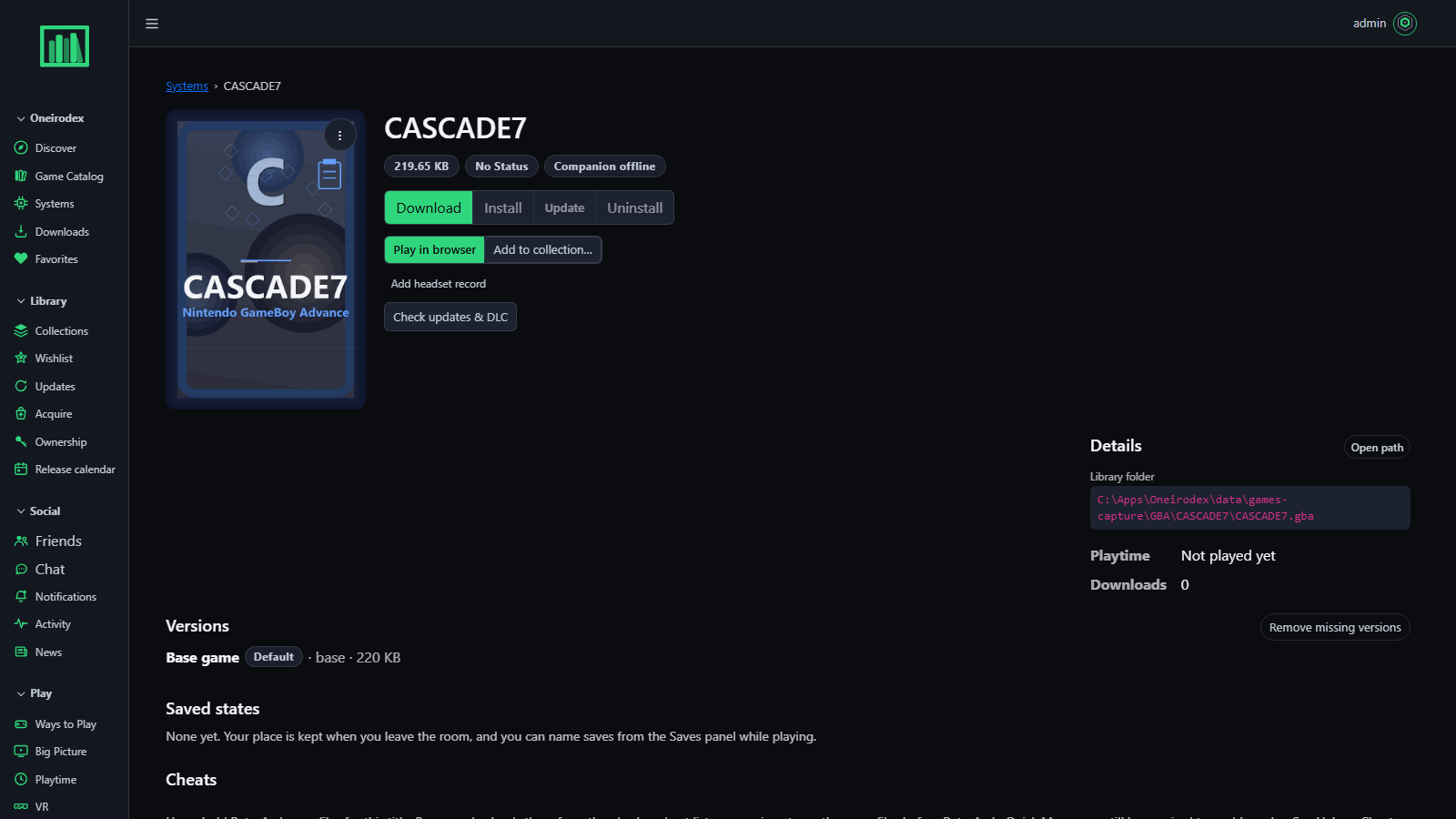 Game page — Download, Install, Play in browser, collections, versions, saved states, cheats. |
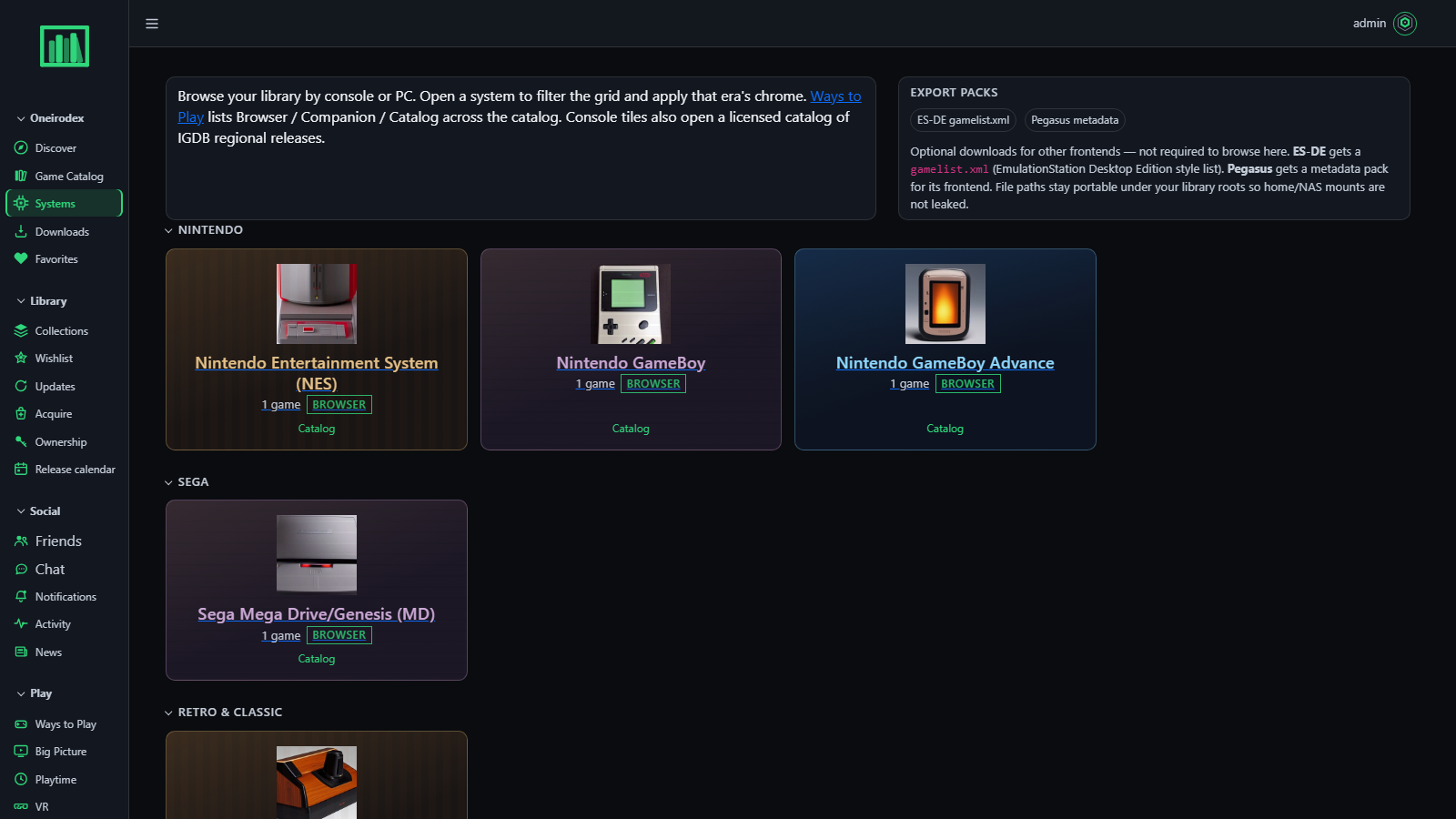 Systems — by console family, with the licensed catalog and ES-DE / Pegasus export packs. |
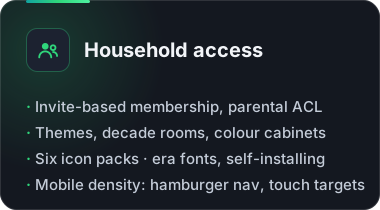
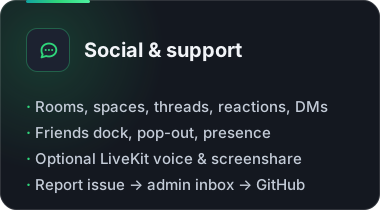
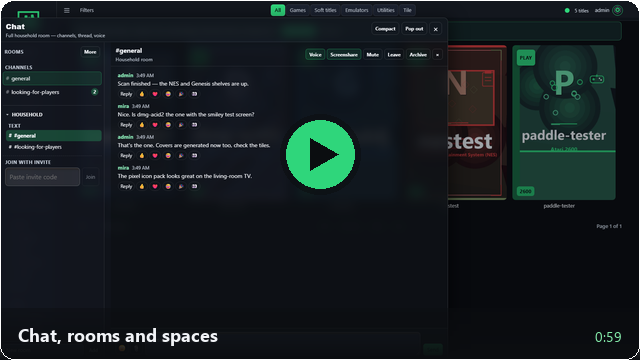
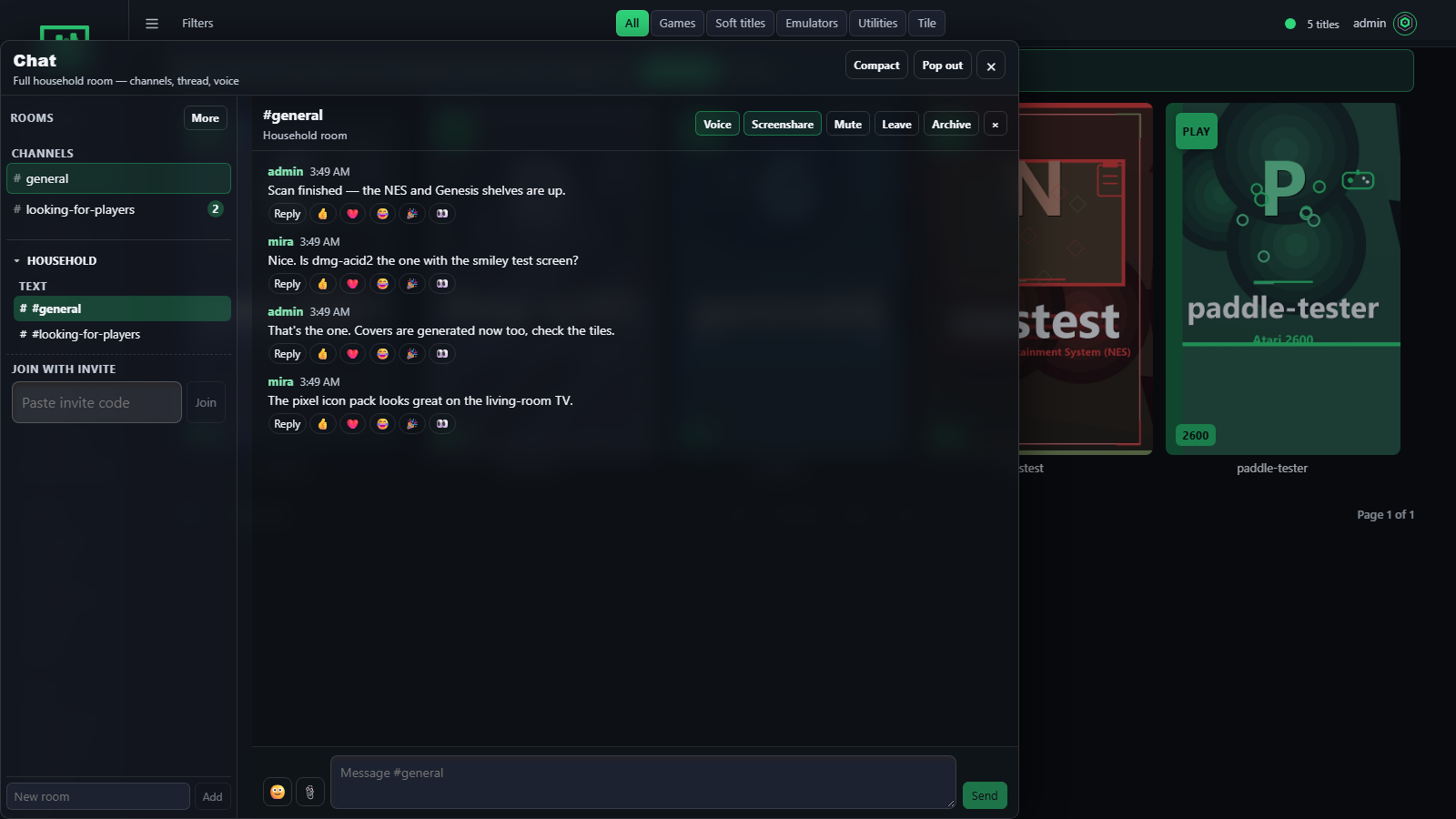 Chat — rooms, spaces, threads, reactions; Voice and Screenshare when LiveKit is on. |
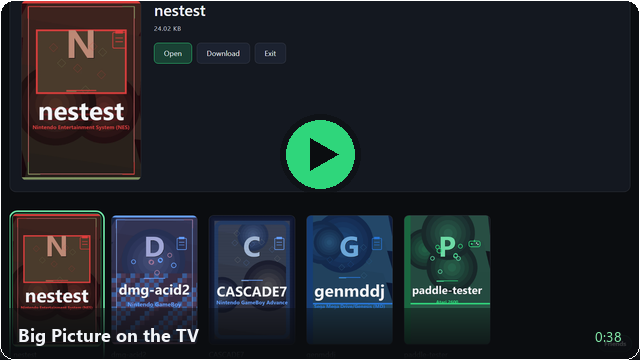
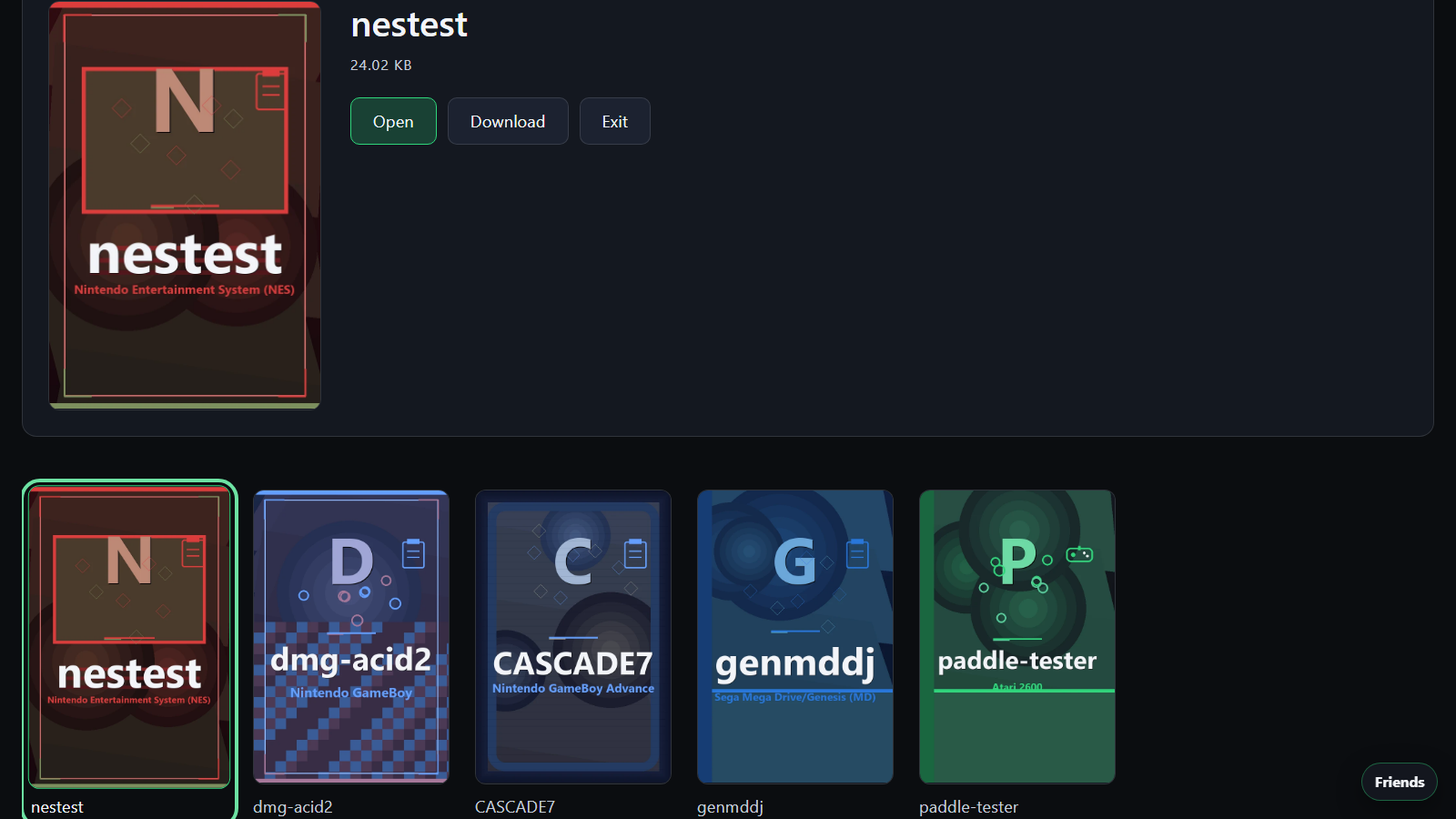 Big Picture — the TV view: arrows browse, Enter opens, D downloads, Y friends, B attract mode. |
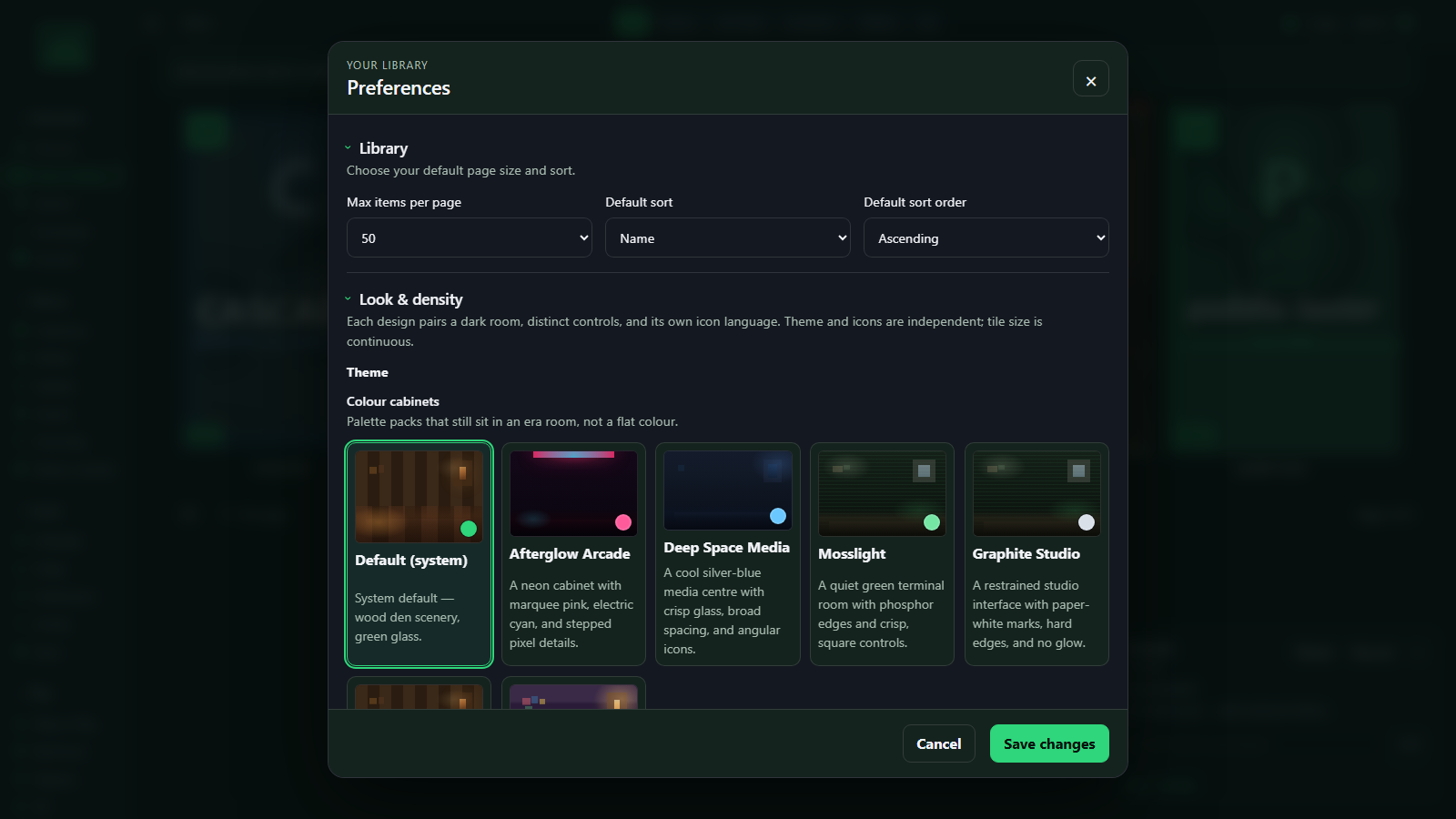 Preferences — decade rooms, colour cabinets, icon packs, era fonts, tile size. |
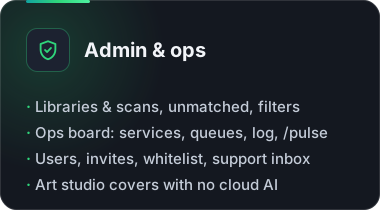
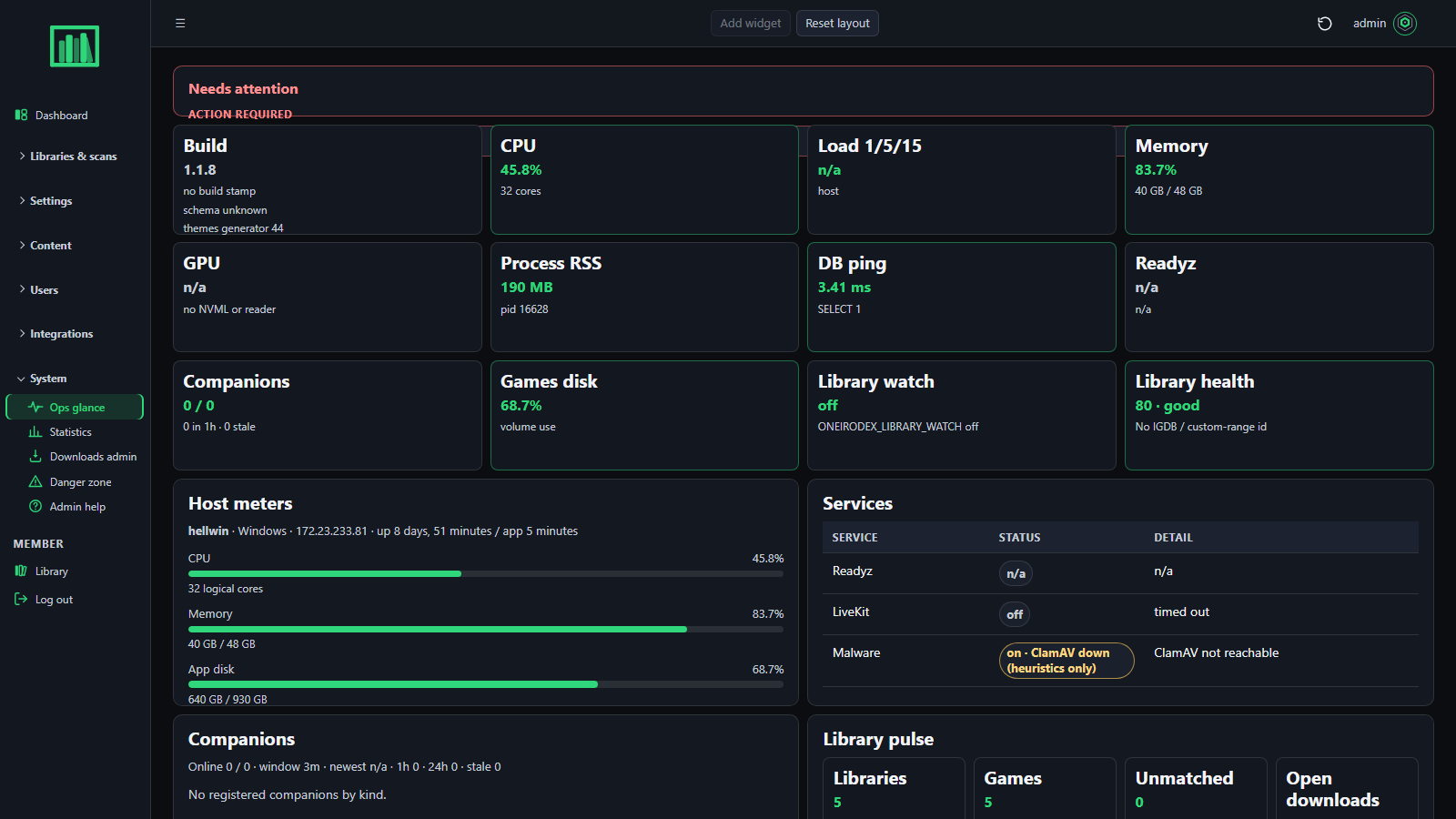 Admin · Ops — services, queues, companions, watch folders, the log; same numbers on /pulse. |
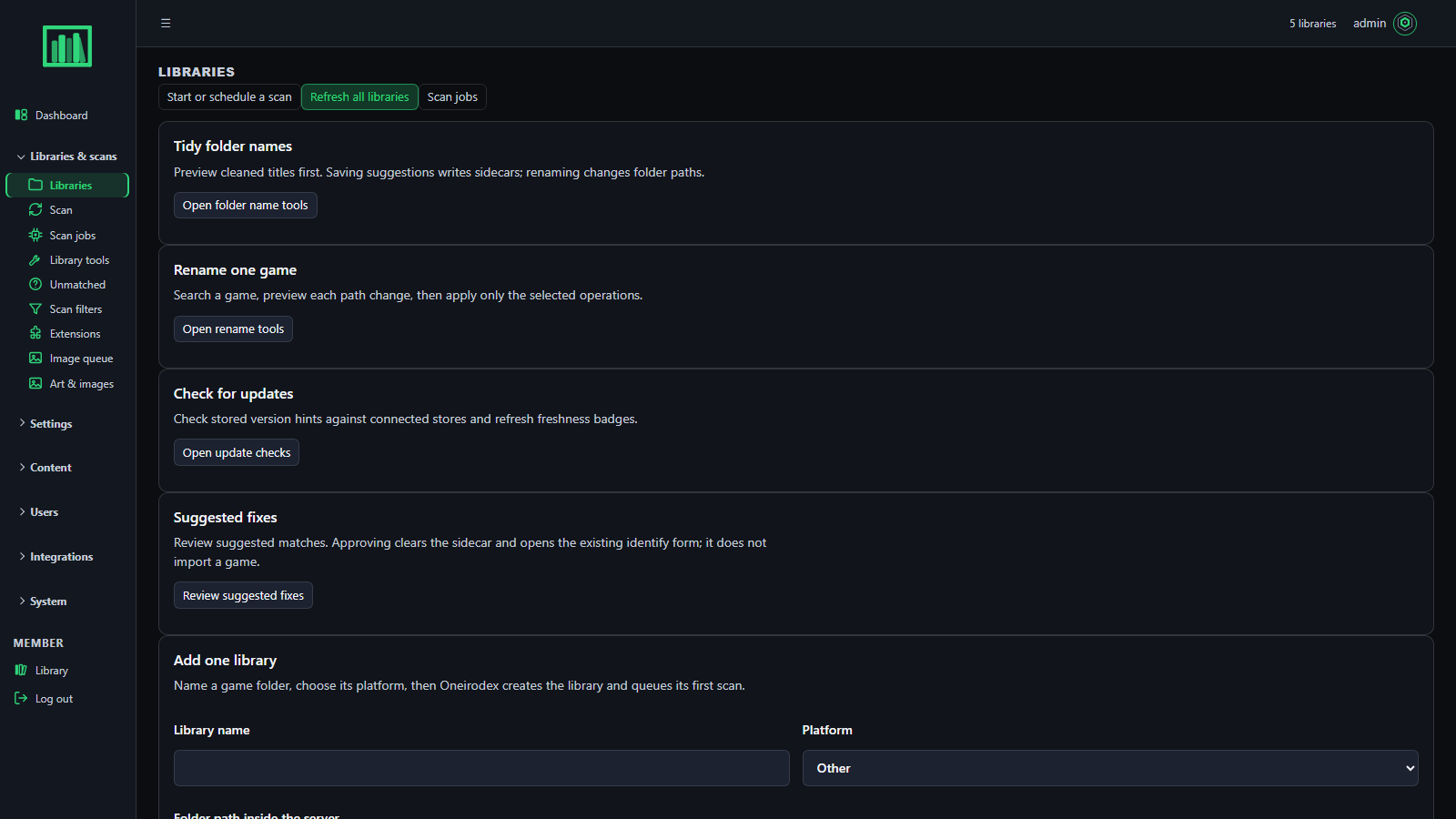 Admin · Libraries & scans — platform + folder per library; scan, jobs, unmatched, filters. |
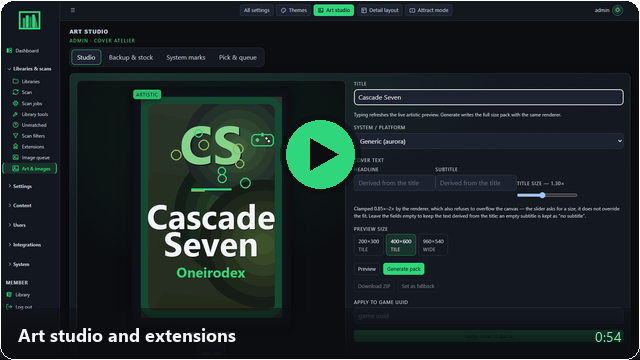
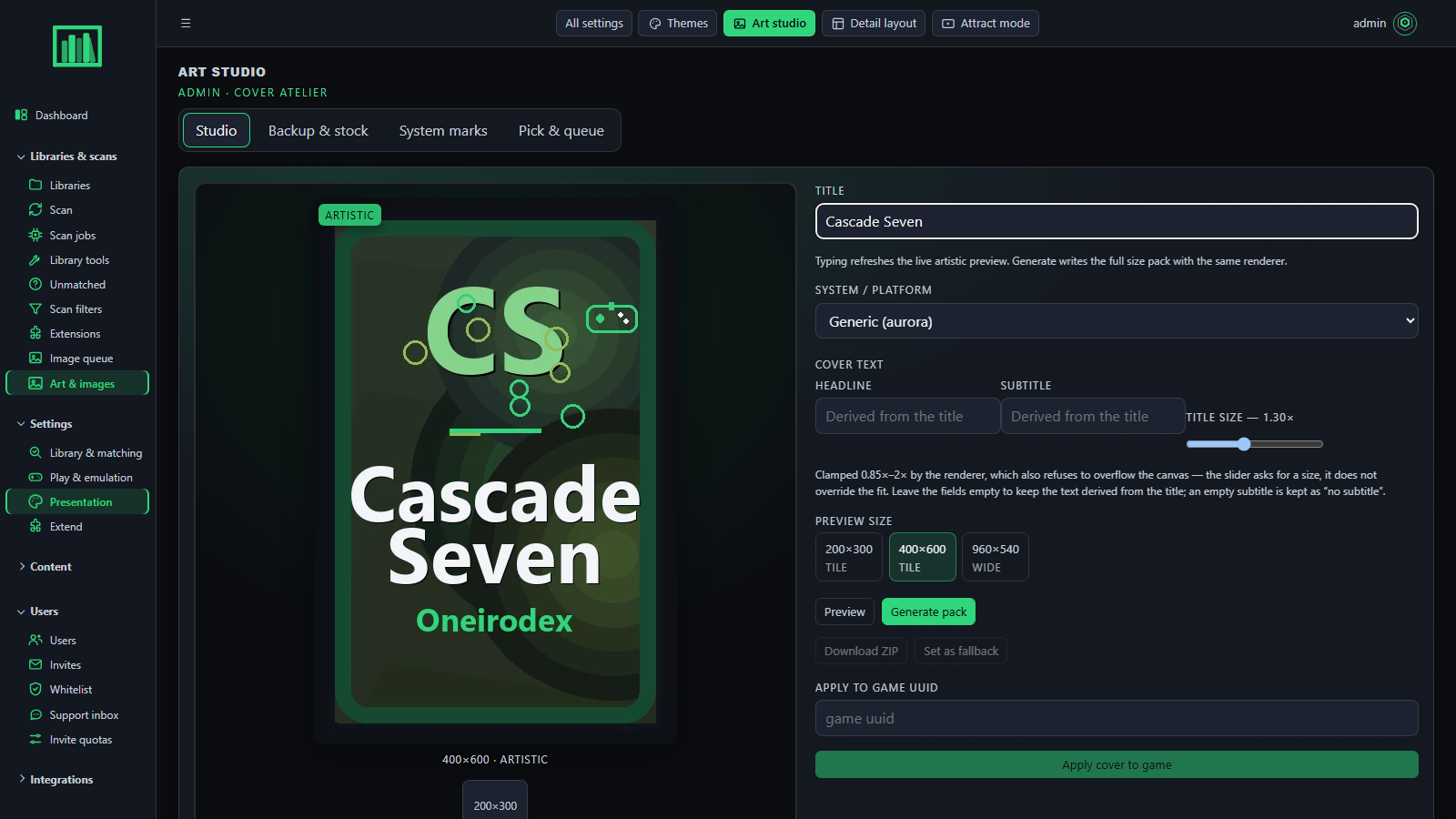 Admin · Art studio — covers from a title with a local renderer; no cloud AI. |
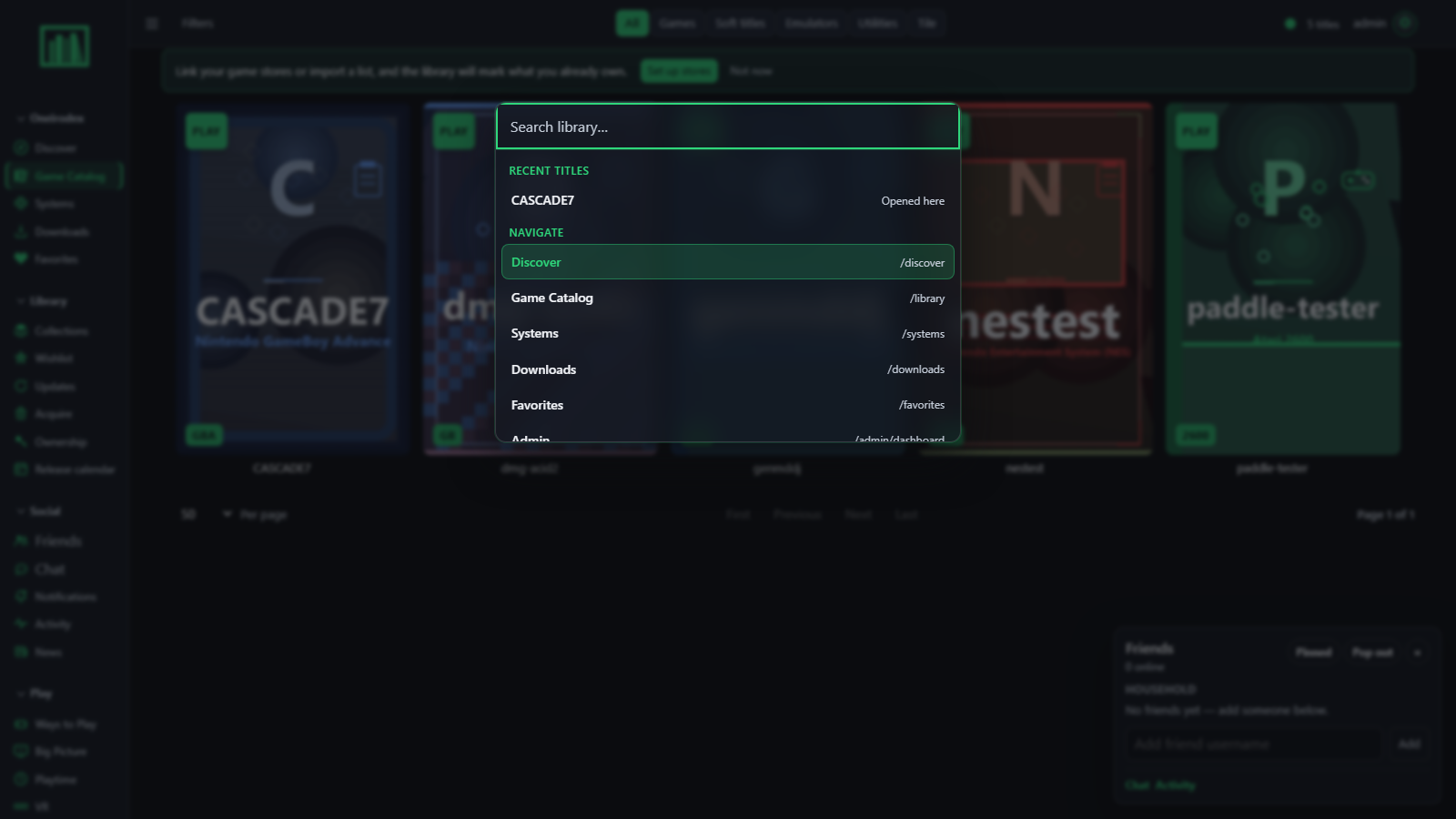 Command palette — Ctrl/⌘+K from anywhere. |
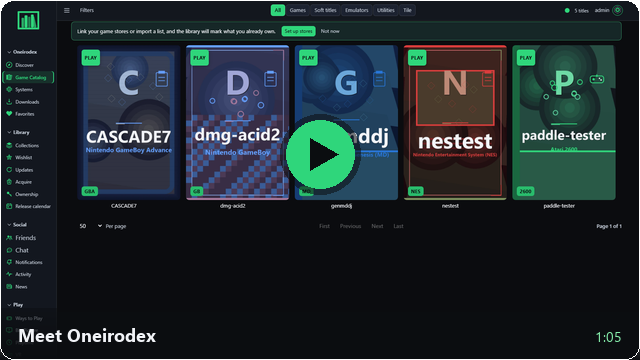
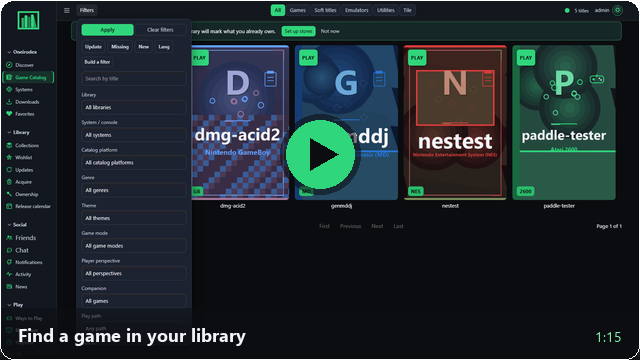
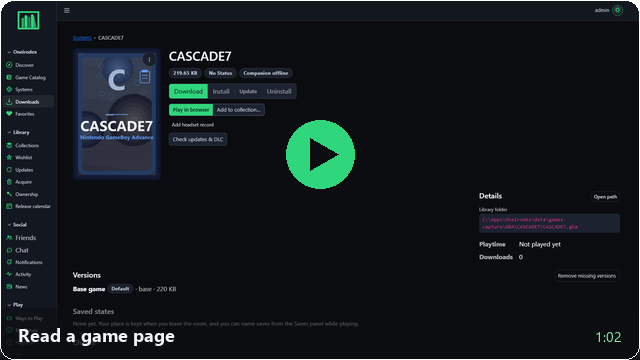
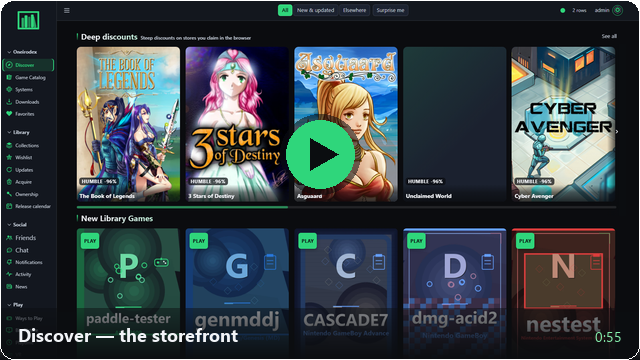
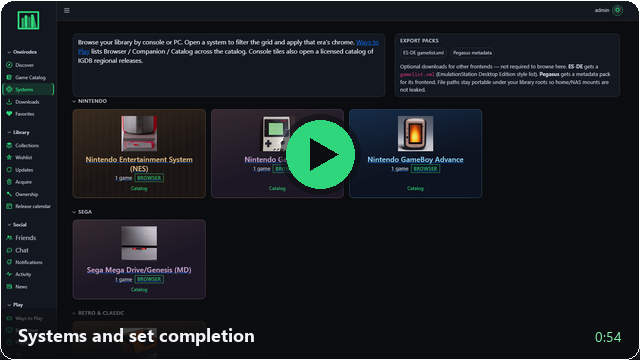
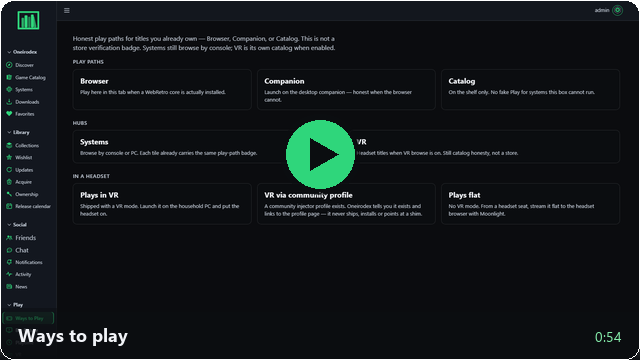
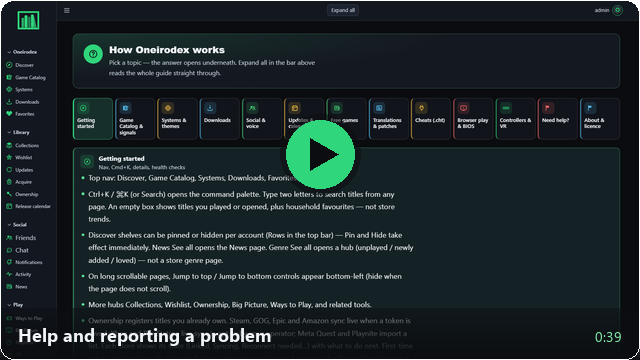
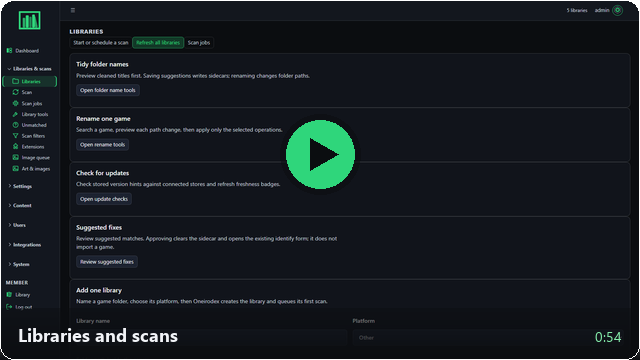
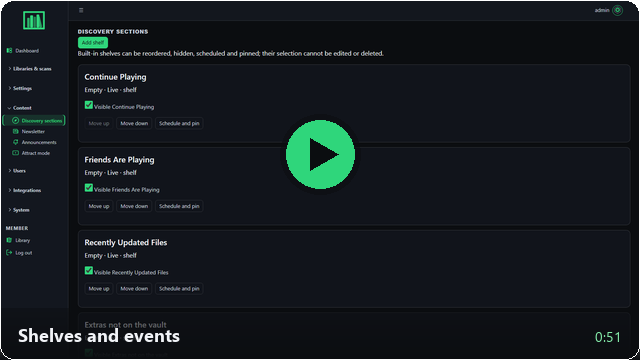
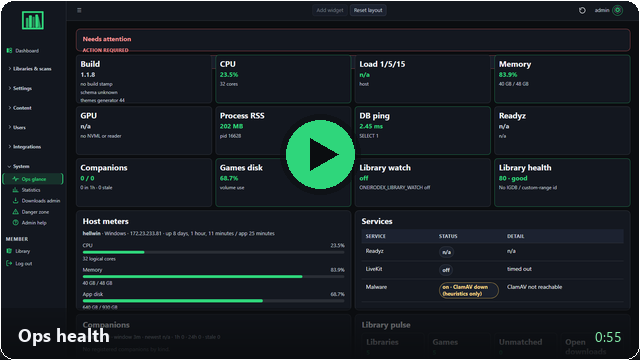
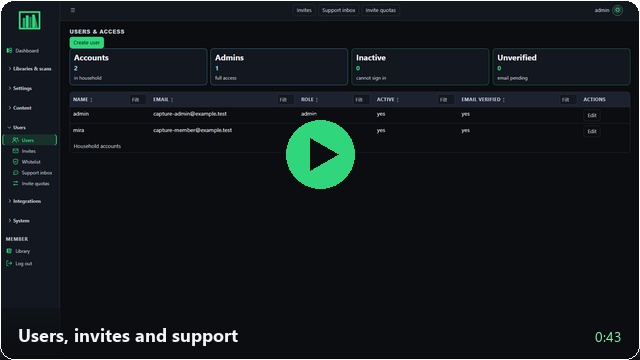
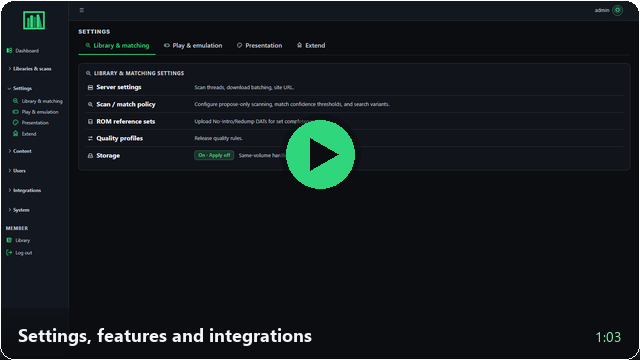
 Short clips, one per feature, each a worked example with an **AI-voiced narration** timed to the screen, burned-in captions and a WebVTT track. Click a tile to open the clip on GitHub; the full index with transcripts is [docs/media/video/howto/README.md](docs/media/video/howto/README.md).
 |
 |
 |
 |
 |
 |
 |
 |
 |
 |
 |
 |
 |
 |
 |
 |
 |
 |
 |
 |
 | | Best for | Guide |
|---|---|---|
| 🐳 **Docker Compose** | NAS, Unraid, anything already running Docker | [below](#-docker-compose) · [docker-compose-deploy.md](docs/runbooks/docker-compose-deploy.md) |
| 💻 **Native installer** | Bare-metal Linux · macOS · Windows | [below](#-native-installers) · [install-native.md](docs/runbooks/install-native.md) |
| 🔧 **Manual** | You want every step yourself | [below](#-manual-install) |
Whichever you choose, Oneirodex can scan **more than the disk it runs on** — see [scan locations](#-scan-locations).
### 🐳 Docker Compose
```bash
cp .env.docker.example .env
# Unraid: prefer .env.unraid.example (Compose Manager paths + volume sectioning)
# Required: SECRET_KEY, DATA_FOLDER_GAMES (host games path), LIBRARY_HOST_PATH
# Do NOT use DATABASE_URL=@localhost — Compose talks to service "db"
docker compose up -d --build
# Optional household voice:
# ENABLE_LIVEKIT=true LIVEKIT_URL=ws://
| 🐧 Linux | 🍎 macOS | 🪟 Windows |
|---|---|---|
| ```bash chmod +x install-linux.sh ./install-linux.sh ``` apt · dnf · yum · pacman · zypper | ```bash chmod +x install-macos.sh ./install-macos.sh ``` Homebrew (you install brew) | ```powershell .\install-windows.ps1 ``` winget for Python · PostgreSQL |
 Oneirodex scans **any path the service can open** — a NAS share, a second internal disk, an external drive — once the host has mounted it. Two steps, in this order:
1. **Mount it** — `fstab` on Linux, autofs on macOS, a UNC path on Windows, a bind mount in Docker. Oneirodex does not speak SMB or NFS; the OS does.
2. **Declare it** — list the mount in `ONEIRODEX_LIBRARY_ROOTS` so the admin folder browser and the path allowlist know about it.
```bash
# Native: paths on this machine
ONEIRODEX_LIBRARY_ROOTS=NAS ROMs=/mnt/nas/roms|Archive=/mnt/archive/games
# Docker: paths as the CONTAINER sees them, one bind each in docker-compose.yml
ONEIRODEX_LIBRARY_ROOTS=NAS ROMs=/storage2|Archive=/storage3
```
Each location then shows up as a **Scan location** in Admin → Libraries & scans and gets its own row in Ops path health — so a share that stops being mounted reads as *not mounted* instead of as an empty library. Per-OS recipes, Docker binds, permissions and troubleshooting: **[remote-scan-locations.md](docs/runbooks/remote-scan-locations.md)**.
 | Variable | Purpose |
|---|---|
| `DATABASE_URL` | Postgres URL (`db` host inside Compose) |
| `SECRET_KEY` | **Required** — the container refuses the placeholder |
| `DATA_FOLDER_GAMES` | Root of on-disk games — **required** (see the upgrade note below) |
| `ONEIRODEX_LIBRARY_ROOTS` | Extra scan locations — NAS shares, second disks. Pipe-separated, optional `Label=` prefix. Docker: the *container* path — [remote-scan-locations.md](docs/runbooks/remote-scan-locations.md) |
| `UPLOAD_FOLDER` | Covers / themes (Compose: `/app/oneirodex/static/library`) |
| `LIBRARY_HOST_PATH` | Host path mounted to `UPLOAD_FOLDER` in Docker |
| `ENABLE_LIVEKIT` / `LIVEKIT_*` | Household voice (on by default; needs secrets + profile) |
| `ENABLE_MALWARE_SCAN` / `MALWARE_SCAN_BLOCK_ON_HIT` / `CLAMAV_*` | Malware scanner — heuristics on by default; blocks / skips adds on hit; optional `--profile clamav` |
| `SUPPORT_GITHUB_TOKEN` / `SUPPORT_GITHUB_REPO` | Optional GitHub Issues sync for support tickets |
| `ENABLE_ARR_MODULE` · `ARR_REMOTE_PATH_MAP` | *arr search / qBittorrent (on); rewrite download-client paths when it runs in another container — `"/downloads=>/storage/downloads"` |
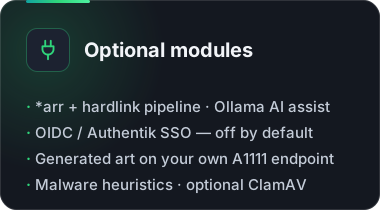
| `ENABLE_AI_ASSIST` / `ENABLE_AI_AUTO_APPLY` | Ollama triage (on); silent rename stays off |
| `ENABLE_VR_BROWSE` | `/vr` PWA catalog (on) |
| `OIDC_ENABLED` · `OIDC_LOCK_ROLES` | SSO — **off by default**; don't overwrite roles on every SSO login |
| `ALLOW_PRIVATE_LAN_URLS` | Allow *arr / Ollama on RFC1918 (on for a homelab) |
| `ENABLE_LOGIN_RATE_LIMIT` | In-process login / reset rate limit (on) |
| `ENABLE_PATCH_CATALOG` / `ENABLE_ROM_AI_TRANSLATE` | ROM patch / AI translate hooks (on) |
| `ENABLE_AI_ARTWORK` / `AI_ARTWORK_URL` / `AI_ARTWORK_ENGINE` | Generated cover art — **off by default**; your own A1111-compatible endpoint |
| `SCAN_CHECK_FRESHNESS` / `SCAN_FRESHNESS_LIMIT` | Check versions / updates / DLC after a scan — **off by default** (it is store HTTP traffic); cap 50 |
| `DAT_HASH_INNER_ARCHIVE` | Open zip / 7z / rar and hash the inner dump when the outer hash misses (on) |
| `FONT_PATH` / `FONT_MAX_BYTES` | Where theme fonts live (bundled faces are copied here on boot) and the per-file cap for uploads (8 MB) |
Full lists: [`.env.example`](.env.example) · [`.env.docker.example`](.env.docker.example) · [`.env.unraid.example`](.env.unraid.example) · [settings-modules.md](docs/admin/settings-modules.md)
> ⚠️ **Upgrading from ≤ 0.1.0:** `DATA_FOLDER_WAREZ` has been **removed**, including the Compose volume fallback that quietly used it. If your `.env` still sets only that key, the container starts with no games mounted at `/storage`. Rename it to `DATA_FOLDER_GAMES` before you redeploy.
 ```text
┌─────────────────┐ ┌──────────────────┐ ┌────────────┐ ┌────────────┐
│ Member SPA │ │ Admin SPA │ │ Desktop │ │ Quest PWA │
│ (React) │ │ (React) │ │ companion │ │ (/vr) │
└────────┬────────┘ └────────┬─────────┘ └─────┬──────┘ └─────┬──────┘
└─────────────┬───────┴───────────────────┴────────────────┘
▼
┌─────────────────┐
│ FastAPI / ASGI │ ← oneirodex/ :5006
│ APIs · auth │
└───────┬─────────┘
┌───────────┼────────────┐
▼ ▼ ▼
PostgreSQL Games volume Optional LiveKit
```
| Layer | Location |
|---|---|
| Member UI | `frontend/member-app` → `/static/dist/member-app/` |
| Admin UI | `frontend/admin-app` → `/static/dist/admin-app/` |
| Ops glance | `frontend/ops-glance` |
| Typed client | `frontend/api-client` (`@oneirodex/api-client`, used by the desktop companion) |
| API / server | `oneirodex/` (routes split by surface: `routes_member.py`, `routes_admin_ext/`, `routes_apis/`) |
| Desktop / VR | `clients/desktop/` · `clients/quest/` |
| Docs | `docs/` — start at [docs/README.md](docs/README.md) |
### Tech stack
| Area | What Oneirodex uses |
|---|---|
| Language / server | **Python 3.12**, **FastAPI** (uvicorn), SQLAlchemy + Alembic; Flask compatibility tools are development-only |
| Front ends | **React 19 + Vite + TypeScript** single-page apps (member, admin, ops-glance); no application-authored Jinja templates remain |
| Desktop / VR | **Tauri** desktop companion · Quest PWA |
| Database | **PostgreSQL 17** — the only required service |
| Node.js | Build-time only (the Docker image compiles the SPAs, then ships Python); not a runtime dependency |
| Not used | Next.js, PHP, Django, MySQL/MariaDB |
The admin and member interfaces are React single-page apps. Application-authored
Jinja templates and the WSGI bridge have been retired. FastAPI owns request
dispatch; the runtime requirements exclude Flask, its extensions, and Jinja.
Legacy Flask route modules remain available to development and parity tests.
**Default ports:** `5006` (web app) and `5432` (PostgreSQL, internal to Compose).
**Optional services** — off by default, enabled by env vars or Compose profiles; none are needed for a normal install:
| Service | Purpose | Port(s) |
|---|---|---|
| LiveKit | Voice in channels | 7880, 7881, 7882/udp |
| ClamAV | Malware scan daemon (heuristics run without it) | 3310 |
| Redis (`challenge` profile) | Backing store for the Trawl challenge solver only | internal |
| Trawl | FlareSolverr-compatible challenge-solver sidecar (`ENABLE_CHALLENGE_SOLVER`) | 8191 (Docker network only) |
| SD.Next / AUTOMATIC1111 / Forge | Locally generated cover art | 7860 |
| Ollama | AI assist / triage (`ENABLE_AI_ASSIST`), reached on your own host | 11434 |
| Prometheus / Grafana | Monitoring, commented out in `docker-compose.yml` | 9090 / 3000 |
Oneirodex is a **self-hosted game library**, not a notes, file-sync or automation tool. The chat and voice channels are built into the app and are not a Discord replacement. Deploy with Docker Compose, the single-container image (embedded database, Unraid Community Apps template), or the [Unraid / NAS runbooks](docs/runbooks/unraid-deploy.md). Resource needs depend mostly on which optional modules you enable and the size of your library, so no fixed sizing is published.
 Full guides: [member](docs/user/troubleshooting.md) · [admin](docs/admin/troubleshooting.md) · [container won't start](docs/runbooks/container-wont-start.md)
**🚨 Container / boot**
| Symptom | Likely fix |
|---|---|
| Exit / restart loop + `SECRET_KEY` error | Set a real `SECRET_KEY` (not the placeholder) |
| Can't reach DB | Compose host must be `db`, not `localhost` |
| `no pg_hba.conf entry … no encryption` | Recreate db with the Compose `hba_file` mount — [container-wont-start §3b](docs/runbooks/container-wont-start.md#3b-postgres-up-but-pg_hba-rejects-app-no-encryption) |
| Port in use | Change the published `5006` mapping |
| Unstyled Library / Discover | Rebuild the image so the `member-app` dist exists |
| Discover stuck on Loading; logs show the stream but no `/api/discover/sections` | Rebuild the app with the ASGI SSE fix — [admin troubleshooting](docs/admin/troubleshooting.md#spa-navigates-but-pagesadmin-hang-discover-stuck-on-loading) |
```bash
docker compose logs app --tail 200
docker compose build --no-cache && docker compose up -d
```
**👤 Members**
| Symptom | What to try |
|---|---|
| Spin forever / blank UI | Hard refresh · re-login · ask an admin to check logs |
| Download 404 / empty zip | Admin: verify the games mount and re-scan |
| "Too many login attempts" | Wait a few minutes (rate limit) |
| Browser play won't start | System may be companion-only · missing BIOS |
| Chat empty | Ask an admin or librarian to create `#general` |
| Voice missing | LiveKit off, or `LIVEKIT_URL` not reachable from the **browser** |
**🛠️ Admins**
| Symptom | What to try |
|---|---|
| Scans stuck | [libraries-and-scans.md](docs/admin/libraries-and-scans.md) |
| Scan location shows "not mounted" | The share is not mounted, or Docker got the host path instead of the container path — [remote-scan-locations.md](docs/runbooks/remote-scan-locations.md#troubleshooting) |
| Support not on GitHub | Expected without `SUPPORT_GITHUB_TOKEN` — the inbox still works |
| SSO fails | Env `OIDC_ENABLED` **and** Admin → Integrations |
| Themes look wrong after upgrade | [themes-reset.md](docs/admin/themes-reset.md) |
| Picking a theme changes nothing on reload | Fixed — a server from before that fix bakes the first render's theme into every later one ([troubleshooting](docs/user/troubleshooting.md#a-new-theme-doesnt-appear-after-reload)) |
Still stuck? **More → Report issue** (members) or open a GitHub issue with deploy type, URL and redacted logs.
 | Audience | Start here |
|---|---|
| 👋 Members | [Getting started](docs/user/getting-started.md) · [FAQ](docs/user/faq.md) · [Troubleshooting](docs/user/troubleshooting.md) |
| 🎮 Play | [Browser play](docs/user/browser-play.md) · [Desktop companion](docs/user/desktop-companion.md) · [Free games](docs/user/free-games.md) |
| 💬 Social | [Social & voice](docs/user/social-and-voice.md) · [Spaces](docs/user/social-and-voice.md#spaces-servers-with-their-own-channels) |
| 🗂️ Library | [Library & systems](docs/user/library-and-systems.md) · [Translation patches](docs/user/translation-patches.md) |
| 🎨 Look & feel | [Preferences & themes](docs/user/preferences-themes.md) · [Fonts & image uploads](docs/admin/theme-fonts-and-images.md) |
| 🎬 Videos | [How-to index with transcripts](docs/media/video/howto/README.md) |
| 🛡️ Admins | [Libraries & scans](docs/admin/libraries-and-scans.md) · [Discover sections](docs/admin/discover-sections.md) · [Support inbox](docs/admin/support-inbox.md) · [Settings modules](docs/admin/settings-modules.md) · [Ops summary](docs/admin/ops-summary.md) |
| 🚢 Operators | [Native install](docs/runbooks/install-native.md) · [Scan locations](docs/runbooks/remote-scan-locations.md) · [Unraid](docs/runbooks/unraid-deploy.md) · [Compose](docs/runbooks/docker-compose-deploy.md) · [LiveKit](docs/runbooks/livekit-unraid.md) · [OIDC](docs/runbooks/oidc-sso.md) · [WebRetro cores](docs/runbooks/webretro-cores.md) · [Emulator BIOS](docs/runbooks/emulator-bios.md) · [Reference sets](docs/runbooks/reference-sets.md) · [Building installers](docs/runbooks/local-installers.md) |
| 🗺️ Changelog | [CHANGELOG.md](CHANGELOG.md) · [Docs index](docs/README.md) |
| 🔌 API | [openapi.json](docs/openapi/openapi.json) |
 ```bash
# requirements-dev.txt pulls in requirements.txt and adds the pinned test runner.
pip install -r requirements-dev.txt
# Front ends — one npm workspace at the repo root
npm ci
(cd frontend/api-client && npm run build)
(cd frontend/member-app && npm test && npm run build)
(cd frontend/admin-app && npm test && npm run build)
# Backend smoke
pytest tests/test_security_suite.py tests/test_set_completion.py tests/test_login_rate_limit.py -q
# Ratchets — never regress
python scripts/api_envelope_lint.py
node scripts/css-token-lint.mjs
```
Set `TEST_DATABASE_URL` (the DB name must contain `test`, default `oneirodextest`) for DB-backed tests — [local-postgres-pytest.md](docs/runbooks/local-postgres-pytest.md). Conventions, locks and agent seats: [CONTRIBUTING.md](CONTRIBUTING.md) · [docs/dev/](docs/dev/).
**Versioning.** The product version is tracked in [`VERSION`](VERSION); desktop, member-app and related packages follow the same milestone number. See [CHANGELOG.md](CHANGELOG.md).
 Oneirodex is licensed under the **[GNU Affero General Public License v3.0](LICENSE)**.
In practice: you may run, study, modify and share it freely, and if you run a modified version **as a network service** you must offer those modifications to its users (AGPL §13). That clause is the reason for AGPL over GPL here — this is a server people host for others.
```
Copyright (C) 2026 Oneirodex contributors
This program is free software: you can redistribute it and/or modify it under
the terms of the GNU Affero General Public License as published by the Free
Software Foundation, either version 3 of the License, or (at your option) any
later version. It is distributed WITHOUT ANY WARRANTY; without even the implied
warranty of MERCHANTABILITY or FITNESS FOR A PARTICULAR PURPOSE. See the GNU
Affero General Public License for more details.
```
**Running a modified copy? Set `ONEIRODEX_SOURCE_URL` to your fork.** The app surfaces a "Get the source code" link on member **Help** and in the admin footer — that is how §13 is actually discharged. It defaults to this repository, which is wrong the moment you modify anything, because §13 obliges you to offer *your* users *your* source.
**Content is separate from code.** The licence covers Oneirodex itself. It says nothing about the games, ROMs, BIOS or artwork you point it at — use Oneirodex only with software you are authorised to share.
**Third-party code.** The browser libraries under `oneirodex/static/vendor/` are separate works under their own licences — inventory in [THIRD-PARTY-NOTICES.md](oneirodex/static/vendor/THIRD-PARTY-NOTICES.md). The libretro emulator cores are **not** distributed here: they carry GPL and non-commercial terms, so they are fetched onto your machine at first boot ([webretro-cores.md](docs/runbooks/webretro-cores.md)).
---

Built for households that keep their own libraries.