# BearBirdPad
Banjo-Kazooie, rebuilt for iPhone and iPad.
Native Metal rendering, customizable touch controls, Files-based setup,
controller support, persistent saves, and ROM-free packaging.








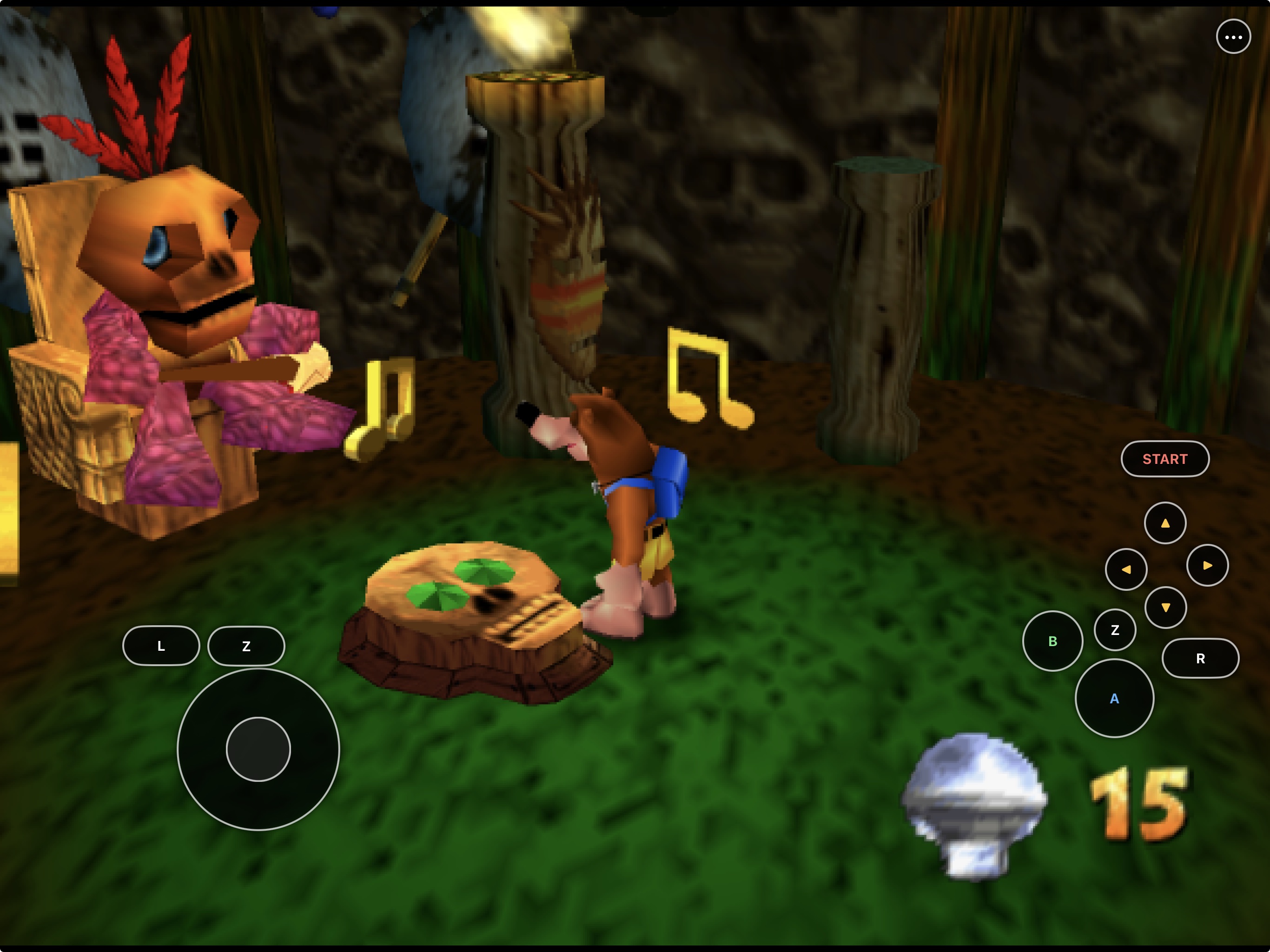
The capture above and gallery below are from the current physical iPad build.
Game data was supplied locally and is not part of this repository.
BearBirdPad packages the full
[BanjoRecomp](https://github.com/BanjoRecomp/BanjoRecomp) source port as a
native iOS/iPadOS app. It renders through Plume/RT64 and Metal, imports a
user-provided supported Banjo-Kazooie ROM through Files, and includes a
landscape touch controller that can be moved, resized, or simplified for each
device class.
This repository contains the mobile integration, maintained patches, and
reproducible build scripts. It does **not** contain Banjo-Kazooie, a ROM,
saves, extracted assets, or a playable preconfigured build. Read the scoped
[`rights and licensing boundary`](RIGHTS_AND_LICENSES.md) and
[`third-party license audit`](THIRD_PARTY_NOTICES.md). BearBirdPad-owned software
is GPL-3.0-or-later; third-party projects and game material retain their own
rights and are not relicensed.
> [!NOTE]
> **AI disclosure:** BearBirdPad uses substantial AI assistance for code, tests,
> documentation, debugging and maintenance. Some support replies and maintenance
> tasks are automated. There is no audited percentage of AI-generated code.
> Build, test and device records describe what was checked. This disclosure
> concerns BearBirdPad's workflow, not the authorship of its upstream projects.
## Gameplay on iPad
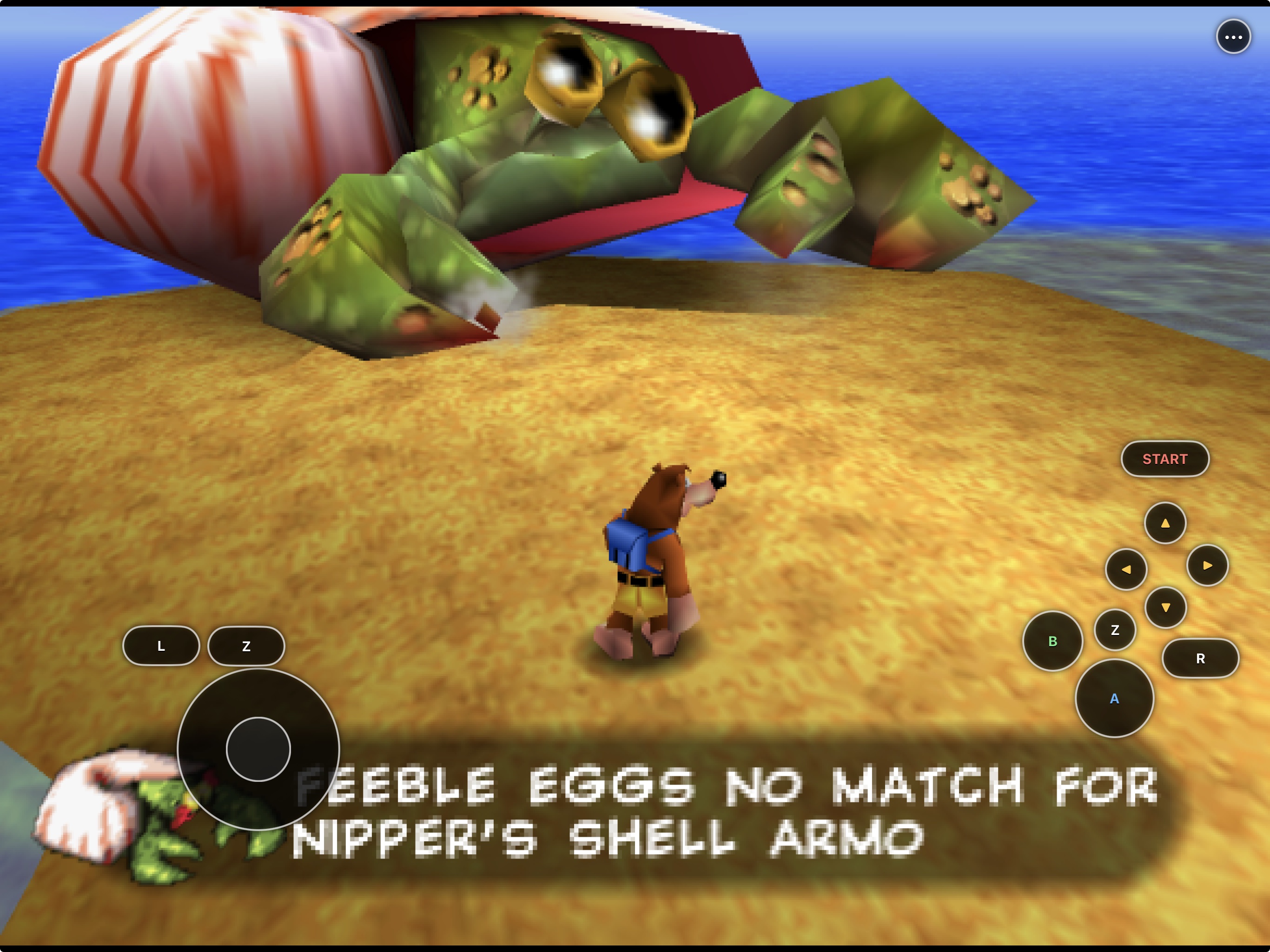
World interaction. Dialogue and camera framing remain readable while the touch controller stays available.
|
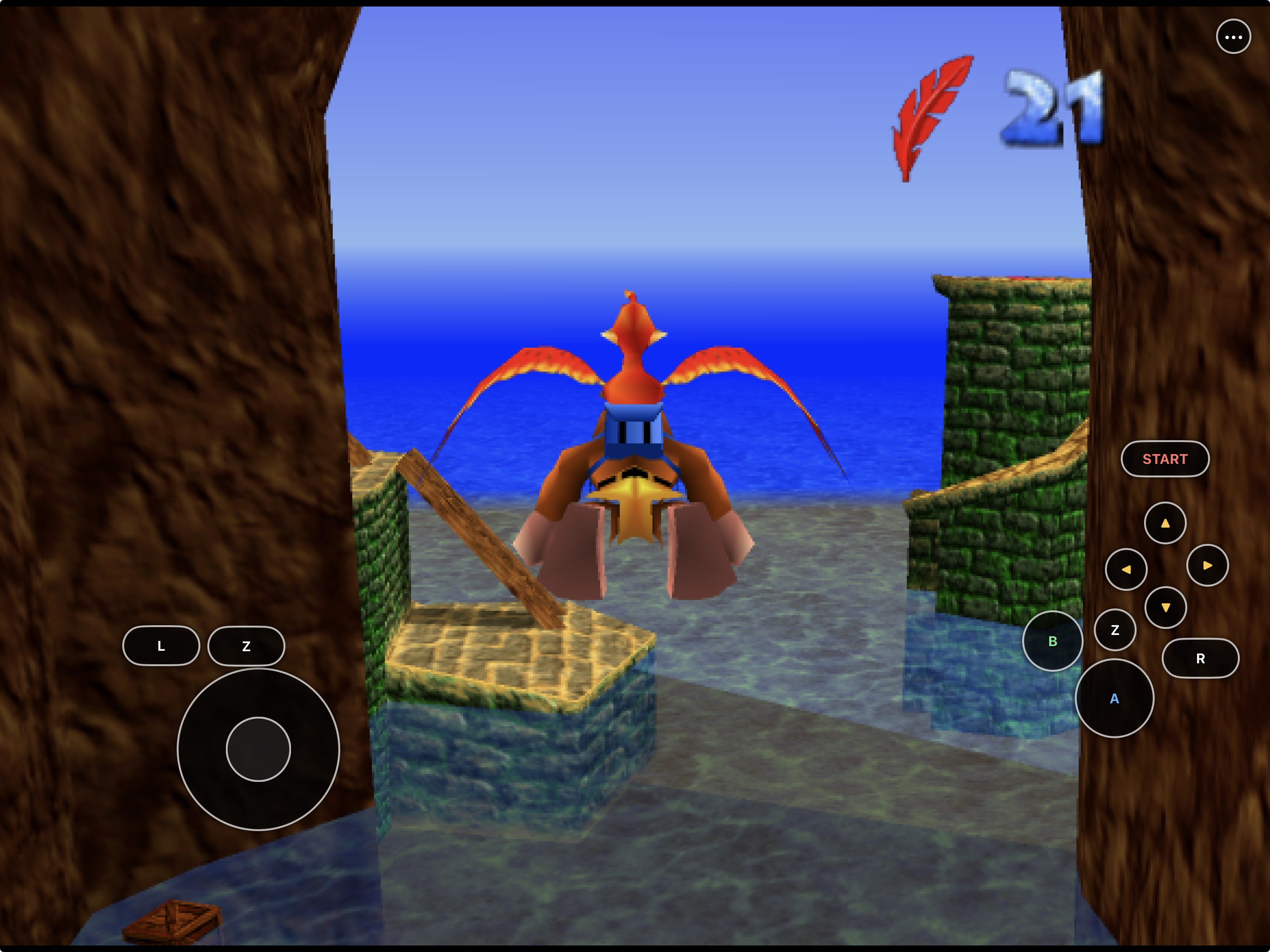
Aerial exploration. The full virtual N64 layout supports flying and traversal.
|
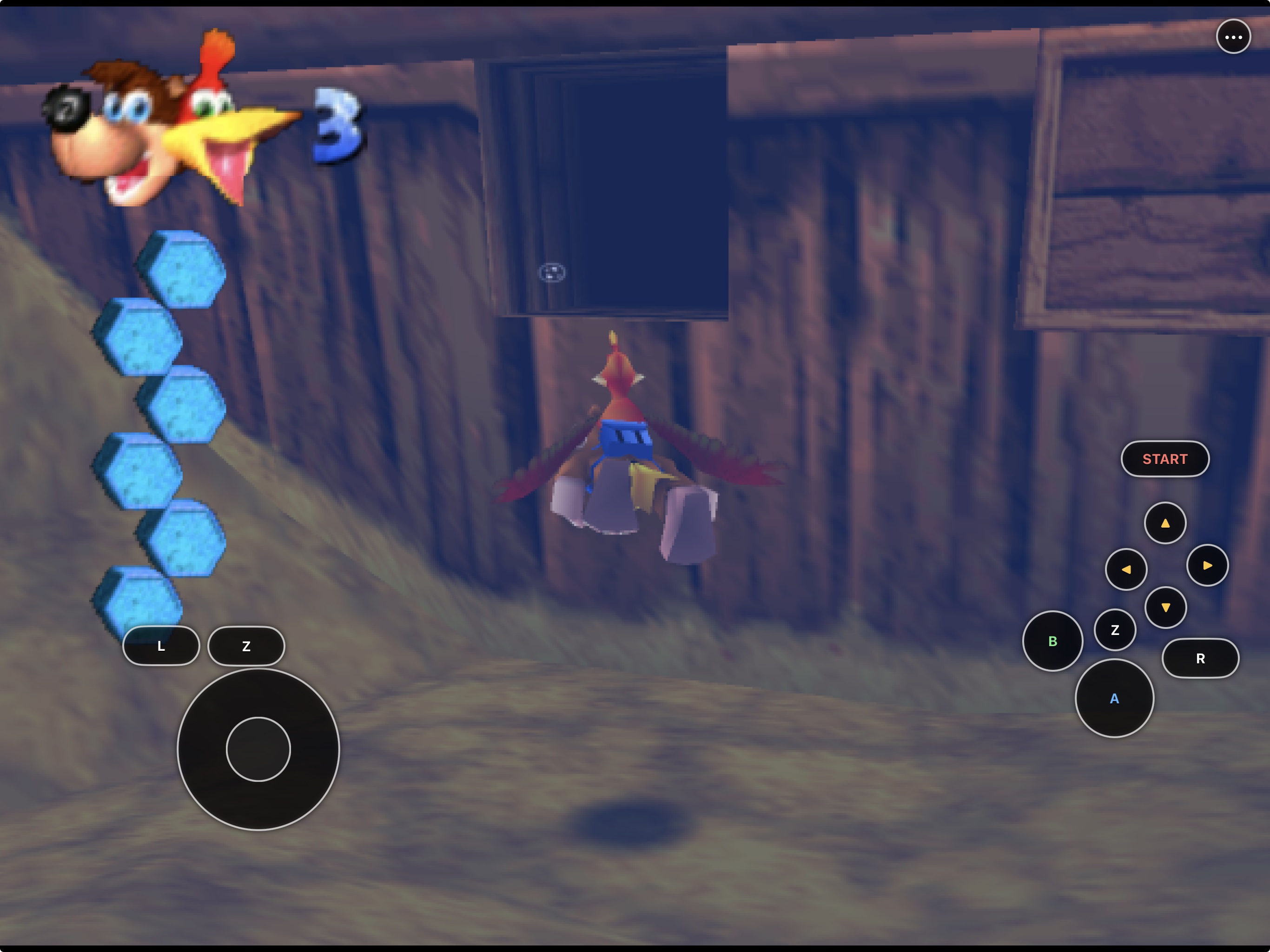
Underwater traversal. Analog movement and action controls remain accessible while swimming.
|
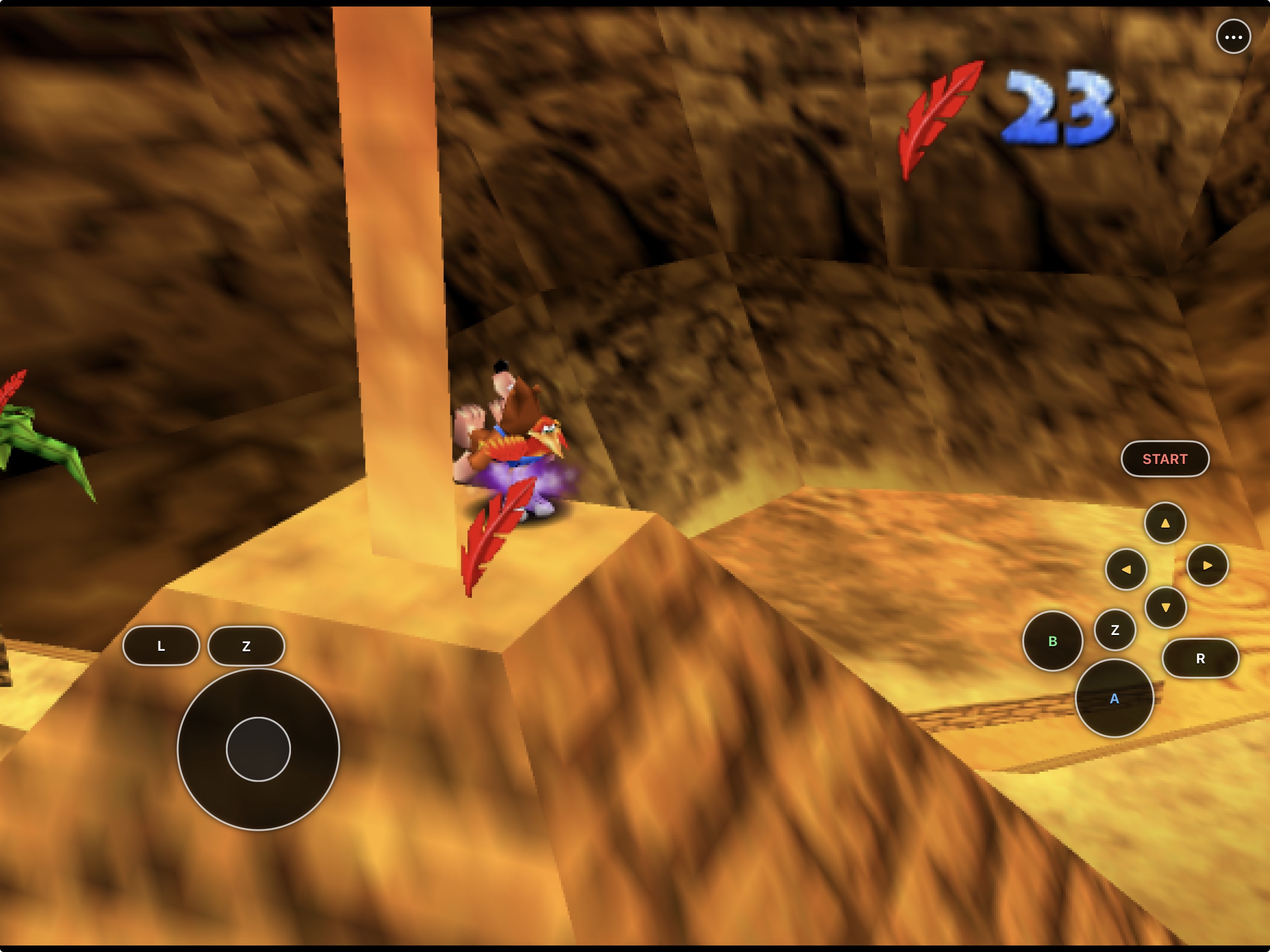
Talon Trot. Simultaneous touch input supports compound moves and faster traversal.
|
## Install status
| Option | Status | What to do |
|---|---|---|
| Local iPhone or iPad build | **Available now** | Build and sign with your Apple development team using the instructions below. |
| Simulator | **Available now** | Best for development and UI testing; it is not a substitute for physical-device testing. |
| App Store / TestFlight | **Not announced** | No listing or public TestFlight currently exists. |
The current development build has been signed, installed, launched, and
played on:
- a 12.9-inch iPad Pro (6th generation) running iPadOS 26.5.2; and
- an iPhone 14 running iOS 26.5.2.
On those devices, local ROM loading, native Metal gameplay, touch input,
settings, device-specific layouts, save transfer, save reload, and in-place
app updates preserving the Documents container have been exercised. The
current build is stable in regular playtesting. SDL2 controller ownership now
reconciles stale handles and stable player slots after disconnect, reconnect,
and foreground resume; physical Bluetooth, wired, natural-sleep, mapping, and
two-controller acceptance remain open.
## Developer preview
Releases publish no app: BearBirdPad contains code translated from the game,
so you make your own from your own ROM. On an Apple Silicon Mac with
Xcode (plus its Metal Toolchain: `xcodebuild -downloadComponent MetalToolchain`) and
`brew install cmake ninja rust`, download
[PadMint](https://github.com/chrissotraidis/padmint/releases/latest), unzip it,
double-click `PadMint.command`, choose BearBirdPad and pick your
Banjo-Kazooie (USA) ROM. PadMint builds BearBirdPad from this repository's
[latest release](https://github.com/chrissotraidis/bearbirdpad/releases/latest)
and saves an unsigned IPA in your Downloads folder. Install it with AltStore
Classic, SideStore or Sideloadly. The IPA contains code translated from your
ROM: it is yours alone; never share it. To build by hand instead, see
[Get started](#get-started).
## Get started
**No Mac? Build it on a Windows PC (experimental).** PadMint 0.5.27 or newer
builds BearBirdPad for iPhone or iPad on Windows 11 (x64 or ARM64) from your own
Banjo-Kazooie (US) ROM. Install Visual Studio 2022 Build Tools with **Desktop development with
C++**, then choose BearBirdPad in PadMint. PadMint downloads the game-free BearBirdPad app
from this release and adds the game code it builds from your file on your PC;
nothing of yours is uploaded. The Mac build is unchanged. This Windows route is
new: builds pass on Windows 11 ARM64, but a Windows-built copy has not yet been
played on a device. GitHub's Mac can't build BearBirdPad, because that would mean
uploading your game file. Details: [Windows module](docs/WINDOWS_MODULE.md).
You need:
- an Apple-silicon Mac with Xcode and its command-line tools;
- [Homebrew](https://brew.sh);
- an Apple ID configured in Xcode for physical-device signing; and
- your own legally acquired Banjo-Kazooie NTSC-U 1.0 cartridge dump.
Install the command-line dependencies:
```sh
brew install cmake ninja rust llvm lld
```
Clone and build:
```sh
git clone https://github.com/chrissotraidis/bearbirdpad.git
cd bearbirdpad
scripts/fetch-sources.sh
scripts/build-host-tools.sh
scripts/prepare-generated.sh "/absolute/path/to/Banjo-Kazooie (USA).n64"
# Simulator
scripts/build-ios.sh --simulator --app --config Release
# Physical iPhone or iPad
DEVELOPMENT_TEAM=ABCDE12345 \
scripts/build-ios.sh --device --app --config Release
```
Replace `ABCDE12345` with the 10-character Team ID shown in Xcode. The device
app is written to:
```text
build-ios-app-device/Release/BanjoRecompiled.app
```
See [`docs/BUILDING-IOS.md`](docs/BUILDING-IOS.md) for the complete ROM
validation, Simulator, signing, installation, and package-audit workflow.
Before publishing or sharing a build, follow the
[`release checklist`](docs/RELEASE_CHECKLIST.md).
## First launch
BearBirdPad never downloads or bundles game data.
You do **not** need to create or wait for a BearBirdPad Documents folder. Before
launching the app, save your ROM anywhere already available in Files, such as
**Downloads**, **iCloud Drive**, or another Files provider.
1. Launch BearBirdPad.
2. Tap **Load ROM** in the launcher. This opens Apple's Files picker.
3. Select your legally acquired Banjo-Kazooie NTSC-U 1.0 ROM.
4. Wait for validation to finish, then choose **Start Game**.
5. On later launches, BearBirdPad validates and reuses the stored local ROM.
`.z64`, `.v64`, and `.n64` byte orders are accepted. The selected ROM remains
wherever you originally kept it; BearBirdPad also stores its own private copy
under `Documents/BanjoRecompiled/`. That app folder is useful for saves and
backups after setup, but its visibility in Files is not required for the
**Load ROM** picker to work.
### If Load ROM does not respond
First force-quit BearBirdPad, reopen it, and tap **Load ROM** once. If the Files
picker still does not appear, report:
- the iPhone or iPad model and iOS/iPadOS version;
- the exact signing/install method, including whether the IPA is running inside
a container app rather than as a normally installed app;
- whether **Controls** and **Settings** respond; and
- a short screen recording showing the tap.
If **Controls** and **Settings** also ignore taps, that points to a general touch
or display-coordinate problem. If only **Load ROM** fails, that points to the
iOS document-picker bridge. A missing BearBirdPad folder in Files by itself
does not identify either problem and should not block ROM selection.
## Touch controls
BearBirdPad provides every standard N64 input needed for play:
- a virtual analog stick;
- A, B, Start, L, R, and two independently tracked Z targets;
- four C buttons and an optional D-pad;
- simultaneous multi-touch for moves such as Z-plus-C combinations; and
- a persistent `•••` menu button kept inside the current safe area.
Open **Settings → Controls → Customize Touch Layout** while the game is
running to move, resize, hide, show, or reset controls. Phone and tablet
layouts are intentionally stored in separate `phone-v1` and `tablet-v1`
profiles. Editing one device class does not overwrite the other.
See [`docs/TOUCH-CONTROLS.md`](docs/TOUCH-CONTROLS.md) for the editor contract
and visibility rules.
## Saves and settings
Saves live in the app's Files-visible Documents container and are written with
primary and backup files. Installing a new build **over the existing app**
preserves that container, including:
- `Documents/BanjoRecompiled/saves/`;
- the stored ROM and texture packs; and
- gameplay configuration.
Do not delete the app before updating: iOS removes its container when the app
is deleted. Back up the `saves` directory before changing bundle identifiers,
re-signing with an incompatible identity, or removing the installation.
Touch-layout preferences also survive in-place updates, but phone and tablet
geometry stays separate so an iPad layout cannot distort the iPhone controls.
## What works
| Area | Current result |
|---|---|
| Native app | Universal arm64 iPhone/iPad app with an iOS 16.0 deployment target |
| Rendering | Plume/RT64 Metal rendering in Simulator and on physical iPhone/iPad |
| Game setup | NTSC-U 1.0 validation and Files import for `.z64`, `.v64`, and `.n64` |
| Touch | Simultaneous N64 controls, safe-area menu access, and separate customizable phone/tablet layouts |
| Controllers | SDL2 MFi, PlayStation, and Xbox input with stale-handle cleanup, stable slots, held-input release, reconnect, and foreground reconciliation |
| Saves | Files-visible save/backup files, transfer between devices, and in-place update persistence |
| Mods | `.rtz` texture-pack import through Files or the Mods picker |
| Lifecycle | Rendering, configuration, save flushing, and audio recovery are integrated with app backgrounding |
| Packaging | Deterministic IPA wrapping with ROM, generated-source, and signing audits |
For the exact evidence and remaining device matrix, see
[`docs/STATUS.md`](docs/STATUS.md). Texture-pack setup is documented in
[`docs/TEXTURE-PACKS.md`](docs/TEXTURE-PACKS.md).
## Reproducible and game-data safe
```mermaid
flowchart LR
A["BearBirdPad scripts"] --> B["Pinned upstream source"]
B --> C["Maintained iOS patches"]
D["Your supported ROM"] --> E["Ignored local code generation"]
C --> F["Local iOS build"]
E --> F
F --> G["Audited app or IPA without ROM files"]
H["Your supported ROM in Files"] --> I["Private app container"]
G --> J["Install"]
I --> J
J --> K["Gameplay and persistent saves"]
```
Unlike an emulator, BanjoRecomp uses a supported ROM locally to generate part
of the build input. `scripts/prepare-generated.sh` writes that material only
under ignored source/build directories. The package audit rejects original
ROM files, known ROM digests, generated-source paths, and signing mistakes
before an app or IPA is accepted.
The compiled program necessarily contains recompiled game code, as upstream
BanjoRecomp builds do. “ROM-free” here means the repository and packaged app
do not contain the user's ROM file or the generated-source files; it is not a
claim about rights in the original game.
## Frequently asked questions
Where is the IPA?
There is no public IPA: the app contains code translated from the game, so
PadMint builds your own from your ROM on an Apple Silicon Mac. See
[Developer preview](#developer-preview).
Does this repository include Banjo-Kazooie?
No. You must provide your own legally acquired supported ROM. Do not open
issues requesting game data or download links.
Why is there no BearBirdPad folder in Files?
You do not need that folder for first-time setup. Put the supported ROM in
Downloads, iCloud Drive, or another Files location, then open BearBirdPad and
tap **Load ROM**. BearBirdPad creates and uses its own
`Documents/BanjoRecompiled/` storage after launch. Some container-style
sideloading methods expose an app's files differently from a normal signed
installation.
Will installing a new build erase my save?
An in-place install with the same bundle identity preserves Documents and
preferences. Deleting the app does not. Back up
`Documents/BanjoRecompiled/saves/` before any destructive reinstall.
Can I use the same touch layout on iPhone and iPad?
BearBirdPad keeps separate phone and tablet profiles. This prevents a comfortable
iPad layout from producing overlapping or misplaced controls on iPhone.
Does it support texture packs?
Yes. BearBirdPad imports `.rtz` packs through Files and exposes them in the Mods
menu. See [`docs/TEXTURE-PACKS.md`](docs/TEXTURE-PACKS.md).
Is this an App Store or TestFlight release?
No. App Store, TestFlight, and third-party sideloading distribution each have
separate signing, review, account, and compliance requirements.
## Project map
| Path | Purpose |
|---|---|
| [`scripts/build-ios.sh`](scripts/build-ios.sh) | Complete Simulator or device build |
| [`scripts/package-ios.sh`](scripts/package-ios.sh) | Deterministic IPA creation after package audit |
| [`scripts/check-repo-safety.sh`](scripts/check-repo-safety.sh) | Fast tracked-asset, history, patch, script, and documentation gate |
| [`patches/`](patches/) | BearBirdPad changes replayed onto pinned upstream source |
| [`ios/`](ios/) | Native iOS shell, Files integration, lifecycle, and touch overlay |
| [`docs/BUILDING-IOS.md`](docs/BUILDING-IOS.md) | Full build, signing, installation, and testing guide |
| [`docs/INSTALL_IPA.md`](docs/INSTALL_IPA.md) | Developer-preview IPA installation and safe updates |
| [`docs/RELEASE_CHECKLIST.md`](docs/RELEASE_CHECKLIST.md) | Source and IPA publication gates |
| [`docs/TOUCH-CONTROLS.md`](docs/TOUCH-CONTROLS.md) | Touch layout and editor contract |
| [`docs/STATUS.md`](docs/STATUS.md) | Current physical-device evidence and open checks |
| [`ref/`](ref/) | Ignored local reference area; only its safety README is tracked |
Generated source trees, build directories, artifacts, ROMs, saves, device
backups, and ROM-derived data are ignored and must never be committed.
## Contributing and support
Use the structured
[bug report](https://github.com/chrissotraidis/bearbirdpad/issues/new/choose)
for reproducible gameplay or platform defects. Read
[`CONTRIBUTING.md`](CONTRIBUTING.md) before proposing a change and
[`SECURITY.md`](SECURITY.md) before reporting a sensitive vulnerability.
Never attach or request game data.
## Community and support
[Join the Discord](https://discord.gg/xwHfUD2bxW) for help and news. It is one
community for BearBirdPad and its sibling projects, such as KartPad, BlueWake
and MeleePad: ask about setup, building with PadMint, and installing, share how
it runs on your device, and hear about new releases first.
Found a bug? [Open an
issue](https://github.com/chrissotraidis/bearbirdpad/issues) with your device,
its OS version, and the steps that led to it.
## Legal and acknowledgements
BearBirdPad is an unofficial community project and is not affiliated with or
endorsed by Nintendo, Microsoft, Rare, or the BanjoRecomp project. It does not
provide the game, ROM downloads, saves, or extracted game data.
BearBirdPad-owned software, scripts, patches, and documentation are licensed
under GPL-3.0-or-later. See [`LICENSE`](LICENSE),
[`RIGHTS_AND_LICENSES.md`](RIGHTS_AND_LICENSES.md), and
[`THIRD_PARTY_NOTICES.md`](THIRD_PARTY_NOTICES.md). The gameplay screenshots,
game imagery, names, logos, and trademarks are not included in that license.
This project builds on BanjoRecomp, N64ModernRuntime, N64Recomp, RT64, Plume,
RecompFrontend, SDL, bk-decomp, and their contributors. All projects,
copyrights, and trademarks belong to their respective owners.