[๐Ÿ‡บ๐Ÿ‡ธ English](README.md) | [๐Ÿ‡ฉ๐Ÿ‡ช Deutsch](docs/de/README.md) | [๐Ÿ‡ช๐Ÿ‡ธ Espaรฑol](docs/es/README.md) | [๐Ÿ‡ซ๐Ÿ‡ท Franรงais](docs/fr/README.md) | [๐Ÿ‡ฎ๐Ÿ‡น Italiano](docs/it/README.md) | [๐Ÿ‡ฎ๐Ÿ‡ณ เคนเคฟเคจเฅเคฆเฅ€](docs/hi/README.md) | [๐Ÿ‡ฐ๐Ÿ‡ท ํ•œ๊ตญ์–ด](docs/ko/README.md) | [๐Ÿ‡ง๐Ÿ‡ท Portuguรชs](docs/pt/README.md) | [๐Ÿ‡ท๐Ÿ‡บ ะ ัƒััะบะธะน](docs/ru/README.md) | [๐Ÿ‡จ๐Ÿ‡ณ ไธญๆ–‡](docs/zh/README.md) # MCP Shrimp Task Manager > ๐Ÿฆ **Intelligent task management for AI-powered development** - Break down complex projects into manageable tasks, maintain context across sessions, and accelerate your development workflow.
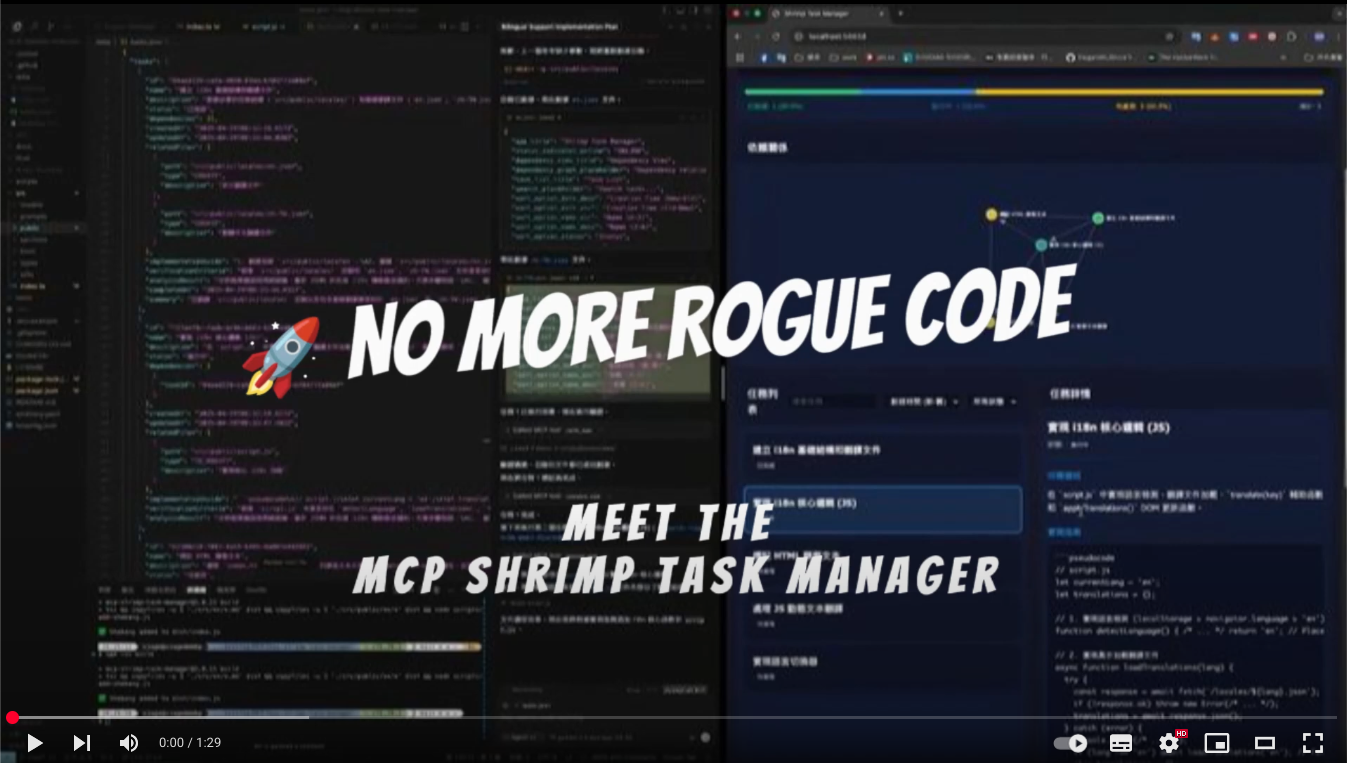
[![Shrimp Task Manager Demo](docs/yt.png)](https://www.youtube.com/watch?v=Arzu0lV09so) **[Watch Demo Video](https://www.youtube.com/watch?v=Arzu0lV09so)** โ€ข **[Quick Start](#-quick-start)** โ€ข **[Documentation](#-documentation)** [![smithery badge](https://smithery.ai/badge/@cjo4m06/mcp-shrimp-task-manager)](https://smithery.ai/server/@cjo4m06/mcp-shrimp-task-manager) Shrimp Task Manager MCP server
## ๐Ÿš€ Quick Start ### Prerequisites - Node.js 18+ - npm or yarn - MCP-compatible AI client (Claude Code, etc.) ### Installation #### Installing Claude Code **Windows 11 (with WSL2):** ```bash # First, ensure WSL2 is installed (in PowerShell as Administrator) wsl --install # Enter Ubuntu/WSL environment wsl -d Ubuntu # Install Claude Code globally npm install -g @anthropic-ai/claude-code # Start Claude Code claude ``` **macOS/Linux:** ```bash # Install Claude Code globally npm install -g @anthropic-ai/claude-code # Start Claude Code claude ``` #### Installing Shrimp Task Manager ```bash # Clone the repository git clone https://github.com/cjo4m06/mcp-shrimp-task-manager.git cd mcp-shrimp-task-manager # Install dependencies npm install # Build the project npm run build ``` ### Configure Claude Code Create a `.mcp.json` file in your project directory: ```json { "mcpServers": { "shrimp-task-manager": { "command": "node", "args": ["/path/to/mcp-shrimp-task-manager/dist/index.js"], "env": { "DATA_DIR": "/path/to/your/shrimp_data", "TEMPLATES_USE": "en", "ENABLE_GUI": "false" } } } } ``` Example configuration: ```json { "mcpServers": { "shrimp-task-manager": { "command": "node", "args": ["/home/fire/claude/mcp-shrimp-task-manager/dist/index.js"], "env": { "DATA_DIR": "/home/fire/claude/project/shrimp_data", "TEMPLATES_USE": "en", "ENABLE_GUI": "false" } } } } ``` Then start Claude Code with your custom MCP configuration: ```bash claude --dangerously-skip-permissions --mcp-config .mcp.json ```
Other AI Clients **Cline (VS Code Extension)**: A VS Code extension for AI-assisted coding. Add to VS Code settings.json under `cline.mcpServers` **Claude Desktop**: Add to `~/Library/Application Support/Claude/claude_desktop_config.json` (macOS) or `%APPDATA%\Claude\claude_desktop_config.json` (Windows)
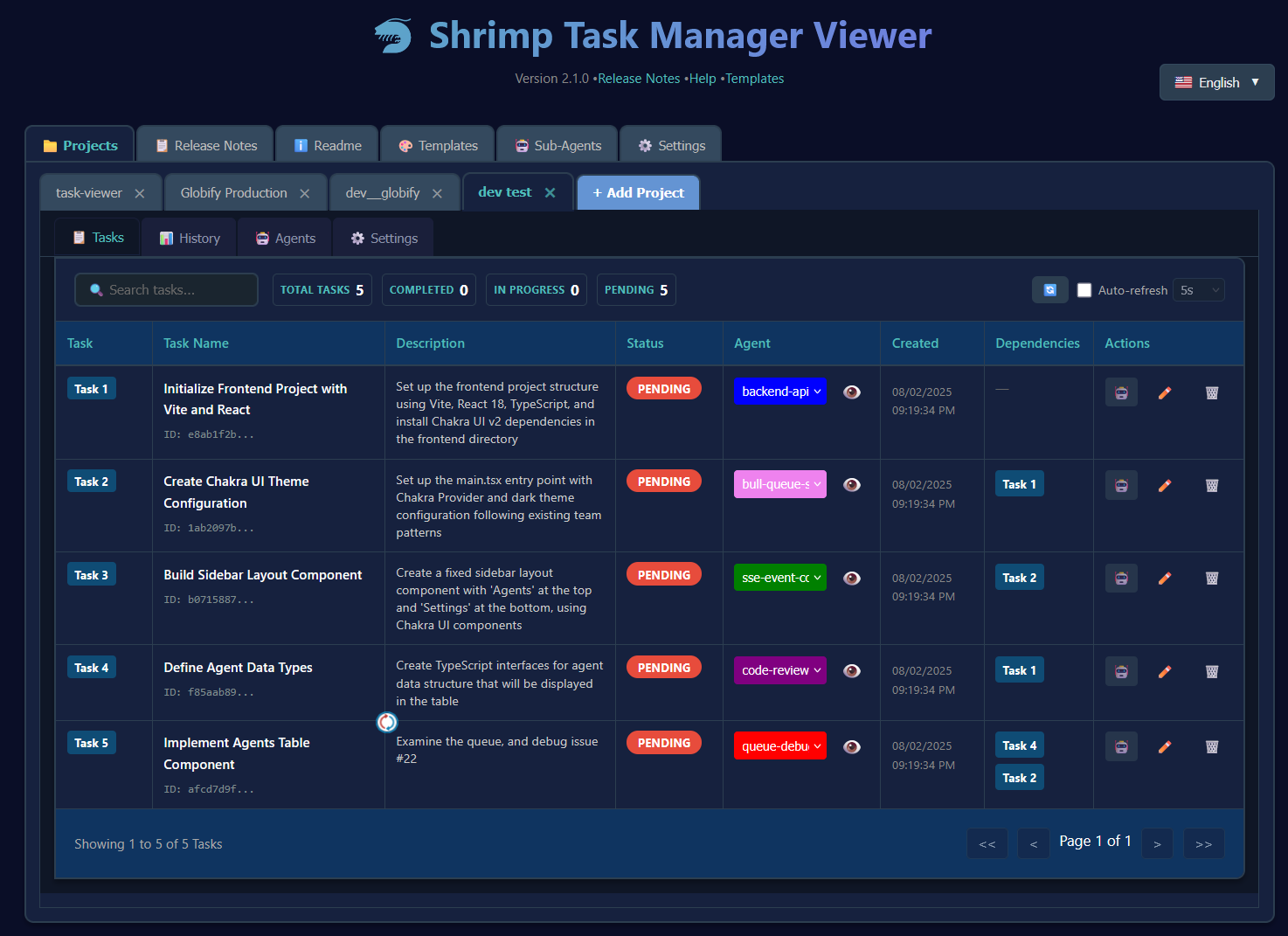
### Start Using 1. **Initialize your project**: `"init project rules"` 2. **Plan a task**: `"plan task: implement user authentication"` 3. **Execute tasks**: `"execute task"` or `"continuous mode"` ## ๐Ÿ’ก What is Shrimp? Shrimp Task Manager is an MCP (Model Context Protocol) server that transforms how AI agents approach software development. Instead of losing context or repeating work, Shrimp provides: - **๐Ÿง  Persistent Memory**: Tasks and progress persist across sessions - **๐Ÿ“‹ Structured Workflows**: Guided processes for planning, execution, and verification - **๐Ÿ”„ Smart Decomposition**: Automatically breaks complex tasks into manageable subtasks - **๐ŸŽฏ Context Preservation**: Never lose your place, even with token limits ## โœจ Core Features ### Task Management - **Intelligent Planning**: Deep analysis of requirements before implementation - **Task Decomposition**: Break down large projects into atomic, testable units - **Dependency Tracking**: Automatic management of task relationships - **Progress Monitoring**: Real-time status tracking and updates ### Advanced Capabilities - **๐Ÿ”ฌ Research Mode**: Systematic exploration of technologies and solutions - **๐Ÿค– Agent System**: Assign specialized AI agents to specific tasks ([Learn more](docs/agents.md)) - **๐Ÿ“ Project Rules**: Define and maintain coding standards across your project - **๐Ÿ’พ Task Memory**: Automatic backup and restoration of task history ### Web Interfaces #### ๐Ÿ–ฅ๏ธ Task Viewer Modern React interface for visual task management with drag-and-drop, real-time search, and multi-profile support. **Quick Setup:** ```bash cd tools/task-viewer npm install npm run start:all # Access at http://localhost:5173 ``` [๐Ÿ“– Full Task Viewer Documentation](tools/task-viewer/README.md) Task Viewer Interface #### ๐ŸŒ Web GUI Optional lightweight web interface for quick task overview. Enable in `.env`: `ENABLE_GUI=true` ## ๐Ÿ“š Documentation - [๐Ÿ“– Full Documentation](docs/README.md) - [๐Ÿ› ๏ธ Available Tools](docs/tools.md) - [๐Ÿค– Agent Management](docs/agents.md) - [๐ŸŽจ Prompt Customization](docs/en/prompt-customization.md) - [๐Ÿ”ง API Reference](docs/api.md) ## ๐ŸŽฏ Common Use Cases
Feature Development ``` Agent: "plan task: add user authentication with JWT" # Agent analyzes codebase, creates subtasks Agent: "execute task" # Implements authentication step by step ```
Bug Fixing ``` Agent: "plan task: fix memory leak in data processing" # Agent researches issue, creates fix plan Agent: "continuous mode" # Executes all fix tasks automatically ```
Research & Learning ``` Agent: "research: compare React vs Vue for this project" # Systematic analysis with pros/cons Agent: "plan task: migrate component to chosen framework" # Creates migration plan based on research ```
## ๐Ÿ› ๏ธ Configuration ### Environment Variables Create a `.env` file: ```bash # Required DATA_DIR=/path/to/data/storage # Optional ENABLE_GUI=true # Enable web GUI WEB_PORT=3000 # Custom web port PROMPT_LANGUAGE=en # Prompt language (en, zh, etc.) ``` ### Available Commands | Command | Description | |---------|-------------| | `init project rules` | Initialize project standards | | `plan task [description]` | Create a task plan | | `execute task [id]` | Execute specific task | | `continuous mode` | Execute all tasks sequentially | | `list tasks` | Show all tasks | | `research [topic]` | Enter research mode | | `reflect task [id]` | Review and improve task | ## ๐Ÿค Contributing We welcome contributions! Please see our [Contributing Guide](CONTRIBUTING.md) for details. ## ๐Ÿ“„ License This project is licensed under the MIT License - see the [LICENSE](LICENSE) file for details. ## ๐ŸŒŸ Credits Created by [cjo4m06](https://github.com/cjo4m06) and maintained by the community. ---

GitHub โ€ข Issues โ€ข Discussions