# Summarize
[](https://microsoftedge.microsoft.com/addons/detail/summarize/kccfhiebopgfmoaceieligogmgemjgen)
[](https://chrome.google.com/webstore/detail/summarize/kjbpaokegiilajekbohjipdkojgekfij)
Browser Extension to summarize web page content using ChatGPT, support Chrome (more on the way!)
[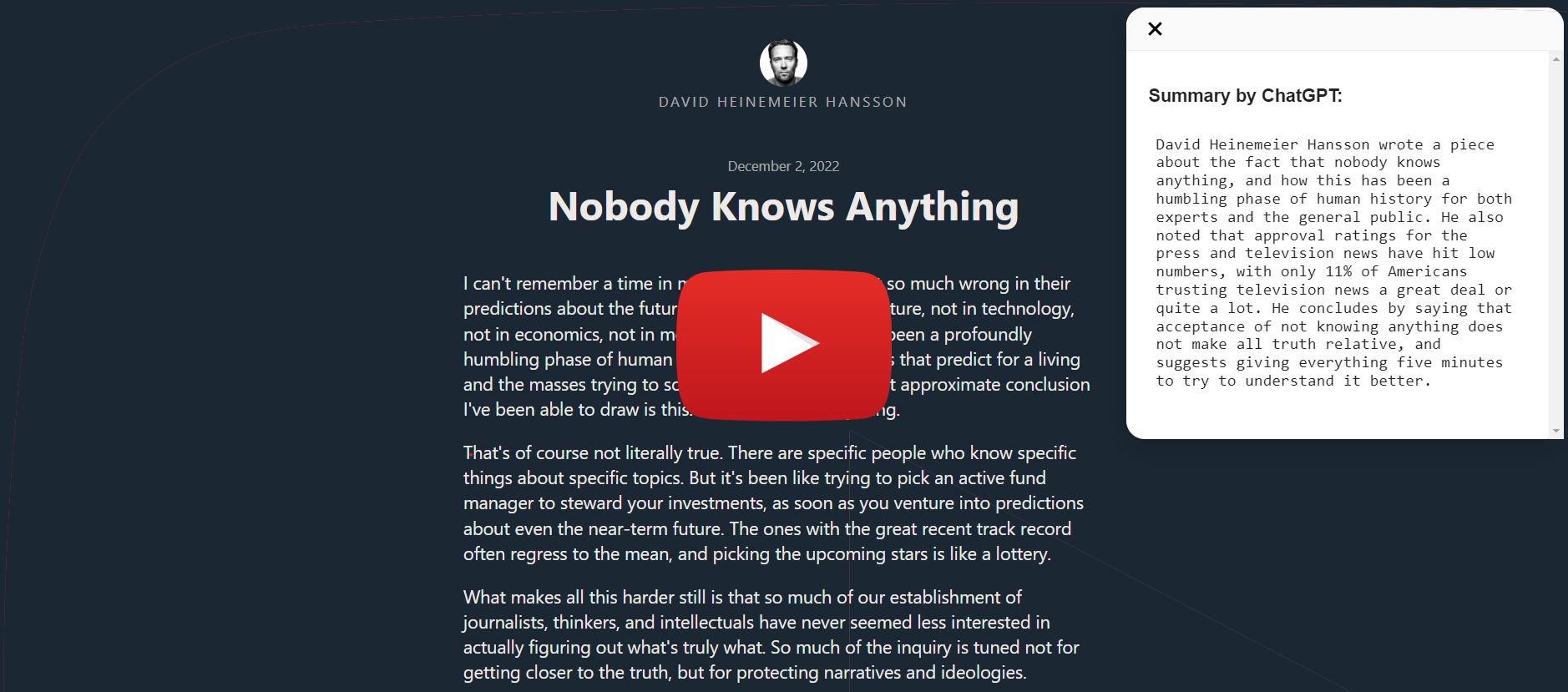](https://www.youtube.com/watch?v=yrkXIOFebks)
## Installation
### Install to Chrome/Edge
#### Local Install
1. Download `chrome.zip` from [Releases](https://github.com/clmnin/summarize.site/releases)
2. Unzip the file
3. In Chrome/Edge go to the extensions page (`chrome://extensions` or `edge://extensions`).
4. Enable Developer Mode.
5. Drag the unzipped folder anywhere on the page to import it (do not delete the folder afterwards).
## Build from source
### Chrome
1. Clone the repo
2. Install dependencies with `yarn`
3. Run `yarn run dev-chrome`
4. Load the `build` directory to your browser
## FAQ
1. How do I translate this to my language of choice?
* You can change the `prompt` in the options page
* right click the extension in the toolbar
* choose `Options` from the drop down menu
* The following two configurations have been [tested for Chinese](https://github.com/clmnin/summarize.site/issues/3#issuecomment-1340885865):
* Rewrite this for brevity, translate into Chinese, in outline form:
* This directly summarizes the article in Chinese, outline form.
* Rewrite this for brevity, in outline form, Chinese translation:
* This summarizes the article in outline form in English, and adds a Chinese translation below.
 ## Credit
Bookmark icon by Icons8
## Credit
Bookmark icon by Icons8