
e1547
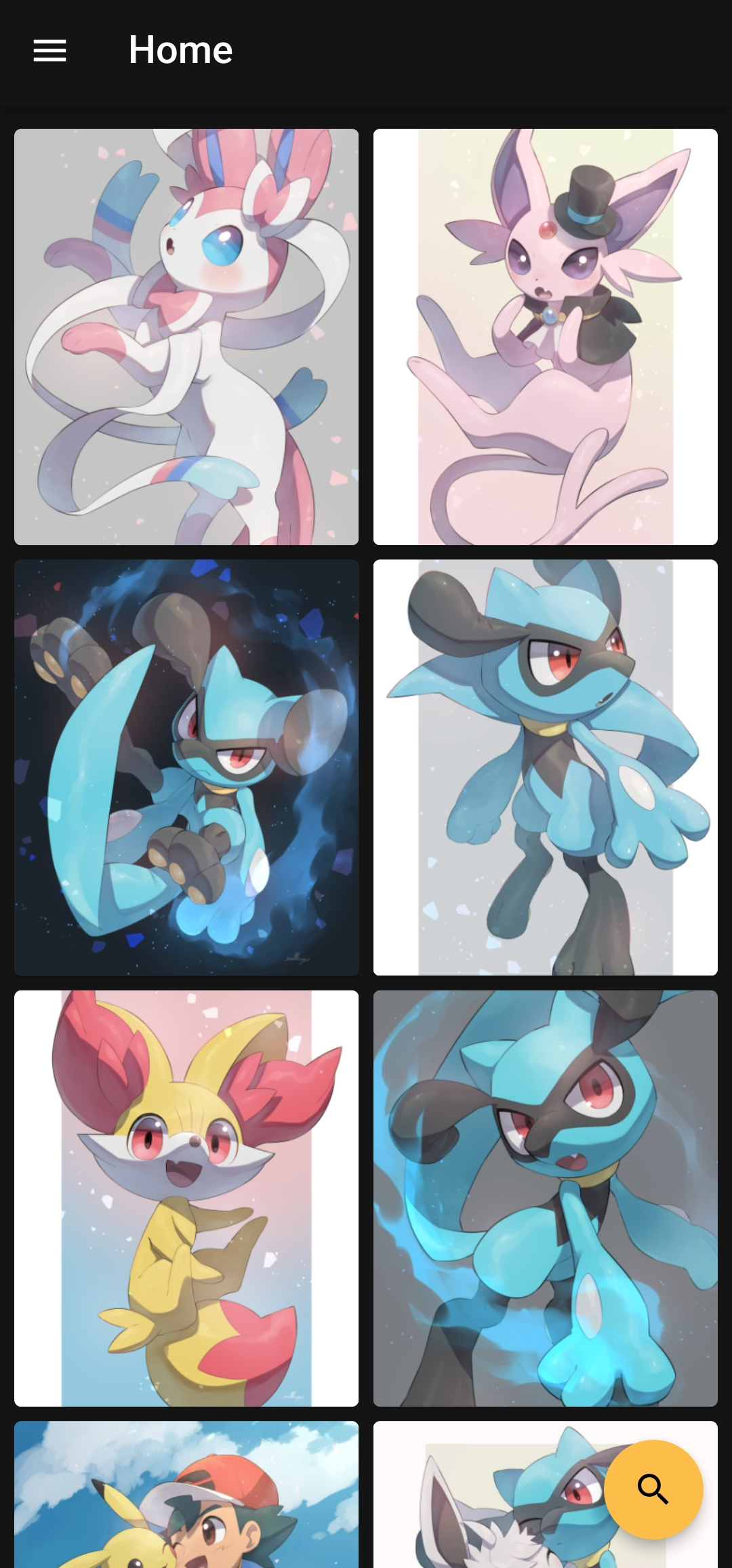
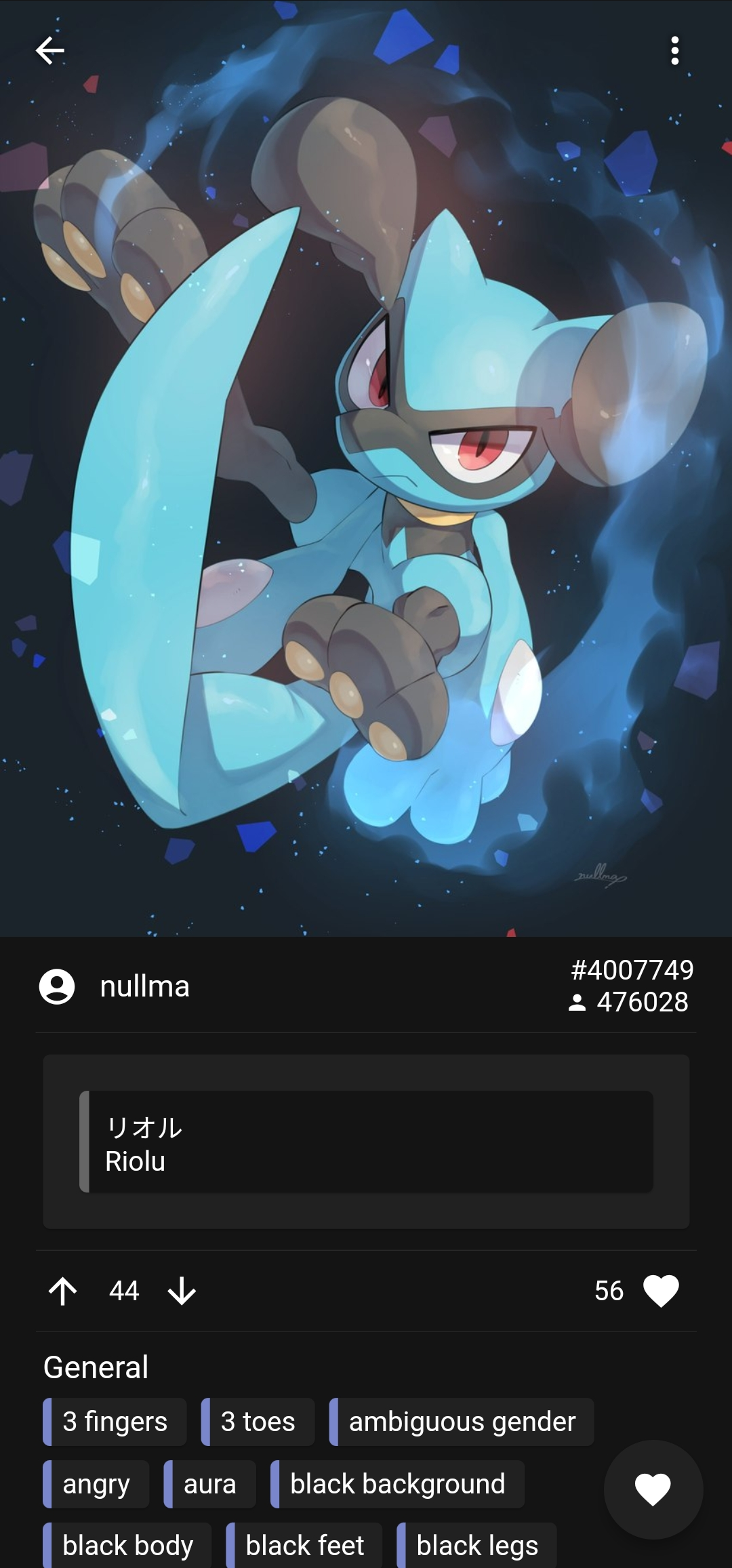
A sophisticated e621 browser








|
|
e1547A sophisticated e621 browser
|

 ### Certificate Fingerprints
To verify the authenticity of downloaded APK files, you can check the signing certificate fingerprints:
- **SHA1:** `8B:4B:8C:D7:FF:D6:04:DB:36:69:1B:D2:1A:BD:0E:54:0A:95:C8:28`
- **SHA256:** `8D:32:4E:43:4B:97:5A:A3:38:A7:A9:C7:F3:07:7E:1F:C0:DB:F1:30:3E:C5:D9:B9:63:4F:E8:3E:9D:DB:63:80`
via a tool like [AppVerifier](https://github.com/soupslurpr/AppVerifier).
## Installation
### Installing on Android
- Install through the [Google PlayStore](https://play.google.com/store/apps/details?id=net.e1547)
or
1. Download the [latest APK](https://github.com/clynamic/e1547/releases/latest)
2. Open it on your Android device with a file manager
3. Click install
#### Using Obtainium
1. Install and open obtainium from [F-Droid](https://f-droid.org/en/packages/dev.imranr.obtainium.fdroid/) or from their [Github](https://github.com/ImranR98/Obtainium)
2. Click on "Add app" on the bottom app drawer
3. Paste https://github.com/clynamic/e1547/releases/ into the "App source URL*" field
4. Hit the add button, next to the App source URL field
5. Hit the install button in the following menu
#### Which APK should I download?
- New phone (2019+) -> `e1547-arm64.apk`
- Old phone -> `e1547-armv7.apk`
- Doesn't work? -> `e1547-universal.apk`
### Installing on iOS
The app is not available in the AppStore.
- Follow the instructions on [Sideloadly](https://sideloadly.io/)
or
- Jailbreak your device and install the [IPA](https://github.com/clragon/clynamic/releases/latest) directly
## Compilation
You can compile the app from source:
1. Install [Flutter](https://flutter.dev/docs/get-started/install)
2. Clone this github repository
3. Run `flutter build
## Community
Places to talk about this thing.
Discord:
[](https://discord.gg/MRwKGqfmUz)
Forum thread:
[](https://e926.net/forum_topics/25854)
Github issues:
[](https://github.com/clynamic/e1547/issues)
## Credit
[
### Certificate Fingerprints
To verify the authenticity of downloaded APK files, you can check the signing certificate fingerprints:
- **SHA1:** `8B:4B:8C:D7:FF:D6:04:DB:36:69:1B:D2:1A:BD:0E:54:0A:95:C8:28`
- **SHA256:** `8D:32:4E:43:4B:97:5A:A3:38:A7:A9:C7:F3:07:7E:1F:C0:DB:F1:30:3E:C5:D9:B9:63:4F:E8:3E:9D:DB:63:80`
via a tool like [AppVerifier](https://github.com/soupslurpr/AppVerifier).
## Installation
### Installing on Android
- Install through the [Google PlayStore](https://play.google.com/store/apps/details?id=net.e1547)
or
1. Download the [latest APK](https://github.com/clynamic/e1547/releases/latest)
2. Open it on your Android device with a file manager
3. Click install
#### Using Obtainium
1. Install and open obtainium from [F-Droid](https://f-droid.org/en/packages/dev.imranr.obtainium.fdroid/) or from their [Github](https://github.com/ImranR98/Obtainium)
2. Click on "Add app" on the bottom app drawer
3. Paste https://github.com/clynamic/e1547/releases/ into the "App source URL*" field
4. Hit the add button, next to the App source URL field
5. Hit the install button in the following menu
#### Which APK should I download?
- New phone (2019+) -> `e1547-arm64.apk`
- Old phone -> `e1547-armv7.apk`
- Doesn't work? -> `e1547-universal.apk`
### Installing on iOS
The app is not available in the AppStore.
- Follow the instructions on [Sideloadly](https://sideloadly.io/)
or
- Jailbreak your device and install the [IPA](https://github.com/clragon/clynamic/releases/latest) directly
## Compilation
You can compile the app from source:
1. Install [Flutter](https://flutter.dev/docs/get-started/install)
2. Clone this github repository
3. Run `flutter build
## Community
Places to talk about this thing.
Discord:
[](https://discord.gg/MRwKGqfmUz)
Forum thread:
[](https://e926.net/forum_topics/25854)
Github issues:
[](https://github.com/clynamic/e1547/issues)
## Credit
[ ](https://github.com/clragon)
I am [clragon](https://github.com/clragon)! I wrote (most of) the code for this app.
This is a passion project. If you enjoy using it, I am glad you do!
#### Additional thanks to
- [Miyoyo](https://github.com/miyoyo) for performance optimisations.
- [Perlatus](https://github.com/perlatus) for writing the original code base.
](https://github.com/clragon)
I am [clragon](https://github.com/clragon)! I wrote (most of) the code for this app.
This is a passion project. If you enjoy using it, I am glad you do!
#### Additional thanks to
- [Miyoyo](https://github.com/miyoyo) for performance optimisations.
- [Perlatus](https://github.com/perlatus) for writing the original code base.