# mRPI Issue in Deep Learning
The dataset link file contains the links for the following:
- Training-validation set
- Random test set
- RBP-aware test set
- Reserved test set
- eCLIP independent test set
- List of RBPs collected from the CLIP-seq experiments
## Related paper:
Yu-Huai Yu+, Han-Ting Hong+, Tzu-Hsien Yang*, "Generalizable deep-learning-based mRNA-protein interaction prediction strongly depends on protein diversity", (submitting).
+: These authors contributed equally.
## Prepare the Environment
Suggested running environments: Linux Ubuntu 16.04.6, Python 3.8.13
We recommend that you can use the conda package to create a new environment. This will automatically install the required python packages.
Here is an example:
1. Install the Conda package for you system. The installation of the package can be found here.
2. Create the RPIPred Conda environment. This may take a while, depending on the network status.
```
conda create -n "RPIPred" python=3.8.13
```
3. Activate your RPIPred Conda environment.
```
conda activate RPIPred
```
## Steps to Use RPIPred
1. Download the codes from the following link and unzip the file. Please skip it if you have done this step.
```
wget https://cobis-fs.bme.ncku.edu.tw/RPIPred/RPIPred.tar.gz
```
2. Unzip the file.
```
tar -zxvf RPIPred.tar.gz
```
3. Change the working directory.
```
cd RPIPred
```
4. If this is the first time you use RPIPred, run the following command to install necessary packages.
```
pip install -r requirements.txt
```
5. Prepare Input RNA–Protein Pairs input files.
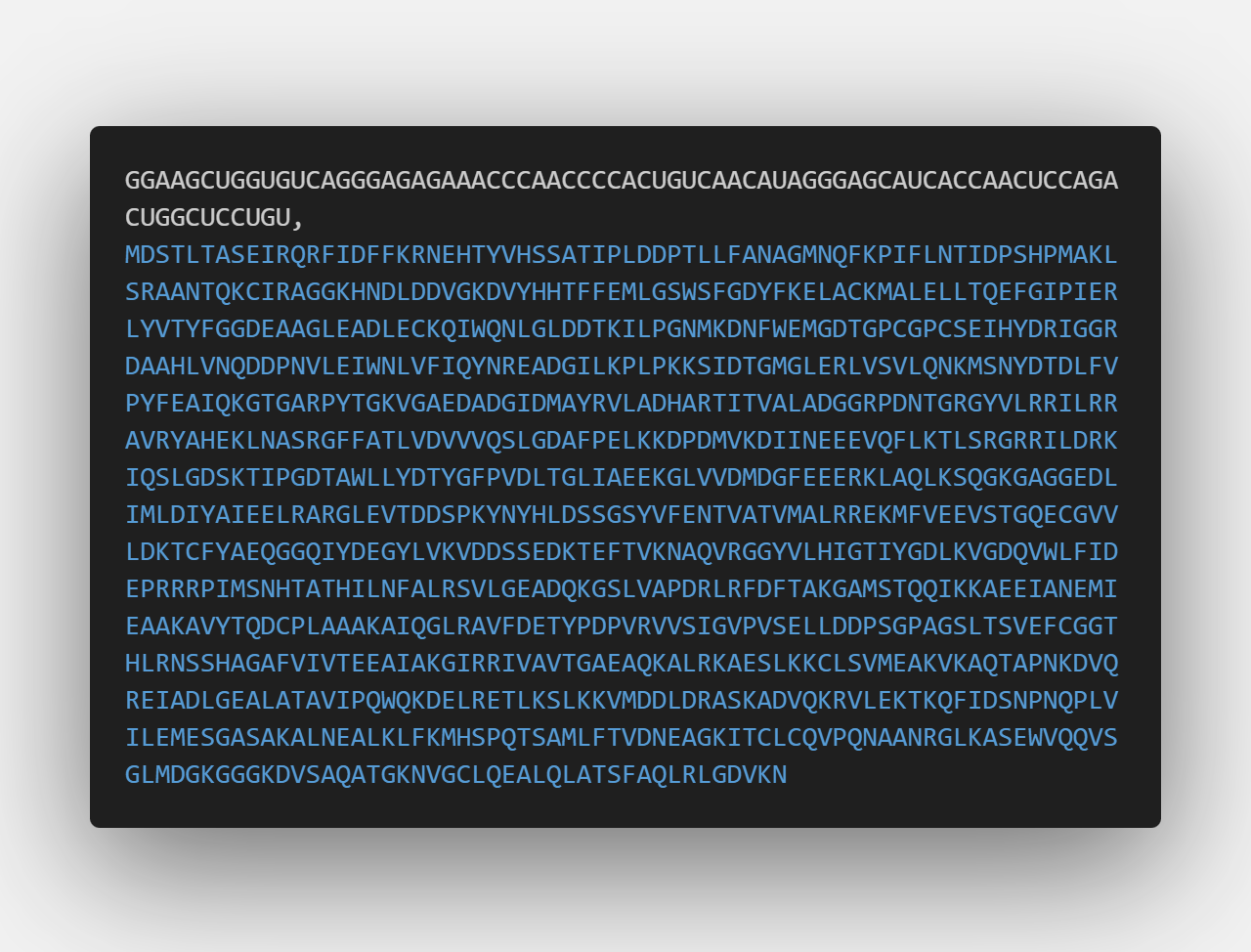
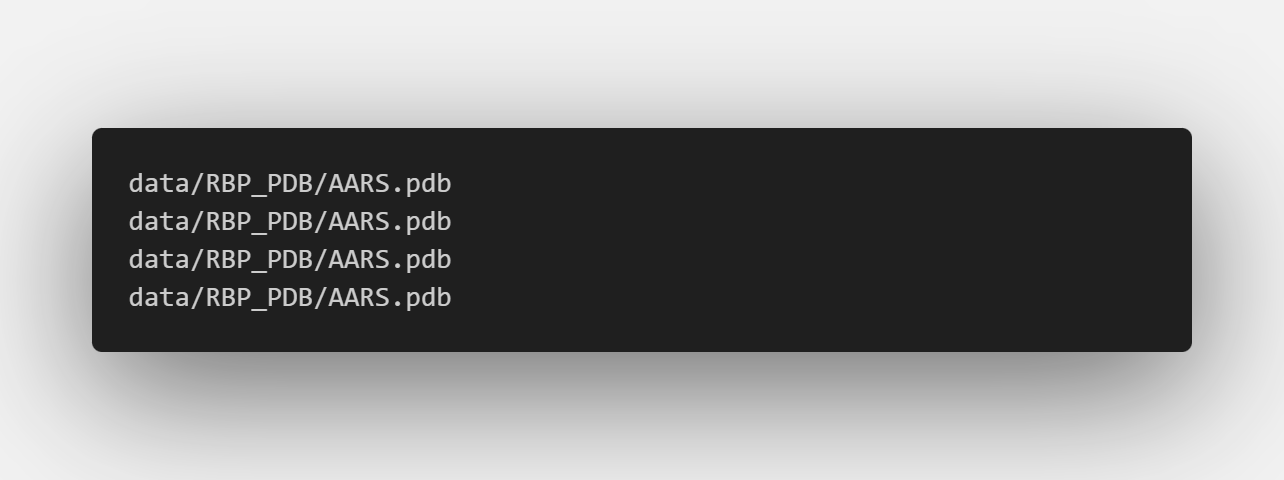
The input RNA-protein pairs (.csv) should be in the format of `RNA_Seq,protein_Seq`. If the selected mode is "3D", users additionally **need to provide an csv file for PDB file paths**. Please refer to the example input file for more details.
6. Predict the probability.
```
python main.py -i --pdb_path_file -o -m
```
>**Required arguments:**
>
>* -i: The input csv file path containing RNA–RBP pairs.
>
>* --pdb_path_file: The input csv file containing PDB file paths for the RBPs (required only for 3D mode).
>
>* -o: The output csv file path containing the predicted probabilities of RNA–protein interactions.
>
>The format of the output csv file will be as follows: `RNA_Seq,protein_Seq,predicted_probability`. Please refer to the example output file for more details.
>
>**Optional arguments:**
>
>* -m: The encoding mode of protein for RPIPred. The default mode is "onehot". You can also choose to use "proteinbert" or "3D" as the encoding mode.
## Example Output Results
If we use the following as our inputs with the example command:
example_input.csv
PDB.csv
```
python main.py -i data/example_input.csv -o output/output.csv -m onehot
python main.py -i data/example_input.csv -o output/output.csv -m proteinbert
python main.py -i data/example_input.csv --pdb_path_file data/PDB.csv -o output/output.csv -m 3D
```
output.csv
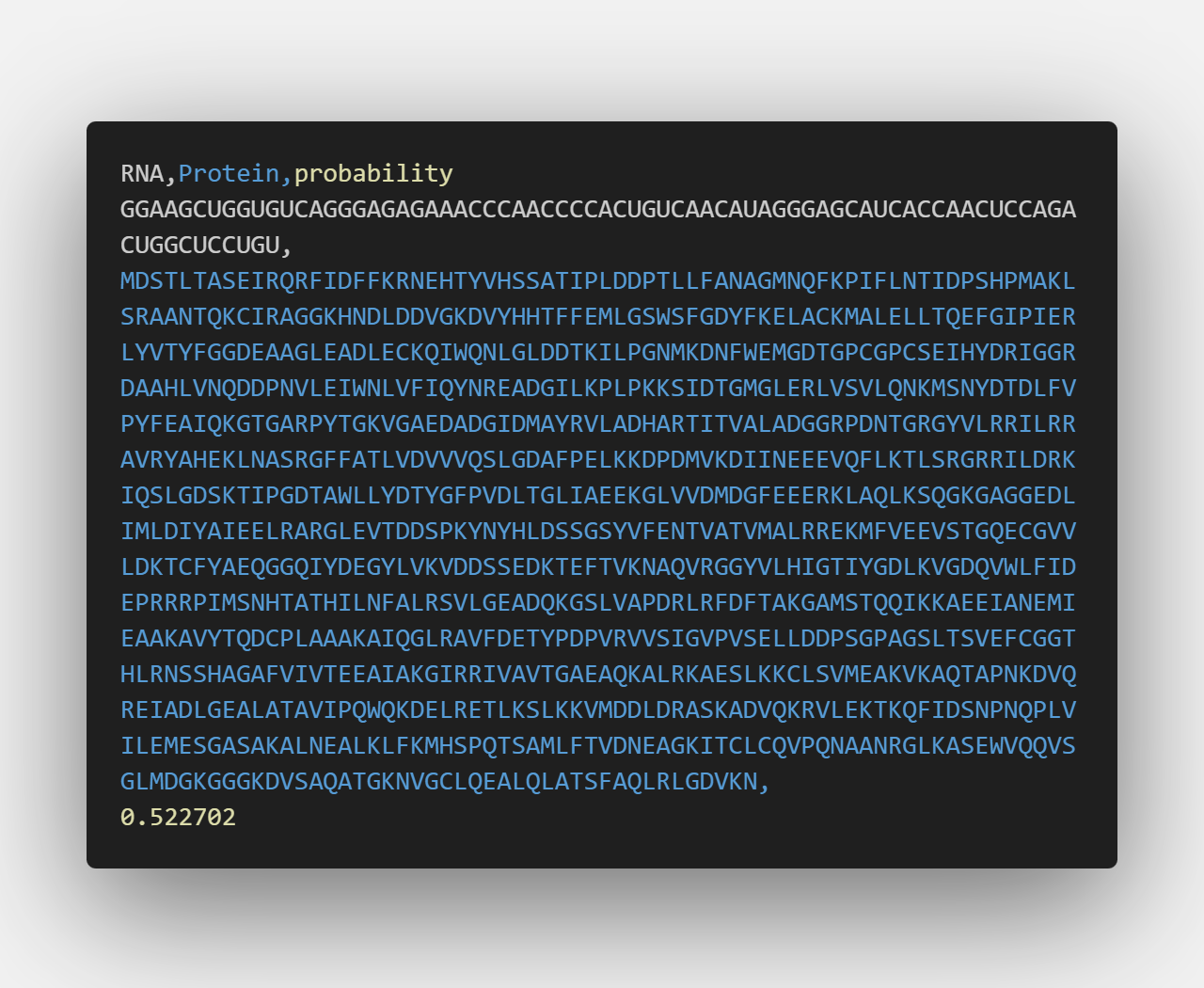
Output format explanation:
The output file contains three columns: `RNA_Seq,protein_Seq,predicted_probability`. The predicted_probability is the probability that the RNA–protein pair interacts.