


 
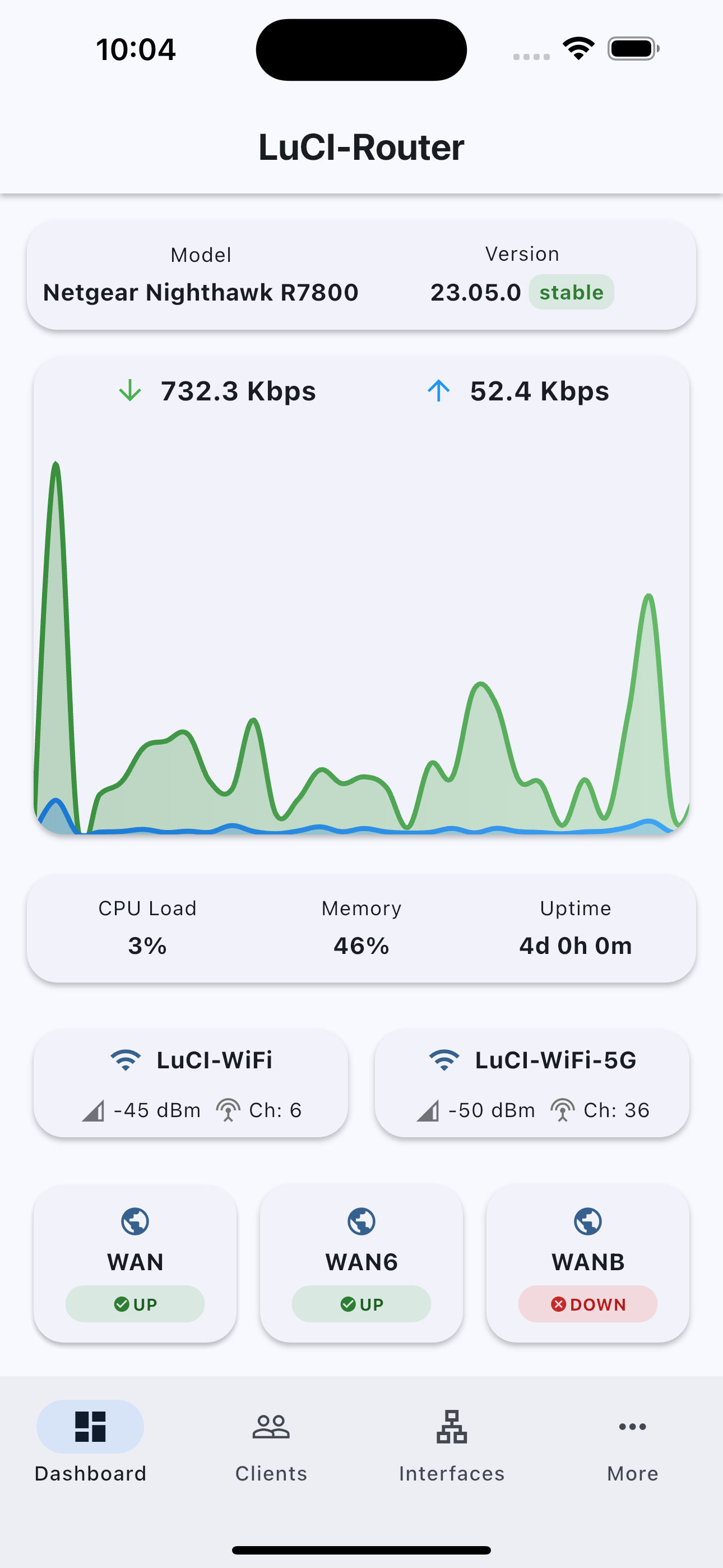
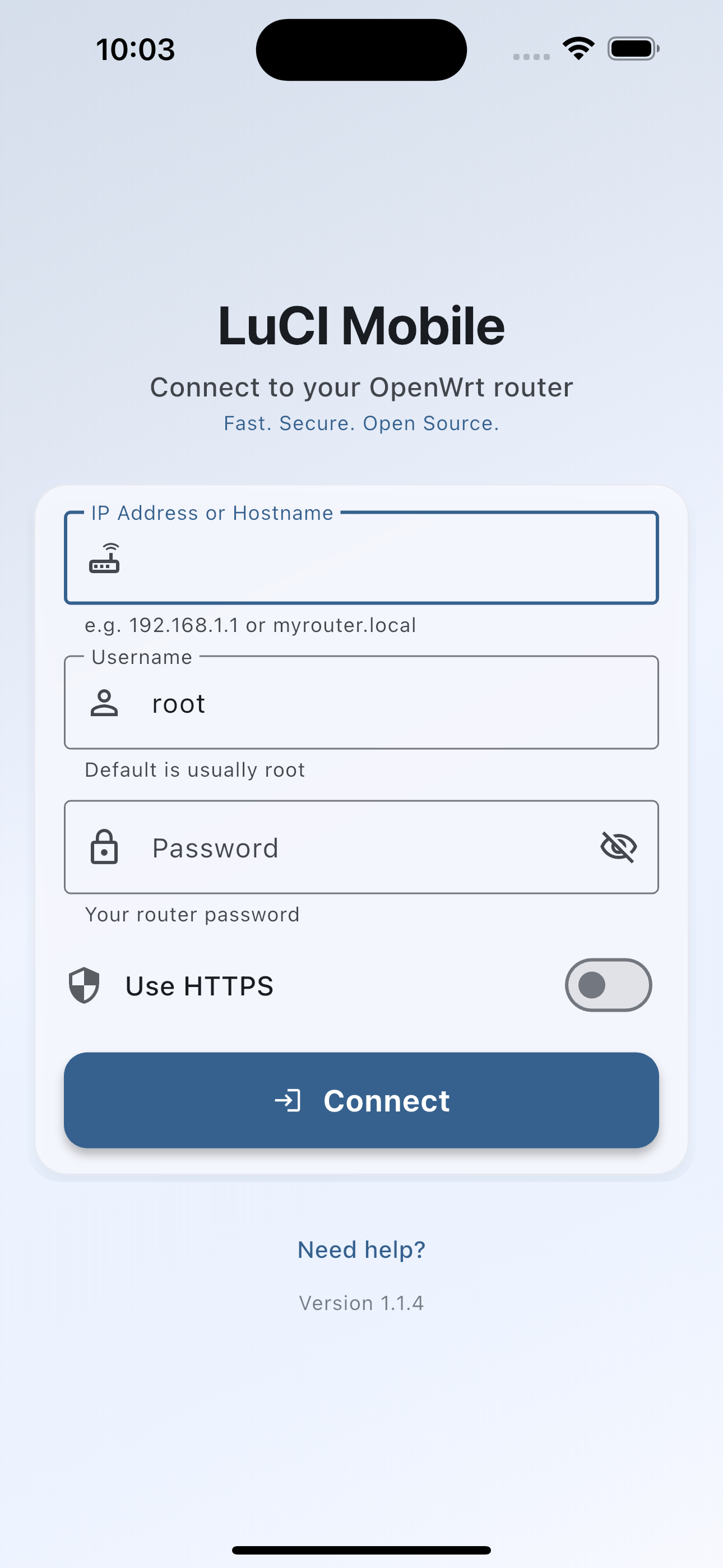
 | |
| | 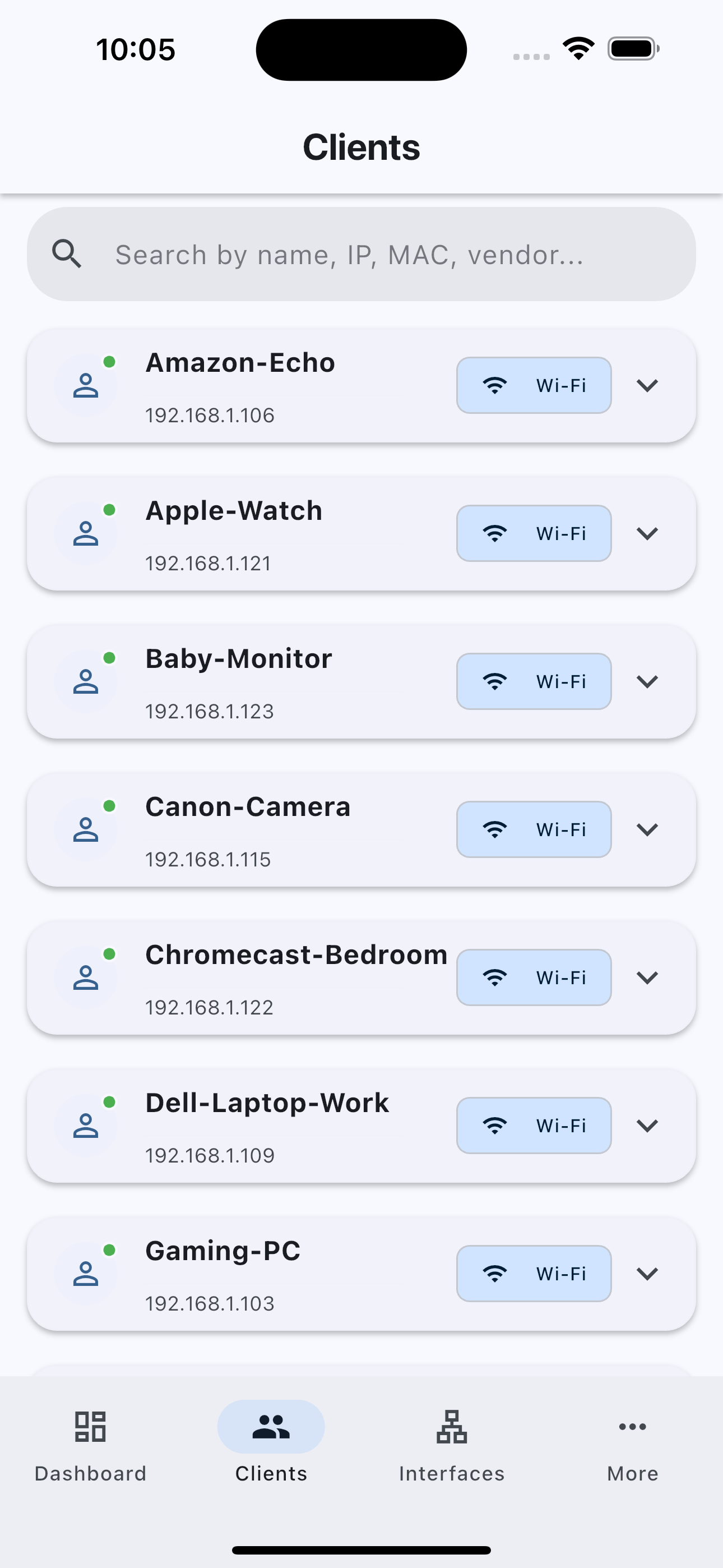 |
| 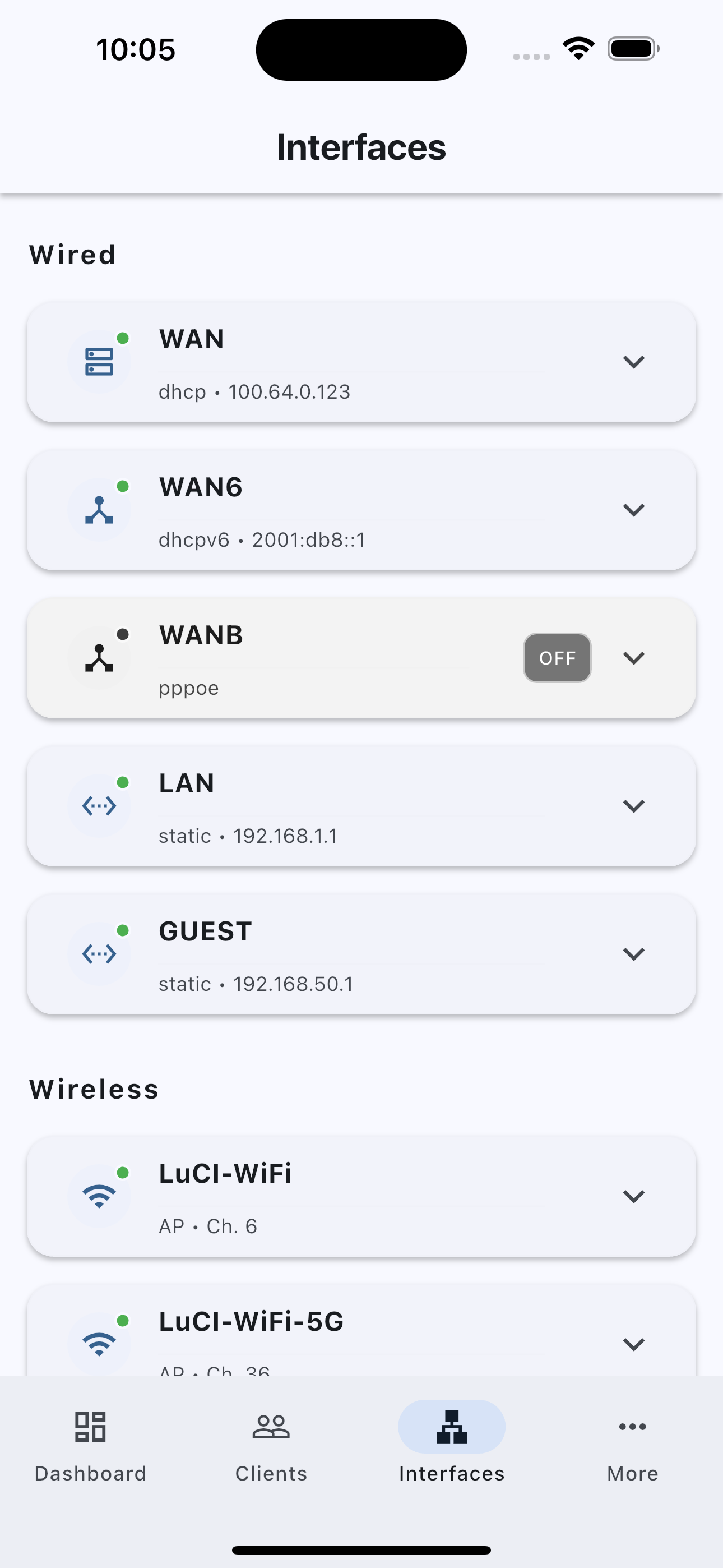 |
---
## Installation
**Get it on [Google Play](https://play.google.com/store/apps/details?id=com.cogwheel.LuCIMobile)**, **[Apple App Store](https://apps.apple.com/app/luci-mobile/id6749455847)**, or **[IzzyOnDroid](https://apt.izzysoft.de/fdroid/index/apk/com.cogwheel.LuCIMobile)**, or build from source:
```bash
git clone https://github.com/cogwheel0/luci-mobile.git
cd luci-mobile
flutter pub get
flutter run
```
- Requires Flutter 3.32.5+ and Dart 3.8+
- Android: `flutter build apk`
- iOS: `flutter build ios`
---
## Project Structure
```
lib/
├── config/ # App configuration
├── models/ # Data models (client, interface, router)
├── screens/ # UI screens (dashboard, clients, interfaces, login, more, etc.)
├── services/ # Business logic (API, secure storage)
├── state/ # State management (app_state.dart)
├── widgets/ # Reusable UI components (luci_app_bar.dart)
└── main.dart # App entry point
```
---
## Development & Contribution
- Run in dev mode: `flutter run`
- Build for release: `flutter build apk --release` or `flutter build ios --release`
- Analyze code: `flutter analyze`
**Contributions welcome!** Please fork, branch, and submit a pull request.
---
## Security & Privacy
- All credentials are stored securely on-device
- HTTPS and self-signed certificate support
- No analytics or tracking
---
## Troubleshooting
- **Connection Failed:** Check router IP, LuCI web interface, firewall, and try both HTTP/HTTPS.
- **Authentication Failed:** Verify credentials and admin privileges.
- **No Data Displayed:** Ensure the router has LuCI RPC support: `opkg update && opkg install luci-mod-rpc rpcd-mod-luci rpcd-mod-iwinfo luci-mod-status`, restart `rpcd` (or reboot), then verify with `ubus list luci-rpc` and `ubus call luci-rpc getNetworkDevices '{}'`.
---
## License
GPL v3.0. See [LICENSE](LICENSE).
---
## Acknowledgments
- OpenWrt community for LuCI
- Flutter team
- [OpenWrtManager](https://github.com/hagaygo/OpenWrtManager) inspiration
- Contributors and testers
---
**Note:** This app requires an OpenWrt router with LuCI web interface enabled. Make sure your router is properly configured before use.
|
---
## Installation
**Get it on [Google Play](https://play.google.com/store/apps/details?id=com.cogwheel.LuCIMobile)**, **[Apple App Store](https://apps.apple.com/app/luci-mobile/id6749455847)**, or **[IzzyOnDroid](https://apt.izzysoft.de/fdroid/index/apk/com.cogwheel.LuCIMobile)**, or build from source:
```bash
git clone https://github.com/cogwheel0/luci-mobile.git
cd luci-mobile
flutter pub get
flutter run
```
- Requires Flutter 3.32.5+ and Dart 3.8+
- Android: `flutter build apk`
- iOS: `flutter build ios`
---
## Project Structure
```
lib/
├── config/ # App configuration
├── models/ # Data models (client, interface, router)
├── screens/ # UI screens (dashboard, clients, interfaces, login, more, etc.)
├── services/ # Business logic (API, secure storage)
├── state/ # State management (app_state.dart)
├── widgets/ # Reusable UI components (luci_app_bar.dart)
└── main.dart # App entry point
```
---
## Development & Contribution
- Run in dev mode: `flutter run`
- Build for release: `flutter build apk --release` or `flutter build ios --release`
- Analyze code: `flutter analyze`
**Contributions welcome!** Please fork, branch, and submit a pull request.
---
## Security & Privacy
- All credentials are stored securely on-device
- HTTPS and self-signed certificate support
- No analytics or tracking
---
## Troubleshooting
- **Connection Failed:** Check router IP, LuCI web interface, firewall, and try both HTTP/HTTPS.
- **Authentication Failed:** Verify credentials and admin privileges.
- **No Data Displayed:** Ensure the router has LuCI RPC support: `opkg update && opkg install luci-mod-rpc rpcd-mod-luci rpcd-mod-iwinfo luci-mod-status`, restart `rpcd` (or reboot), then verify with `ubus list luci-rpc` and `ubus call luci-rpc getNetworkDevices '{}'`.
---
## License
GPL v3.0. See [LICENSE](LICENSE).
---
## Acknowledgments
- OpenWrt community for LuCI
- Flutter team
- [OpenWrtManager](https://github.com/hagaygo/OpenWrtManager) inspiration
- Contributors and testers
---
**Note:** This app requires an OpenWrt router with LuCI web interface enabled. Make sure your router is properly configured before use.