# Configuring Goose CLI
See [the Goose quickstart](https://block.github.io/goose/docs/quickstart#install-an-extension) for installing the Goose CLI itself.
Once installed:
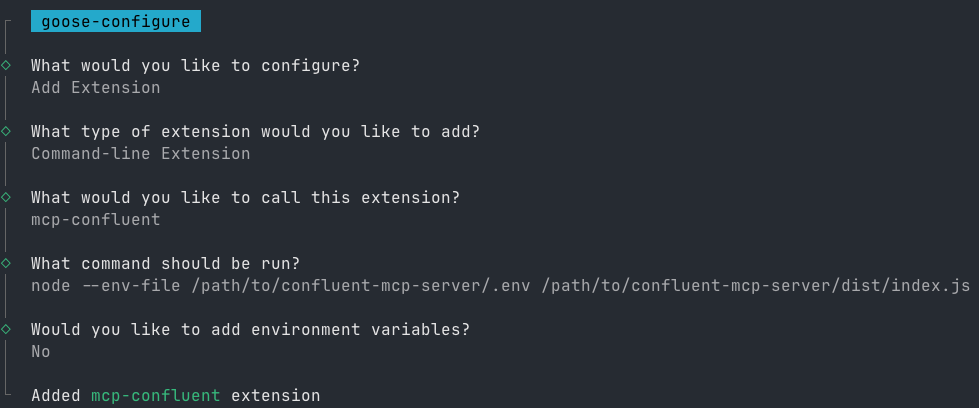
1. **Run the configuration command:**
```bash
goose configure
```
2. **Follow the interactive prompts:**
- Select `Add extension`
- Choose `Command-line Extension`
- Enter `mcp-confluent` as the extension name
- Choose one of the following invocation forms:
Option 1: Run from source
```bash
node /path/to/confluent-mcp-server/dist/index.js --config /path/to/confluent-mcp-server/config.yaml
```
Option 2: Run from npx
```bash
npx -y @confluentinc/mcp-confluent --config /path/to/confluent-mcp-server/config.yaml
```
Replace `/path/to/confluent-mcp-server/` with the actual path where you've installed this MCP server.
See [CONFIGURATION.md](../CONFIGURATION.md) for what to put in `config.yaml`. Legacy env-var configuration (`-e /path/to/config.env`) still works during the deprecation window.