
webdog.ai
Watch any website. Know the moment it changes.
⭐ Star us • 🏠 Self-hostable • 📜 MIT
---
## Built by the [Context.dev](https://link.context.dev/webdog) team 🥠
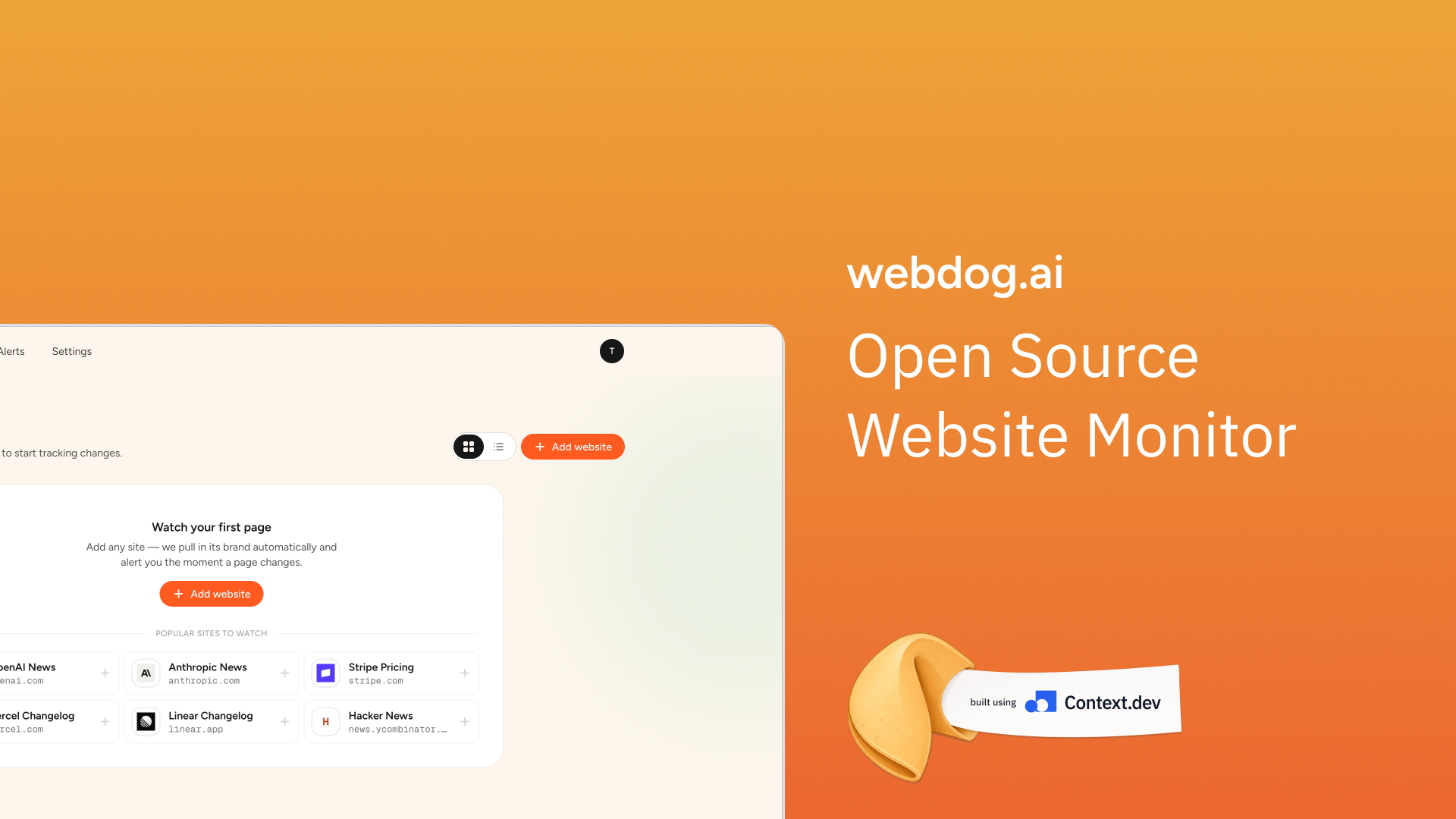
webdog.ai is a fully open-source website monitoring platform, built by the team at [Context.dev](https://link.context.dev/webdog) — the web context API for software and AI agents. Everything in this repository — scraping, structured extraction, screenshots, brand data — runs on the [Context.dev API](https://link.context.dev/webdog).
Paste any URL and webdog will:
- 📄 Scrape the page to clean markdown
- 🤖 Understand what changed with AI summaries
- 📸 Capture screenshots on every check
- 🔍 Generate visual, line-level diffs
- 🔔 Notify you instantly on Slack, email, or webhook
---
## Table of contents
- [Why?](#why)
- [Features](#features)
- [How it works](#how-it-works)
- [Quick start](#quick-start)
- [Configuration](#configuration)
- [Notifications](#notifications)
- [Deployment](#deployment)
- [Scripts](#scripts)
- [Project structure](#project-structure)
- [Tech stack](#tech-stack)
- [Built using Context.dev](#built-using-contextdev)
- [Contributing](#contributing)
- [License](#license)
---
## Why?
Perfect for monitoring:
- 🤖 AI announcements
- 💰 Pricing pages
- 💼 Job listings
- 📰 Blogs and changelogs
- 🛍️ Ecommerce product prices
- 📚 Documentation
- 🏛️ Government websites
---
## Features
### Three kinds of monitors
| Monitor | What it watches | Alerts on |
|---|---|---|
| **Site links** | The site's sitemap | New links, removed links, or both |
| **Page content** | A single page, scraped to markdown | Any content change, with a line-level diff |
| **Product price** | A product page | Price or currency changes (checks every 24h by default) |
Each monitor has its own check interval (fractional hours supported — `0.25` = every 15 minutes), an optional free-text *watch note* that labels the monitor and focuses the AI summary, and its own notification routing.
### Everything else
- **AI change summaries** — optional per-monitor plain-language summaries of what changed and why it matters, via OpenAI or the Vercel AI Gateway.
- **AI relevance filter** — optional per-monitor triage that scores each detected change against the monitor's watch note before it notifies. Routine noise (cookie banners, rotating ads, view counters, timestamps) is held in the dashboard instead of paging you. Nothing is deleted — held changes are still stored and viewable, just not delivered — and it fails open, so any triage error surfaces the alert normally.
- **Visual diffs** — GitHub-style added/removed line views for every content change.
- **Screenshots** — every check captures a fresh page screenshot, so you can see the current state at a glance.
- **Brand-aware dashboard** — adding a website auto-fills its logo, title, description, and a hero screenshot using [Context.dev](https://link.context.dev/webdog) brand data.
- **Alerts inbox** — every change is stored in-app with read/unread state, independent of external notifications.
- **Teams** — invite members with expiring, multi-use invite links; switch between accounts you belong to.
- **Public share links** — generate a read-only public page for any watched website (unguessable token, no login required).
- **Managed or self-serve keys** — run a managed deployment where the server provides API keys for all accounts, or let each account bring its own keys in Settings.
---
## How it works
```
┌─────────────┐ cron (SCRAPE_CRON) ┌──────────────────┐
│ Worker │ ───────────────────────────▶ │ Context.dev API │
│ (worker.ts) │ scrape / extract / shot └──────────────────┘
└──────┬──────┘
│ snapshots (sitemap / markdown / product)
▼
┌─────────────┐ hash compare vs previous ┌──────────────────┐
│ PostgreSQL │ ───────────────────────────▶ │ Alerts │
└─────────────┘ └────────┬─────────┘
│ + optional AI summary
▼
Slack · Email (Resend) · Webhook · Dashboard
```
1. A standalone worker (`scripts/worker.ts`) wakes up on a cron schedule (default every 15 minutes).
2. For each due monitor it scrapes via [Context.dev](https://link.context.dev/webdog) — sitemap, markdown, or product extraction — and stores a snapshot with a content hash.
3. The new snapshot is diffed against the previous one. Changes become alerts.
4. Alerts are stored in the dashboard and dispatched to the monitor's notification destinations, optionally with an AI-generated summary and the page screenshot.
The Next.js app serves the dashboard, auth, and API routes; the worker runs alongside it (a second process locally, one container on Railway).
---
## Quick start
**Prerequisites:** Node.js ≥ 20.9, Docker (for local PostgreSQL), and a free [Context.dev API key](https://link.context.dev/webdog).
```bash
# 1. Clone
git clone https://github.com/context-dot-dev/webdog.git
cd webdog
# 2. Install
npm install
# 3. Configure
cp .env.example .env
# (optional) add CONTEXT_DEV_API_KEY to .env — or paste a key per-account during onboarding
# 4. Database (PostgreSQL 16 via Docker)
npm run db:up
npm run db:push
# 5. Run — two terminals
npm run dev # Next.js app on http://localhost:3000
npm run worker # scrape/diff worker
```
Sign up at `http://localhost:3000`, add a website, and pick what to watch. Done.
> [!TIP]
> No `CONTEXT_DEV_API_KEY` in the environment? No problem — each account is asked for its own key during onboarding and can manage it later in **Settings**.
---
## Configuration
All configuration is environment variables (see `.env.example`). Everything except the database is optional — unset server keys simply shift configuration to per-account Settings in the dashboard.
### Core
| Variable | Required | Description |
|---|---|---|
| `DATABASE_URL` | Yes | PostgreSQL connection string. Local Docker default: `postgres://postgres:postgres@localhost:5432/webdog_ai` |
| `POSTGRES_PORT` | No | Host port for the Docker Compose Postgres (default `5432`) |
| `CONTEXT_DEV_API_KEY` | No | Server-managed [Context.dev](https://link.context.dev/webdog) key used for all accounts. Leave blank to let each account save its own key in Settings |
| `SCRAPE_CRON` | No | Worker schedule, cron syntax (default `*/15 * * * *`) |
### Auth (Better Auth)
| Variable | Required | Description |
|---|---|---|
| `BETTER_AUTH_SECRET` | Prod only | Session/cookie crypto secret. Generate with `openssl rand -base64 32` |
| `BETTER_AUTH_URL` | No | Public origin for auth callbacks. Local default `http://localhost:3000`; on Railway it is derived from `RAILWAY_PUBLIC_DOMAIN` automatically |
| `NEXT_PUBLIC_APP_URL` | No | Public origin for the client bundle when the platform domain env is missing or must be overridden |
| `BETTER_AUTH_ALLOWED_HOSTS` | No | Comma-separated host patterns (wildcards OK, e.g. `*.up.railway.app`) when serving multiple hostnames |
| `BETTER_AUTH_TRUSTED_ORIGINS` | No | Extra allowed origins, comma-separated |
### Notifications & AI (all optional)
| Variable | Description |
|---|---|
| `RESEND_API_KEY` | Server-managed [Resend](https://resend.com) key for email alerts. When set with `RESEND_SEND_FROM_EMAIL`, users only configure recipients |
| `RESEND_SEND_FROM_EMAIL` | Server-managed sender address for email alerts |
| `OPENAI_API_KEY` | Server-managed OpenAI key for AI change summaries |
| `AI_GATEWAY_API_KEY` | Server-managed [Vercel AI Gateway](https://vercel.com/docs/ai-gateway) key (alternative to OpenAI) |
| `AI_MODEL` | Default summary model for all accounts (e.g. `gpt-5.4-nano` or `openai/gpt-5.4-nano`) |
| `POSTFIX_TO_ALERTS` | Attribution text appended to alert titles and notification footers |
| `MAX_ALERTS` | Max active monitors per account (blank = unlimited) |
---
## Notifications
Alerts always land in the in-app inbox. On top of that, each account can create any number of named **notification destinations** and route monitors to them:
- **Slack** — incoming webhook, rich Block Kit message with the diff, AI summary, and a link back to the dashboard.
- **Email** — sent through Resend; server-managed or per-account credentials.
- **Webhook** — JSON `POST` to any URL you control, with `User-Agent: webdog.ai/1.0`:
```jsonc
{
"type": "webdog_ai.new_alerts",
"version": 1,
"kind": "new_alerts",
"appBaseUrl": "https://your-instance.example.com",
"site": { "id": "…", "name": "Stripe", "domain": "stripe.com" },
"alerts": [
{
"id": "…",
"targetId": "…",
"title": "Pricing page content changed",
"aiChangeSummary": "Pro plan dropped from $99 to $79/mo.",
"diffPreview": "- Monthly: $99 / month\n+ Monthly: $79 / month",
"dashboardUrl": "https://your-instance.example.com/dashboard/websites/…"
}
],
"summaryText": "…"
}
```
Every destination has a **send test** action in Settings so you can verify wiring before relying on it.
---
## Deployment
### Railway (one-click-ish)
The repo ships with a [`railway.json`](./railway.json) that builds the app, runs migrations, and starts the worker and web server in one service:
```
npm run db:migrate → npm run worker (background) → next start
```
1. Create a Railway project with a **PostgreSQL** service and a service from this repo.
2. Wire `DATABASE_URL` from the Postgres service, set `CONTEXT_DEV_API_KEY` and `BETTER_AUTH_SECRET`.
3. Enable public networking — auth URLs derive from `RAILWAY_PUBLIC_DOMAIN` automatically.
4. Health check is served at `/api/health` (readiness-style, verifies Postgres).
Publishing it as a Railway template? Follow the checklist in [`railway/template-publish.md`](./railway/template-publish.md).
### Anywhere else
webdog is a plain Next.js app plus a Node worker — any host that runs Node 20+ and reaches a PostgreSQL database works:
```bash
npm ci
npm run build
npm run db:migrate
npm run worker & # long-running process
npm run start # next start
```
Set `BETTER_AUTH_URL` (or `NEXT_PUBLIC_APP_URL`) to your public origin and `BETTER_AUTH_SECRET` to a random value.
---
## Scripts
| Command | What it does |
|---|---|
| `npm run dev` | Start the Next.js dev server |
| `npm run worker` | Run the scrape/diff worker on the cron schedule |
| `npm run worker:once` | Single worker pass, then exit (handy for debugging) |
| `npm run build` / `npm run start` | Production build / serve |
| `npm run db:up` / `npm run db:down` | Start / stop local Postgres via Docker Compose |
| `npm run db:push` | Push the Drizzle schema to the database (local dev) |
| `npm run db:migrate` | Apply SQL migrations from `drizzle/` (production) |
| `npm run db:generate` | Generate a new migration from schema changes |
| `npm run db:check` | Verify the database is reachable |
| `npm run db:reset` | Drop and recreate the schema (destructive) |
| `npm run lint` / `npm run typecheck` | ESLint / TypeScript checks |
---
## Project structure
```
src/
app/ # Next.js App Router
api/ # REST routes (websites, targets, alerts, account, auth, cron, health)
dashboard/ # Authenticated app (sites, monitors, alerts, settings)
onboarding/ # Context.dev key onboarding
share/[token]/ # Public read-only share pages
invite/[token]/ # Team invite redemption
page.tsx # Landing page
components/ # React components
lib/ # Domain logic
context-client.ts # Typed wrapper around the Context.dev SDK
scraper.ts # Scrape + diff pipeline (used by worker & manual runs)
db/schema.ts # Drizzle schema (source of truth for the data model)
notify-*.ts # Slack / Resend / webhook delivery
ai-change-summary.ts# LLM summaries of diffs
ai-alert-triage.ts # LLM relevance filter that holds noisy changes
scripts/
worker.ts # Cron worker entrypoint
drizzle/ # SQL migrations
railway/ # Railway template assets & publish checklist
```
`CONTEXT.md` names the core domain concepts (Account, Website, Monitor, Alert, Notification Destination…) if you want the vocabulary before diving in.
---
## Tech stack
- ▲ **Next.js 15** (App Router) + React 19 + TypeScript
- ⚡ **[Context.dev](https://link.context.dev/webdog)** — scraping, extraction, screenshots, brand data
- 🐘 **PostgreSQL 16** + Drizzle ORM
- 🔑 **Better Auth** — email/password auth, sessions
- 🎨 **Tailwind CSS**
- 🤖 **Vercel AI SDK** — OpenAI / AI Gateway for change summaries
- ⏰ **node-cron** — worker scheduling
- 🐳 **Docker Compose** — local Postgres
---
## Built using [Context.dev](https://link.context.dev/webdog)
Want to build your own AI-powered scraper or agent? The same API that powers webdog gives you markdown scraping, full-site crawls, structured extraction, screenshots, and brand data in one SDK:
```ts
import ContextDev from "context.dev";
const client = new ContextDev({ apiKey: process.env.CONTEXT_DEV_API_KEY });
const { markdown } = await client.web.webScrapeMd({ url: "https://openai.com" });
```
👉 **[Get your free API key →](https://link.context.dev/webdog)**
---
## Contributing
PRs welcome ❤️
1. Fork and clone the repo, then follow the [Quick start](#quick-start).
2. Make your change. Keep `npm run lint` and `npm run typecheck` clean.
3. If you change the schema in `src/lib/db/schema.ts`, run `npm run db:generate` and commit the migration.
4. Open a PR with a short description of the why.
If you build something cool using [Context.dev](https://link.context.dev/webdog), we'd love to feature it.
---
## License
[MIT](./LICENSE) © [Context.dev](https://link.context.dev/webdog)