# Server Command
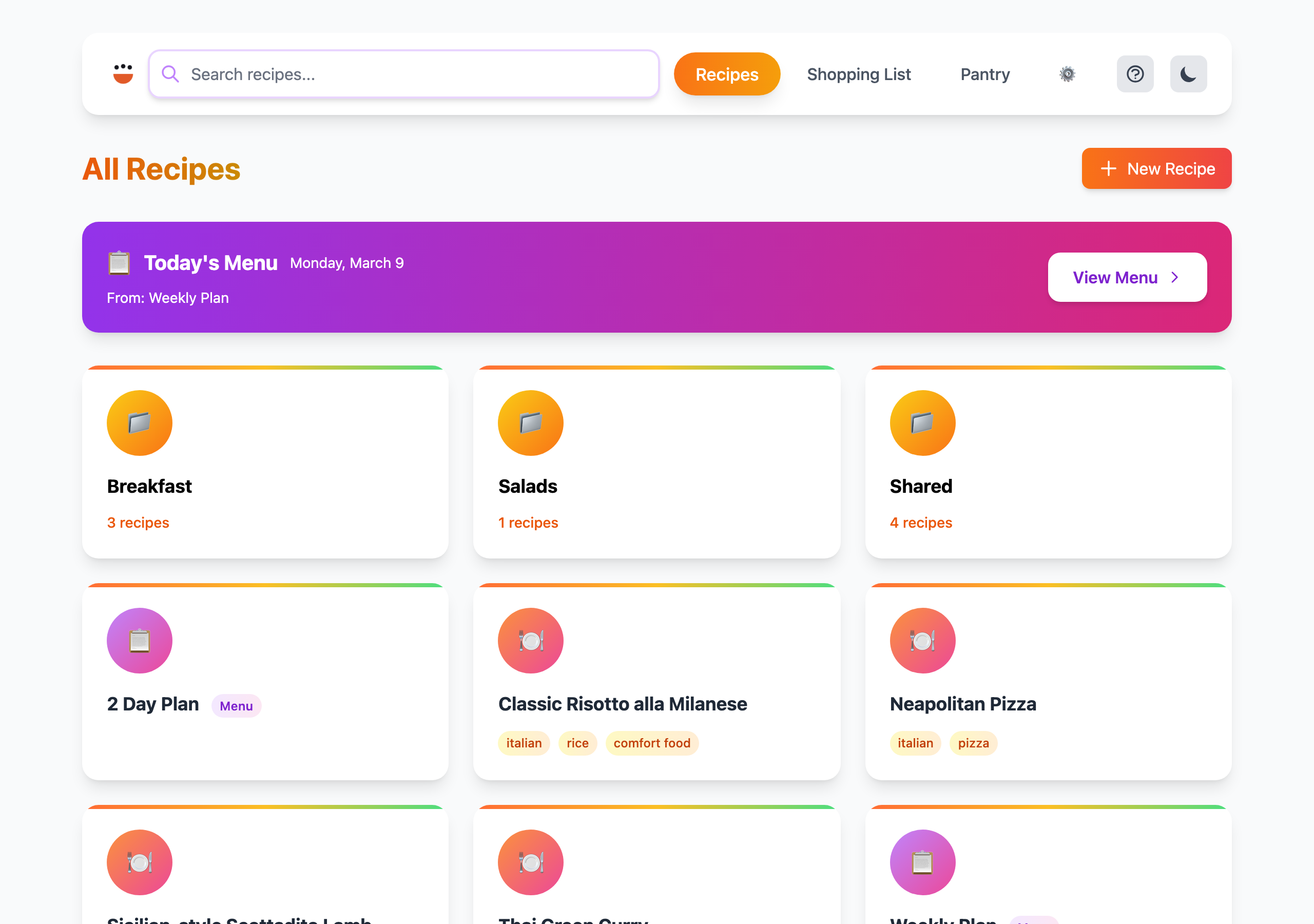
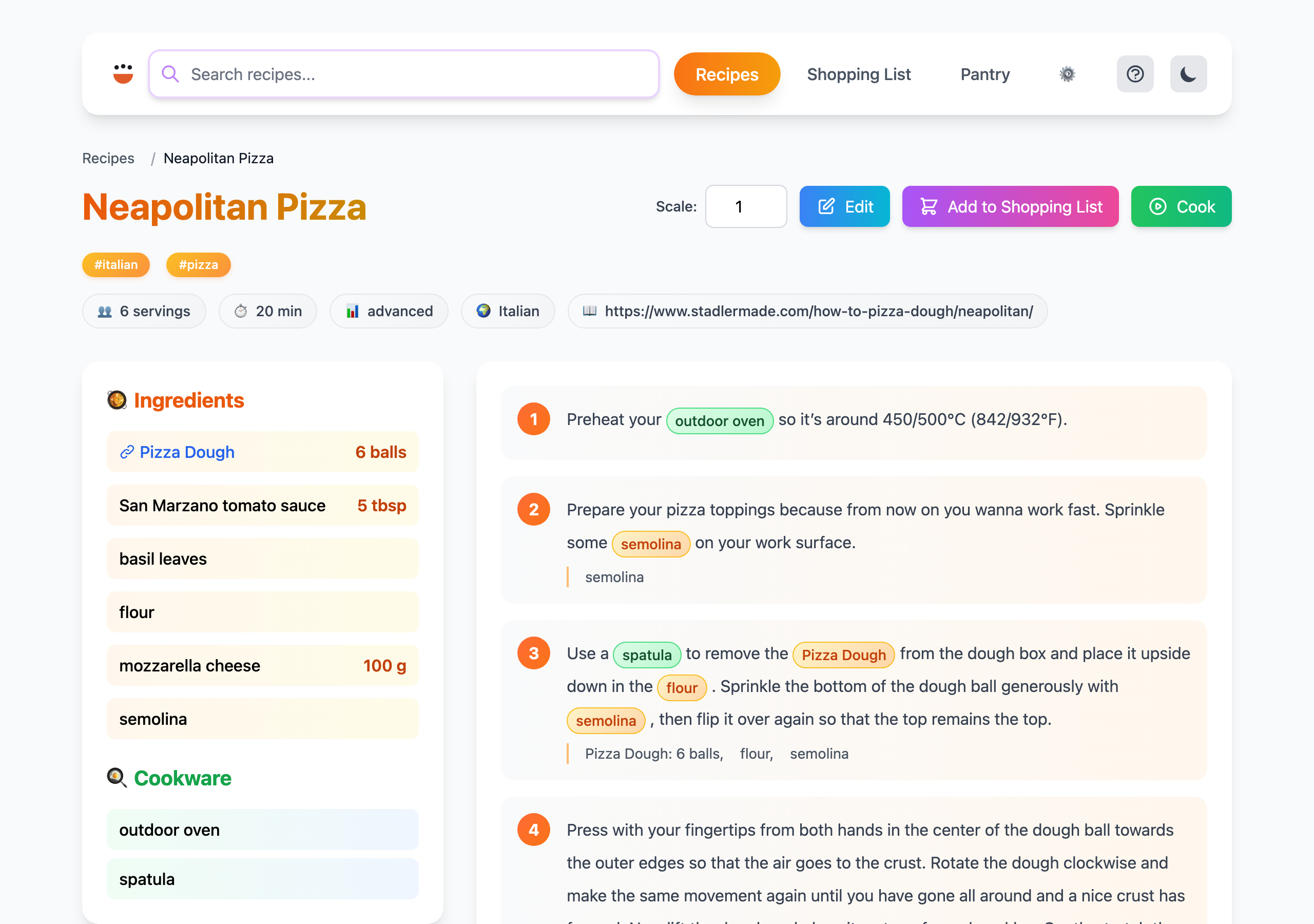
Start a local web server to browse and view your recipe collection.
 ## Usage
```
cook server [OPTIONS] [BASE_PATH]
```
## Arguments
| Argument | Description |
|----------|-------------|
| `[BASE_PATH]` | Root directory containing recipe files (default: current directory) |
## Options
| Option | Description |
|--------|-------------|
| `--host []` | Allow connections from external hosts (default: localhost only). Optionally bind to a specific address. |
| `-p, --port ` | Port number (default: 9080) |
| `--open` | Automatically open the web interface in your default browser |
## Examples
```bash
# Start on localhost:9080
cook server
# Serve recipes from a specific directory
cook server ~/my-recipes
# Custom port with auto-open
cook server --port 8080 --open
# Allow access from other devices on the network
cook server --host
```
## Notes
- By default, only accepts connections from localhost
- Use `--host` on trusted networks only — recipes become accessible to anyone on the network
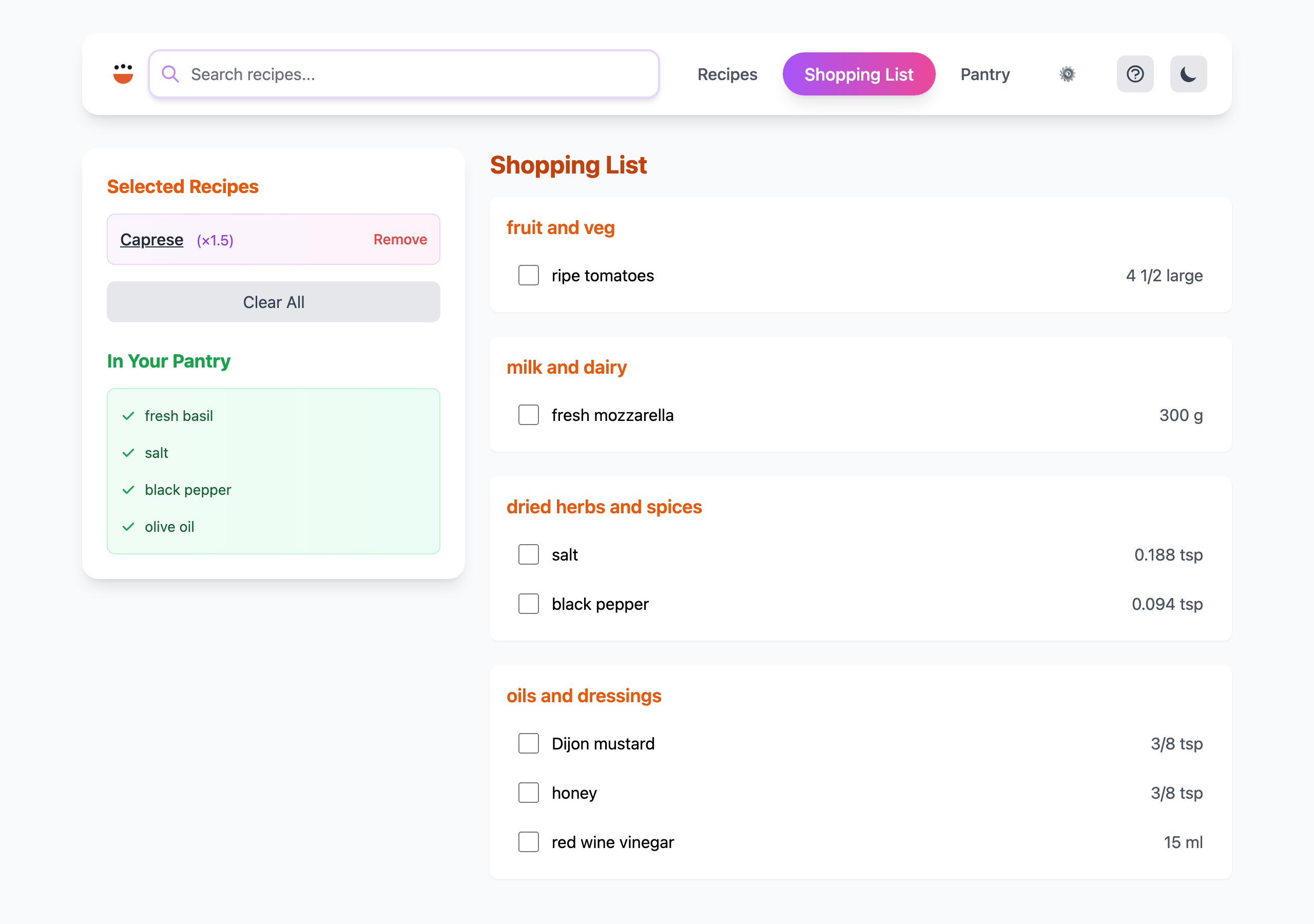
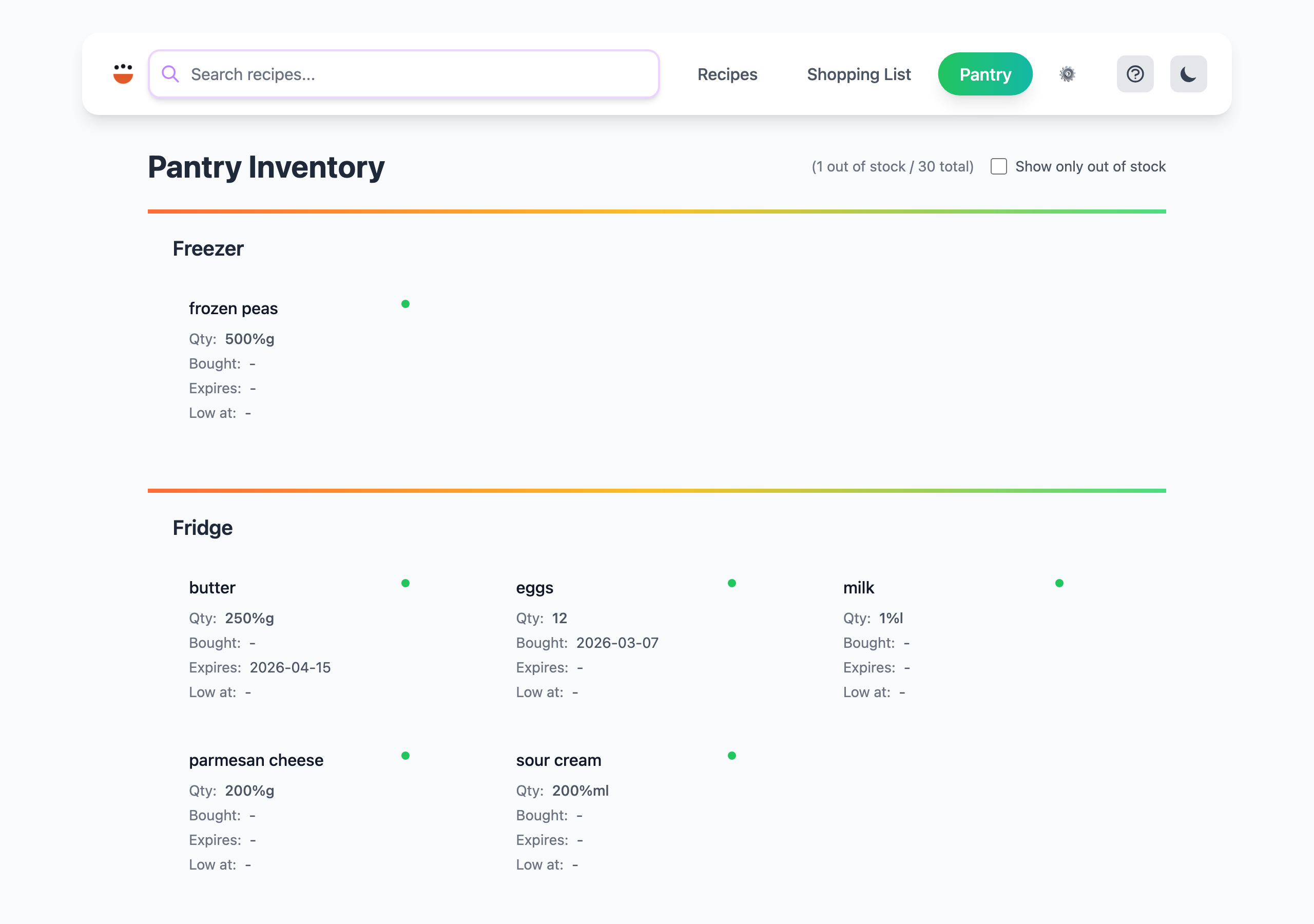
- The web interface supports recipe browsing, scaling, search, and shopping list management
- Mobile-friendly responsive layout
## Usage
```
cook server [OPTIONS] [BASE_PATH]
```
## Arguments
| Argument | Description |
|----------|-------------|
| `[BASE_PATH]` | Root directory containing recipe files (default: current directory) |
## Options
| Option | Description |
|--------|-------------|
| `--host []` | Allow connections from external hosts (default: localhost only). Optionally bind to a specific address. |
| `-p, --port ` | Port number (default: 9080) |
| `--open` | Automatically open the web interface in your default browser |
## Examples
```bash
# Start on localhost:9080
cook server
# Serve recipes from a specific directory
cook server ~/my-recipes
# Custom port with auto-open
cook server --port 8080 --open
# Allow access from other devices on the network
cook server --host
```
## Notes
- By default, only accepts connections from localhost
- Use `--host` on trusted networks only — recipes become accessible to anyone on the network
- The web interface supports recipe browsing, scaling, search, and shopping list management
- Mobile-friendly responsive layout