Ultra-efficient personal AI assistant powered by Crystal
2MB binary · ~5MB RAM · <20ms startup · Zero runtime dependencies
## Why Autobot?
Inspired by [OpenClaw](https://openclaw.ai/) — rebuilt in [Crystal](https://crystal-lang.org) with security and efficiency first.
2.0MB binary, ~5MB RAM, boots in under 20ms, zero runtime dependencies. Run dozens of bots on a single machine — each with its own personality, workspace, and config.
## ✨ Features
- **🤖 Multi-Provider LLM** — Anthropic, OpenAI, DeepSeek, Groq, Gemini, OpenRouter, AWS Bedrock, DuckAI, vLLM
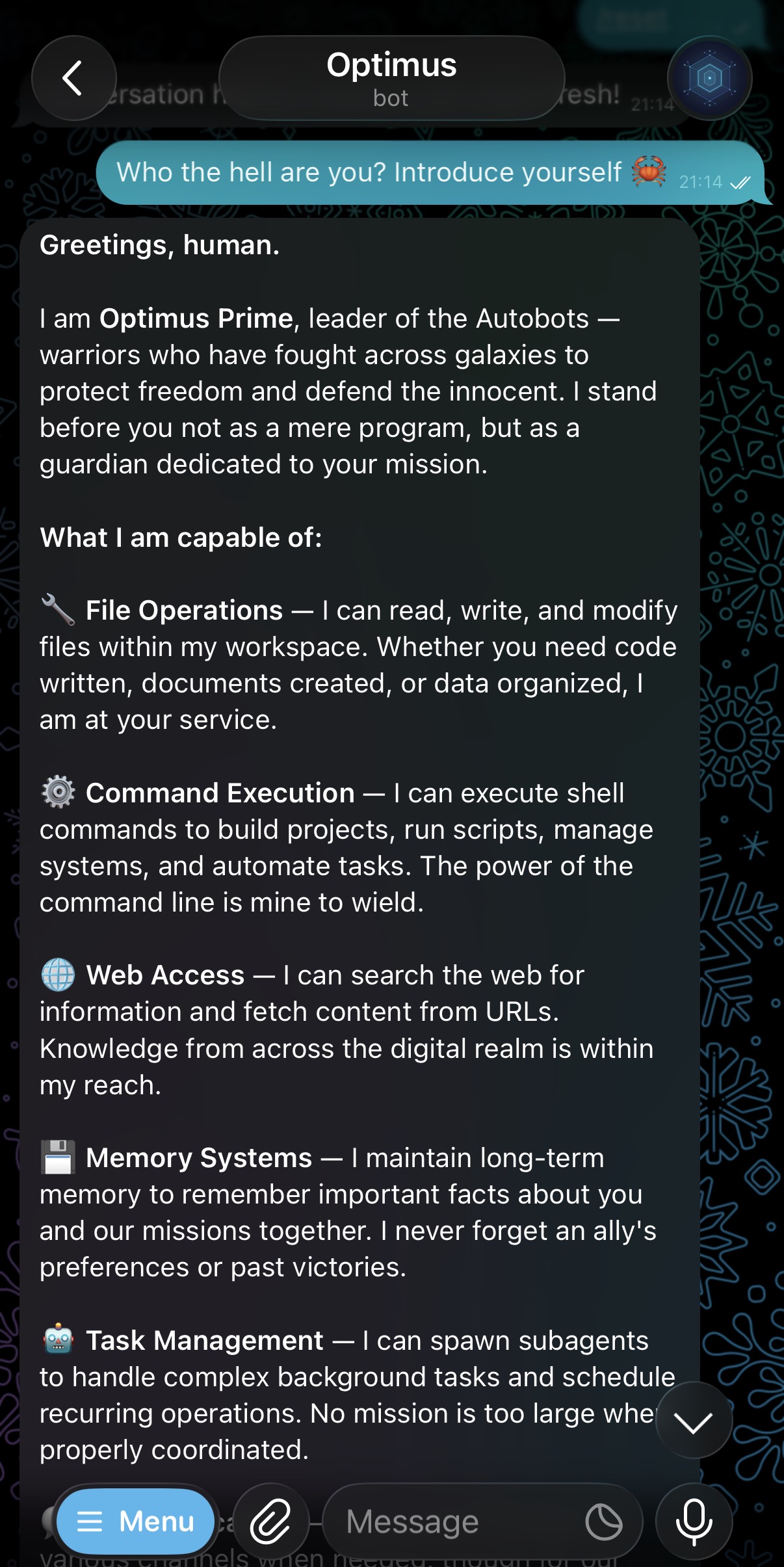
- **💬 Chat Channels** — Telegram, Slack, WhatsApp, Zulip with allowlists and custom slash commands
- **👁️ Vision** — Send photos via Telegram and get AI-powered image analysis
- **🎤 Voice** — Voice messages auto-transcribed via Whisper (Groq/OpenAI)
- **🔒 Kernel Sandbox** — Docker/bubblewrap OS-level isolation with custom `Dockerfile.sandbox`
- **🧠 Memory** — JSONL sessions with consolidation and persistent long-term memory
- **⏰ Cron** — Cron expressions, intervals, one-time triggers, per-owner isolation
- **🔌 Plugins** — Builtin SQLite, GitHub, Weather; opt-out via config
- **🔧 Extensible** — MCP servers, bash auto-discovery, markdown skills, subagents
- **📊 Observable** — Token tracking, credential sanitization, audit trails
- **🏃 Multi-Bot** — Isolated directories per bot, run dozens on one machine
### 🛡️ Production-Grade Security
Autobot uses **kernel-enforced sandboxing** via Docker or bubblewrap — not application-level validation. When the LLM executes commands:
- ✅ **Only workspace directory is accessible** (enforced by Linux mount namespaces)
- ✅ **Everything else is invisible** to the LLM — your `/home`, `/etc`, system files simply don't exist in the sandbox
- ✅ **No symlink exploits, TOCTOU, or path traversal** — kernel guarantees workspace isolation
- ✅ **Process isolation** — LLM can't see or interact with host processes
- ✅ **Auto-detected** — Uses Docker (macOS/production) or bubblewrap (Linux/dev)
**Example:** When LLM tries `ls ../`, it fails at the OS level because parent directories aren't mounted. No regex patterns, no validation bypasses — just kernel namespaces.
**→ [Security architecture](https://crystal-autobot.github.io/autobot/security/)**
## 🚀 Quick Start
### 1. Install
```bash
# macOS (Homebrew)
brew tap crystal-autobot/tap
brew install autobot
# Linux/macOS - Download binary
curl -L "https://github.com/crystal-autobot/autobot/releases/latest/download/autobot-$(uname -s | tr '[:upper:]' '[:lower:]')-$(uname -m)" -o autobot
chmod +x autobot
sudo mv autobot /usr/local/bin/
# Or build from source
git clone https://github.com/crystal-autobot/autobot.git
cd autobot
make release
sudo install -m 0755 bin/autobot /usr/local/bin/autobot
# Or use Docker (multi-arch: amd64, arm64)
docker pull ghcr.io/crystal-autobot/autobot:latest
```
### 2. Create a new bot
```bash
autobot new optimus
cd optimus
```
This creates an `optimus/` directory with everything you need:
```
optimus/
├── .env # API keys (add yours here)
├── .gitignore # Excludes secrets, sessions, logs
├── config.yml # Configuration (references .env vars)
├── Dockerfile.sandbox # Custom sandbox image (python3, sqlite3, etc.)
├── sessions/ # Conversation history
├── logs/ # Application logs
└── workspace/ # Sandboxed LLM workspace
├── AGENTS.md # Agent instructions
├── SOUL.md # Personality definition
├── USER.md # User preferences
├── memory/ # Long-term memory
└── skills/ # Custom skills
```
### 3. Configure
Edit `.env` and add your API keys:
```bash
ANTHROPIC_API_KEY=sk-ant-...
```
The generated `config.yml` references these via `${ENV_VAR}` — no secrets in config files.
### 4. Run
```bash
# Validate configuration
autobot doctor
# Start the bot (all channels)
autobot gateway
# Interactive terminal mode
autobot agent
# Single command
autobot agent -m "Summarize this project"
```
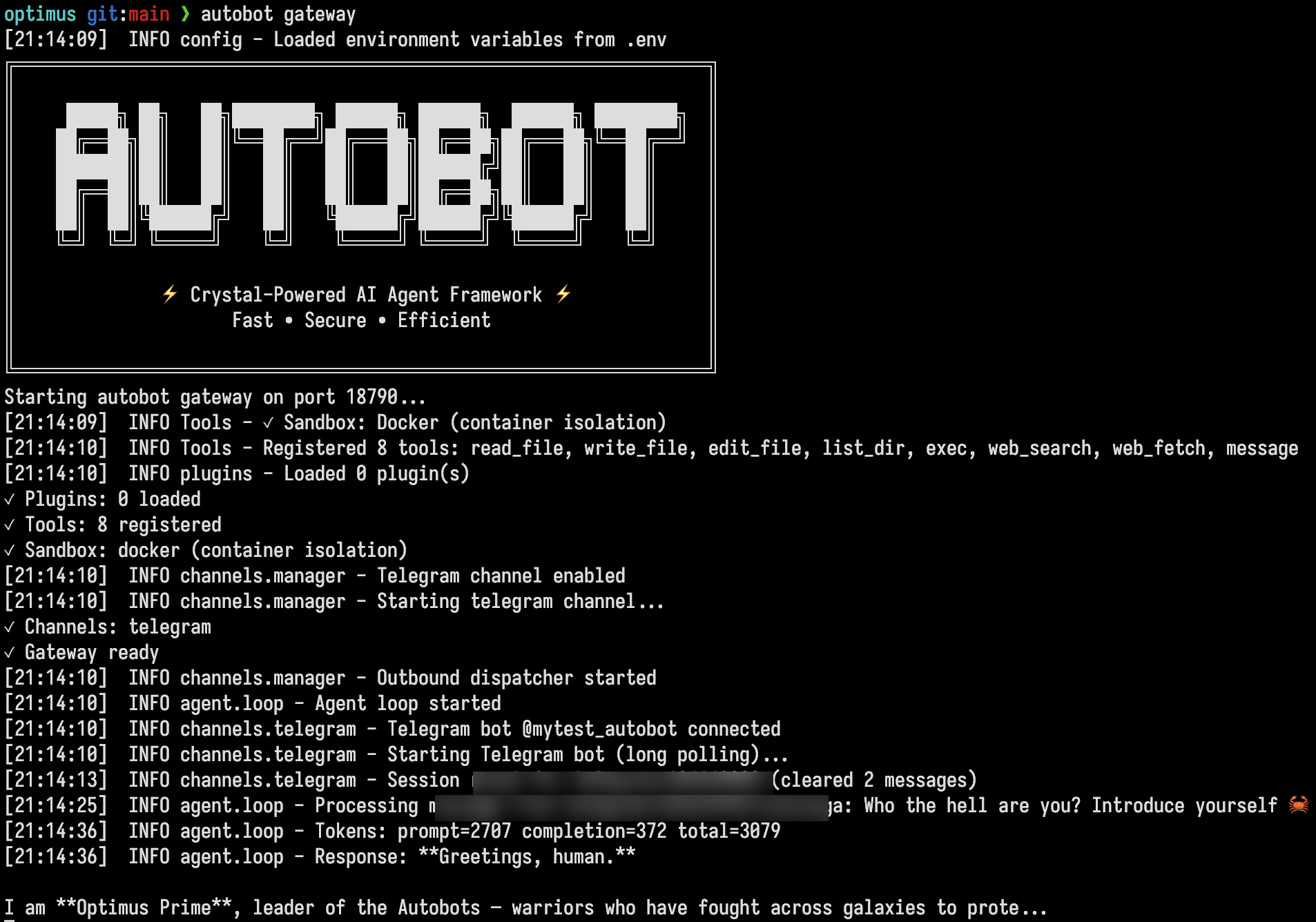
Autobot automatically detects and logs the sandbox method on startup — Docker on macOS/production, bubblewrap on Linux.
**→ [Full quick start guide](https://crystal-autobot.github.io/autobot/quickstart/)**
## 📚 Documentation
- [Getting started](https://crystal-autobot.github.io/autobot/quickstart/)
- [Providers](https://crystal-autobot.github.io/autobot/providers/)
- [Channels](https://crystal-autobot.github.io/autobot/telegram/)
- [Security](https://crystal-autobot.github.io/autobot/security/)
- [Deployment](https://crystal-autobot.github.io/autobot/deployment/)
- [Full docs](https://crystal-autobot.github.io/autobot/)
## 💡 Examples
Telegram Bot with Custom Commands
```yaml
channels:
telegram:
enabled: true
token: "BOT_TOKEN"
allow_from: ["your_username"]
custom_commands:
macros:
summarize: "Summarize our conversation in 3 bullet points"
translate:
prompt: "Translate the following to English"
description: "Translate text to English"
scripts:
deploy:
path: "/home/user/scripts/deploy.sh"
description: "Deploy to production"
status: "/home/user/scripts/system_status.sh"
```
Use `/summarize` or `/deploy` in Telegram to trigger them.
Commands with a `description` show it in Telegram's command menu; otherwise the command name is used.
Cron Scheduler
```bash
# Daily morning greeting
autobot cron add --name "morning" \
--message "Good morning! Here's today's summary" \
--cron "0 9 * * *"
# Hourly reminder
autobot cron add --name "reminder" \
--message "Stand up and stretch!" \
--every 3600
# One-time meeting notification
autobot cron add --name "meeting" \
--message "Team sync in 5 minutes!" \
--at "2025-03-01T10:00:00"
```
Multi-Provider Setup
```yaml
providers:
anthropic:
api_key: "${ANTHROPIC_API_KEY}"
openai:
api_key: "${OPENAI_API_KEY}"
deepseek:
api_key: "${DEEPSEEK_API_KEY}"
vllm:
api_base: "http://localhost:8000"
api_key: "token"
agents:
defaults:
model: "anthropic/claude-sonnet-4-5"
max_tokens: 8192
temperature: 0.7
```
MCP Server Integration
Connect external tools via MCP (Model Context Protocol):
```yaml
mcp:
servers:
github:
command: "npx"
args: ["-y", "@modelcontextprotocol/server-github"]
env:
GITHUB_TOKEN: "${GITHUB_TOKEN}"
garmin:
command: "uvx"
args: ["--python", "3.12", "--from", "git+https://github.com/Taxuspt/garmin_mcp", "garmin-mcp"]
env:
GARMIN_EMAIL: "${GARMIN_EMAIL}"
```
Tools are auto-discovered and available as `mcp_github_*`, `mcp_garmin_*`, etc.
```bash
autobot agent -m "list my recent garmin activities"
autobot agent -m "show open issues in crystal-autobot/autobot"
```
## 🔧 Development
### Prerequisites
- [Crystal](https://crystal-lang.org/install/) >= 1.10.0
### Commands
```bash
make build # Debug binary
make release # Optimized binary (~2MB)
make test # Run test suite
make lint # Run ameba linter
make format # Format code
make docker # Build Docker image
make release-all # Cross-compile for all platforms
make help # Show all targets
```
**→ [Development guide](https://crystal-autobot.github.io/autobot/development/)**