
Cucumber
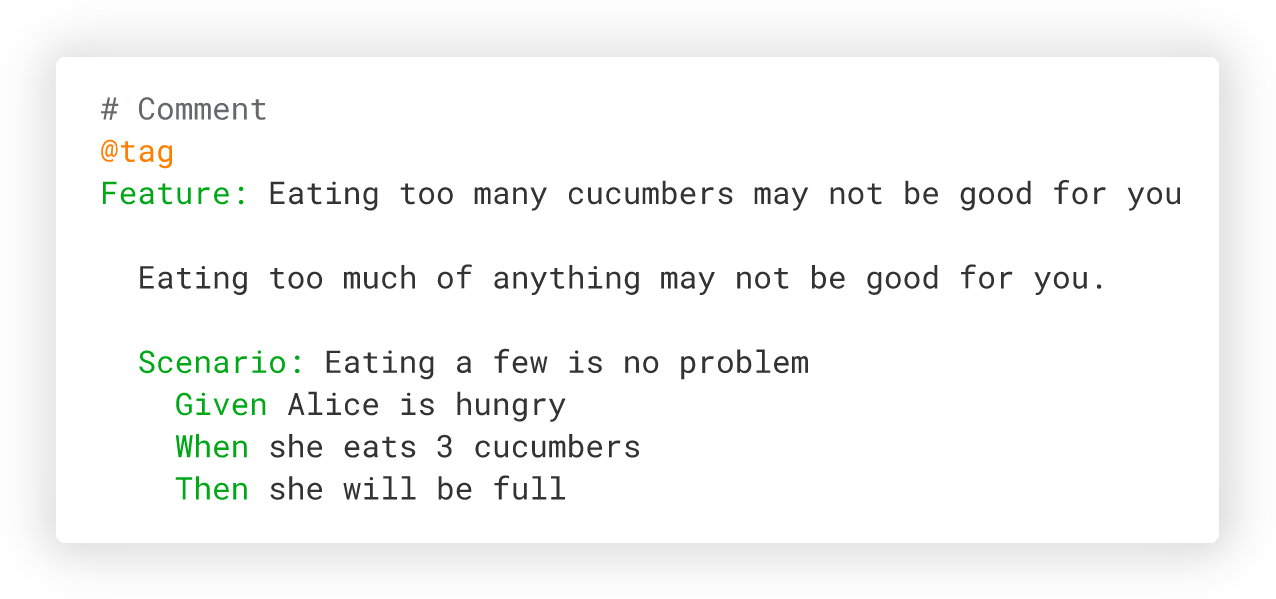 This is the Ruby implementation of Cucumber. Cucumber is also available for [JavaScript](https://github.com/cucumber/cucumber-js),
[Java](https://github.com/cucumber/cucumber-jvm), and a lot of other languages. You can find a list of implementations here: https://cucumber.io/docs/installation/.
See [CONTRIBUTING.md](CONTRIBUTING.md) for info on contributing to Cucumber (issues, PRs, etc.).
Everyone interacting in this codebase and issue tracker is expected to follow the
Cucumber [code of conduct](https://cucumber.io/conduct).
## Installation
Cucumber for Ruby is a Ruby gem. Install it as you would install any gem: add
`cucumber` to your Gemfile:
gem 'cucumber'
then install it:
$ bundle
or install the gem directly:
$ gem install cucumber
Later in this document, bundler is considered being used so all commands are using
`bundle exec`. If this is not the case for you, execute `cucumber` directly, without
`bundle exec`.
### Supported platforms
- Ruby 4.0
- Ruby 3.4
- Ruby 3.3
- Ruby 3.2
- TruffleRuby 24.0.0+
- JRuby 10.0+ (with [some limitations](https://github.com/cucumber/cucumber-ruby/blob/main/docs/jruby-limitations.md))
### Ruby on Rails
Using Ruby on Rails? You can use [cucumber-rails](https://github.com/cucumber/cucumber-rails) to bring Cucumber into your Rails project.
## Usage
### Initialization
If you need to, initialize your `features` directory with
$ bundle exec cucumber --init
This will create the following directories and files if they do not exist already:
features
├── step_definitions
└── support
└── env.rb
### Create your specification
Create a file named `rule.feature` in the `features` directory with:
```gherkin
# features/rule.feature
Feature: Rule Sample
Rule: This is a rule
Example: A passing example
Given this will pass
When I do an action
Then some results should be there
Example: A failing example
Given this will fail
When I do an action
Then some results should be there
```
### Automate your specification
And a file named `rule_steps.rb` in `features/step_definitions` with:
```ruby
# features/step_definitions/steps.rb
Given('this will pass') do
@this_will_pass = true
end
Given('this will fail') do
@this_will_pass = false
end
When('I do an action') do
:no_op
end
Then("some results should be there") do
expect(@this_will_pass).to be true
end
```
### Run Cucumber
$ bundle exec cucumber
To execute a single feature file:
$ bundle exec cucumber features/rule.feature
To execute a single example, indicates the line of the name of the example:
$ bundle exec cucumber features/rule.feature:5
To summarize the results on the standard output, and generate a HTML report on disk:
$ bundle exec cucumber --format summary --format html --out report.html
For more command line options
$ bundle exec cucumber --help
You can also find documentation on the command line possibilities in [features/docs/cli](features/docs/cli).
## Documentation and support
- Getting started, writing features, step definitions, and more: https://cucumber.io/docs
- Ruby API Documentation: http://www.rubydoc.info/github/cucumber/cucumber-ruby/
- Community support forum: https://github.com/orgs/cucumber/discussions
- Discord: [register for an account](https://cucumber.io/docs/community/get-in-touch#discord)
## Copyright
Copyright (c) Cucumber and Contributors. See LICENSE for details.
This is the Ruby implementation of Cucumber. Cucumber is also available for [JavaScript](https://github.com/cucumber/cucumber-js),
[Java](https://github.com/cucumber/cucumber-jvm), and a lot of other languages. You can find a list of implementations here: https://cucumber.io/docs/installation/.
See [CONTRIBUTING.md](CONTRIBUTING.md) for info on contributing to Cucumber (issues, PRs, etc.).
Everyone interacting in this codebase and issue tracker is expected to follow the
Cucumber [code of conduct](https://cucumber.io/conduct).
## Installation
Cucumber for Ruby is a Ruby gem. Install it as you would install any gem: add
`cucumber` to your Gemfile:
gem 'cucumber'
then install it:
$ bundle
or install the gem directly:
$ gem install cucumber
Later in this document, bundler is considered being used so all commands are using
`bundle exec`. If this is not the case for you, execute `cucumber` directly, without
`bundle exec`.
### Supported platforms
- Ruby 4.0
- Ruby 3.4
- Ruby 3.3
- Ruby 3.2
- TruffleRuby 24.0.0+
- JRuby 10.0+ (with [some limitations](https://github.com/cucumber/cucumber-ruby/blob/main/docs/jruby-limitations.md))
### Ruby on Rails
Using Ruby on Rails? You can use [cucumber-rails](https://github.com/cucumber/cucumber-rails) to bring Cucumber into your Rails project.
## Usage
### Initialization
If you need to, initialize your `features` directory with
$ bundle exec cucumber --init
This will create the following directories and files if they do not exist already:
features
├── step_definitions
└── support
└── env.rb
### Create your specification
Create a file named `rule.feature` in the `features` directory with:
```gherkin
# features/rule.feature
Feature: Rule Sample
Rule: This is a rule
Example: A passing example
Given this will pass
When I do an action
Then some results should be there
Example: A failing example
Given this will fail
When I do an action
Then some results should be there
```
### Automate your specification
And a file named `rule_steps.rb` in `features/step_definitions` with:
```ruby
# features/step_definitions/steps.rb
Given('this will pass') do
@this_will_pass = true
end
Given('this will fail') do
@this_will_pass = false
end
When('I do an action') do
:no_op
end
Then("some results should be there") do
expect(@this_will_pass).to be true
end
```
### Run Cucumber
$ bundle exec cucumber
To execute a single feature file:
$ bundle exec cucumber features/rule.feature
To execute a single example, indicates the line of the name of the example:
$ bundle exec cucumber features/rule.feature:5
To summarize the results on the standard output, and generate a HTML report on disk:
$ bundle exec cucumber --format summary --format html --out report.html
For more command line options
$ bundle exec cucumber --help
You can also find documentation on the command line possibilities in [features/docs/cli](features/docs/cli).
## Documentation and support
- Getting started, writing features, step definitions, and more: https://cucumber.io/docs
- Ruby API Documentation: http://www.rubydoc.info/github/cucumber/cucumber-ruby/
- Community support forum: https://github.com/orgs/cucumber/discussions
- Discord: [register for an account](https://cucumber.io/docs/community/get-in-touch#discord)
## Copyright
Copyright (c) Cucumber and Contributors. See LICENSE for details.