View the icons on the website!


> [!IMPORTANT]
> NOT an official Minecraft product.
>
> These icons are by no means official, approved nor endorsed by Mojang.
>
> All the textures used in these icons belong to them.
# Minecraft11
Minecraft11 is a fun and free collection of folder icons for Windows 11 featuring Minecraft mobs and blocks.
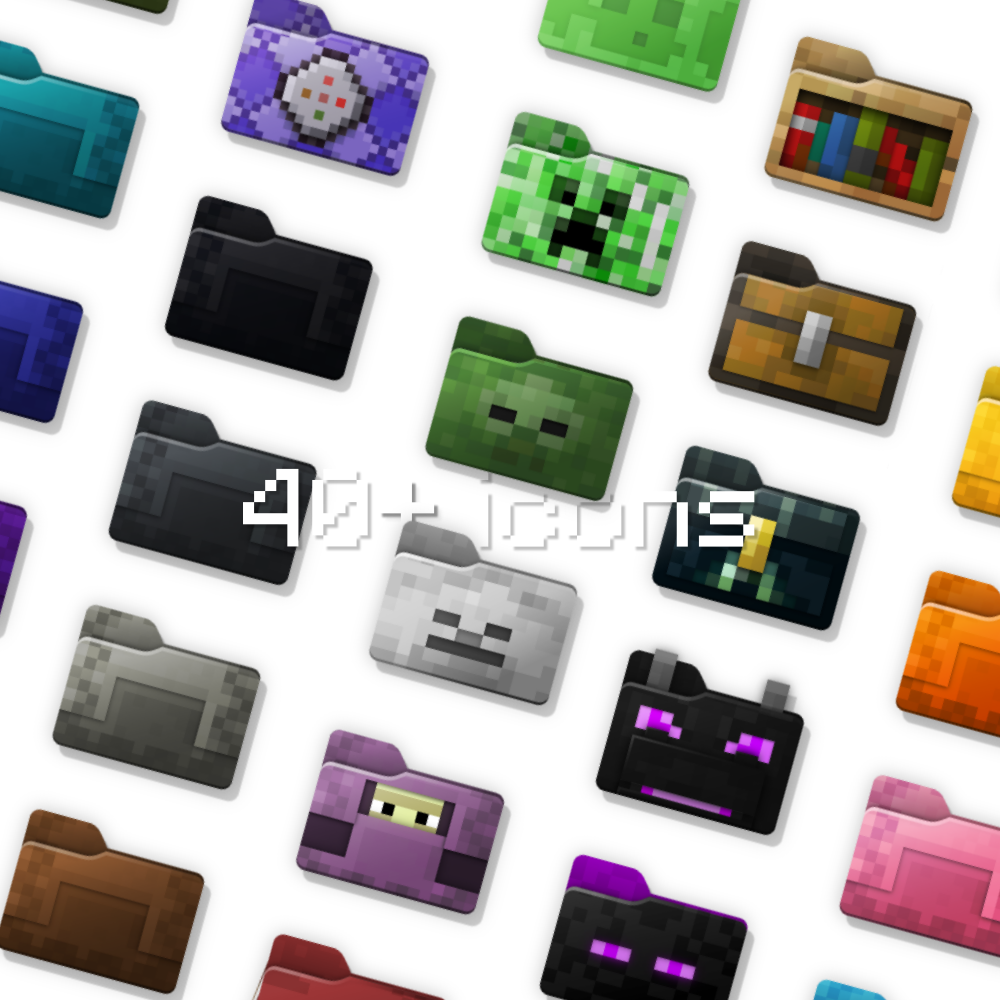
Both `.svg` and `.ico` files are provided. You only need the contents of the [ico folder](ico/) ([icns folder](icns/) for MacOS users) if you want to use the icons in your file explorer.
If you're interested in editing the icon vectors, make sure to use [Inkscape](https://inkscape.org/).
This rather silly project was inspired by [davidvkimball's icons](https://www.deviantart.com/davidvkimball/art/885700560) and the [Folder11](https://github.com/icon11-community/Folder11) collection.
## Cool! How do I install them?
On Windows, it goes something like this:
1. Clone the repository or download it as a zip archive (big bright green "Code" button at the top of the page > Download ZIP)
2. Extract the `ico` folder somewhere safe, for example your home or your desktop. Remember this location!
3. Right click on a folder you want to customize
4. Properties > Customize > Change Icon > Browse > Select an .ico file from the aforementioned location
5. Done, you should see the folder icon changed!
## Make your own icons!
There's also a pixel-perfect [blank folder template](template.svg) I cobbled together as a base for the icons. Feel free to use it, contributions are also welcome 🙂