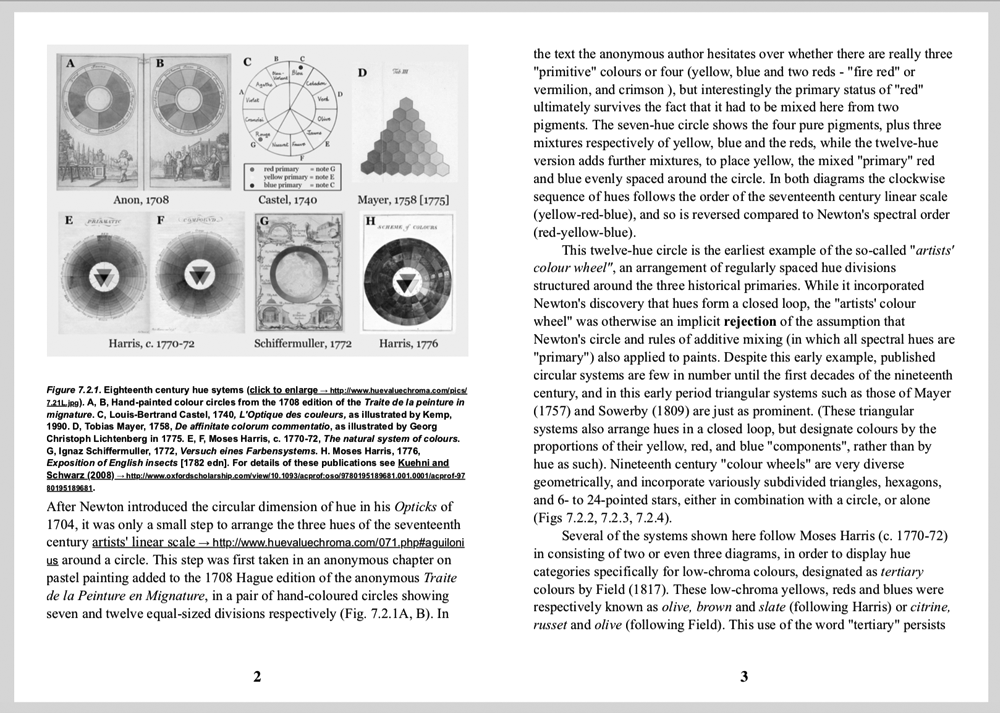
Percollate is a command-line tool that turns web pages into beautifully formatted PDF, EPUB, HTML or Markdown files.
Sample spread from the generated PDF of a chapter in Dimensions of Colour; rendered here in black & white for a smaller image file size.
- [Installation](#installation)
- [Usage](#usage)
- [Available commands](#available-commands)
- [Available options](#available-options)
- [Recipes](#recipes)
- [Basic bundling](#basic-bundling)
- [Web feeds](#web-feeds)
- [The `--css` option](#the---css-option)
- [The `--style` option](#the---style-option)
- [The `--template` option](#the---template-option)
- [How it works](#how-it-works)
- [Updating](#updating)
- [Limitations](#limitations)
- [Troubleshooting](#troubleshooting)
- [Contributing](#contributing)
- [See also](#see-also)
## Installation
`percollate` is a Node.js command-line tool which you can install globally from npm:
```bash
npm install -g percollate
```
Percollate and its dependencies **require Node.js 14.17.0** or later.
#### Community-maintained packages
There's [a packaged version](https://aur.archlinux.org/packages/nodejs-percollate/) available on [Arch User Repository](https://wiki.archlinux.org/index.php/Arch_User_Repository), which you can install using your local [AUR helper](https://wiki.archlinux.org/index.php/AUR_helpers) (`yay`, `pacaur`, or similar):
```
yay -S nodejs-percollate
```
Some Docker images are available in this [tracking issue](https://github.com/danburzo/percollate/issues/95).
## Usage
> Run `percollate --help` for a list of available commands and options.
Percollate is invoked on one or more operands (usually URLs):
```bash
percollate [options] url [url]...
```
The following commands are available:
- `percollate pdf` produces a PDF file;
- `percollate epub` produces an EPUB file;
- `percollate html` produces a HTML file.
- `percollate md` produces a Markdown file.
The operands can be URLs, paths to local files, or the `-` character which stands for `stdin` (the standard inputs).
### Available options
Unless otherwise stated, these options apply to all three commands.
#### `-o, --output`
Specify the path of the resulting bundle relative to the current folder.
```bash
percollate pdf https://example.com -o my-example.pdf
```
#### `-u, --url`
Using the `-` operand you can read the HTML content from `stdin`, as fetched by a separate command, such as `curl`. In this sort of setup, `percollate` does not know the URL from which the content has been fetched, and relative paths on images, anchors, et cetera won't resolve correctly.
Use the `--url` option to supply the source's original URL.
```bash
curl https://example.com | percollate pdf - --url=https://example.com
```
#### `-w, --wait`
By default, percollate processes URLs in parallel. Use the `--wait` option to process them sequentially instead, with a pause between items. The delay is specified in seconds, and can be zero.
```bash
percollate epub --wait=1 url1 url2 url3
```
#### `--individual`
By default, percollate bundles all web pages in a single file. Use the `--individual` flag to export each source to a separate file.
```bash
percollate pdf --individual http://example.com/page1 http://example.com/page2
```
#### `--template`
Path to a custom HTML template. Applies to `pdf`, `html`, and `md`.
#### `--style`
Path to a custom CSS stylesheet, relative to the current folder.
#### `--css`
Additional CSS styles you can pass from the command-line to override styles specified by the default/custom stylesheet.
#### `--no-amp`
Don't prefer the AMP version of the web page.
#### `--debug`
Print more detailed information.
#### `-t, --title`
Provide a title for the bundle.
```bash
percollate epub http://example.com/page-1 http://example.com/page-2 --title="Best Of Example"
```
#### `-a, --author`
Provide an author for the bundle.
```bash
percollate pdf --author="Ella Example" http://example.com
```
#### `--cover`
Generate a cover. The option is implicitly enabled when the `--title` option is provided, or when bundling more than one web page to a single file. Disable this implicit behavior by passing the `--no-cover` flag.
#### `--toc`
Generate a hyperlinked table of contents. The option is implicitly enabled when bundling more than one web page to a single file. Disable this implicit behavior by passing the `--no-toc` flag.
Applies to `pdf`, `html`, and `md`.
#### `--toc-level=`
By default, the table of contents is a flat list of article titles. With the `--toc-level` option the table of contents will include headings under each article title (`
`, `
`, etc.), up to the specified heading depth. A number between `1` and `6` is expected.
Using `--toc-level` with a value greater than `1` implies `--toc`.
#### `--hyphenate`
Hyphenation is enabled by default for `pdf`, and disabled for `epub`, `html`, and `md`. You can opt into hyphenation with the `--hyphenate` flag, or disable it with the `--no-hyphenate` flag.
See also the [Hyphenation and justification](#hyphenation-and-justification) recipe.
#### `--inline`
Embed images inline with the document. Images are fetched and converted to Base64-encoded `data` URLs.
This option is particularly useful for `html` to produce self-contained HTML files.
#### `--md.