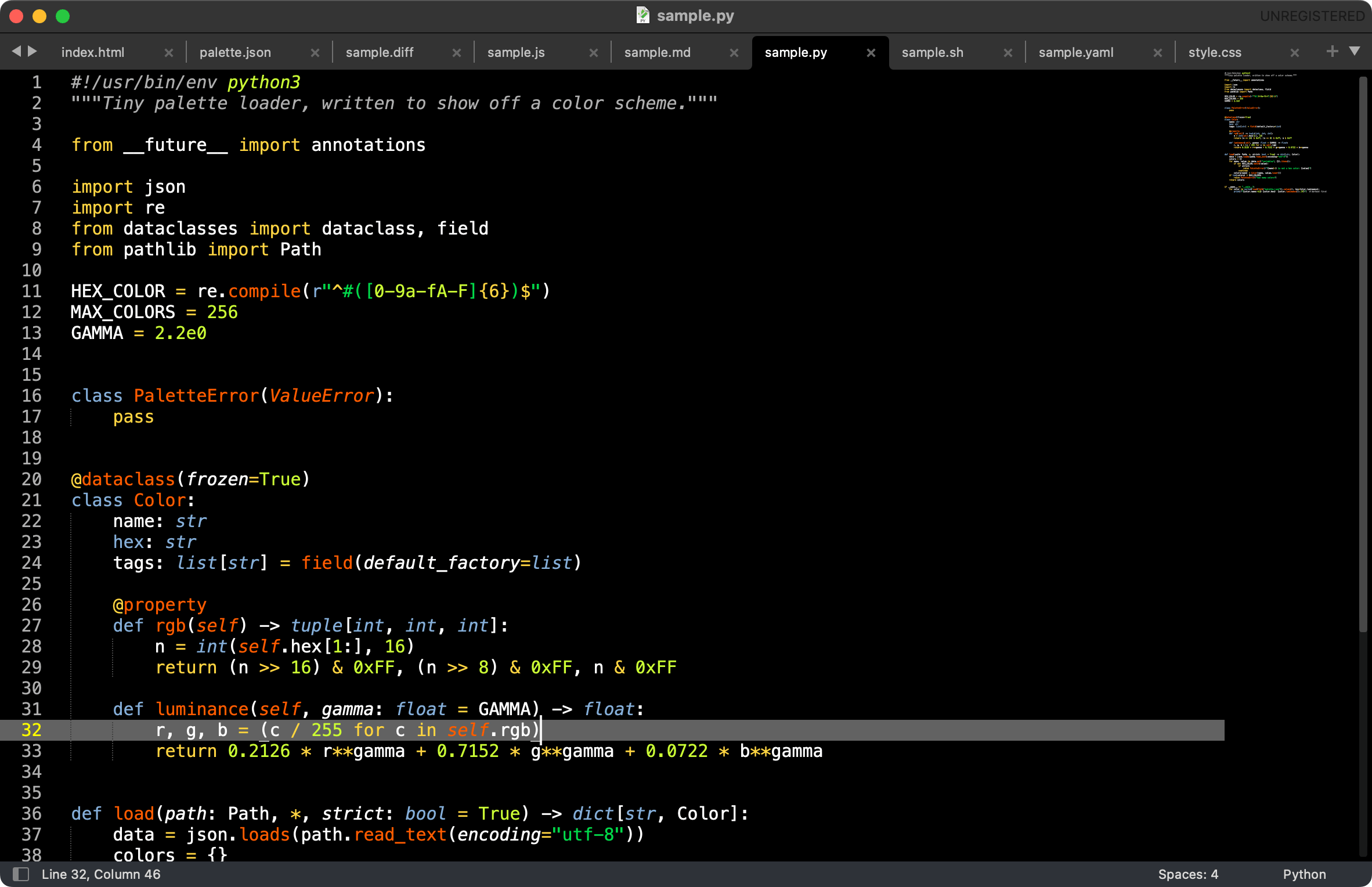
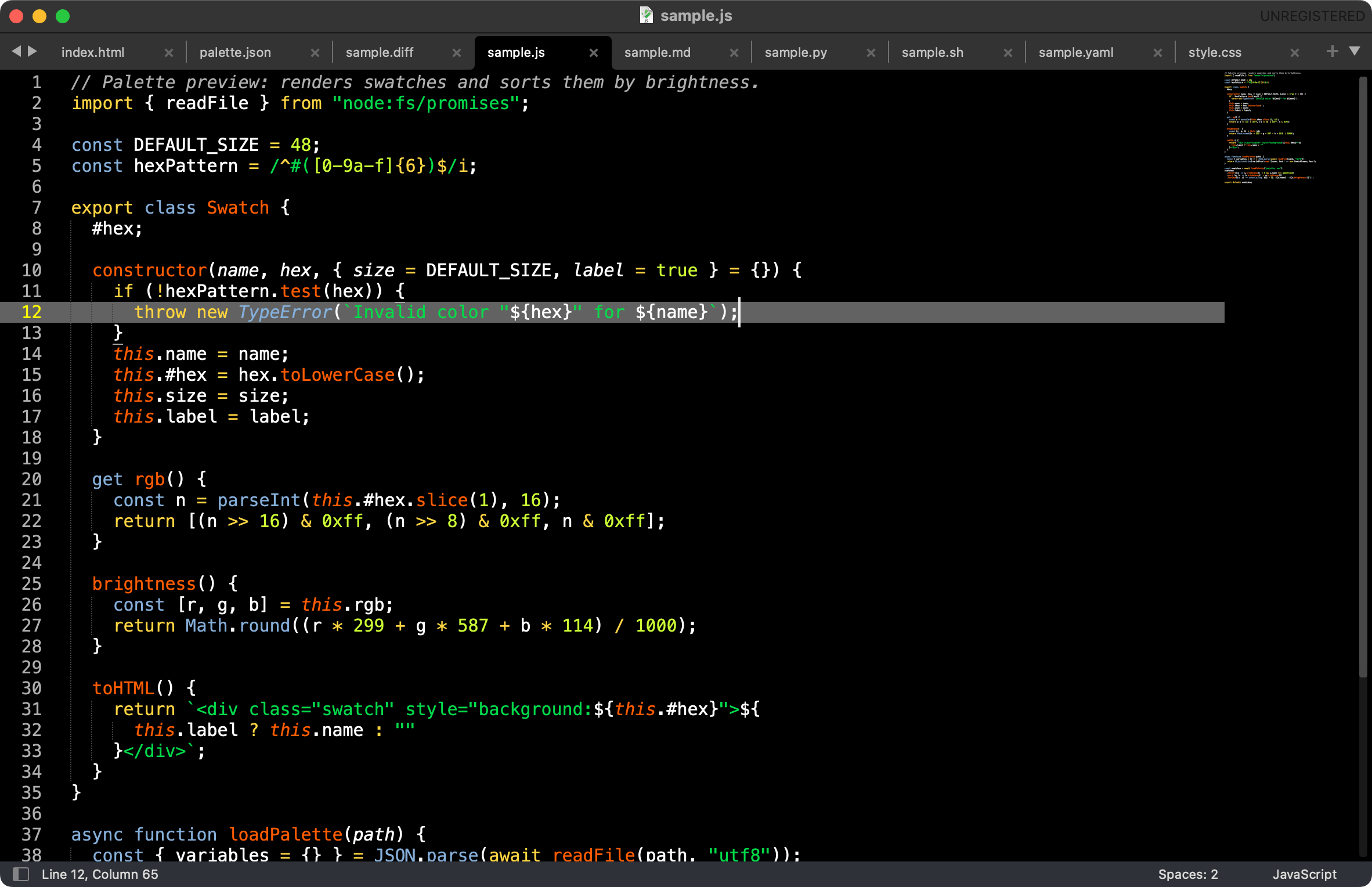
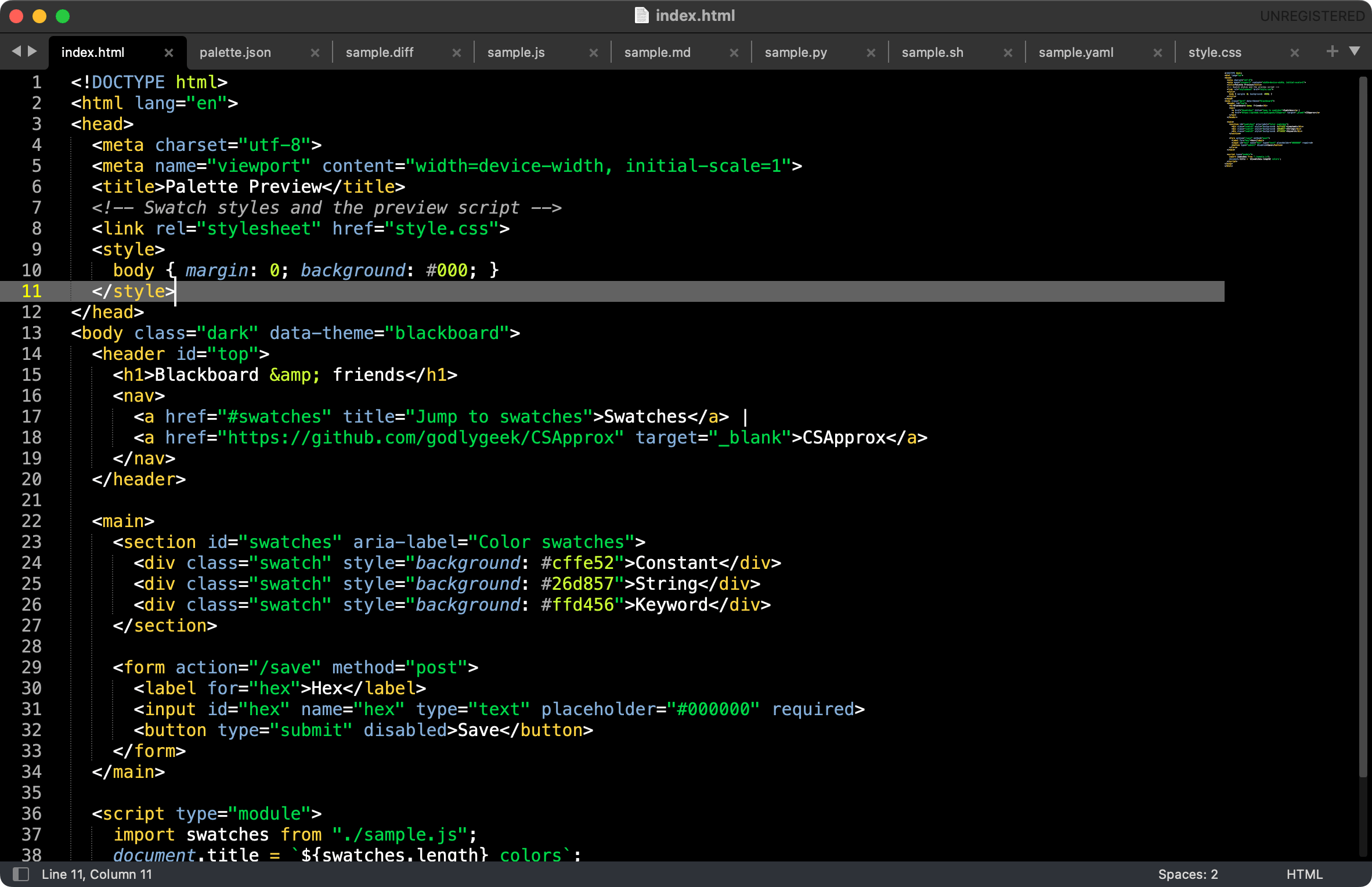
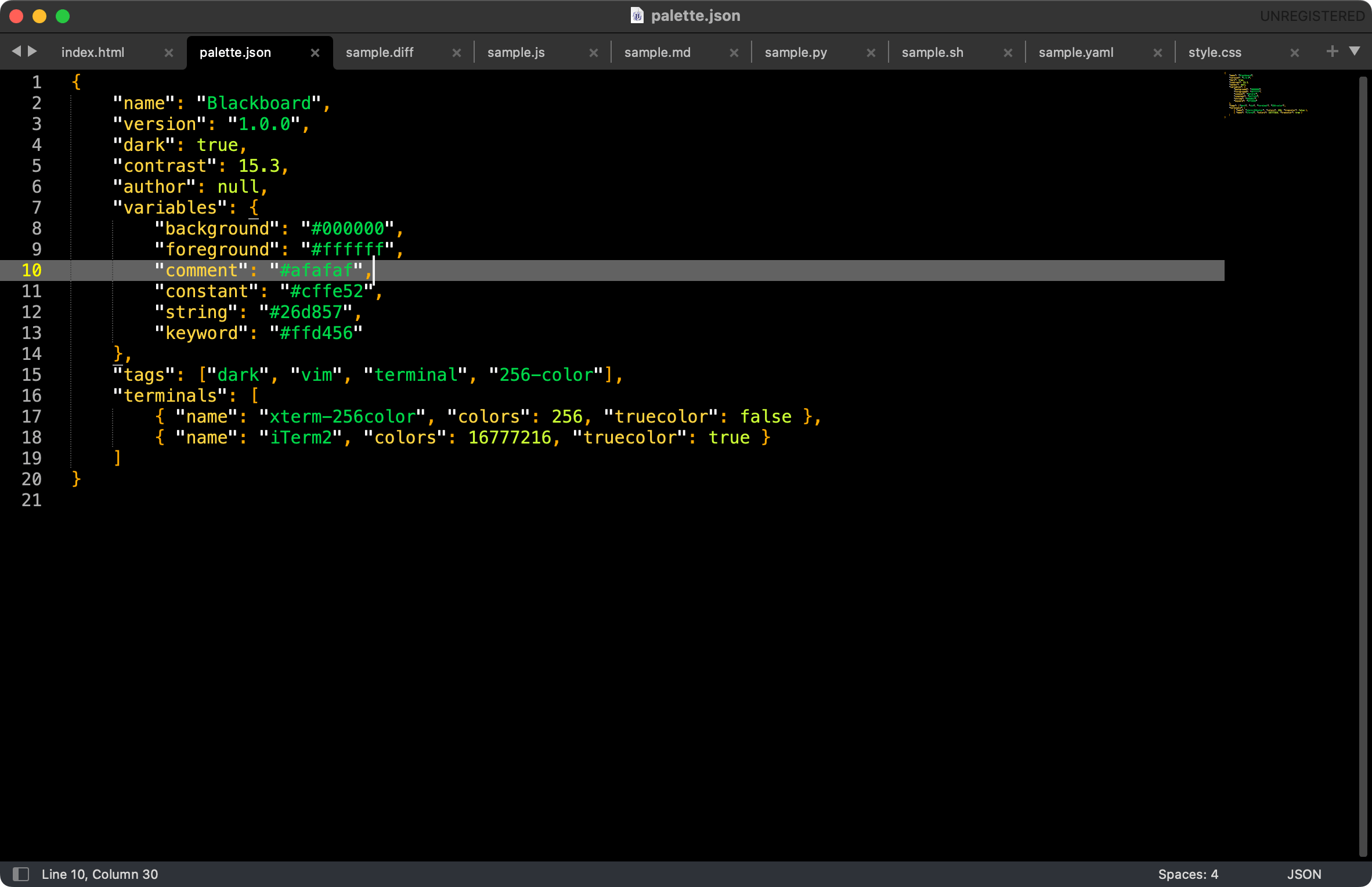
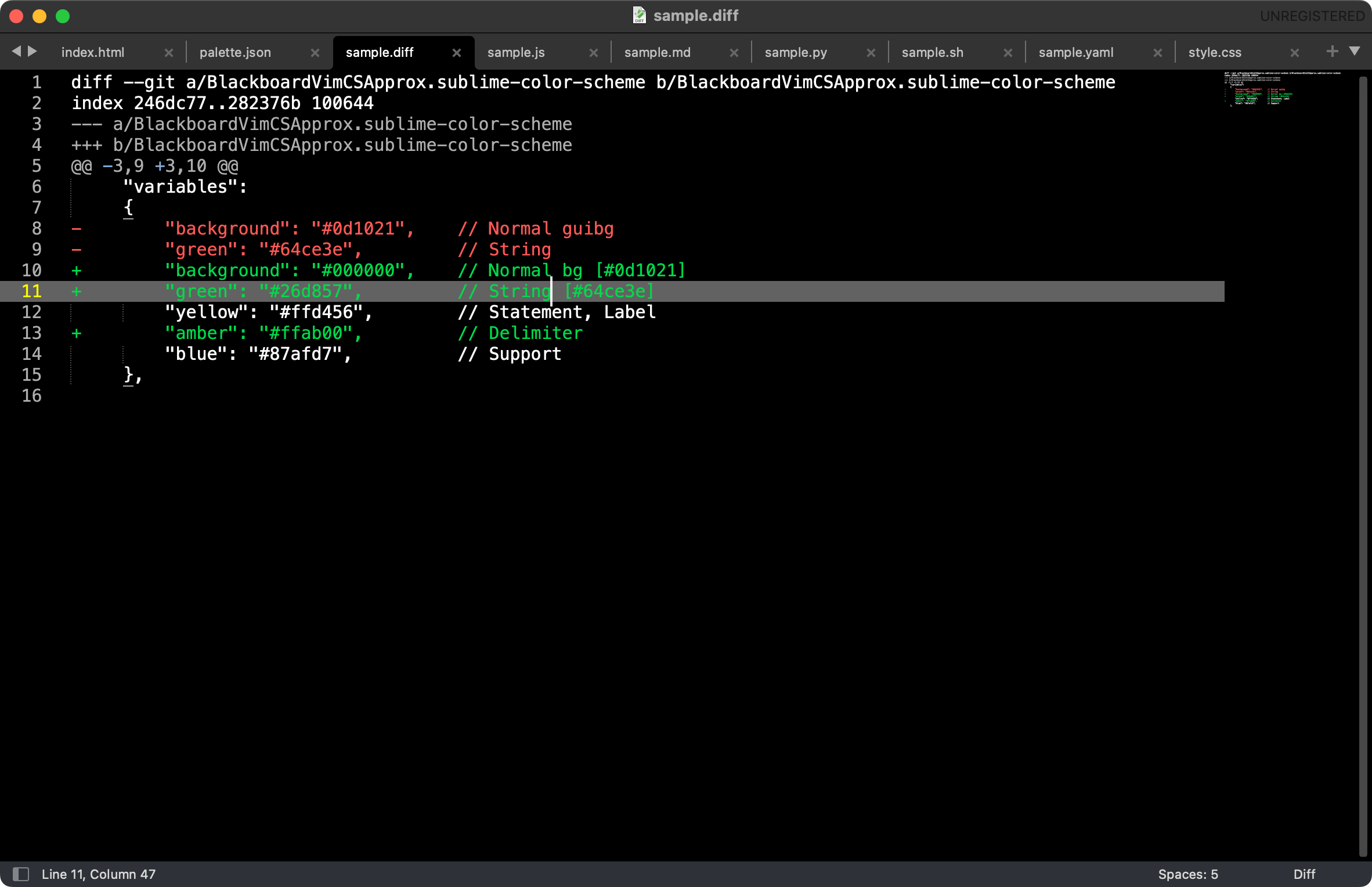
# BlackboardForever
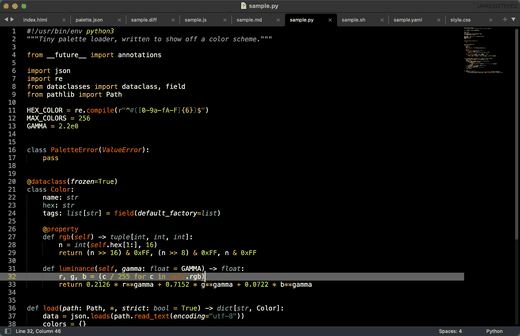
Python |
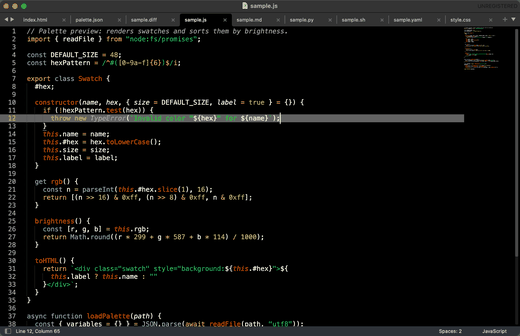
JavaScript |
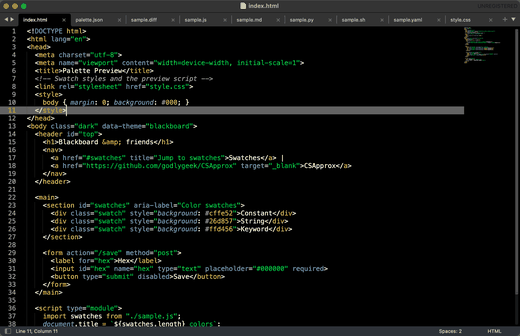
HTML |
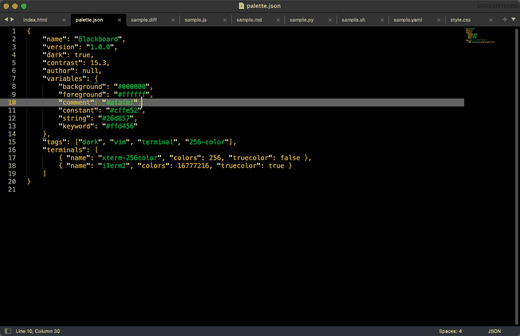
JSON |
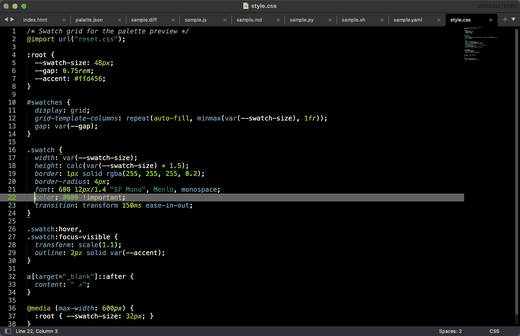
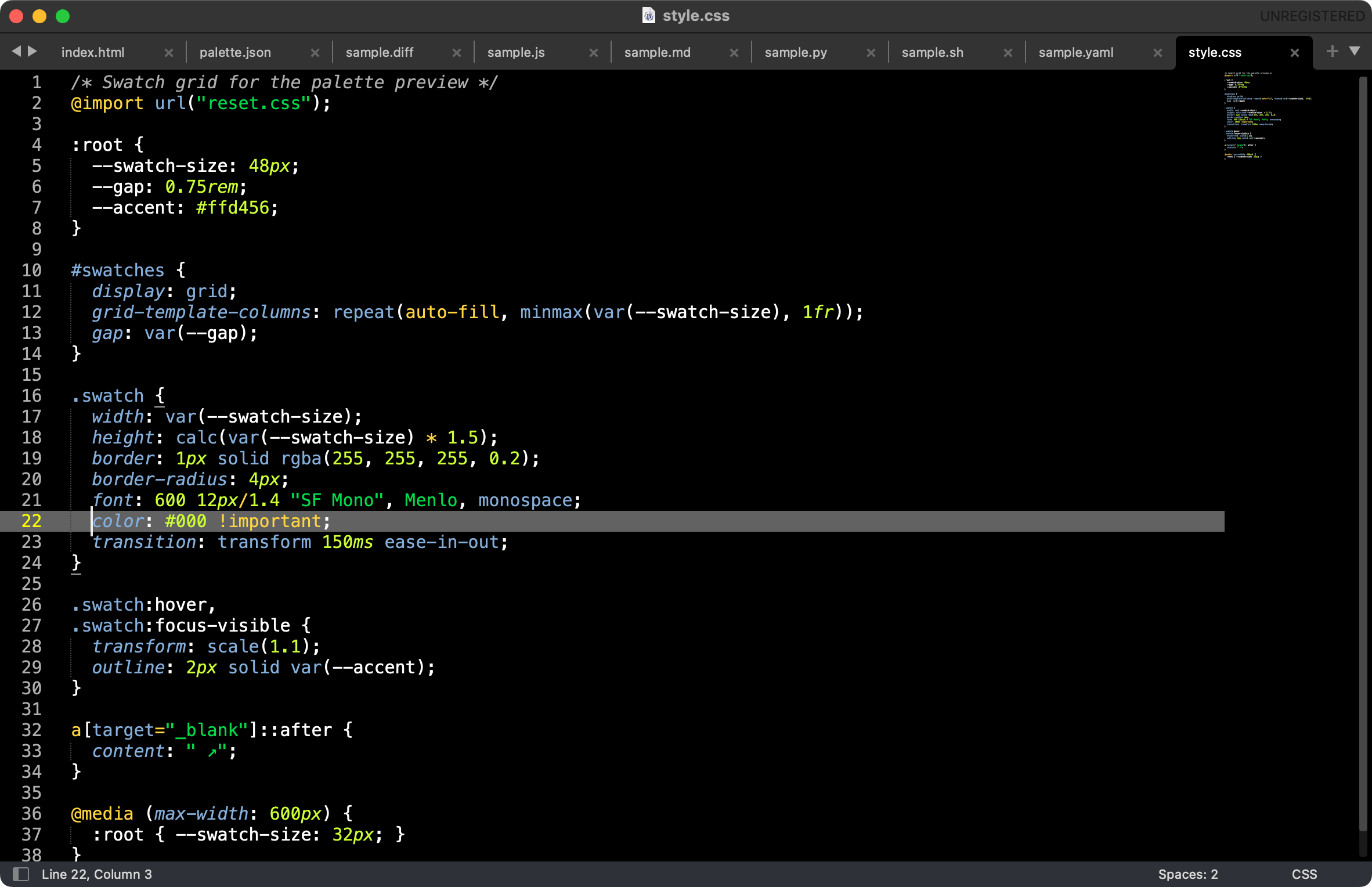
CSS |
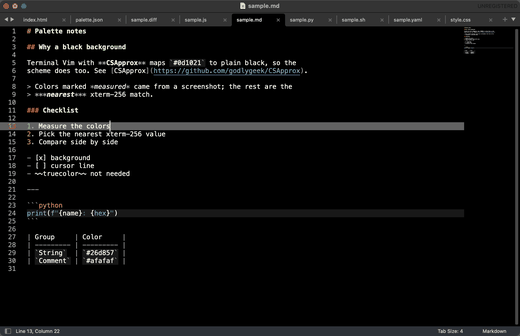
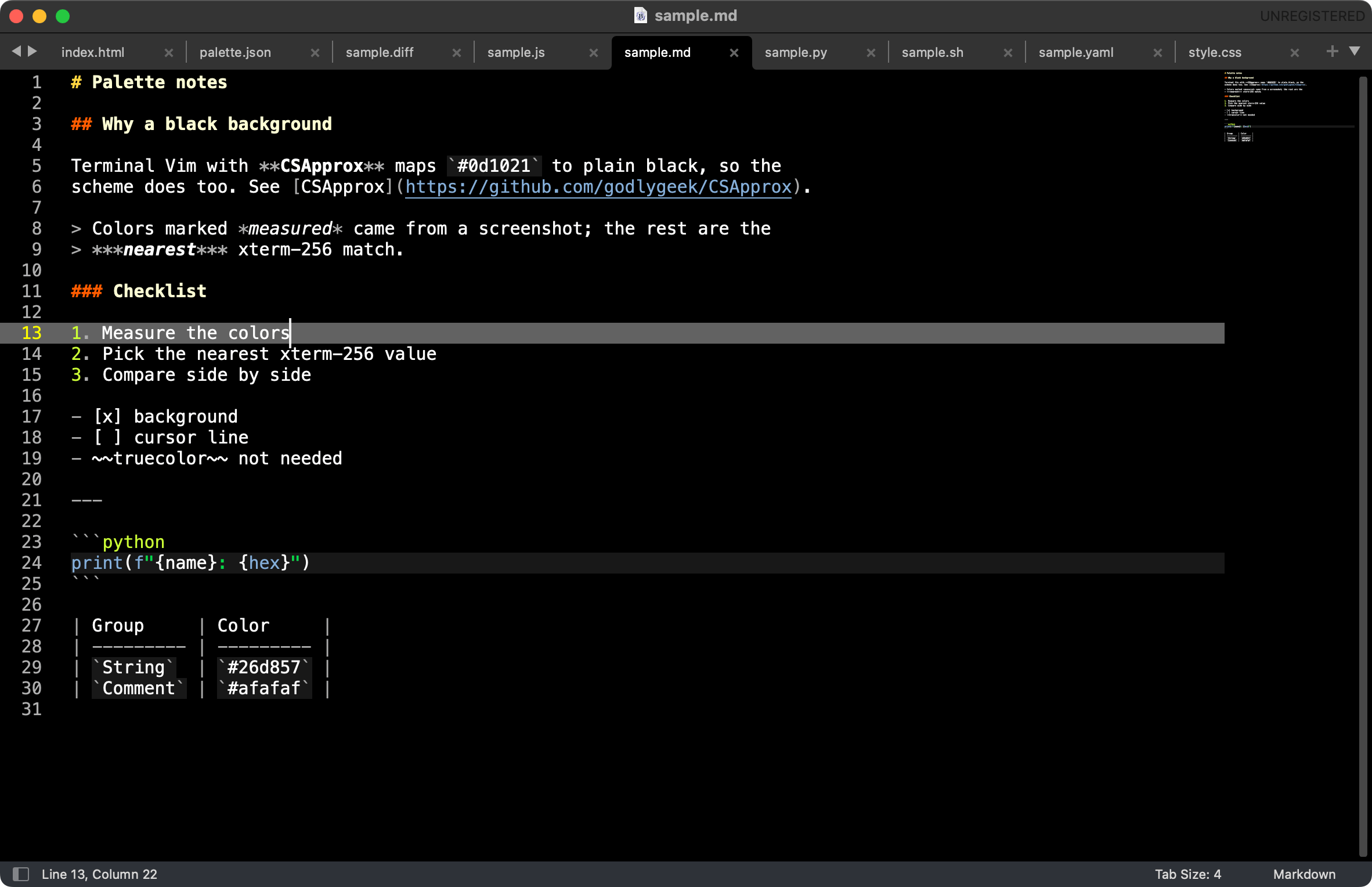
Markdown |
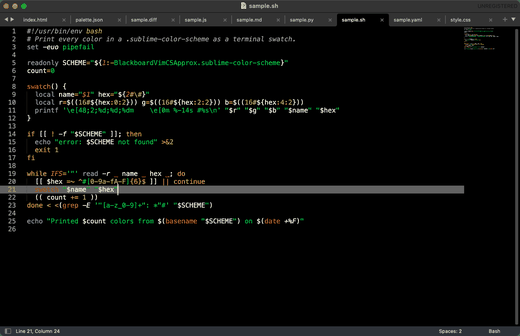
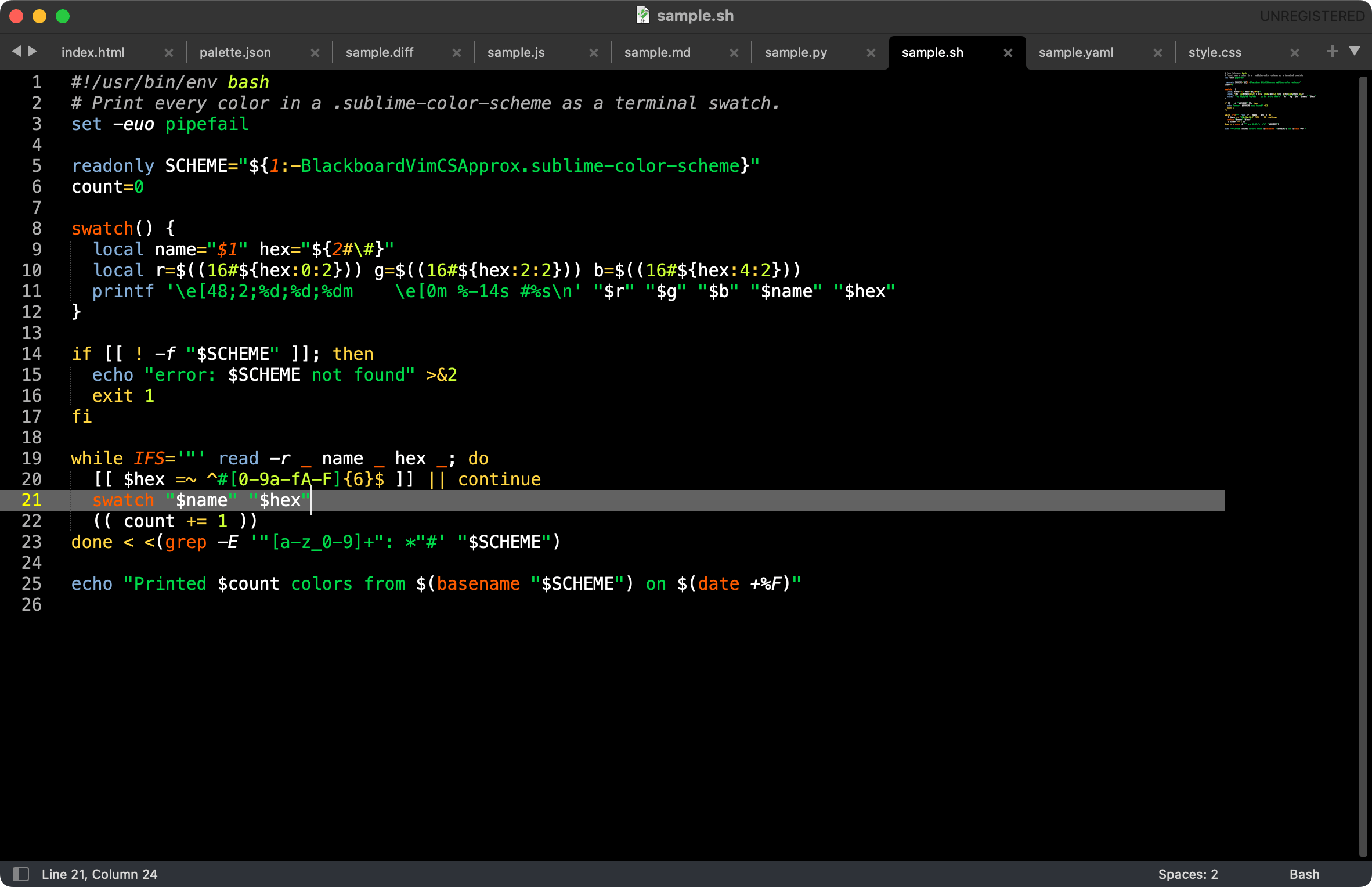
Bash |
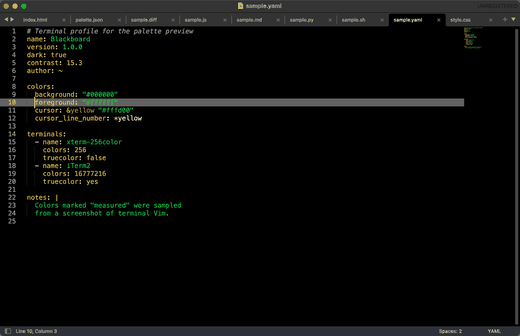
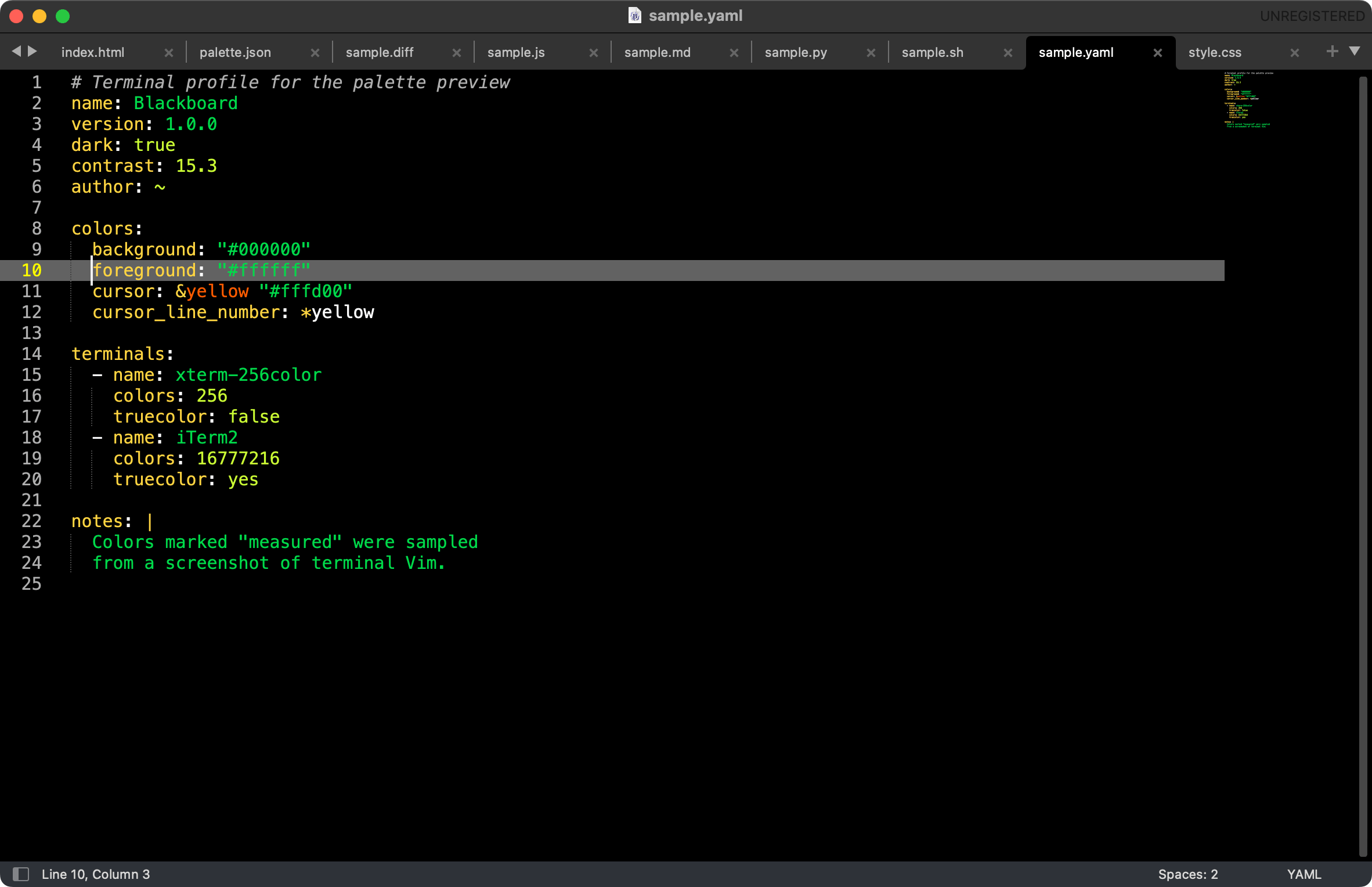
YAML |
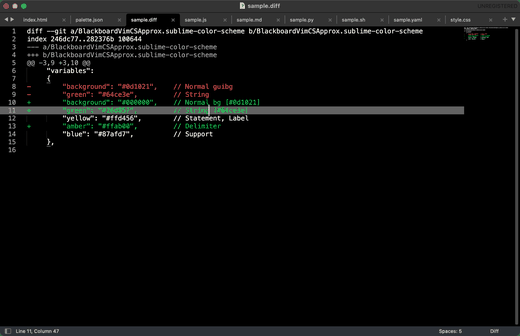
Diff |
A Sublime Text color scheme that matches a Vim
[`blackboard.vim`](https://github.com/danwolff/dotfiles/blob/master/.vim/colors/blackboard.vim)
color file. Several different Vim schemes share that name. This is the one with
`Entity`/`Support` groups and a `#0d1021` background, not Ben Wyrosdick's
[vim.org script 2280](https://www.vim.org/scripts/script.php?script_id=2280). Its
structure (rule set and scopes) comes from Sublime Text's built-in **Monokai**
scheme.
This is a different scheme from the older
[Theme - Vim Blackboard](https://github.com/oubiwann/vim-blackboard-sublime-theme)
package (2013). That package says up front that its colors were "changed to
resemble the default Vim colors used on dark terminals in various Linux distros
from the late 90s and early 00s", and it also ships a UI theme. This package is
only a color scheme, and it is a direct port of a `blackboard.vim` as it renders in
a 256-color terminal. The idea is similar, but the colors are quite different.
The name is a nod to how long this look has been around: from TextMate's
Blackboard, to Vim, to terminal Vim through CSApprox, and now to Sublime Text.
The goal is to keep it alive and easy to install.
## Palette
`blackboard.vim` is written with GUI colors. In terminal Vim, the
[CSApprox](https://github.com/godlygeek/CSApprox) plugin maps them to the 256-color
palette, so what you actually see differs from the hex values in the file (the
background becomes black, for example). This scheme matches the terminal
rendering. Colors marked "measured" were sampled from a screenshot of terminal
Vim. The rest are the nearest xterm-256 color to the GUI value.
| Vim group | GUI value | Used here | Source | Used in Sublime for |
| -------------------------- | --------- | --------- | -------- | ----------------------------------------- |
| `Normal` bg | `#0d1021` | `#000000` | measured | background, gutter |
| `Normal` fg | `#ffffff` | `#ffffff` | measured | text, punctuation, JSON quotes |
| `Comment`, `LineNr` | `#aeaeae` | `#afafaf` | measured | comments (italic), line numbers |
| `Constant` | `#d7fa41` | `#cffe52` | measured | numbers, booleans, language constants |
| `String` | `#64ce3e` | `#26d857` | measured | strings, inserted diff lines |
| `Statement` / `Label` | `#f8de33` | `#ffd456` | measured | keywords, operators, mapping keys, tags |
| `Delimiter` | | `#ffab00` | measured | JSON braces and brackets |
| `CursorLine` | | `#626262` | measured | current line highlight |
| `CursorLineNr` | | `#fffd00` | measured | current line number |
| `Entity` | `#fa6513` | `#ff5f00` | xterm | function/class names, function calls |
| `Support` | `#8fa6cd` | `#87afd7` | xterm | library functions/types, storage types |
| `Title` | `#f6f3e8` | `#ffffd7` | xterm | markup headings (bold) |
| `NonText` / `SpecialKey` | `#808080` | `#808080` | xterm | invisibles |
| `VertSplit` | `#444444` | `#444444` | xterm | indent guides |
Colors added in the same vein (the Vim file does not define them):
- `#253b76`: selection. Vim uses `Visual gui=reverse`, which in Sublime
would hide syntax colors in the selected text.
- `#ff5c5c`: errors, misspellings, deleted diff lines.
- `#9d1e15`: background for invalid code.
- `#b48ae6`: background for deprecated code.
## Install
### Package Control
1. **Command Palette** → **Package Control: Install Package** → **BlackboardForever**.
- Press Cmd+Shift+P on Mac (Ctrl+Shift+P
on Windows/Linux) to open the Command Palette.
- Type `insta` and press Enter on **Package Control: Install Package**.
- Type `blackboardfor`, pick **BlackboardForever** with ↑/↓, and press Enter to install it.
2. **Preferences → Select Color Scheme…** → choose **BlackboardForever**.
- Open the Command Palette again (Cmd+Shift+P on Mac or
Ctrl+Shift+P on Windows/Linux), type `color sch`, and press
Enter on **UI: Select Color Scheme**.
- Type `blackboardfor`. Moving with ↑/↓ previews each scheme live.
Press Enter to apply it.
### Manual
1. In Sublime Text: **Preferences → Browse Packages…**
2. Copy `BlackboardForever.sublime-color-scheme` into the `User` folder.
3. **Preferences → Select Color Scheme…** → choose **BlackboardForever**.
Or set it in `Preferences.sublime-settings`:
```json
"color_scheme": "BlackboardForever.sublime-color-scheme"
```
## License
[The Unlicense](https://unlicense.org) (public domain). See [LICENSE](LICENSE).