RustDesk Console
**Enterprise-grade management platform for the RustDesk ecosystem**
[](LICENSE)
[](https://nodejs.org/)
[](https://nestjs.com/)
[](https://hub.docker.com/r/databk/rustdesk-console)
**English** · [简体中文](README.zh-CN.md)
[Discord](https://discord.gg/vrQSJfqpwD) · [Frontend Project](https://github.com/databk/rustdesk-console-web)
---
## ✨ Highlights
|
### 🔐 Authentication & Security
JWT tokens · TOTP 2FA · OIDC SSO · Passkey · Email verification · Rate limiting
|
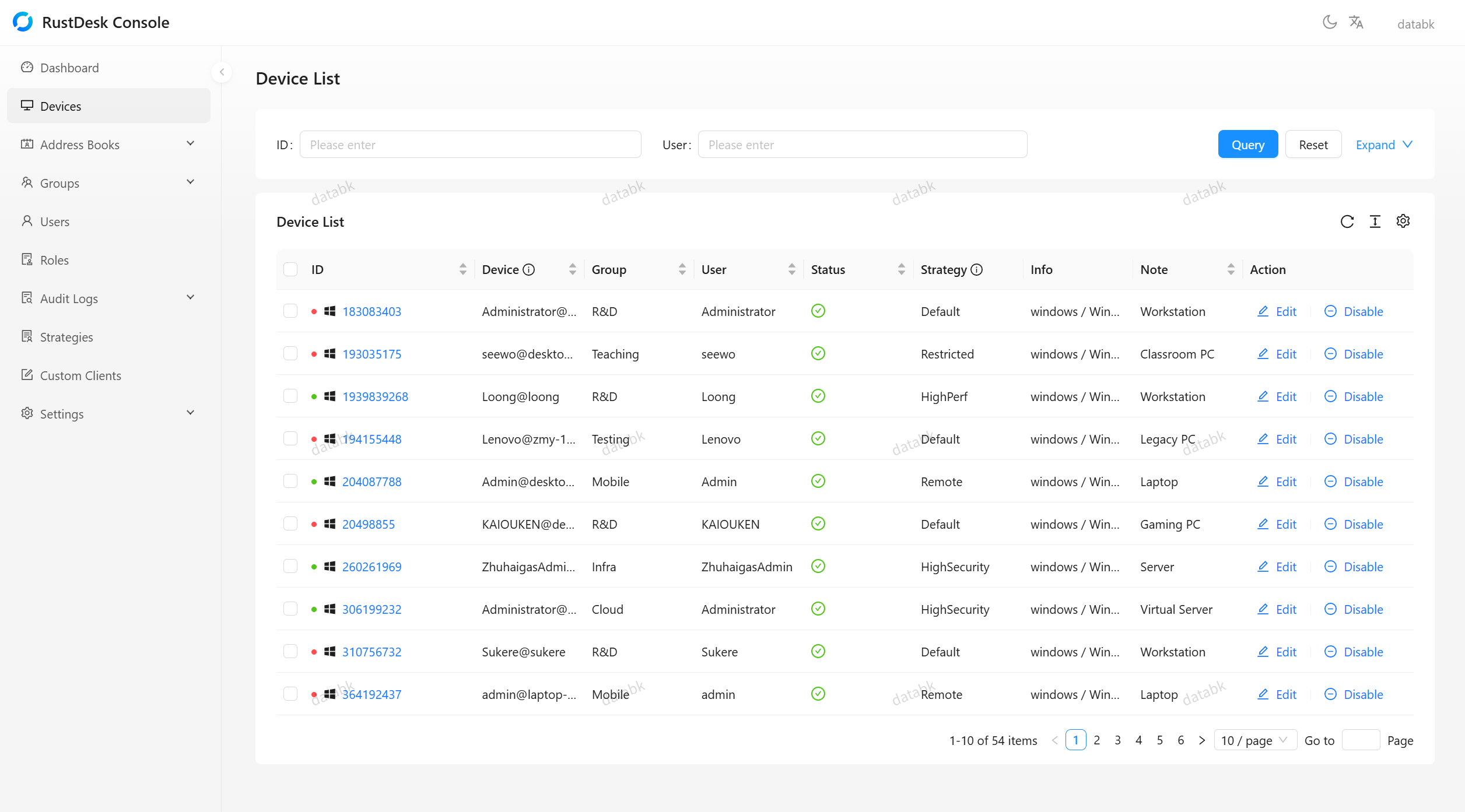
### 📱 Device Management
Grouping · Status tracking · Strategy assignment · Batch operations · Force disconnect
|
|
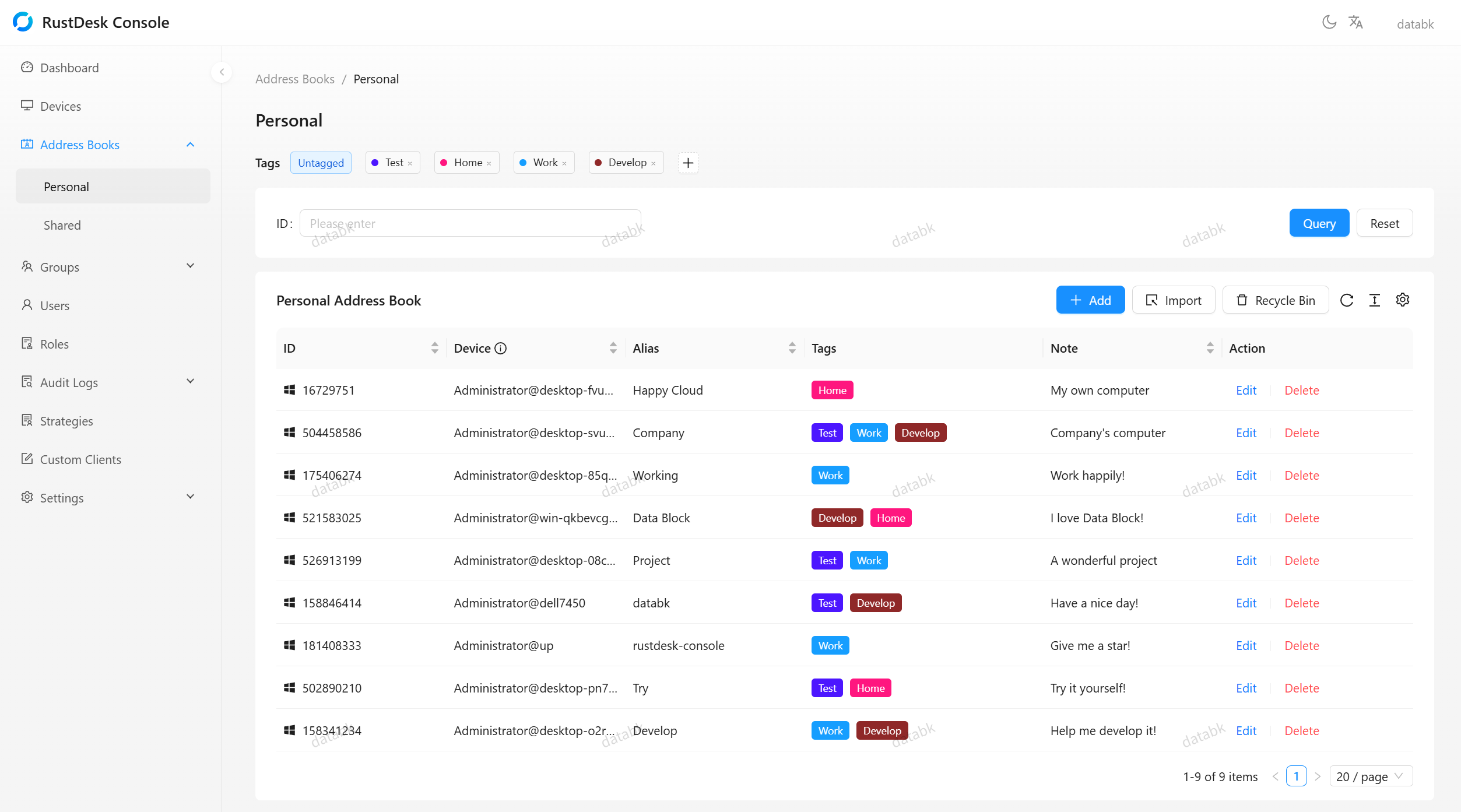
### 📋 Address Book
Personal & shared books · Tag organization · Peer management · Access rules
|
### 🎯 Strategy Configuration
Device / user / group assignment · Priority resolution · Heartbeat delivery
|
|
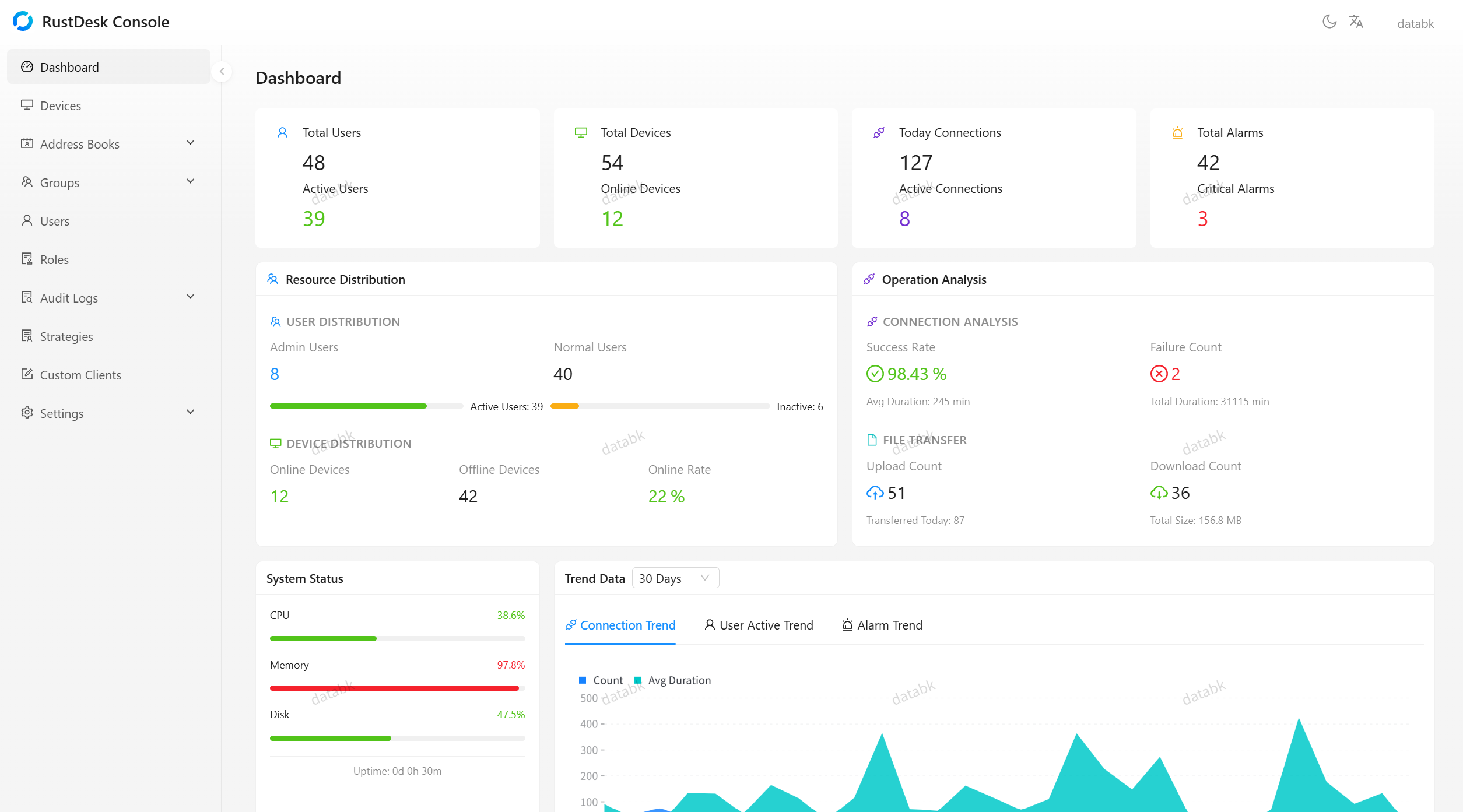
### 📊 Dashboard & Analytics
Overview statistics · Trend analysis · Real-time monitoring · Multi-metric support
|
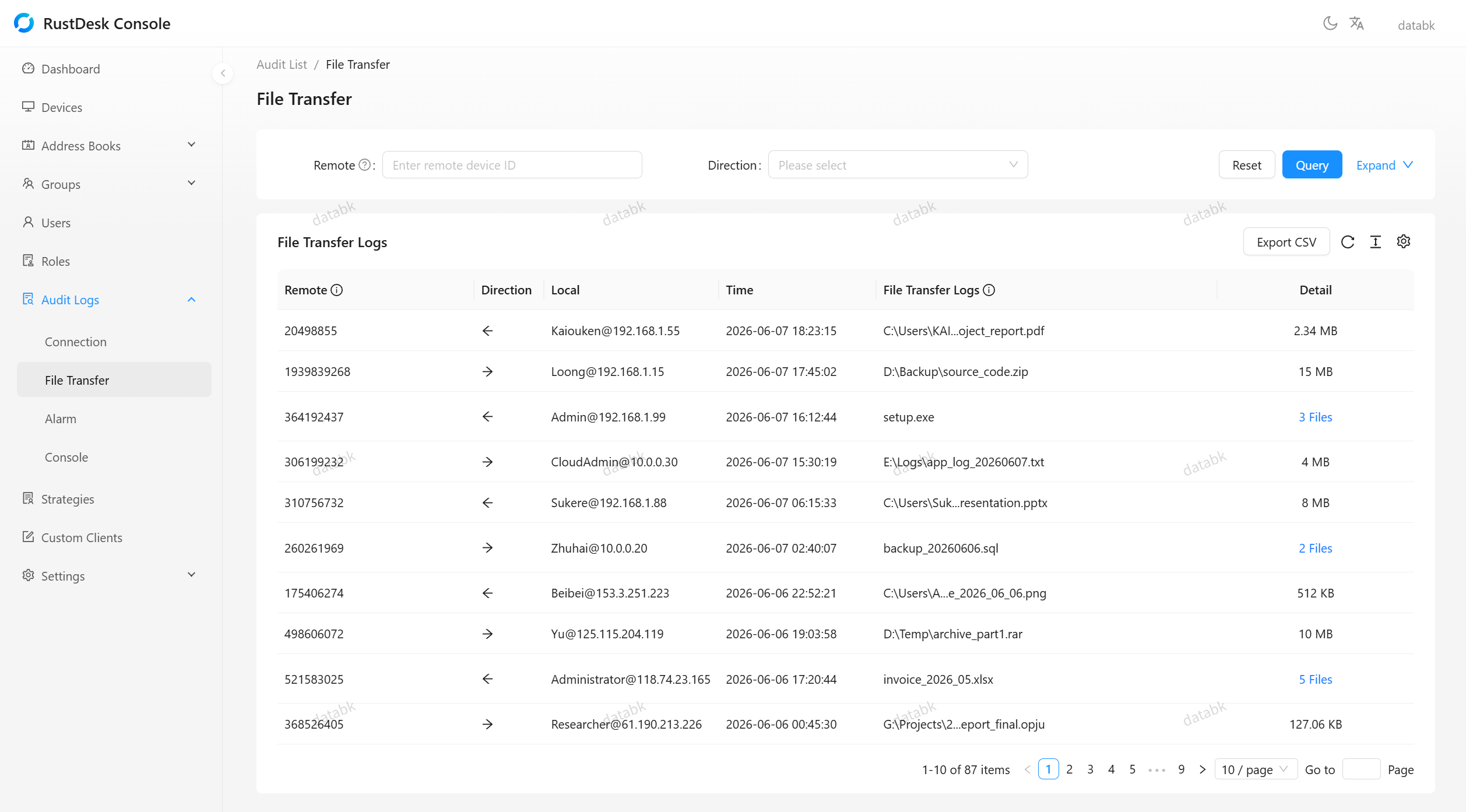
### 🔍 Audit & Compliance
Connection · File transfer · Security alarm · Console operation logging
|
## 🖼️ Screenshots
## 🚀 Quick Start
> **Administrator account**: username `databk`. Standard installations use the configured or generated `ADMIN_PASSWORD`. Existing accounts retain their credentials. Manual installations without `ADMIN_PASSWORD` use the default `databk`; change it before production.
### Docker (Recommended)
Download [`docker-compose.yml`](docker-compose.yml), [`docker-compose.override.yml`](docker-compose.override.yml) and [`.env.example`](.env.example) into a dedicated directory on the Linux Docker host. Create a protected configuration file:
```bash
cp .env.example .env
chmod 600 .env
```
In `.env`, set a unique `JWT_SECRET`, your initial `ADMIN_PASSWORD`, and `CONSOLE_INSTALL_DIR` to this directory's actual absolute host path. Then start the standard deployment:
```bash
docker compose up -d
```
The frontend is accessible at `http://localhost:21114`. The updater is included and starts by default. Administrators initiate coordinated backend/frontend updates from **Update system**; only compatible official stable releases with complete manifests are eligible. Startup does not initiate an upgrade. To also run the RustDesk server (hbbs/hbbr) beside the Console, set `COMPOSE_PROFILES=server` in `.env`; see [Server management](docs/server-management.md).
See [Managed system updates](docs/system-update.md) for SQLite/MySQL prerequisites, data protection, supported installations and recovery. The backend runs as UID/GID 1000. The override file is reserved for the updater's pinned image digests.
Images are published to both Docker Hub (`databk/rustdesk-console`) and GitHub Container Registry (`ghcr.io/databk/rustdesk-console`) for `linux/amd64` and `linux/arm64`. To use the GitHub Container Registry mirror, replace `databk/rustdesk-console` with `ghcr.io/databk/rustdesk-console`.
📋 Docker CLI (without Compose)
This manual layout uses the original version check and manual update process. Use the standard Compose deployment above for managed system updates.
```bash
docker network create rustdesk-net
docker run -d \
--name rustdesk-console \
--network rustdesk-net \
-e JWT_SECRET=your-super-secret-key \
-v ./data:/data \
databk/rustdesk-console:latest
docker run -d \
--name rustdesk-console-web \
--network rustdesk-net \
-p 21114:80 \
-e BACKEND_URL=http://rustdesk-console:3000 \
databk/rustdesk-console-web:latest
```
### Pre-built Binaries
Each release ships complete Single Executable Application (SEA) archives for Linux (x64/arm64), Windows (x64), and macOS (x64/arm64). Download the archive matching your CPU and, on Linux, libc from the [Releases page](https://github.com/databk/rustdesk-console/releases), and verify its published SHA-256. Preserve the full extracted directory, including native modules and templates; no separate Node.js runtime is required.
For a fresh standard Linux installation booted with systemd, run `sudo ./deployment/install-linux.sh` from the extracted backend bundle. It installs the backend, frontend, required tools and updater service together. Initial credentials are kept in the protected `/etc/rustdesk-console/backend.env` file. See [the installation and recovery guide](docs/system-update.md#standard-linux-installation) for configuration.
Direct executable launches, source deployments and Windows/macOS installations retain manual updates.
For a manual launch, run `./rustdesk-console migrate` before starting the executable. Back up an existing database before upgrading; see [database migrations](docs/database-migrations.md).
🔧 Build from Source
```bash
git clone https://github.com/databk/rustdesk-console.git
cd rustdesk-console
npm install
cp .env.example .env
# Edit .env with your configuration
npm run build
node dist/main.js migrate
npm run start:prod
```
**Requirements**: Node.js ≥ 20.0.0, npm ≥ 9.0.0
## 🖥️ Integrated hbbs / hbbr management
See [Server management](docs/server-management.md) for the authenticated server APIs, hub-and-spoke server topology, server permissions, the Compose server profile and CI validation.
## 🛠️ Tech Stack
`NestJS 11` · `TypeScript` · `TypeORM 0.3` · `SQLite` · `JWT` · `Passport.js` · `bcryptjs` · `otplib` · `Nodemailer` · `sharp` · `openid-client`
## 🤝 Contributing
See [CONTRIBUTING.md](CONTRIBUTING.md) for development setup, coding conventions, and contribution guidelines.
---
Built with ❤️ using NestJS | Data Block