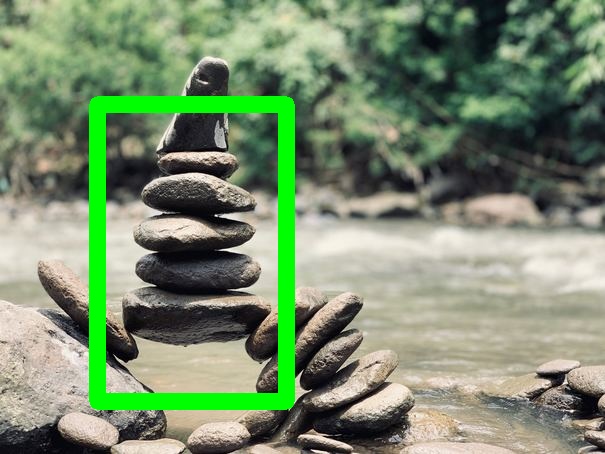
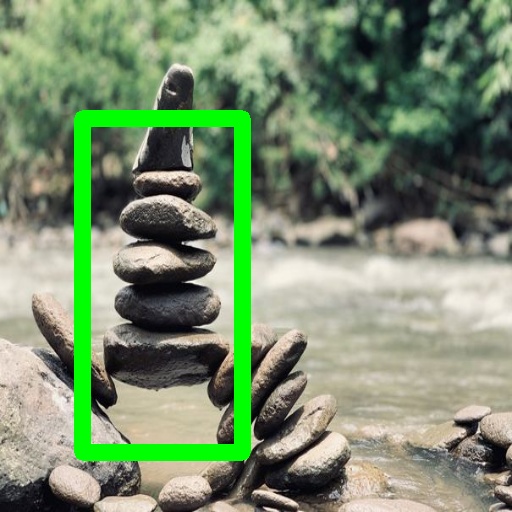
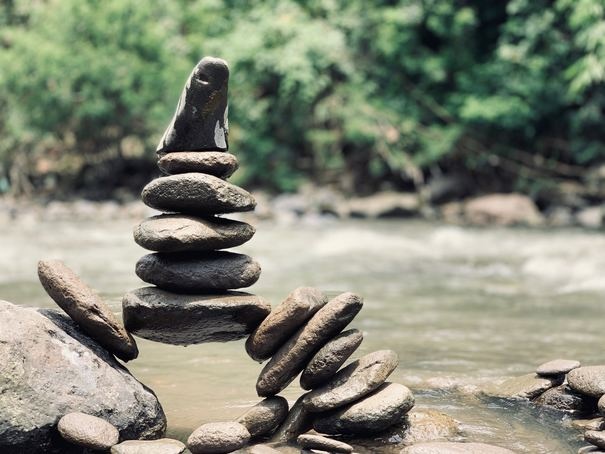
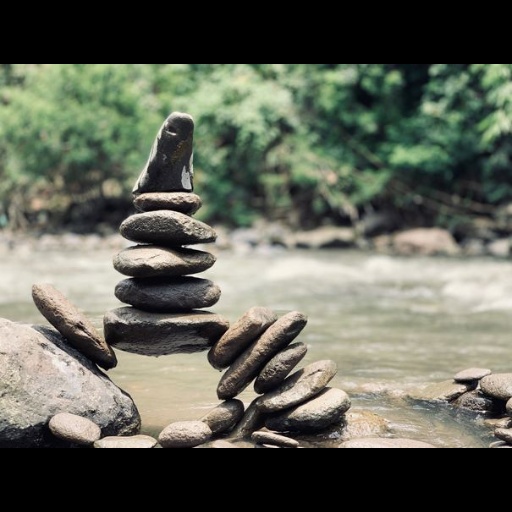
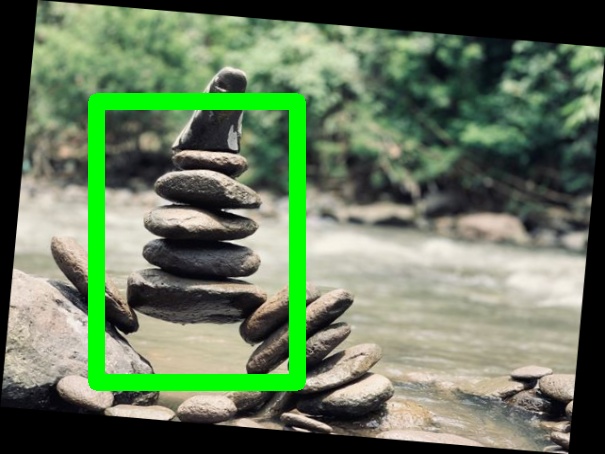
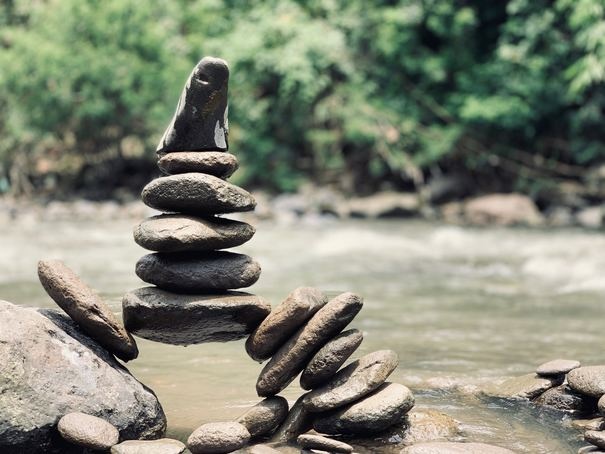
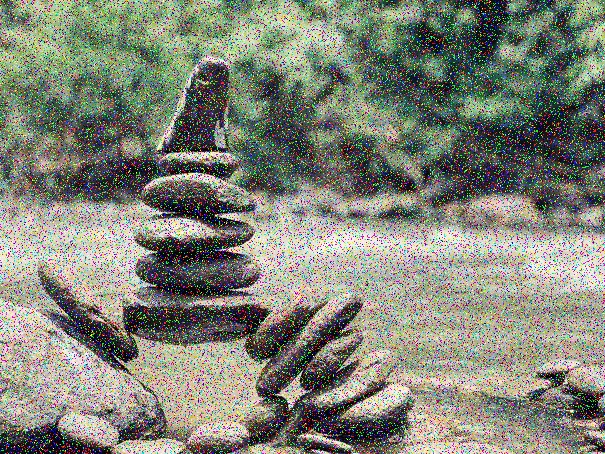
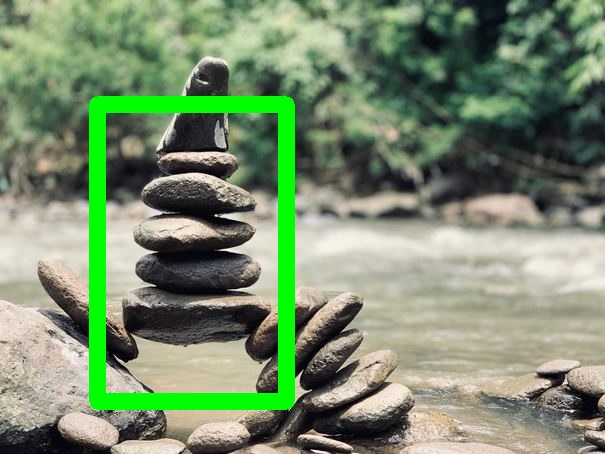
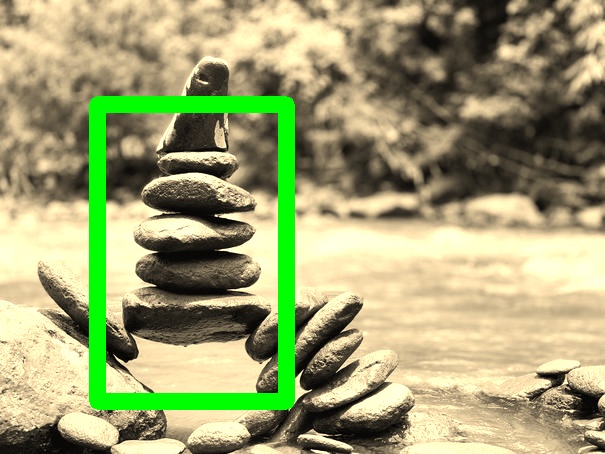
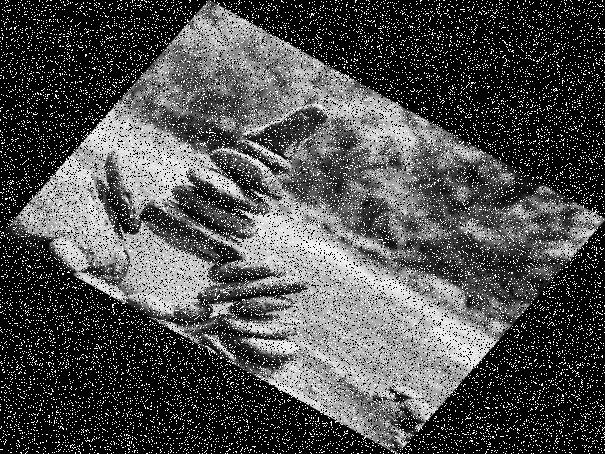
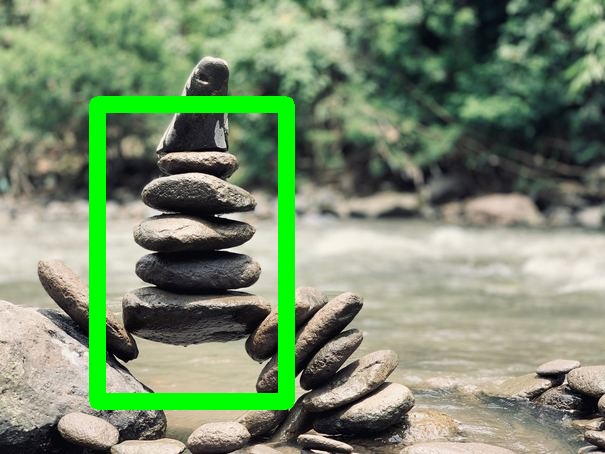
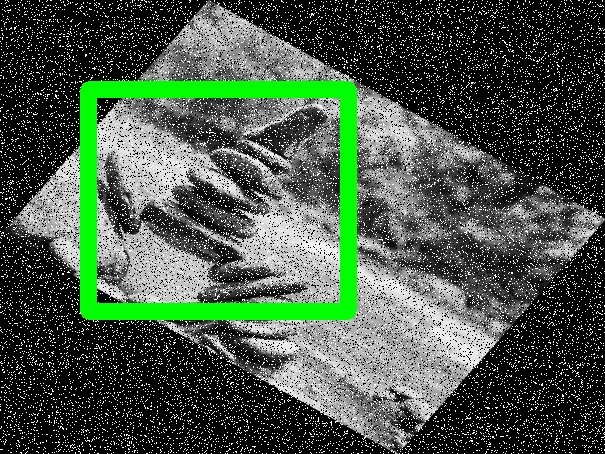
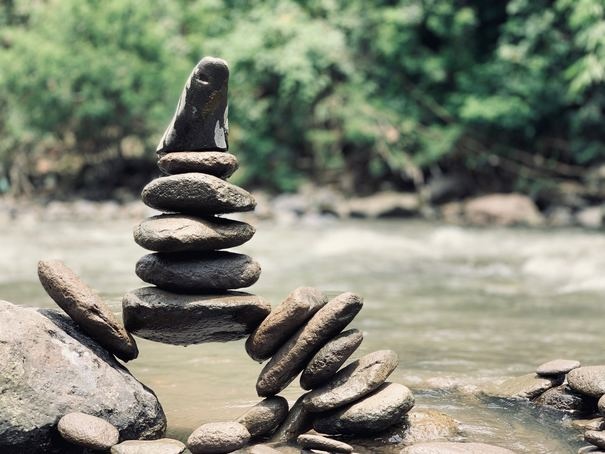
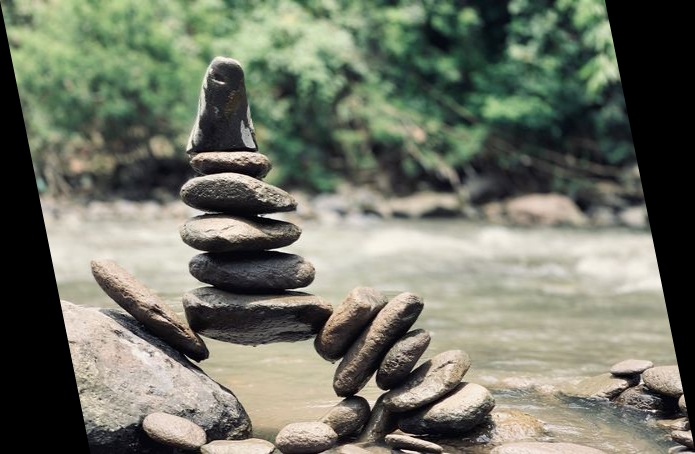
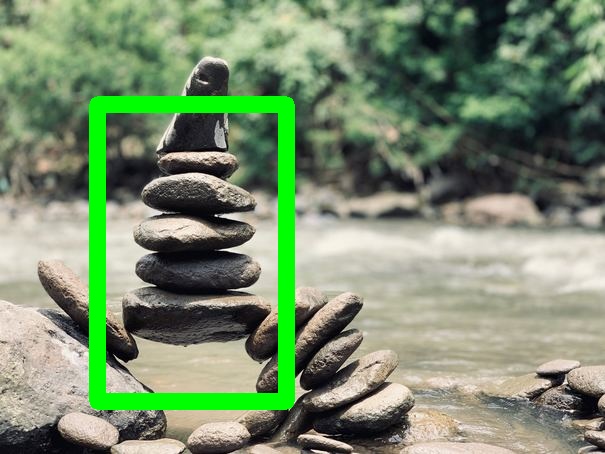
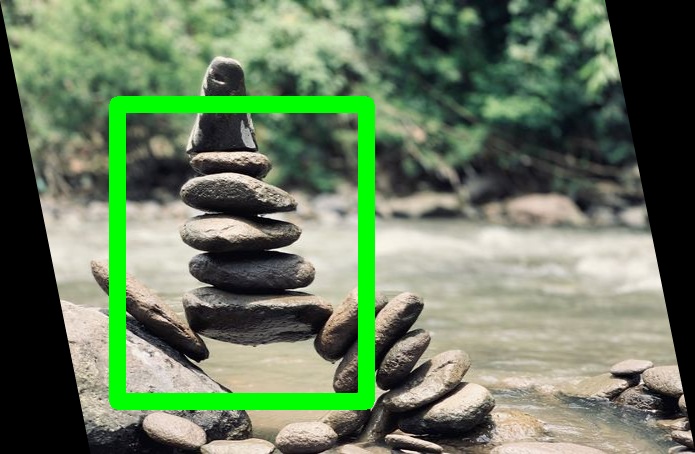
# Annotation Loaders ## COCO A COCO annotation loader\. ### Parameters **annotations\_file** *(str)*, required
The path to the JSON file containing the annotations ## FourCornersCSV Loads annotations from a CSV file in the following format\. image\_name, x\_min, y\_min, x\_max, y\_max, label ### Parameters **annotations\_file** *(str)*, required
The path to the CSV file containing the annotations **normalized** *(bool)* = True
whether the bounding box coordinates are stored in a normalized format ## PascalVOC A Pascal VOC annotation loader\. ### Parameters **annotations\_folder** *(str)*, required
The folder where the annotations are stored ## WidthHeightCSV Loads annotations from a CSV file in the following format\. image\_name, x\_min, y\_min, width, height, label ### Parameters **annotations\_file** *(str)*, required
The path to the CSV file containing the annotations **normalized** *(bool)* = True
whether the bounding box coordinates are stored in a normalized format ## YOLODarknet A YOLO Darknet annotation loader\. ### Parameters **annotations\_folder** *(str)*, required
The folder where the annotations are stored **image\_ext** *(str)* = jpg
The file extension for loaded images ## YOLOKeras A YOLO Keras annotation loader\. ### Parameters **annotations\_file** *(str)*, required
The path to the TXT file containing the annotations # Annotation Writers ## COCO A COCO annotation writer\. ### Parameters **annotations\_file** *(str)*, required
The path to the JSON file to write the annotations to ## FourCornersCSV Writes annotations to a CSV file in the following format\. image\_name, x\_min, y\_min, x\_max, y\_max, label ### Parameters **annotations\_file** *(str)*, required
The path to the CSV file to write the annotations to **normalized** *(bool)* = True
whether the bounding box coordinates should be normalized before saving ## PascalVOC A Pascal VOC annotation writer\. ### Parameters **annotations\_folder** *(str)*, required
the directory to save annotation files to **clean\_directory** *(bool)* = True
whether to forcibly ensure the output directory is empty **database** *(str)* =
The name of the source database ## WidthHeightCSV Writes annotations to a CSV file in the following format\. image\_name, x\_min, y\_min, width, height, label ### Parameters **annotations\_file** *(str)*, required
The path to the CSV file to write the annotations to **normalized** *(bool)* = True
whether the bounding box coordinates should be normalized before saving ## YOLODarknet A YOLO Darknet annotation writer\. ### Parameters **annotations\_folder** *(str)*, required
the directory to save annotation files to **clean\_directory** *(bool)* = True
whether to forcibly ensure the output directory is empty ## YOLOKeras A YOLO Keras annotation writer\. ### Parameters **annotations\_file** *(str)*, required
The path to the TXT file to write the annotations to # Image Loaders ## Directory Load images from a directory in the filesystem\. The image name from the AnnotationLoader will be used to fetch a file with the same name in the given directory\. ### Parameters **directory** *(str)*, required
The directory from which to load images # Image Writers ## Directory Writes images to a directory in the filesystem\. Images will be saved to a file with the given name in the given directory\. ### Parameters **clean\_directory** *(bool)* = True
whether to forcibly ensure the output directory is empty **directory** *(str)*, required
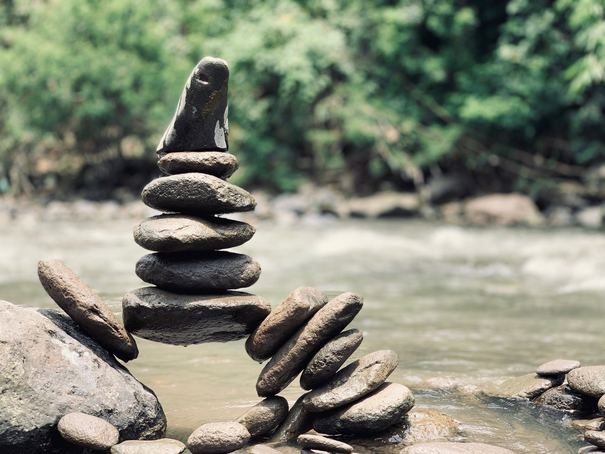
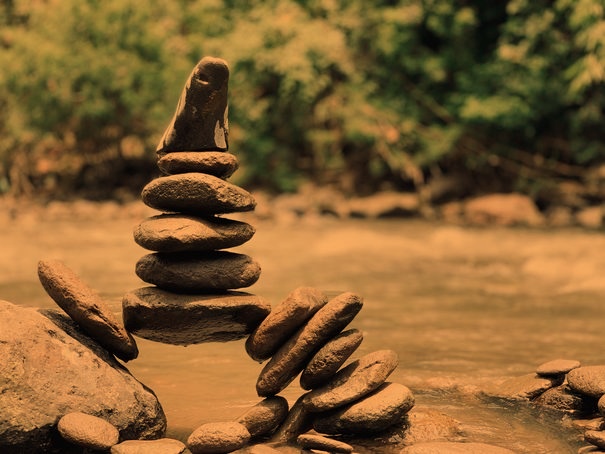
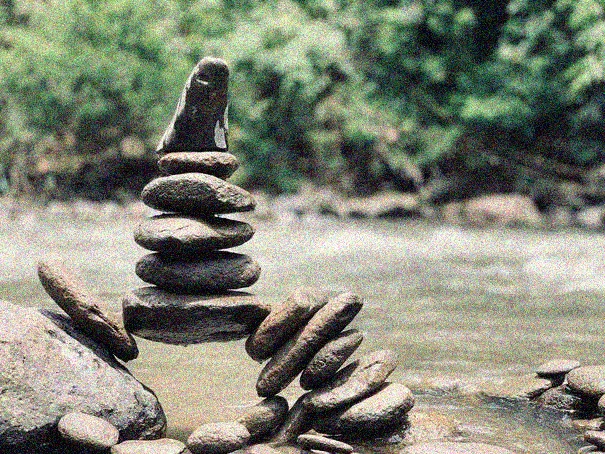
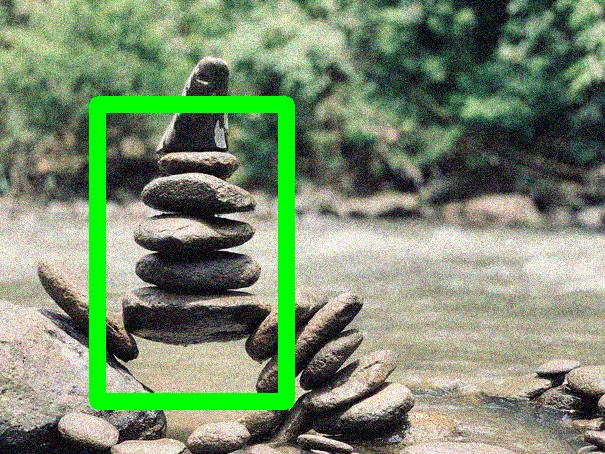
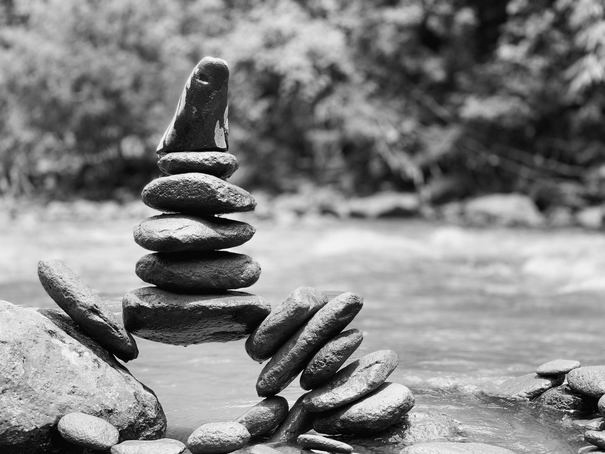
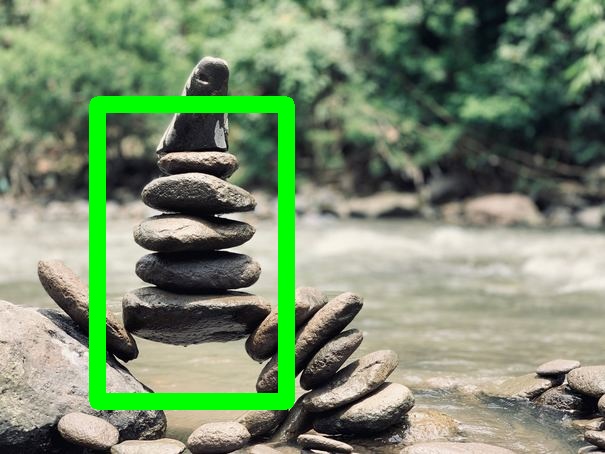
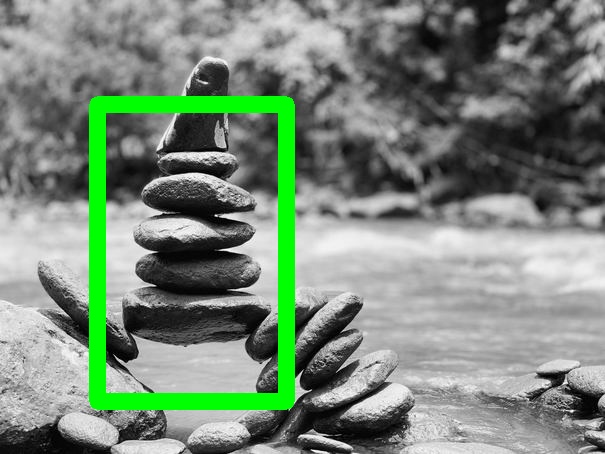
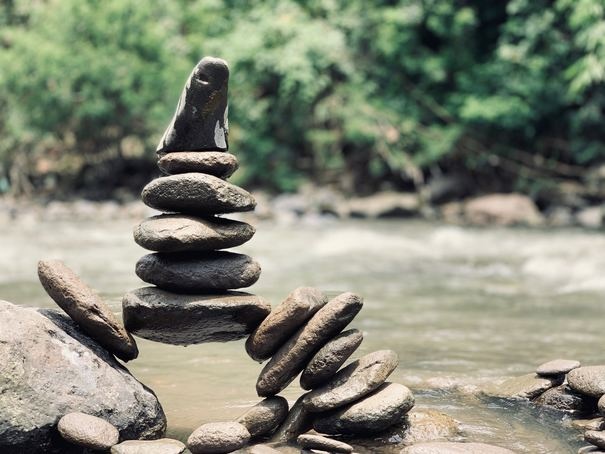
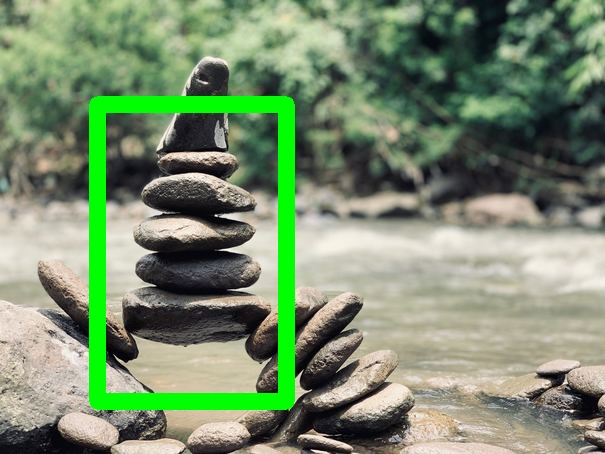
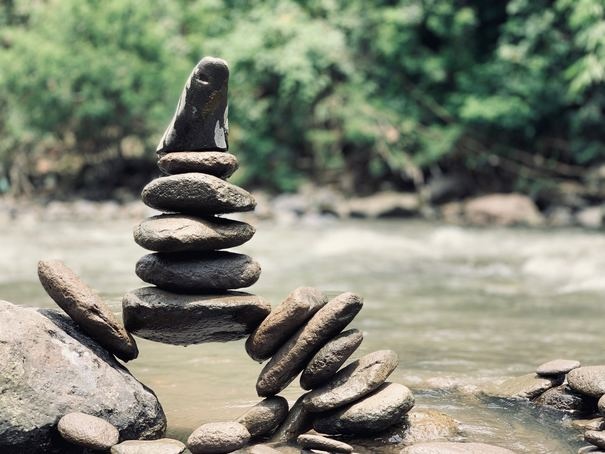
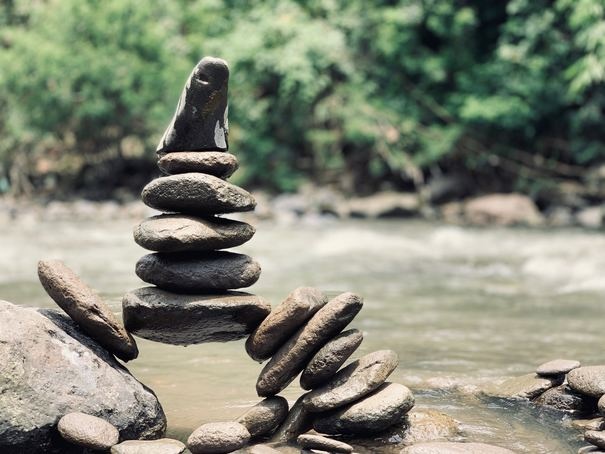
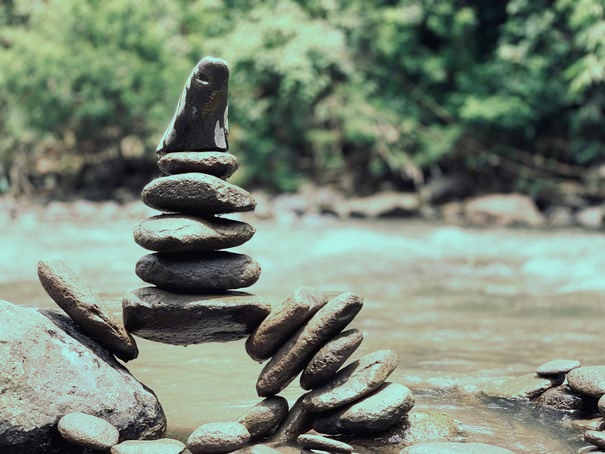
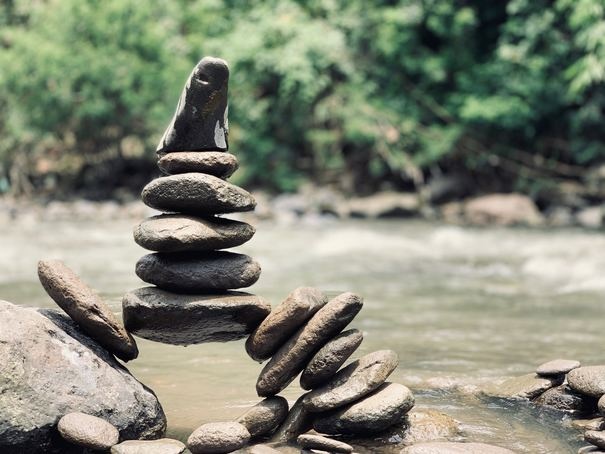
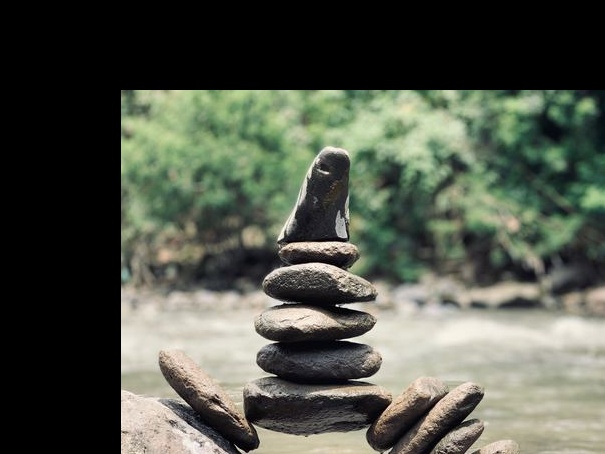
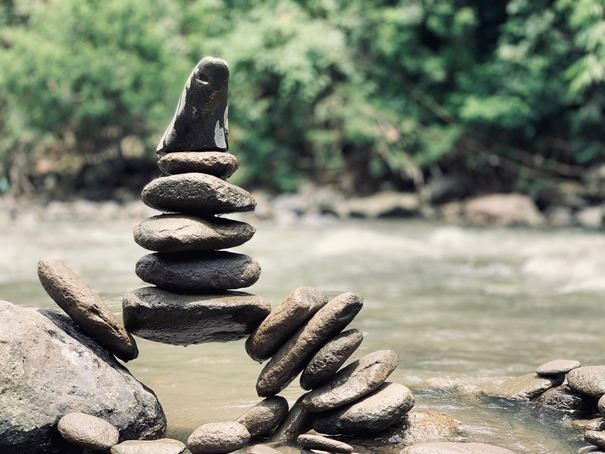
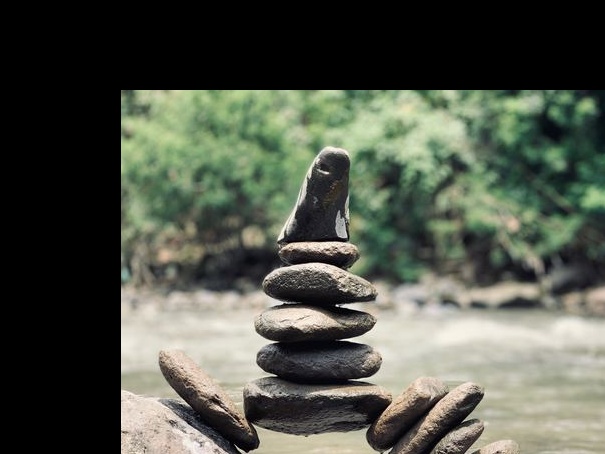
the directory to save images to # Augmentations ## ColorTemperature Changes the color temperature of the input image\. The class changes the color temperature to a value between 1,000 and 40,000 Kelvins \(ie\. working as a warming or cooling filter\)\. This class has largely been adapted from @aleju/imgaug library's augmenters\.ChangeColorTemperature\(\) function\. @aleju/imgaug library can be found at ### Example
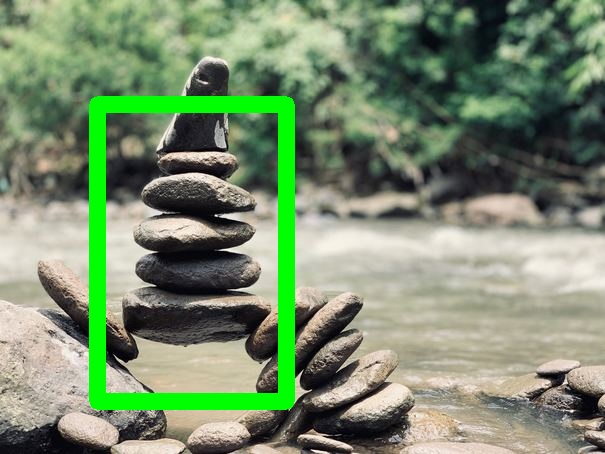
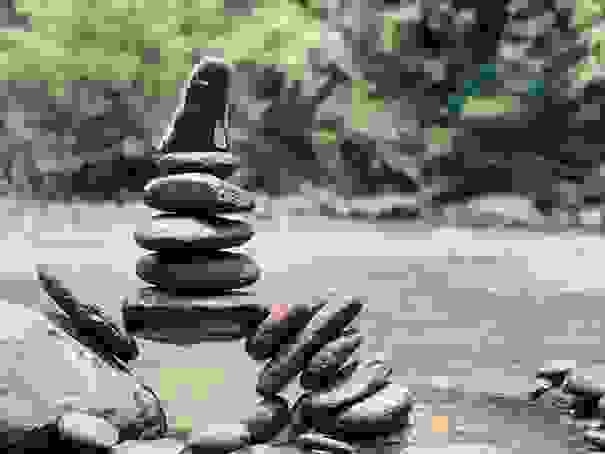
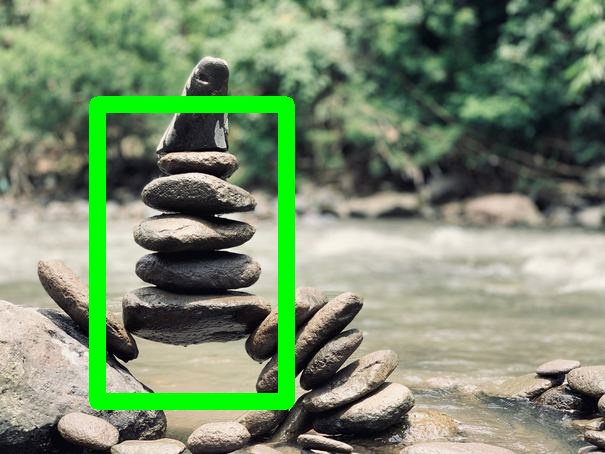
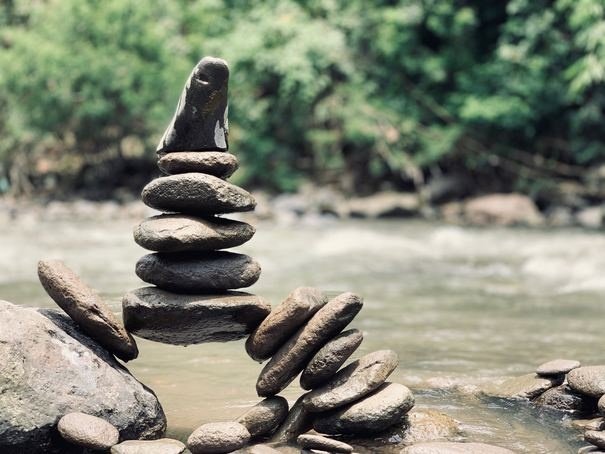
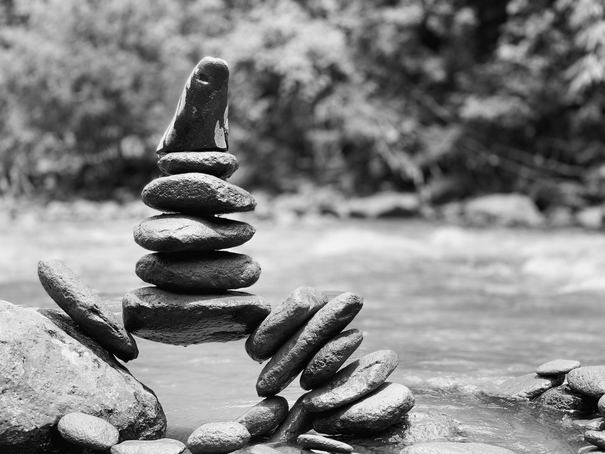
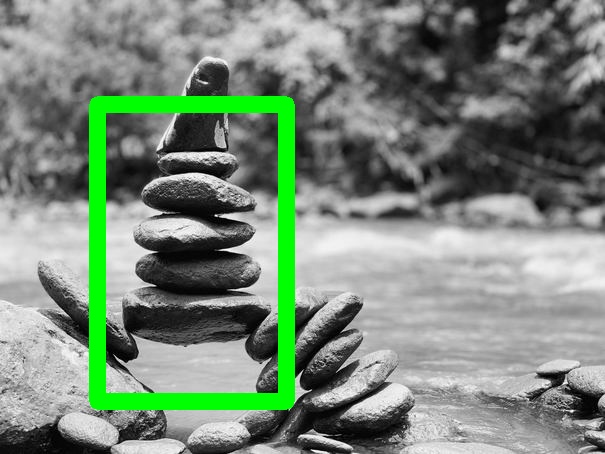
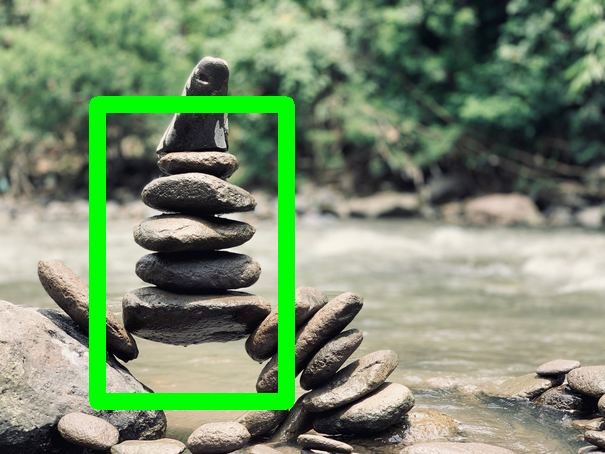
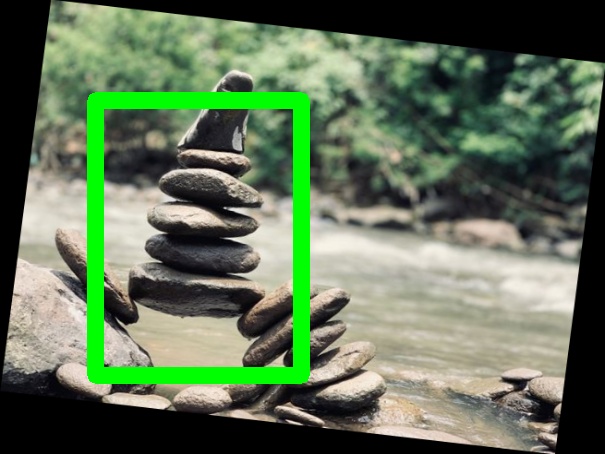
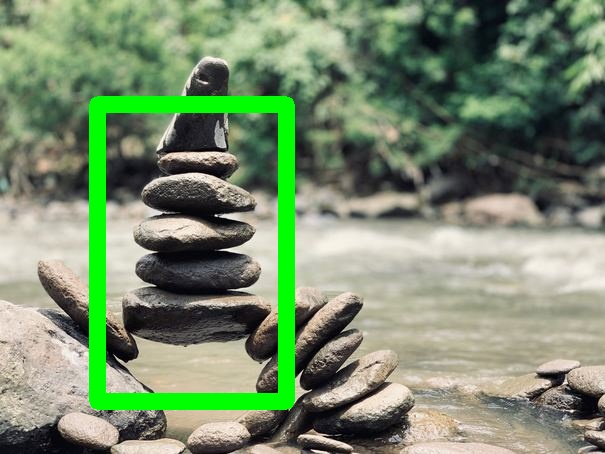
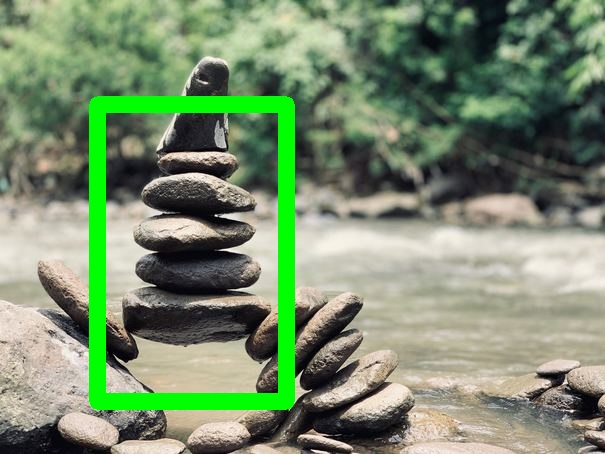
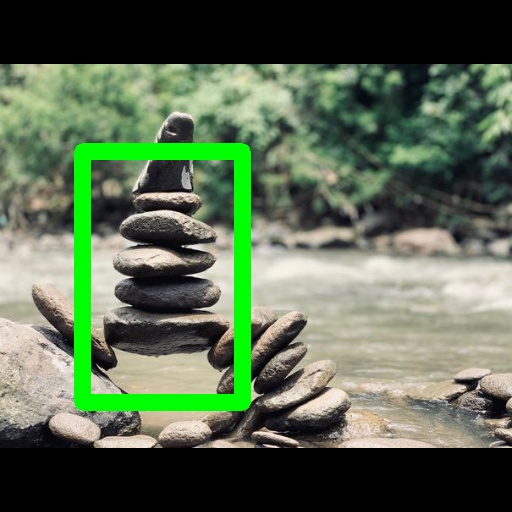
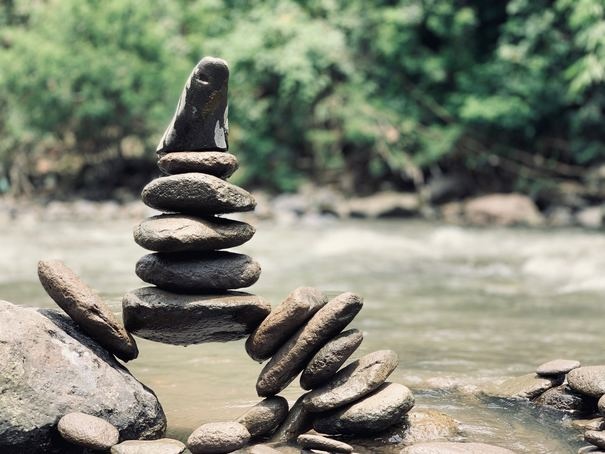
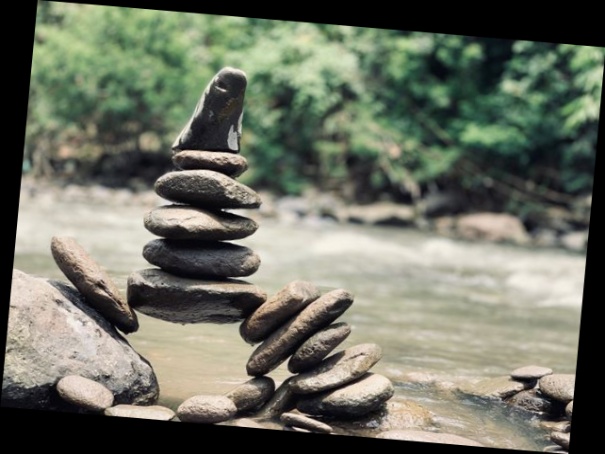
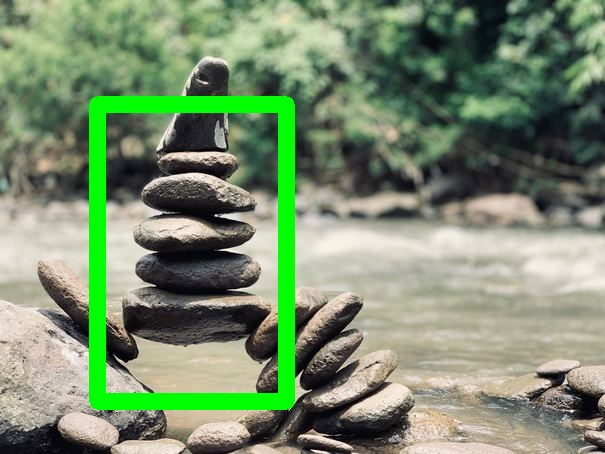
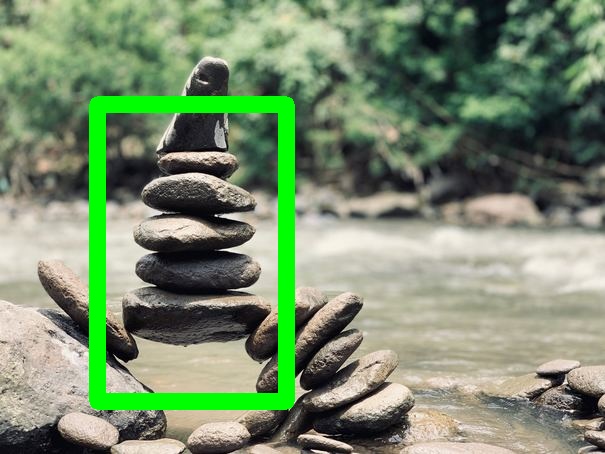
Input Image Augmented Image Input Image
(with Bounding Boxes)
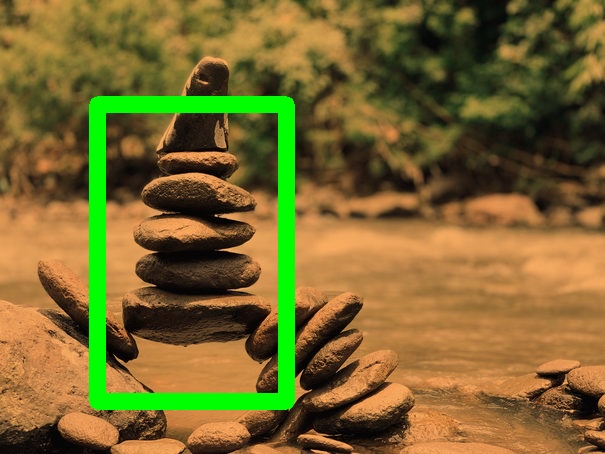
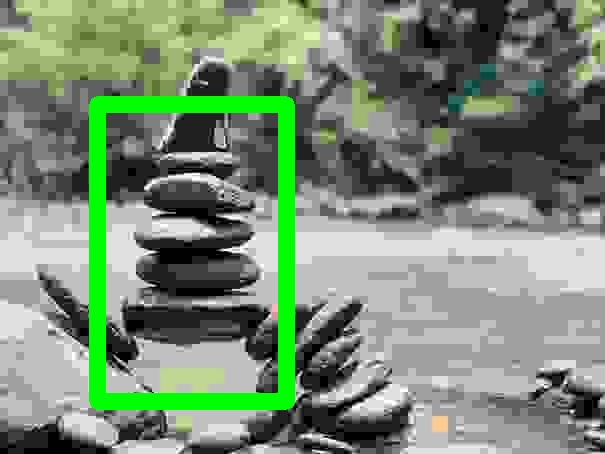
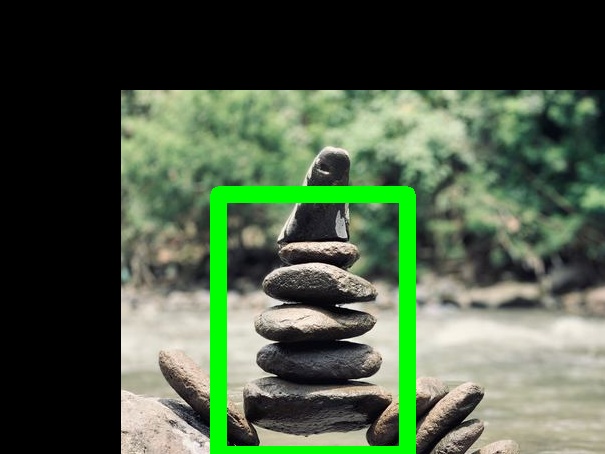
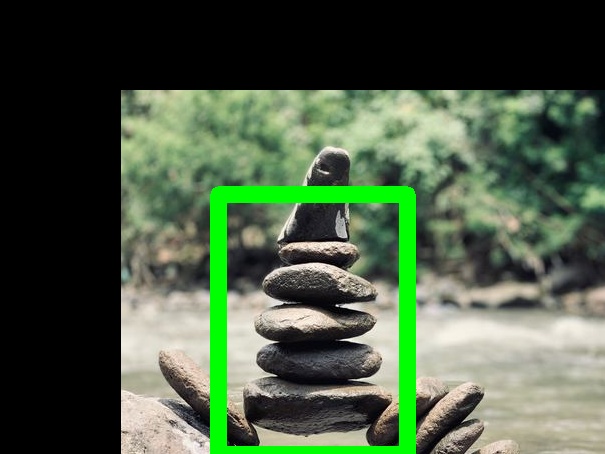
Augmented Image
(with Bounding Boxes)
### Parameters **kelvin** *(int in range \[1000, 40000\])* = 3000
temperature value in to which temperature should be changed **probs** *(float in range \[0\.0, 1\.0\])* = 1\.0
The probability that this augmentation will be applied ## GaussianNoise Add gaussian noise to the given image\. ### Example
Input Image Augmented Image Input Image
(with Bounding Boxes)
Augmented Image
(with Bounding Boxes)
### Parameters **mean** *(float)* = 0
**probs** *(float in range \[0\.0, 1\.0\])* = 1\.0
The probability that this augmentation will be applied **variance** *(float)* = 0\.01
## GrayScale Return a grayscale version of the given image\. ### Example
Input Image Augmented Image Input Image
(with Bounding Boxes)
Augmented Image
(with Bounding Boxes)
### Parameters **probs** *(float in range \[0\.0, 1\.0\])* = 1\.0
The probability that this augmentation will be applied ## HorizontalFlip Horizontally flips the given image\. ### Example
Input Image Augmented Image Input Image
(with Bounding Boxes)
Augmented Image
(with Bounding Boxes)
### Parameters **probs** *(float in range \[0\.0, 1\.0\])* = 1\.0
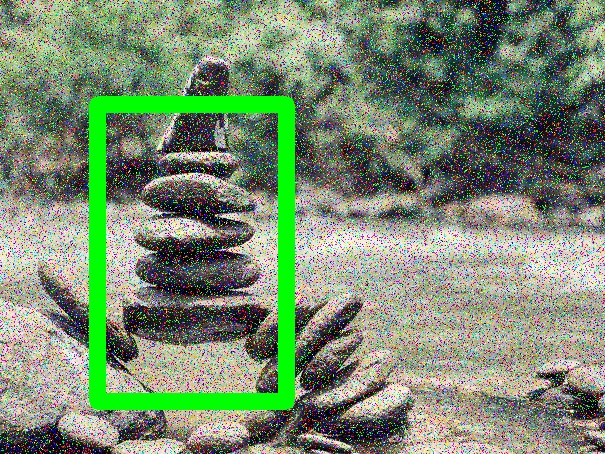
The probability that this augmentation will be applied ## ImageCompression Apply a compression effect to the given image\. This function is a lossy JPEG compression operation\. ### Example
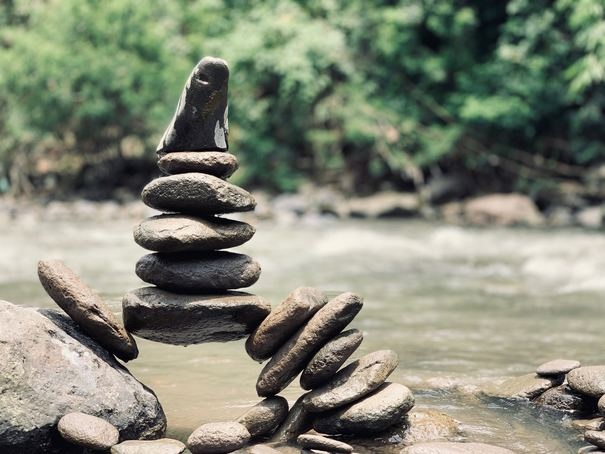
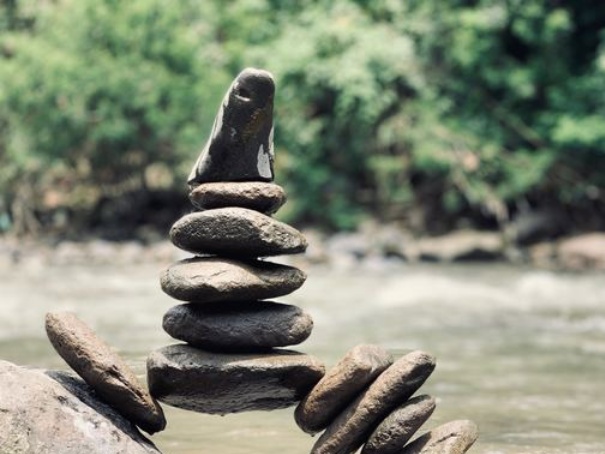
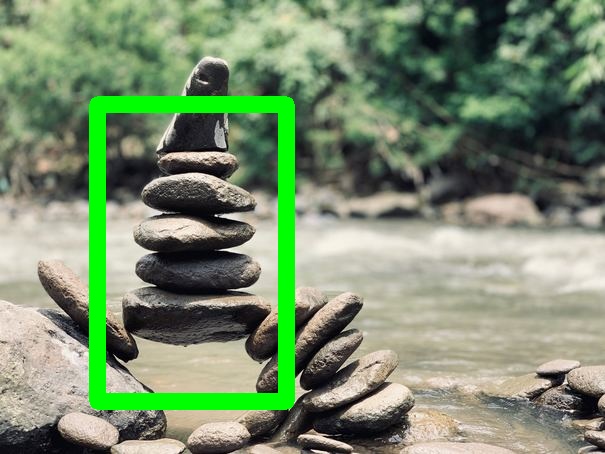
Input Image Augmented Image Input Image
(with Bounding Boxes)
Augmented Image
(with Bounding Boxes)
### Parameters **probs** *(float in range \[0\.0, 1\.0\])* = 1\.0
The probability that this augmentation will be applied **strength** *(int in range \[0, 100\])* = 1
Compression strength ## MotionBlur Add motionblur to a given image\. ### Example
Input Image Augmented Image Input Image
(with Bounding Boxes)
Augmented Image
(with Bounding Boxes)
### Parameters **direction** *(DOWN \| UP \| RIGHT \| LEFT \| TOPRIGHT \| TOPLEFT \| BOTTOMLEFT \| BOTTOMRIGHT)* = DOWN
direction in which the blur is pointer towards **kernel\_size** *(int in range \[0, Inf\])* = 10
Specify the kernel size, greater the size, the more the motion **probs** *(float in range \[0\.0, 1\.0\])* = 1\.0
The probability that this augmentation will be applied Sample image augmented with options: ``` kernel_size: 100 ``` ## OneOf Perform a randomly selected augmentation on the given image\. ### Example
Input Image Augmented Image Input Image
(with Bounding Boxes)
Augmented Image
(with Bounding Boxes)
### Parameters **augmentations** *(augmentation\_list)* = \[\]
**probs** *(float in range \[0\.0, 1\.0\])* = 1\.0
The probability that this augmentation will be applied Sample image augmented with options: ``` augmentations: - name: GrayScale options: {} - name: Rotate options: angle: 47 ``` ## RandomCrop Randomly crops the given image\. ### Example
Input Image Augmented Image Input Image
(with Bounding Boxes)
Augmented Image
(with Bounding Boxes)
### Parameters **max\_height** *(float in range \[0, 1\])* = 0\.7
Maximum height of cropped area \(normalized\) **max\_width** *(float in range \[0, 1\])* = 0\.7
Maximum width of cropped area \(normalized\) **min\_height** *(float in range \[0, 1\])* = 0\.1
Minimum height of cropped area \(normalized\) **min\_width** *(float in range \[0, 1\])* = 0\.1
Minimum width of cropped area \(normalized\) **probs** *(float in range \[0\.0, 1\.0\])* = 1\.0
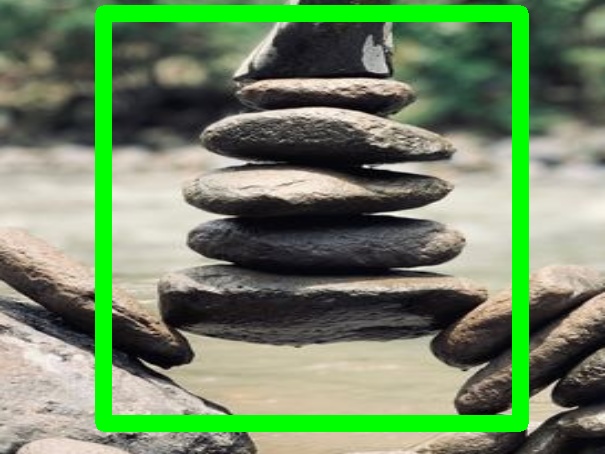
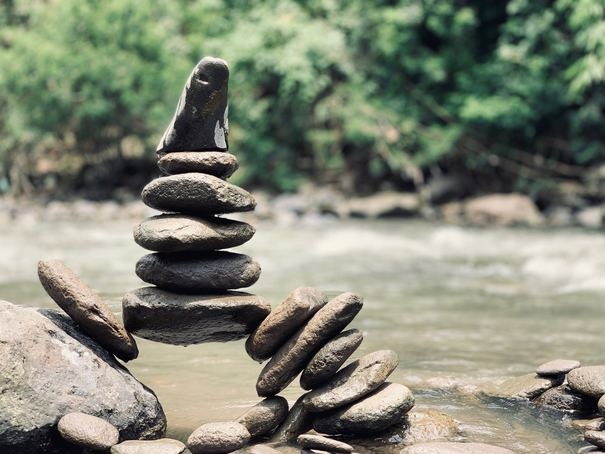
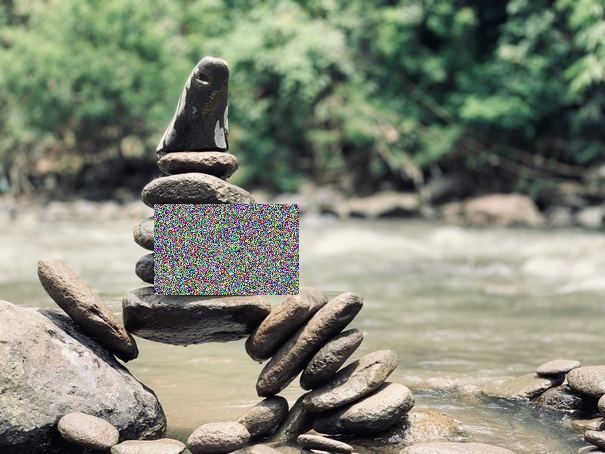
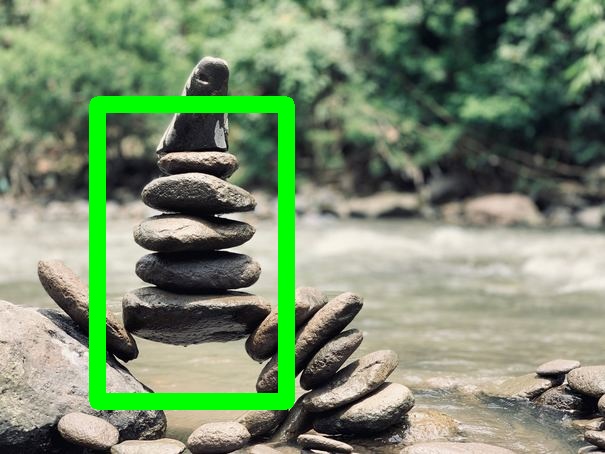
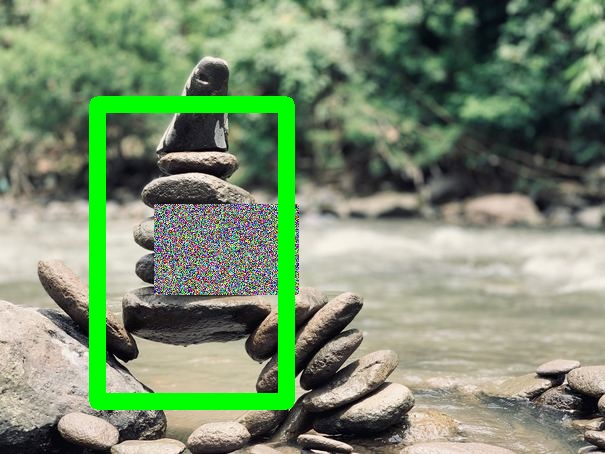
The probability that this augmentation will be applied Sample image augmented with options: ``` max_height: 0.9 max_width: 0.9 ``` ## RandomEraser Randomly erase a rectangular area in the given image\. The erased area is replaced with random noise\. ### Example
Input Image Augmented Image Input Image
(with Bounding Boxes)
Augmented Image
(with Bounding Boxes)
### Parameters **probs** *(float in range \[0\.0, 1\.0\])* = 1\.0
The probability that this augmentation will be applied **x\_range** *(range in \[0\.0, 1\.0\])* = \(0\.0, 1\.0\)
normalized x range for coordinates that may be erased **y\_range** *(range in \[0\.0, 1\.0\])* = \(0\.0, 1\.0\)
normalized y range for coordinates that may be erased ## RandomHSV Randomly shift the color space of the given image\. ### Example
Input Image Augmented Image Input Image
(with Bounding Boxes)
Augmented Image
(with Bounding Boxes)
### Parameters **brightness** *(range in \[\-Inf, Inf\])* = \(0\.0, 0\.0\)
**hue** *(range in \[\-Inf, Inf\])* = \(0\.0, 0\.0\)
**probs** *(float in range \[0\.0, 1\.0\])* = 1\.0
The probability that this augmentation will be applied **saturation** *(range in \[\-Inf, Inf\])* = \(0\.0, 0\.0\)
## RandomRotate Randomly rotate the given image\. ### Example
Input Image Augmented Image Input Image
(with Bounding Boxes)
Augmented Image
(with Bounding Boxes)
### Parameters **angle\_range** *(range in \[\-360\.0, 360\.0\])* = \(\-10\.0, 10\.0\)
The range from which the random angle will be chosen **probs** *(float in range \[0\.0, 1\.0\])* = 1\.0
The probability that this augmentation will be applied ## RandomScale Randomly scale the given image\. ### Example
Input Image Augmented Image Input Image
(with Bounding Boxes)
Augmented Image
(with Bounding Boxes)
### Parameters **probs** *(float in range \[0\.0, 1\.0\])* = 1\.0
The probability that this augmentation will be applied **scale\_range** *(range in \[\-1, Inf\])* = \(0\.2, 0\.2\)
The scale range should be bigger than \-1 ## RandomShear Randomly shear the given image\. ### Example
Input Image Augmented Image Input Image
(with Bounding Boxes)
Augmented Image
(with Bounding Boxes)
### Parameters **probs** *(float in range \[0\.0, 1\.0\])* = 1\.0
The probability that this augmentation will be applied **shear\_range** *(range in \[\-Inf, Inf\])* = \(0\.2, 0\.2\)
The shear range has no bounds ## RandomTranslate Randomly Translate the given image\. ### Example
Input Image Augmented Image Input Image
(with Bounding Boxes)
Augmented Image
(with Bounding Boxes)
### Parameters **probs** *(float in range \[0\.0, 1\.0\])* = 1\.0
The probability that this augmentation will be applied **translate\_range** *(range in \[0, 1\])* = \(0\.2, 0\.2\)
The translate range should be within 0 and 1 ## Resize Resize an image without preserving aspect ratio\. ### Example
Input Image Augmented Image Input Image
(with Bounding Boxes)
Augmented Image
(with Bounding Boxes)
### Parameters **height** *(int in range \[0, Inf\])* = 512
The height of the resized image **interpolation** *(INTER\_NEAREST \| INTER\_LINEAR \| INTER\_AREA \| INTER\_CUBIC \| INTER\_LANCZOS4)* = INTER\_LINEAR
The interpolation type **probs** *(float in range \[0\.0, 1\.0\])* = 1\.0
The probability that this augmentation will be applied **width** *(int in range \[0, Inf\])* = 512
the width of the resized image ## ResizeMaintainAspectRatio Resize an image while preserving aspect ratio\. ### Example
Input Image Augmented Image Input Image
(with Bounding Boxes)
Augmented Image
(with Bounding Boxes)
### Parameters **input\_dim** *(int in range \[0, Inf\])* = 512
The new length of the shortest dimension **interpolation** *(INTER\_NEAREST \| INTER\_LINEAR \| INTER\_AREA \| INTER\_CUBIC \| INTER\_LANCZOS4)* = INTER\_LINEAR
The interpolation type **probs** *(float in range \[0\.0, 1\.0\])* = 1\.0
The probability that this augmentation will be applied ## Rotate Rotate the given image\. ### Example
Input Image Augmented Image Input Image
(with Bounding Boxes)
Augmented Image
(with Bounding Boxes)
### Parameters **angle** *(float)* = 5
**probs** *(float in range \[0\.0, 1\.0\])* = 1\.0
The probability that this augmentation will be applied ## SaltAndPepperNoise Add salt and pepper or RGB noise to the given image\. ### Example
Input Image Augmented Image Input Image
(with Bounding Boxes)
Augmented Image
(with Bounding Boxes)
### Parameters **noise\_type** *(RGB \| SnP)* = RGB
The type of noise **pepper** *(int in range \[0, 255\])* = 0
The color of the pepper **probs** *(float in range \[0\.0, 1\.0\])* = 1\.0
The probability that this augmentation will be applied **replace\_probs** *(float)* = 0\.1
**salt** *(int in range \[0, 255\])* = 255
The color of the salt ## Scale Scale the given image\. ### Example
Input Image Augmented Image Input Image
(with Bounding Boxes)
Augmented Image
(with Bounding Boxes)
### Parameters **probs** *(float in range \[0\.0, 1\.0\])* = 1\.0
The probability that this augmentation will be applied **scale\_x** *(float in range \[\-1\.0, Inf\])* = 0\.2
**scale\_y** *(float in range \[\-1\.0, Inf\])* = 0\.2
## Sepia Returns a given image passed through the sepia filter\. ### Example
Input Image Augmented Image Input Image
(with Bounding Boxes)
Augmented Image
(with Bounding Boxes)
### Parameters **probs** *(float in range \[0\.0, 1\.0\])* = 1\.0
The probability that this augmentation will be applied ## Sequence Perform a sequence of augmentations on the given image\. ### Example
Input Image Augmented Image Input Image
(with Bounding Boxes)
Augmented Image
(with Bounding Boxes)
### Parameters **augmentations** *(augmentation\_list)* = \[\]
**probs** *(float in range \[0\.0, 1\.0\])* = 1\.0
The probability that this augmentation will be applied Sample image augmented with options: ``` augmentations: - name: GrayScale - name: Rotate options: angle: 35 - name: SaltAndPepperNoise options: noise_type: SnP ``` ## Shear Horizontally shear the given image\. ### Example
Input Image Augmented Image Input Image
(with Bounding Boxes)
Augmented Image
(with Bounding Boxes)
### Parameters **probs** *(float in range \[0\.0, 1\.0\])* = 1\.0
The probability that this augmentation will be applied **shear\_factor** *(float)* = 0\.2
## Translate Translate the given image\. ### Example
Input Image Augmented Image Input Image
(with Bounding Boxes)
Augmented Image
(with Bounding Boxes)
### Parameters **probs** *(float in range \[0\.0, 1\.0\])* = 1\.0
The probability that this augmentation will be applied **translate\_x** *(float in range \[0\.0, 1\.0\])* = 0\.2
**translate\_y** *(float in range \[0\.0, 1\.0\])* = 0\.2
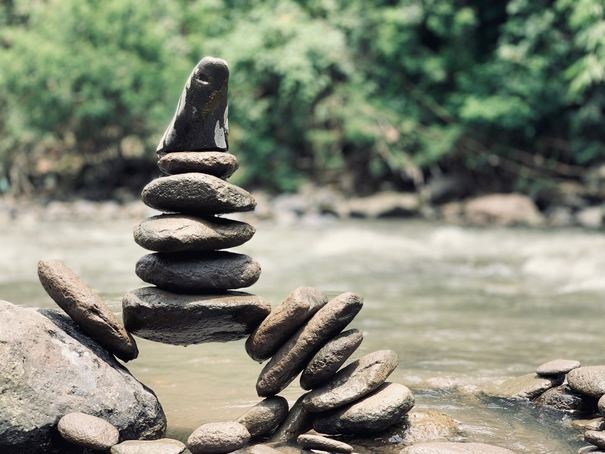
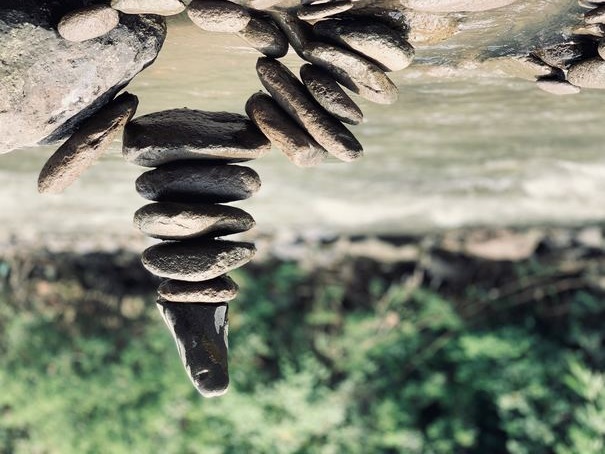
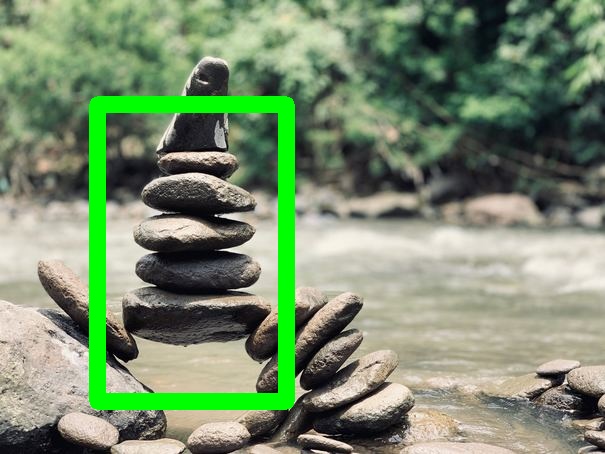
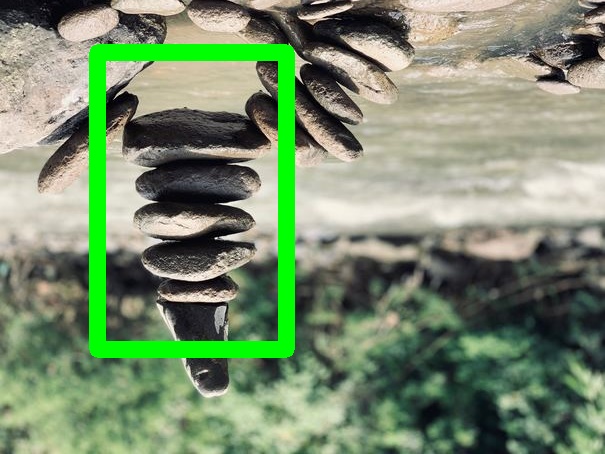
## VerticalFlip Vertically flip the given image\. ### Example
Input Image Augmented Image Input Image
(with Bounding Boxes)
Augmented Image
(with Bounding Boxes)
### Parameters **probs** *(float in range \[0\.0, 1\.0\])* = 1\.0
The probability that this augmentation will be applied