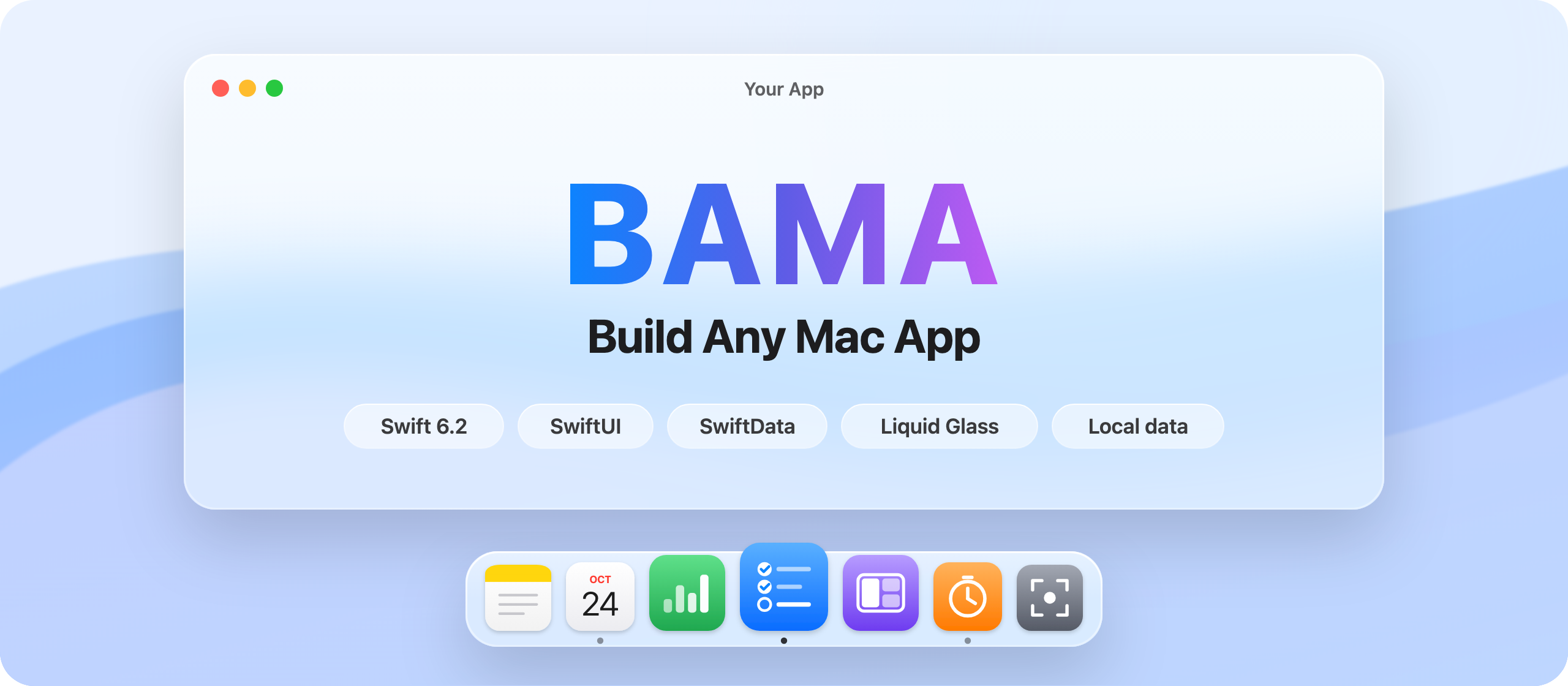
### See an app you like. Rebuild it as your own native Mac app.
Agent skills that take a native macOS app from idea to your Dock.
Swift and SwiftUI. Local data. No Xcode GUI.
[](#requirements)
[](#requirements)
[](#skills)
[](#install)
[](#install)
[](LICENSE)
**[Quick start](#quick-start) · [How it works](#how-it-works) · [Skills](#skills) · [Specs](#specs) · [Install](#install)**
**On Windows? Use [BAWA: Build Any Windows App](https://github.com/daveebbelaar/bawa) instead.**
## Quick start
```bash
npx skills@latest add daveebbelaar/bama
```
Then ask your agent:
```text
Clone my to-do app as a native Mac app.
Screenshot every screen, write the user stories, and build milestone 1.
```
Not sure where to start? Type `/bama`. It looks at your project and picks the next skill.
## How it works
**1. Clone**
Your agent opens the app you like and screenshots every screen. It writes a screen index.
**2. Plan**
It turns the screens into user stories with checkable acceptance criteria, in milestones.
**3. Build**
It builds one story per commit. Before each commit it snapshots every page in light and dark mode and runs the tests.
Works through the backlog one story per commit until a milestone is done
## Specs
Not sure what to build? [specs/](specs/) has 12 build plans for small Mac apps: a window snapper, a window switcher, a launcher, clipboard history, screenshots, a screen recorder, and more. I took them apart from Onyx, my own menu bar app. Copy one into an empty folder and tell your agent:
```text
Build the app in window-snapper.md with BAMA.
```
## Install
Pick one route per agent. Two routes install every skill twice.
Claude Code
```text
/plugin marketplace add daveebbelaar/bama
/plugin install bama@bama
```
To get new versions, run this in your shell, then start a new session:
```bash
claude plugin marketplace update bama
claude plugin update bama@bama
```
To update on its own: run `/plugin`, open **Marketplaces**, select `bama`, and select **Enable auto-update**.
Codex
```bash
codex plugin marketplace add daveebbelaar/bama
codex plugin add bama@bama
```
Any other agent (Cursor, Gemini CLI, Copilot, and more)
Uses [skills.sh](https://skills.sh). Install all skills, or one with `--skill`.
```bash
npx skills@latest add daveebbelaar/bama -a
npx skills@latest add daveebbelaar/bama --skill=clone
```
By hand
```bash
git clone https://github.com/daveebbelaar/bama.git
bama/scripts/link-skills.sh # links every skill into ~/.claude/skills and ~/.agents/skills
```
## Requirements
- macOS 26 or later
- Xcode 26 or later, for the Swift 6.2 toolchain (you never open it)
- An agent that supports skills: Claude Code, Codex, Cursor, Gemini CLI
- For `clone` on native apps: computer use (Claude Pro or Max)
## Credits
- The idea and the "any" promise come from
[REA: Reverse Engineer Anything](https://github.com/morluto/rea) by morluto.
REA showed that an agent can reverse engineer any app. BAMA takes that idea to the Mac.
- Skill format and writing rules follow Matt Pocock's
[skills](https://github.com/mattpocock/skills) and his
`writing-for-agents` skill.
- Works well with [SwiftUI Pro](https://github.com/twostraws/SwiftUI-Agent-Skill)
by Paul Hudson and [SwiftUI Expert](https://github.com/AvdLee/SwiftUI-Agent-Skill)
by Antoine van der Lee.
## License
[MIT](LICENSE)