#  GroupMe
> Unofficial GroupMe app
[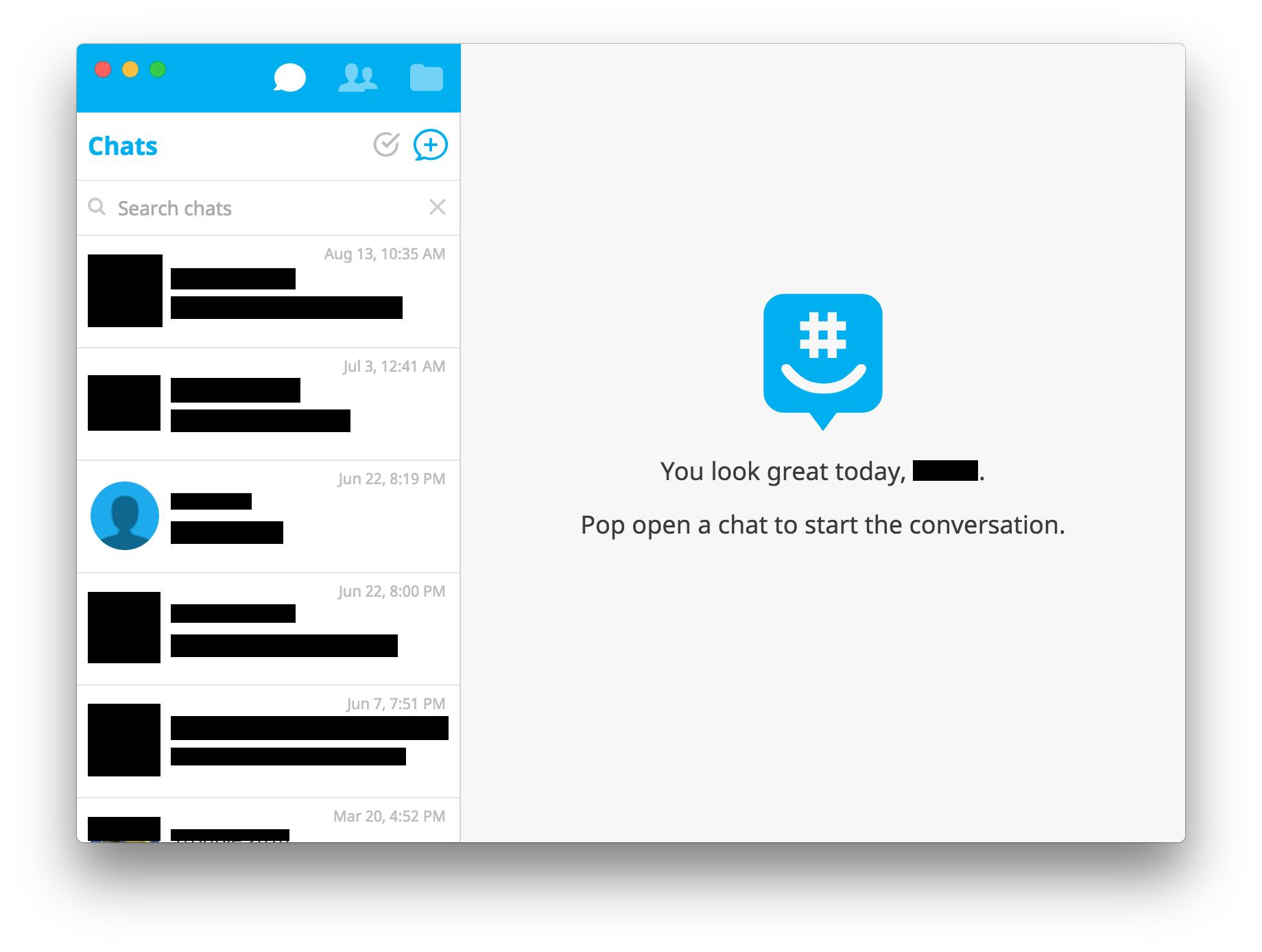](https://github.com/dcrousso/GroupMe/releases/latest)
## Download
[Current Release](https://github.com/dcrousso/GroupMe/releases/latest)
#### Linux Shortcut
Create a file in `~/.local/share/applications/` called `GroupMe.desktop` with the following contents:
```
[Desktop Entry]
Name=GroupMe
Exec=/path/to/GroupMe
Terminal=false
Type=Application
Icon=/path/to/GroupMe/resources/app/assets/Icon.png
```
Replace all instances of `/path/to` with the actual path of the GroupMe app.
## Development
> Made with [Electron](http://electron.atom.io).
GroupMe
> Unofficial GroupMe app
[](https://github.com/dcrousso/GroupMe/releases/latest)
## Download
[Current Release](https://github.com/dcrousso/GroupMe/releases/latest)
#### Linux Shortcut
Create a file in `~/.local/share/applications/` called `GroupMe.desktop` with the following contents:
```
[Desktop Entry]
Name=GroupMe
Exec=/path/to/GroupMe
Terminal=false
Type=Application
Icon=/path/to/GroupMe/resources/app/assets/Icon.png
```
Replace all instances of `/path/to` with the actual path of the GroupMe app.
## Development
> Made with [Electron](http://electron.atom.io).
| Init |
npm install |
| Run |
npm start |
| Build |
npm run build |
| Build macOS |
npm run build-darwin |
| Build Windows |
npm run build-win32 |
| Build Linux |
npm run build-linux |
## License
MIT © [Devin Rousso](http://devinrousso.com)