# Archived
After many years of developing this project and trying to maintain it, I’ve decided to stop and archive it.
It was my first app, from the initial idea all the way to its release in app stores. I’m proud to see how I’ve grown and that it has been useful as a learning experience or tool, both for me and for others.
Unfortunately, in recent years I haven’t been able to maintain the app as I’d like, and in the last few months I’ve realized that I won’t be able to do so again.
Life changes, and at certain times you have to make decisions that, although they may seem simple, carry great weight for the person making them.
With that in mind, I’ve decided to stop maintaining this project. It will remain public, like all the personal projects I work on, but it will be read-only.
---


## TV Randshow - App to choose a random TV show episode
[](https://github.com/deandreamatias/tv-randshow/actions/workflows/build.yaml)
[](https://github.com/deandreamatias/tv-randshow/releases)
[](https://play.google.com/store/apps/details?id=deandrea.matias.tv_randshow)
[](https://apt.izzysoft.de/fdroid/index/apk/deandrea.matias.tv_randshow/)
[](https://tvrandshow.com/)
[](https://www.paypal.com/donate/?hosted_button_id=QWL5BXSRLCUJJ)
### About the project
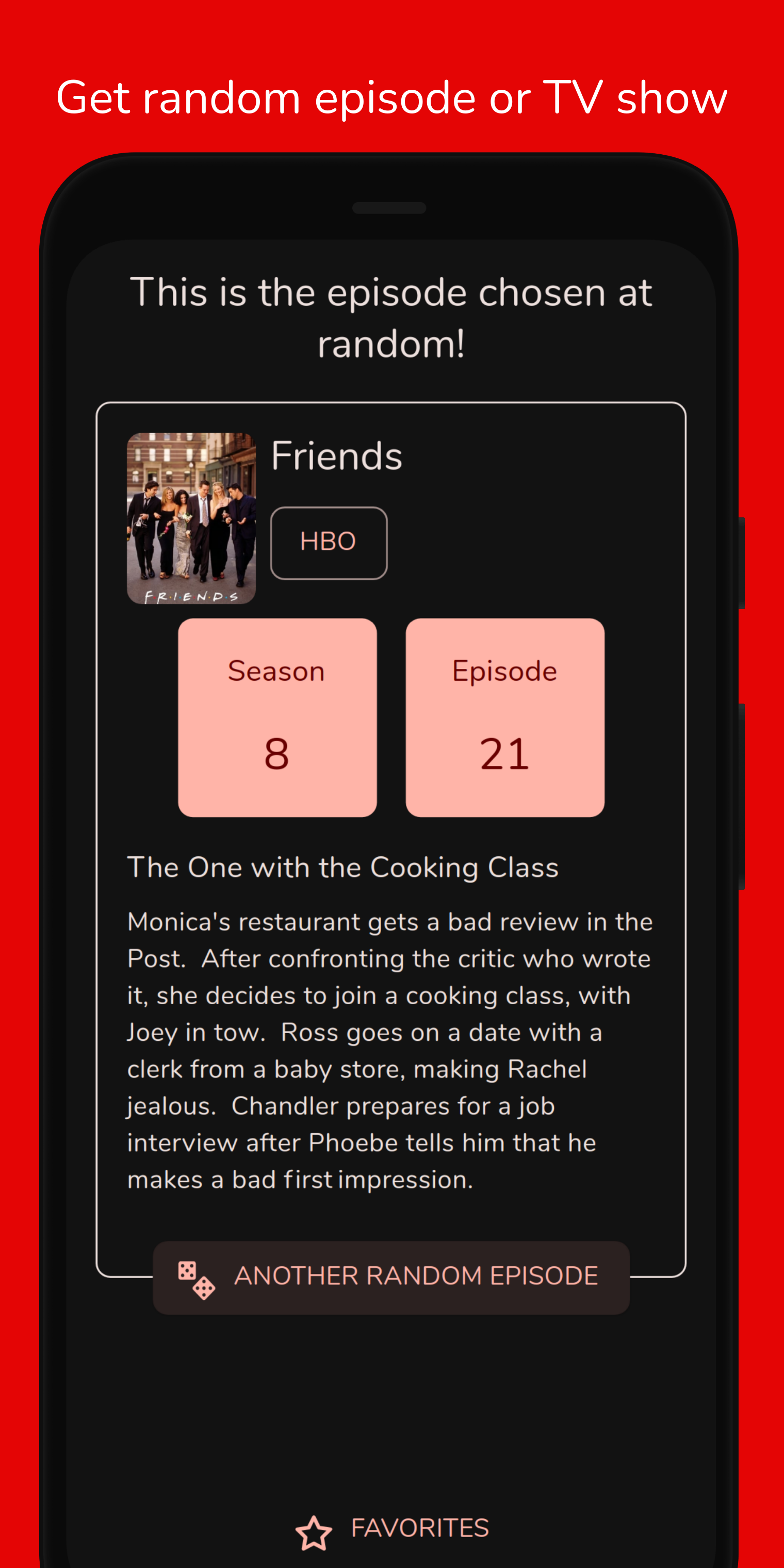
TV Randshow was created to help choose a random episode from your favorites TV shows.
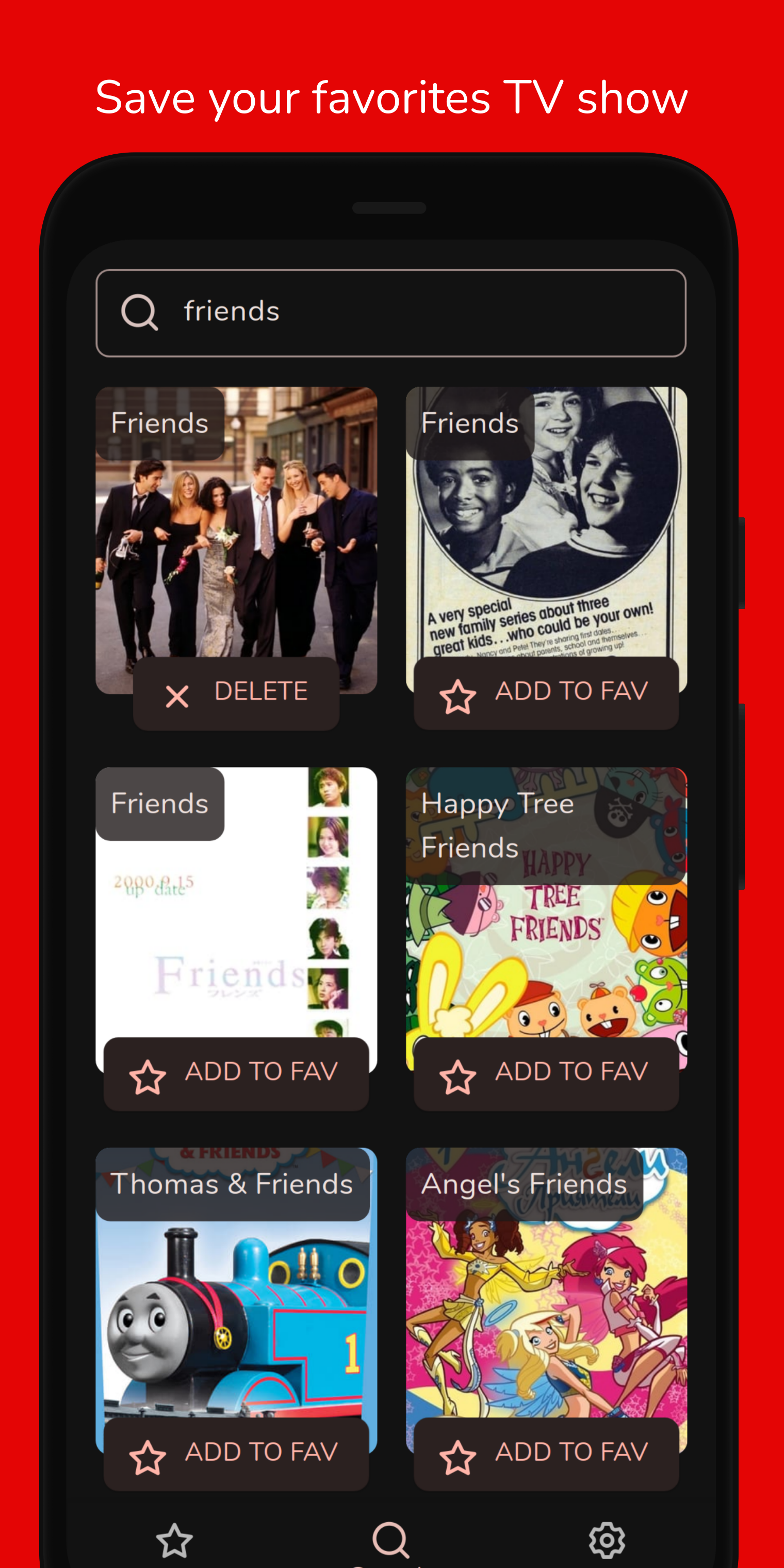
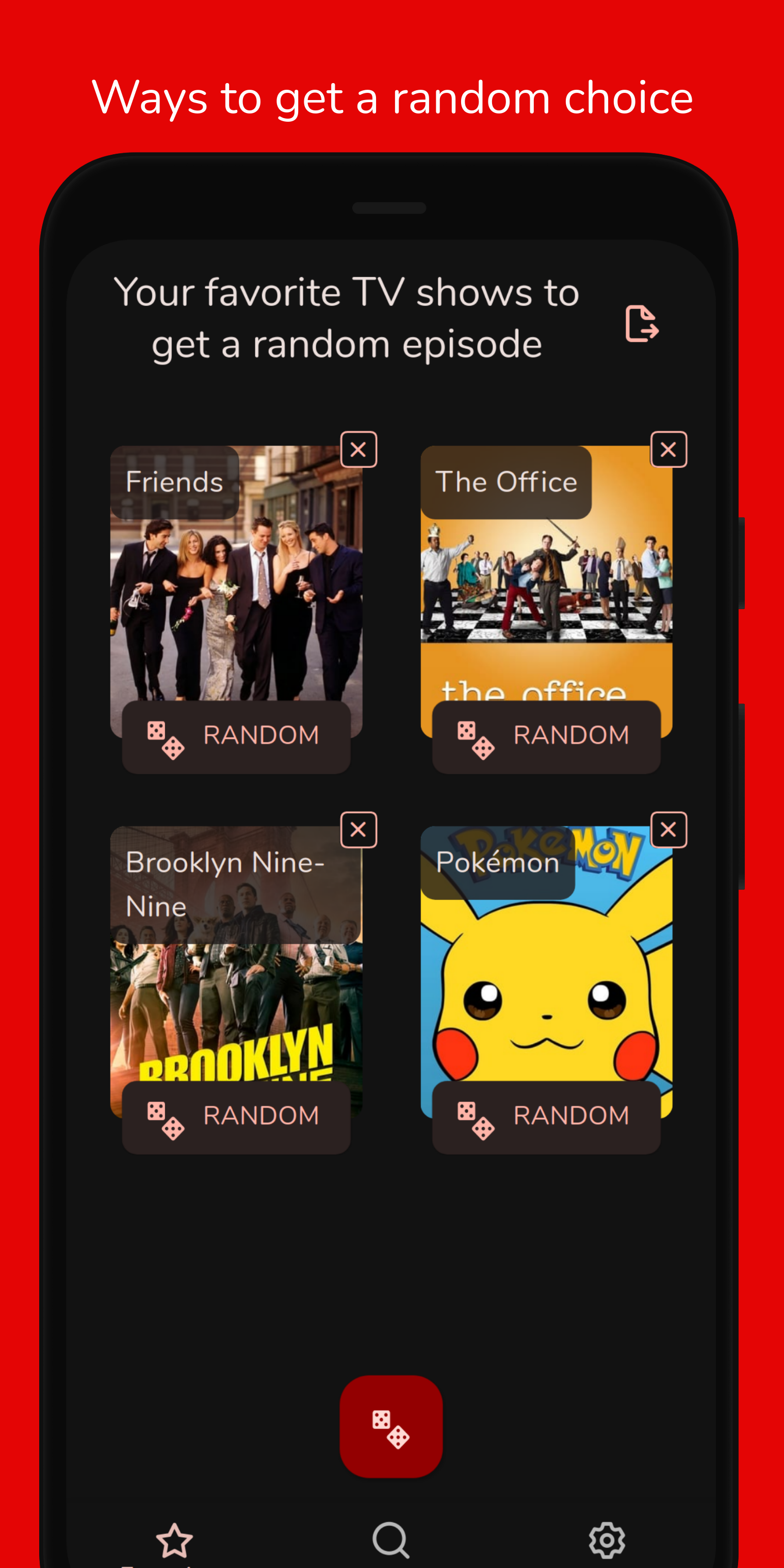
The TV shows database comes from the TMDB and the app saves them in a database on the device. With the list of favorites, you can roll the dice of a TV show to get a random episode.
This project has been built using the [Flutter](https://flutter.dev/) framework, which allows to build an multiplatform app from a single codebase.
## Features
- **Save your favorites TV shows with available streamings links**
- **Choose a random episode from a single TV show**
- **Choose a random episode from all saved TV shows**
- **Choose a random TV show from trending TMDB**
- **Support to Android and Web**
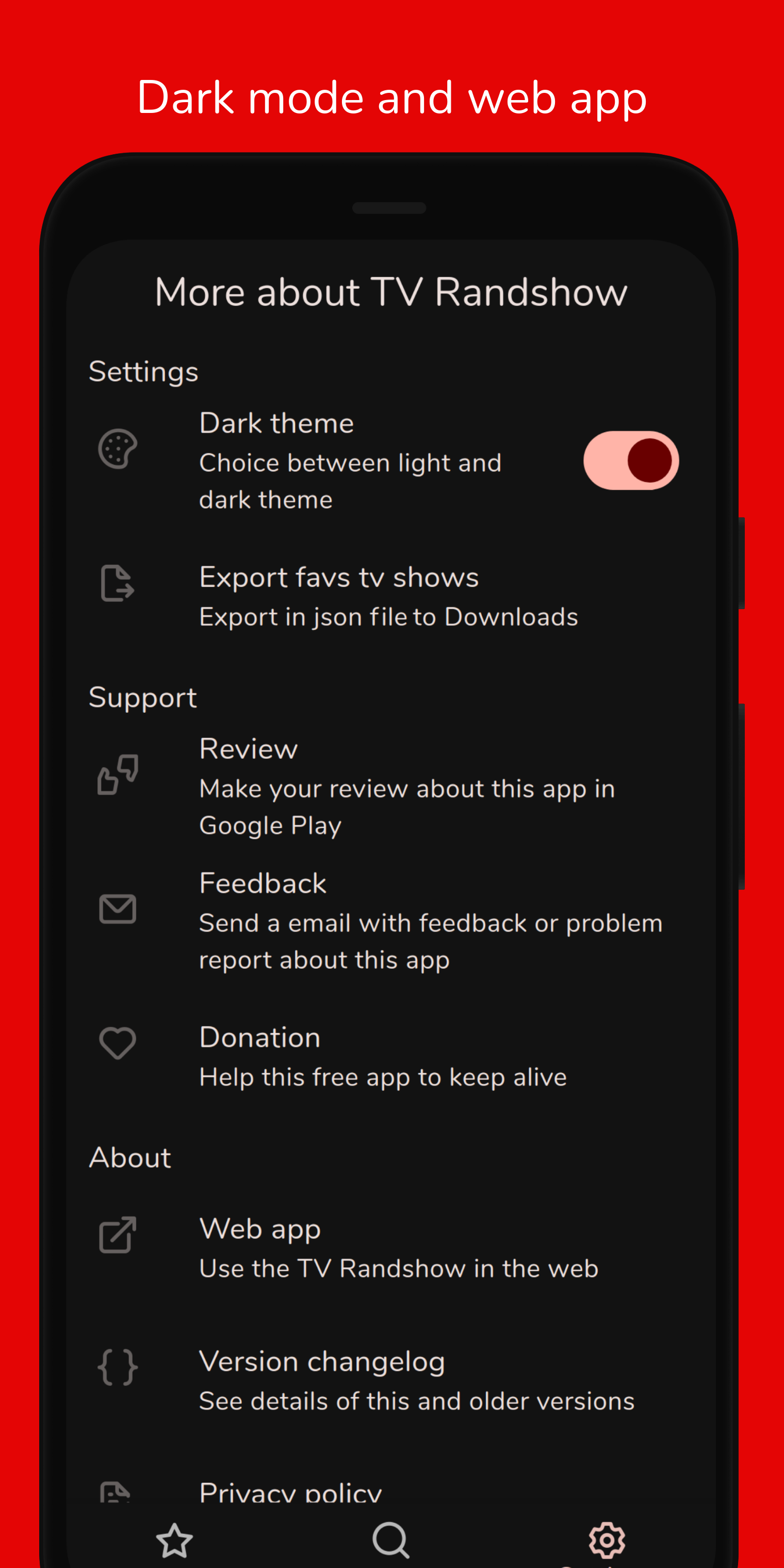
- **Export saved TV shows to json**
- **Dark mode**
- **Material Design 3**
## Build and run
### Requirements
1. Clone repository with 'git clone' command or just download the zip. `git clone git@github.com:deandreamatias/tv-randshow.git`
2. Prepare your develop enviroment
1. Flutter (see version in `.fvmrc`). Use [FVM 3.0](https://fvm.app/docs/getting_started/installation) to install Flutter versions
2. When build to iOS, follow [this steps](https://docs.flutter.dev/get-started/install/macos#install-xcode)
3. When build to Android, follow [this steps](https://docs.flutter.dev/get-started/install/macos#install-android-studio)
3. Install dependencies and generate code
1. Only use `sh tool/setup.sh`
2. Or can do manual proccess
1. Run `flutter pub get` from the project root (see [using packages documentation](https://flutter.dev/docs/development/packages-and-plugins/using-packages#adding-a-package-dependency-to-an-app) for details and how to do this in the editor).
2. Run `flutter pub run build_runner build`
4. Get your own API keys
1. Get your API Key from TMDB (see [this FAQ](https://www.themoviedb.org/faq/api) for more details).
2. Get your API Key from Streaming Availabilty (on [RapidApi](https://rapidapi.com/movie-of-the-night-movie-of-the-night-default/api/streaming-availability))
3. Paste your API keys values in `.env/dev.json` or `.env/prod.json` files. Take `.env/dev.example.json` like example.
5. (Optional) If you want build to web, do you need follow [this steps](https://flutter.dev/docs/get-started/web)
### Run
Run `sh tool/run.sh dev` command or copy the command from `tool/run.sh`.
### Tests
- Integration tests (only mobile): run `sh tool/integration-test.sh` command or copy the command from `tool/integration-test.sh`.
- Unit tests: run `sh tool/unit-test.sh unit` command or copy the command from `tool/unit-test.sh`.
### Build
- Android APK: Run `sh tool/build-android.sh apk` command or copy the command from `tool/build-android.sh`.
## Author
- **Matias de Andrea** - Mobile developer: [Website](https://deandreamatias.com)
## Contributing
If you want to take the time to make this project better, please read the [contributing guides](https://github.com/deandreamatias/tv-randshow/blob/master/CONTRIBUTING.md) first. Then, you can open an new [issue](https://github.com/deandreamatias/tv-randshow/issues/new/choose), of a [pull request](https://github.com/deandreamatias/tv-randshow/compare).
## Powered by
 TV information and images are provided by TMDb, but we are not endorsed or certified by TMDb.com or its affiliates.