[← Back](../README.md)
# Integrate with Kilo Code
Kilo Code is an AI coding assistant available as a CLI and editor extension.
#### 1. Install Kilo Code CLI
- Install [Node.js](https://nodejs.org/en/download/).
- Run the following command in your terminal to install Kilo Code CLI:
```
npm install -g @kilocode/cli
```
- After installation, run the following command. If the version number is displayed, the installation is successful:
```
kilo --version
```
#### 2. Run Kilo Code
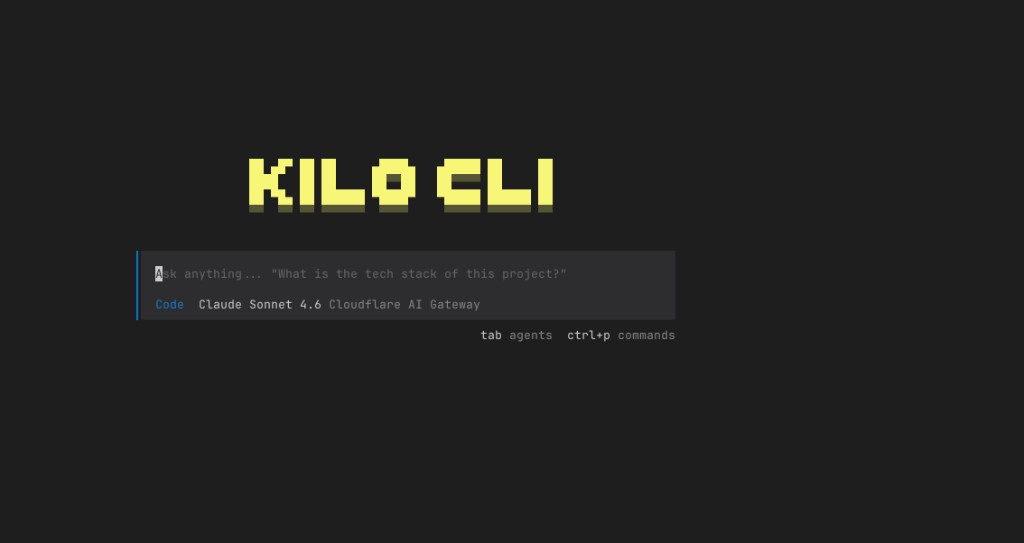
Enter the project directory and run `kilo`:
```
cd /path/to/my-project
kilo
```
#### 3. Connect the DeepSeek Provider
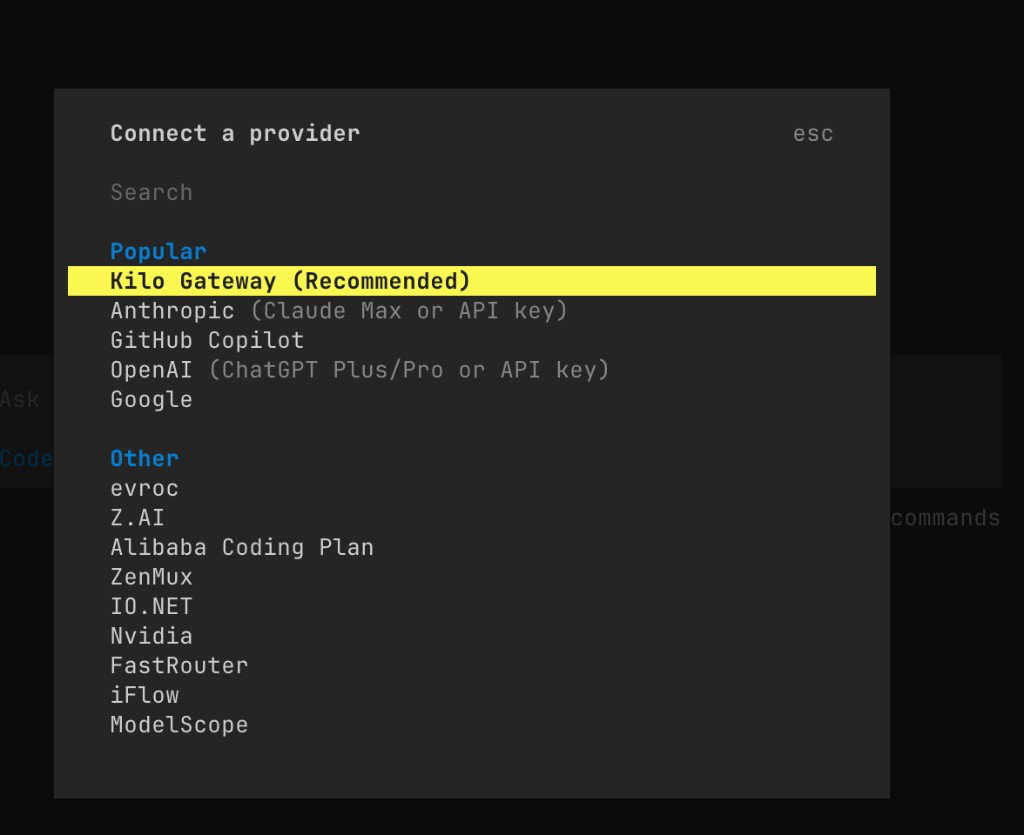
- Type `/connect` in the command bar to open the **Connect Provider** panel.
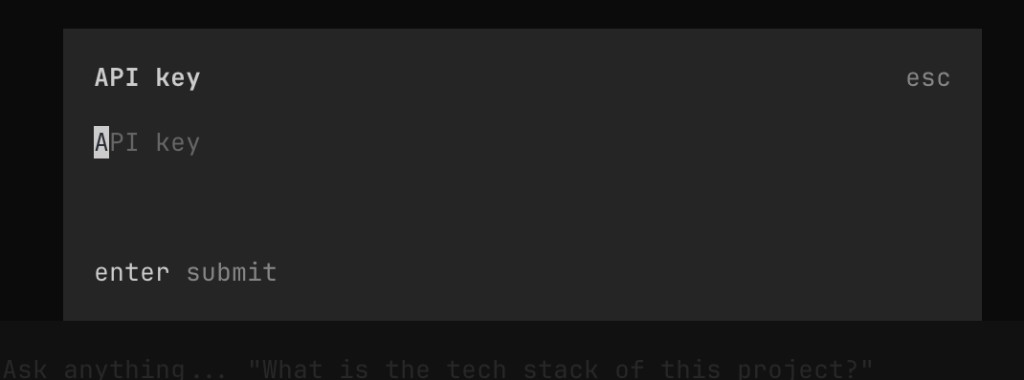
- Search for `deepseek`, select **DeepSeek**, then enter your [DeepSeek API Key](https://platform.deepseek.com/api_keys).
#### 4. Select a DeepSeek Model
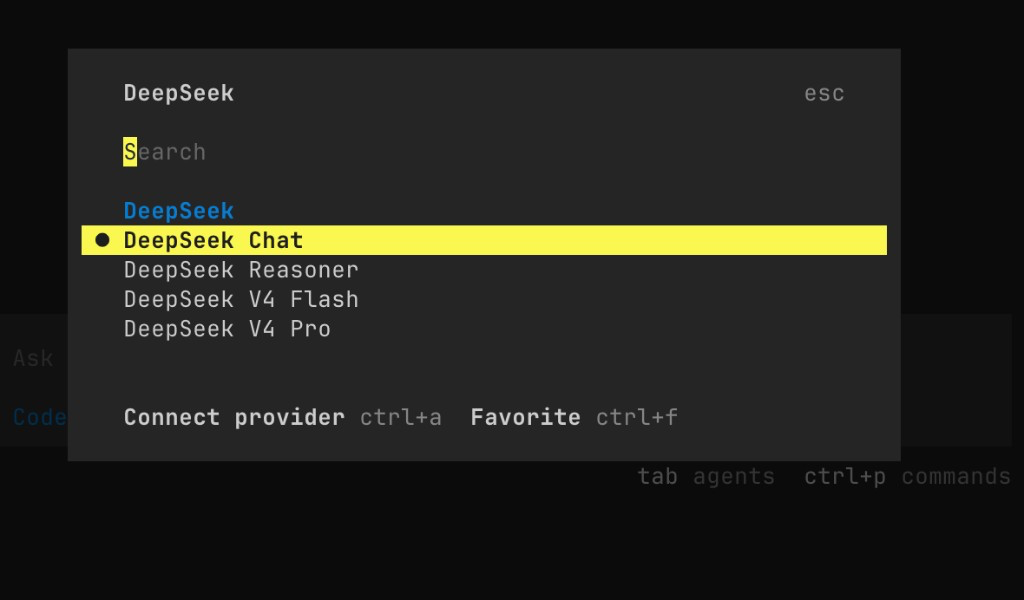
- Type `/models` to open the model selector.
- Select one of the available DeepSeek models:
- DeepSeek Chat
- DeepSeek Reasoner
- DeepSeek V4 Flash
- DeepSeek V4 Pro