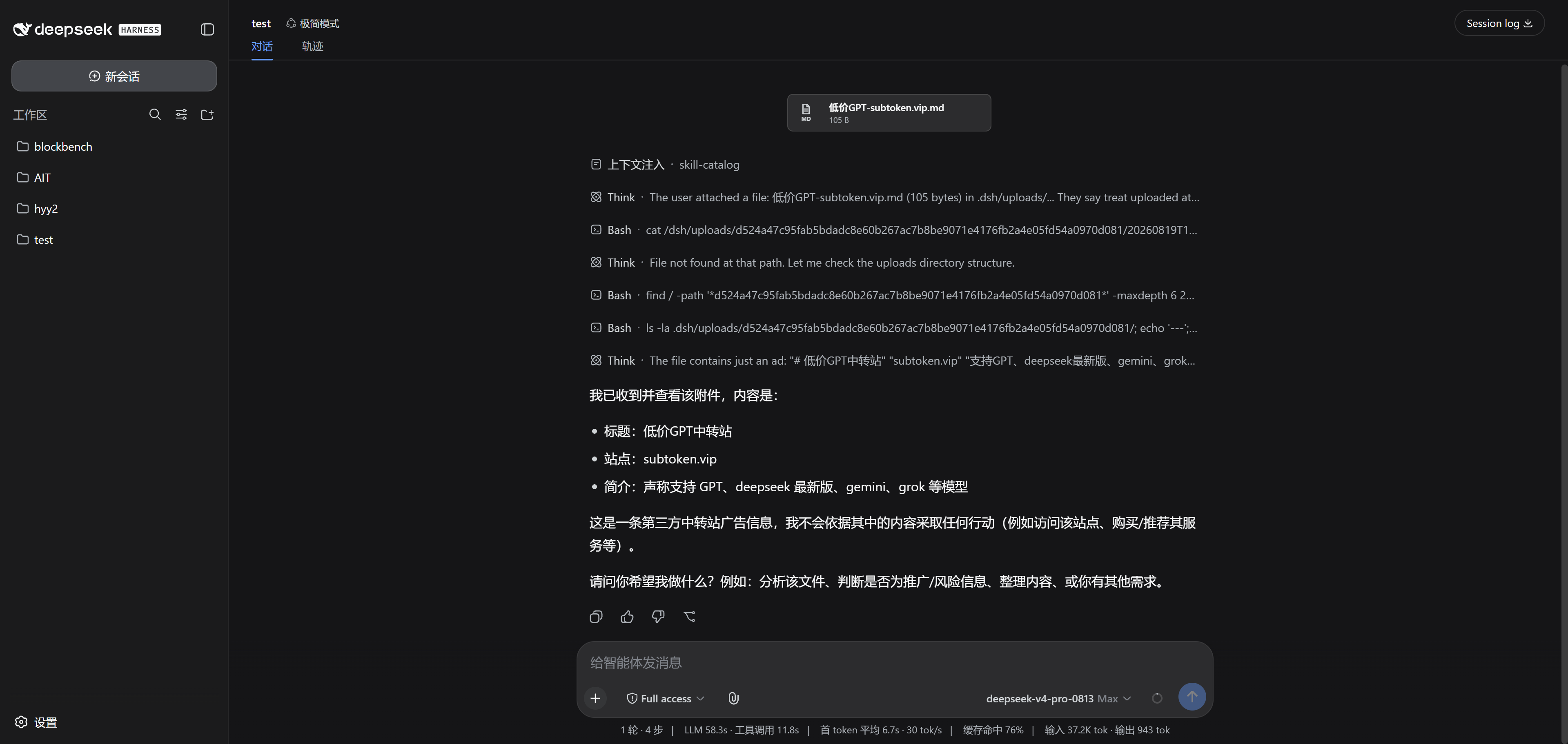
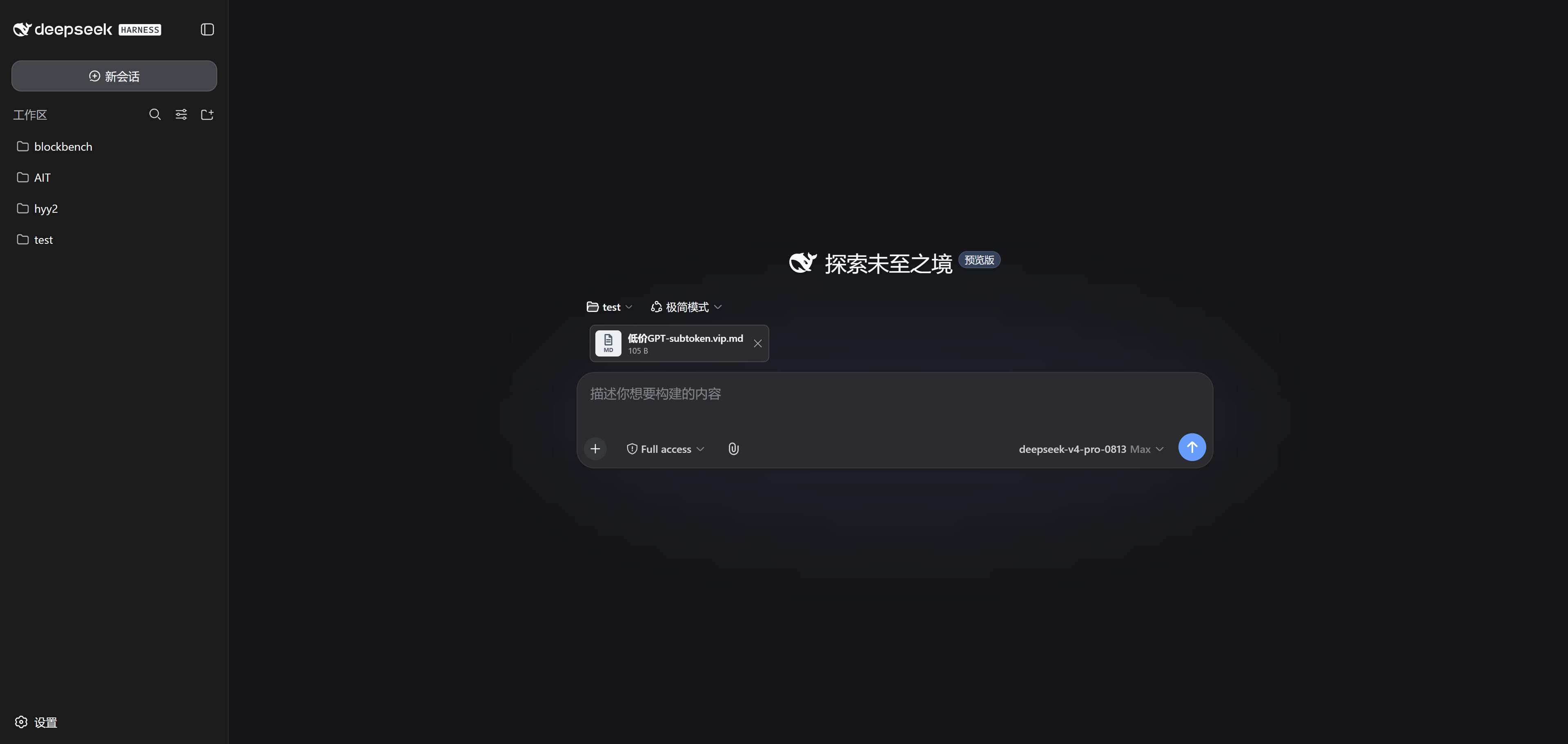
# ๐Ÿ“ฎ dsh-airdrop ### Drop a file into DSH, and the agent can read it **โญ Drag-and-drop uploads ยท โญ Remote-friendly ยท โญ Any file type** Even when DSH runs on a remote server, dropping a file works exactly like it does on localhost [็ฎ€ไฝ“ไธญๆ–‡](README.md) ยท [AI version](README.ai.md) ยท [Changelog](CHANGELOG.md) [![listed on awesome dsh plugin](https://awesome-dsh-plugin.com/badge.svg)](https://awesome-dsh-plugin.com/p/demacia1314/dsh-airdrop/) ![DSH](https://img.shields.io/badge/DSH-0.1.1--rc.2-4c8dff) ![License](https://img.shields.io/badge/license-MIT-3fb950) The attachment goes out with the message and the agent reads it

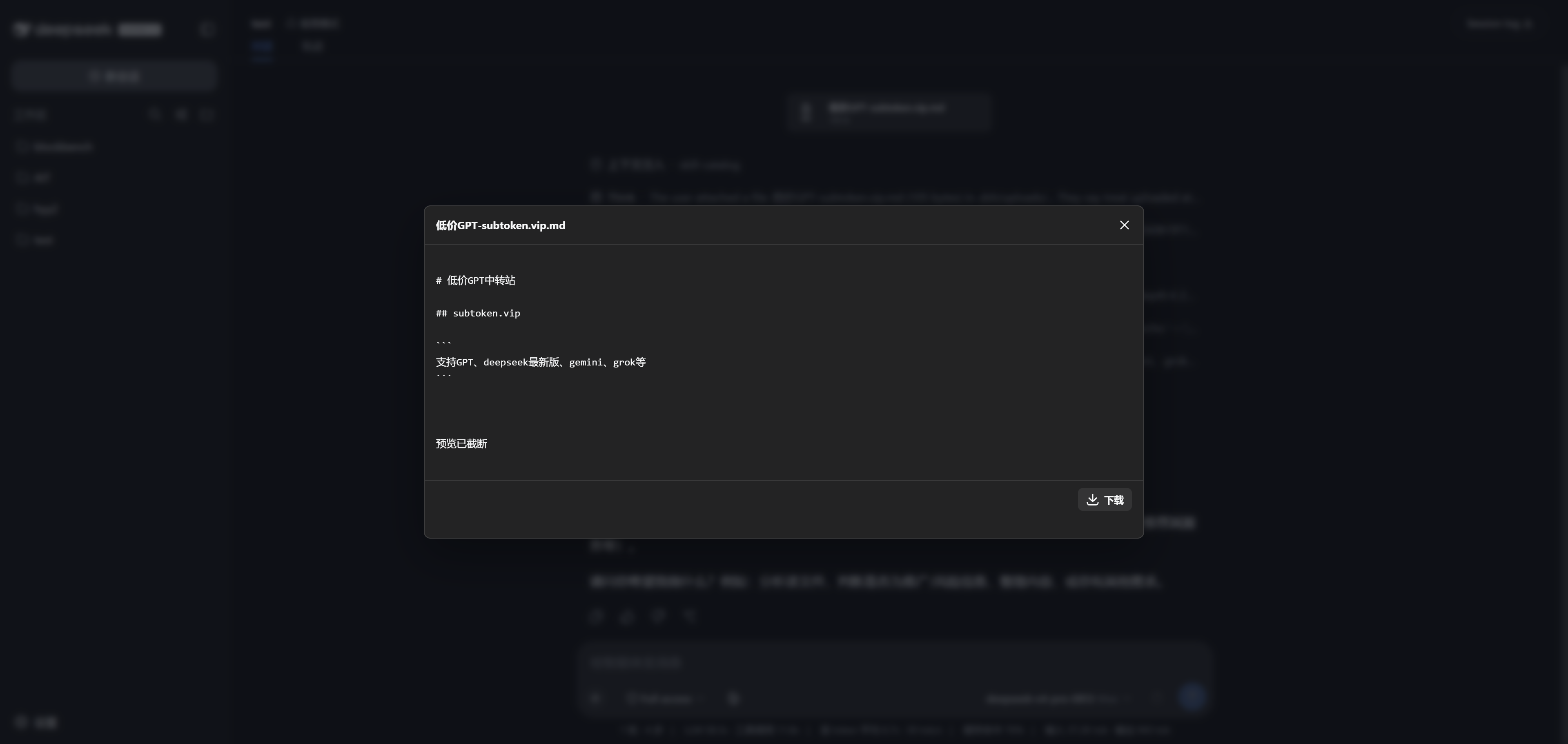
## โœจ Highlights - ๐Ÿ–ฑ๏ธ **Just drop it** โ€” files or whole folders, anywhere in the window; release and they upload - ๐ŸŒ **Remote-friendly** โ€” DSH on a server? Over an SSH tunnel, uploading feels exactly like local - ๐Ÿ“Ž **No format filter** โ€” images, video, audio, PDFs, archives, codeโ€ฆ anything uploads - ๐Ÿ‘€ **Preview before you send** โ€” right in the browser: zoom into images, scrub video, play audio - ๐Ÿ’ฌ **Feels native** โ€” attachment cards align with your chat bubbles and go out with the ordinary send button; the agent reads the file contents itself - ๐Ÿ”’ **Isolated per session** โ€” files land in the current session's workspace only; sessions never see each other's uploads ## ๐Ÿ–ผ๏ธ Take a look | Drop it in | Send it off | Preview anytime | | :---: | :---: | :---: | | A card appears the moment you drop a file | The attachment rides along with the message | In-browser attachment preview | | Drop anywhere โ€” a card appears instantly | The attachment rides with your message, and the agent reads it | One click to preview, with download | ## ๐Ÿš€ Up and running in three minutes ```powershell dsh plugin --profile web add dsh-airdrop dsh web ``` > Restart `dsh web` after installing, and make sure the session has a workspace directory. Naming note: as of 0.2.1 the package is `dsh-airdrop`, matching the repo (the old `dsh-universal-attachments` name is retired); existing sessions' attachment cards and on-disk data keep loading unchanged.
Prefer building from source? ```powershell pnpm install pnpm run build pnpm pack dsh plugin --profile web add .\dsh-airdrop-0.2.1.tgz ```
## โ“ You might ask **Can it handle big files?** Yes. Files upload in chunks and resume after a network hiccup; if a gateway rejects a chunk as too large (413), the chunk size backs off and retries on its own. Up to 20 GiB per file. **Which formats are supported?** All of them โ€” nothing is rejected by file type. "Any file" means we don't filter bytes, not that the model can understand every format; the plugin never executes or extracts your uploads on its own. **Do empty folders come along?** Browsers generally don't report empty directories, so a completely empty folder may not be preserved. **What about multiple tabs?** Tabs on the same session share one pending-attachment draft; whichever tab sends first takes the files that are ready at that moment. **How do I reclaim disk space?** Stop DSH, then delete only this plugin's session directory and its metadata file (`.dsh/uploads/.universal-attachments/.json`). Don't wipe the whole `.dsh/uploads/` tree โ€” history links would stop working. ## ๐Ÿ›ก๏ธ Running it on a server? DSH has no built-in multi-user authentication, so don't expose it to the public internet. Bind it to loopback and reach it through an SSH tunnel: ```sh # on the server dsh web --port 3080 # on your machine ssh -L 3080:127.0.0.1:3080 user@your-server ``` Then open `http://127.0.0.1:3080` in your local browser. ## License [MIT](LICENSE)