
# mcp-server-polarion
**Talk to your Polarion — AI reads, writes, and reorganizes documents, work items, test runs, and traceability links.**
[Features](#features) · [Quickstart](#quickstart) · [Tools](#tools) · [Example Prompts](#example-prompts) · [Setup](#setup)
[](https://github.com/devemberx/mcp-server-polarion/actions/workflows/ci.yml)
[](https://github.com/devemberx/mcp-server-polarion/actions/workflows/publish.yml)
[](https://pypi.org/project/mcp-server-polarion/)
[](https://www.python.org/)
[](LICENSE)
A [Model Context Protocol (MCP)](https://modelcontextprotocol.io) server for **Polarion ALM**, built for real-world instances: every write supports `dry_run`, guards validate fields and enum values before anything is committed, and requests are paced to a rate cap you configure for your instance — so an AI assistant can work on production data without surprises.
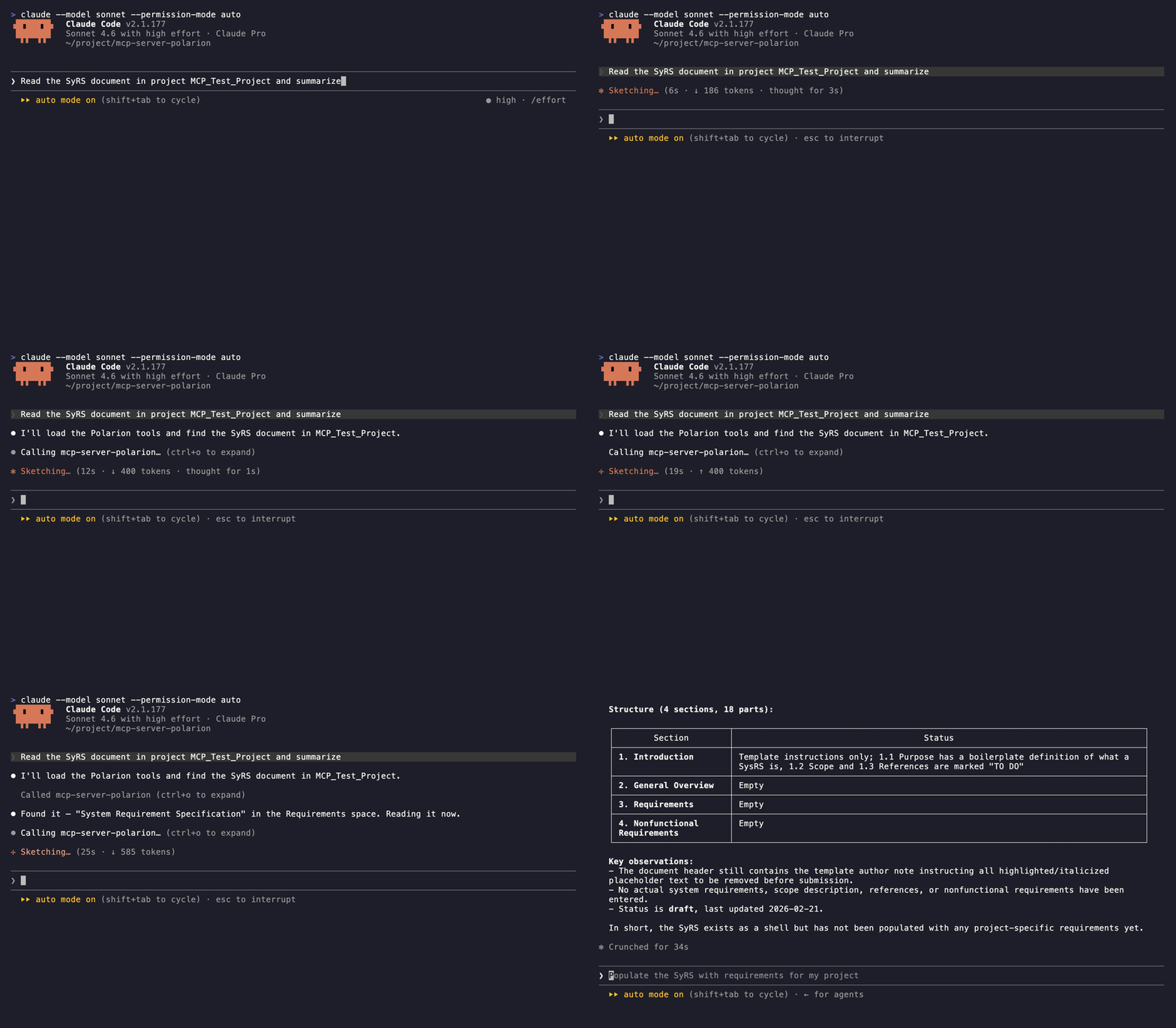
## Features
- **46 tools** covering read and write across documents, work items, test runs, traceability links, comments, and attachments.
- **Read** — render documents as Markdown, search with Lucene or SQL, walk incoming/outgoing links, resolve enum options.
- **Write** — create and update work items, documents, and test runs, manage links, reorganize document structure, post comments.
- **Safe writes** — every write tool supports `dry_run`, and pre-write guards validate fields, enum values, and link targets before hitting Polarion.
- **Plays nice with your server** — requests are serialized and paced to a configurable rate cap, with automatic retries on 429/5xx responses.
- **Built for LLMs** — strict async, fully typed, pagination on every list tool, docstrings written as the assistant's manual.
## Quickstart
Requires **Polarion 2506+** and [**uv**](https://docs.astral.sh/uv/) — see [Prerequisites](#prerequisites). Fastest path — Claude Code:
```bash
claude mcp add mcp-server-polarion \
-e POLARION_URL=https://polarion.example.com \
-e POLARION_TOKEN=your-personal-access-token \
-- uvx mcp-server-polarion
```
Other clients (VS Code, Claude Desktop, Cursor) — see [Client Configuration](#client-configuration).
## Tools
### Read
| Tool | Description |
|---|---|
| `list_projects` | List accessible projects |
| `list_documents` | List documents in a project |
| `list_work_items` | List work items in a project (Lucene/SQL query) |
| `list_test_runs` | List test runs in a project (Lucene query, templates filter) |
| `get_test_run` | Get test run details, optionally with the raw HTML report body |
| `list_test_records` | List a test run's execution records, one per test case iteration |
| `get_test_record` | Get one test record's execution comment and test-case revision |
| `get_sql_query_recipes` | Fetch copy-paste SQL recipes for advanced queries |
| `get_html_recipes` | Fetch copy-paste Polarion HTML templates for raw-HTML body edits |
| `get_document` | Get document metadata, optionally with the raw body HTML |
| `read_document` | Render a document end-to-end as Markdown |
| `read_document_parts` | List a document's structural parts with embedded work item metadata |
| `get_work_item` | Get work item details with the body as raw HTML |
| `read_work_item` | Get work item details with the body as Markdown |
| `list_work_item_links` | List a work item's outgoing or incoming links |
| `list_document_attachments` | List a document's attachments with file name, size, and author |
| `get_document_attachment_content` | Fetch an image attachment for viewing (bitmap as image, SVG as text) |
| `list_work_item_attachments` | List a work item's attachments with file name, size, and author |
| `get_work_item_attachment_content` | Fetch a work item image attachment for viewing (bitmap as image, SVG as text) |
| `list_test_record_attachments` | List a test record's attachments with file name, size, and author |
| `get_test_record_attachment_content` | Fetch a test record image attachment for viewing (bitmap as image, SVG as text) |
| `list_document_comments` | List a document's comments with thread relationships |
| `list_work_item_comments` | List a work item's comments with thread relationships |
| `list_document_enum_options` | Resolve valid enum ids for a document field |
| `list_work_item_enum_options` | Resolve valid enum ids for a work item field |
All list tools support pagination via `page_size` (1–100) and `page_number` parameters.
### Write
| Tool | Description |
|---|---|
| `create_work_items` | Create one or more work items in a single request |
| `update_work_items` | Update fields, body, or workflow status on one or more work items |
| `create_document` | Create a new document |
| `update_document` | Update document metadata, body, or workflow status |
| `copy_document` | Copy a document to a new name, space, or project |
| `create_test_runs` | Create one or more test runs, optionally from a template |
| `create_test_records` | Record test-case execution results on a test run |
| `update_test_runs` | Update title, status, group, or custom fields on one or more test runs |
| `update_test_records` | Update result, comment, or defect link on one or more test records of a test run |
| `create_work_item_links` | Create one or more outgoing links from a source work item |
| `update_work_item_link` | Update `suspect` / `revision` on one outgoing link |
| `delete_work_item_links` | Delete one or more outgoing links from a source work item |
| `move_work_item_to_document` | Attach a work item to a document at a chosen position |
| `move_work_item_from_document` | Detach a work item from its document |
| `create_document_attachments` | Upload one or more local files as document attachments |
| `create_work_item_attachments` | Upload one or more local files as work item attachments |
| `create_test_record_attachments` | Upload one or more local files as test record attachments |
| `create_document_comments` | Add one or more comments or replies to a document |
| `create_work_item_comments` | Add one or more comments or replies to a work item |
| `update_document_comment` | Resolve or re-open a document comment |
| `update_work_item_comment` | Resolve or re-open a work item comment |
## Example Prompts