# DevLens
**Codebase Intelligence for AI agents and Developers.**
Analyze your repo once. Your AI agent then queries a precomputed code graph through MCP — ranked files, call flow, impact, and security — instead of re-reading your codebase file by file. Five self-describing MCP tools, plain-text packets measured at a third of the tokens of reading the code, and the smallest response in its benchmark field.
[](https://www.gnu.org/licenses/agpl-3.0)
[](https://www.npmjs.com/package/@devlensio/cli)

[](https://bun.sh)

**[Join the DevLens Cloud Waitlist →](https://devlens.io)**
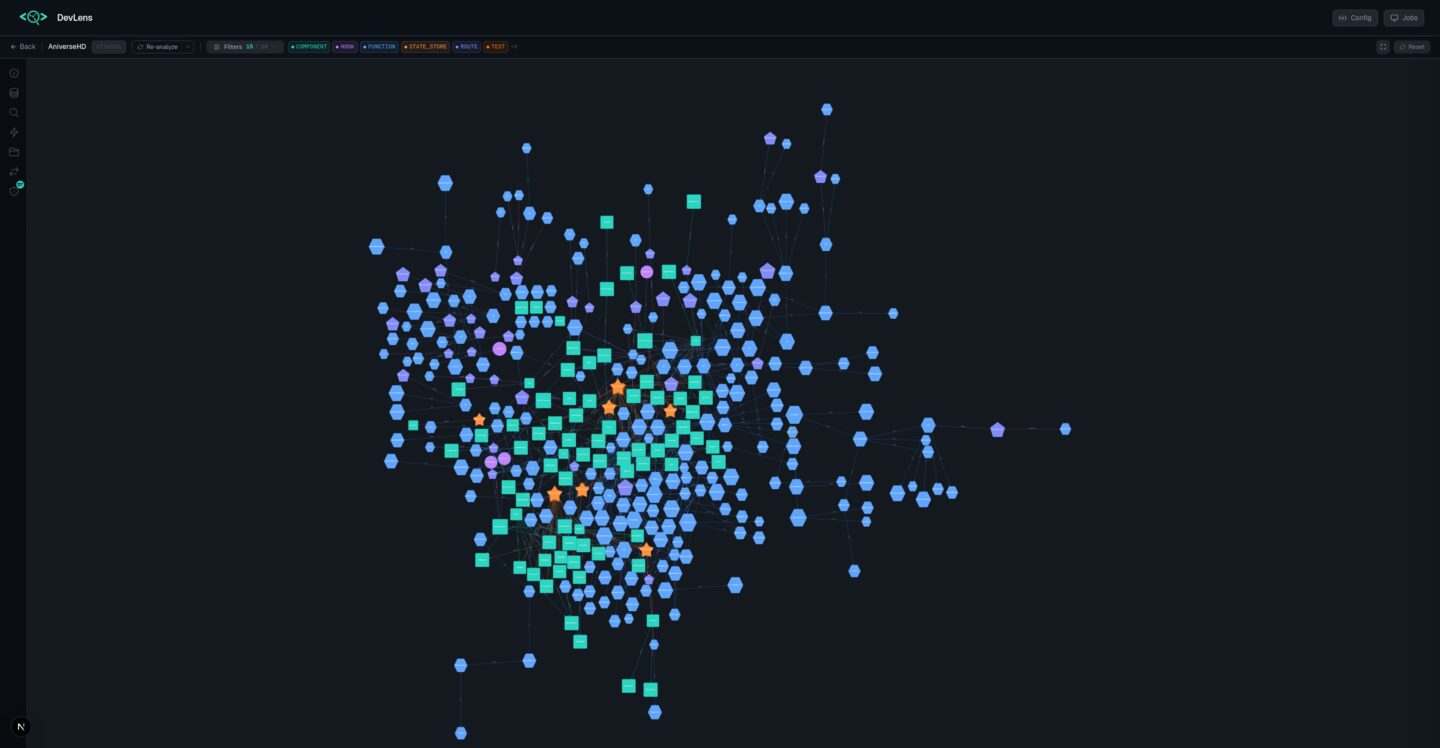
Click the image to watch the demo
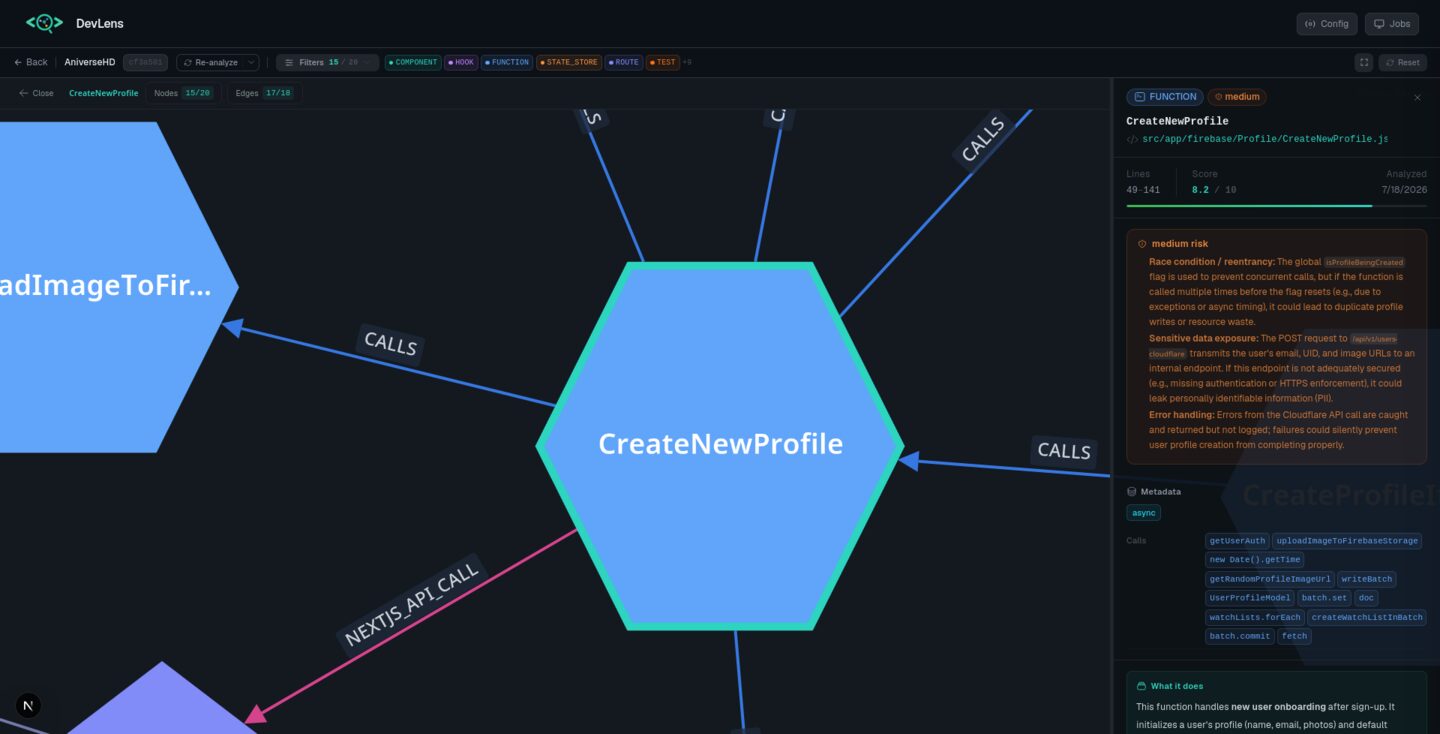
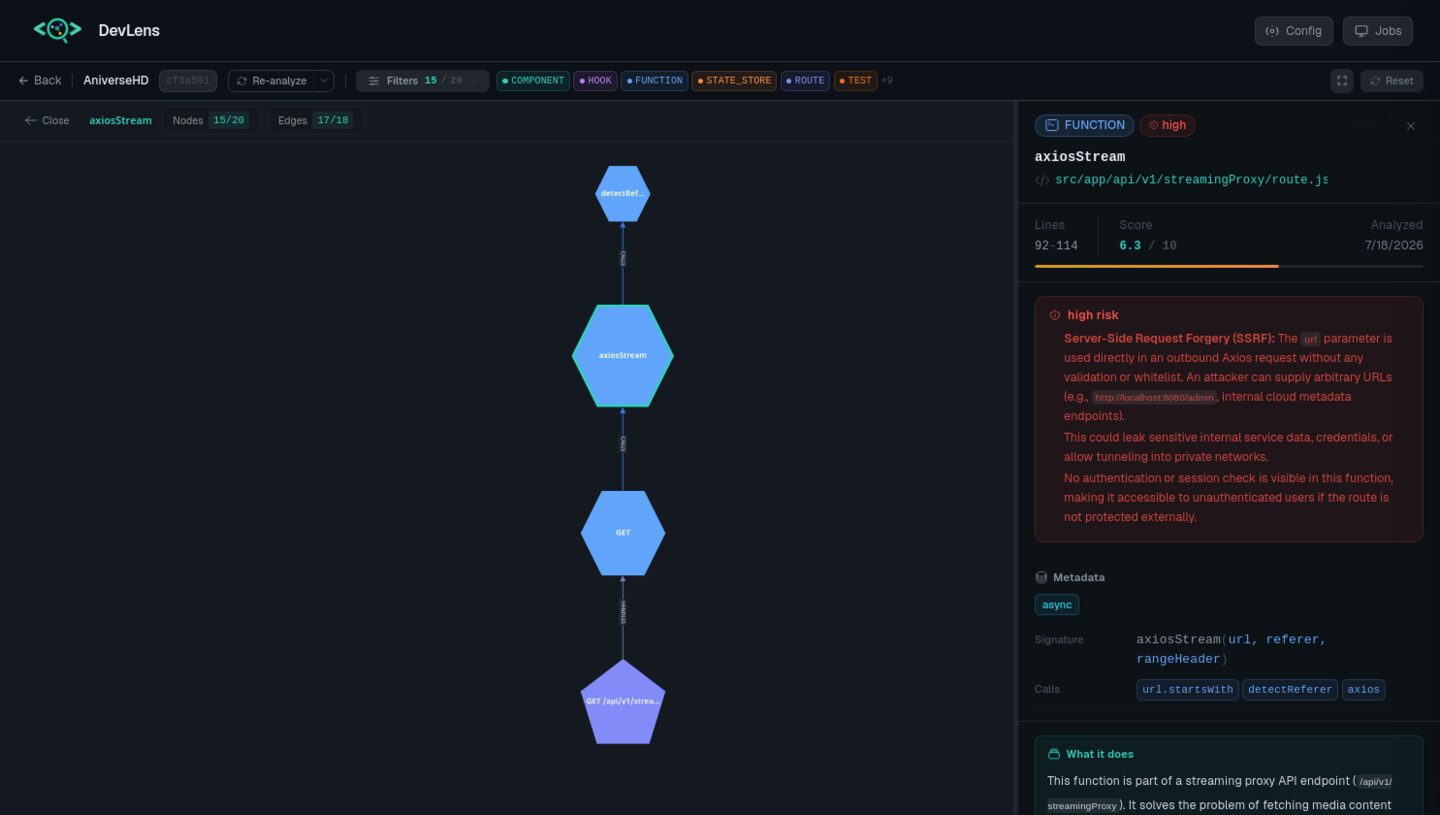
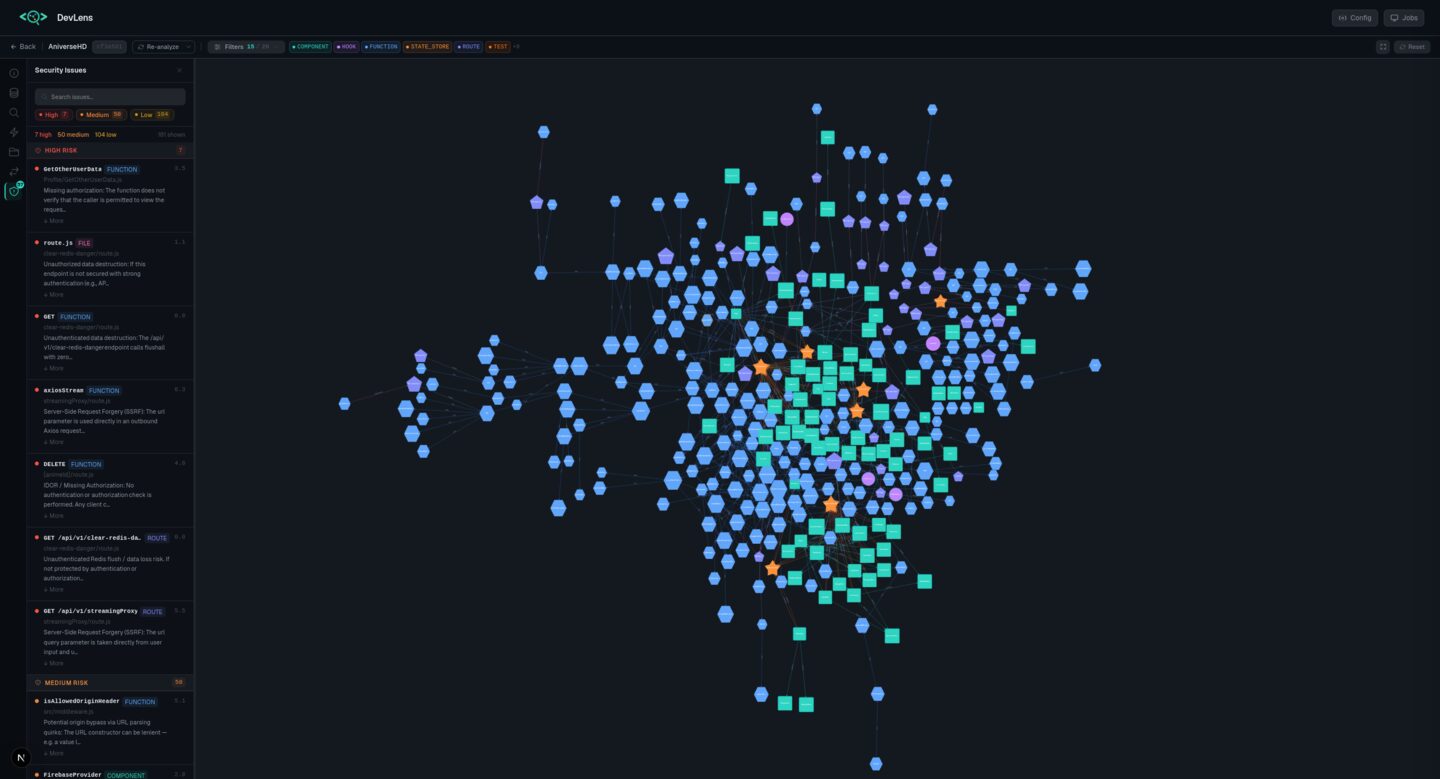
--- ## Why DevLens? - **Your agent stops burning tokens.** One MCP call returns a task-shaped packet — the files and symbols that matter, ranked, within a token budget. No grep loops, no re-reading files. - **It wins the benchmark.** First of nine tools on correctness, F1, recall, and precision — the only tool that leads every quality column. - **It is fast and small.** 67 ms per call, packets 6.7× smaller than the closest graph competitor, and it never exceeds the token budget you set. - **Developers get it too.** Interactive graph visualization, blast radius before you change a symbol, PR review packets, and per-node security analysis. --- ## Benchmarks We benchmarked DevLens MCP against other code graph and retrieval tools — **Graphify, codegraph, semble, bm25**, and the grep-and-read floor — on one headless coding agent, one model, one real TypeScript repository, and 133 real questions written from actual pull requests and symbols. The current consolidated 5-tool surface (V3), same-run against the field: | | **DevLens V3 (5 tools)** | old DevLens (24 tools) | codegraph | semble | bm25 | grep floor | | :-- | :-- | :-- | :-- | :-- | :-- | :-- | | Correctness | 0.712 | 0.709 | 0.714 | 0.724 | 0.722 | **0.748–0.760** | | F1 | 0.595 | — | — | — | — | **0.619–0.635** | | Tokens per task | **35.5k** | 63.4k | 43.2k | 45.2k | 45.9k | **24.1k** | | Response packet | **~1.2–1.5k tokens** | 2,230 tokens | 6,339 tokens | 736 tokens | 721 tokens | — | DevLens V3 ties the strongest competitors at **43% fewer tokens than the old 24-tool surface**, with the smallest packets in the field and the fastest calls (67 ms per call at the retrieval layer, ~37× faster than the next graph tools). Where no tool — including grep — wins, the multi-file synthesis questions, V3 leads the field on cost: feature-intent at 154k tokens vs the floor's 223k at equal correctness. > The pattern behind the numbers: syntactic tools return big blobs or bare line lists. DevLens returns a task-shaped packet from a type-resolved graph — the files that matter, ranked, within your token budget, in milliseconds. **Full methodology, per-type tables, and the nine-tool round:** [`docs/PUBLIC-BENCHMARKS.md`](docs/PUBLIC-BENCHMARKS.md) --- ## How DevLens compares DevLens is the only tool in this space that combines native semantic parsing, per-node AI summaries with per-node security analysis, and framework-aware data edges — and the only option you can use commercially under AGPL. | Dimension | **DevLens** | **Graphify** | **GitNexus** | **Sourcegraph** | **DeepWiki** | | :-- | :-- | :-- | :-- | :-- | :-- | | Parsing depth | **Native semantic parsers** (TS compiler, Python `ast`, `go/types`, JavaParser, `syn`), type-resolved | tree-sitter (syntactic, no type info) | tree-sitter + native bindings (no type info) | SCIP/LSIF symbol index + language servers (no semantic parse) | LLM reads source directly (no structured parser) | | Edge quality | **Type-checked `IMPLEMENTS`/`EXTENDS`**, framework **routes** (Next.js, Django, Spring, Gin, axum), **ORM data edges** (`READS_FROM`/`WRITES_TO`) | `EXTRACTED`/`INFERRED`/`AMBIGUOUS` tags, no type or framework awareness | call chains, clusters, `route_map`, no ORM or data edges | precise symbol cross-references (SCIP), no type-checked inheritance | docs-level relationships (no structured graph) | | Per-node AI summaries | **Technical + business + security** with severity on every node | No (LLM used for docs and concepts) | No (embeddings for semantic query) | Via Cody (hover and inline docs, chat-level) | Auto-generated docs per symbol (no security, no technical/business split) | | Security analysis | **Per-node severity + blast-radius reach** with real exploit descriptions | No | Partial (opt-in PDG/taint) | No (compliance certifications only) | No | | Agent / MCP integration | CLI + **self-describing MCP server** + Web UI | CLI + local skill (no MCP) | CLI + 17-tool MCP + hooks (`AGENTS.md`) | MCP server (cross-repo search, not per-repo graph queries) | Unknown (no public MCP integration) | | Language coverage | TS/JS, Python, Java, Go, Rust with **native parsers for each** | 12 code families + docs/images (shallow syntactic) | Many via tree-sitter (Dart/Kotlin/Swift), shallow syntactic | 30+ via language servers (symbol-level, no semantic edges) | Any (LLM reads source, no structured extraction) | | License / pricing | **AGPL-3.0, free, including commercial use** | Apache-2.0 | PolyForm Noncommercial (cannot use commercially) | Open-source core, Enterprise paid | Free for public repos, enterprise tiers unlisted | *(Feature comparison from public sources, Aug 2026.)* **Why teams choose DevLens:** semantic edges that syntactic tools cannot produce, per-node security analysis no other open-source tool provides, benchmark-winning retrieval quality, and a single MCP front door — free for commercial use. --- ## Quick Start ### Step 1 — Install the CLI ```bash npm install -g @devlensio/cli ``` Or install the standalone binary (no Node.js needed): ```bash # Linux / macOS curl -fsSL https://raw.githubusercontent.com/devlensio/devlensOSS/main/scripts/install.sh | sh # Windows (PowerShell) irm https://raw.githubusercontent.com/devlensio/devlensOSS/main/scripts/install.ps1 | iex ``` ### Step 2 — Configure a model (optional) Only needed if you want AI summaries. Structure-only analysis works offline with no API key. ```bash devlens init ``` This walks you through picking a provider, API type, key, endpoint, and model interactively — press **ESC** at any step to go back a stage. See [Configuration](#configuration) for recommended models. ### Step 3 — Analyze your repo ```bash cd your-project devlens analyze . --summarize ``` This builds the graph, generates summaries, and creates the search index — once. After this, everything below is instant. ### Step 4 — Connect your AI agent Start the MCP server: ```bash devlens mcp ``` Then register it in your agent. Pick your tool: **Claude Code / Claude Desktop** ```bash claude mcp add devlens -- devlens mcp ``` **Cursor** — add to `.cursor/mcp.json`: ```json { "mcpServers": { "devlens": { "command": "devlens", "args": ["mcp"] } } } ``` **Codex** — add to `~/.codex/config.toml`: ```toml [mcp_servers.devlens] command = "devlens" args = ["mcp"] ``` **Hermes** — add to `config.yaml`: ```yaml mcp: servers: devlens: command: devlens args: [mcp] ``` **Any other MCP client** — the server speaks standard MCP over stdio. Point your client at the command `devlens mcp`. For an HTTP transport instead: ```bash devlens mcp http -p 7000 ``` The server self-describes its full tool list through `tools/list`, so your agent discovers everything on its own. That's it — ask your agent "how does auth work in this repo?" and watch it query the graph instead of reading files. --- ## What your agent can ask The server self-describes every tool's parameters through `tools/list` — your agent fills them in automatically. **Five tools, no `graphId` anywhere** — the repo is resolved from your working folder. | Tool | Key arguments | What it does | | :-- | :-- | :-- | | `resolve_context` | `task` (required), `intent?`, `focus?`, `tokenBudget?` | **The front door.** One call returns a task-shaped plain-text packet: an ANSWER line, ranked nodes with one-line meanings, call flow, involved files with matched-line snippets, and an id map — all within a token budget. Intents: `pinpoint`, `reference-list`, `flow`, `overview`, `concept`, `security-audit`, `exploratory`. | | `find_symbols` | `query` (required), `limit?` | Cheap BM25F name lookup: nodeIds plus `file:line`, no graph, no source. | | `get_node` | `node` (required), `include?` | Full detail for one node: technical, business, and security summaries plus callers, callees, and (opt-in) raw source. | | `impact` | `target?` or `from`+`to` commits | Change impact: what breaks if a symbol changes; commit-range diff mode for two analyzed commits. | | `repo` | `action` | Manage analyzed graphs: `list`, `analyze`, `freshness`, `health`. | Every response carries a `provenance` block (`commitHash`, `analyzedAt`, `hasGit`), so your agent always knows which snapshot answered the question. > **Full reference:** [`docs/mcp-reference.md`](docs/mcp-reference.md) --- ## Supported languages DevLens parses **five language families with native parsers** (no AI, no regex, no tree-sitter) and understands their frameworks. Summaries are never generated silently: you confirm before tokens are spent, and structure-only analysis needs no provider at all. | Language | Frameworks / stacks the graph understands | What gets parsed | | :-- | :-- | :-- | | **TypeScript / JavaScript** | React, Next.js (app and pages router), Express/Hono/Fastify, React Router, TanStack Router, any Node | components, hooks, state stores, classes, methods, functions, routes | | **Python** | FastAPI, Flask, Django (+DRF), SQLAlchemy / Django ORM, Celery, Pydantic | classes, methods, functions, routes, data models | | **Java** | Spring Boot (controllers, JPA, Spring Data repositories) | classes, methods, interfaces, enums, routes | | **Go** | net/http, Gin, Echo, chi, Fiber, GORM, database/sql | structs, interfaces, methods, functions, routes | | **Rust** | axum, actix-web, rocket, utoipa, Diesel | structs, enums, traits, impl blocks, methods, functions, routes | Each repo is analyzed with its language's own parser (Python `ast`, JavaParser, Go `go/ast` plus `go/types`, Rust `syn`, TS compiler API), so edges are real: type-checked interfaces (`IMPLEMENTS`), framework routes (`HANDLES`), and ORM data layers (`READS_FROM`, `WRITES_TO`). --- ## For developers: the Web UI *For when you want to see your codebase laid out as an interactive graph.* Open the Web UI, paste your repo path, and explore a force-directed canvas. Click any node to see its summaries, callers, callees, and security flags. Search, filter, and diff commits across versions. The Project panel shows search index readiness with a one-click **reindex** action. ```bash bun start # from the source repo: API + Web UI on one port (http://localhost:3000) ``` The Web UI runs from the source tree, it is not bundled into the installed CLI binary. --- ## CLI *For scripts, CI, and fast answers without leaving the terminal. Every command supports `--json` for piping into scripts, `-v/--verbose` for diagnostics, and `--quiet` for minimal output.* **Analyze and summarize** | Command | What it does | |---------|--------------| | `devlens detect [path] [--deps]` | Inspect a repo before analyzing: language, manifest, dependency count, source files | | `devlens analyze [path] [--summarize] [--force-summarize]` | Build the graph and its search index (optionally add AI summaries) | | `devlens summarize [target]` | (Re)generate technical, business, and security summaries | | `devlens status` | Which repos are analyzed, their language and summary coverage | | `devlens doctor` | Environment health check: git, storage, LLM provider, and the four extractor runtimes (go, rust, java, python) | | `devlens init` | First-time setup: configure the LLM provider interactively | **Explore and understand** | Command | What it does | |---------|--------------| | `devlens overview` | Big picture: language, framework, stats, central nodes | | `devlens top-nodes [-l