# DevLens
**Intelligent codebase visualizer.**
Turn any TypeScript, JavaScript, Python, Go, Rust, or Java repository into a living, queryable graph — every node carries a functional summary, a technical summary, and a security assessment.
[](https://www.gnu.org/licenses/agpl-3.0)
[](https://www.npmjs.com/package/@devlensio/cli)
[](https://www.npmjs.com/package/@devlensio/skill)
[](https://bun.sh)
**[Join the DevLens Cloud Waitlist →](https://devlens.io)**
---
[](https://youtu.be/6OMsk8lNv4c?si=wpYF80IcfuJpN_Gf)
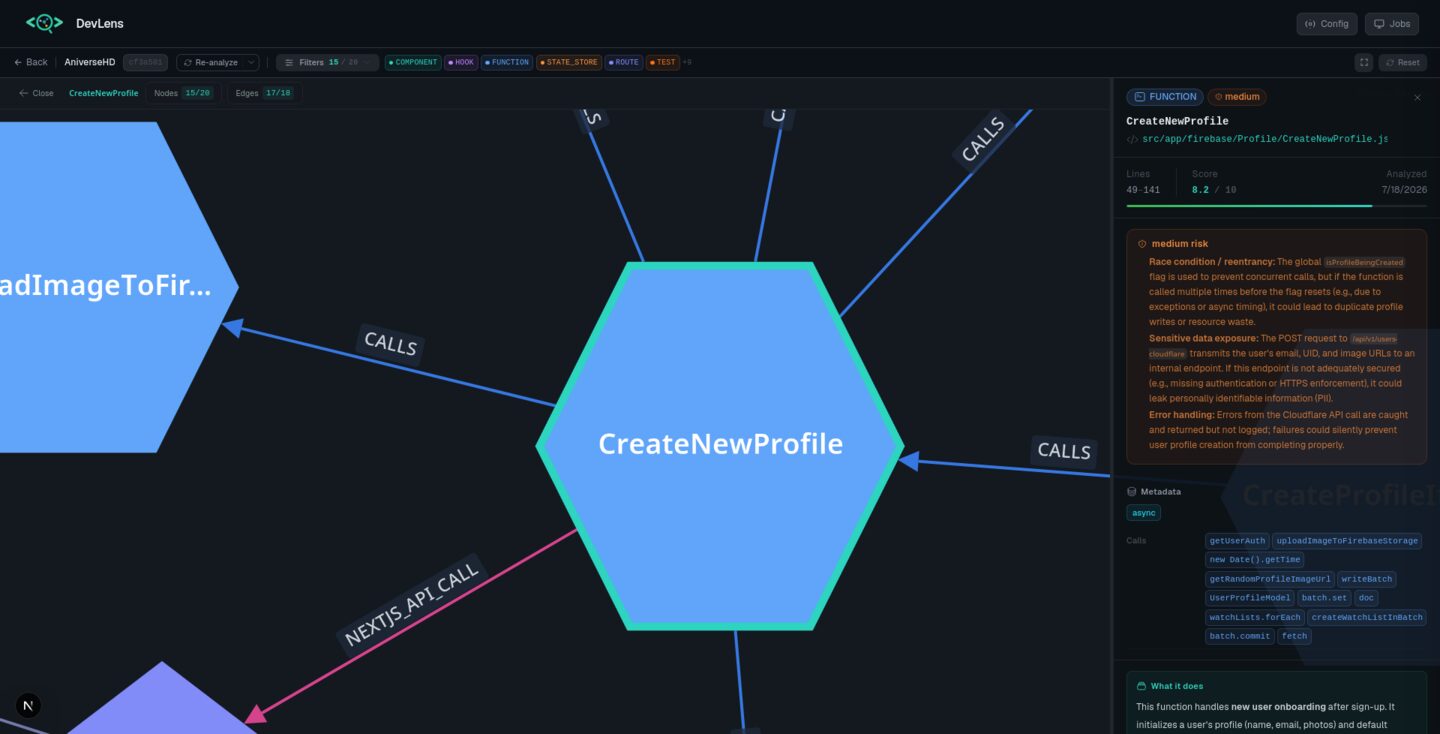
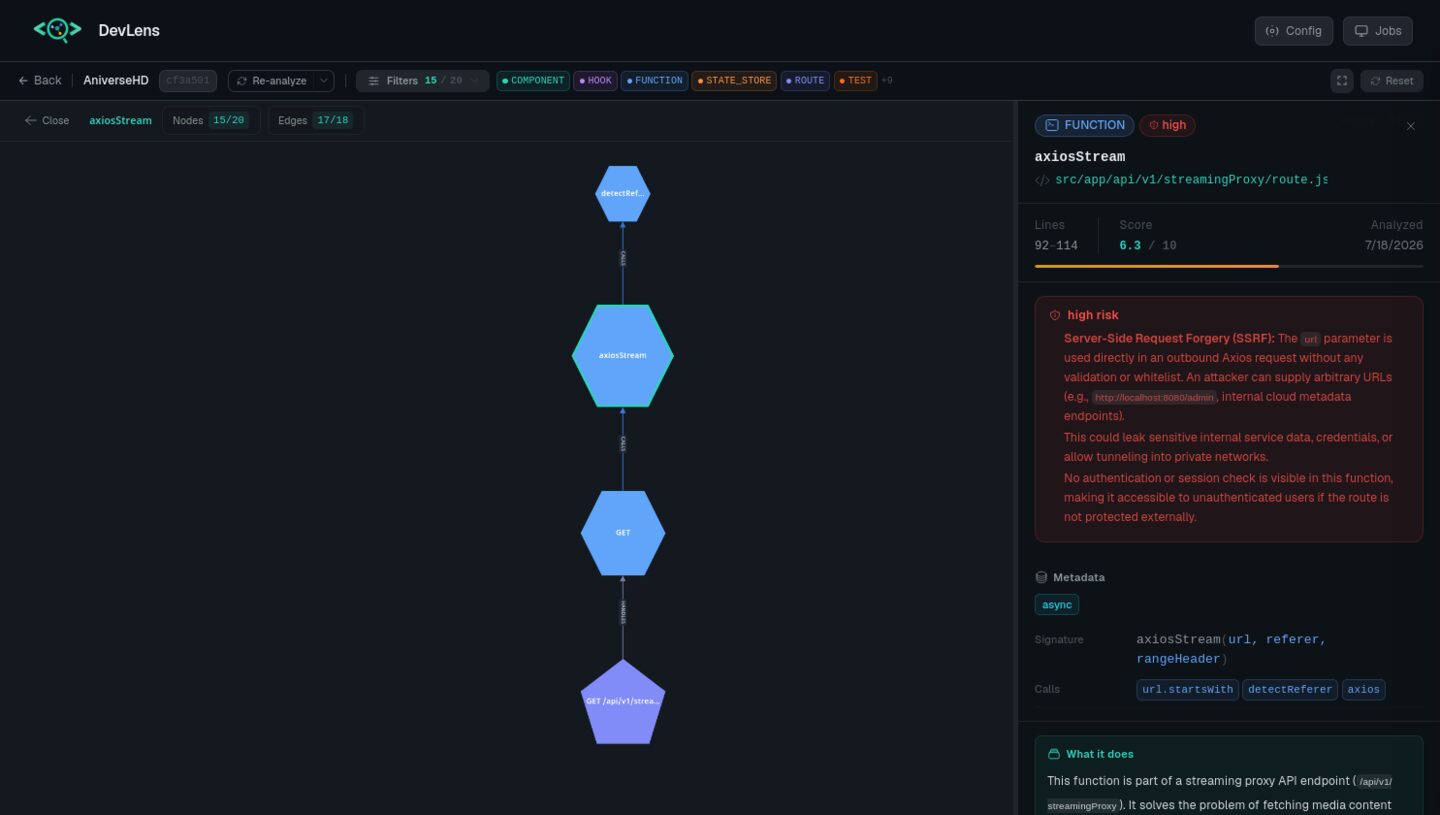
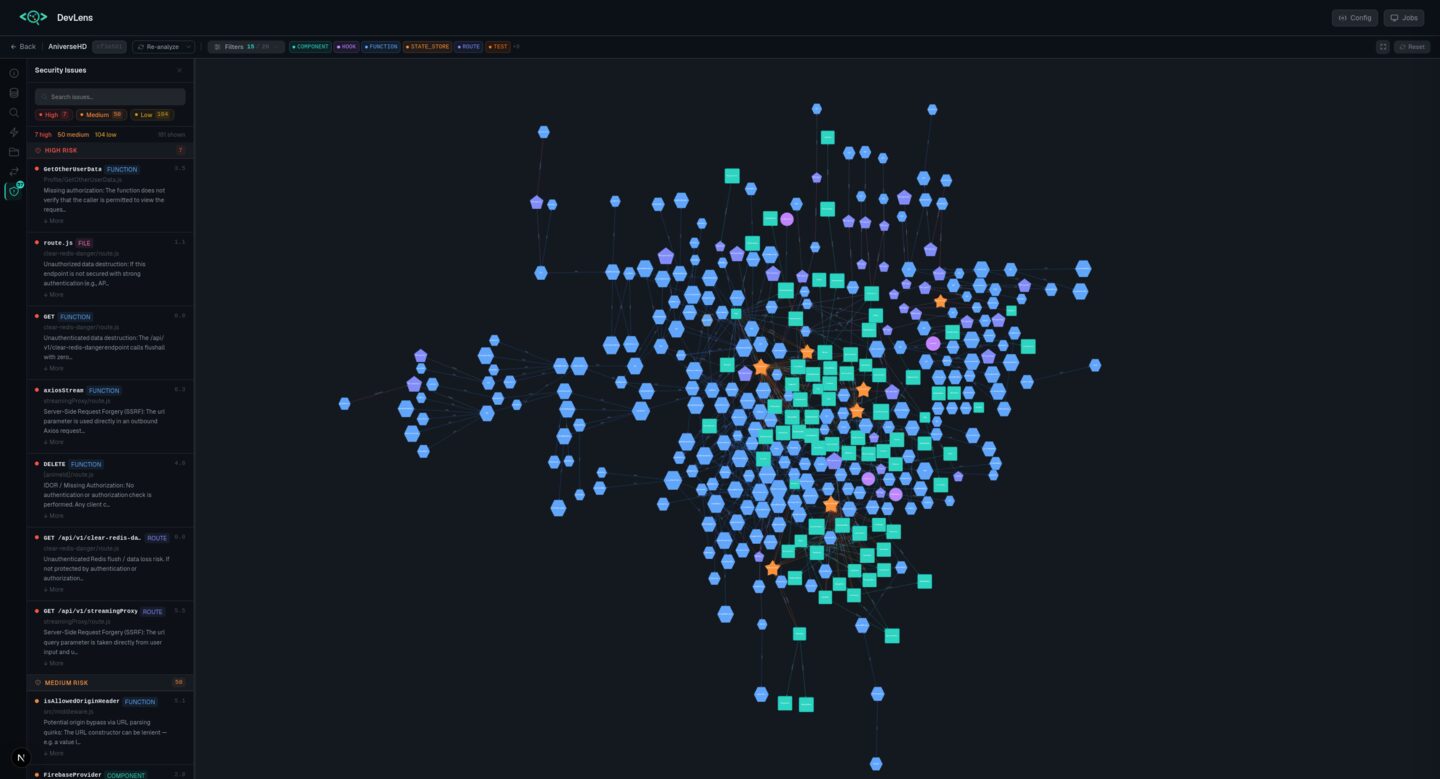
 Web UI — visual exploration
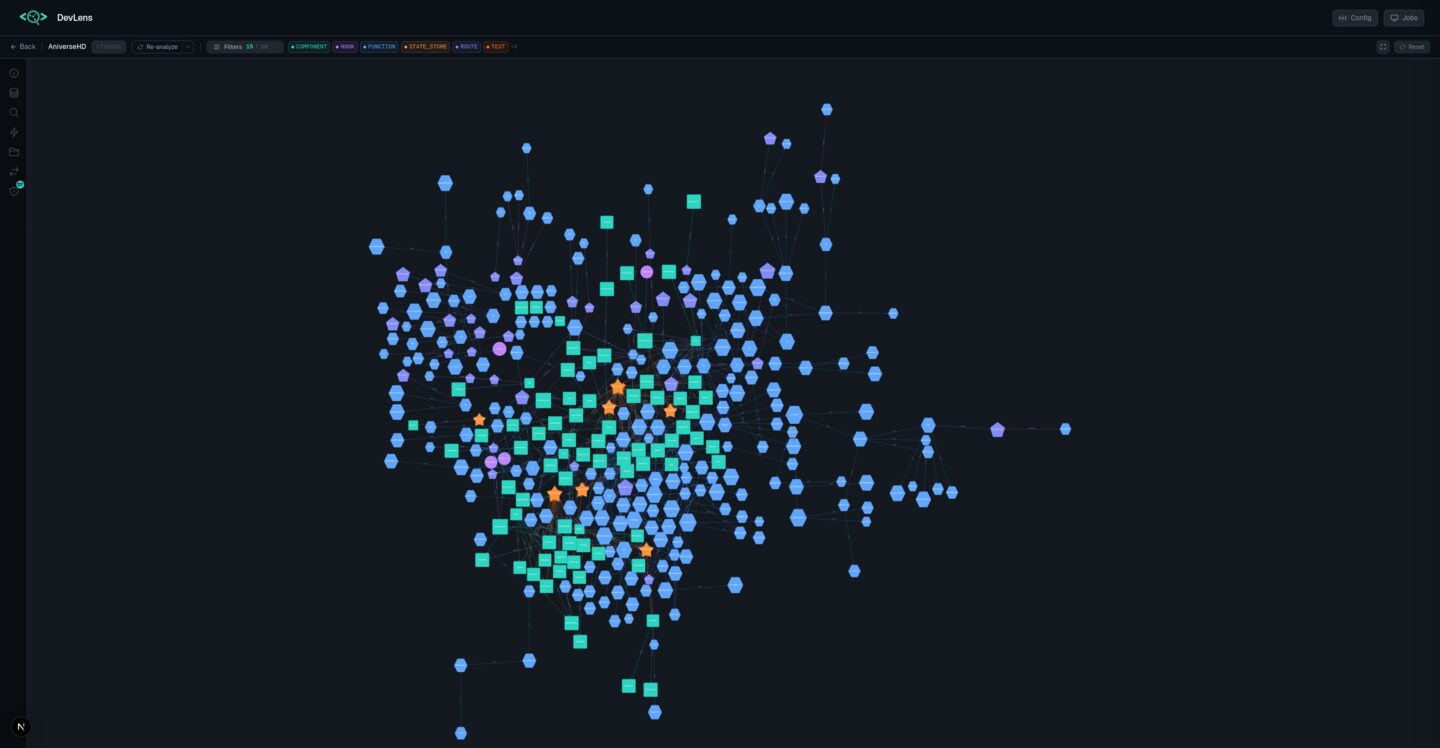
*For when you want to see your codebase laid out as an interactive graph.*
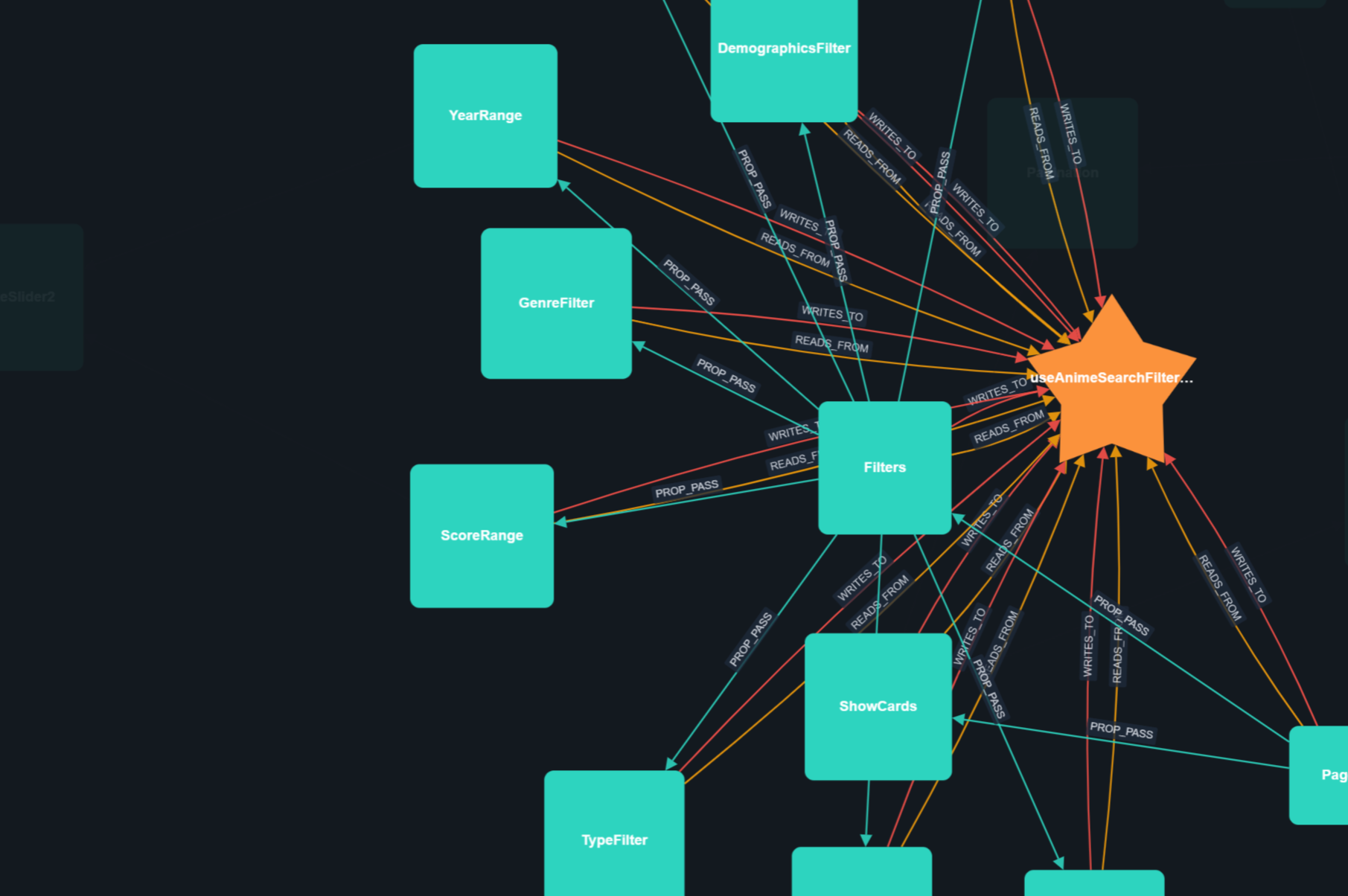
Open the Web UI, paste your repo path, and explore a force-directed canvas — click any node to see its summaries, callers, callees, and security flags. Search, filter, diff commits across versions. The UI runs on a **live server**, so opening `/graph/
Web UI — visual exploration
*For when you want to see your codebase laid out as an interactive graph.*
Open the Web UI, paste your repo path, and explore a force-directed canvas — click any node to see its summaries, callers, callees, and security flags. Search, filter, diff commits across versions. The UI runs on a **live server**, so opening `/graph/ CLI (`@devlensio/cli`) — terminal power
*For scripts, CI, and answers fast without leaving the terminal. Every command supports `--json` for piping into scripts, `-v/--verbose` for diagnostics, and `--quiet` for minimal output.*
```bash
npm install -g @devlensio/cli
```
**Analyze & summarize**
| Command | What it does |
|---------|--------------|
| `devlens detect [path] [--deps]` | Inspect a repo **before** analyzing: language, manifest, dependency count, source files |
| `devlens analyze [path] [--summarize] [--force-summarize]` | Build the graph (optionally add AI summaries) |
| `devlens summarize [target]` | (Re)generate technical/business/security summaries (`target` = repo path or graph id) |
| `devlens status` | Which repos are analyzed, their language + summary coverage |
| `devlens doctor` | Environment health check — git, storage, LLM provider, and **all 4 extractor runtimes** (go/rust/java/python) |
| `devlens init` | First-time setup — configure the LLM provider interactively |
**Explore & understand**
| Command | What it does |
|---------|--------------|
| `devlens overview` | Big picture — language, framework, stats, central nodes |
| `devlens top-nodes [-l
CLI (`@devlensio/cli`) — terminal power
*For scripts, CI, and answers fast without leaving the terminal. Every command supports `--json` for piping into scripts, `-v/--verbose` for diagnostics, and `--quiet` for minimal output.*
```bash
npm install -g @devlensio/cli
```
**Analyze & summarize**
| Command | What it does |
|---------|--------------|
| `devlens detect [path] [--deps]` | Inspect a repo **before** analyzing: language, manifest, dependency count, source files |
| `devlens analyze [path] [--summarize] [--force-summarize]` | Build the graph (optionally add AI summaries) |
| `devlens summarize [target]` | (Re)generate technical/business/security summaries (`target` = repo path or graph id) |
| `devlens status` | Which repos are analyzed, their language + summary coverage |
| `devlens doctor` | Environment health check — git, storage, LLM provider, and **all 4 extractor runtimes** (go/rust/java/python) |
| `devlens init` | First-time setup — configure the LLM provider interactively |
**Explore & understand**
| Command | What it does |
|---------|--------------|
| `devlens overview` | Big picture — language, framework, stats, central nodes |
| `devlens top-nodes [-l  Agent Skill — AI-powered understanding
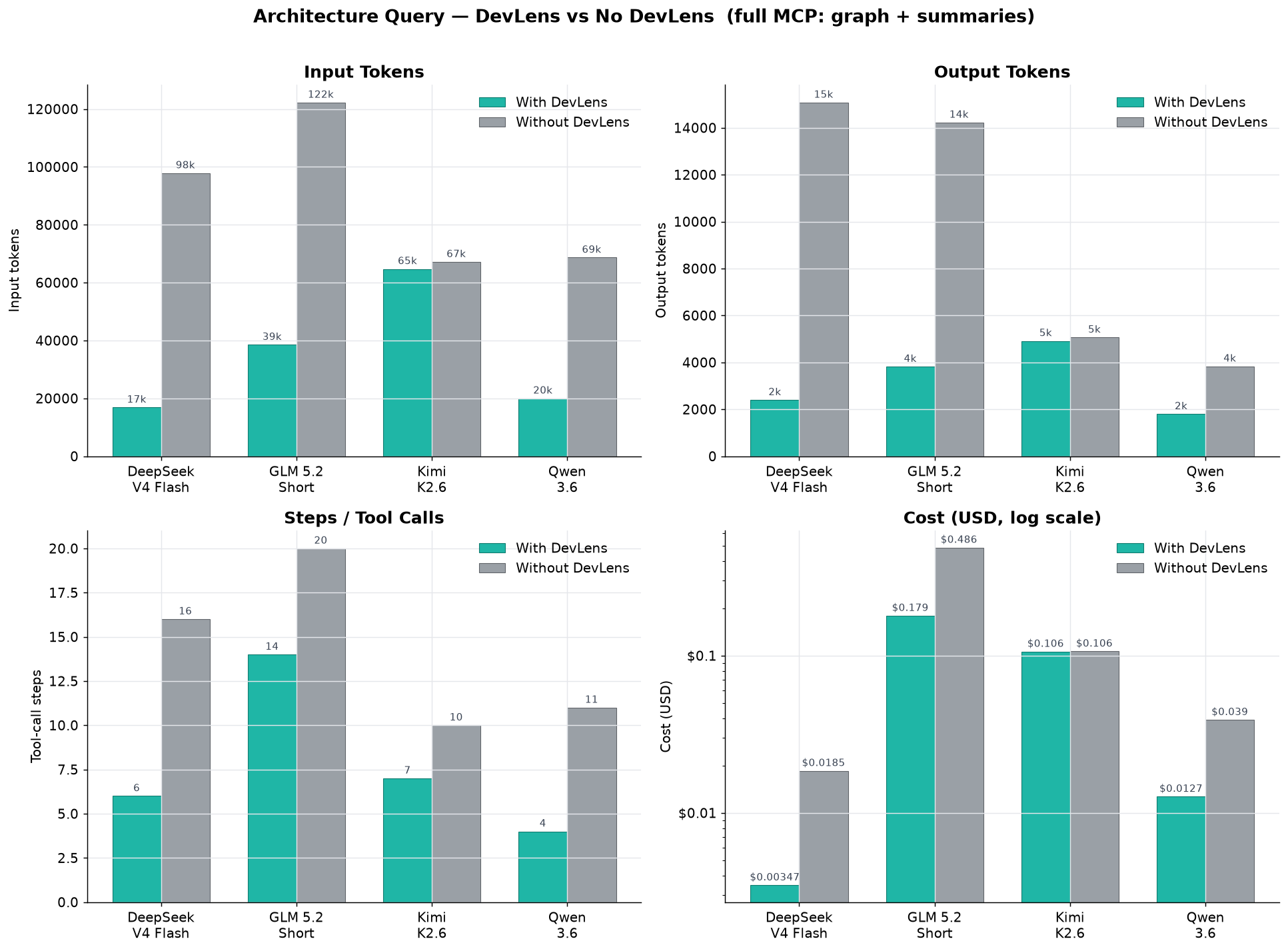
*The most powerful way to use DevLens. Your AI agent normally reads files one at a time — the DevLens Skill teaches it to query the pre-built graph instead.*
```bash
npx @devlensio/skill install
```
Then reload your tool and use `/devlens` in Claude Code, Cursor, Kilo, opencode, pi, or any AI coding agent:
| Command | What it does |
|---------|--------------|
| `/devlens init` | Connect MCP, configure provider, analyze the repo |
| `/devlens architecture` | Full system brief — stack, modules, routes, patterns, security posture |
| `/devlens explain [path]` | Onboard to a module or the whole repo — callers, callees, reading path |
| `/devlens diagram [type]` | Mermaid diagrams (architecture, cluster, flow, deps) with typed edges |
| `/devlens security-analysis [level]` | Prioritized security report with reach + fix-order |
| `/devlens impact
Agent Skill — AI-powered understanding
*The most powerful way to use DevLens. Your AI agent normally reads files one at a time — the DevLens Skill teaches it to query the pre-built graph instead.*
```bash
npx @devlensio/skill install
```
Then reload your tool and use `/devlens` in Claude Code, Cursor, Kilo, opencode, pi, or any AI coding agent:
| Command | What it does |
|---------|--------------|
| `/devlens init` | Connect MCP, configure provider, analyze the repo |
| `/devlens architecture` | Full system brief — stack, modules, routes, patterns, security posture |
| `/devlens explain [path]` | Onboard to a module or the whole repo — callers, callees, reading path |
| `/devlens diagram [type]` | Mermaid diagrams (architecture, cluster, flow, deps) with typed edges |
| `/devlens security-analysis [level]` | Prioritized security report with reach + fix-order |
| `/devlens impact