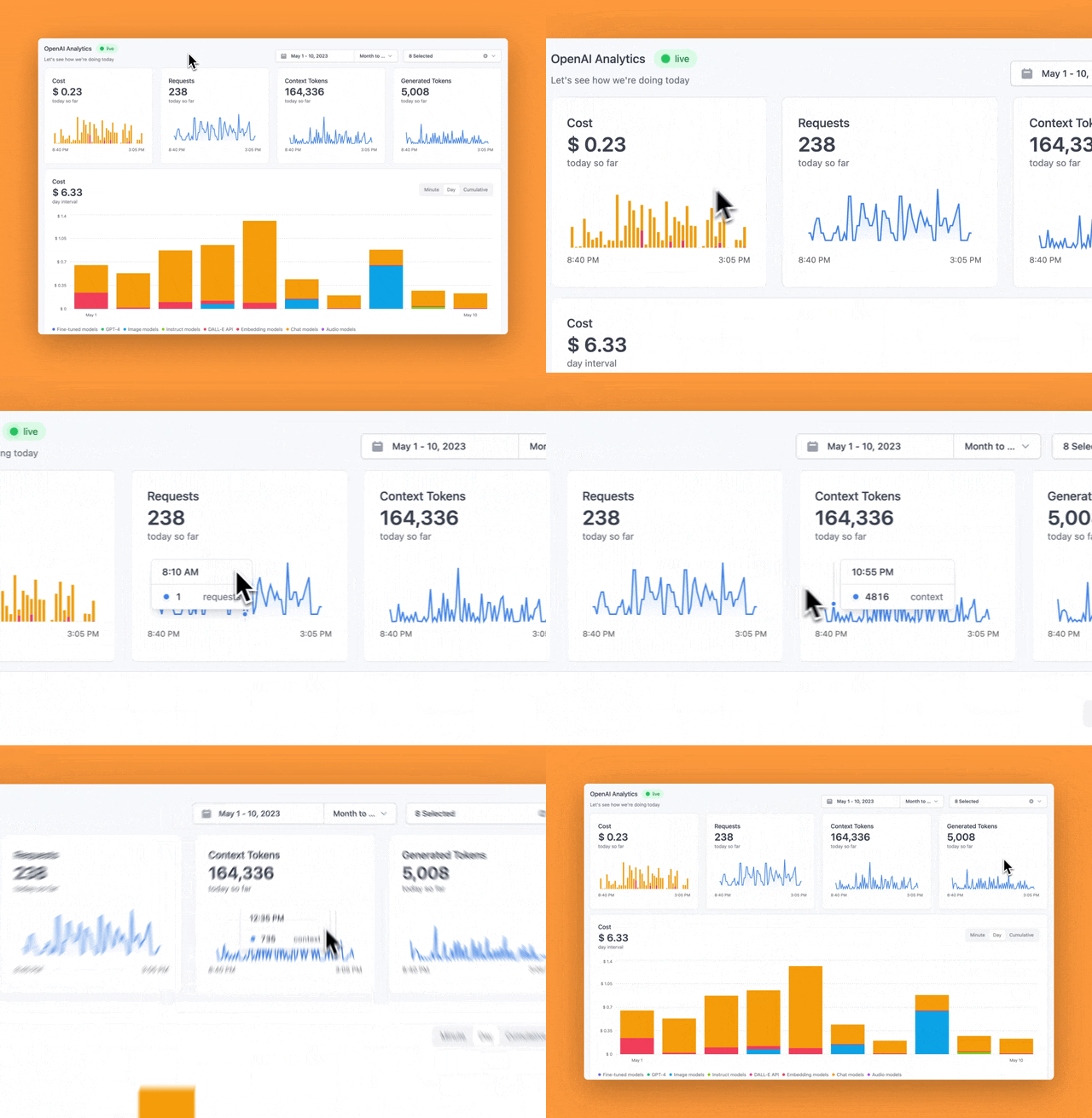
llm.report
An open-source logging and analytics platform for OpenAI
An open-source logging and analytics platform for OpenAI





Introduction · Self Hosted Installation · Cloud Installation · Tech Stack · Contributing
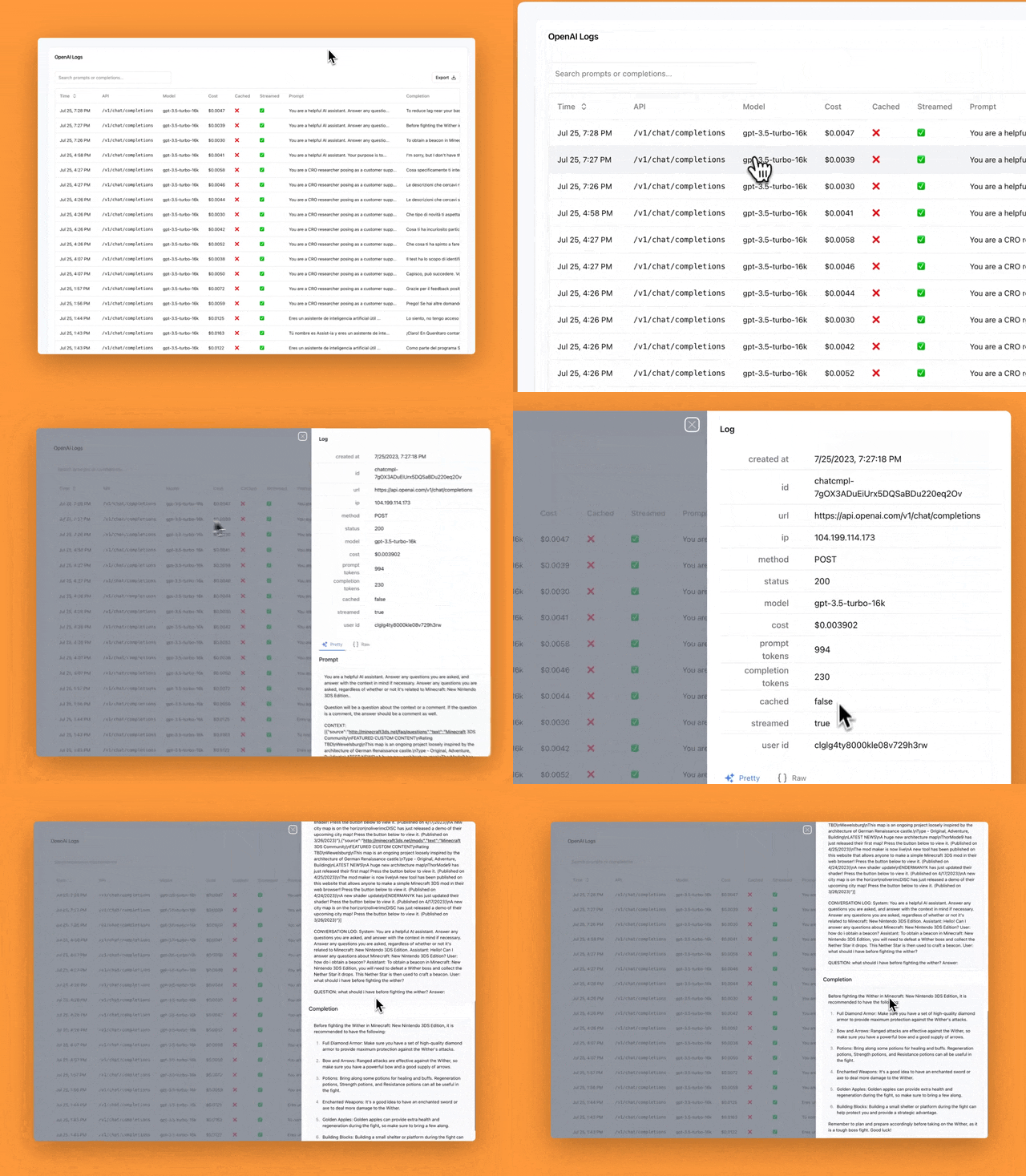
### Logs
Log your OpenAI API requests / responses and analyze them to improve your prompts.
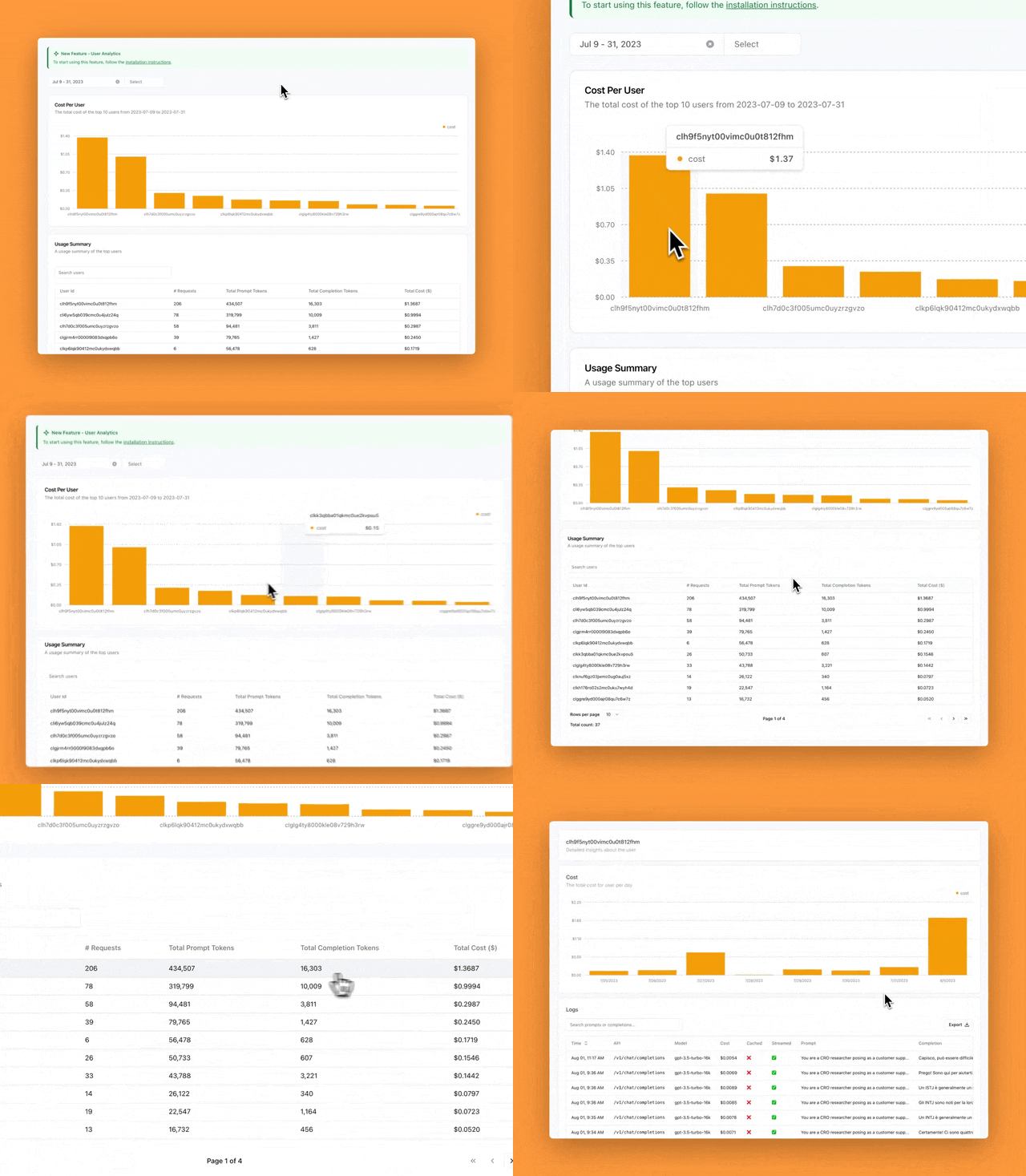
 ### User Analytics
Calculate the cost per user for your AI app.
### User Analytics
Calculate the cost per user for your AI app.
 ## Self-Hosted Installation
1. Clone the repo
```bash
git clone https://github.com/dillionverma/llm.report.git
```
2. cd into the repo
```bash
cd llm.report
```
3. Install dependencies
```bash
yarn
```
4. Setup environment variables
```bash
cp .env.example .env
```
- Generate `NEXTAUTH_SECRET` using `openssl rand -base64 32` and add it to `.env`
5. Quickstart
> - Requires Docker and Docker Compose to be installed.
> - Will start a local Postgres instance with a few test users - the credentials will be logged in the console
```bash
yarn dx
```
Open [http://localhost:3000](http://localhost:3000) with your browser!
## Tech Stack
- [Next.js](https://nextjs.org/) – framework
- [Typescript](https://www.typescriptlang.org/) – language
- [Tailwind](https://tailwindcss.com/) – CSS
- [Shadcn](https://ui.shadcn.com) – App UI components
- [Magic UI](https://magicuikit.com/) – Marketing UI components
- [Postgres](https://www.postgresql.org/) – database
- [NextAuth.js](https://next-auth.js.org/) – auth
- [Stripe](https://stripe.com/) – payments
- [Resend](https://resend.com/) - emails
## Contributing
Here's how you can contribute:
- [Open an issue](https://github.com/dillionverma/llm.report/issues) if you believe you've encountered a bug.
- Make a [pull request](https://github.com/dillionverma/llm.report/pull) to add new features/make quality-of-life improvements/fix bugs.
## Self-Hosted Installation
1. Clone the repo
```bash
git clone https://github.com/dillionverma/llm.report.git
```
2. cd into the repo
```bash
cd llm.report
```
3. Install dependencies
```bash
yarn
```
4. Setup environment variables
```bash
cp .env.example .env
```
- Generate `NEXTAUTH_SECRET` using `openssl rand -base64 32` and add it to `.env`
5. Quickstart
> - Requires Docker and Docker Compose to be installed.
> - Will start a local Postgres instance with a few test users - the credentials will be logged in the console
```bash
yarn dx
```
Open [http://localhost:3000](http://localhost:3000) with your browser!
## Tech Stack
- [Next.js](https://nextjs.org/) – framework
- [Typescript](https://www.typescriptlang.org/) – language
- [Tailwind](https://tailwindcss.com/) – CSS
- [Shadcn](https://ui.shadcn.com) – App UI components
- [Magic UI](https://magicuikit.com/) – Marketing UI components
- [Postgres](https://www.postgresql.org/) – database
- [NextAuth.js](https://next-auth.js.org/) – auth
- [Stripe](https://stripe.com/) – payments
- [Resend](https://resend.com/) - emails
## Contributing
Here's how you can contribute:
- [Open an issue](https://github.com/dillionverma/llm.report/issues) if you believe you've encountered a bug.
- Make a [pull request](https://github.com/dillionverma/llm.report/pull) to add new features/make quality-of-life improvements/fix bugs.