# omp-worker-mcp
**Durable Model Context Protocol (MCP) server for delegating background coding tasks and DAG workflows to local Oh My Pi (OMP) CLI sub-agents.**
English •
简体中文 •
Documentation Hub
[](LICENSE)
[](https://www.npmjs.com/package/omp-worker-mcp)
[](package.json)
[](https://github.com/divenire990/omp-worker-mcp/actions/workflows/ci.yml)
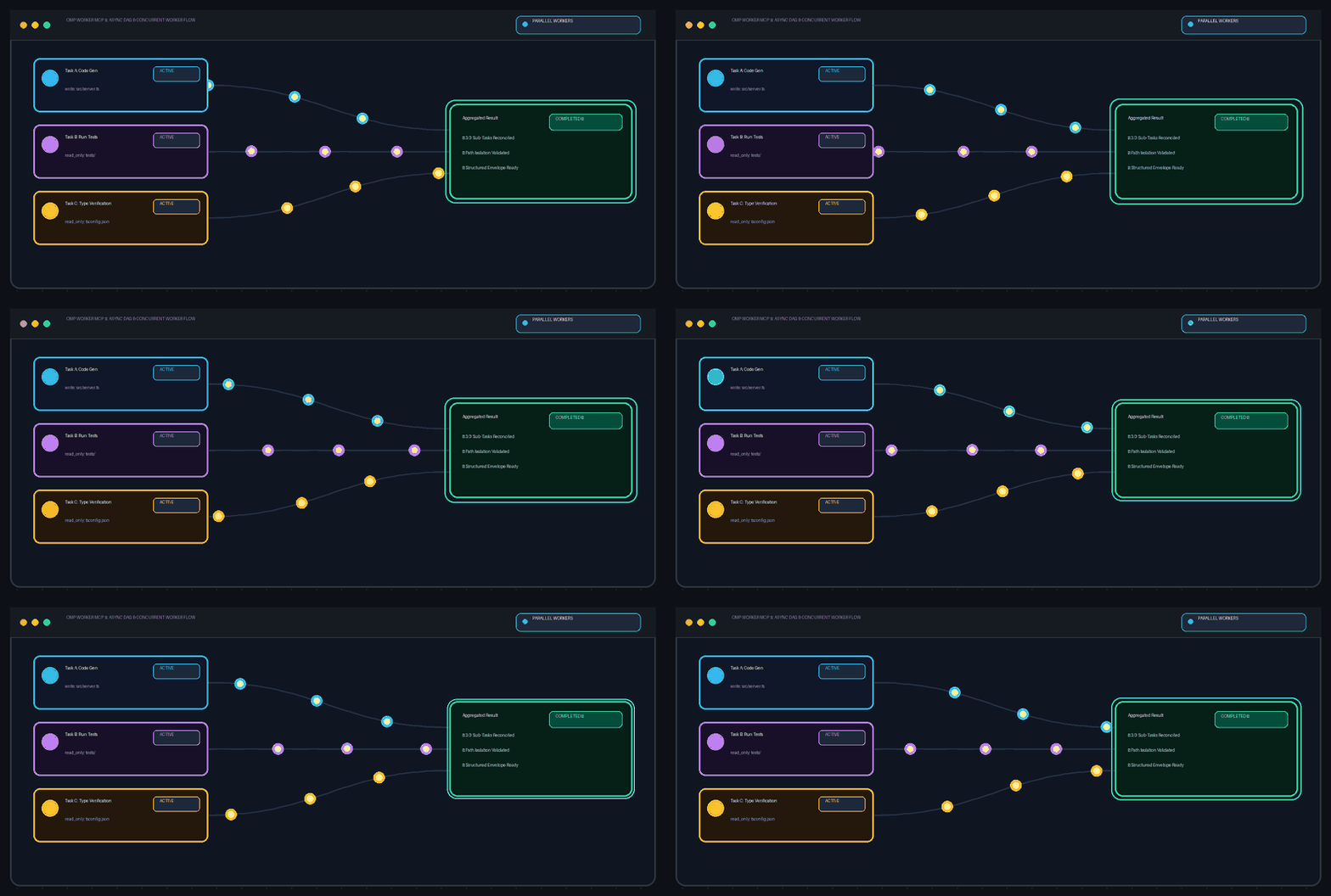
Asynchronous task execution, DAG dependency resolution, path ownership isolation, and structured result verification.
[Quick Start](#installation-quick-start) • [Entrypoints](#recommended-entrypoints) • [Safety Contract](#task-safety-ownership) • [Platform Support](#platform-support-boundaries) • [Docs Hub](docs/README.md)
---
## Value & Operating Model
`omp-worker-mcp` implements an outcome-led **Supervisor-Worker** pattern that decouples high-level planning from concrete implementation:
- **Main Agent Remains in Control**: The primary host harness (e.g., Codex, Claude Code) retains full authority over architecture, task decomposition, trade-off decisions, and final acceptance review.
- **Durable Local Background Execution**: Concrete, long-running coding, refactoring, and exploratory tasks are offloaded to local OMP worker processes running in the background without blocking conversational turns.
- **Topological DAG Orchestration**: Independent work units can be orchestrated as a directed acyclic graph (DAG) with automated dependency resolution, concurrency limits, and failure containment.
- **Explicit Path Ownership Boundaries**: Write tasks must declare explicit write-path ownership. The server validates and rejects overlapping concurrent write scopes in batch DAGs, supplying declared boundaries as worker constraints to prevent write collisions.
- **Structured Results & Supervised Resumption**: Workers report deliverables via the structured `OMP_WORKER_RESULT` envelope (status, summary, artifacts, verification checks, remaining items). Supervisors can inspect logs in real time and inject corrective guidance via `omp_continue` to retry within the same session.
---
## Installation & Quick Start
### 1. Install OMP
Install [Oh My Pi (OMP) from its official project](https://github.com/can1357/oh-my-pi). (Note: running `omp-worker-mcp` requires local Node.js `>= 22.0.0`.)
### 2. Verify OMP Reachability
Verify that the OMP CLI is reachable in your environment:
```bash
omp --version
```
*Troubleshooting: If `omp` is not on your `PATH`, set `OMP_WORKER_OMP_COMMAND` to its executable path in your MCP configuration.*
### 3. Configure OMP & Default Worker Model
Run `omp setup` in your terminal to authenticate, configure your local OMP environment, and select your default worker model. This default model is what background OMP workers use during task execution.
*(Optional advanced configuration)*: You can specify your default model via `modelRoles.default: