# holospot Holographic foil for 3D scenes on the web. The rainbow foil of trading cards, holographic glitter, hologram stickers with a 3D picture inside: the materials of [holo.spot](https://www.holo.spot), ready to put on your own objects.
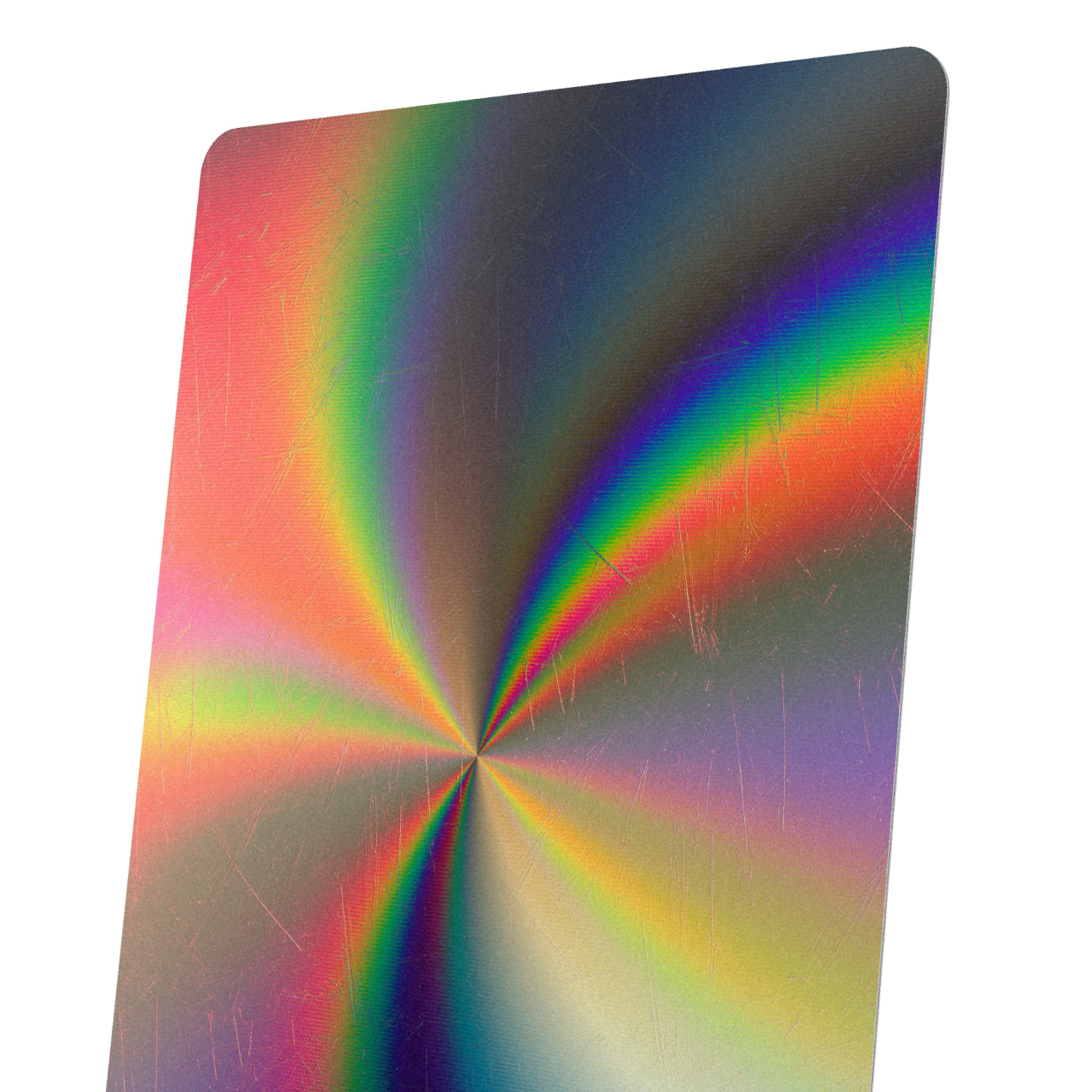
A card in rainbow holographic foil, with fine scratches catching the light
Rainbow foil on a card
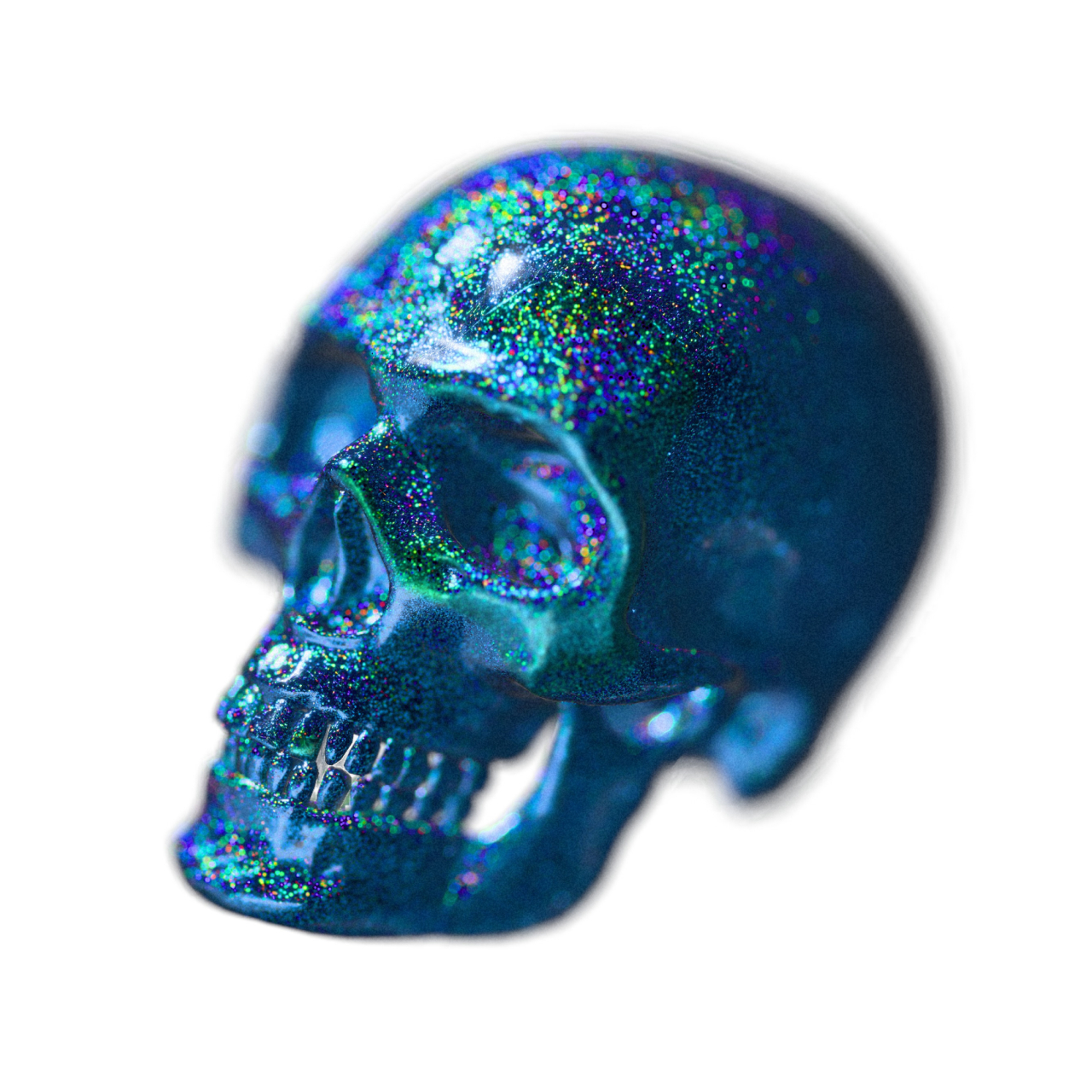
A skull covered in blue holographic glitter, sharp in front and soft behind
Holographic glitter on a 3D model
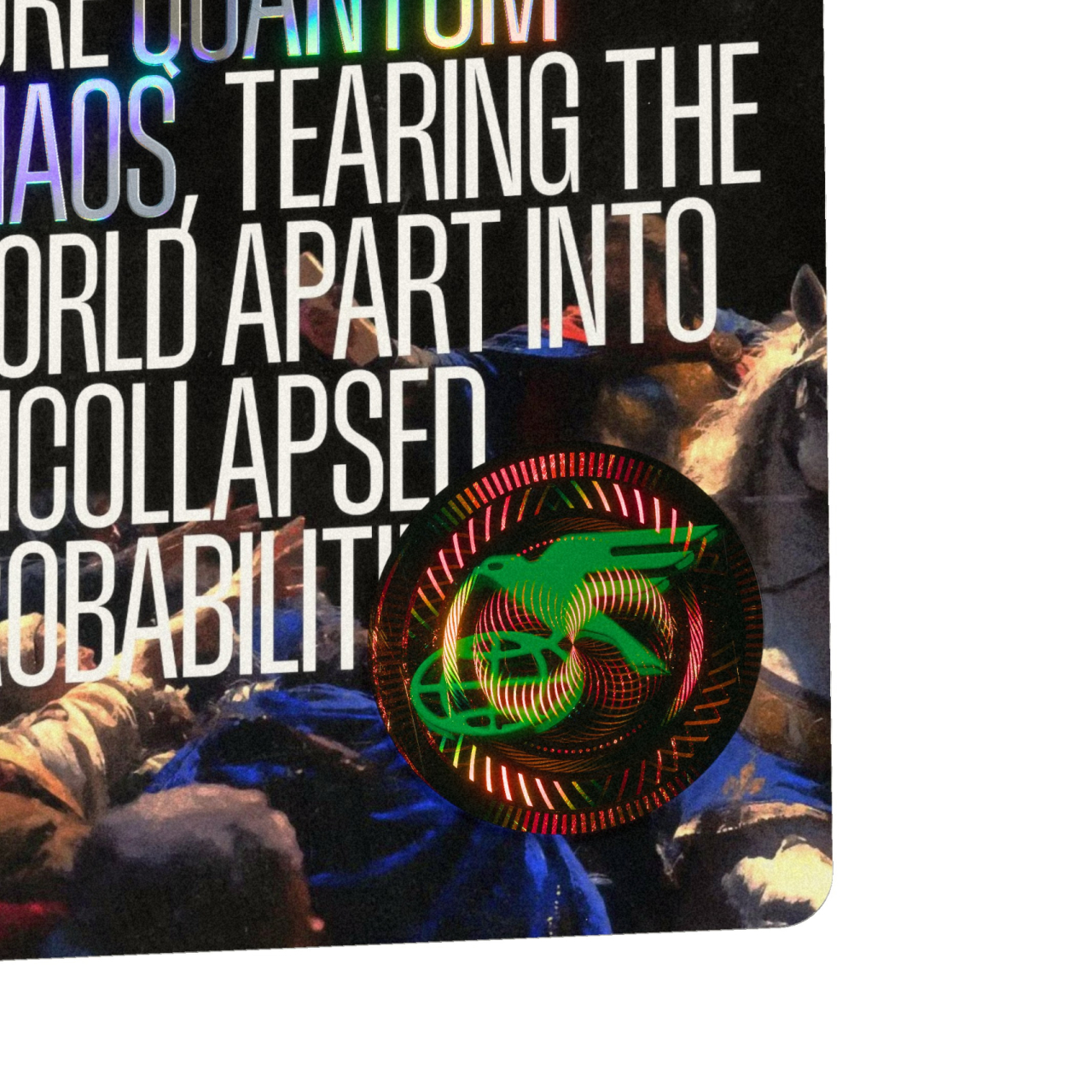
Close-up of a round hologram sticker with a green eagle floating inside it, on a printed card
A hologram sticker with a 3D image inside
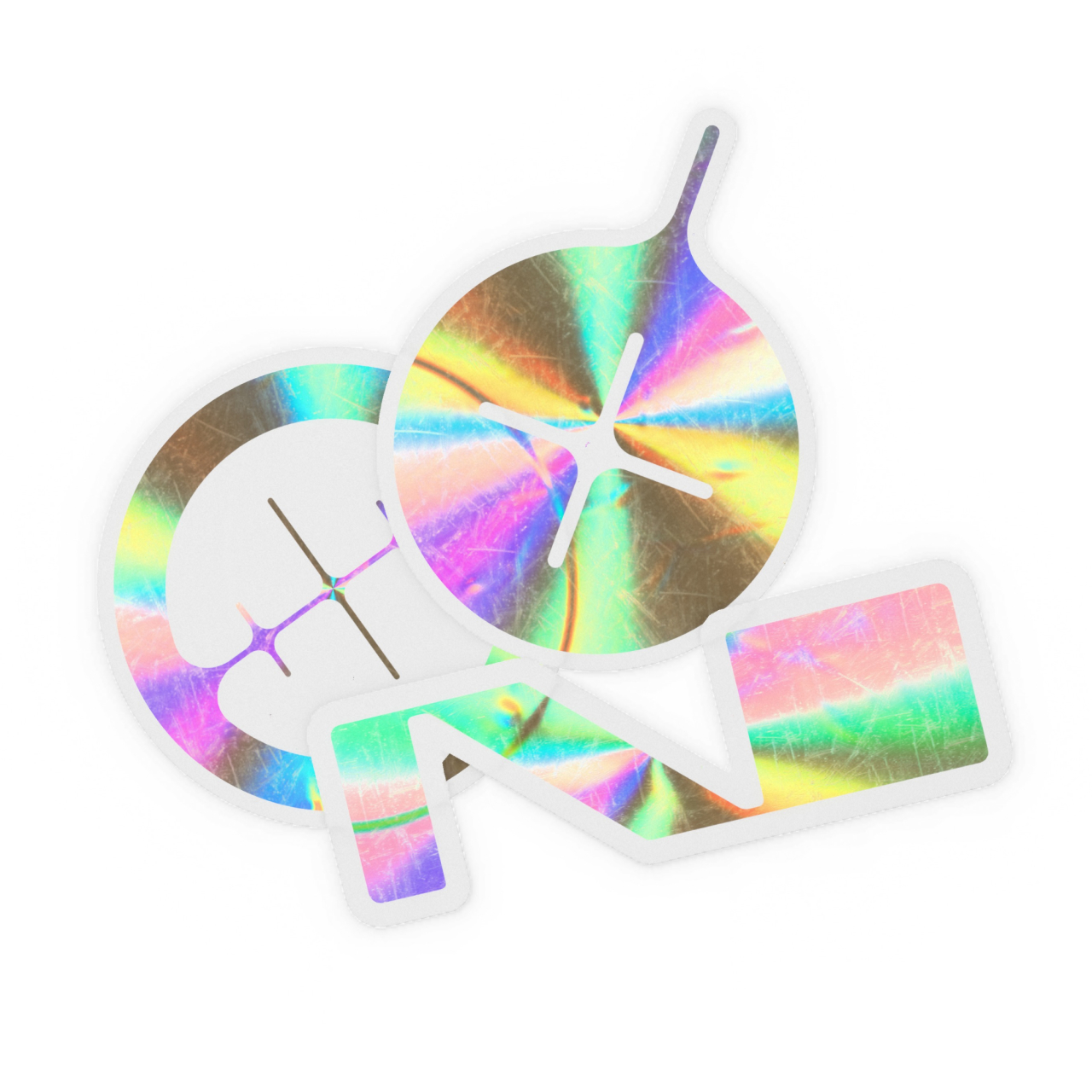
Three die-cut stickers in pastel rainbow foil
Die-cut foil stickers
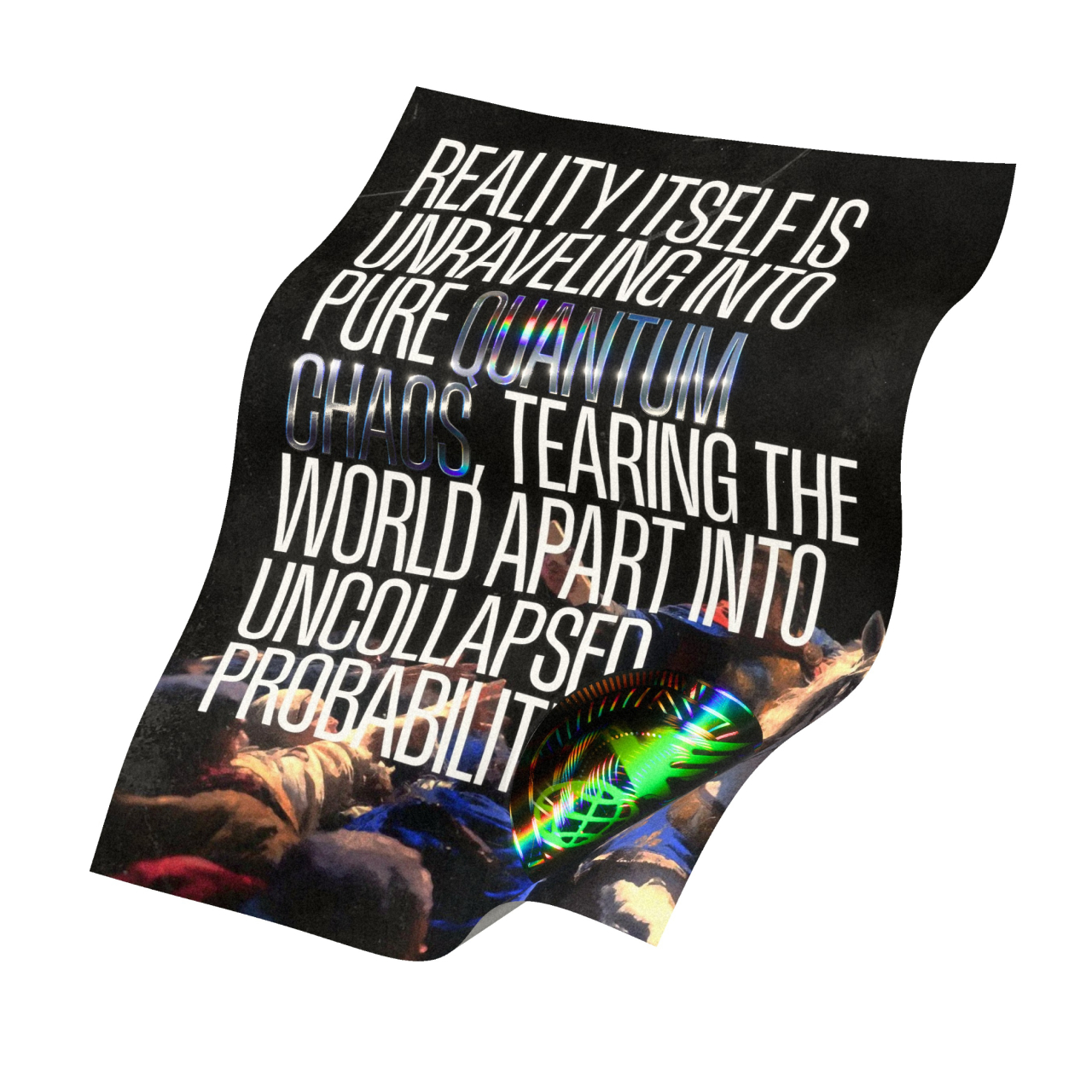
A printed cloth with two words in holographic foil and a hologram sticker, hanging in soft folds
Foil lettering and a sticker on cloth
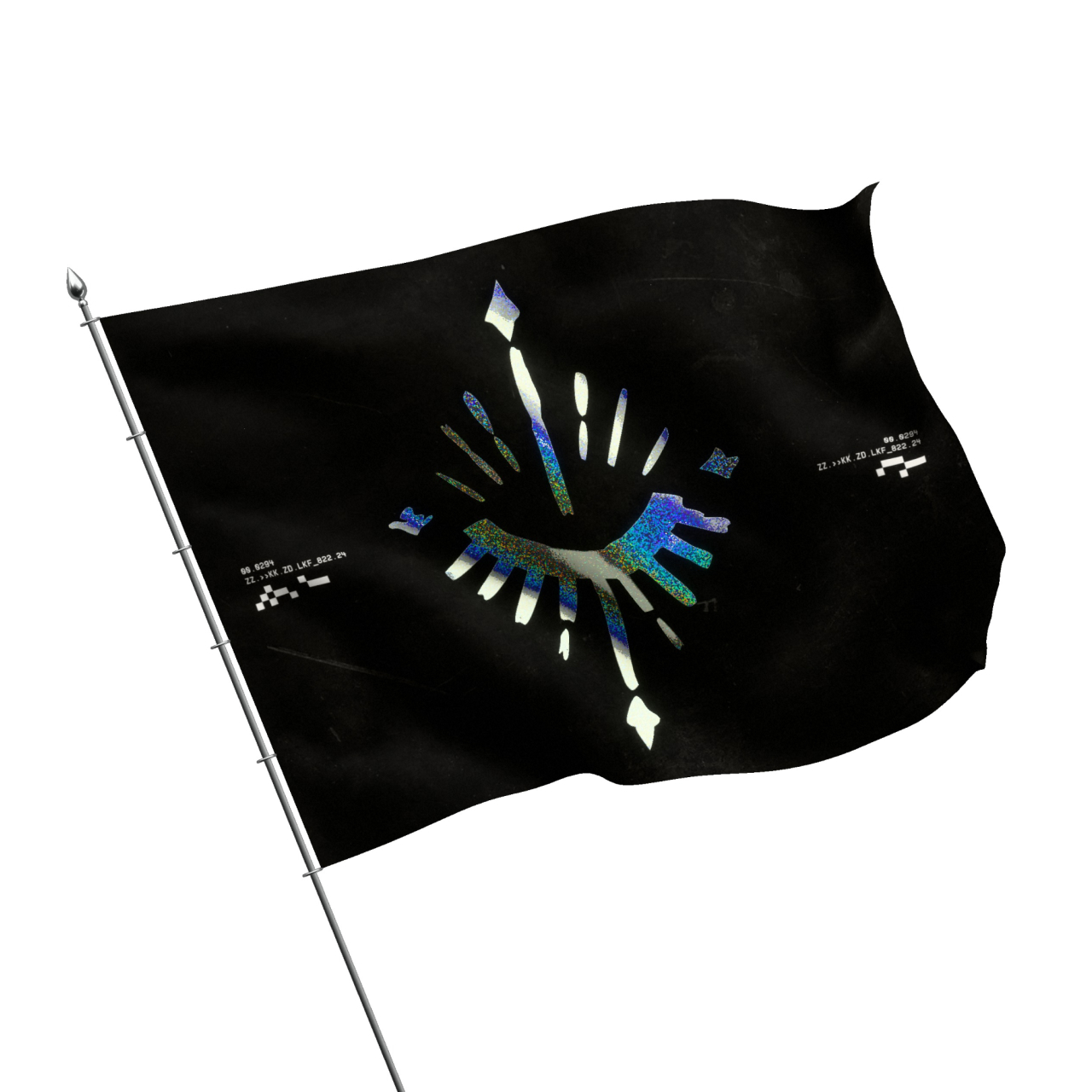
A black flag on a pole with an emblem in holographic glitter
A glitter foil emblem on a flag
All six pictures were made on holo.spot. The holographic materials in them are the ones in this repository. The skull is "Skull Salazar" by jvitorsouzadesign (CC BY 4.0); the model itself is not part of this repository. ## What this is Real holographic foil changes colour as you tilt it, because its surface is covered in grooves finer than a hair that split light into a rainbow. Most "holo" effects on screens fake this with a moving gradient. holo.spot does it the way the real material does: it works out, for every pixel, which colours those grooves would send toward your eye from each lamp. That is why it looks like foil and not like a filter. This repository takes those materials out of holo.spot so they can go on anything: a product model on a shop page, a card that tilts under the cursor, a logo, a short video. The result is the same picture holo.spot draws, because it is the same code (more on that [below](#is-it-really-the-same-as-holospot)). ## You do not need to know how it works The repository is written to be handed to an AI agent. You describe what you want; the agent does the wiring. 1. **Give your agent this repository.** An agent that works inside your project folder is best (Claude Code, Cursor, Codex and similar), because it can copy the files in, run the result and look at a screenshot of it. 2. **Say what you want in plain words.** For example: > Look at this repo and make the bottle in my scene holographic, like the rainbow foil. > Build a page with a holographic trading card that tilts when I move the mouse. > Put my logo (logo.svg) on a paper card in gold foil, with a hologram sticker next to it. > Make a 6 second looping video of a spinning object in the gold cracked-ice foil. 3. **Let it check its own work.** The repository includes a tool that takes a screenshot of the page, so the agent can see what it made and fix it before showing you. The agent starts from [AGENTS.md](AGENTS.md), a one-page manual written for it. You can read it too; it is plain English. Three things help the agent get it right the first time: - **How big the thing is in real life.** The foil has a real grain. On a ring it looks coarse, on a poster fine. "It's a 12 cm bottle" is enough. - **Which material**, by name or by description (see the list below). - **Whether your page is dark or light.** The foil is lit differently for each. ## The materials | Name | What it looks like | You have seen it on | |---|---|---| | **Prism Rainbow** | Smooth silver foil with clean rainbow bands that sweep across as it tilts. Straight bands, rings like a CD, or a sunburst | Classic holographic trading cards, gift wrap | | **Gold Shatter** | Foil broken into angular shards, each flashing its own colour, under a gold tint | "Cracked ice" cards and packaging | | **Nebula Glitter** | Thousands of tiny glitter flakes in a clear coat, each one sparkling in a different colour | Galaxy and cosmos foils, glitter nail polish | | **Sky Sparkle** | A dense field of small dots that twinkle, on a sky-blue film | Sparkle vinyl, "speckle" card finishes | | **Gilded Vortex** | Gold foil with spirals that seem to turn as you tilt it | Swirl and "hyper" card parallels | | **Volume Hologram** | A real 3D image floating inside the film: it has depth and turns as you move | Security holograms on bank cards and software boxes | | **Foil Emboss** | Heavy cotton paper with a logo pressed in and stamped in foil, plus hologram stickers | Wedding invitations, premium business cards, certificates | The colours above are only the starting point. Every material has settings for its tint, grain, shine and wear, described in plain language in [docs/materials/](docs/materials/). The Volume Hologram comes with seven 3D subjects (an eagle, a microchip, a wolf, a globe, a skull, a falcon and an emblem). You can also make your own from a 3D model or a logo: ask your agent to "bake my model into a hologram subject". ## Design the look on holo.spot, then bring it over You do not have to describe a look in words or tune numbers by hand. 1. Open [holo.spot](https://www.holo.spot) and pick the kind of object closest to yours. 2. Play with the material, the lights and the colours until you like it. 3. Press the `` button (Copy settings) in the Object tab. 4. Paste what it copied to your agent and say: "use this look". What you see on holo.spot is what you get in your scene. ## What you can make with it - **A holographic object on your website.** Your existing 3D scene stays as it is; one object (or several) becomes holographic. - **A card that reacts to the cursor or a finger.** - **A paper card or invitation** with your logo stamped in foil and up to six elements on it, including hologram stickers. - **Your own hologram**, with your logo or 3D model floating inside the film. - **An object floating over your page**, with the page showing through around it. - **Still images and video clips**, rendered frame by frame at any size. ## What is not in here So that nobody is surprised: - **The moving scenes of holo.spot are not included.** The flag in the wind, the cloth you can pull and the stickers you can peel are part of the website. This repository gives you their holographic materials, to put on your own objects and your own animation. - **The object is lit by its own studio lights**, the same ones holo.spot uses, not by the lamps in your scene. That is what makes the colours right. You can move and change those lights. - **It is heavy graphics.** It was built and tuned on a recent laptop. There are three quality levels; phones should use the lowest, and you should test on the devices you care about. - **No 3D models are included**, apart from the seven small hologram subjects. You bring your own objects. The complete technical list is in [AGENTS.md](AGENTS.md). ## Is it really the same as holo.spot? Yes. The drawing code in the `engine/` folder is holo.spot's own, copied without a single change, and a test in this repository fails if anyone edits it. A second check draws the same object once with the website's code and once with this kit and compares the two pictures pixel by pixel. Across eleven such comparisons, covering every material, nine came out identical and the other two differ by at most 2 on a scale of 255, which is invisible. ## Why it looks real Colour is not painted on. For every pixel the kit solves the equation that describes how a grooved surface bends light, for every wavelength, and adds up what reaches the eye from each lamp, using that lamp's real spectrum. So the rainbow moves the way a real foil's does when it tilts. The sparkle comes from individual flakes and facets that each catch the light at their own angle. A volume hologram replays a recorded 3D object, as a real one does. On top of that, the picture is finished like a photograph: bright spots glow softly, and there can be film grain and a soft-focus background. [docs/how-it-works.md](docs/how-it-works.md) explains this in more detail, still without assuming a physics degree. ## For developers The whole kit is three calls on top of an ordinary [three.js](https://threejs.org) scene: ```js import { Holo } from "holospot"; const holo = new Holo(renderer); // once, with your WebGLRenderer holo.apply(mesh, { material: "nebula", sizeMm: 120 }); // any mesh or group in your scene renderer.setAnimationLoop(() => holo.render(scene, camera)); // instead of renderer.render(scene, camera) ``` - Works with the scene you already have. Your other objects, lights, background and tone mapping are drawn by your renderer as before; the holographic object is composited in and hidden where your objects are in front of it. - A look copied from holo.spot is passed as `settings`, unchanged. - One ES module, `dist/holo.js`, with three.js (r170 or newer) as its only dependency. It needs `THREE.WebGLRenderer`; the WebGPU renderer is not supported. - No install needed for a single page: load it from `https://cdn.jsdelivr.net/gh/dmitrykurash/holospot@v0.1.0/dist/holo.js` in an import map ([AGENTS.md](AGENTS.md) shows how). ### Try it You need [Node.js](https://nodejs.org) 22.18 or newer. ``` git clone https://github.com/dmitrykurash/holospot.git cd holospot npm install npx vite ``` Then open http://localhost:5173/recipes/card.html in your browser. Every page in `recipes/` is a complete example you can copy: | Page | What it shows | |---|---| | `apply-to-mesh.html` | One object in a material | | `existing-scene.html` | One holographic object inside an ordinary three.js scene | | `glb-model.html` | Your own 3D model file (drag a `.glb` onto the page) | | `card.html` | A card that tilts with the pointer | | `paper-card-stickers.html` | A paper card with a foil logo and two hologram stickers | | `hologram.html` | A volume hologram | | `transparent-canvas.html` | An object floating over a web page | | `copy-settings.html` | Paste a look copied from holo.spot | | `video-turntable.html` | A page made to be rendered into a video | ### In the repository | | | |---|---| | [AGENTS.md](AGENTS.md) | The manual, for agents and people | | `dist/holo.js` | The built kit | | `assets/` | Surface textures, hologram subjects and sample logos the kit loads when needed | | `recipes/` | Complete pages to copy | | `docs/` | One page per material, the scene settings, how it works, framework notes | | `presets/` | The looks holo.spot ships, as ready-made settings | | `tools/` | Screenshots, video, making your own hologram subject, the comparison with holo.spot | | `src/`, `engine/` | The kit's code, and holo.spot's engine (unchanged) | ## A few words you will meet - **three.js**: the most widely used library for showing 3D in a web page. If your site has a 3D object on it, it very likely uses three.js. - **Scene, mesh, model**: a scene is the 3D world on the page; a mesh or model is one object in it. A `.glb` file is a 3D model saved to disk. - **Agent**: an AI assistant that can read files, write code and run it, not only chat. - **Material**: what a 3D object's surface is made of, as far as the picture is concerned. Here: the foil. ## Questions **Do I need to write code?** No, if you work with an agent. It needs a project to work in: your website, or an empty folder for a new page or a video. **Can I use it in a commercial project?** Yes. The licence is MIT: use it, change it and ship it, as long as the licence text stays with the code. **Can it make a video?** Yes. The kit can draw a scene frame by frame and assemble a video file. Ask your agent for the clip you want, with its length and size. **Does it need holo.spot to run?** No. Nothing is loaded from the website. holo.spot is the place to design a look, not a requirement. **Mine looks flat or dull.** Holographic foil needs light and movement. Give the object a slow turn or a tilt, and check the real-world size and the dark-or-light setting described earlier. ## Licence MIT. See [LICENSE](LICENSE). The engine is extracted from [holo.spot](https://www.holo.spot).