## Hidden Bar
Hidden Bar lets you hide menu bar items to give your Mac a cleaner look.
## 🚀 Install
### App Store
[](https://itunes.apple.com/app/hidden-bar/id1452453066)
### Others
The Hidden Bar is notarized before distributed out side App Store. It's safe to use 👍
#### Using Homebrew
```
brew install --cask hiddenbar
```
#### Manual download
- [Download latest version](https://github.com/dwarvesf/hidden/releases/latest)
- Open and drag the app to the Applications folder.
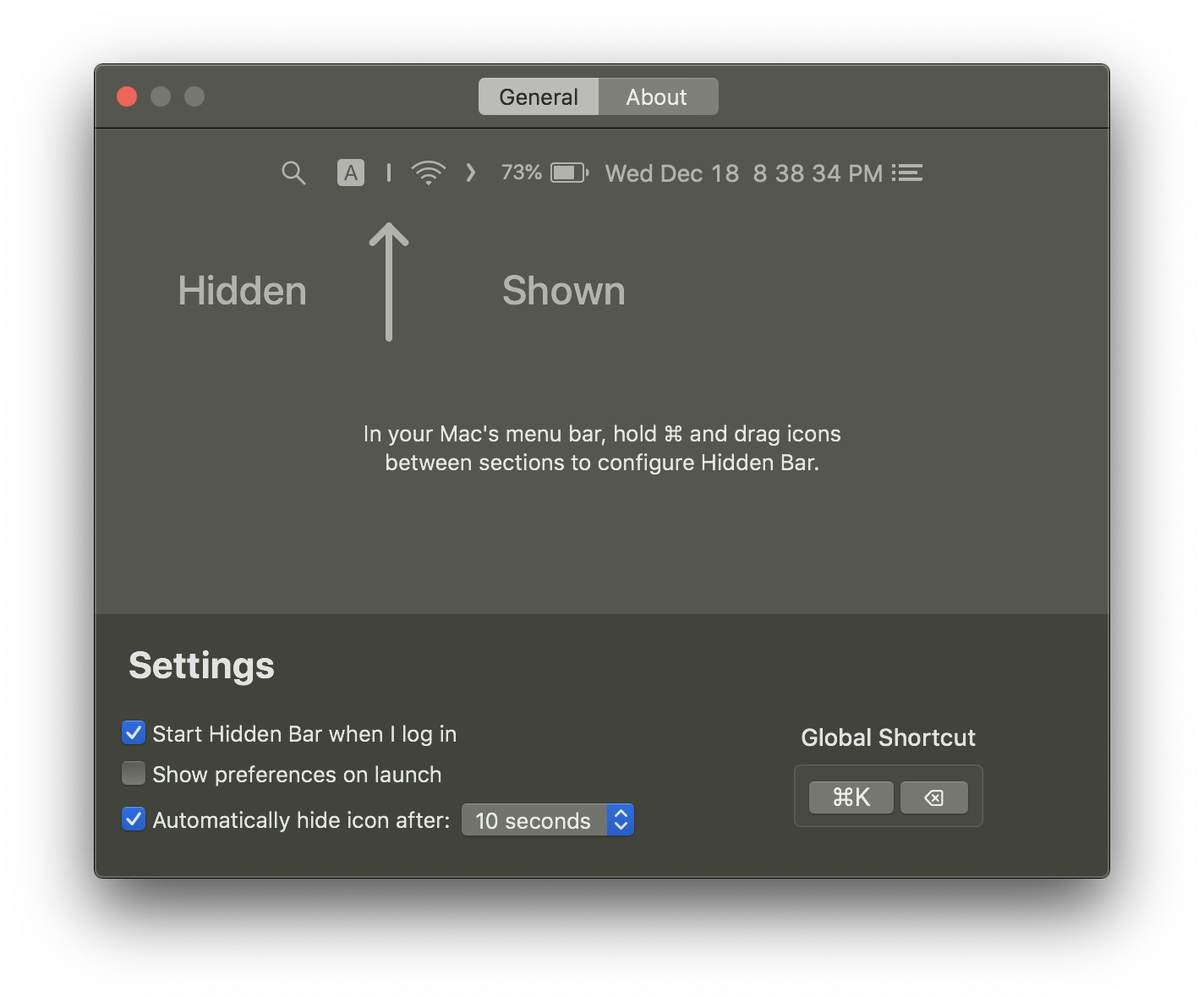
- Launch Hidden and drag the icon in your menu bar (hold CMD) to the right so it is between some other icons.
## 🕹 Usage
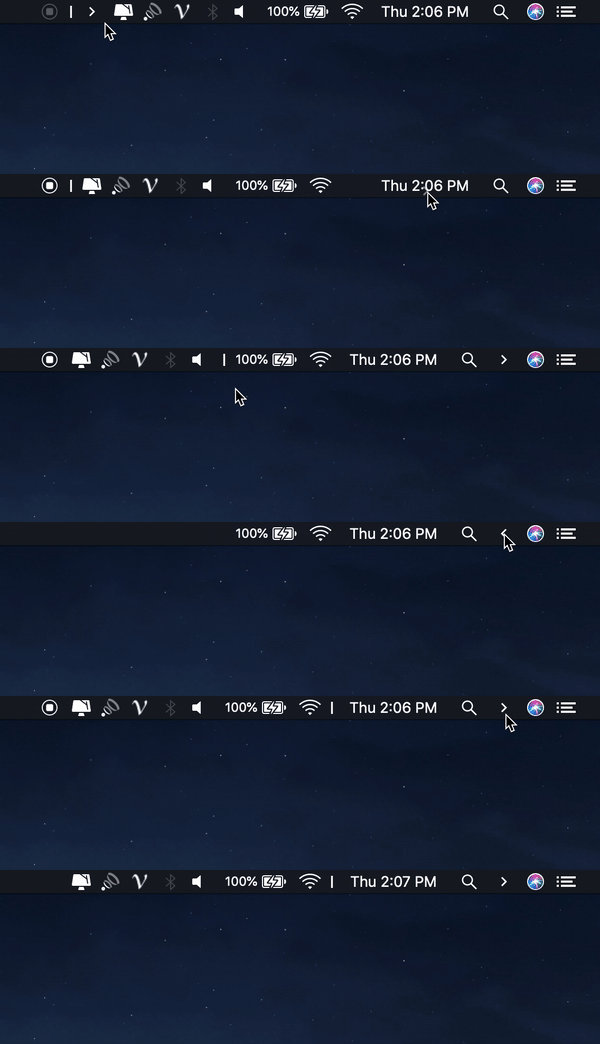
* `⌘` + drag to move the Hidden icons around in the menu bar.
* Click the Arrow icon to hide menu bar items.