# SmartCLI
*Read this in: **English** · [简体中文](docs/i18n/README.zh-Hans.md) · [繁體中文](docs/i18n/README.zh-Hant.md) · [日本語](docs/i18n/README.ja.md) · [한국어](docs/i18n/README.ko.md)*
**A local Python toolkit for driving, perceiving, and rendering the terminal — three agent skills over one pluggable PTY + `pyte` core.**
[](https://pypi.org/project/smartcli-toolkit/)
[](https://pypi.org/project/smartcli-toolkit/)
[](https://github.com/dwgx/SmartCLI/actions/workflows/ci.yml)
[](https://codecov.io/gh/dwgx/SmartCLI)
[](LICENSE)
[](https://pypi.org/project/smartcli-toolkit/)
[](#features)
[](#install)
**Let an AI drive, perceive, and render real terminal programs.** SmartCLI reads
the actual screen with a `pyte` cell model — not a byte pipe — so it knows which
menu row is highlighted, presses the right keys, and waits for the screen to
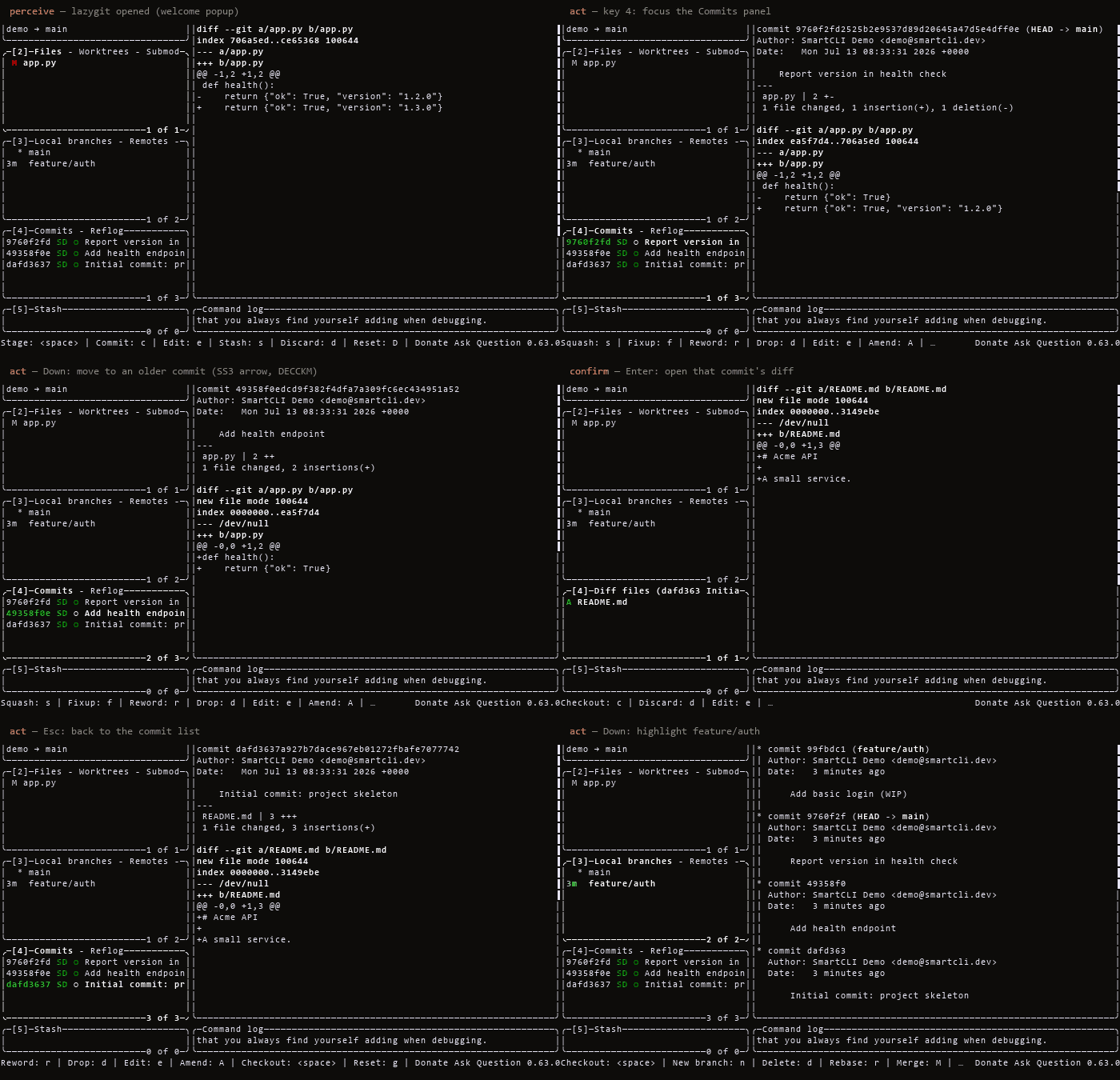
settle. Below: it drives the real **lazygit** TUI end-to-end (arrow-key
navigation, opening a commit diff, highlighting a branch) — no script, no mock.
```bash
pip install smartcli-toolkit
```
Requires Python 3.10 or newer. The install includes the shared Python library,
the persistent TUI driver, and the stdio MCP server.
### Drive something in 30 seconds
Copy-paste this. It starts a real Python REPL under a PTY, waits for the prompt
(never a blind `sleep`), types into it, and reads the screen back:
```bash
pip install smartcli-toolkit
SID=$(smartcli-tui start --cmd "python3 -i -q" --cols 80 --rows 24 --json | python3 -c "import json,sys;print(json.load(sys.stdin)['sid'])")
smartcli-tui wait-regex --id $SID ">>> " --timeout-ms 15000
smartcli-tui send-line --id $SID "print(6*7)"
smartcli-tui wait-regex --id $SID "42" # prints the cell grid it sees
smartcli-tui close --id $SID
```
On Windows use `--cmd "py -i -q"`. Swap the command for `vim`, `htop` or
`lazygit` and the same five verbs drive those too — that is the whole point:
**`wait-regex` and friends react to what the screen actually shows**, so an agent
never guesses whether its keystroke landed.
Want the same thing against a real editor, end to end and verifiable?
[`examples/drive_vim.py`](examples/drive_vim.py) drives the actual `vim` binary —
opens a file, appends a line, saves, and then checks the **filesystem**, not the
screen:
```bash
python examples/drive_vim.py
# [OK ] vim painted its screen
# [OK ] file contents visible on screen
# [OK ] alternate screen is active
# [OK ] vim entered insert mode (so G and o both landed)
# [OK ] typed text appears on screen
# [OK ] vim restored the main screen on exit
# [OK ] file on disk really changed
```
Note the fourth step. It is there because the example itself once sent five
keystrokes back to back with nothing between them, and under load `vim` had not
processed `G` by the time `o` arrived, so nothing was inserted and the run failed
with no useful diagnosis. Confirming insert mode proves both keys landed — the
same discipline the tool exists to provide, applied to its own demo.
Run the same file against `smartcli-toolkit==0.1.8` and two steps fail — and the
file is *never saved*, because a driver that cannot see the alternate screen
mistimes the `:wq`. That is why the emulation work below matters: a wrong screen
model does not error, it silently succeeds at nothing.
Already running an MCP client (Claude Code, Cursor, VS Code)? The same verbs are
MCP tools, with the per-session token attached for you:
```bash
smartcli-mcp # stdio MCP server; or `uvx --from smartcli-toolkit smartcli-mcp`
```
## What & why
SmartCLI is a workspace for terminal work that agents and humans both do: **driving**
interactive terminal programs, **perceiving** what a screen actually shows, and
**rendering** visuals and layouts back out. It is built on one shared, pluggable PTY
backend plus a `pyte` screen model — chosen over screenshot/vision so a single
structured screen model feeds both perception (read the screen) and rendering
(draw the screen). The PTY layer is intentionally **not** tmux-bound: local dev runs
on Windows via ConPTY (`pywinpty`), while target programs can run under POSIX ptys
or tmux elsewhere. Three skills sit on that core, each a self-contained tool you run
in place from the checkout.
## Driving a real TUI
The demo above is SmartCLI driving **lazygit** — a real full-screen curses app —
through its perceive → act → confirm loop: it reads the `pyte` cell grid (which
row is selected, the alt-screen diff), moves with arrow keys, opens a commit's
diff, and highlights a branch. Captured by driving the actual program in a Linux
container, not scripted or mocked. A byte-stream matcher like pexpect can't
perceive "which row is highlighted"; a screen model can.
**How we know the perception is right.** A screen model is only useful if it
matches what a real terminal shows, so we measure that instead of asserting it:
identical bytes go to a real **tmux** pane and to our model, and the two cell
grids are diffed. Three suites do it — 35 curated cases, a three-way check that
only trusts a behaviour when **tmux *and* GNU screen agree**, and a generative
fuzz over random VT sequences. That campaign found and fixed **12 emulation bugs**,
including the alternate screen buffer (`pyte` implements none of modes
1049/1047/47, so a full-screen program's output used to be painted over the main
screen and never restored). Scope and remaining edges:
[`LIMITATIONS.md`](skills/drive-tui/references/LIMITATIONS.md).
## Live effects
Real captures of the `cmd-art` `fx` engine — each GIF is the actual effect
rendered frame-by-frame through the project's own pipeline (no screen recorder).
Reproduce any with `python -m fx play ` (see [Quickstart](#quickstart)).
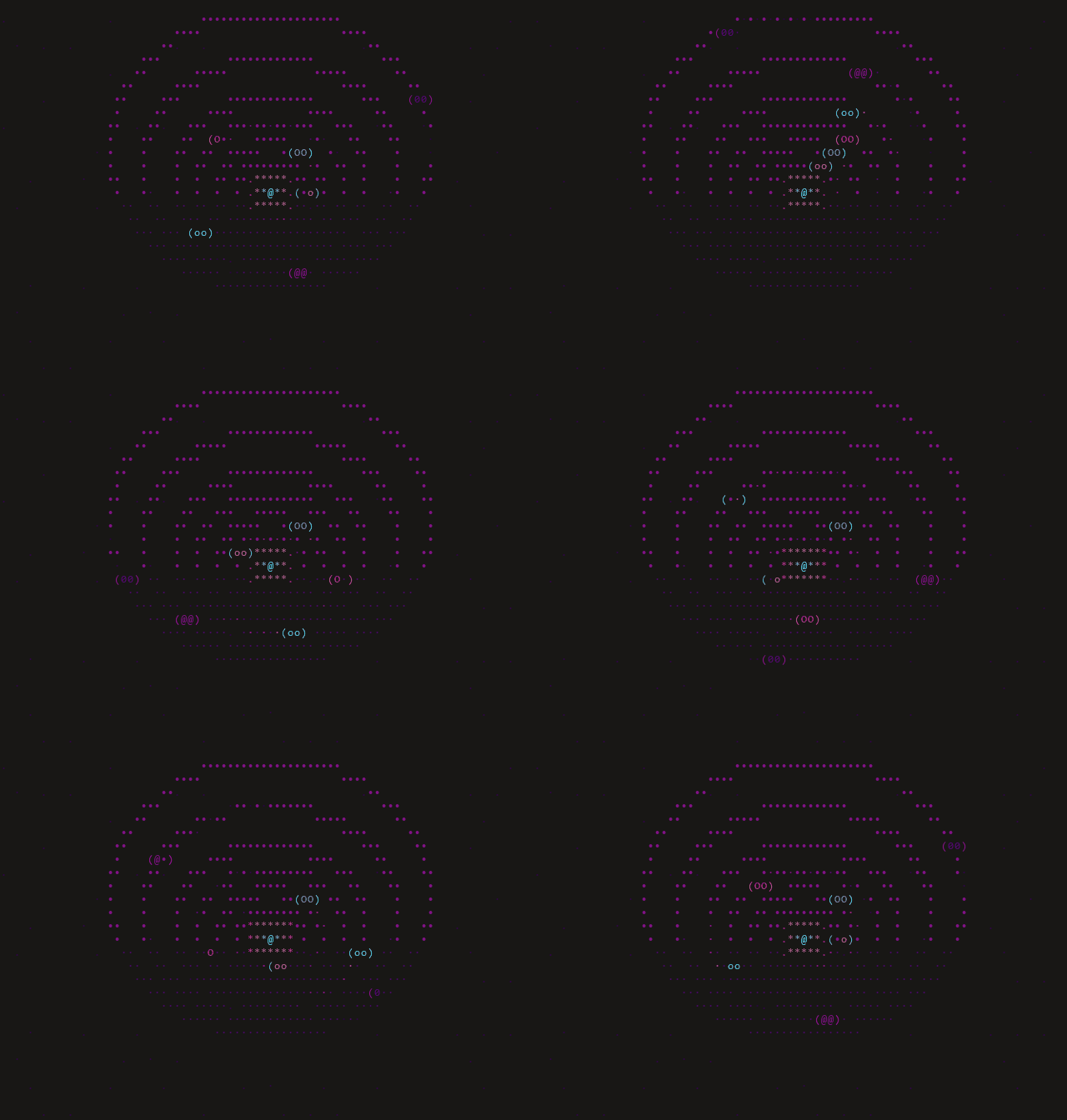
solarsystem — an orrery: planets on elliptical orbits around a pulsing sun
| | | |
|:---:|:---:|:---:|
| 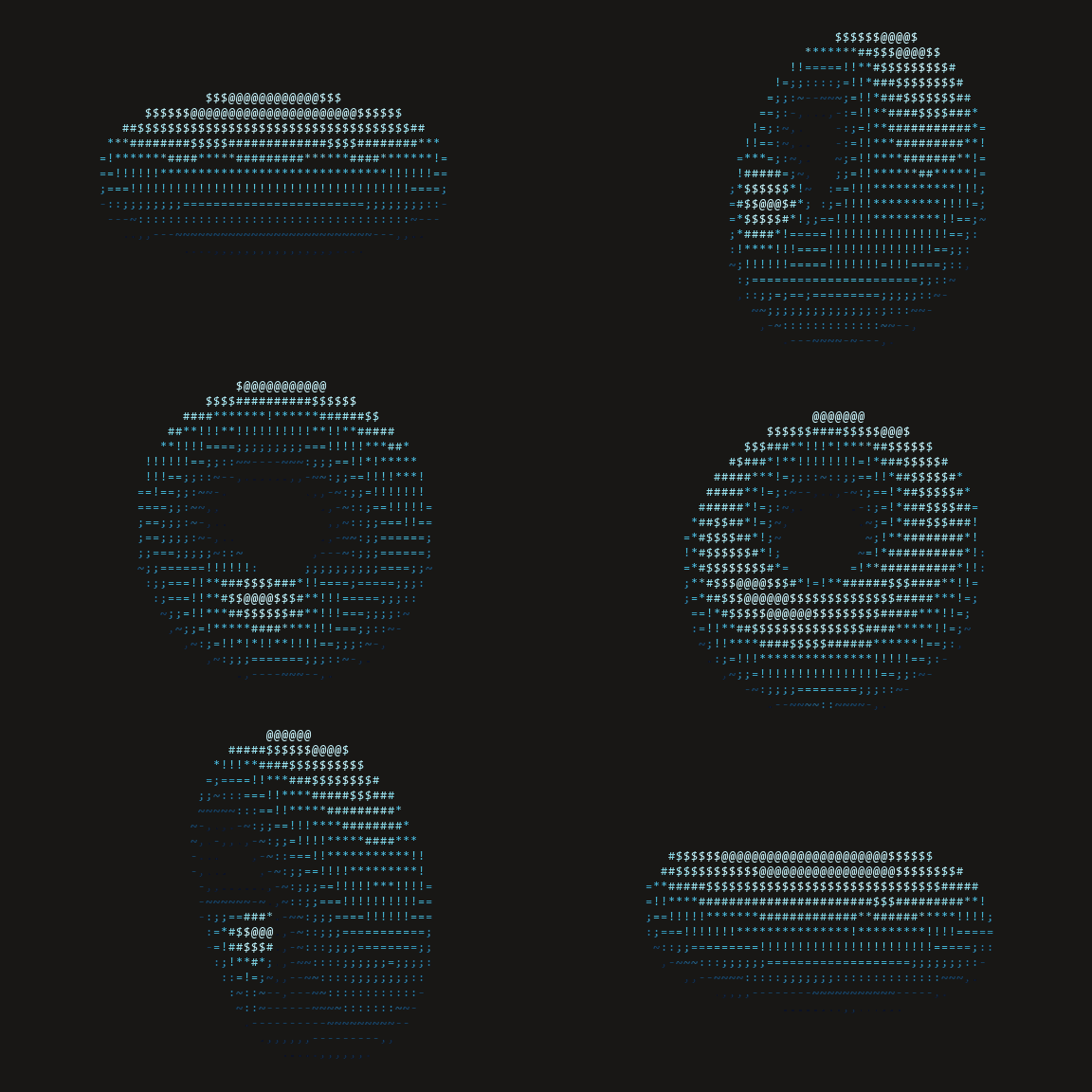 | 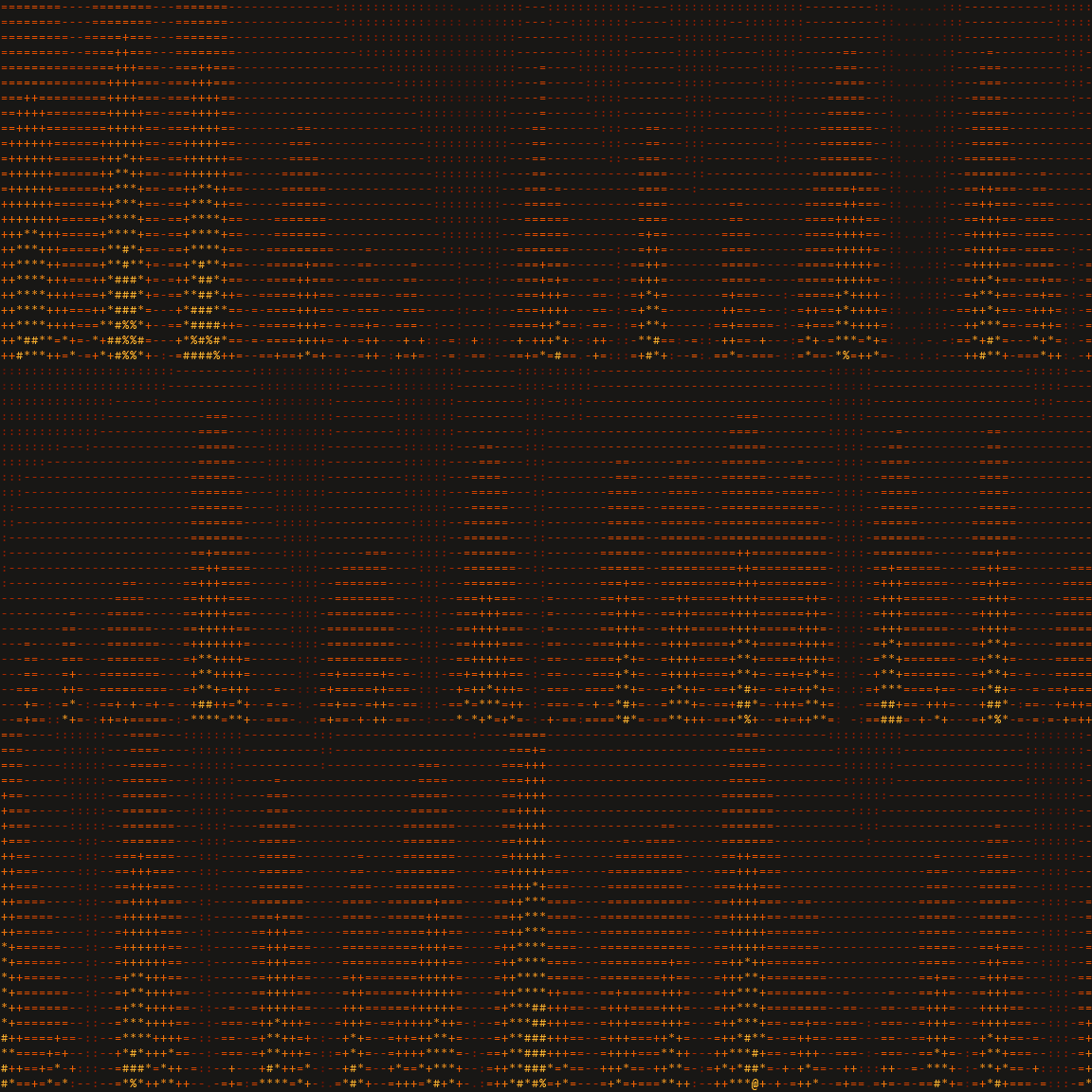 | 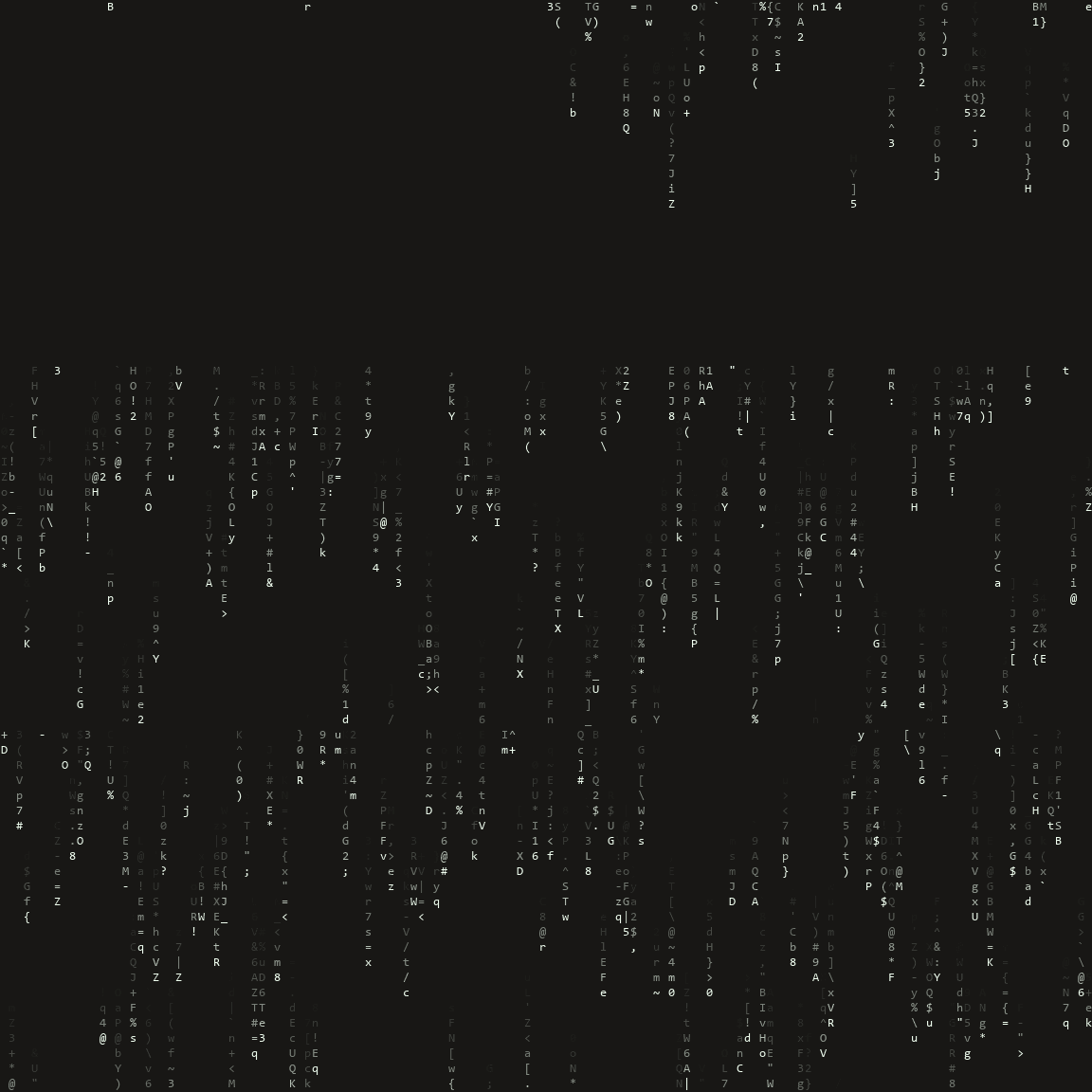 |
| **donut** — the classic ASCII torus | **fire** — demoscene heat field | **rain** — Matrix digital rain |
> 🌐 **[Explore the live showcase →](https://dwgx.github.io/SmartCLI/)** — play with
> the effect engine, drive a menu with arrow keys, and poke the widgets, right in
> your browser.
## Install
**Just want the three Claude Code skills?** Download one zip, unzip it, done — no
git, no pip, no marketplace:
```bash
curl -LO https://github.com/dwgx/SmartCLI/releases/latest/download/smartcli-skills.zip
```
```bash
unzip smartcli-skills.zip -d ~/.claude/skills/
```
That gives you `cmd-art`, `drive-tui` and `tui-ui` (309 KiB total). `cmd-art` and
`tui-ui` then work with nothing but CPython 3.10+ — verified on a bare virtualenv,
all 30 effects and all 17 widgets load. `drive-tui` additionally needs `pyte`, which
the PyPI install below provides. Or install all three via the plugin marketplace:
`/plugin marketplace add dwgx/SmartCLI`.
**Primary — from PyPI (the library, the CLI, and the MCP server):**
```bash
pip install smartcli-toolkit
```
> **Distribution vs import name:** the PyPI distribution is `smartcli-toolkit`
> (the names `smartcli` / `smart-cli` were taken or blocked), but the importable
> package is `smartcli_core`. So after `pip install smartcli-toolkit` you still
> write `from smartcli_core import PtySession`.
**Alternative — reproduce the full dev environment from a source checkout:**
```bash
git clone https://github.com/dwgx/SmartCLI SmartCLI
cd SmartCLI
python -m pip install -r requirements.txt
```
`requirements.txt` installs `pyte`, the MCP SDK, and `pywinpty` on Windows only
(POSIX uses the stdlib `pty` backend). `pip install .` installs `smartcli_core`
plus the `smartcli-tui`, `smartcli-mcp`, and `smartcli-toolkit` commands. The
visual `cmd-art` and `tui-ui` skills still run in place from a checkout via
`python -m fx` and `python -m ui`.
**Optional extras** (real FIGlet fonts, raster images, authoritative cell widths — all
degrade gracefully to stdlib fallbacks when absent):
```bash
python -m pip install -r requirements-optional.txt
# or, from the checkout, via pyproject extras:
pip install ".[all]" # pyfiglet + Pillow + wcwidth
pip install ".[art]" # pyfiglet only
pip install ".[image]" # Pillow only (also: the PNG screenshot harness needs it)
pip install ".[width]" # wcwidth only
```
**Windows note:** set UTF-8 output before running any skill so box-drawing and CJK
glyphs encode cleanly (the CLIs also auto-reconfigure stdout, but set this to be safe):
```powershell
set PYTHONIOENCODING=utf-8
```
Verified dep versions on the dev box (Windows 11, CPython 3.14.6): `pyte` 0.8.2,
`pywinpty` 3.0.5, `pyfiglet` 1.0.4, `Pillow` 12.2.0, `wcwidth` 0.8.1.
**Diagnostics.** `python -m smartcli_core` prints your OS, Python, terminal, PTY
backend, and dependency versions. `smartcli-tui doctor` reports where the core
was loaded from and whether drive dependencies are present. Include both outputs
when filing a terminal-sensitive bug.
## Quickstart
### cmd-art — terminal visual effects
```bash
cd skills/cmd-art
python -m fx list # list all 30 effects
python -m fx play donut --seconds 5 # play one effect (bounded)
python -m fx gallery # one frame of each effect
python -m fx show --seq "donut:fire:3,plasma::3"
```
### tui-ui — cell-accurate terminal UI
```bash
cd skills/tui-ui
python -m ui widgets # list all 17 widgets
python -m ui gallery --width 100 --height 30
python -m ui demo table --width 80 --height 12 --theme dashboard
```
### drive-tui — perceive & drive interactive programs
Persistent-session CLI (state survives across shell calls):
```bash
smartcli-tui start --cmd "python3 -i -q" --cols 80 --rows 24
smartcli-tui wait-regex --id ">>> " --timeout-ms 15000
smartcli-tui send-line --id "print(6*7)"
smartcli-tui snapshot --id
smartcli-tui close --id
```
On Windows use `py -i -q` as the child command. From a source checkout, replace
`smartcli-tui` with `python skills/drive-tui/scripts/tui.py`.
Or drive from any MCP client — the same verbs as MCP tools, with the
per-session token attached automatically:
```bash
pip install smartcli-toolkit
smartcli-mcp # stdio MCP server; smartcli-toolkit is an equivalent alias
```
### As a library
The shared core is importable directly:
```python
import sys
from smartcli_core import PtySession
s = PtySession()
s.start([sys.executable, "-q"])
s.wait_for(r">>> ") # readiness sync, never a blind sleep
print(s.snapshot().to_text()) # pyte-backed structured screen
s.close()
```
For the full command reference, the screenshot/AGENTCLI harnesses, and the regression
suite, see **[`README-USAGE.md`](README-USAGE.md)**.
## Features
**`cmd-art`** (`skills/cmd-art`) — a "living-template" effect engine: an `Effect` ABC +
`@register` decorator + auto-discovery. **30 effects** (donut, solarsystem, fire, plasma,
rain, starfield, tunnel, text3d, cube, sphere, boids, life, fireworks, sparkle, decrypt,
gradient_text, banner_scroll, image2ascii, typewriter, julia, mandelbrot, perlin, flames, water, nebula, text_flyin, text_converge, text_decrypt, spectrum_bars, cbonsai) across **8 themes** (mono, fire,
ocean, synthwave, viridis, pastel, matrix-green, rainbow). Effects are pure frame
producers; `play` is bounded by default and always restores the terminal.
**`tui-ui`** (`skills/tui-ui`) — a web-like terminal layout engine emitting tmux-safe
ANSI frames (SGR color runs + newlines only; no cursor moves, no alt-screen). **17
widgets** (badge, banner, braille_chart, card, fuzzy_filter_list, gradient_rule, kv,
meter, panel, preview_pane, progress, radial_glow, rule, slider_track, table, tabs,
tree) over a real **engine**:
`field.py` (shader compositors), `raster.py` (sub-cell half/quad/braille pixels),
`box_junction.py` (edge-algebra box joins), `color_model.py` (honest truecolor → 256 →
16 → mono degrade). Display-cell accurate for CJK/emoji/ZWJ so columns never desync.
**`drive-tui`** (`skills/drive-tui`) — drives interactive terminal programs (REPLs,
menus, pagers, y/N prompts, wizards) through a PTY via a
perceive → decide → act → wait → confirm loop, never a blind sleep. A thin CLI
(`scripts/tui.py`) offers a persistent detached session and a one-shot `run` mode, with
an importable pattern library of **8 recipes** (repl, menu_select, pager, search_filter,
confirm, form, progress, wizard) that `classify()` a screen and `drive()` it.
**Shared core** (`smartcli_core`) — the pluggable PTY backend + `pyte` screen model +
semantic snapshot + readiness sync (`pty_backend / screen_model / snapshot / readiness /
session`). The reusable, importable foundation under all three skills. Since 0.3.0 a
budgeted read path and an `io` block travel with every observation, so a caller can tell
*quiet* from *not read yet* (`local_cut`, byte watermarks, pending facts — unknown values are
`null`, never `0`), `STABLE` requires a drained observation, and close reports
`closed_confirmed` or `close_unconfirmed` with the last progress instead of assuming a
returned native call means the child is gone.
**Knowledge graph** (`knowledge/`) — a wiki-link graph (140+ `.md` files) of exact
rendering formulas, ANSI sequences, and measured constants, each note carrying a
source and cross-links. See [`knowledge/INDEX.md`](knowledge/INDEX.md).
## Project layout
```text
SmartCLI/
smartcli_core/ shared PTY + pyte engine (importable package)
skills/cmd-art/ fx effect package and CLI (30 effects, 8 themes)
skills/drive-tui/ TUI pattern library and PTY driver CLI (8 recipes)
skills/tui-ui/ terminal UI layout engine and widgets (17 widgets)
tools/screenshot/ pyte -> PNG smoke-test harness
tools/agentcli/ agent-CLI control validation harness
knowledge/ wiki-link knowledge graph, 140+ .md files (see knowledge/INDEX.md)
showcase/ rendered effect PNGs + demo GIFs (shown above)
tests/ direct script-style regressions
research/ archived first-pass research notes
```
## Documentation
- **[`README-USAGE.md`](README-USAGE.md)** — the full usage cheat-sheet: every skill,
the screenshot and AGENTCLI harnesses, and the regression commands.
- **[`knowledge/INDEX.md`](knowledge/INDEX.md)** — the knowledge graph (140+ `.md` files).
- **[`AGENTCLI-VALIDATION.md`](AGENTCLI-VALIDATION.md)** — agent-CLI control test matrix.
- **[`CHANGELOG.md`](CHANGELOG.md)** — release history.
## License
MIT — see [LICENSE](LICENSE).