FrostedSidebar
==============
Hamburger Menu using Swift and iOS 8 API's
Heavily influenced by @_ryannystrom's [RNFrostedSidebar](https://github.com/rnystrom/RNFrostedSidebar)
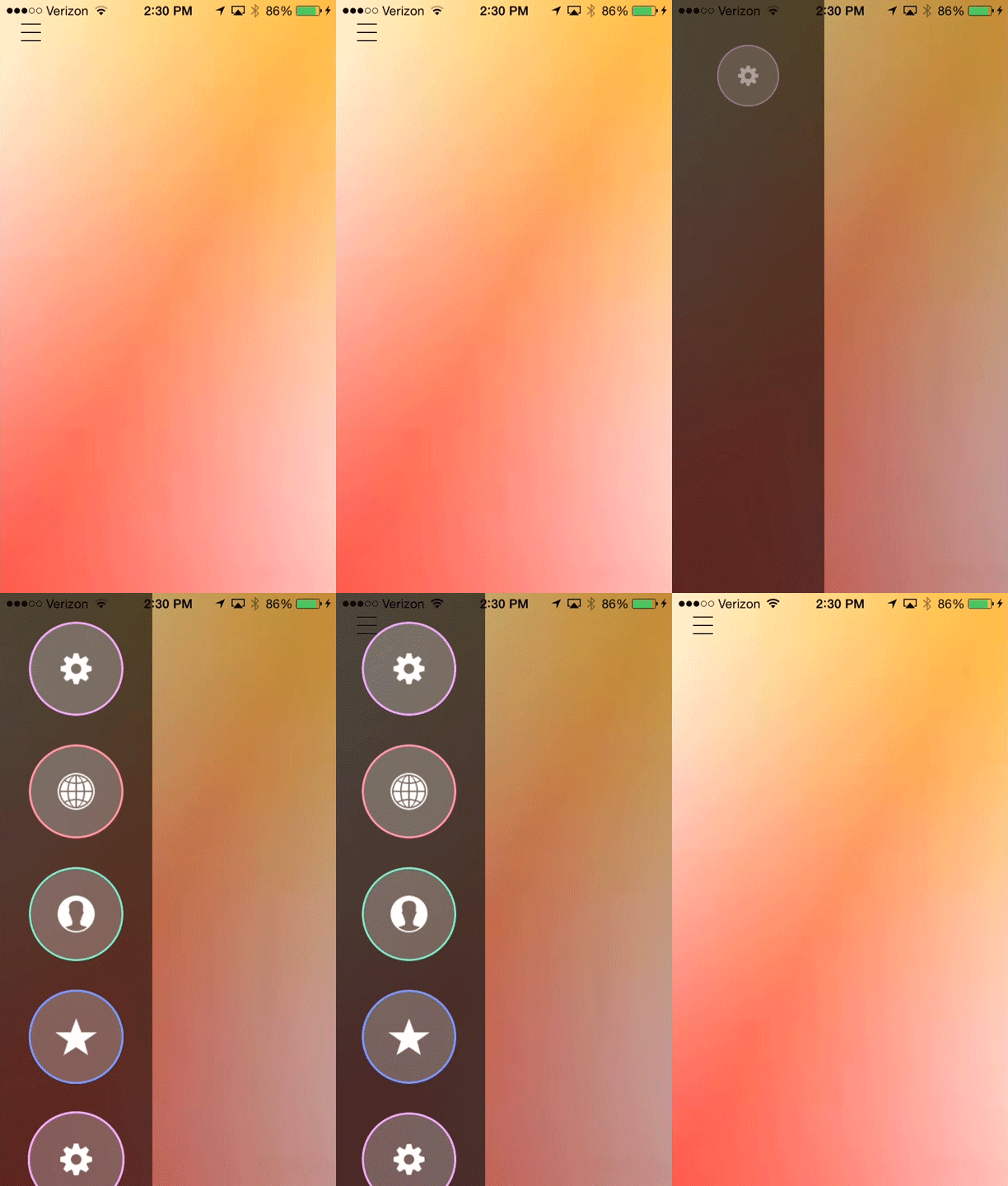
This implementation uses iOS 8's new UIVisualEffectView to apply the blur to the sidebar. Among other changes, this sidebar has a view that dims the background to shift the focus to the presented content.
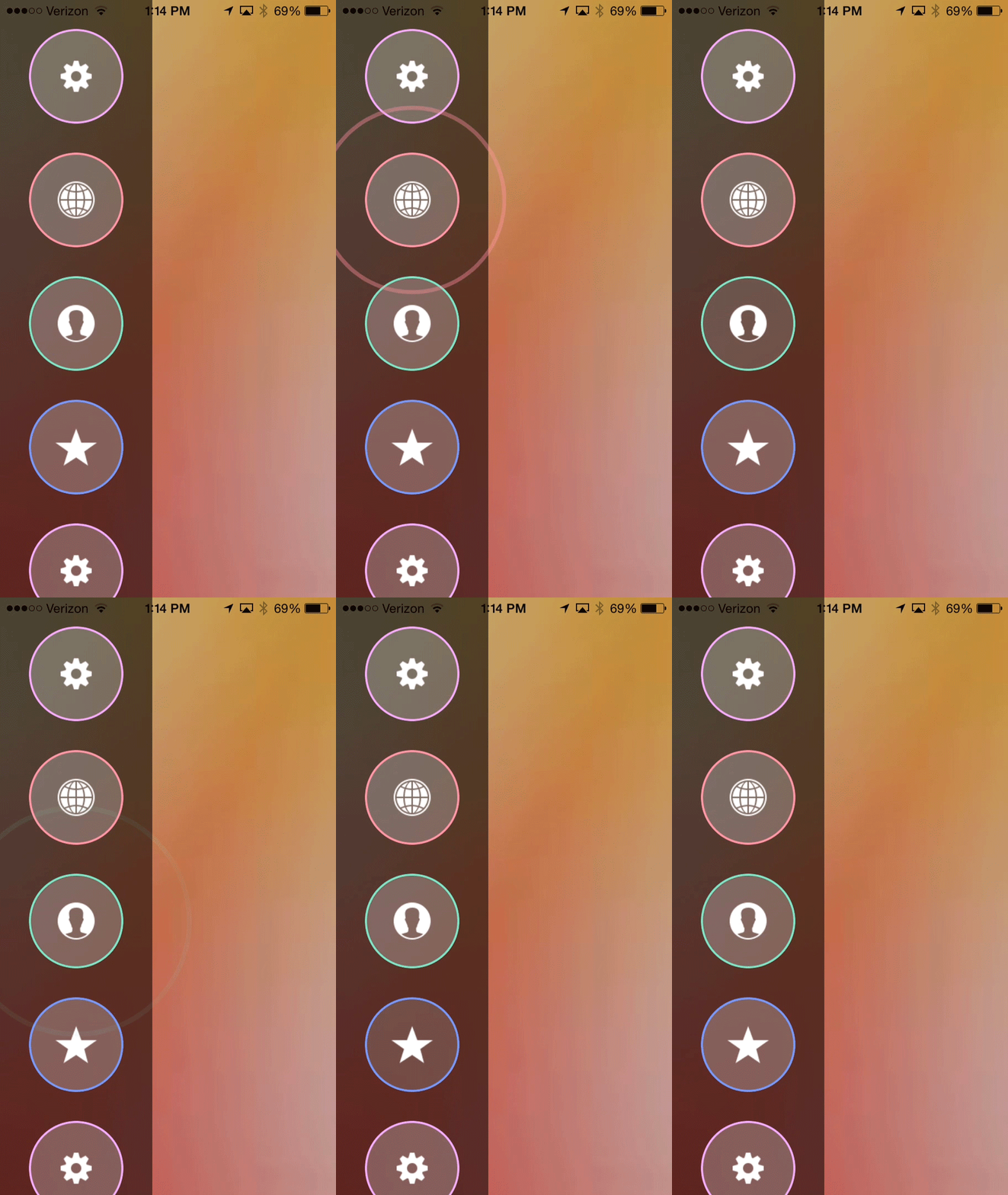
The buttons have the same ring effect on click. The buttons are more customizable as I will go into later.
##Usage##
In the example project, the sidebar is added quite easily.
Create a property in your UIViewController subclass.
```swift
var frostedSidebar: FrostedSidebar = FrostedSidebar(images: imageArray, colors: colorArray, selectionStyle: chosenSelectionStyle)
```
where `images` contains the icons for the buttons, `colors` contains the border colors for the icons, and `selectionStyle` is the sidebar items' selection behavior (either `.None`, `.Single`, or `.All`).
The `colors` parameter is optional, and can either be nil or be the same length as `images`.
The buttons can be set to use a closure when tapped using
```swift
frostedSidebar.actionForIndex[idx] = { /* actions */ }
```
To show the sidebar, use the following code in your view controller:
```swift
frostedSidebar.showInViewController( self, animated: true )
```
It can be dismissed in a similar way:
```swift
frostedSidebar.dismissAnimated(true, completion: nil)
```
The class that conforms to the FrostedSidebarDelegate must implement the following methods:
```swift
func sidebar(sidebar: FrostedSidebar, willShowOnScreenAnimated animated: Bool)
func sidebar(sidebar: FrostedSidebar, didShowOnScreenAnimated animated: Bool)
func sidebar(sidebar: FrostedSidebar, willDismissFromScreenAnimated animated: Bool)
func sidebar(sidebar: FrostedSidebar, didDismissFromScreenAnimated animated: Bool)
func sidebar(sidebar: FrostedSidebar, didTapItemAtIndex index: Int)
func sidebar(sidebar: FrostedSidebar, didEnable itemEnabled: Bool, itemAtIndex index: Int)
```
## Installation
#### CocoaPods
You can use [CocoaPods](http://cocoapods.org/) to install `FrostedSidebar` by adding it to your `Podfile`:
```ruby
platform :ios, '8.0'
use_frameworks!
pod 'FrostedSidebar'
```
To get the full benefits import `FrostedSidebar` wherever you import UIKit
``` swift
import UIKit
import FrostedSidebar
```
#### Manually
1. Download and drop ```FrostedSidebar.swift``` in your project.
2. Congratulations!
##Conclusion##
This would not be possible without the impressive work by Ryan Nystrom, and the great design by [Jakub Antalík on Dribbble](https://dribbble.com/shots/1194205-Sidebar-calendar-animation).
Hopefully someone finds this useful!