watch: ai solver demo video
about AI/ML model is train by **yolov8** , you can also visit [ultralytics](https://github.com/ultralytics/ultralytics) to know more download latest release apk for android (preview) -> [github release page](https://github.com/einsitang/sudoku-flutter/releases) ### contributing We are always very happy to have contributions, whether for trivial cleanups or big new features. about contributing please read [CONTRIBUTING.md](CONTRIBUTING.md) ## screenshots ### iOS 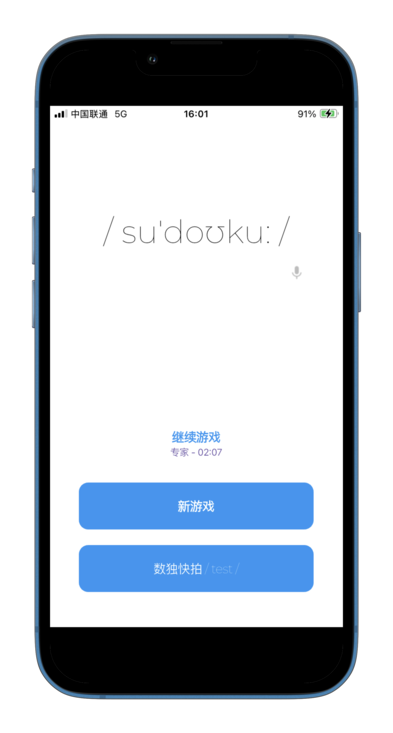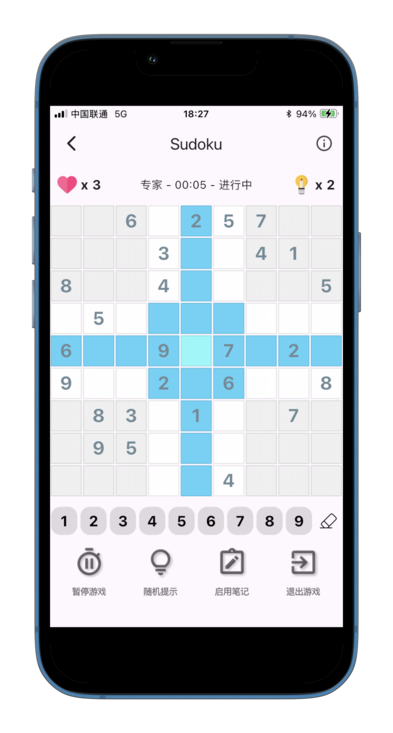ios screenshot by 2026
### Android 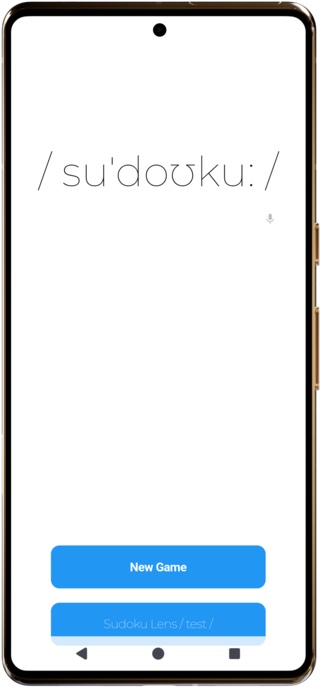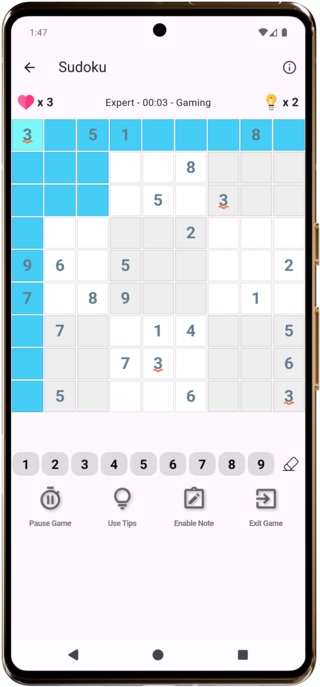android screenshot by 2025
## plan-to-do - :ballot_box_with_check: AI sudoku solver with camera - working well :-) - :black_square_button: amendable detection puzzle on AI Solver - :black_square_button: AI MODELS optimize with "amendable detection cell" ## environment - dart SDK: '>=3.0.0 <4.0.0' - flutter SDK: '^3.32.1' - jdk 17 with Gradle Plugin 8.1.1 :new: ## dependency - [opencv_dart](https://github.com/rainyl/opencv_dart) - [tflite_flutter](https://github.com/tensorflow/flutter-tflite) - [sudoku_dart](https://github.com/einsitang/sudoku-dart) (sudoku core opensource lib) - [sudoku-go](https://github.com/einsitang/sudoku-go) // native lib with cgo on `sudoku-flutter` latest version - [Hive](https://github.com/hivedb/hive) - [scoped_model](https://github.com/brianegan/scoped_model) - Google Firebase // This project utilizes Google Firebase for crash analysis. ## platform support - android - iOS - ~~WEB (no plan support yet)~~ ## install ```shell $> flutter pub get # options,when you change the lib/state/sudoku_state.dart file,make sure build hive adapter for the project $> flutter packages pub run build_runner build ``` ## run ```shell $> flutter devices 1 connected device: iPhone SE (2nd generation) (mobile) • 09684738-362A-468F-80F2-1824A785D324 • ios • com.apple.CoreSimulator.SimRuntime.iOS-13-6 (simulator) $> flutter run -d 09684738-362A-468F-80F2-1824A785D324 ``` ## pre-for-build ### android create a keystore for apk signature > On Windows > > ```shell > keytool -genkey -v -keystore c:\Users\USER_NAME\key.jks -storetype JKS -keyalg RSA -keysize 2048 -validity 10000 -alias key > ``` > On Mac/Linux > > ```shell > keytool -genkey -v -keystore ~/key.jks -keyalg RSA -keysize 2048 -validity 10000 -alias key > ``` copy `./android/key.properties.example` and rename to `./android/key.properties` that contains a reference to your keystore more information pls reference official website : https://flutter.dev/docs/deployment/android ### iOS sign up apple developer in Xcode,open `./ios/Runner.xcworkspace` to view your app's settings select the `Runner` project in the Xcode project navigator. then in the main view sidebar,select the `Runner` target and select the `Identity` tab,in the `Signing` section change `Team` and `Bundle Identifier` more information pls reference official website : https://flutter.dev/docs/deployment/ios ## build ```shell # iOS $> flutter build iOS # android $> flutter build apk ``` ## star history [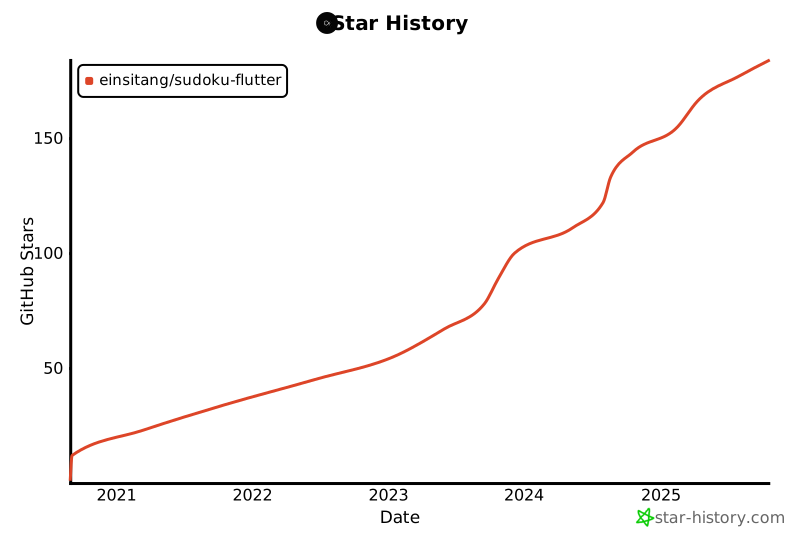](https://star-history.com/#einsitang/sudoku-flutter&Date) ## the end thanks for visit this repository , wish you can like it and star it :kissing_heart: