---
title: "Invite users"
sidebarTitle: "Invite users"
icon: "square-4"
---
### Invite users
You can invite team members to join you! 🎉
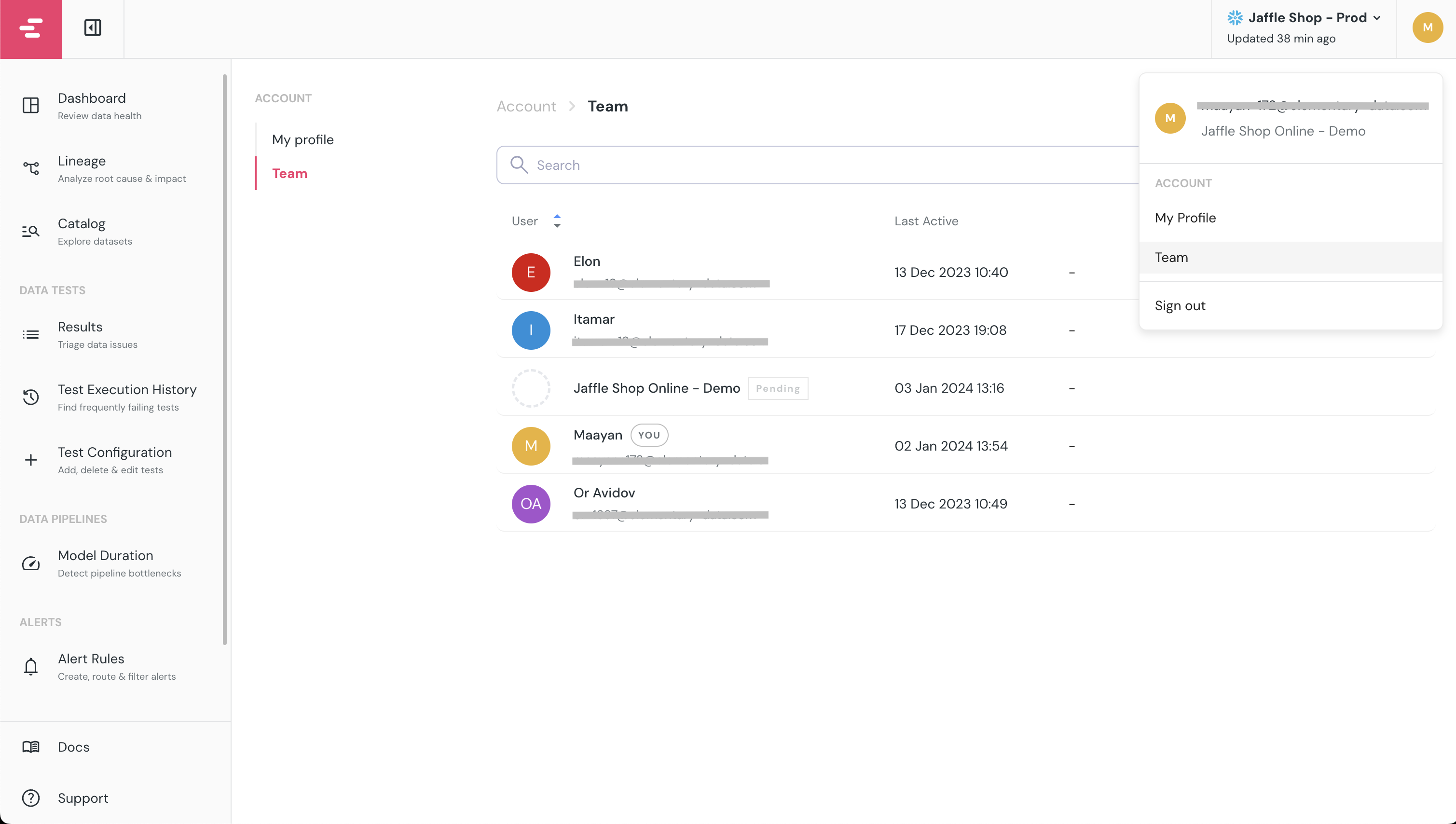
Click on your initials on the top right of the screen and select `Team` to invite users.
Users you invite will receive an Email saying you invited them, and will need to accept and activate their account.
 ## What's next?
1. [Connect Slack or MS Teams](/cloud/guides/enable-slack-alerts) for alerting 🔔
2. [Connect your code repository](/cloud/integrations/code-repo/connect-code-repo) to add tests configuration from the cloud 🔌
3. [Connect your BI tool](/cloud/integrations/bi/connect-bi-tool) to automatically extend the lineage to dashboards 🚀