# basketball_game
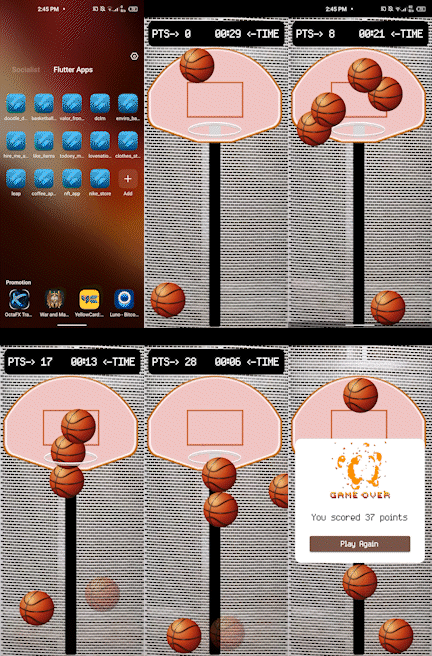
Basketball game developed with Flame (Flutter)
## Screen record
https://drive.google.com/file/d/19BwdKHWQOVWFrjt9bHTiqCo3EuhVkSAf/view?usp=share_link
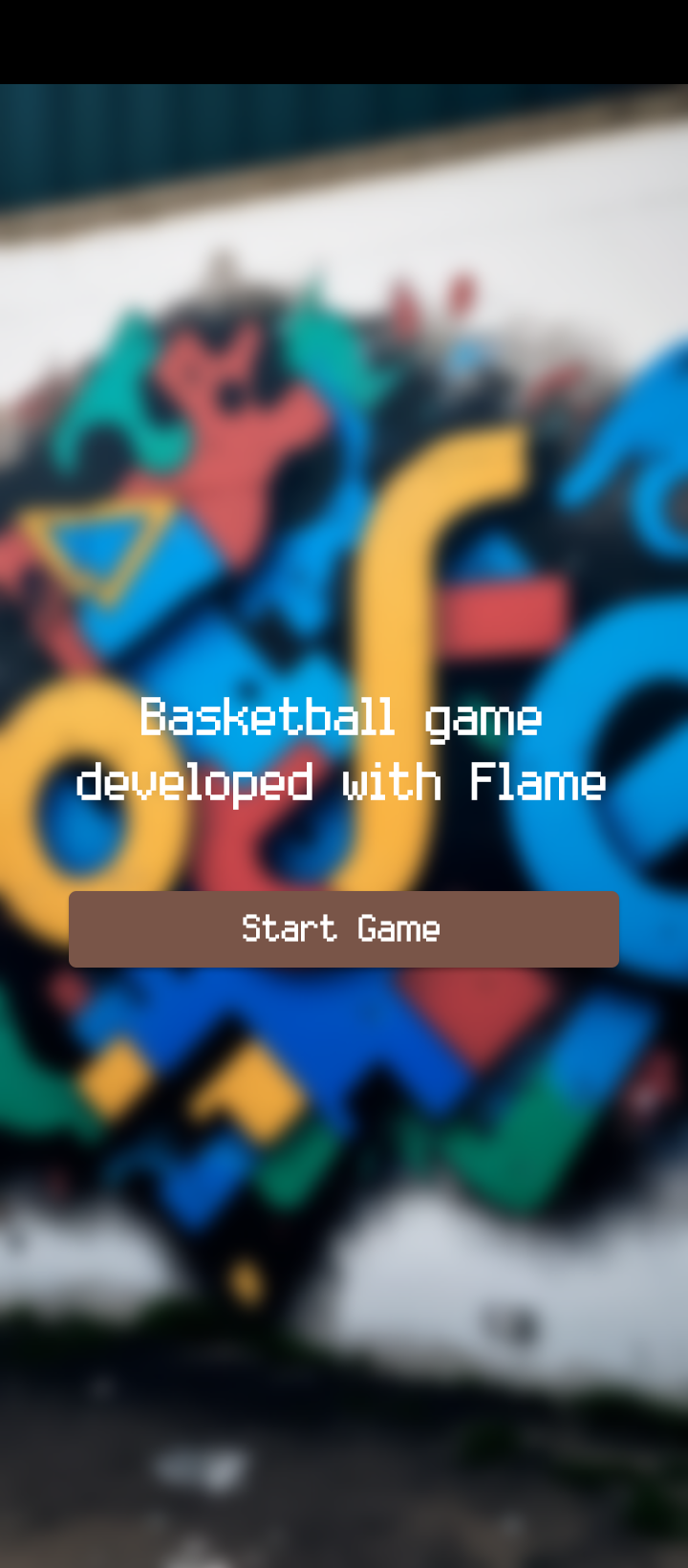
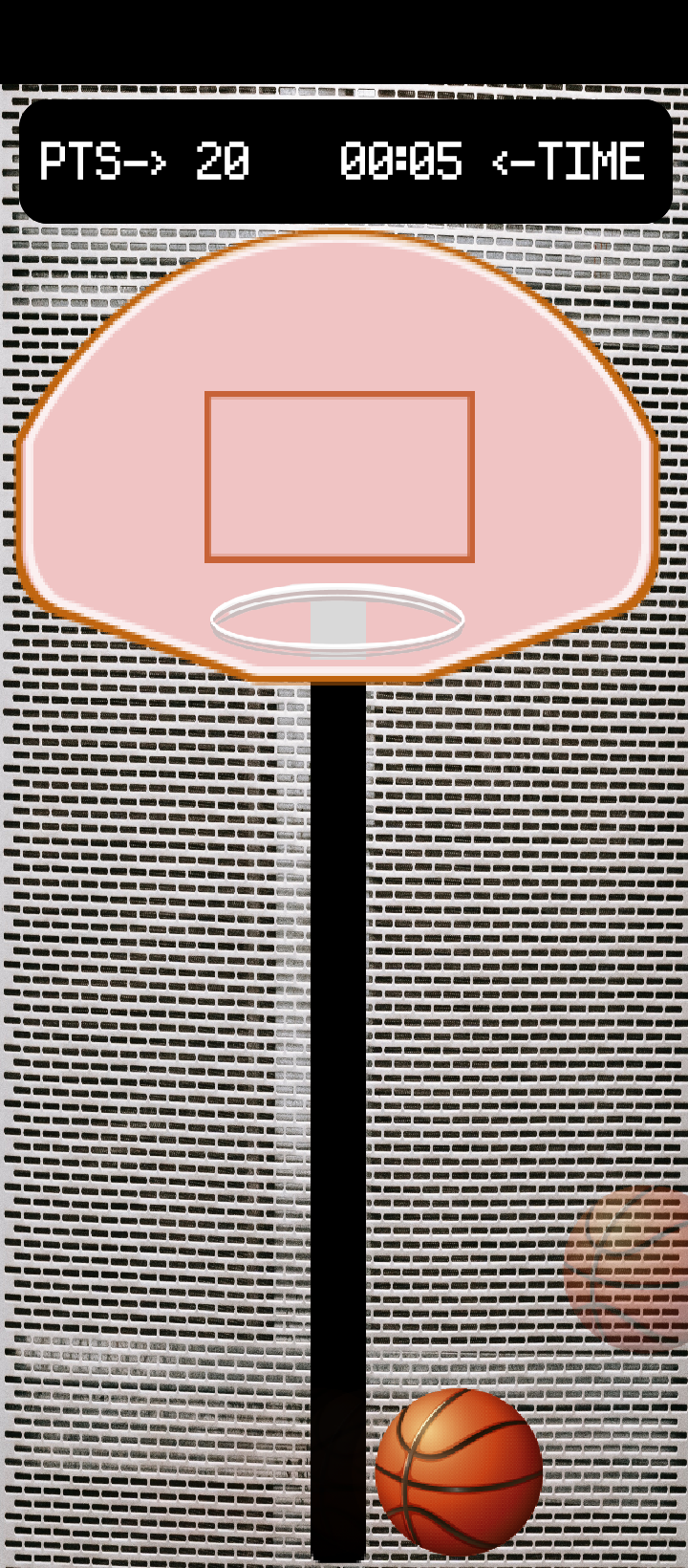
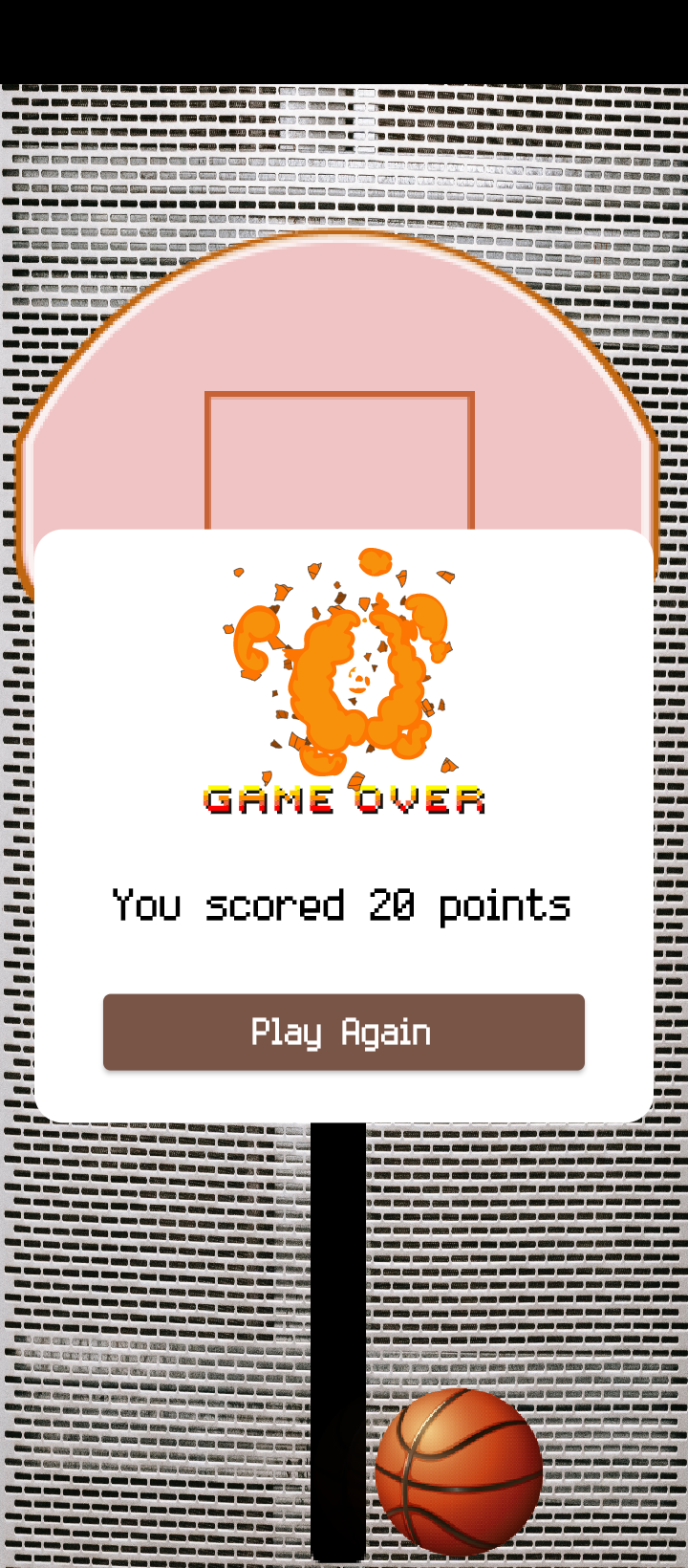
## Screenshots
| 1 | 2 |
|------------------------------------------------|-------------------------------------------|
|  |
|  |
| 3 | 4 |
|
|
| 3 | 4 |
|  |
|  |
| 5 | |
|
|
| 5 | |
|  | |
**Step 1**
Download or clone this repo by using the link below
```
https://github.com/enoch-aik/basketball_game.git
```
**Step 2**
Go to project root and execute the following command in console to get the required dependencies:
```
flutter pub get
```
## Hide Generated Files
In-order to hide generated files, navigate to `Android Studio` -> `Preferences` -> `Editor` -> `File Types` and paste the below lines under `ignore files and folders` section:
## Getting Started
This project is a starting point for a Flutter application.
A few resources to get you started if this is your first Flutter project:
- [Lab: Write your first Flutter app](https://docs.flutter.dev/get-started/codelab)
- [Cookbook: Useful Flutter samples](https://docs.flutter.dev/cookbook)
For help getting started with Flutter development, view the
[online documentation](https://docs.flutter.dev/), which offers tutorials,
samples, guidance on mobile development, and a full API reference.
| |
**Step 1**
Download or clone this repo by using the link below
```
https://github.com/enoch-aik/basketball_game.git
```
**Step 2**
Go to project root and execute the following command in console to get the required dependencies:
```
flutter pub get
```
## Hide Generated Files
In-order to hide generated files, navigate to `Android Studio` -> `Preferences` -> `Editor` -> `File Types` and paste the below lines under `ignore files and folders` section:
## Getting Started
This project is a starting point for a Flutter application.
A few resources to get you started if this is your first Flutter project:
- [Lab: Write your first Flutter app](https://docs.flutter.dev/get-started/codelab)
- [Cookbook: Useful Flutter samples](https://docs.flutter.dev/cookbook)
For help getting started with Flutter development, view the
[online documentation](https://docs.flutter.dev/), which offers tutorials,
samples, guidance on mobile development, and a full API reference.