 # OpenPocketCine
**The open field monitor for DJI Osmo.**
# OpenPocketCine
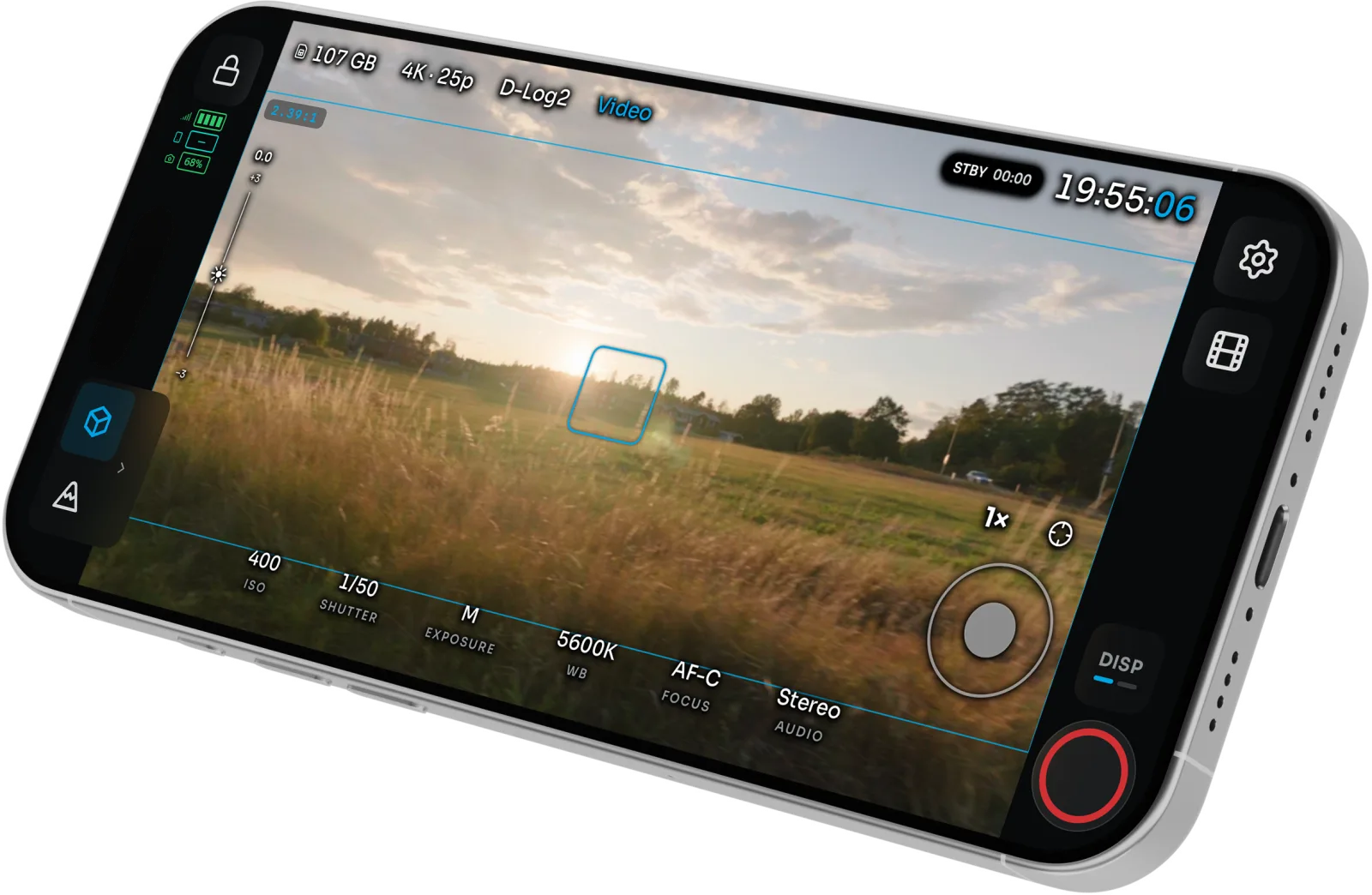
**The open field monitor for DJI Osmo.**Pro scopes, exposure assists, camera and gimbal control, playback and LUT export on your phone. Free and open source. [](https://github.com/erik-sutton95/OpenPocketCine/actions/workflows/ci.yml) [](https://opencapture.org/openpocketcine/docs/) [](LICENSE) [](https://github.com/erik-sutton95/OpenPocketCine/discussions) [](https://testflight.apple.com/join/1tmt3aEB) [](https://play.google.com/store/apps/details?id=com.opencapture.openpocketcine&hl=en-US&ah=mXzHtdYCMQTB83vt0jIRLnOOZaA) [](https://github.com/erik-sutton95/OpenPocketCine/releases/tag/sideload-v0.1.5-8) [Website](https://opencapture.org/openpocketcine/) · [Docs](https://opencapture.org/openpocketcine/docs/) · [Roadmap](https://github.com/erik-sutton95/OpenPocketCine/discussions/categories/ideas) · [Report a bug](https://github.com/erik-sutton95/OpenPocketCine/issues/new?template=bug_report.yml)
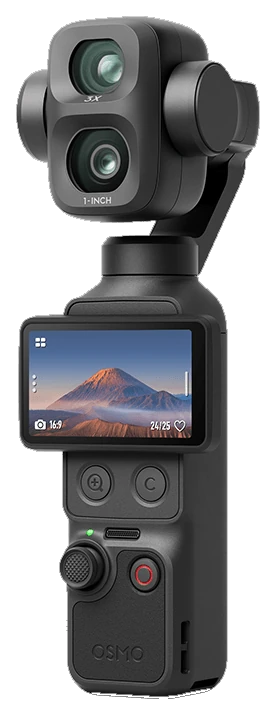 | **Osmo Pocket 4 Pro** | ✅ | ✅ | ✅ | Primary test camera. 1×/3× optical, 6×/12× zoom. D-Log2 hops to D-Log when you zoom. |
|
| **Osmo Pocket 4 Pro** | ✅ | ✅ | ✅ | Primary test camera. 1×/3× optical, 6×/12× zoom. D-Log2 hops to D-Log when you zoom. |
| 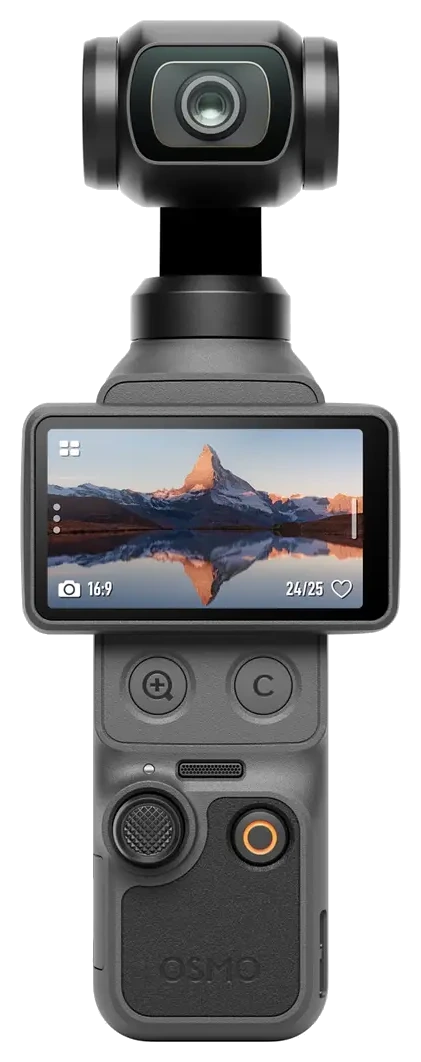 | **Osmo Pocket 4** | ✅ | ✅ | ✅ | 1×/2×/4× zoom. |
|
| **Osmo Pocket 4** | ✅ | ✅ | ✅ | 1×/2×/4× zoom. |
| 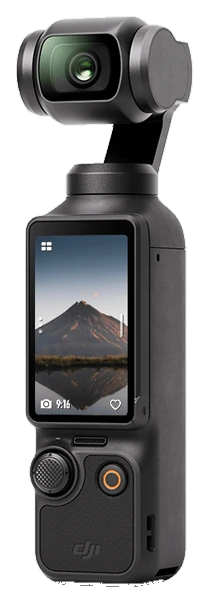 | **Osmo Pocket 3** | ✅ | ✅ | ✅ | The wider format and firmware matrix still needs testing. |
|
| **Osmo Pocket 3** | ✅ | ✅ | ✅ | The wider format and firmware matrix still needs testing. |
| 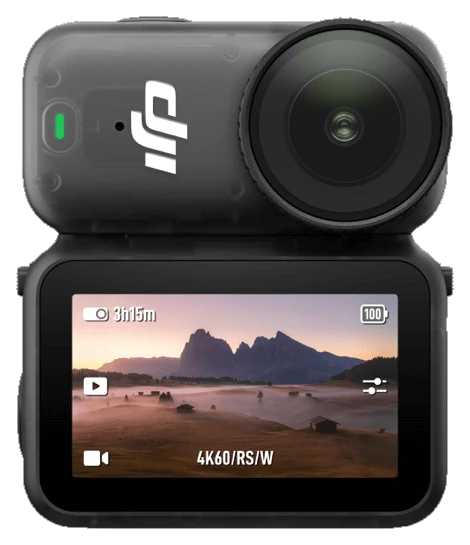 | **Osmo Nano** | ✅ | ✅ | – | Fixed 1× lens, so zoom controls are hidden. |
|
| **Osmo Nano** | ✅ | ✅ | – | Fixed 1× lens, so zoom controls are hidden. |
| 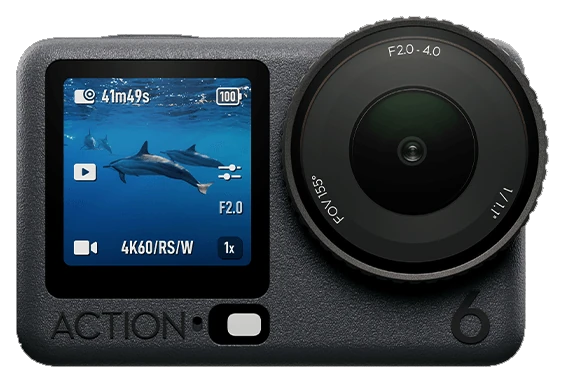 | **Osmo Action 6** | 🧪 | 🧪 | – | Built from a capture of the camera, not yet checked on one. Adds an APERTURE control. |
✅ works on iOS and Android · 🧪 built, not yet verified on the camera · – not on this camera.
Other Osmo models can appear in Bluetooth scan; other Action models and 360 live view are not captured yet.
> [!WARNING]
> Camera control is reverse-engineered and can be incomplete. Check that recording starts and
> stops on the camera body until you trust the link.
## Features
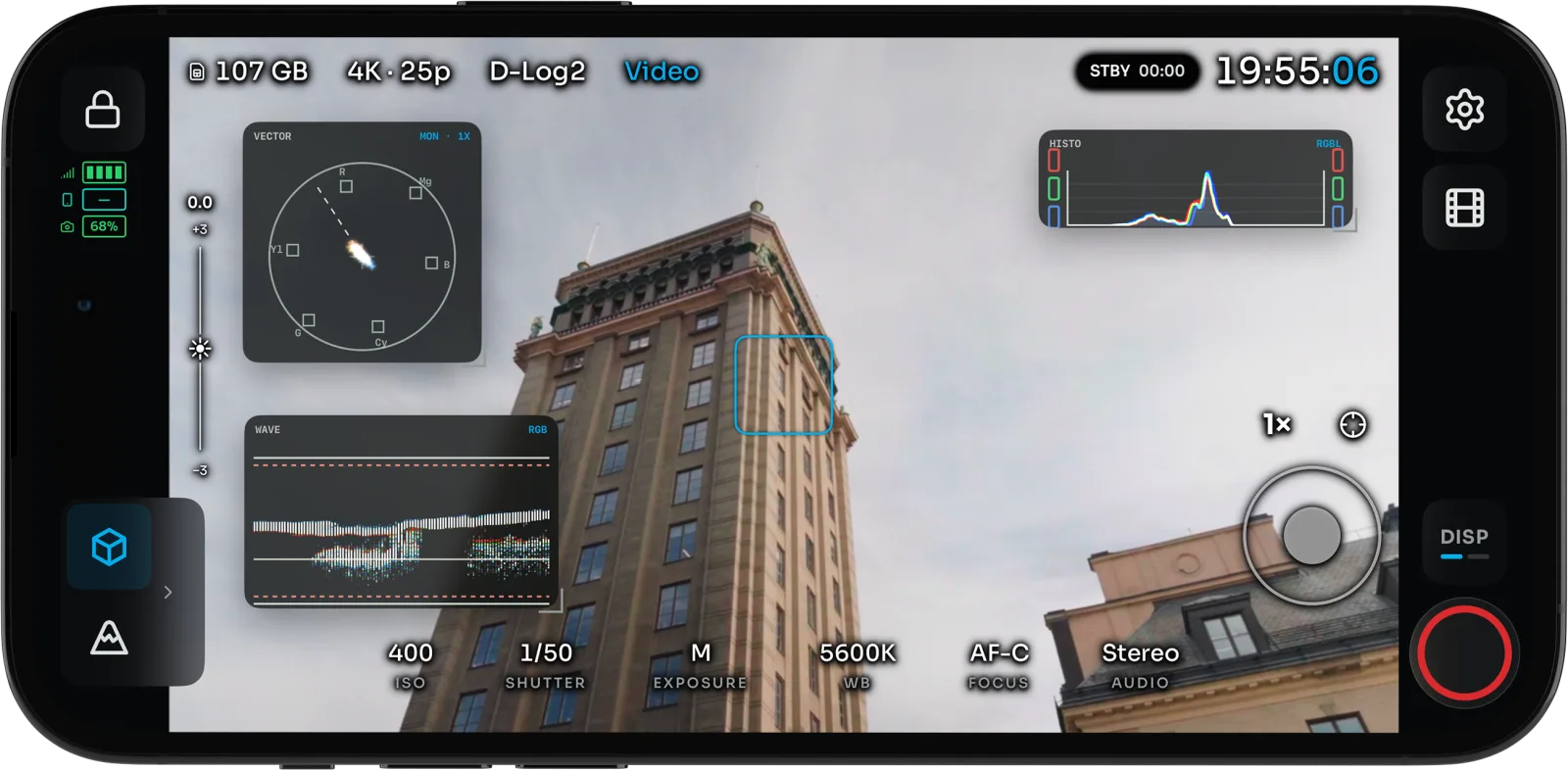
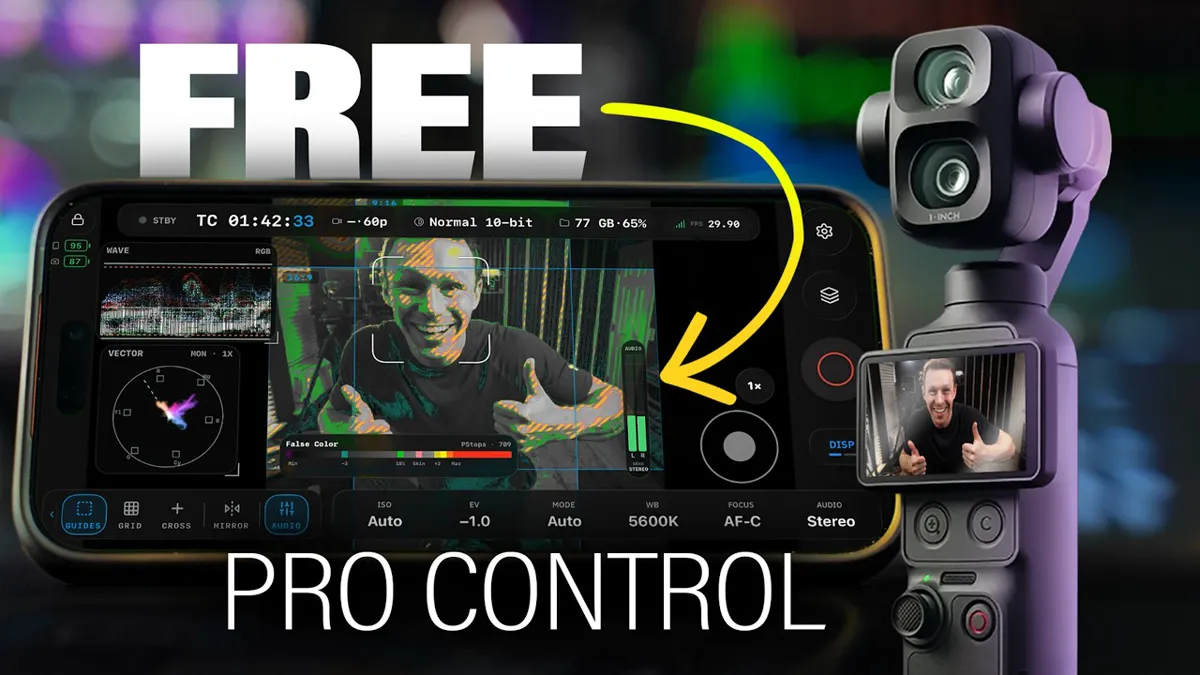
- **Read the image like a colorist.** Waveform, RGB parade, histogram and vectorscope run live
beside the picture you are judging. Drag and resize them anywhere.
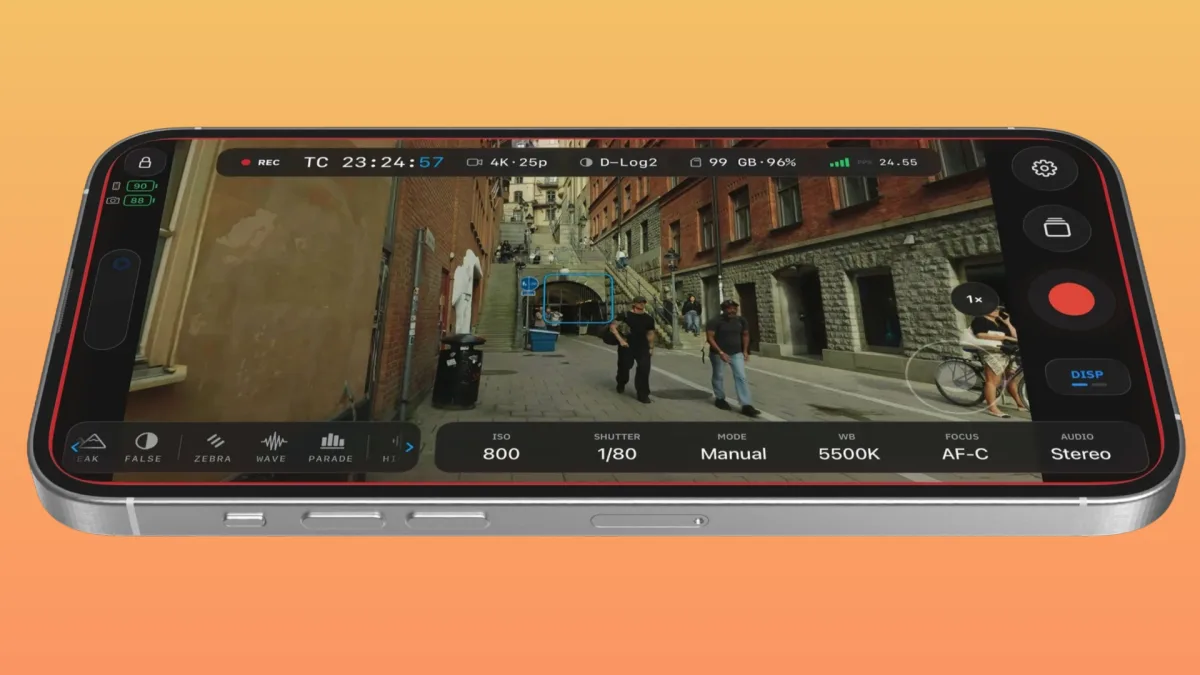
- **Catch exposure and focus before the take.** False color (CineStop scene stops, Video, IRE and Limits), zebras,
Traffic Lights, focus peaking, an EV meter, ND suggestions and LEVEL roll and tilt meters.
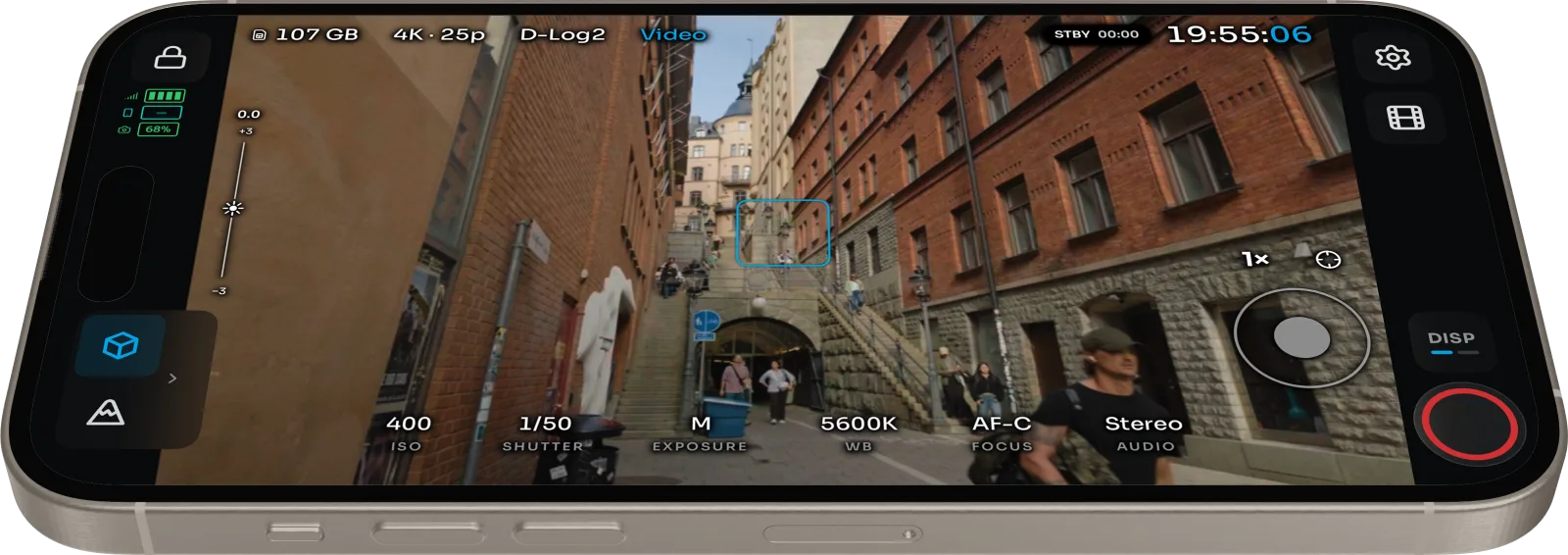
- **Frame once for every delivery.** Grids, aspect guides and a center crosshair, in landscape
and portrait.
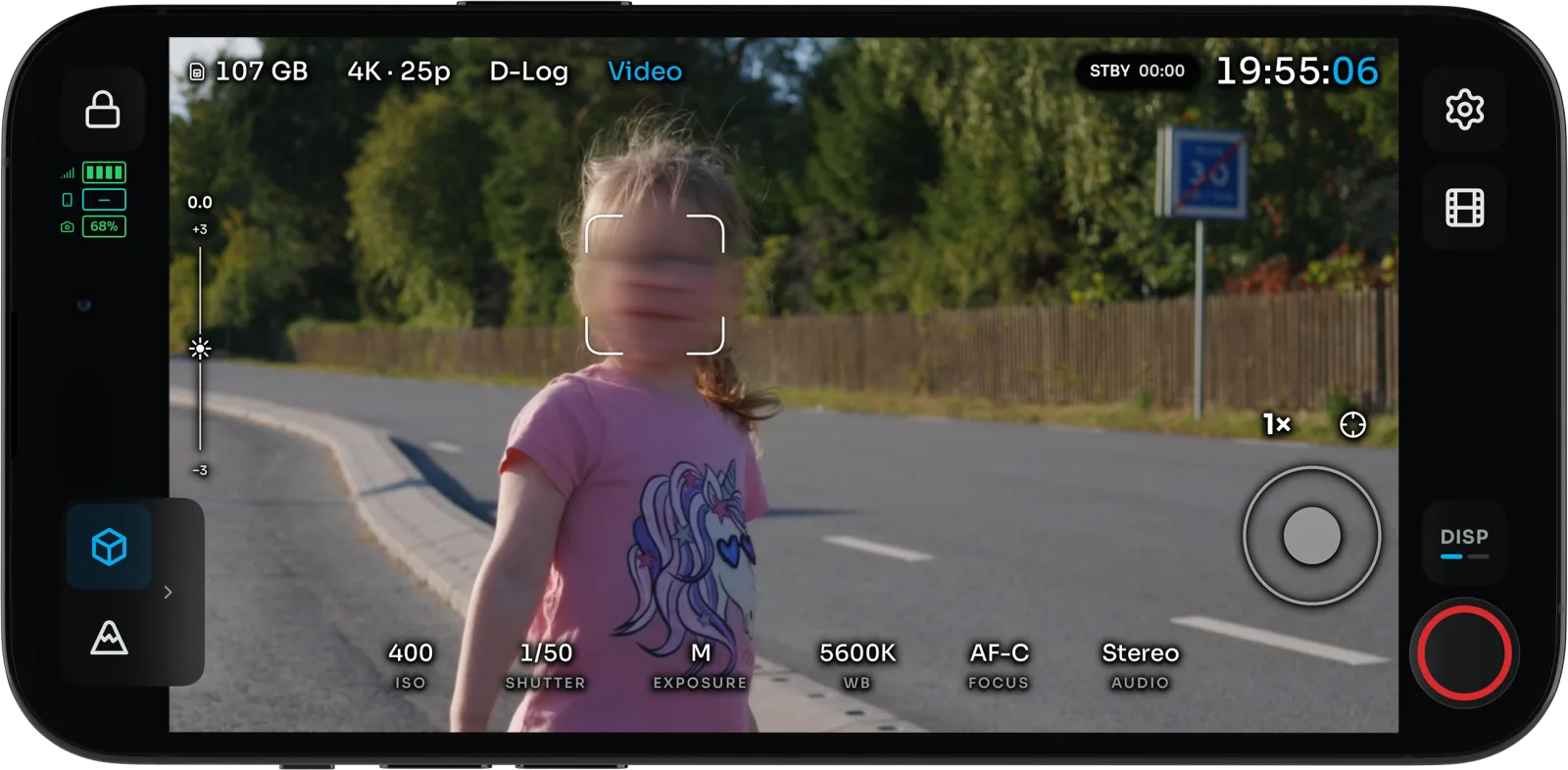
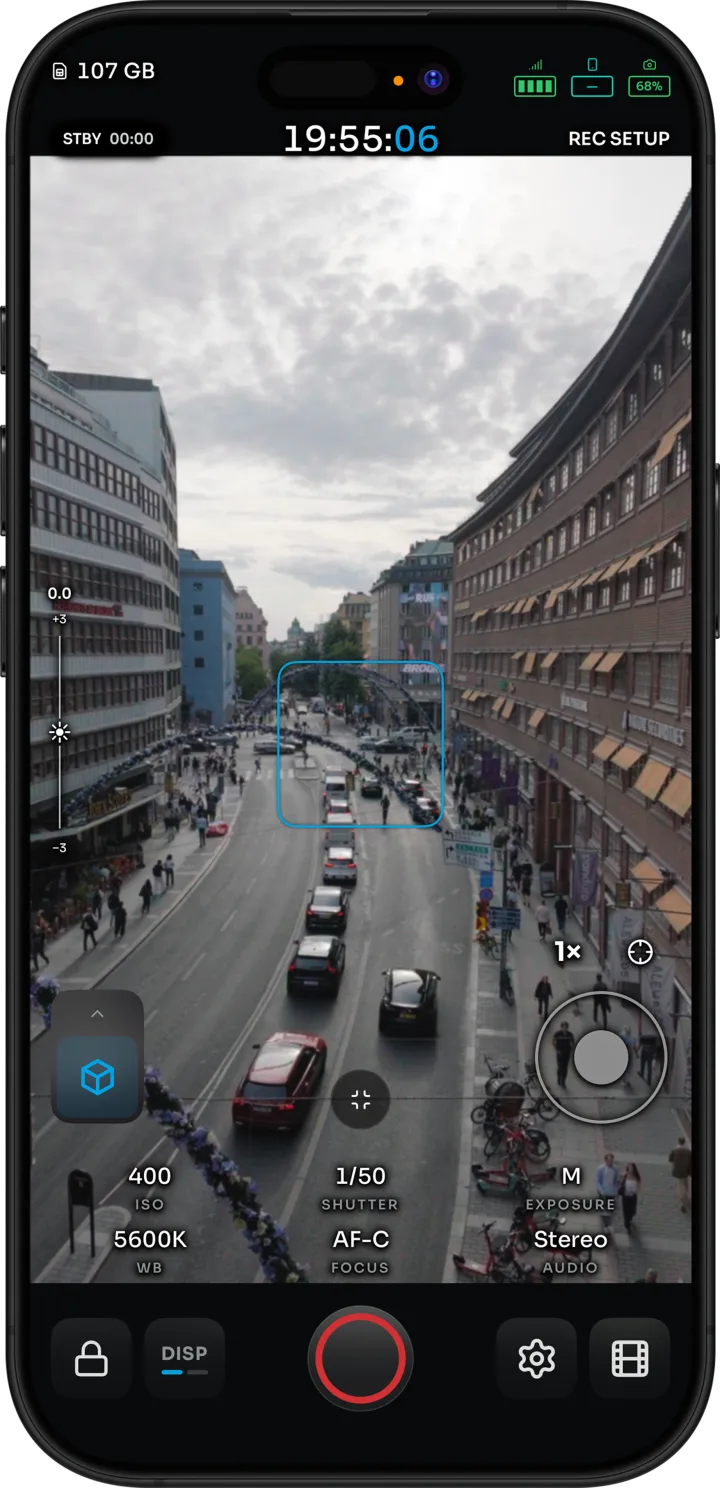
- **Run the camera from the phone.** Record, ISO, shutter, white balance, EV, zoom and FORMAT.
Tap a face on the feed to start the camera's subject tracking.
- **Fly the gimbal.** On-screen stick or a game controller, Direction Lock, Double-tap Level,
and experimental Motion Control moves.
- **Watch several cameras.** Experimental Multiview puts up to four Osmo cameras on one screen,
with per-camera looks and group recording.
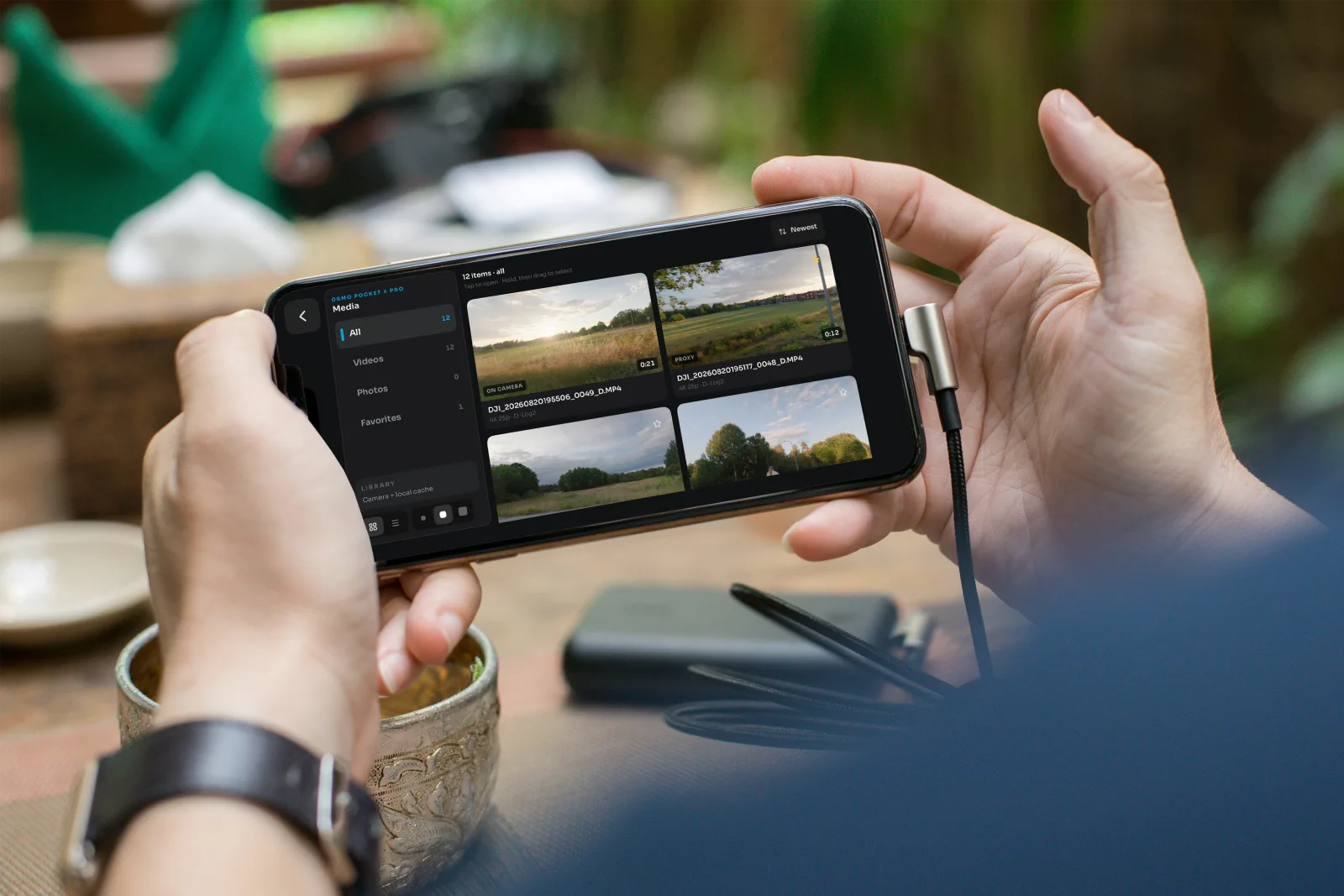
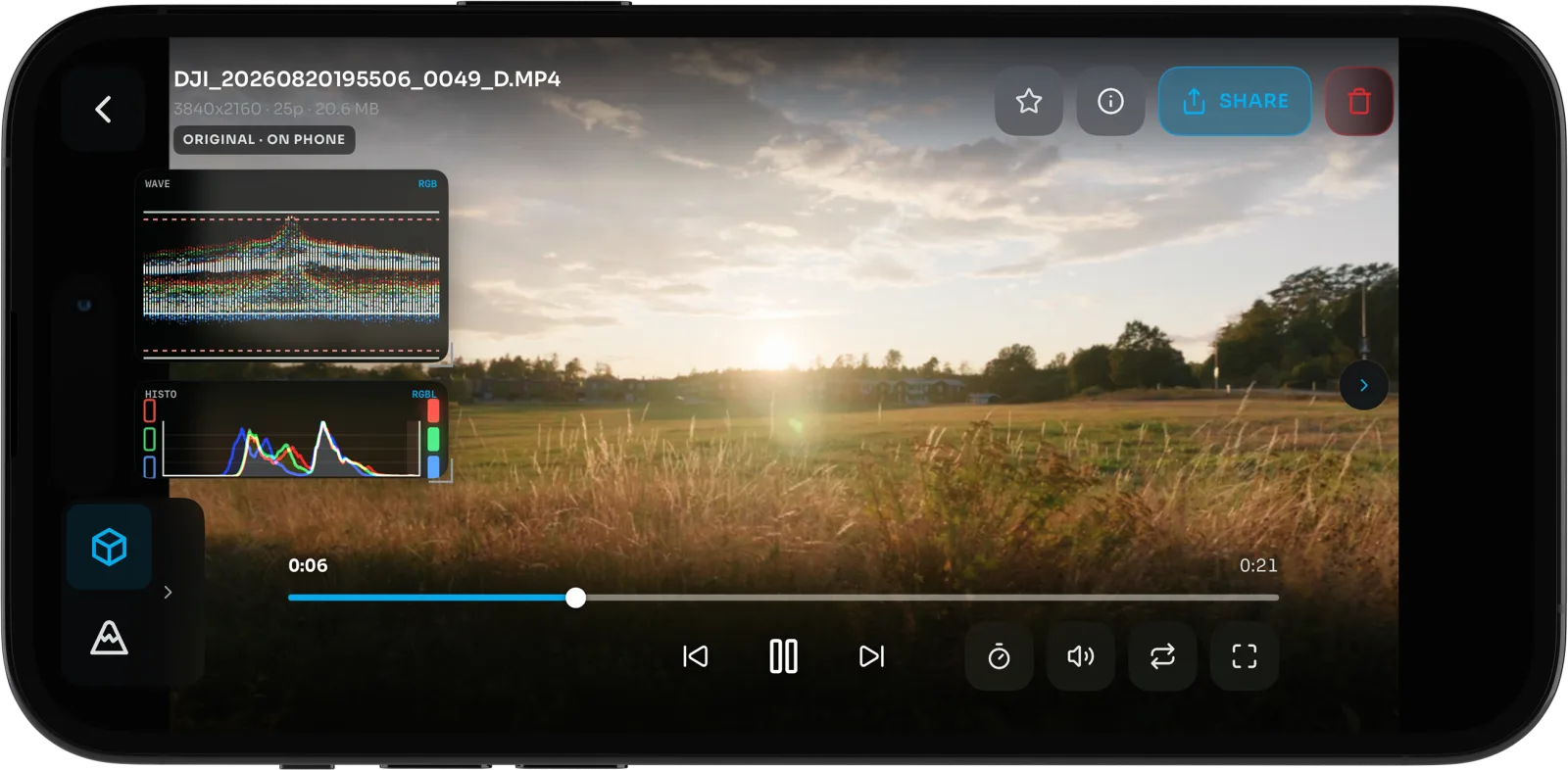
- **Review before striking the set.** Browse clips and stills on the camera, star the keepers,
delete bad takes, and play back with the same scopes and assists as live view.
- **Ship it with the look baked in.** Built-in or custom `.cube` LUTs, Convert log on export,
native share, and optional [Frame.io](https://www.frame.io/) upload with your own Adobe app keys.
iPhone and iPad are the daily driver. Android has the monitor, assists, camera and gimbal control,
Multiview and playback. **iOS only today:** LUT bake and Convert log on export, Frame.io upload,
feed sharing to other devices, Apple Watch, AirPods head tracking, and per-camera Wi-Fi and
Hotspot setups.
## See it in action
| **Osmo Action 6** | 🧪 | 🧪 | – | Built from a capture of the camera, not yet checked on one. Adds an APERTURE control. |
✅ works on iOS and Android · 🧪 built, not yet verified on the camera · – not on this camera.
Other Osmo models can appear in Bluetooth scan; other Action models and 360 live view are not captured yet.
> [!WARNING]
> Camera control is reverse-engineered and can be incomplete. Check that recording starts and
> stops on the camera body until you trust the link.
## Features
- **Read the image like a colorist.** Waveform, RGB parade, histogram and vectorscope run live
beside the picture you are judging. Drag and resize them anywhere.
- **Catch exposure and focus before the take.** False color (CineStop scene stops, Video, IRE and Limits), zebras,
Traffic Lights, focus peaking, an EV meter, ND suggestions and LEVEL roll and tilt meters.
- **Frame once for every delivery.** Grids, aspect guides and a center crosshair, in landscape
and portrait.
- **Run the camera from the phone.** Record, ISO, shutter, white balance, EV, zoom and FORMAT.
Tap a face on the feed to start the camera's subject tracking.
- **Fly the gimbal.** On-screen stick or a game controller, Direction Lock, Double-tap Level,
and experimental Motion Control moves.
- **Watch several cameras.** Experimental Multiview puts up to four Osmo cameras on one screen,
with per-camera looks and group recording.
- **Review before striking the set.** Browse clips and stills on the camera, star the keepers,
delete bad takes, and play back with the same scopes and assists as live view.
- **Ship it with the look baked in.** Built-in or custom `.cube` LUTs, Convert log on export,
native share, and optional [Frame.io](https://www.frame.io/) upload with your own Adobe app keys.
iPhone and iPad are the daily driver. Android has the monitor, assists, camera and gimbal control,
Multiview and playback. **iOS only today:** LUT bake and Convert log on export, Frame.io upload,
feed sharing to other devices, Apple Watch, AirPods head tracking, and per-camera Wi-Fi and
Hotspot setups.
## See it in action