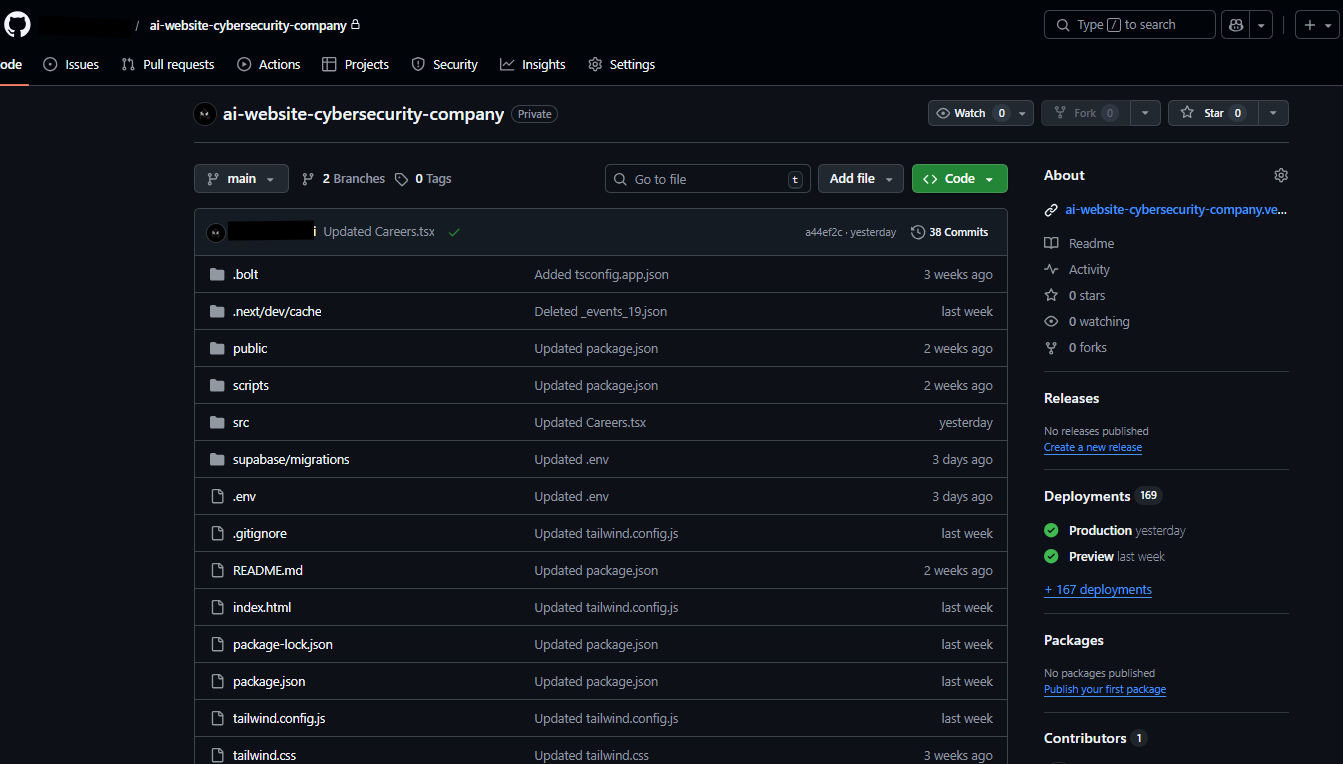
# Clone a GitHub Repo to Your Local Machine
Prototype: GitHub Desktop App
Sync any GitHub repository to your local computer in under 2 minutes — no command line required.
## The Problem
Security automation workflows live in GitHub, but working directly on remote files is slow and error-prone. You need a local copy to build, test, and iterate fast.
## The Solution
GitHub Desktop gives you a visual interface to clone, commit, and sync repos without terminal commands.
## Steps
1. Download GitHub Desktop → https://desktop.github.com
2. Sign in with your GitHub account
3. Click **File → Clone Repository**
4. Select your repo from the list (or paste the URL)
5. Choose a local folder path → Click **Clone**
6. Your repo is now synced locally — open it in your editor (VS Code, Cursor, etc.)
## Why It Matters for Security Teams
- Version-control your n8n workflows, automation scripts, and SOC playbooks
- Collaborate with team members without overwriting each other's work
- Roll back any change instantly if an automation breaks in production
Built by Kunsh Tanwar | Founder of ETXcyberops | Contact: kunsh@etxhuman.com
.png)
.png)