# SkyNotepad

 # What is SkyNotepad?
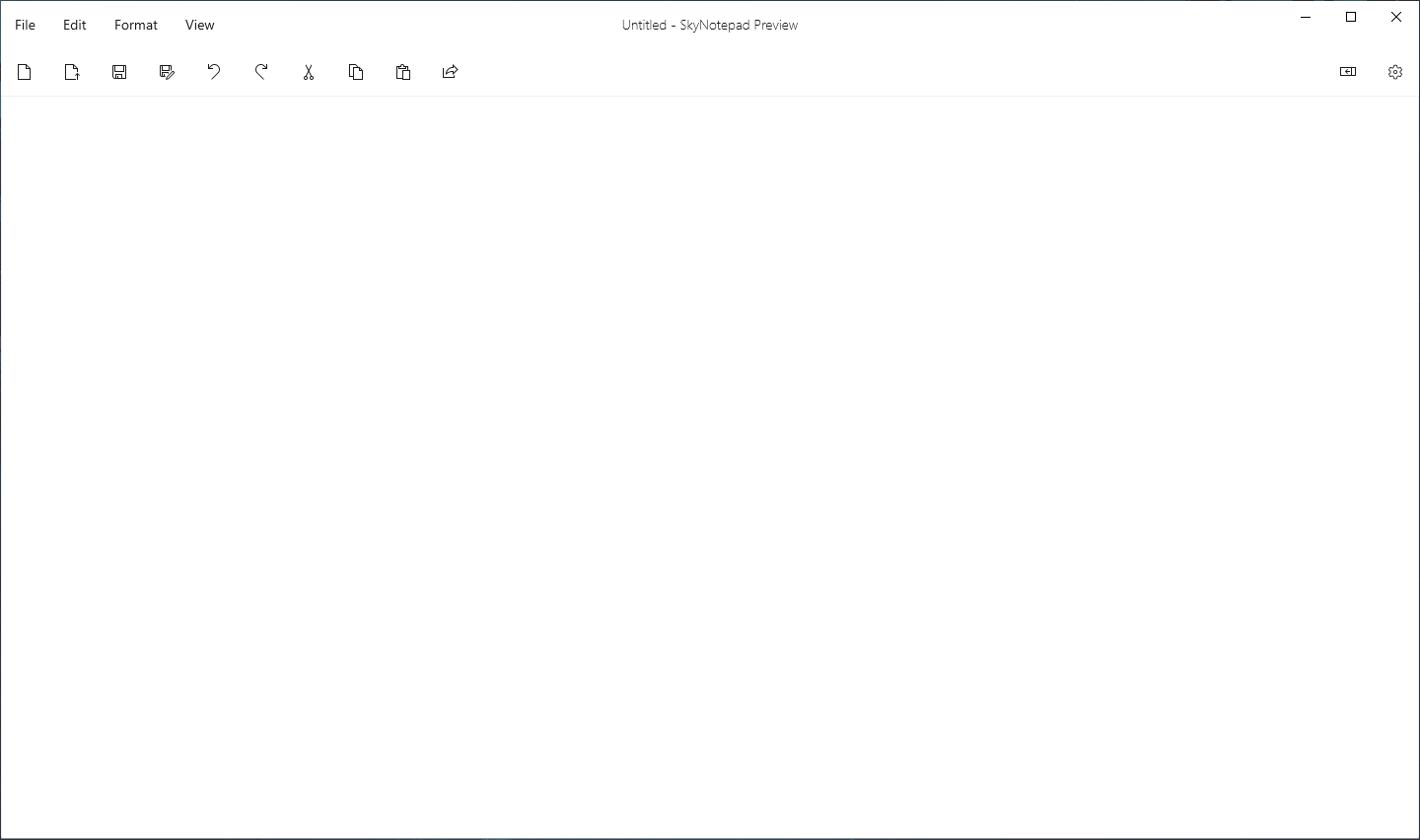
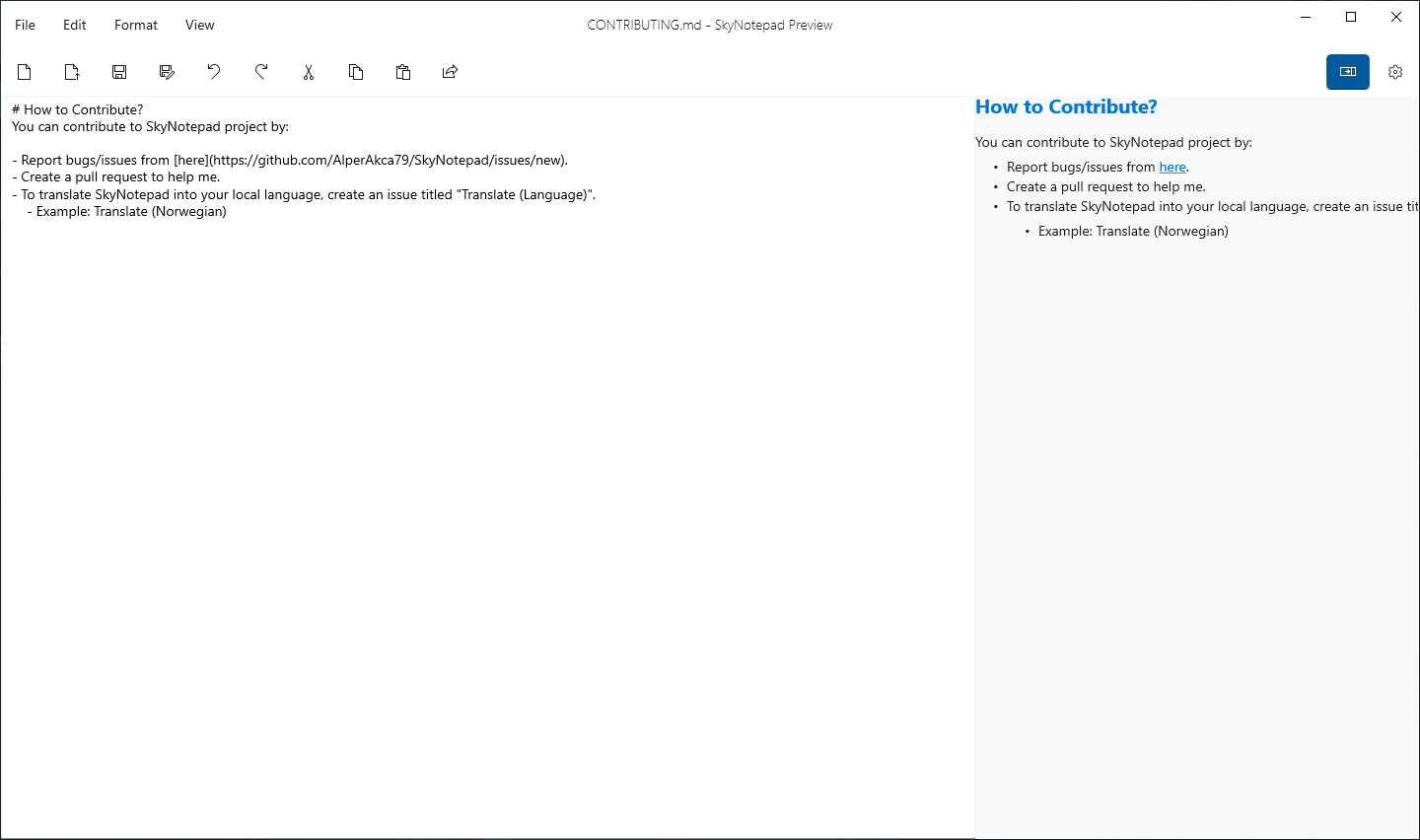
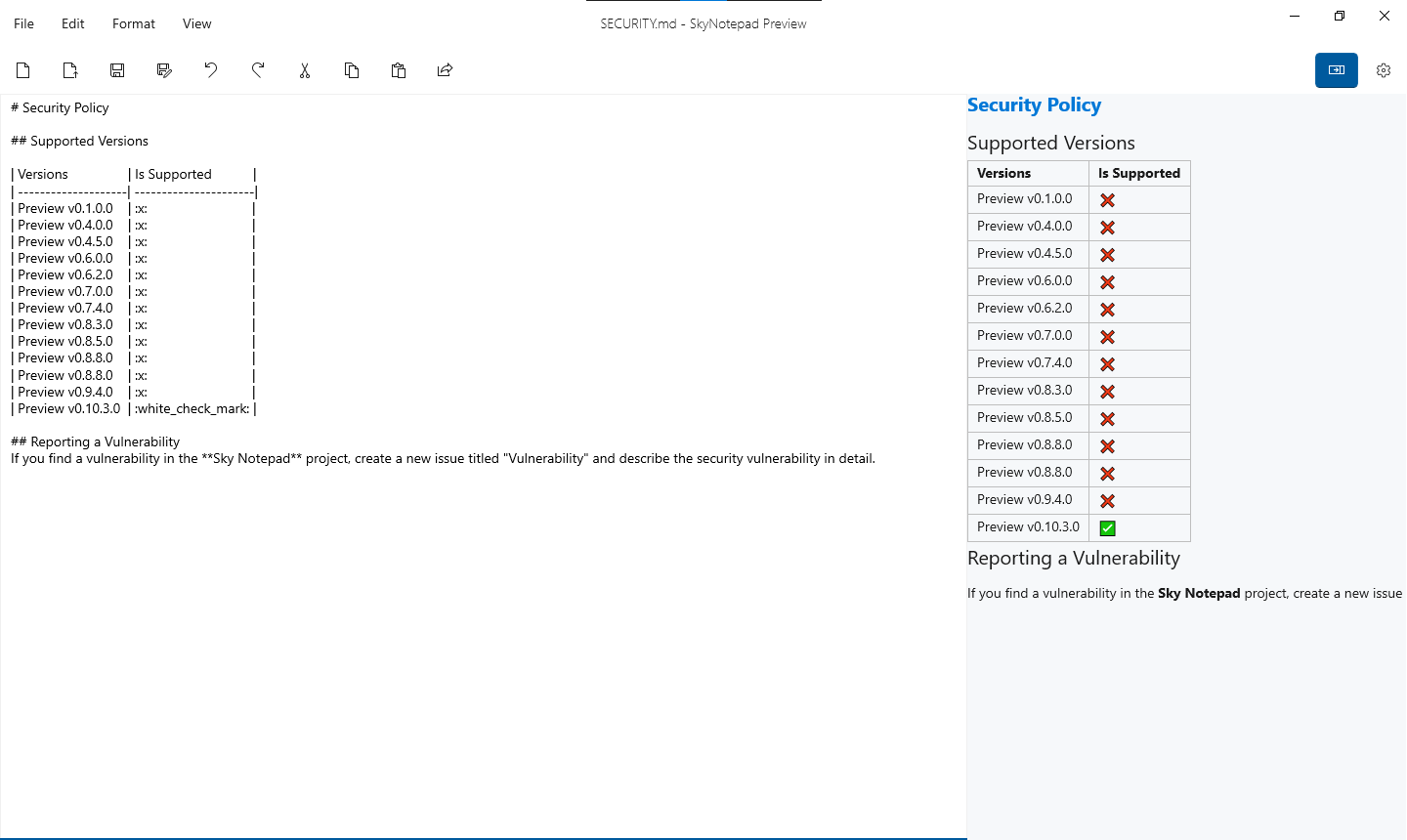
SkyNotepad is Simple, Fluent, Free and Open Source **Text Editor** for Windows. You Can Create/Edit Text Documents and Markdown Source Files. SkyNotepad has a Markdown Preview feature so you can organize your GitHub README files more easily. SkyNotepad is still in development and preview. If you see an bug please create a new issue from [here](https://github.com/lnxwizard/SkyNotepad/issues/new/choose).
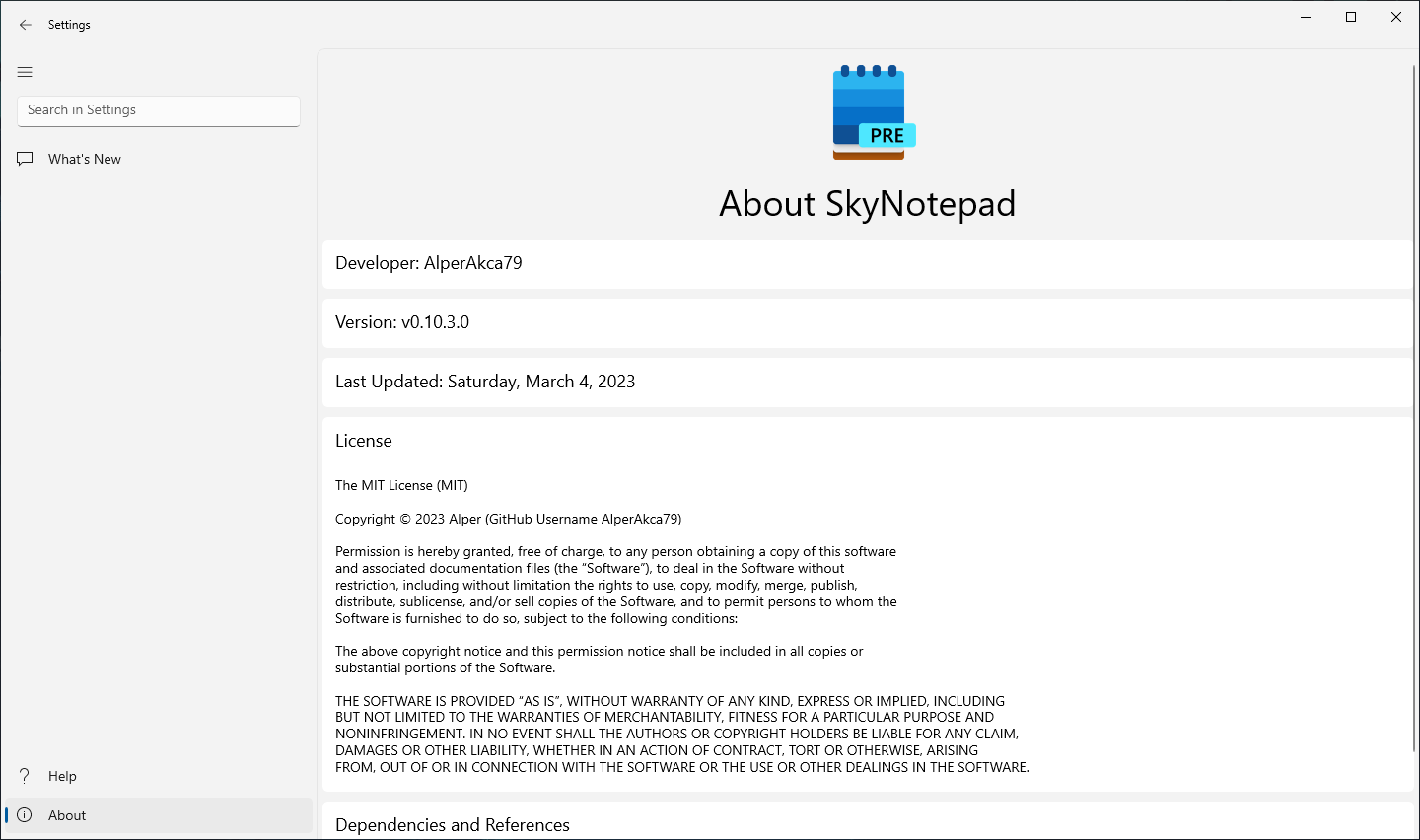
# About
- Developer: [lnxwizard](https://github.com/lnxwizard)
- Version: Preview v0.12.0.0
- First Build Date: Friday, February 10, 2023
- Last Update: Wednesday, March 15, 2023 10:03 PM (UTC +03:00)
- License: [MIT License](https://github.com/lnxwizard/SkyNotepad#License)
- Platform Architecture: x86
- Supported OS(s): Windows 10/11
- Minimum Required OS Build: 17763.0 (1809)
- Supported Language: English (United States)
# Screenshots
# Features
- Word Wrapping
- Spell Checking
- Search in Web
- Supported Search Engines
- Microsoft Bing
- Google
- DuckDuckGo
- Yandex
- Yahoo
- Fluent Desing
- Lightweight
- Full Screen Mode
- Compact Overlay Mode
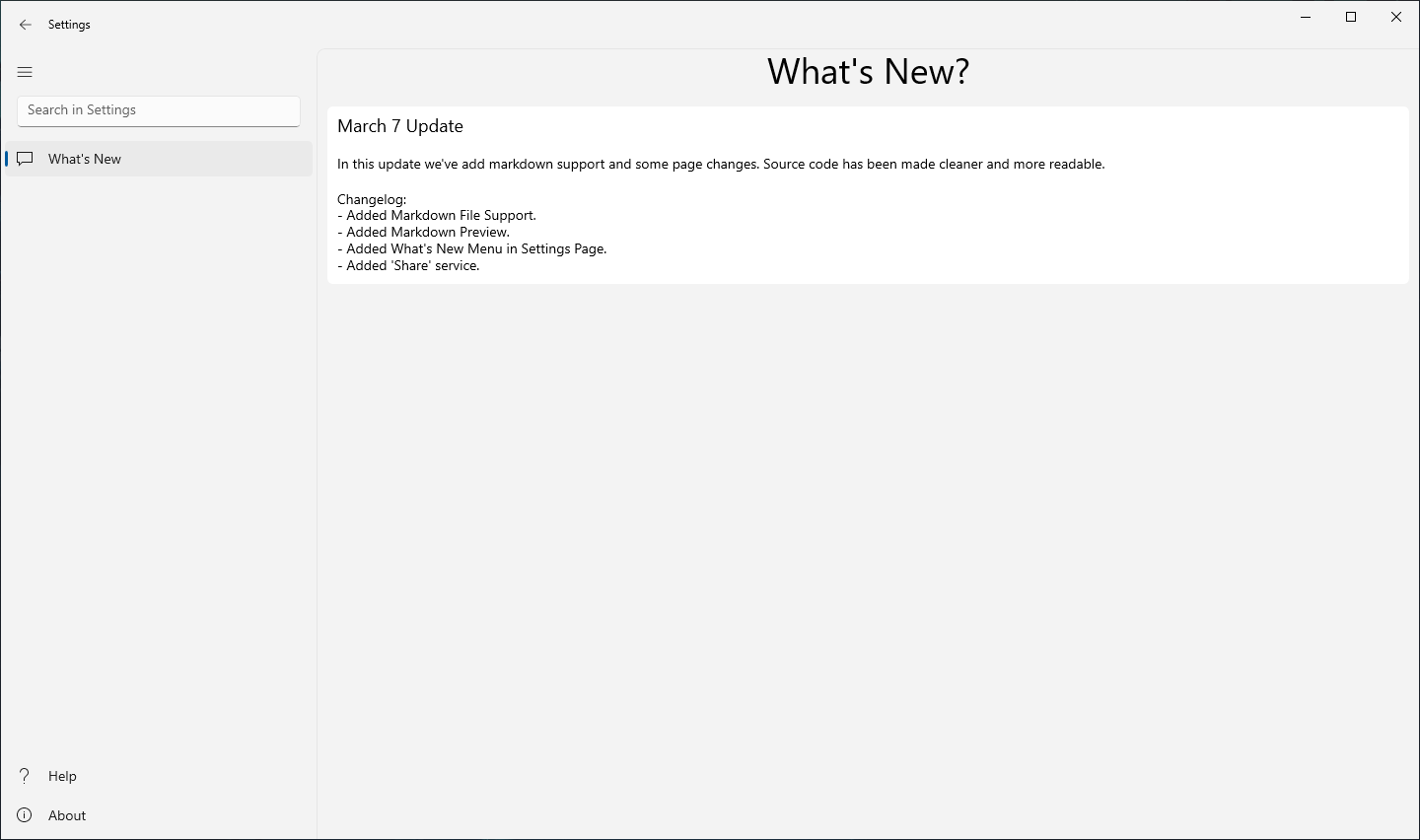
- Markdown Source File Support (**New**)
- Markdown Preview Support (**New**)
- Sharing Service (**New**)
# TODO
- Migrate to WinUI 3 (Coming Soon)
- New Themes
- Tab Managment
- Advanced Markdown Support
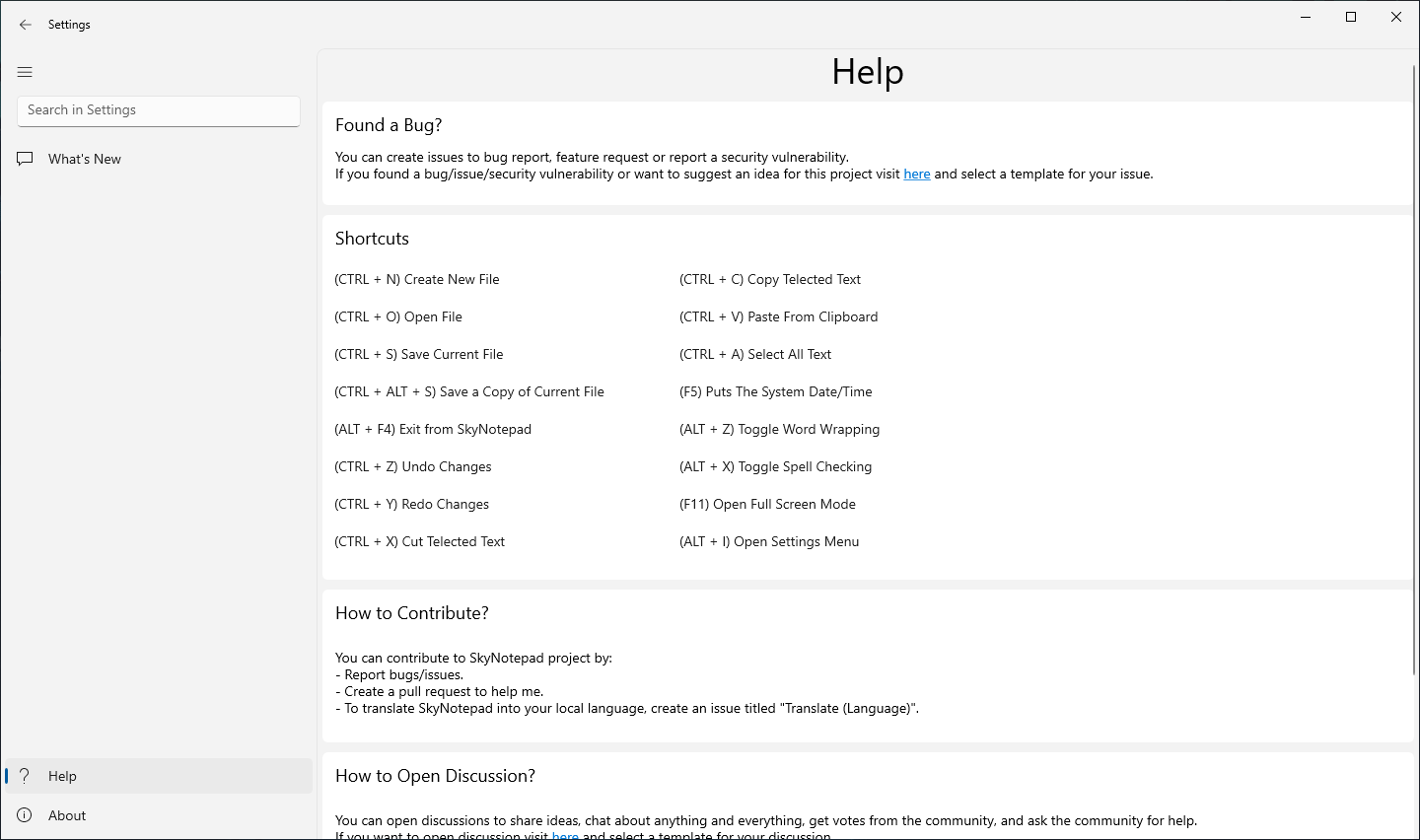
# Shortcuts
- **(CTRL + N)** Create New File
- **(CTRL + O)** Open File
- **(CTRL + S)** Save
- **(CTRL + ALT + S)** Save As Copy
- **(ALT + F4)** Exit from SkyNotepad
- **(CTRL + Z)** Undo Changes
- **(CTRL + Y)** Redo Changes
- **(CTRL + X)** Cut
- **(CTRL + C)** Copy
- **(CTRL + V)** Paste
- **(CTRL + A)** Select All Text
- **(F5)** Puts Systems Date/Time
- **(ALT + Z)** Toggle Word Wrapping
- **(ALT + X)** Toggle Spell Checking
- **(F11)** Full Screen Mode
- **(ALT + I)** Open Settings
# Changelog
See the changelog for all versions [here](docs/changelog.md).
# How to Download?
You can download SkyNotepad in 3 ways:
### Via [Windows Package Manager (aka winget)](https://github.com/microsoft/winget-cli):
To download with winget, your operating system build number must be greater than 17763.0 (1809)
- Open Command Prompt (CMD) and type this:
```shell
winget install skynotepad
```
- Wait for the installation to complete.
- Done! You can use SkyNotepad now.
### Via [Microsoft Store](https://apps.microsoft.com)
Click [here](https://apps.microsoft.com/store/detail/skynotepad/9PN4B4WGKV6H) for download SkyNotepad from Microsoft Store.
### Via [GitHub](https://github.com)
- Download **.msixbundle** file from [here](https://github.com/lnxwizard/SkyNotepad/releases/tag/0.11.2.0).
- Double click to **.msixbundle** file and install the **SkyNotepad**
NOTE **(Just for Preview v0.6.0.0)**: Download **Segoe.Fluent.Icons.ttf** file from [here](https://github.com/lnxwizard/SkyNotepad/releases/download/0.6.0.0/Segoe.Fluent.Icons.ttf) for new _fluent_ icons.
# Getting Started
Prerequisites:
- Your computer must be running Windows 10, build 19041.0 or newer.
- Install the Visual Studio 2019 or higher.
- Install the "Universal Windows Platform Development" workload.
- Install the Windows 10 SDK (10.0.19041.0).

- Open Command Prompt(CMD) and type this:
```shell
git clone https://github.com/lnxwizard/SkyNotepad.git
```
- Open [src/SkyNotepad.sln](https://github.com/lnxwizard/SkyNotepad/blob/master/src/SkyNotepad.sln) in Visual Studio 2019 or higher to build and run the SkyNotepad application.
# Contributing
- See [here](https://github.com/lnxwizard/SkyNotepad/blob/master/CONTRIBUTING.md) for How to Contribute?
# Dependencies and References
- [Windows UI Library (WinUI 2)](https://github.com/Microsoft/microsoft-ui-xaml)
# What is SkyNotepad?
SkyNotepad is Simple, Fluent, Free and Open Source **Text Editor** for Windows. You Can Create/Edit Text Documents and Markdown Source Files. SkyNotepad has a Markdown Preview feature so you can organize your GitHub README files more easily. SkyNotepad is still in development and preview. If you see an bug please create a new issue from [here](https://github.com/lnxwizard/SkyNotepad/issues/new/choose).
# About
- Developer: [lnxwizard](https://github.com/lnxwizard)
- Version: Preview v0.12.0.0
- First Build Date: Friday, February 10, 2023
- Last Update: Wednesday, March 15, 2023 10:03 PM (UTC +03:00)
- License: [MIT License](https://github.com/lnxwizard/SkyNotepad#License)
- Platform Architecture: x86
- Supported OS(s): Windows 10/11
- Minimum Required OS Build: 17763.0 (1809)
- Supported Language: English (United States)
# Screenshots






# Features
- Word Wrapping
- Spell Checking
- Search in Web
- Supported Search Engines
- Microsoft Bing
- Google
- DuckDuckGo
- Yandex
- Yahoo
- Fluent Desing
- Lightweight
- Full Screen Mode
- Compact Overlay Mode
- Markdown Source File Support (**New**)
- Markdown Preview Support (**New**)
- Sharing Service (**New**)
# TODO
- Migrate to WinUI 3 (Coming Soon)
- New Themes
- Tab Managment
- Advanced Markdown Support
# Shortcuts
- **(CTRL + N)** Create New File
- **(CTRL + O)** Open File
- **(CTRL + S)** Save
- **(CTRL + ALT + S)** Save As Copy
- **(ALT + F4)** Exit from SkyNotepad
- **(CTRL + Z)** Undo Changes
- **(CTRL + Y)** Redo Changes
- **(CTRL + X)** Cut
- **(CTRL + C)** Copy
- **(CTRL + V)** Paste
- **(CTRL + A)** Select All Text
- **(F5)** Puts Systems Date/Time
- **(ALT + Z)** Toggle Word Wrapping
- **(ALT + X)** Toggle Spell Checking
- **(F11)** Full Screen Mode
- **(ALT + I)** Open Settings
# Changelog
See the changelog for all versions [here](docs/changelog.md).
# How to Download?
You can download SkyNotepad in 3 ways:
### Via [Windows Package Manager (aka winget)](https://github.com/microsoft/winget-cli):
To download with winget, your operating system build number must be greater than 17763.0 (1809)
- Open Command Prompt (CMD) and type this:
```shell
winget install skynotepad
```
- Wait for the installation to complete.
- Done! You can use SkyNotepad now.
### Via [Microsoft Store](https://apps.microsoft.com)
Click [here](https://apps.microsoft.com/store/detail/skynotepad/9PN4B4WGKV6H) for download SkyNotepad from Microsoft Store.
### Via [GitHub](https://github.com)
- Download **.msixbundle** file from [here](https://github.com/lnxwizard/SkyNotepad/releases/tag/0.11.2.0).
- Double click to **.msixbundle** file and install the **SkyNotepad**
NOTE **(Just for Preview v0.6.0.0)**: Download **Segoe.Fluent.Icons.ttf** file from [here](https://github.com/lnxwizard/SkyNotepad/releases/download/0.6.0.0/Segoe.Fluent.Icons.ttf) for new _fluent_ icons.
# Getting Started
Prerequisites:
- Your computer must be running Windows 10, build 19041.0 or newer.
- Install the Visual Studio 2019 or higher.
- Install the "Universal Windows Platform Development" workload.
- Install the Windows 10 SDK (10.0.19041.0).

- Open Command Prompt(CMD) and type this:
```shell
git clone https://github.com/lnxwizard/SkyNotepad.git
```
- Open [src/SkyNotepad.sln](https://github.com/lnxwizard/SkyNotepad/blob/master/src/SkyNotepad.sln) in Visual Studio 2019 or higher to build and run the SkyNotepad application.
# Contributing
- See [here](https://github.com/lnxwizard/SkyNotepad/blob/master/CONTRIBUTING.md) for How to Contribute?
# Dependencies and References
- [Windows UI Library (WinUI 2)](https://github.com/Microsoft/microsoft-ui-xaml)  - [Segoe Fluent Icon (No Longer Available for Preview v0.6.2.0 and Above)](https://github.com/microsoft/fluentui-system-icons)
- [Windows Community Toolkit🧰](https://github.com/CommunityToolkit/WindowsCommunityToolkit)
# Security Policy
See [here](https://github.com/lnxwizard/SkyNotepad/blob/master/SECURITY.md) for Version support and more.
# Privacy Policy
See [here](https://github.com/lnxwizard/SkyNotepad/blob/master/PRIVACY_PLOICY.md) for our Privacy Policy.
# Code of Conduct
Click [here](CODE_OF_CONDUCT.md) for view Code of Conduct.
# License
Copyright © 2023 lnxwizard
SkyNotepad is under licensed [MIT License](https://mit-license.org). See [here](LICENSE.md) for more information.
- [Segoe Fluent Icon (No Longer Available for Preview v0.6.2.0 and Above)](https://github.com/microsoft/fluentui-system-icons)
- [Windows Community Toolkit🧰](https://github.com/CommunityToolkit/WindowsCommunityToolkit)
# Security Policy
See [here](https://github.com/lnxwizard/SkyNotepad/blob/master/SECURITY.md) for Version support and more.
# Privacy Policy
See [here](https://github.com/lnxwizard/SkyNotepad/blob/master/PRIVACY_PLOICY.md) for our Privacy Policy.
# Code of Conduct
Click [here](CODE_OF_CONDUCT.md) for view Code of Conduct.
# License
Copyright © 2023 lnxwizard
SkyNotepad is under licensed [MIT License](https://mit-license.org). See [here](LICENSE.md) for more information.