Beep
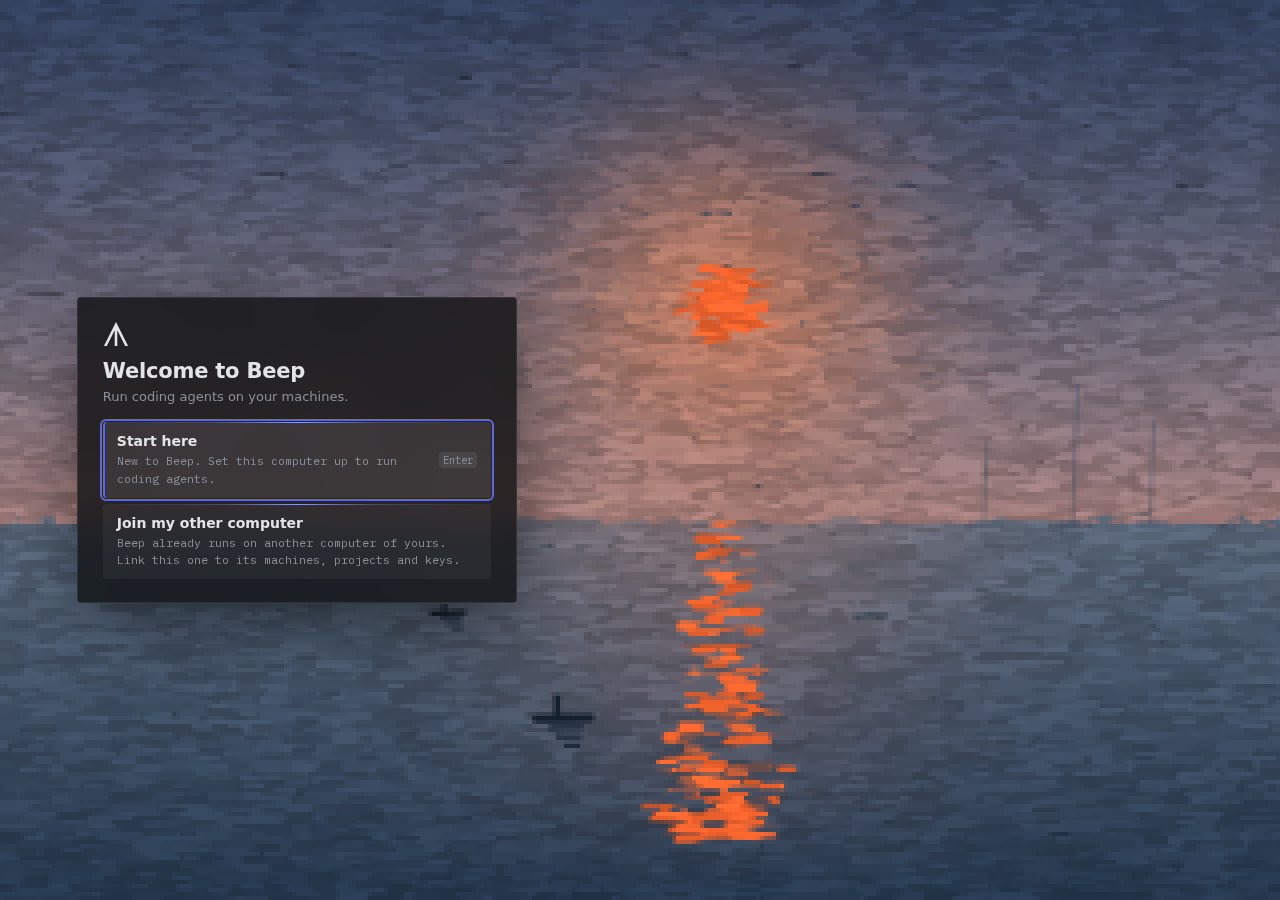
Run coding agents on every machine you own, from one desktop or your phone.
macOS ·
Windows ·
Linux
Website ·
Docs ·
Getting started
## What it does
- **Peer to peer.** Desktops, phones and `beep-node`s form a signed mesh over
[iroh](https://github.com/n0-computer/iroh): QUIC, encrypted end to end. No
Beep server, no cloud, no account.
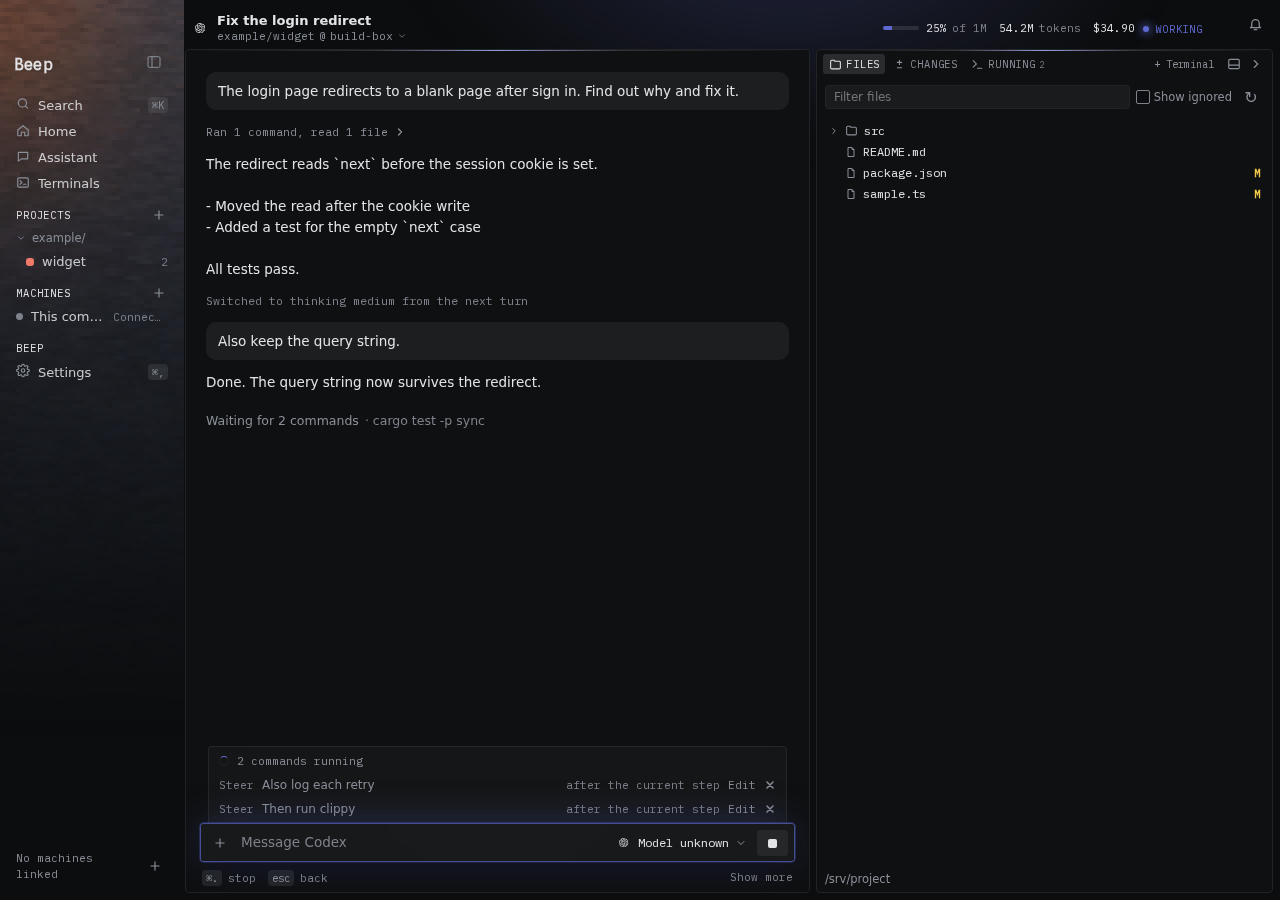
- **Your agents, your subscriptions.** Start Claude Code, Codex and other
agents on any machine, with that machine's sign-in, files and tools.
- **Projects follow you.** Git commits move between machines; non-Git folders
sync as files. Coding agent skills can sync too.
- **One board.** Sessions, terminals, reviews, pull requests and issues from
every machine in one place.
- **Every platform.** A [Tauri](https://tauri.app) app for macOS, Windows and
Linux, the same app on iOS and Android, and `beep-node` for servers and
containers.
Read [how Beep works](https://beep.flashmind.com/docs/architecture/) for the
mesh, tickets and sync in detail.
## Build from source
```sh
just run # desktop app (quit Beep first)
just desktop-build # build it
just desktop-check # type checks and tests
```
Normal builds include the complete app for their platform. Plugin TypeScript is
compiled before installation, not inside the app.
Add a machine from the desktop: it gives you a one-use ticket for `beep-node`.
## beep-node in Docker
Each node release publishes a small image (amd64 and arm64) with the static
binary, git, curl, a shell and CA certificates. It runs as uid 1000 and keeps
its key and mesh in `/data`.
```sh
docker run -d --restart unless-stopped --hostname build-box \
-e BEEP_TICKET=... -v beep-node:/data registry.example/beep-node
```
- The ticket is used once; later starts reuse `/data`.
- The host name is the machine's name in the mesh.
- `BEEP_NODE_WORKSPACE` shares a folder with the rest of the mesh.
- Allow UDP 47120 through the firewall, or add `-p 47120:47120/udp`.
- Upgrade by pulling a newer tag. No coding agents are installed: build
`FROM` this image and add the ones you use.
## Phones
The phone app is the desktop app built for iOS and Android. It pairs with a
desktop's phone code and joins the mesh as an observer.
```sh
just ios-sim-run # iPhone simulator
just ios-run # connected iPhone
just android-run # connected device or emulator
```
iOS needs Xcode and `rustup target add aarch64-apple-ios aarch64-apple-ios-sim`.
Android needs the SDK and NDK with `ANDROID_HOME` and `NDK_HOME` set, and
`rustup target add aarch64-linux-android`.
## Windows
Windows x64 needs the WebView2 runtime. With Rust's MSVC toolchain, Visual
Studio C++ Build Tools and Node installed, `scripts/build-desktop-windows.ps1`
builds the NSIS installer. On Linux, `scripts/build-desktop-windows.sh` builds
a portable executable with cargo-xwin. Ctrl+Alt+Space opens the bar; desktop
control is unavailable.
## Report server
`beep-server` only receives the apps' problem reports.
```sh
cp config.example.toml config.toml
cargo run -p beep-server -- config.toml
```
Reports go to `[reports.r2]`, or to `[reports].folder` in development.
`deploy/compose.yaml` runs it on loopback port 47122 behind a TLS proxy.
`just reports`, `just report ` and `just report-solved ` manage them.
## Releases
`just patch ` and `just minor ` bump `desktop`, `beep-node`,
`android`, `ios` or `all`, freeze their changelogs, commit and push main with
the tags. `just release [apps]` does a patch bump; `--dry-run` checks versions.
Tags make CI build and publish each app. `just server-release ` tags
the server.
## Layout
```text
crates/proto/ wire types and framing
crates/mesh/ signed membership, tickets and replicated state
crates/fleet/ desktop projects, credentials and settings
crates/projects/ project code shared by node and desktop
crates/node/ beep-node: agents, files, sync and processes
crates/report/ problem reports
crates/server/ beep-server
apps/desktop/ Tauri app for macOS, Windows, iOS and Android
deploy/ container entrypoints and compose file
scripts/ build helpers
```