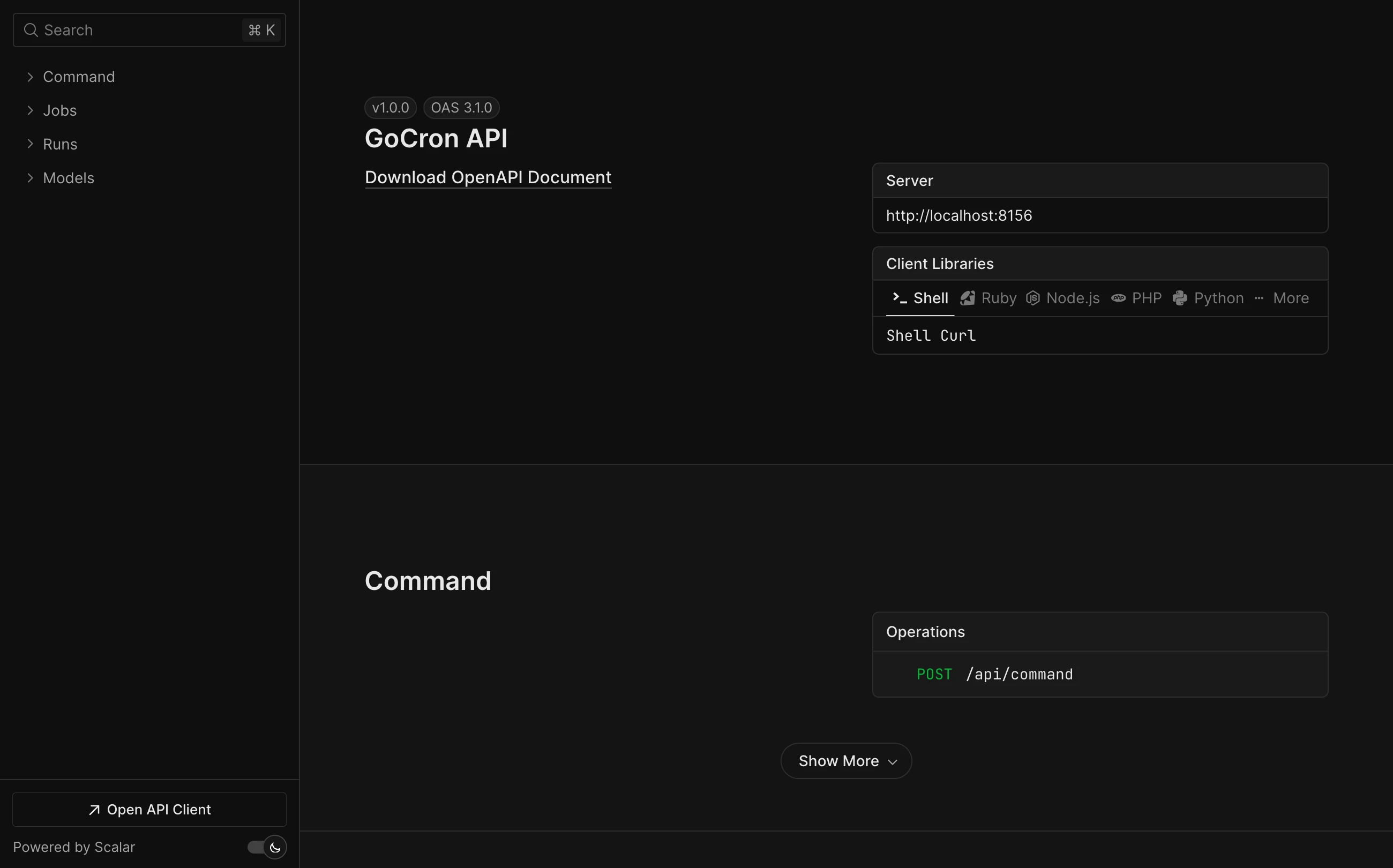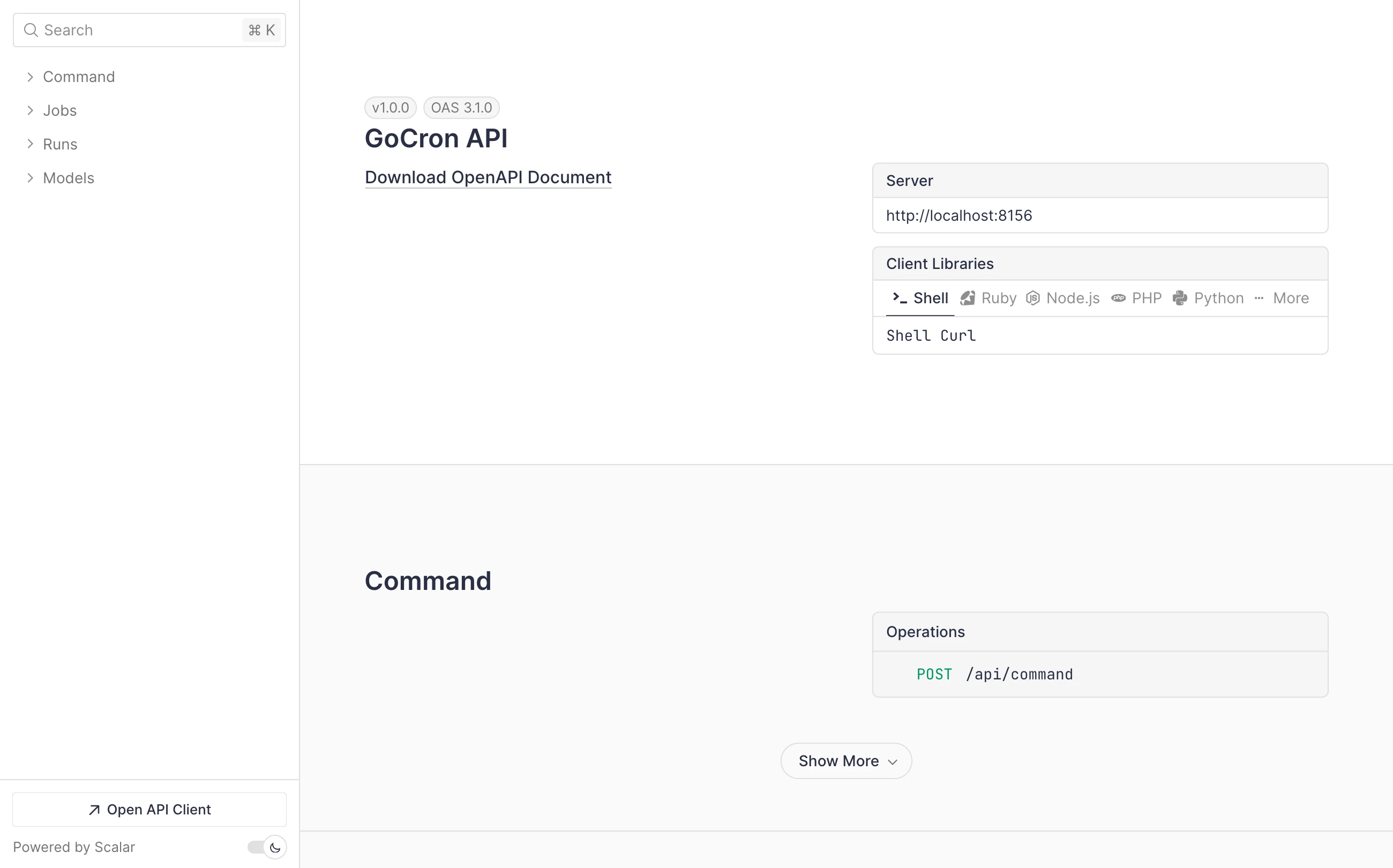
[](https://github.com/flohoss/gocron/actions/workflows/ci.yaml)
[](https://github.com/flohoss/gocron/wiki/coverage.html)
[](https://reporanker.com/repos/flohoss/gocron)
A task scheduler built with Go and Vue.js that allows users to specify recurring jobs via a simple YAML configuration file. The scheduler reads job definitions, executes commands at specified times using cron expressions, and passes in environment variables for each job.
Tagged GitHub releases include downloadable Linux binaries. Run `./gocron_
_linux_ --version` to inspect the embedded version metadata of a downloaded release binary.
The server supports `--config /path/to/config.yaml` for a non-default configuration file.
## Table of Contents
- [Table of Contents](#table-of-contents)
- [Features](#features)
- [How It Works](#how-it-works)
- [Docker](#docker)
- [run command](#run-command)
- [compose file](#compose-file)
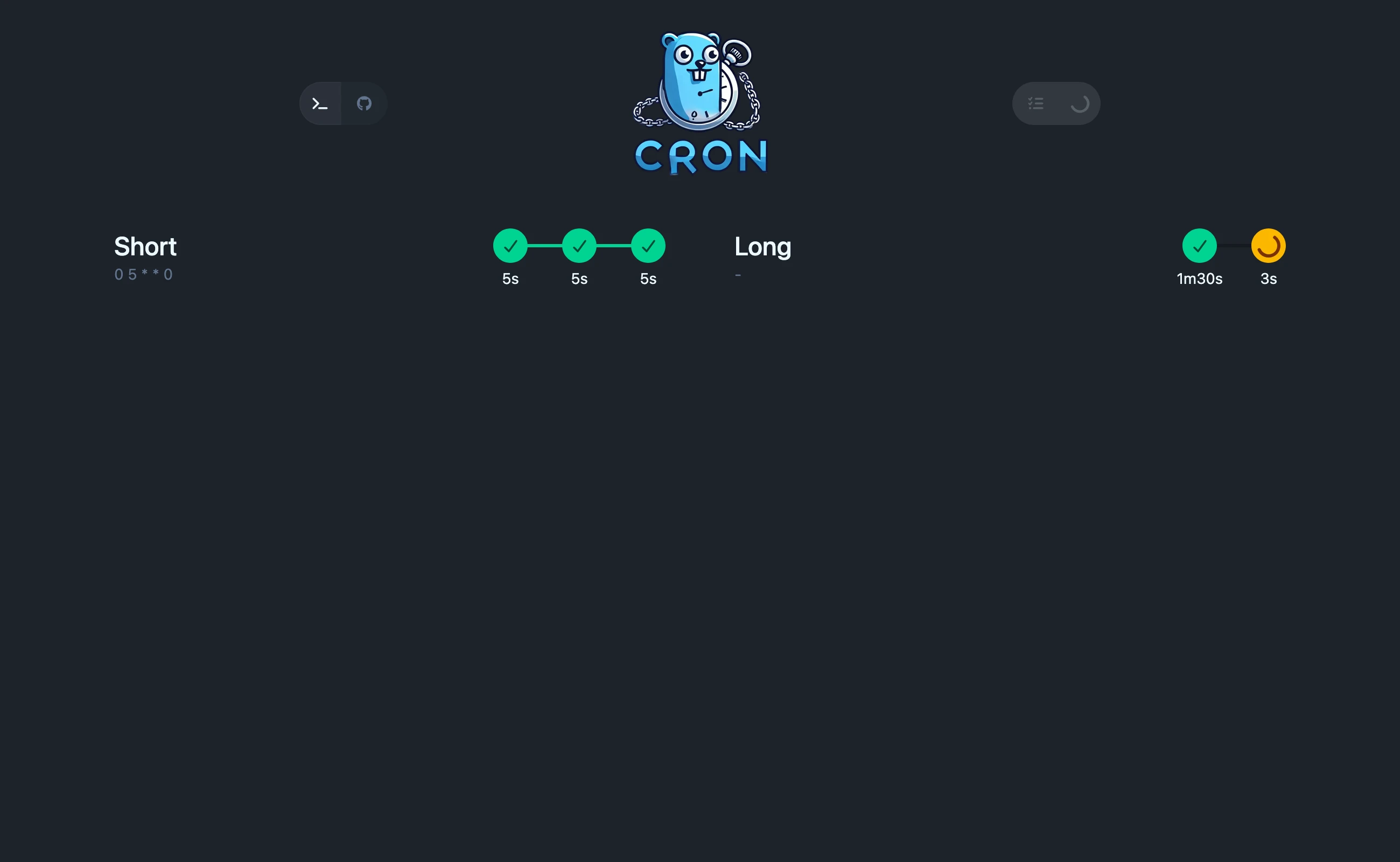
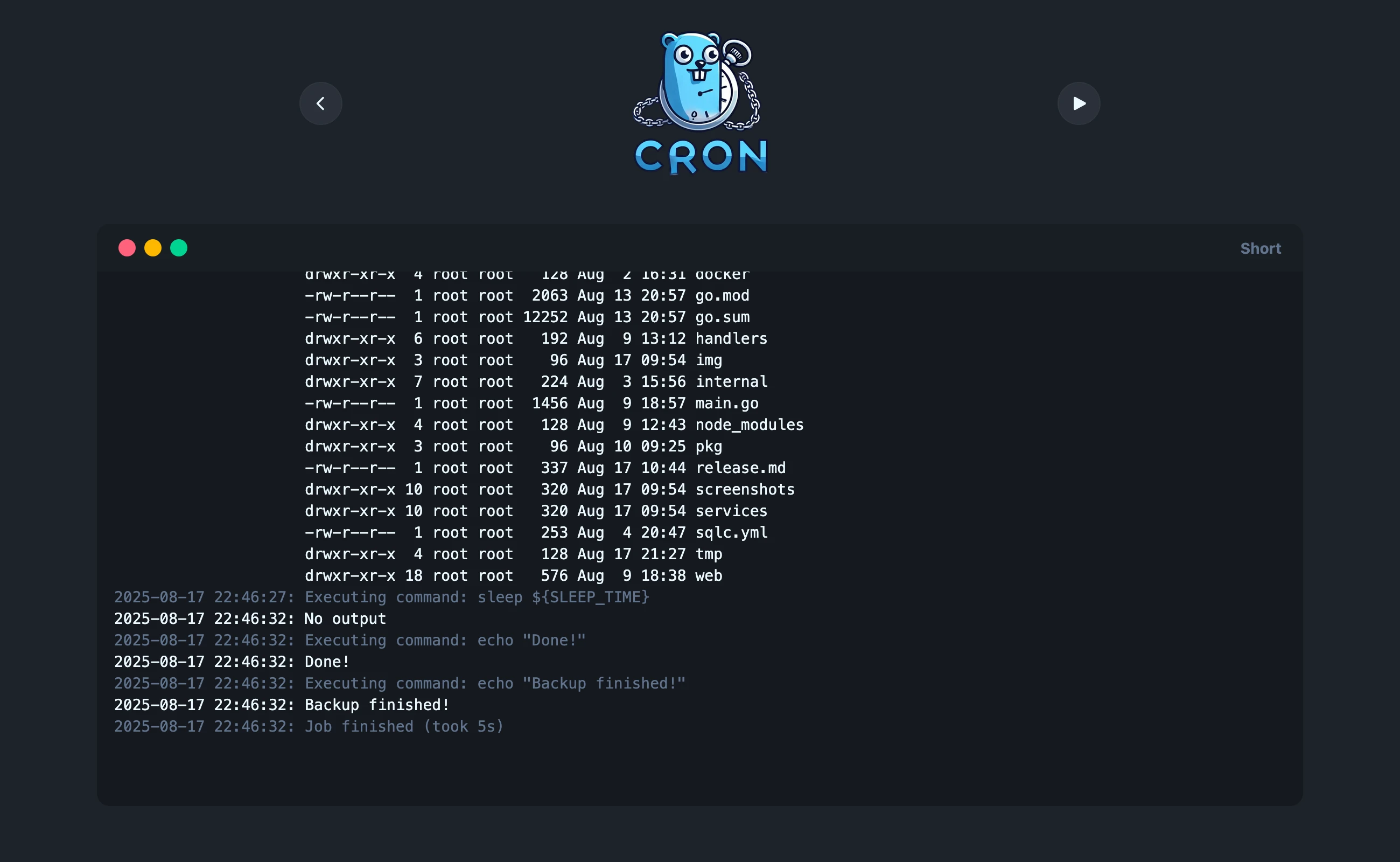
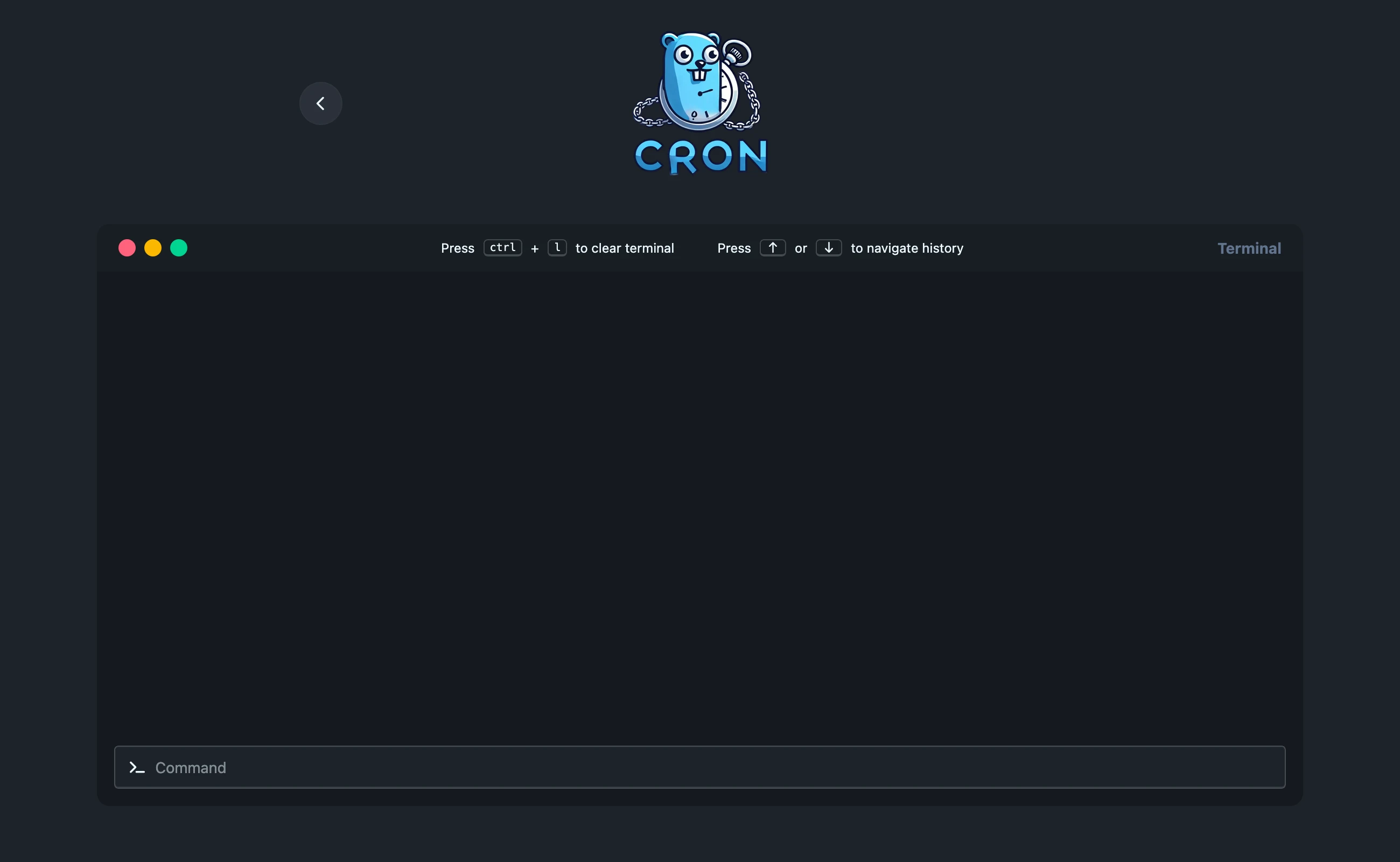
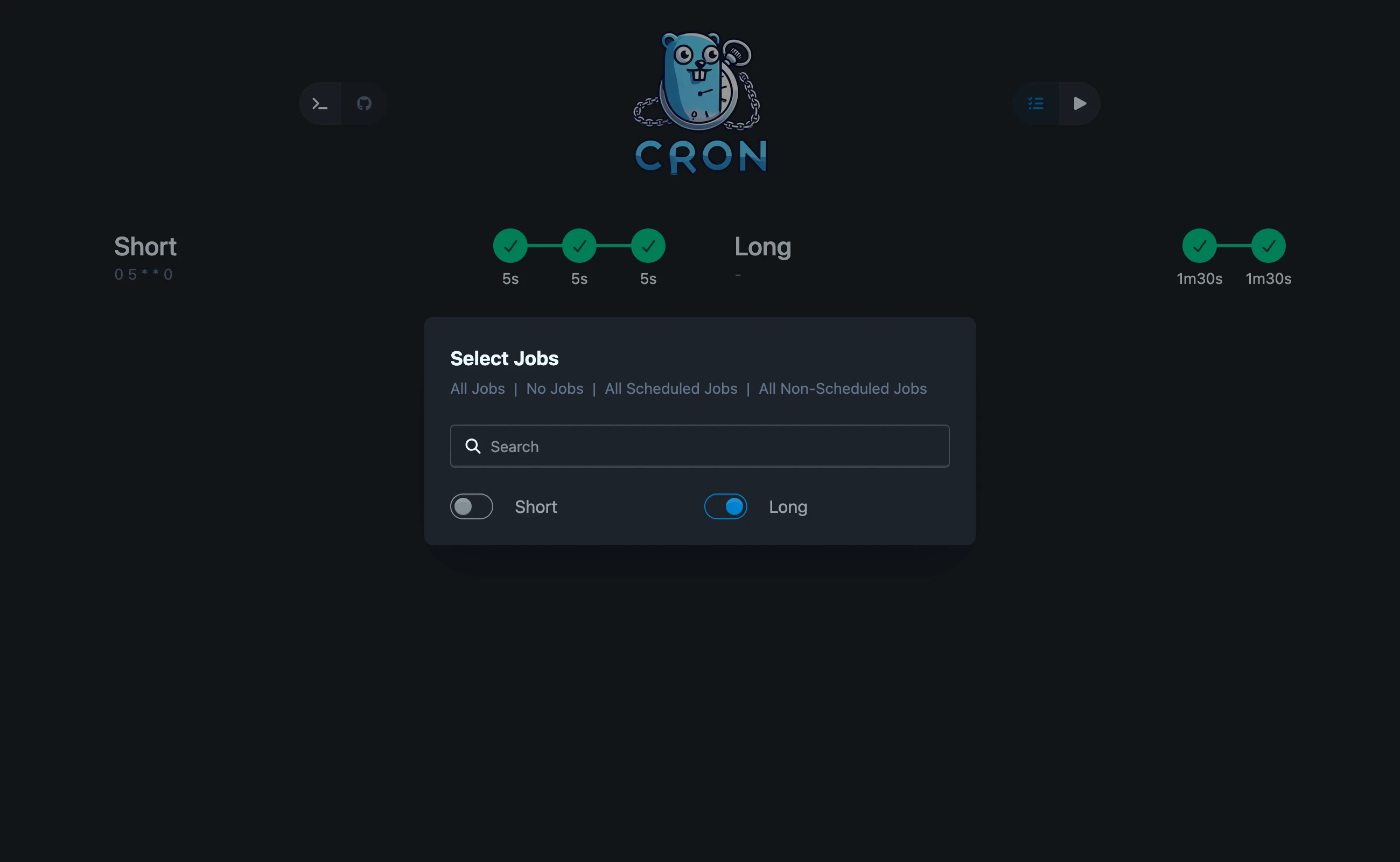
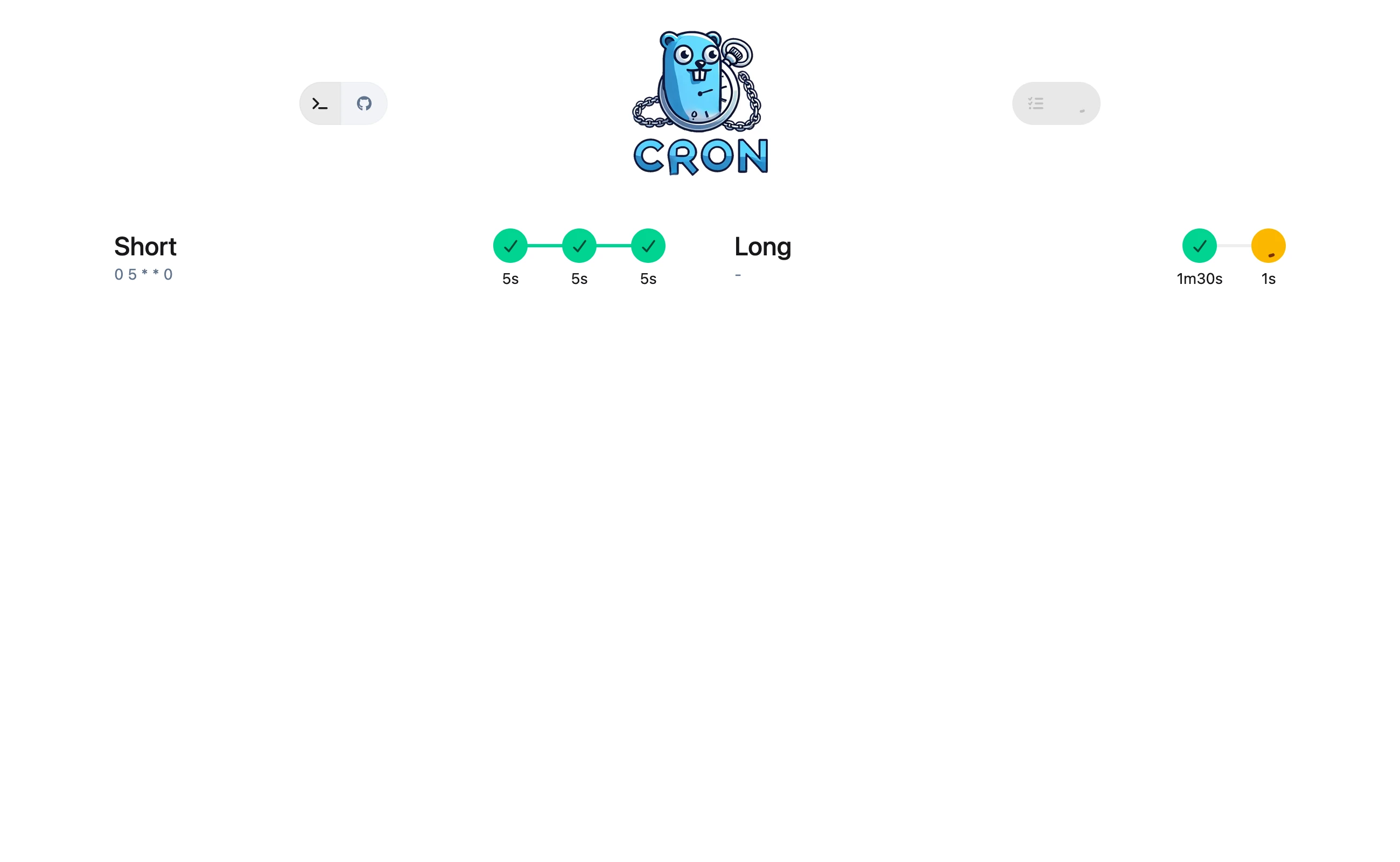
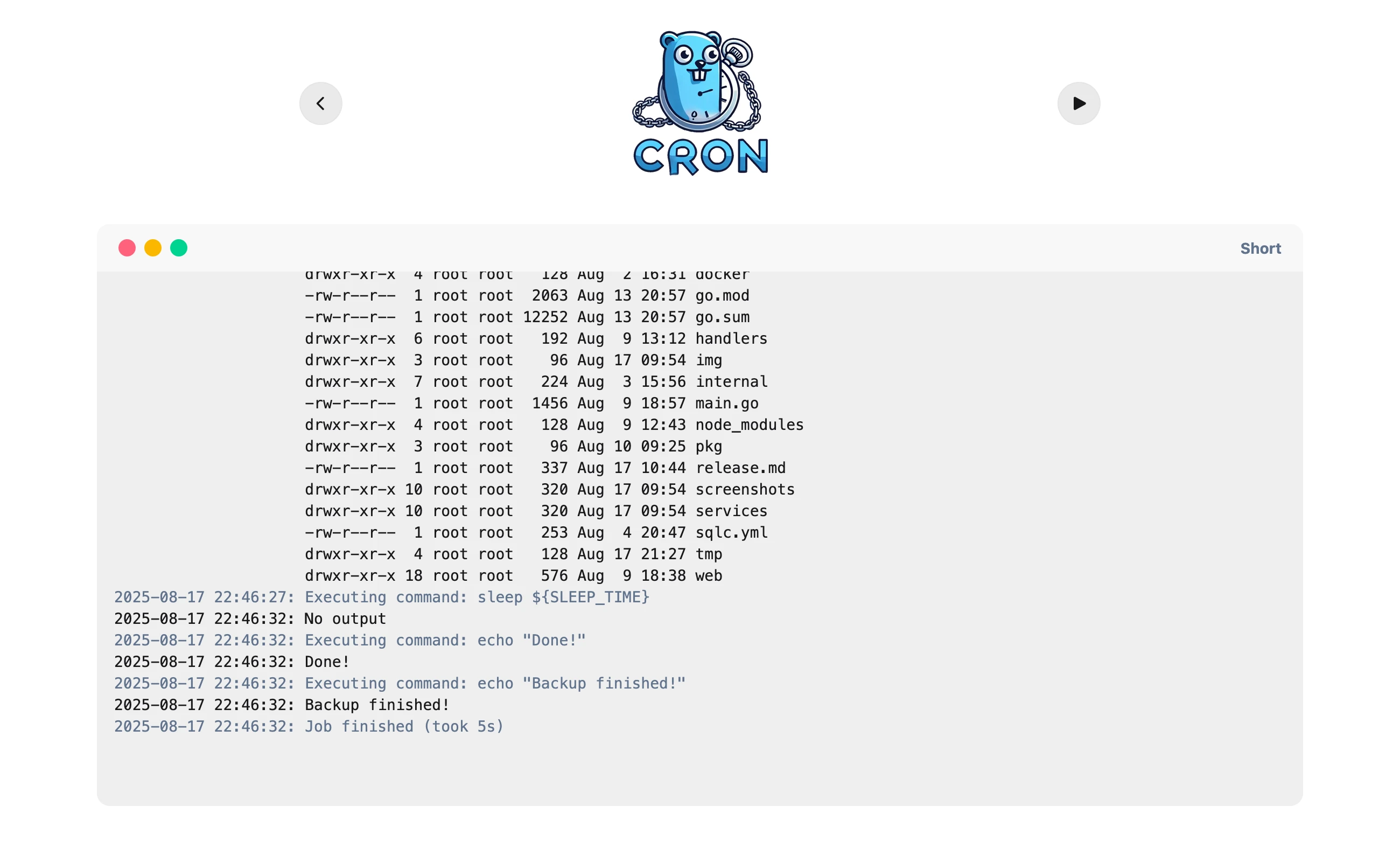
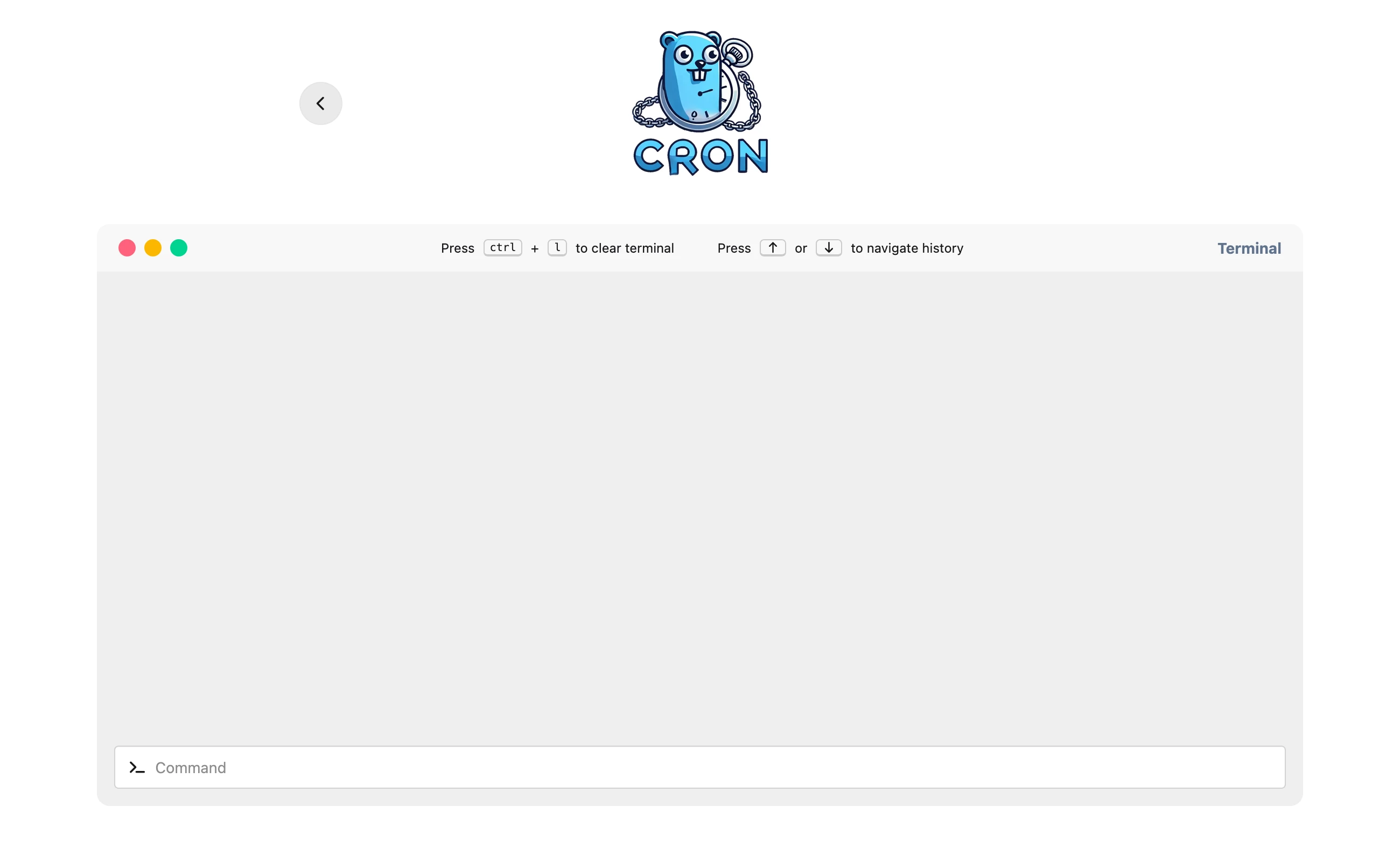
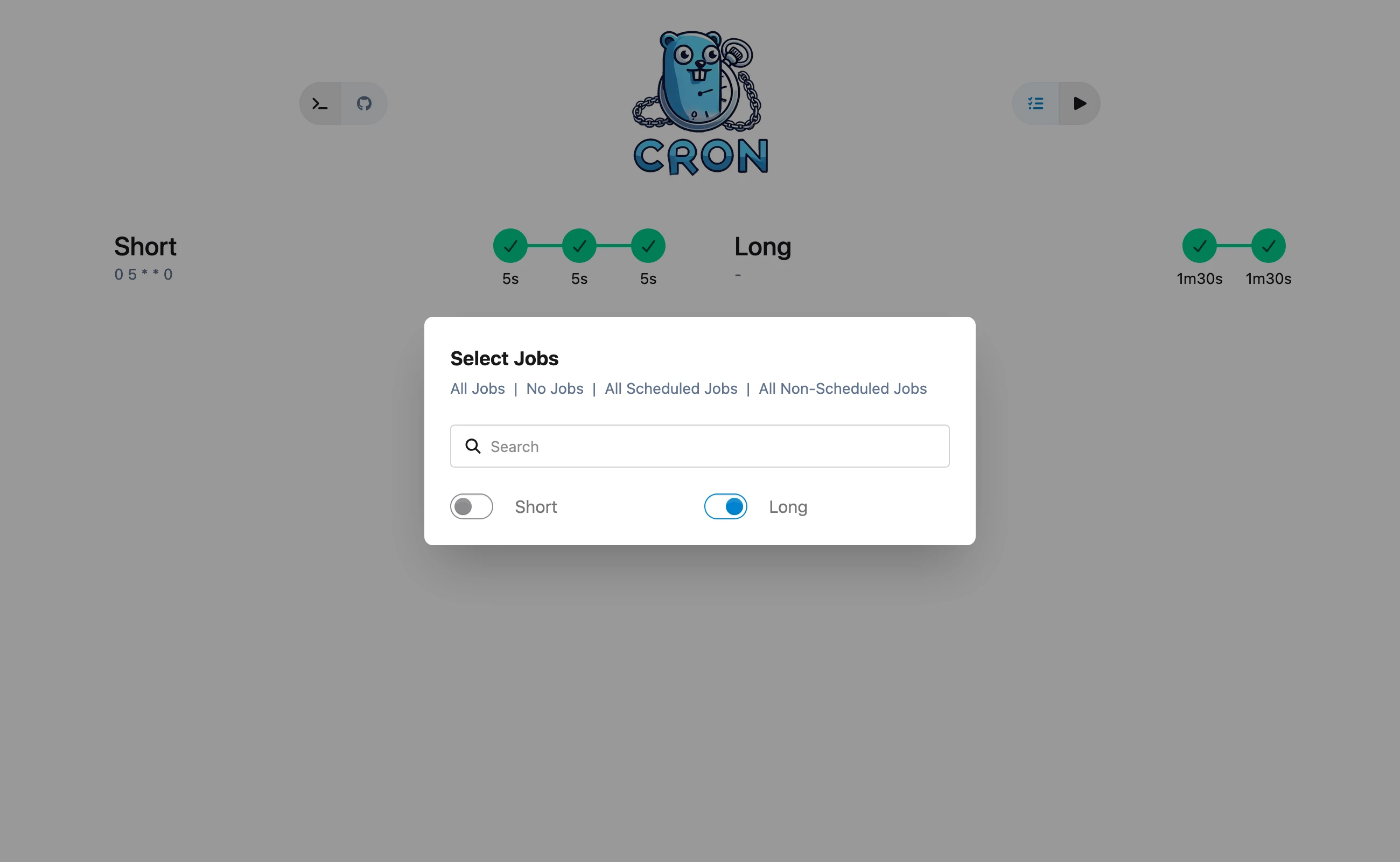
- [Screenshots](#screenshots)
- [Dark mode](#dark-mode)
- [Light mode](#light-mode)
- [API Docs](#api-docs)
- [Configuration File](#configuration-file)
- [YAML Configuration](#yaml-configuration)
- [Software](#software)
- [Star History](#star-history)
- [License](#license)
- [Development setup](#development-setup)
- [Automatic rebuild and reload](#automatic-rebuild-and-reload)
## Features
- Simple Configuration: Easily define jobs, cron schedules, and environment variables in a YAML config file.
- Cron Scheduling: Supports cron expressions for precise scheduling.
- Environment Variables: Define environment variables specific to each job.
- Easy Job Management: Add and remove jobs quickly with simple configuration.
- Pre-installed backup-software for an easy backup solution
## How It Works
- Defaults Section: This section defines default values that are applied to all jobs. You can specify a default cron expression and environment variables to be inherited by each job.
- Jobs Section: Here, you define multiple jobs. Each job can have its own cron expression, environment variables, and commands to execute.
- Environment Variables: Define environment variables for each job to customize its runtime environment.
- Commands: Each job can have multiple commands, which will be executed in sequence.
## Docker
### run command
```sh
docker run -it --rm \
--name gocron \
--hostname gocron \
-p 8156:8156 \
-v ./config/:/app/config/ \
ghcr.io/flohoss/gocron:latest
```
### compose file
```yml
services:
gocron:
image: ghcr.io/flohoss/gocron:latest
restart: always
container_name: gocron
hostname: gocron
volumes:
- ./config/:/app/config/
ports:
- '8156:8156'
```
By default, gocron reads `./config/config.yaml`. You can optionally override the config file path with `--config /path/to/config.yaml`. SQLite data is stored in the same folder by default, and can be overridden with `db.location` inside the config file. Relative `db.location` values are resolved from the config file directory. You can also set the SQLite file name with `db.name` (default: `db.sqlite`).
### Environment overrides (`GC_`)
Config values can be overridden via environment variables using the `GC_` prefix.
- `GC_LOG_LEVEL=debug` overrides `log_level`
- `GC_SERVER_PORT=9000` overrides `server.port`
- `GC_HEALTHCHECK_TYPE=GET` overrides `healthcheck.type`
Rule: dots become underscores and keys are uppercased (`server.address` -> `GC_SERVER_ADDRESS`).
## Screenshots
### Dark mode