# Focus Timer
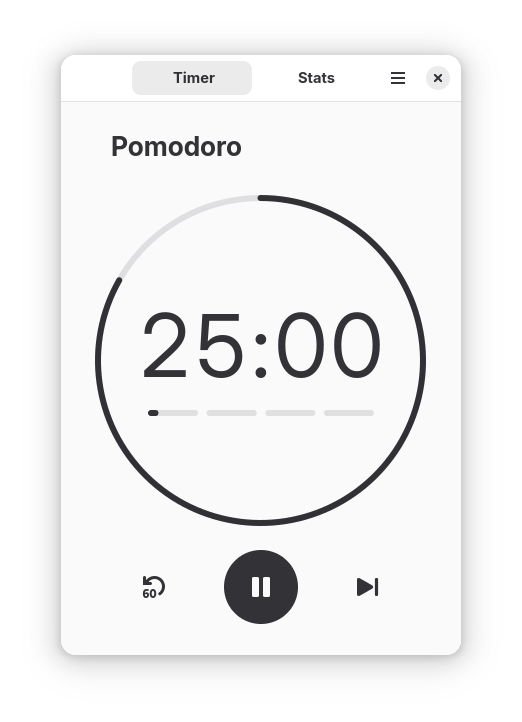
[Focus Timer](https://gnomepomodoro.org) (formerly gnome-pomodoro) is a time-management app built around the [Pomodoro Technique](https://en.wikipedia.org/wiki/Pomodoro_Technique), helping you maintain focus and prevent burnout through structured work and break intervals.
**Key features:**
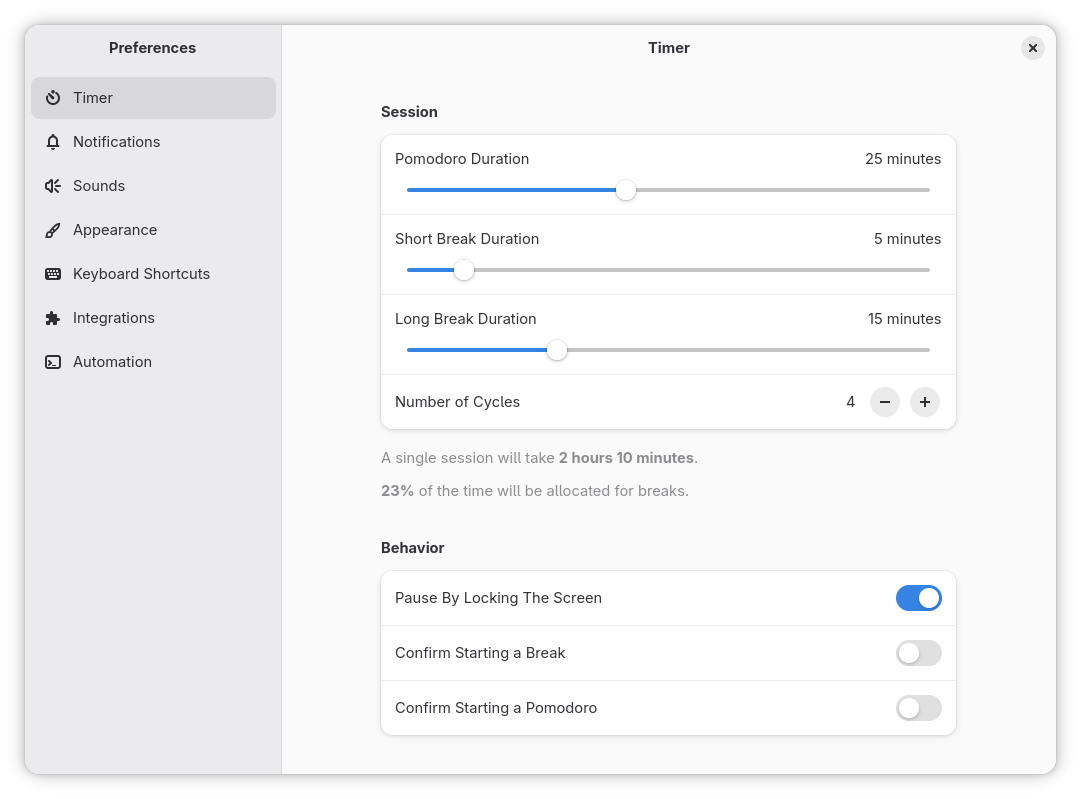
* Customizable work session and break lengths
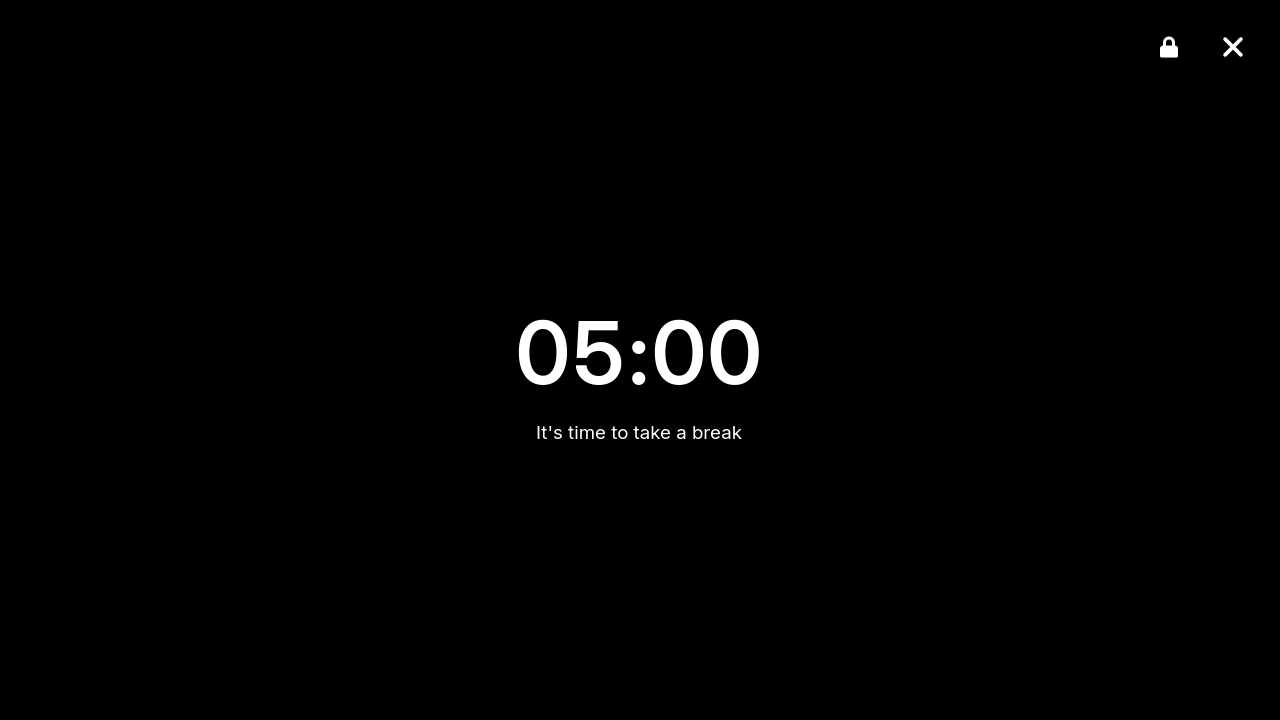
* Screen overlay during breaks
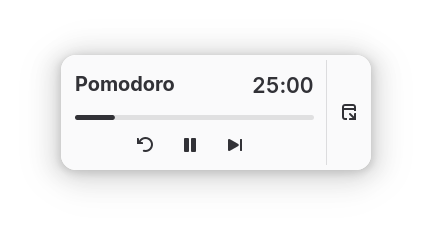
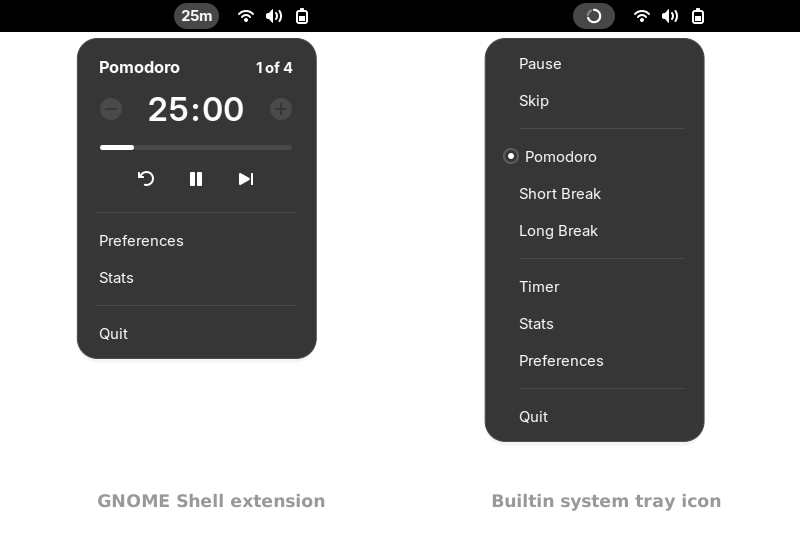
* System tray icon
* Hotkeys (global shortcuts)
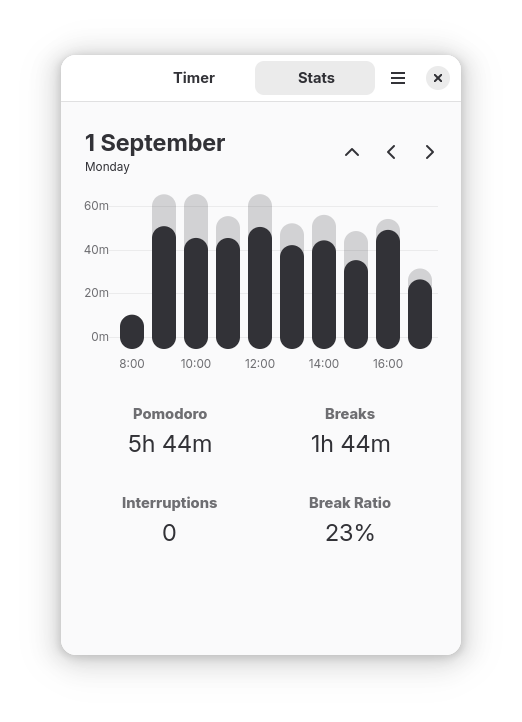
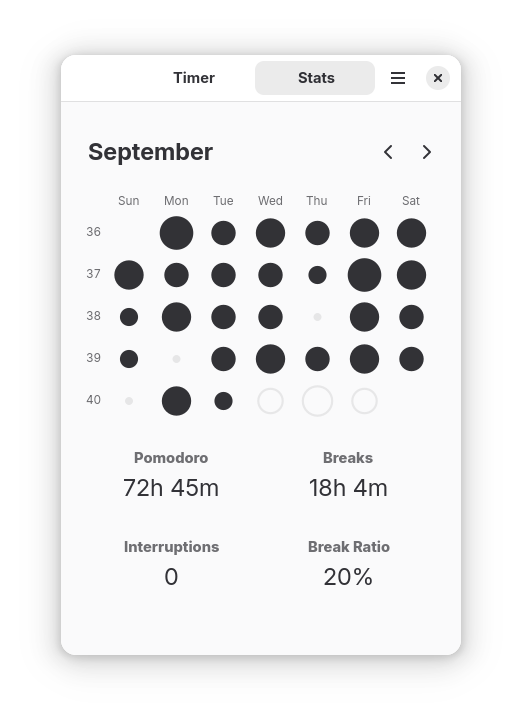
* Daily, weekly, and monthly statistics
* Extensible via custom shell commands, D-Bus, and CLI
* [GNOME Shell extension](https://github.com/focustimerhq/gnome-shell-extension-focus-timer) for deeper desktop integration

## Screenshots
## Installation
### Flatpak (recommended)
To get latest releases we recommend installing the app from [Flathub](https://flathub.org/en/apps/io.github.focustimerhq.FocusTimer).
Installing from CLI:
```bash
flatpak install flathub io.github.focustimerhq.FocusTimer
flatpak run io.github.focustimerhq.FocusTimer
```
To migrate data from the old gnome-pomodoro app, copy file `~/.local/share/gnome-pomodoro/database.sqlite` to `~/.var/app/io.github.focustimerhq.FocusTimer/data/focus-timer/database.sqlite`.
The version on Flathub doesn't have the ability to run custom scripts, shown as *Automation* panel in the *Preferences* window.
### Distributions
Find a community-maintained package in your distro repos:
#### Fedora
```bash
sudo dnf install focus-timer
sudo dnf install gnome-shell-extension-focus-timer
```
*Thanks to [Ankur Sinha](https://github.com/sanjayankur31) for maintaining the packages.*
#### Arch Linux
Install `gnome-shell-pomodoro` from the [AUR](https://aur.archlinux.org/packages/gnome-shell-pomodoro).
*Thanks to [Liam Timms](https://github.com/liamtimms) for maintaining the package.*
### Building from source
To build the application from source, you will need `meson`, `ninja`, and the necessary development headers (GLib, GTK+, etc.).
Clone the repository:
```bash
git clone https://github.com/focustimerhq/FocusTimer.git focus-timer
cd focus-timer
```
Build and install:
```bash
meson setup build --prefix=/usr
ninja -C build
sudo ninja -C build install
```
Run:
```bash
focus-timer
```
The app will try to migrate data from the old gnome-pomodoro app at first run.
If you decide to uninstall it. Run: `sudo ninja -C build uninstall`.
## Support & Feedback
* **Issues & Bug Reports:** Check the [Troubleshooting](CONTRIBUTING.md#troubleshooting) on how to check logs. Report it on our [issue tracker](https://github.com/focustimerhq/FocusTimer/issues).
* **Feature Requests:** Open a feature request on [GitHub](https://github.com/focustimerhq/FocusTimer/issues).
* **Questions & Discussions:** Join our [Discussions page](https://github.com/focustimerhq/FocusTimer/discussions) for help and general chat.
* **Reviews:** If you enjoy the app, please leave a review in the software centre you use.
## Contributing
We welcome contributions! Please refer to [CONTRIBUTING.md](CONTRIBUTING.md) for details on setting up your development environment, coding guidelines, and translation instructions.
## Donations
If you'd like to support the development of Focus Timer, you can use [GitHub](https://github.com/sponsors/kamilprusko), [Liberapay](https://liberapay.com/kamilprusko), [Ko-Fi](https://ko-fi.com/kamilprusko) or [PayPal](https://www.paypal.me/kamilprusko). Thank you!
## License
This software is licensed under the [GPL 3](/COPYING).
*This project is not affiliated with, authorized by, sponsored by, or otherwise approved by GNOME Foundation and/or the Pomodoro Technique®. The GNOME logo and GNOME name are registered trademarks or trademarks of GNOME Foundation in the United States or other countries. The Pomodoro Technique® and Pomodoro™ are registered trademarks of Francesco Cirillo.*