# Focus Timer GNOME Shell Extension
Focus Timer is an app based on the [Pomodoro Technique][pomodoro-technique] that helps you break work into intervals (typically 25 minutes), separated by short breaks. This builds focus and prevents burnout.
**Desktop Integration Features:**
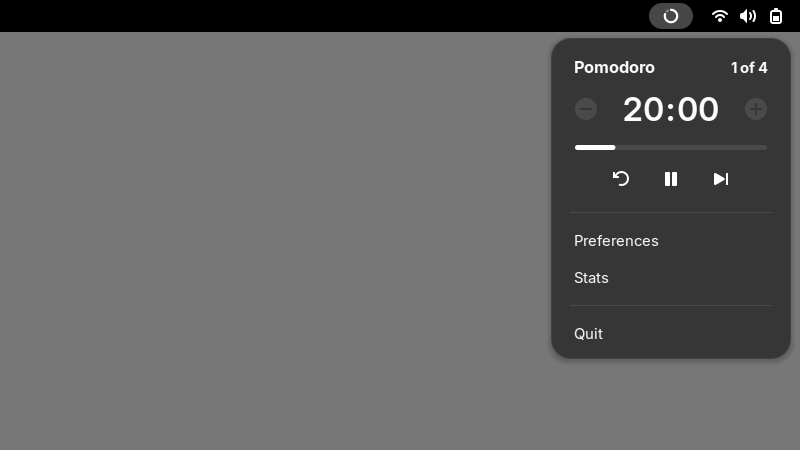
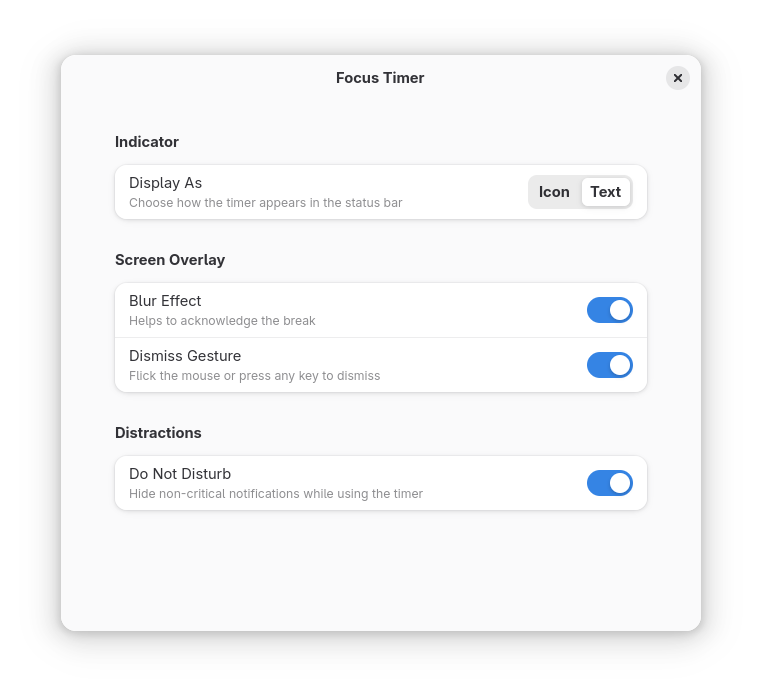
* **Top bar indicator** to quickly start, pause, and control your timer
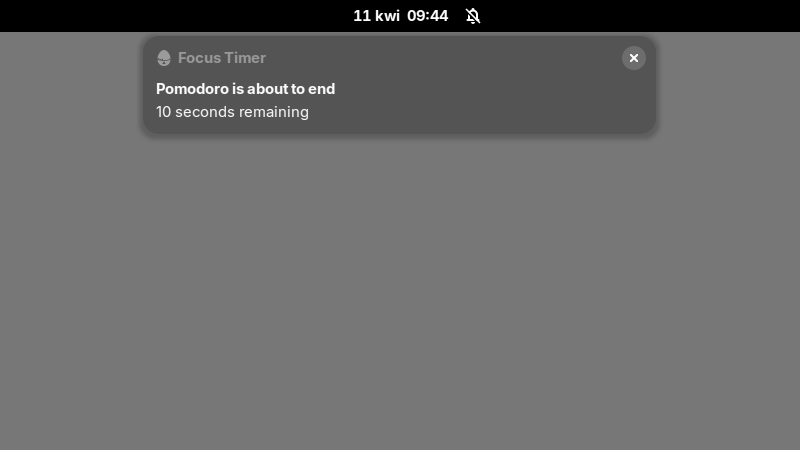
* **Notifications** showing a live countdown of your session
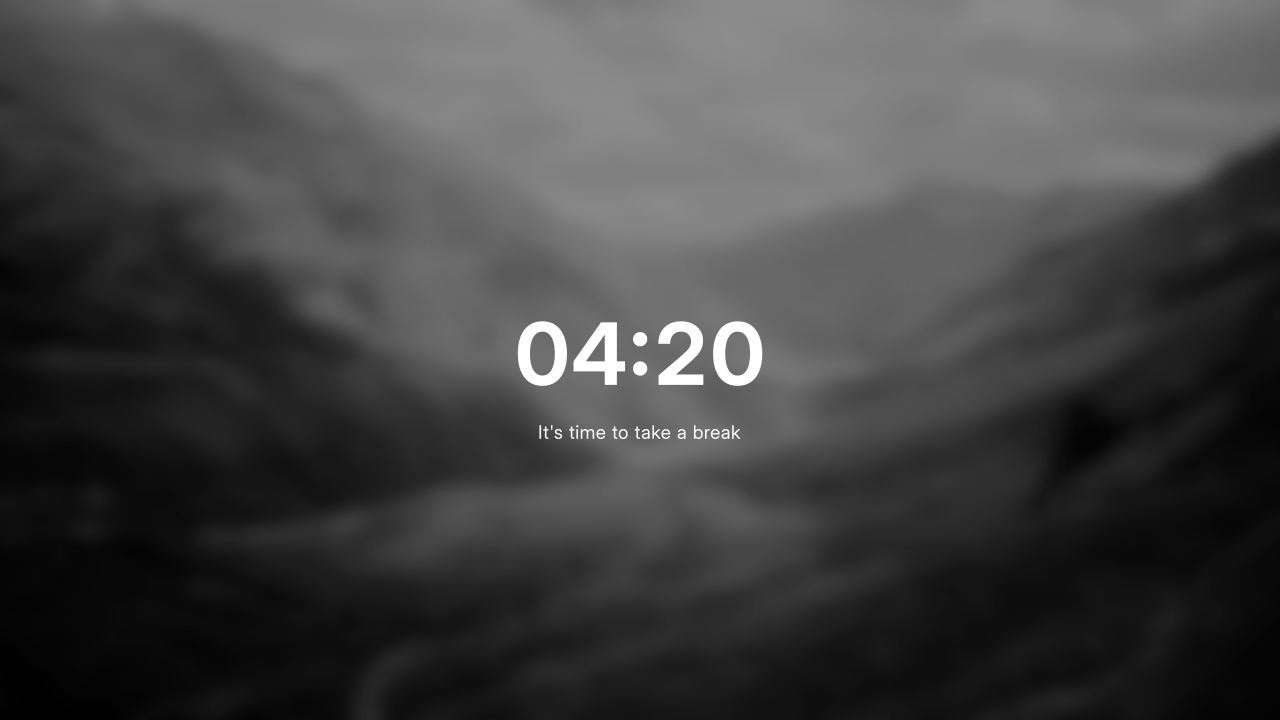
* **Screen overlay** active during breaks, designed to be easy to dismiss
* **Automatic Do-Not-Disturb mode** to reduce interruptions while you focus
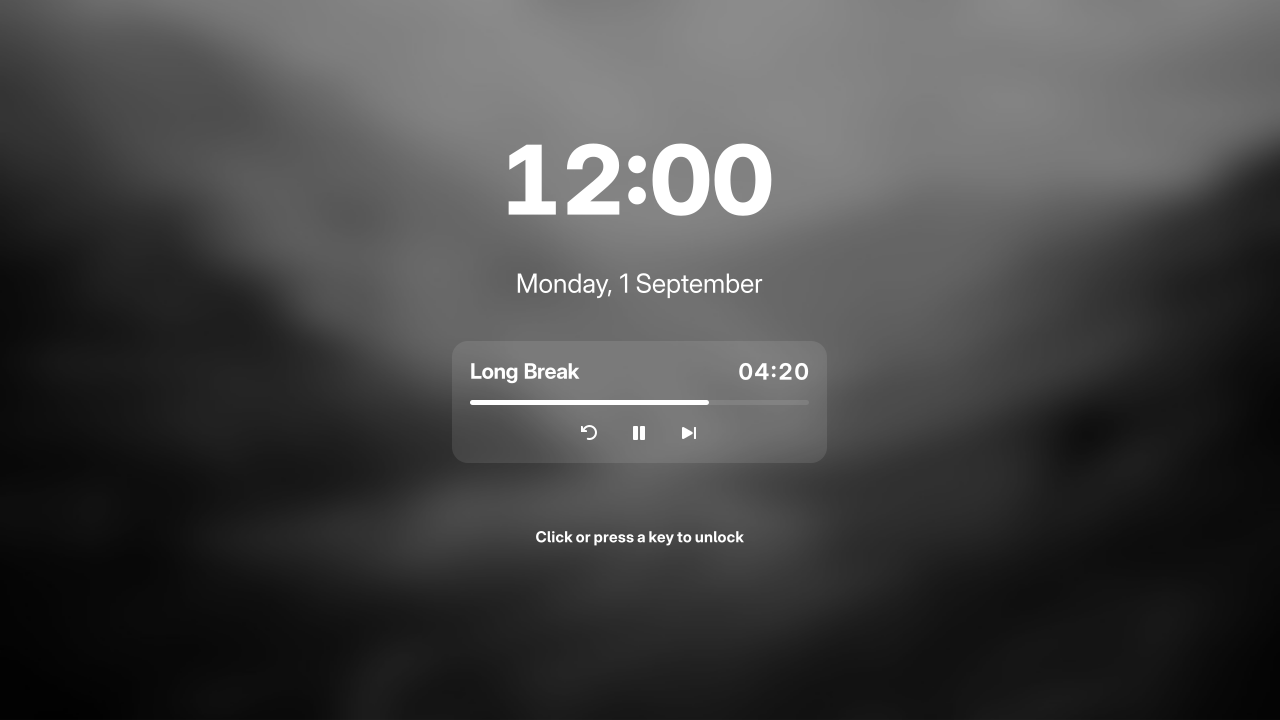
* **Lock screen widget** to check your timer without having to unlock
> [!NOTE]
> This extension requires the [Focus Timer app][focus-timer] to be installed on your system.
## Screenshots
## Installation
This extension is compatible with GNOME Shell 48+.
### From extensions.gnome.org

### From .zip bundle
To install the latest extension run:
```bash
curl -L -O https://github.com/focustimerhq/gnome-shell-extension-focus-timer/releases/latest/download/focus-timer@focustimerhq.github.io.zip
gnome-extensions install --force focus-timer@focustimerhq.github.io.zip
```
which downloads `focus-timer@focustimerhq.github.io.zip` attached to the [latest release](https://github.com/focustimerhq/gnome-shell-extension-focus-timer/releases/latest) on GitHub, and properly unpacks it into `~/.local/share/gnome-shell/extensions/`.
Log out for GNOME Shell to detect the extension or to apply updates.
Enable it through Preferences → Integrations panel, using [Extensions app](https://flathub.org/apps/org.gnome.Extensions), or via commandline:
```bash
gnome-extensions enable focus-timer@focustimerhq.github.io
```
The indicator should show up while the Focus Timer app is running. If you don't see it, check [Troubleshooting](CONTRIBUTING.md#troubleshooting) section.
### Building from source
Clone the repository:
```bash
git clone https://github.com/focustimerhq/gnome-shell-extension-focus-timer.git
cd gnome-shell-extension-focus-timer
```
Build and install:
```bash
meson setup build --prefix=~/.local
ninja -C build
ninja -C build install
```
Log out for GNOME Shell to detect the extension or to apply updates.
Enable it through Preferences → Integrations panel, using [Extensions app](https://flathub.org/apps/org.gnome.Extensions), or via commandline:
```bash
gnome-extensions enable focus-timer@focustimerhq.github.io
```
The indicator should show up while the Focus Timer app is running. If you don't see it, check [Troubleshooting](CONTRIBUTING.md#troubleshooting) section.
## Support & Feedback
* **Issues & Bug Reports:** Check the [Troubleshooting](CONTRIBUTING.md#troubleshooting) on how to check logs. Report it on our [issue tracker](https://github.com/focustimerhq/gnome-shell-extension-focus-timer/issues).
* **Feature Requests:** Open a feature request on [GitHub](https://github.com/focustimerhq/gnome-shell-extension-focus-timer/issues).
* **Questions & Discussions:** Join our [Discussions page](https://github.com/focustimerhq/FocusTimer/discussions) for help and general chat.
* **Reviews:** If you enjoy the extension, please consider leaving a review on [GNOME Extensions](https://extensions.gnome.org/) (once published).
## Contributing
We welcome contributions! Please refer to [CONTRIBUTING.md](CONTRIBUTING.md) for details on setting up your development environment, coding guidelines, and translation instructions.
## Donations
If you'd like to support the development of Focus Timer, you can use [GitHub](https://github.com/sponsors/kamilprusko), [Liberapay](https://liberapay.com/kamilprusko), [Ko-Fi](https://ko-fi.com/kamilprusko) or [PayPal](https://www.paypal.me/kamilprusko). Thank you!
## License
This software is licensed under the [GPL 3](/COPYING).
*This project is not affiliated with, authorized by, sponsored by, or otherwise approved by GNOME Foundation and/or the Pomodoro Technique®. The GNOME logo and GNOME name are registered trademarks or trademarks of GNOME Foundation in the United States or other countries. The Pomodoro Technique® and Pomodoro™ are registered trademarks of Francesco Cirillo.*
[pomodoro-technique]: https://en.wikipedia.org/wiki/Pomodoro_Technique
[focus-timer]: https://github.com/focustimerhq/FocusTimer