
# FLCharts
   [](https://github.com/Carthage/Carthage)    [](https://github.com/apple/swift-package-manager)
FLCharts is an easy-to-use library to build highly customizable bar, line and pie charts. It allows you to create your own chart bar `UIView` and use it to display data in the chart.
Additionally FLCharts allows you to provide a custom `HighlightedView` to show the highlighted bar contents on top of the chart.
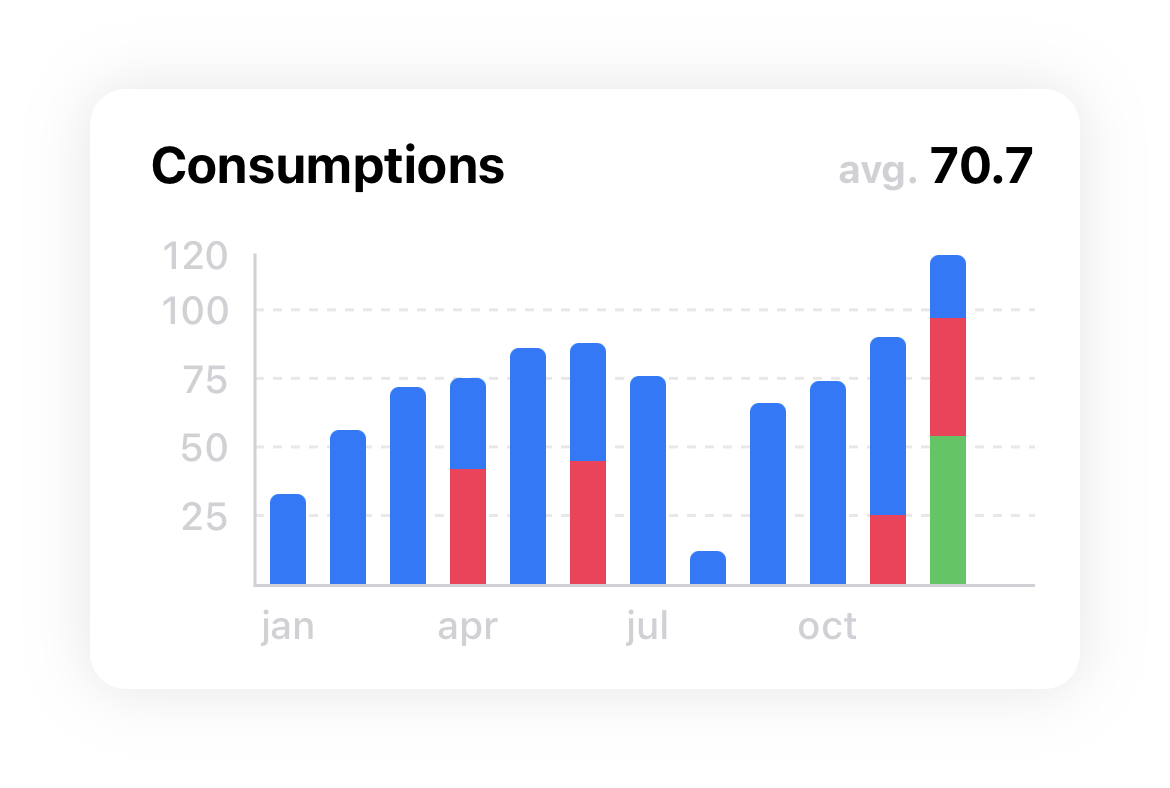
Embed effortlessly your chart in a `FLCard` alogside with a title, an average vlue view and additional behaviours.
# Table of Contents
* [Requirements](#requirements)
* [Installation](#installation)
* [Swift Package Manager](#SPM)
* [CocoaPods](#cocoapods)
* [Carthage](#carthage)
* [Features](#features)
* [Configurations](#configurations)
* [Prebuilt bar cells](#barcells)
* [Docs](#docs)
* [Chart types](#charttypes)
* [Examples](#examples)
* [Animations](#animations)
* [Apps that uses FLCharts](#apps)
* [License](#license)
## Requirements
* Xcode 11 / Swift 5
* iOS >= 11.0
## Installation
FLCharts is available through SPM, CocoaPods and Carthage
### Swift Package Manager
In XCode go to `File -> Add Packages...`
Search for `https://github.com/francescoleoni98/FLCharts` and click `Add Package`.
Select to which target you want to add it and select `Add Package`.
### CocoaPods
FLCharts is available through [CocoaPods](https://cocoapods.org). To install it, add the following line to your Podfile:
```ruby
pod 'FLCharts'
```
Then run `pod install`
### Carthage
To install it with Carthage, in your Cartfile add:
```ruby
github "francescoleoni98/FLCharts"
```
Then run `carthage update`
In XCode > Build phases click the plus button on top left > New Run Script Phases.
Then in Run Script > Shell script window > add `/usr/local/bin/carthage copy-frameworks`.
Run Script > Input file window > add `$(SRCROOT)/Carthage/Build/iOS/FLCharts.framework`.
Then, go to `$project_dir/Carthage/Build/iOS` and drag the folder `FLCharts.framework` into your `Xcode Project > Your Target > Frameworks, Libraries and Embedded Content`.
### Example
Here you can find a guide about how to setup a bar chart using FLCharts:
[FLCharts: Create Bar Chart easily](https://blog.leonifrancesco.com/articles/flcharts)
## Features
- Animations for chart bars
- Customizable Axes (both x and y axis)
- Dragging / Panning (with touch-gesture)
- Highlighting values (with customizable popup-views)
- Create custom cards with embedded chart and more features
- Scroll through chart while highlighted to change highlighted bar
- Fully customizable (bar colors, axes color, background, average value, dashed lines, ...)
## Configurations
FLChart is highly customizable. You can choose which property to modify through the .config property.
```swift
let axisLabelConfig = FLAxisLabelConfig(color: .black,
font: .preferredFont(forTextStyle: .body))
chart.config = ChartConfig(axesLabels: axisLabelConfig)
```
## Prebuilt bar cells
- `FLPlainChartBar`
- `FLMultipleValuesChartBar`
- `FLHorizontalMultipleValuesChartBar`
Use this bars when you configure your chart.
Eg. `FLChart(data: ..., type: .bar(bar: FLMultipleValuesChartBar.self))`
## Docs
You can build FLCharts documentation directly in XCode.
In XCode go to `Product -> Build Documentation`, once XCode has finished building, the documentation will appear.
## Chart types
| | | |
| ----------- | ----------- | ----------- |
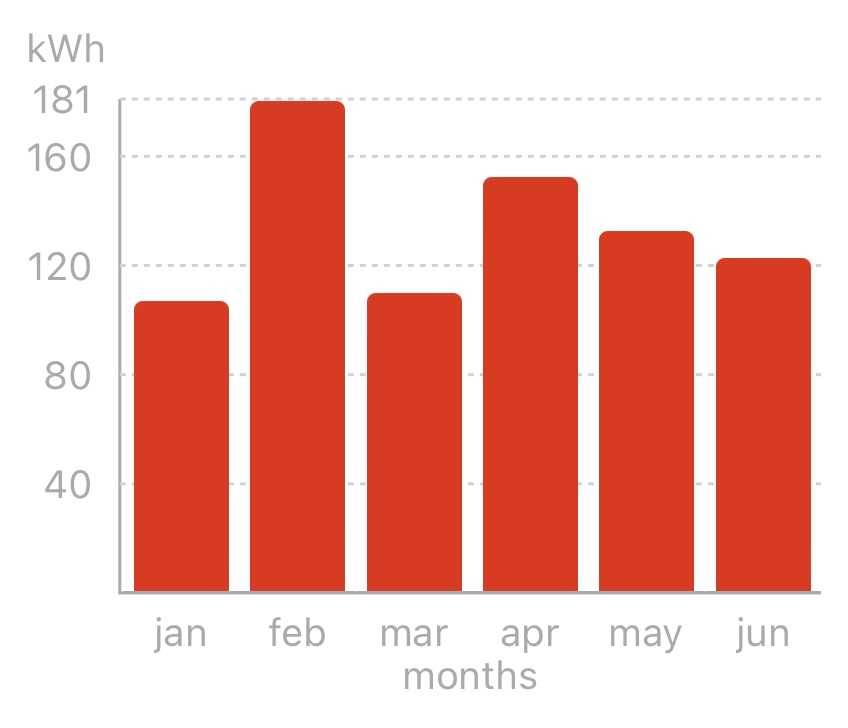
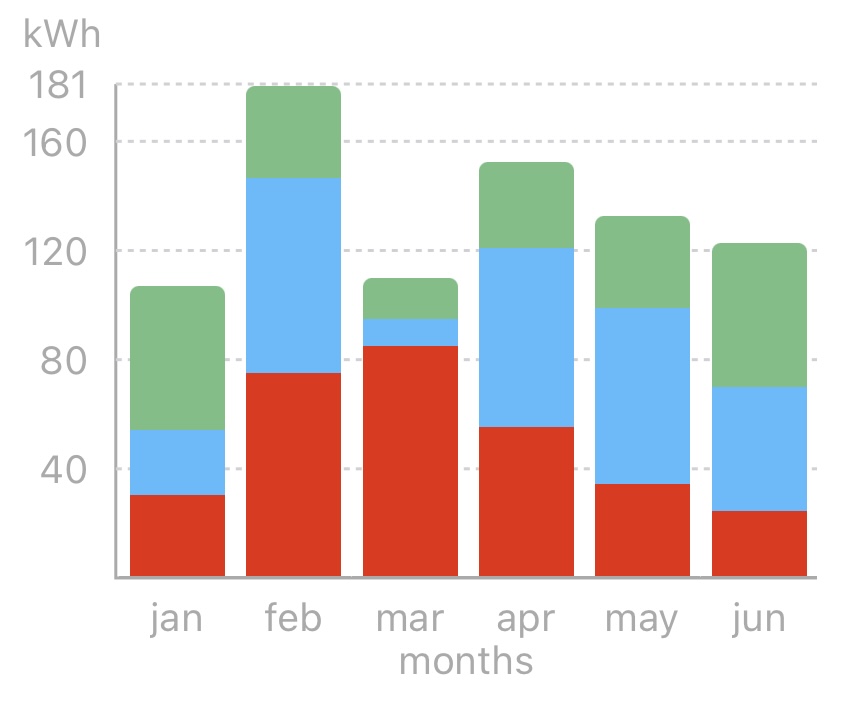
| **Plain Bar Chart** | **Multi Value Bar Chart** | **Horizontal Multi Value Bar Chart** |
| Bar class: `FLPlainChartBar` | Bar class: `FLMultipleValuesChartBar` | Bar class: `FLHorizontalMultipleValuesChartBar` |
| Data type: `SinglePlotable` | Data type: `MultiPlotable` | Data type: `MultiPlotable` |
|  |  |  |
| ![]() | | |
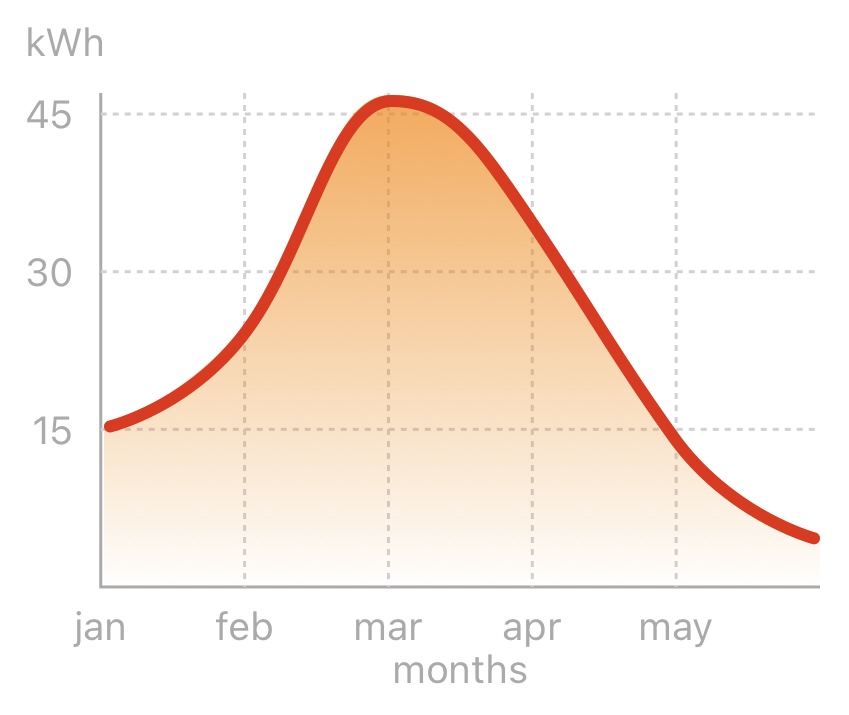
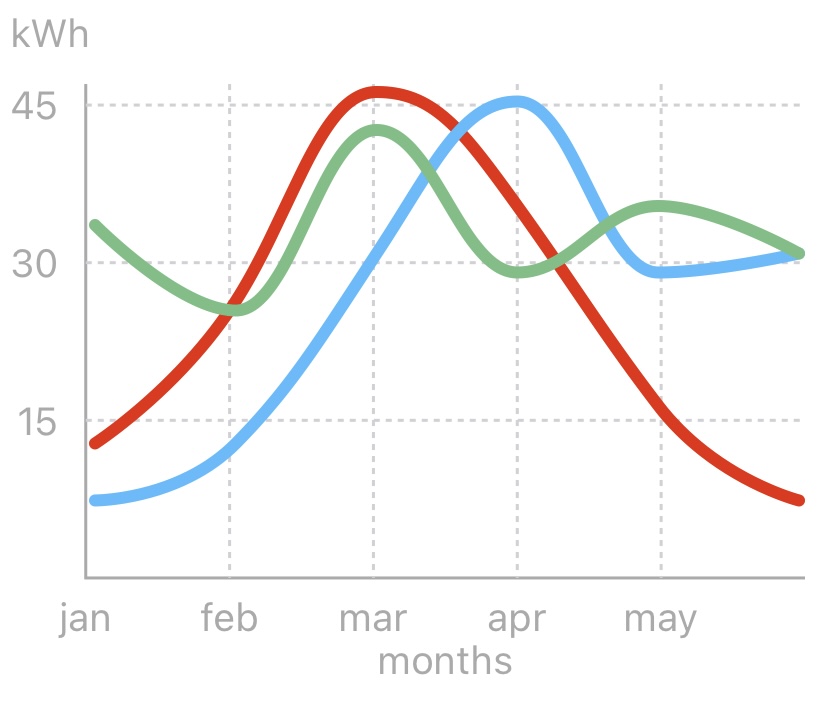
| **Line Chart** | **Multi Value Line Chart** | **Scatter Chart** |
| Data type: `SinglePlotable` | Data type: `MultiPlotable` | Data type: `ScatterPlotable` |
|  |  |  |
|
| | |
| **Line Chart** | **Multi Value Line Chart** | **Scatter Chart** |
| Data type: `SinglePlotable` | Data type: `MultiPlotable` | Data type: `ScatterPlotable` |
|  |  |  |
| ![]() | | |
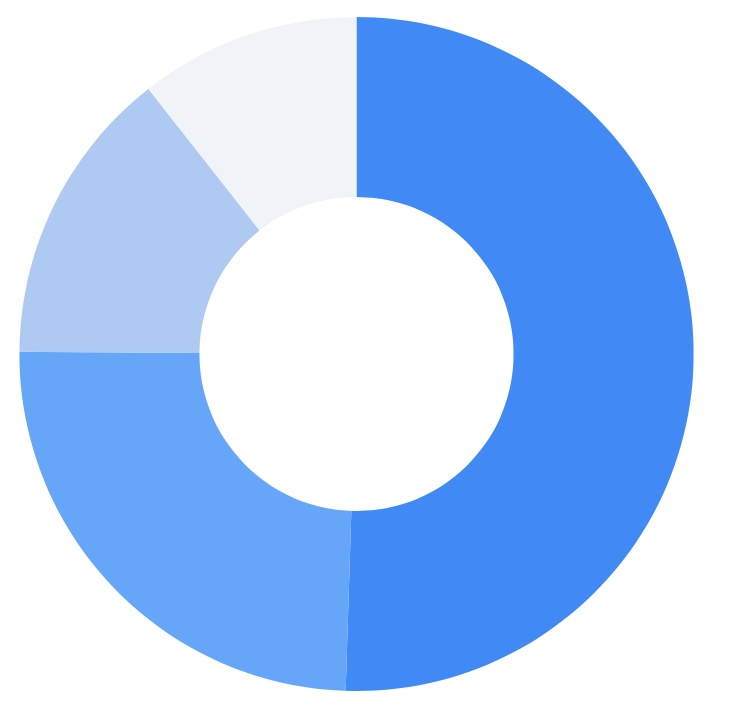
| **Radar Chart** | **Pie Chart** |
| Data type: `FLDataSet` | Data type: `FLPiePlotable` |
|  |  |
## Examples
| | | |
| ----------- | ----------- | ----------- |
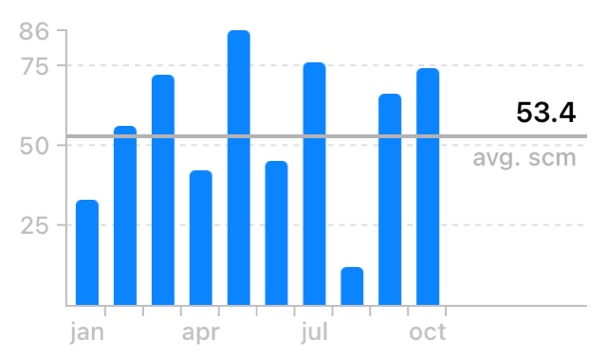
| **Highlighted Bar** | **Average view** | **Bar chart embedded in FLCard** |
| Highlight View: `BarHighlightedView` | `showAverage = true` | |
|  |  |  |
|
| | |
| **Radar Chart** | **Pie Chart** |
| Data type: `FLDataSet` | Data type: `FLPiePlotable` |
|  |  |
## Examples
| | | |
| ----------- | ----------- | ----------- |
| **Highlighted Bar** | **Average view** | **Bar chart embedded in FLCard** |
| Highlight View: `BarHighlightedView` | `showAverage = true` | |
|  |  |  |
| ![]() | | |
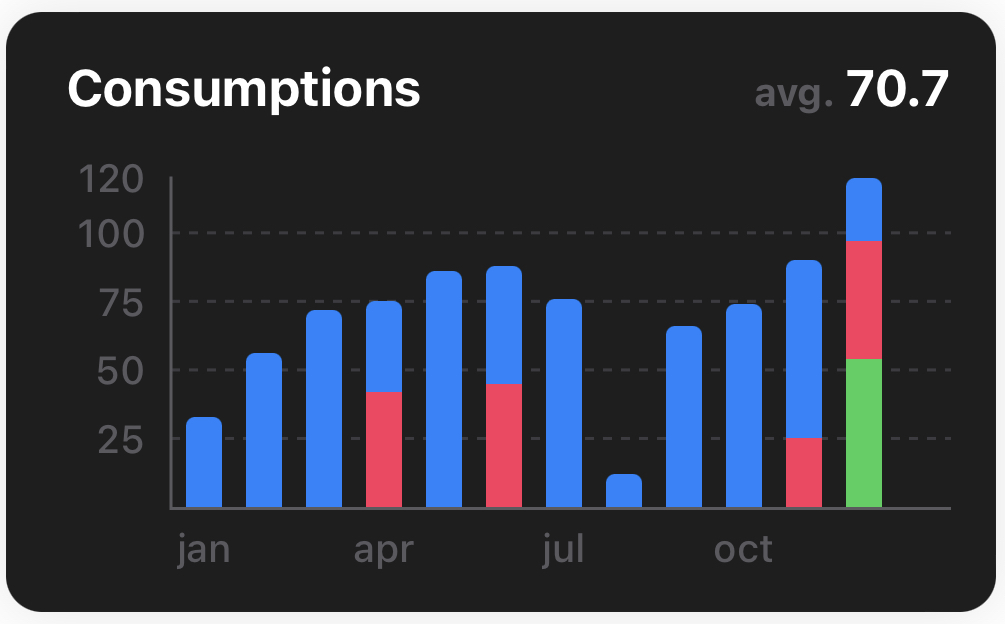
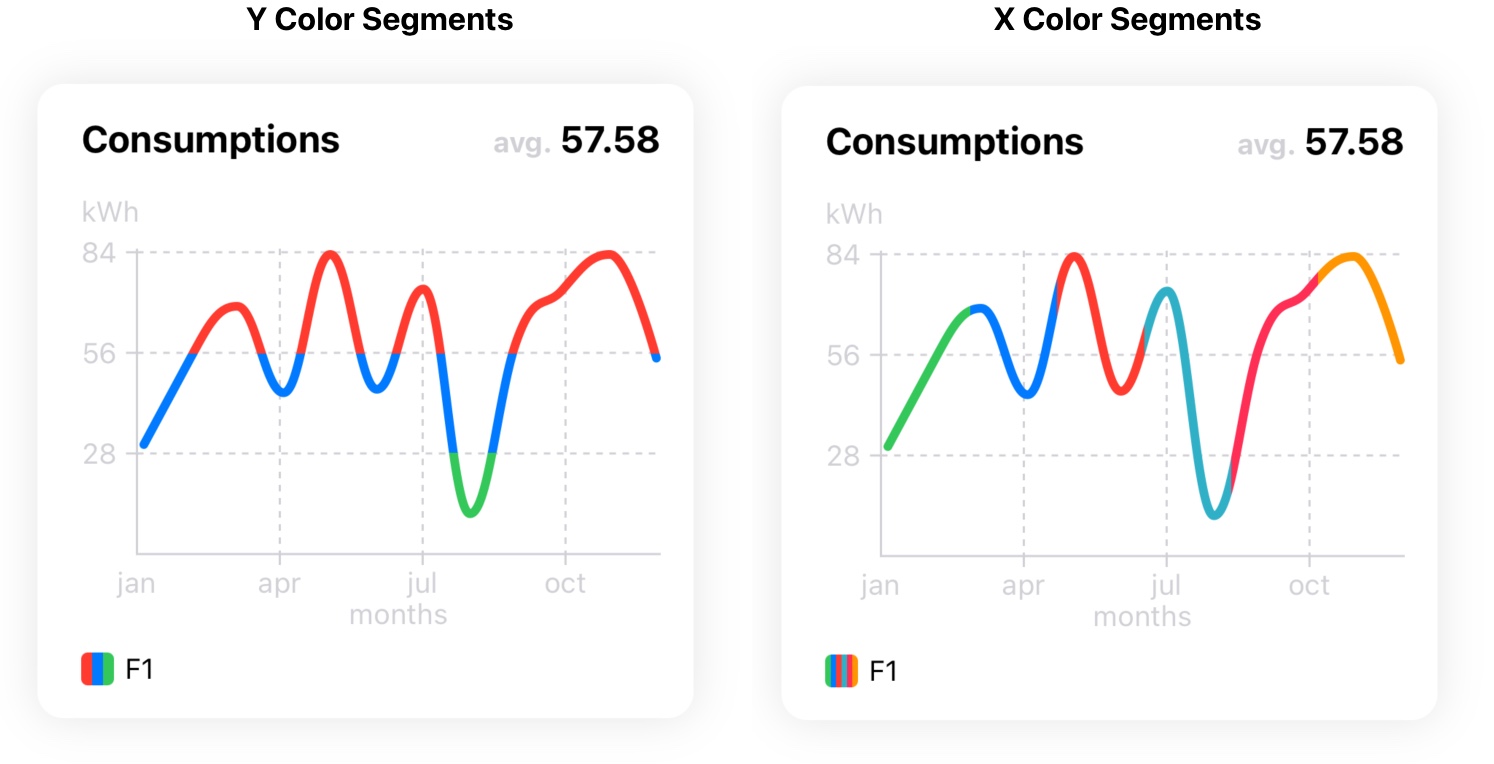
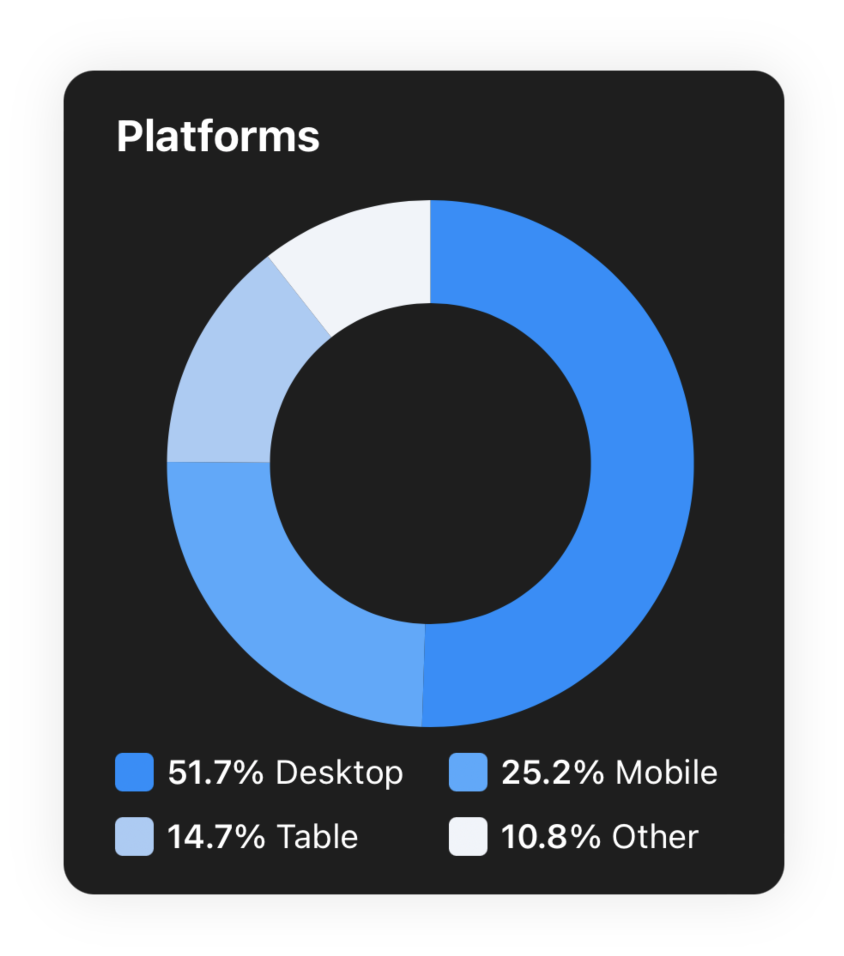
| **Dark Mode** | **Line Chart X and Y Segments** | **Pie Chart** |
| | X Segments: `Key(key: String, xColors: [UIColor])` | |
| | Y Segments: `Key(key: String, yThresholds: [CGFloat : UIColor], data: [PlotableData])` | |
|  |  |  |
## Animations
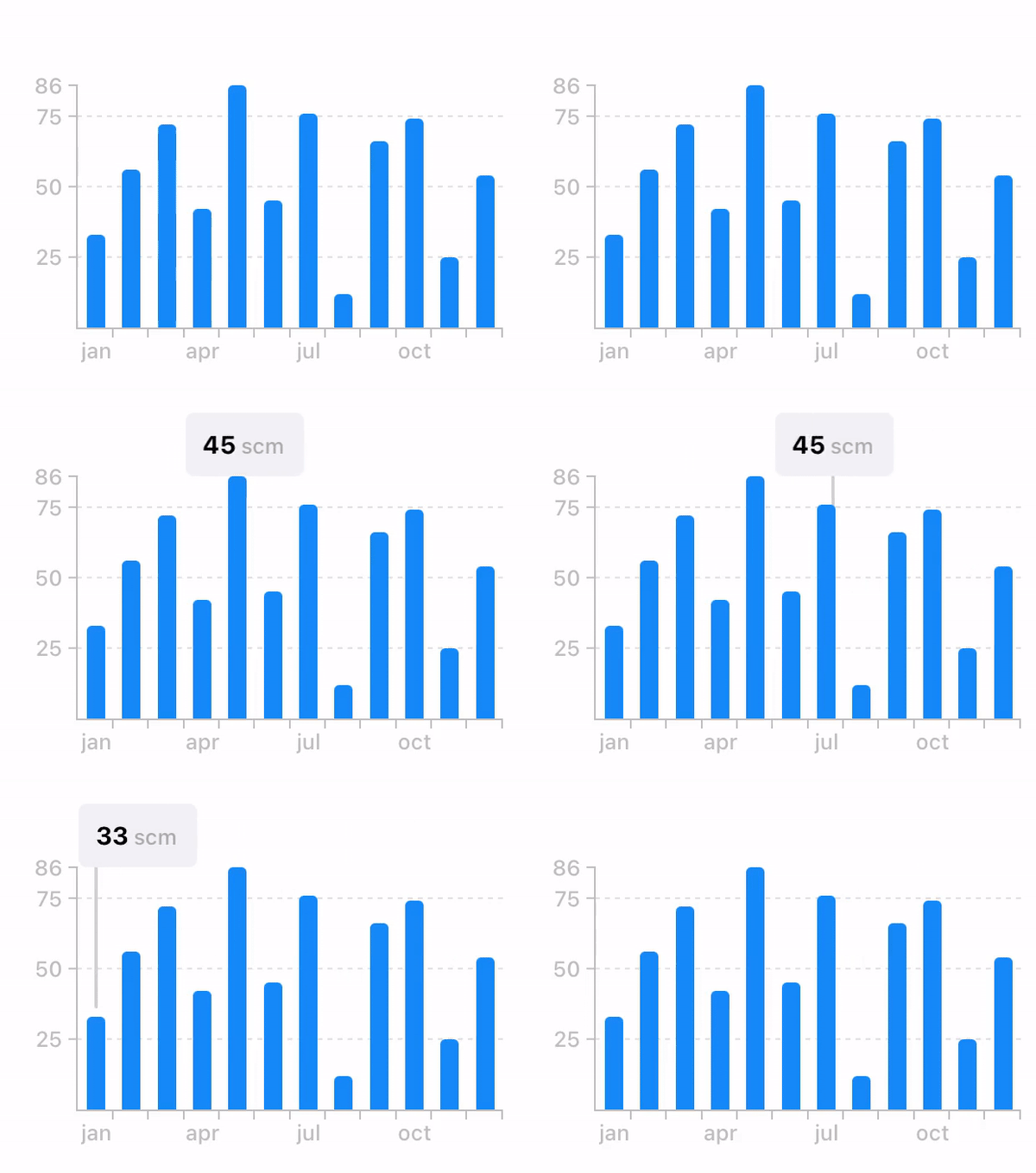
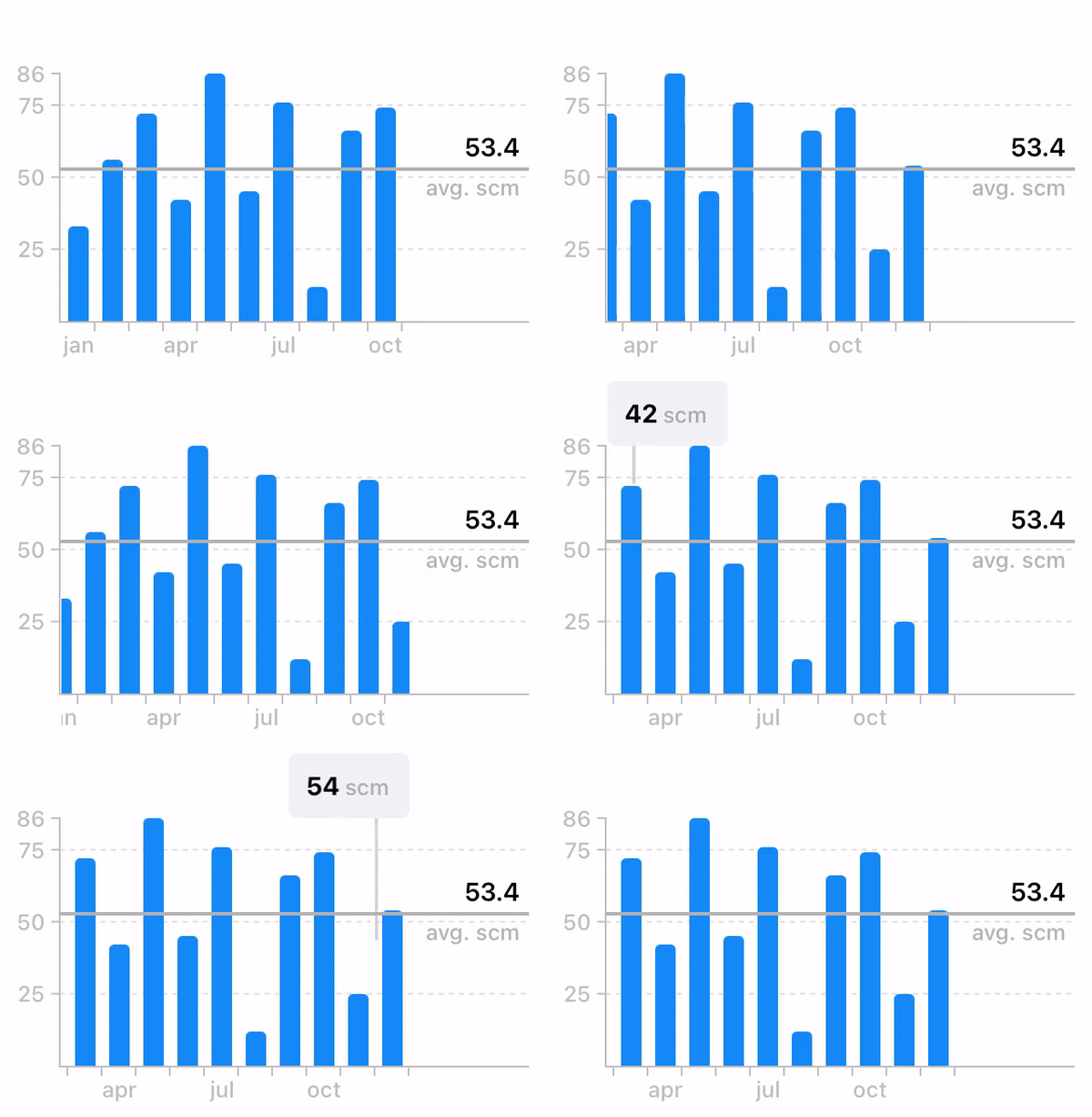
- **Panning while highlighted**
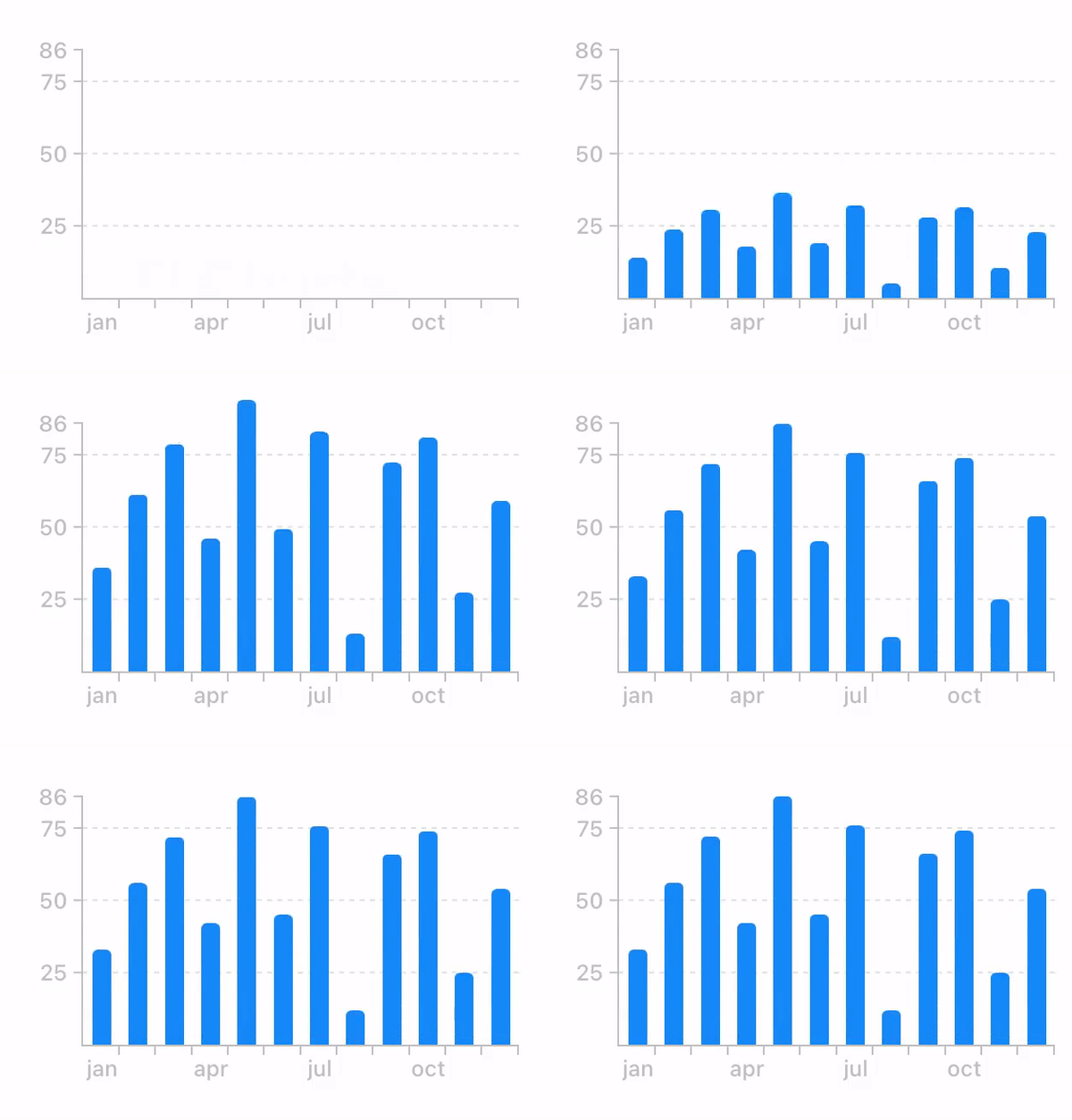
- **Chart animation**
- **Scrolling behaviour with average and highlighted views**
## Apps that uses FLCharts
- [Aware - Daily Bullet Journal](https://apps.apple.com/it/app/aware-daily-bullet-journal/id1560309401)
## Author
Francesco Leoni | [@franceleonidev](https://twitter.com/franceleonidev) | leoni.francesco98@gmail.it
## License
FLCharts is available under the MIT license. See the LICENSE file for more info.
| | |
| **Dark Mode** | **Line Chart X and Y Segments** | **Pie Chart** |
| | X Segments: `Key(key: String, xColors: [UIColor])` | |
| | Y Segments: `Key(key: String, yThresholds: [CGFloat : UIColor], data: [PlotableData])` | |
|  |  |  |
## Animations
- **Panning while highlighted**

- **Chart animation**

- **Scrolling behaviour with average and highlighted views**

## Apps that uses FLCharts
- [Aware - Daily Bullet Journal](https://apps.apple.com/it/app/aware-daily-bullet-journal/id1560309401)
## Author
Francesco Leoni | [@franceleonidev](https://twitter.com/franceleonidev) | leoni.francesco98@gmail.it
## License
FLCharts is available under the MIT license. See the LICENSE file for more info.