# Android Malware Example
Harmless Android malware using the overlay technique to steal user credentials.
> **UPDATE 15.12.2016** we open-sourced our **Android Overlay Protection app**, you can check it out the source code [here](https://github.com/geeksonsecurity/android-overlay-protection).
> **UPDATE** starting with Android 5.1 the [ActivityManager.getRunningAppProcess](http://developer.android.com/reference/android/app/ActivityManager.html#getRunningAppProcesses) API don't return all processes running on the system anymore. We moved to a more *naive* solution which doesn't require any permissions, for more information [press here](http://stackoverflow.com/questions/30619349/android-5-1-1-and-above-getrunningappprocesses-returns-my-application-packag).
## Disclamier
This software is intended to sensitize users to this kind of attacks.
Don't use it for any other purposes!
## Quick Start
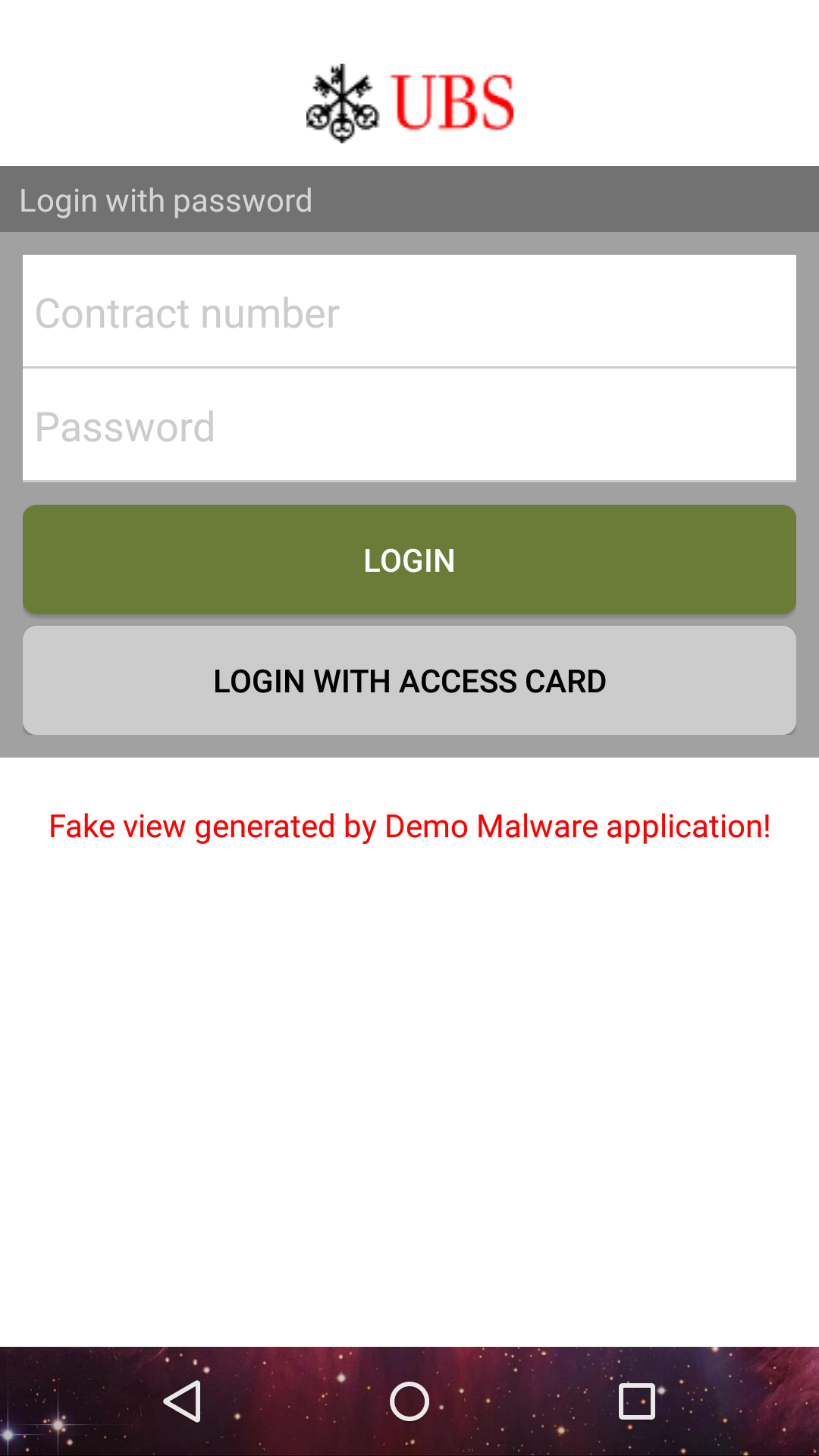
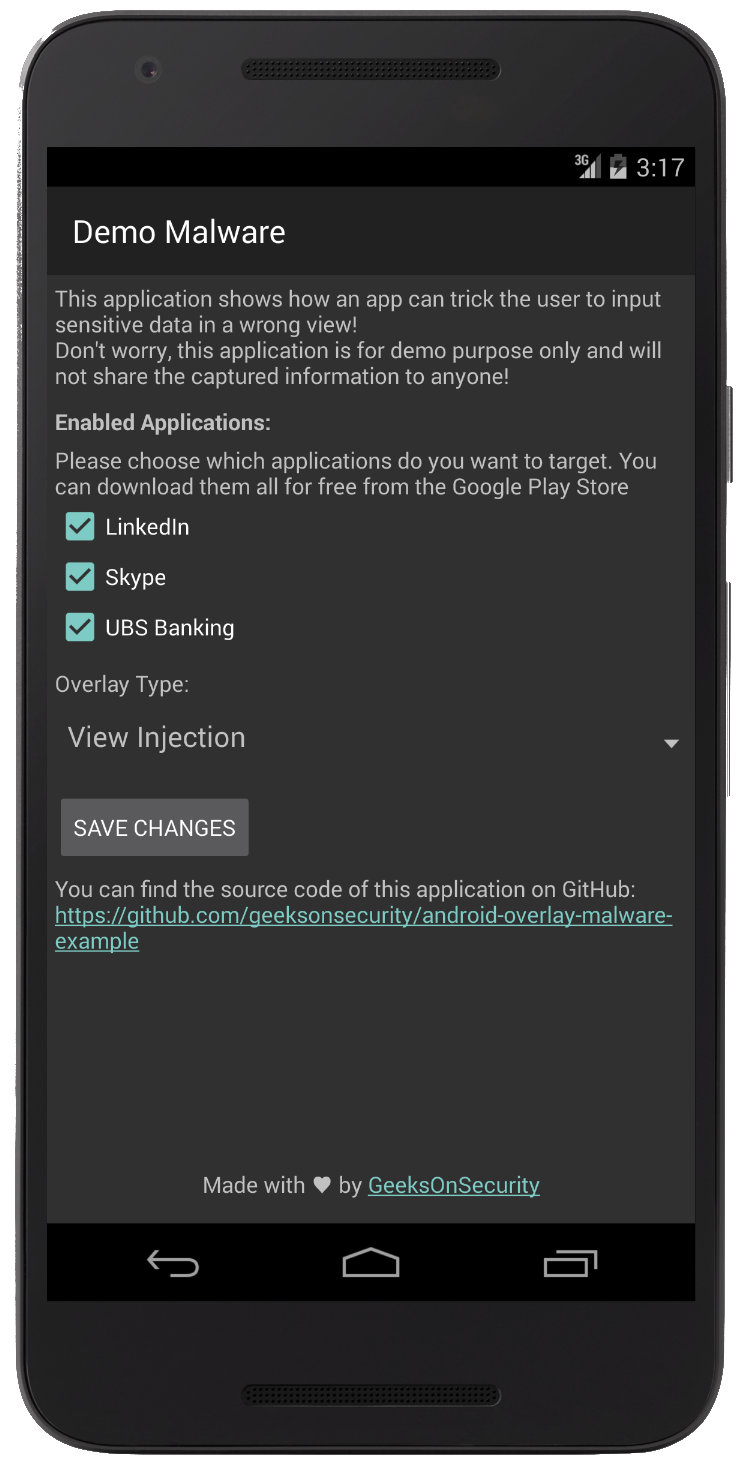
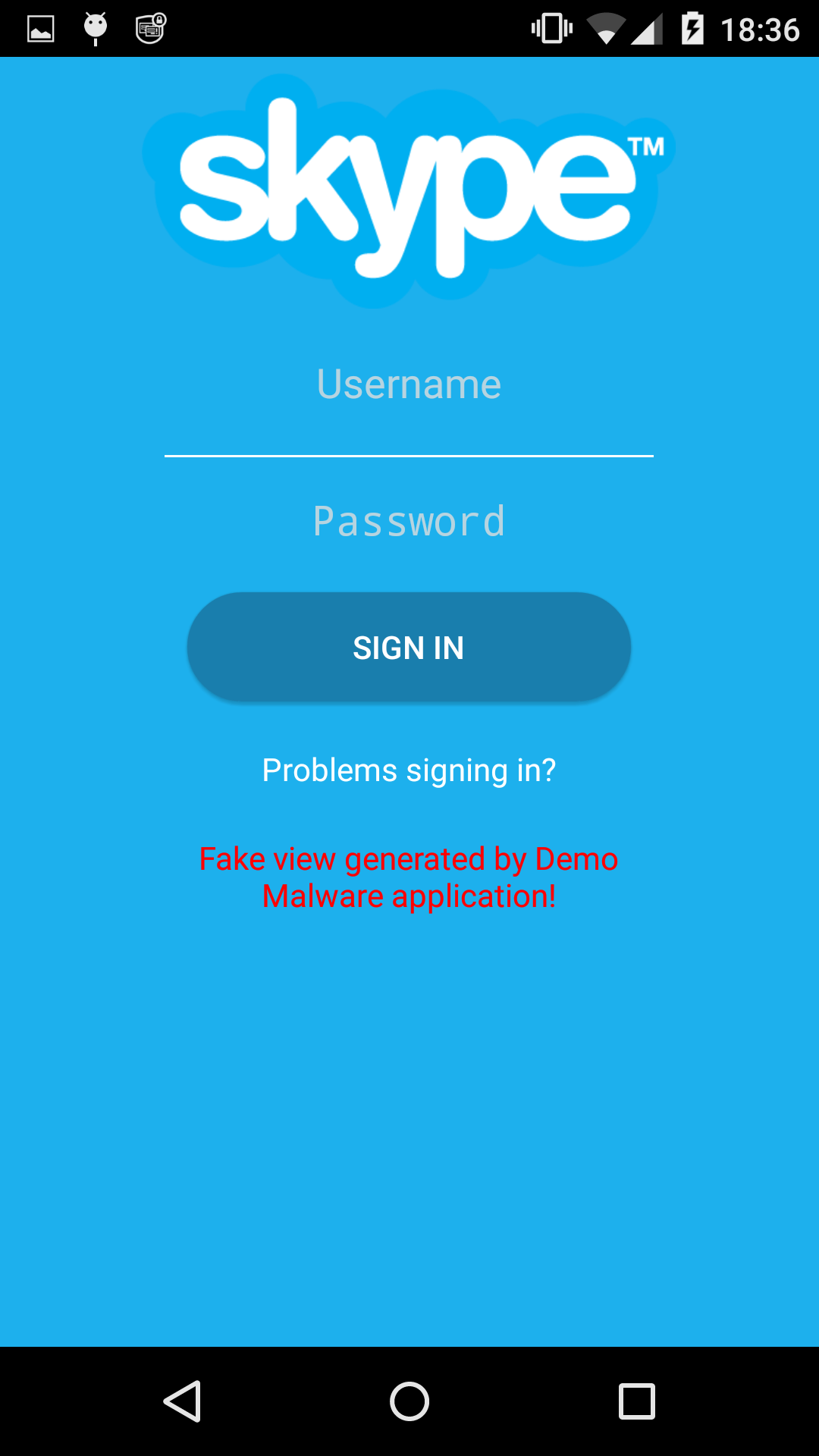
In the main screen you can select which application are going to be overlayed (currently between Linkedin, Skype, and UBS Mobile App).
Furthermore you can choose the type of overlay between:
* View overlay with `WindowsManager.addView`
* Activity overlay with `startActivity`
The application has been tested on Nexus 5 with Android 6 (Real device) and Nexus 5X with Android 4.4.2 (Emulator).
For more background information about overlays please check our [last blog post](http://www.geeksonsecurity.com/android-overlay-malware/2016/07/27/android-overlay-malware-analysis/).
## Installation
First you need to download the last APK from the [project release page](https://github.com/geeksonsecurity/android-overlay-malware-example/releases).
If you prefer, you can clone the source and build the package yourself.
Since the package is not coming from Google Play, you need to enable the "Unknown sources" flag in the Security Settings of the device.
This last step is only required if you are deploying to a real device, emulators normally allows install of untrusted apps by default.
To install on a real device, you can issue the following command:
```
adb install -r android-overlay-malware-example-X_X.apk
```
or just upload/download it from a cloud storage and install it directly on the phone. You should then find the Demo Malware application in the application list. Per default the malware will try to inject to all supported application, you can change this behaviour by adjusting the settings directly within the application.
## Some screenshots
### Home Screen
 ### Skype Overlay
 ### UBS Overlay