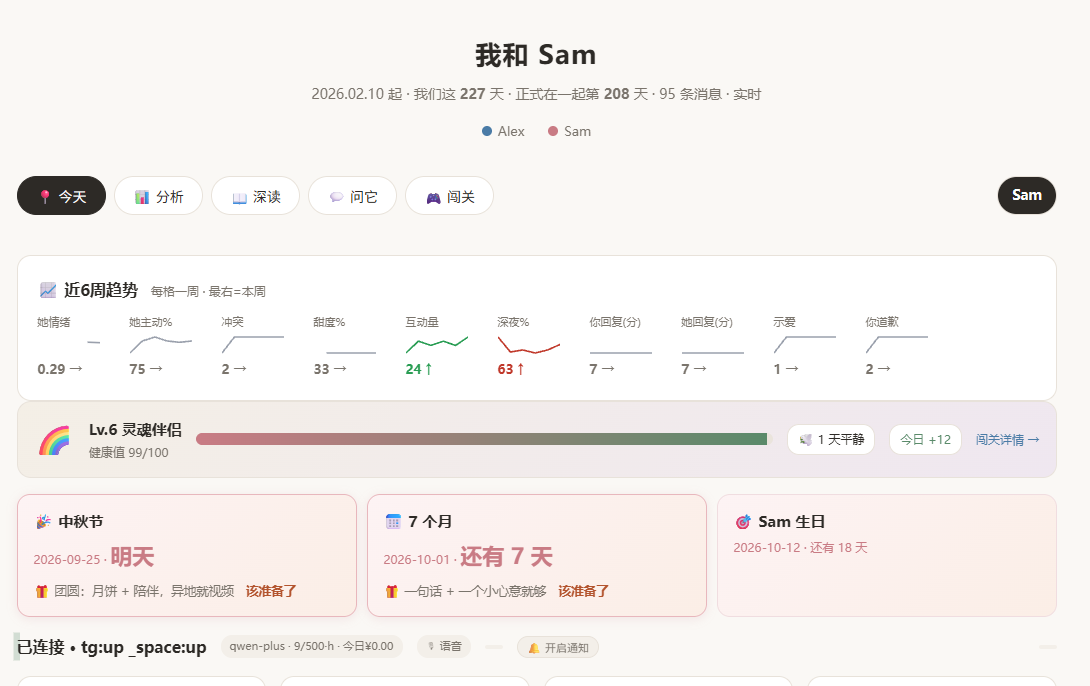
 ## Quick start
### Windows
1. Download **`RelateSetup.exe`** from [Releases](../../releases/latest) and run it — no admin rights or Node.js needed.
2. Relate opens in your browser. Set a password.
3. **Settings → AI provider** → paste an API key → **Test**.
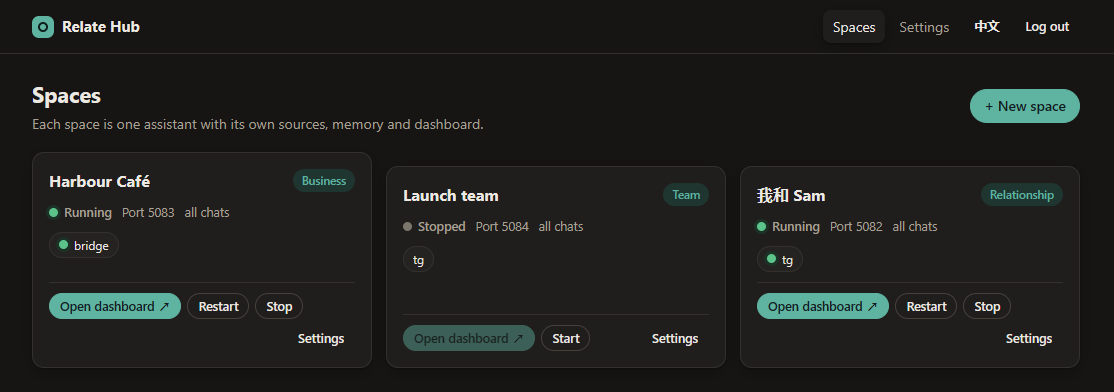
4. **New space** → pick a template → connect a chat app → **Start**.
Prefer no installer? Grab the **portable zip**, unzip anywhere, double-click `Relate.vbs`.
Your data lives in `%APPDATA%\Relate` and survives upgrades.
### macOS / Linux / from source
Needs [Node.js 22+](https://nodejs.org).
```bash
git clone https://github.com/georgeding/Relate && cd Relate
npm install
npm start # → http://127.0.0.1:5080/hub/
```
## Connect your chats
| Source | Reads | Sends | Get started |
|---|:-:|:-:|---|
| **Telegram** | ✓ | ✓ | create a bot with [@BotFather](https://t.me/BotFather) ([guide](https://core.telegram.org/bots/tutorial)) and paste its token |
| **Any app** (WhatsApp, Slack, LINE, email…) | ✓ | ✓ | push messages over HTTP from a small bridge — [docs/INGEST.md](docs/INGEST.md) |
| **Voice recordings** ([Plaud](https://www.plaud.ai) and others) | ✓ | – | drop transcripts in a folder; each recording is routed to the right space |
| **WeChat** | ✓ | optional | two optional, Windows-only connectors — read [the risk notes](docs/CONNECTORS-AND-RISK.md) first |
> Relate contains no WeChat decryption, memory reading or code injection, and doesn't bundle third-party WeChat tools.
## Choose an AI
Any **OpenAI-compatible** API works. Pick one you trust:
| Provider | | Provider | |
|---|---|---|---|
| [Alibaba Model Studio (Qwen)](https://bailian.console.aliyun.com) | 🇨🇳 | [OpenAI](https://platform.openai.com) | 🌍 |
| [DeepSeek](https://platform.deepseek.com) | 🇨🇳 | [OpenRouter](https://openrouter.ai) (many models, one key) | 🌍 |
| [Zhipu GLM](https://open.bigmodel.cn) | 🇨🇳 | [Ollama](https://ollama.com) / [LM Studio](https://lmstudio.ai) | 💻 fully local |
| [Volcengine Doubao](https://www.volcengine.com/product/ark) | 🇨🇳 | | |
Relate batches its work, pauses when nobody's looking and caps calls per hour — a typical question costs a few
thousand tokens.
## Plugins
Switch built-ins on per space — relationship spaces start with the first two.
| Plugin | What it does |
|---|---|
| 🎑 **Festivals & anniversaries** | Spring Festival, Qixi, Mid-Autumn (lunar dates computed for any year), 520, Valentine's… plus day 100 / 520 / 1000, anniversaries and birthdays — with a push a few days ahead |
| ⏰ **Reply nudge** | a push when someone has waited too long for your reply |
| 🔔 **Keyword alert** | flags messages that mention words you watch |
| 🗓️ **Shift roster** | "who's on shift?" from a published [Google Sheet](https://support.google.com/docs/answer/183965) or any CSV |
| 🗄️ **Read-only SQL** | answers number questions from your Postgres, read-only |
Want something else? Describe it and the AI writes the plugin for you. → [Writing plugins](docs/PLUGINS.md)
## Use it from Claude, Cursor & co. (MCP)
Every space is an [MCP server](https://modelcontextprotocol.io), so AI tools can read your chats and board
(read-only). Copy the token from **Space → Access**, then e.g. in [Claude Code](https://docs.claude.com/en/docs/claude-code/mcp):
```bash
claude mcp add --transport http relate http://127.0.0.1:5081/mcp --header "Authorization: Bearer