Device Hub Pro
Android and iOS devices, side by side on your Mac.
Free and open source.
Download ·
Website ·
Features ·
Help
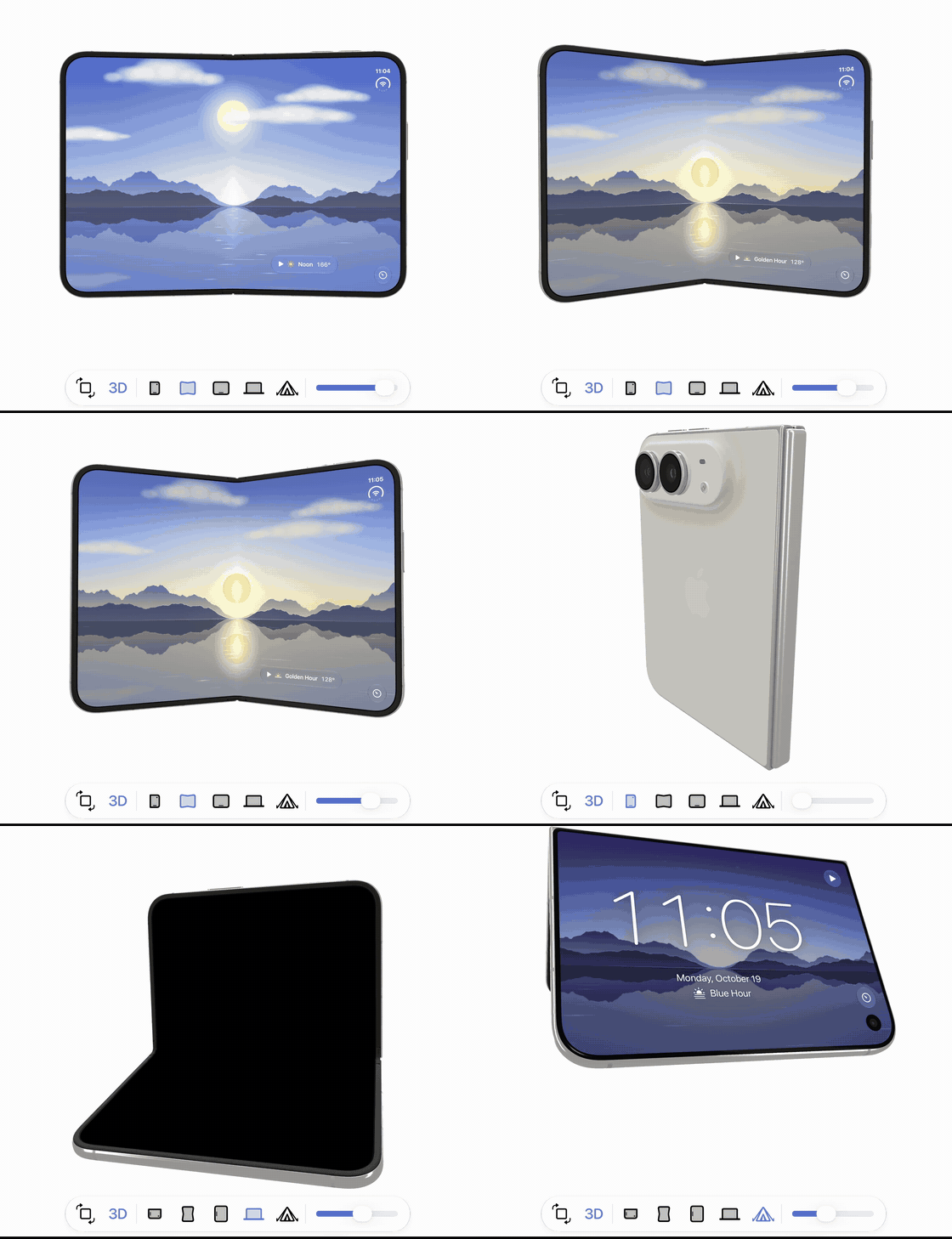
iPhone Duo in 3D: drag the hinge, turn it all the way round, switch postures. The app is Daybreak, a sample in ios/duo.
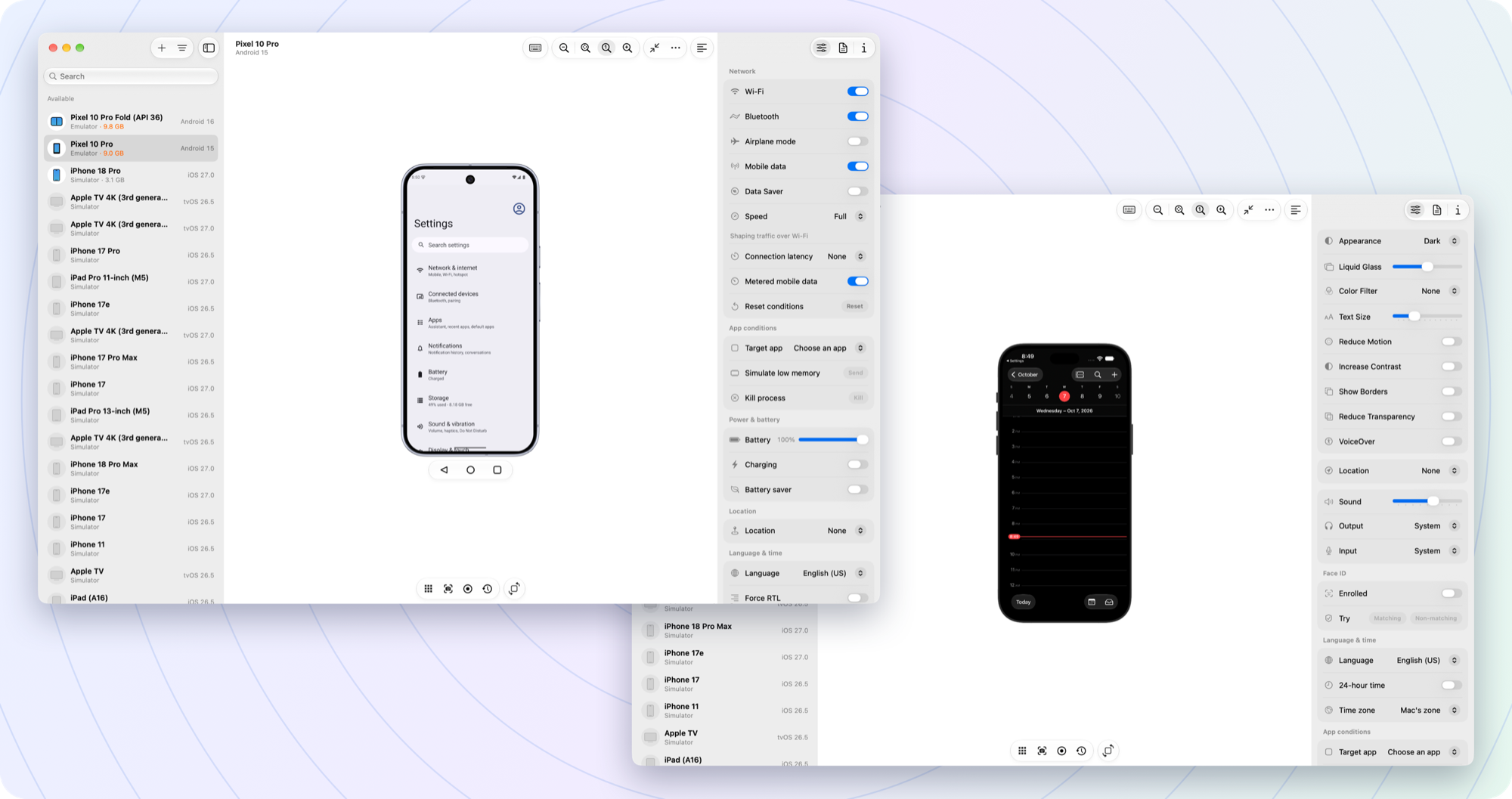
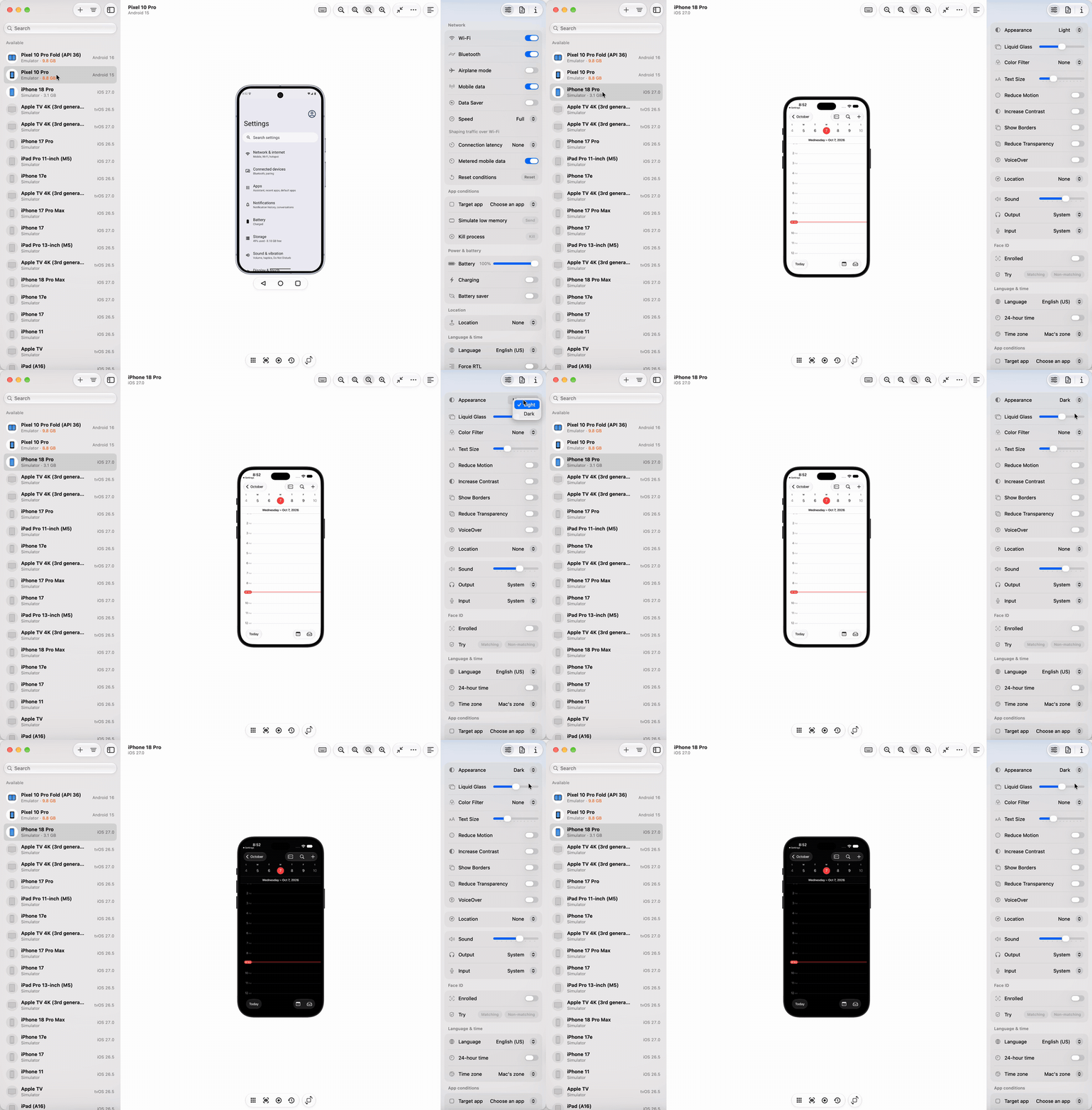
Pick a device, change a setting, see it on the device at once.
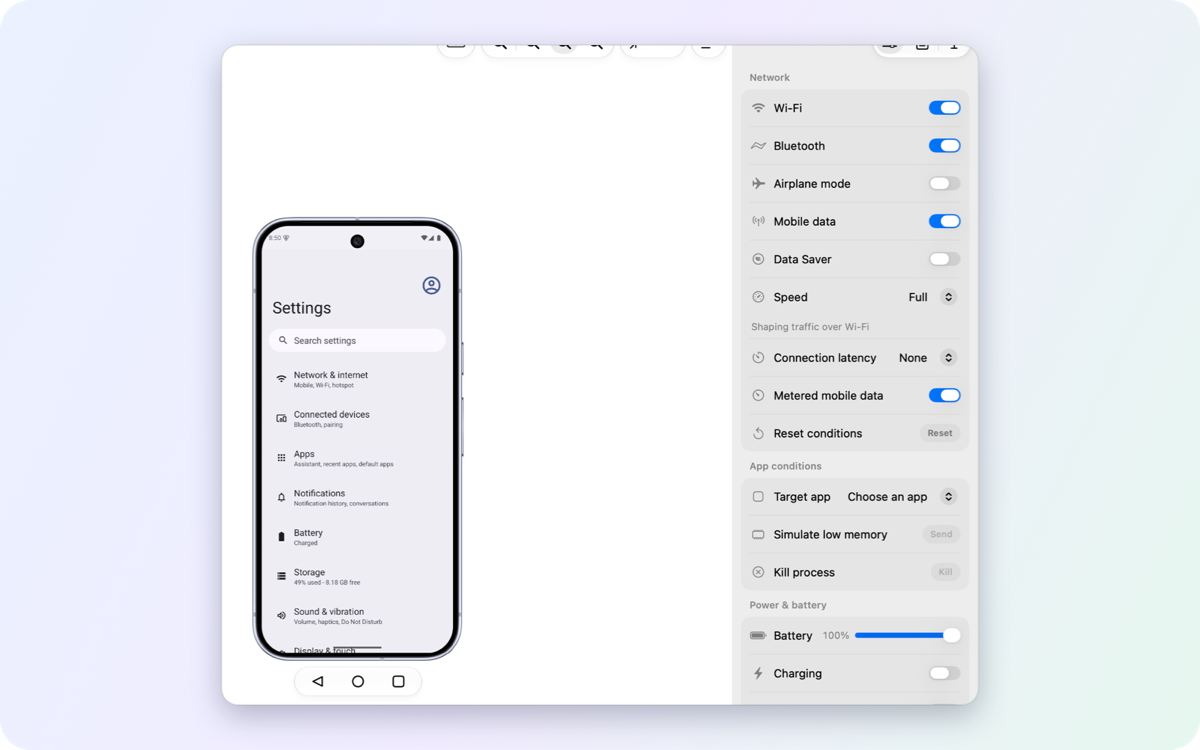
Controls · network, battery, location, appearance and more, read back from the device |
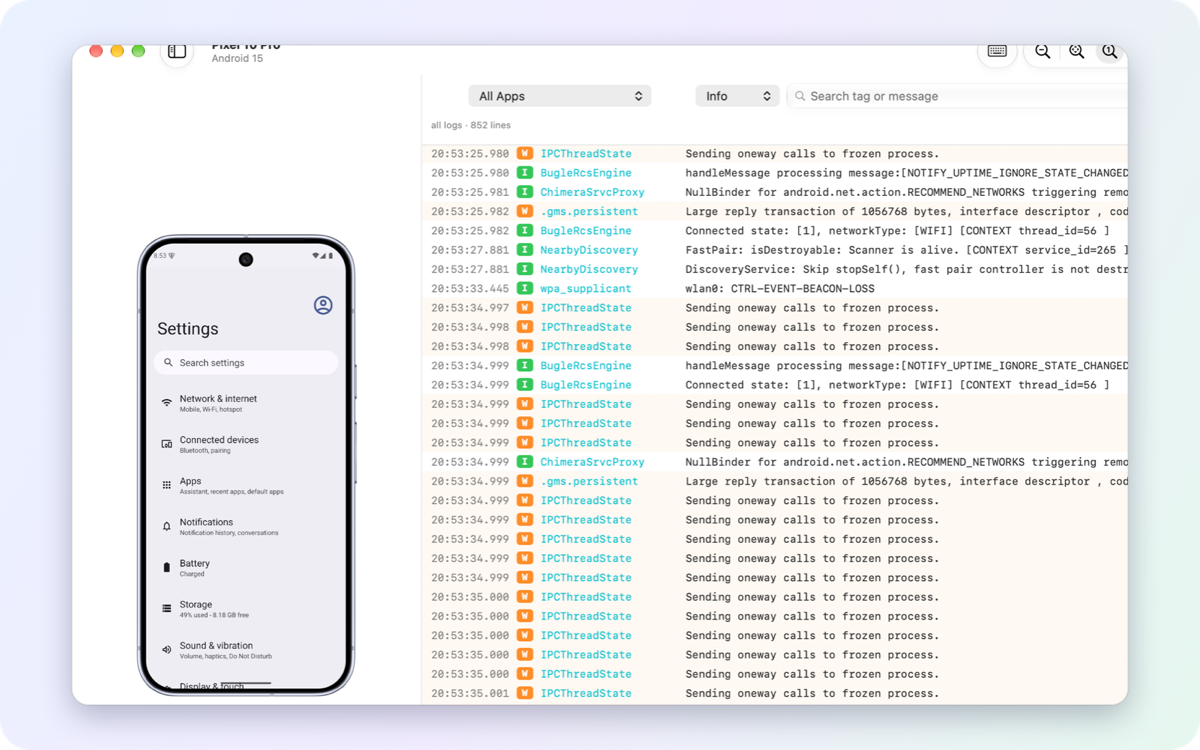
Logs · live, filtered by app, level or text, next to the device |
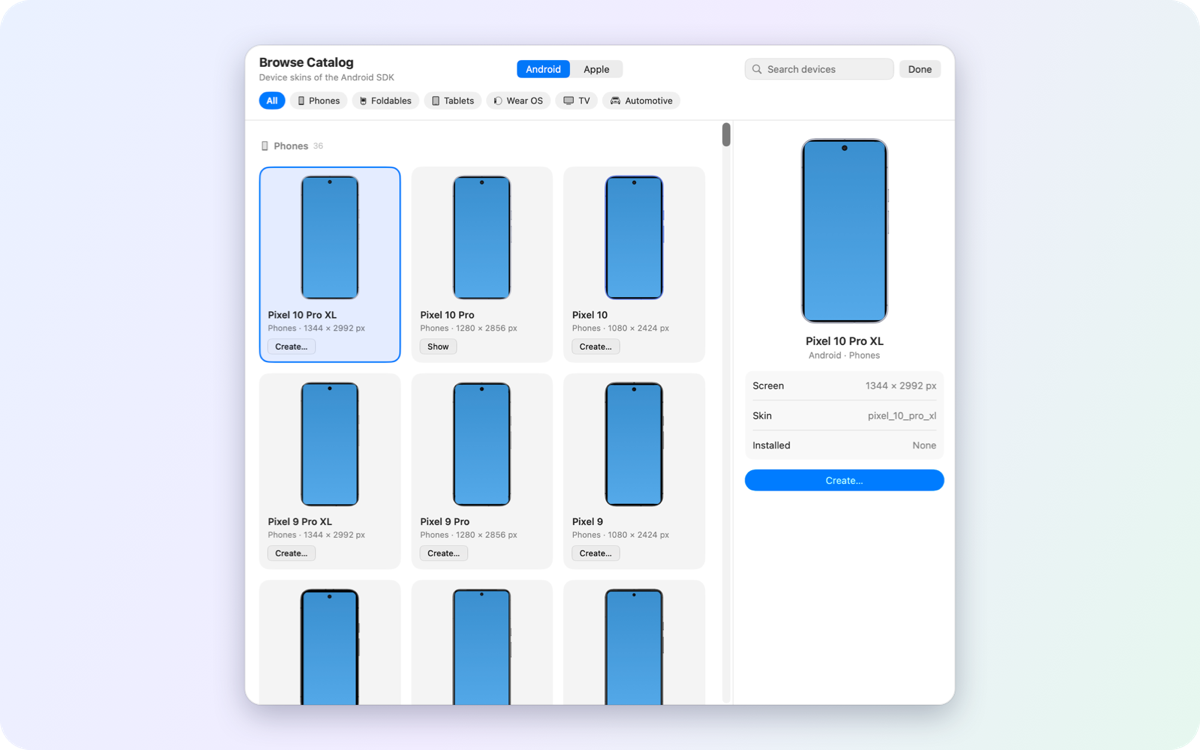
Emulators · create any Pixel from the catalog; images download in the background |
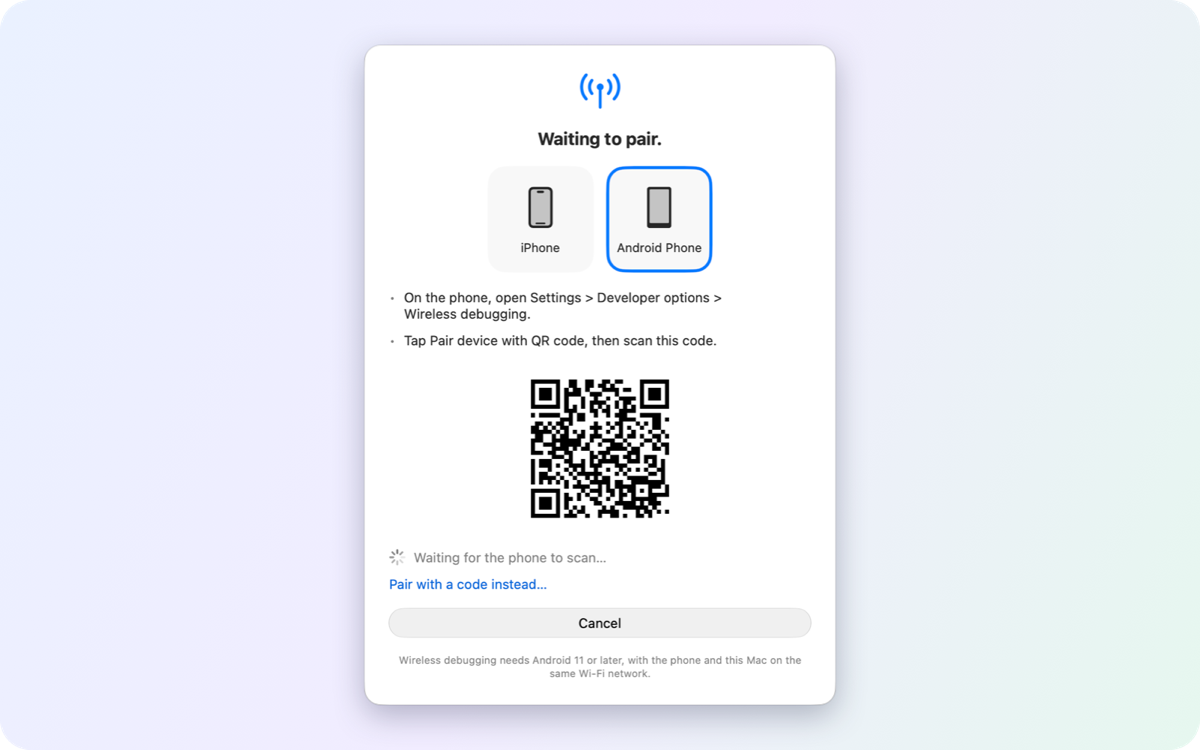
Wireless · pair an Android phone by QR code and keep it on Wi-Fi |
## What it does
- 📱 **All your devices in one list:** emulators, Android phones, iOS simulators, iPhones
- 🪞 **Mirror and control:** up to 60 fps, click, type, rotate, hardware buttons
- 🎛️ **Change device settings:** dark mode, text size, network, battery, location, language…
- 📸 **Capture:** screenshots, screen recordings, logs, crash reports
- 📦 **Manage apps:** drag and drop to install, launch, clear data, open deep links
- 🧰 **No Android Studio needed:** the app installs Google's tools for you
## Install
1. [Download the latest `.dmg`](https://github.com/gitemre/device-hub-pro/releases/latest)
2. Drag **Device Hub Pro** to Applications
3. Open it. Updates arrive inside the app.
## Requirements
- macOS 15 or later on an Apple silicon Mac
- **Android:** nothing; the first launch sets it up
- **iOS:** Xcode. Touch and keyboard input for simulators is verified with Xcode 27 (macOS 26.6 or later); with an older Xcode the simulator shows view-only
- **iPhone (optional):** turn it on in Settings; pair the phone in Xcode and switch on Developer Mode ([details](docs/features.md#everything-it-does))
## Good to know
- 🔒 **No tracking:** no accounts, analytics or telemetry.
- ⚠️ **Some iOS features use private Apple interfaces** (simulator touch, iPhone fast input and live view). Each can be turned off, and a macOS or Xcode update may break them for a while.
## More
[Website](https://gitemre.github.io/device-hub-pro/) · [Features](docs/features.md) · [Troubleshooting](docs/troubleshooting.md) · [Changelog](CHANGELOG.md) · [Contributing](CONTRIBUTING.md) · [Security](SECURITY.md)
MIT License · © 2026 Emre Özturk and contributors