Reference motion clips in paper, ink and vermilion

Awesome AI Motion

A motion field guide your AI agent can read.

637 techniques · 128 reference clips · 11 recipes · 7 design routes

한국어 · Website · Agent skill · Full catalog

Choose motion for what a scene needs to communicate. Each effect card gives you a definition, tuned parameters, examples, sources and prompts for Claude Code and Codex. ## Quick start ### 1. Get the guide ```bash git clone https://github.com/gongnyang/awesome-ai-motion.git cd awesome-ai-motion ``` Browsing the website, reading cards and using the skill require no dependency installation. For local rendering, use Node.js 20+, ffmpeg on PATH, and Playwright with Chromium installed. Run the following only when those rendering dependencies are missing: ```bash npm install # Optional if global playwright is available npx playwright install chromium # Skip if Chromium is already installed ffmpeg -version # Verify ffmpeg is on PATH ``` ### 2. Connect the skill Link this checkout into Claude Code’s skill directory: ```bash mkdir -p ~/.claude/skills ln -s "$PWD" ~/.claude/skills/awesome-ai-motion ``` Or copy it instead of creating a link. Choose one method; the destination should be unused. ```bash mkdir -p ~/.claude/skills cp -R "$PWD" ~/.claude/skills/awesome-ai-motion ``` For Codex, use the same link or copy under `~/.codex/skills/`. Copies need updating when the guide changes. Then ask the agent to choose an effect for the scene: ```text Choose motion for a product reveal. Read the effect card and use its default parameters. ``` ### 3. Render your first clip Render a copy with your own text, an embeddable stage and a separate output directory: ```bash node scripts/render.mjs effects/mask-reveal \ --embed --text "Make it move" --out .staging/my-first-motion ``` Open `.staging/my-first-motion/clip.mp4`, `preview.gif` or `poster.jpg`. The source effect stays available for reuse. Use an output directory outside `effects/` and `recipes/` to keep reference clips intact. ## Sixteen high-impact clips Large camera moves, bold reveals and shape changes show the range of the guide. Click a preview to read its card.
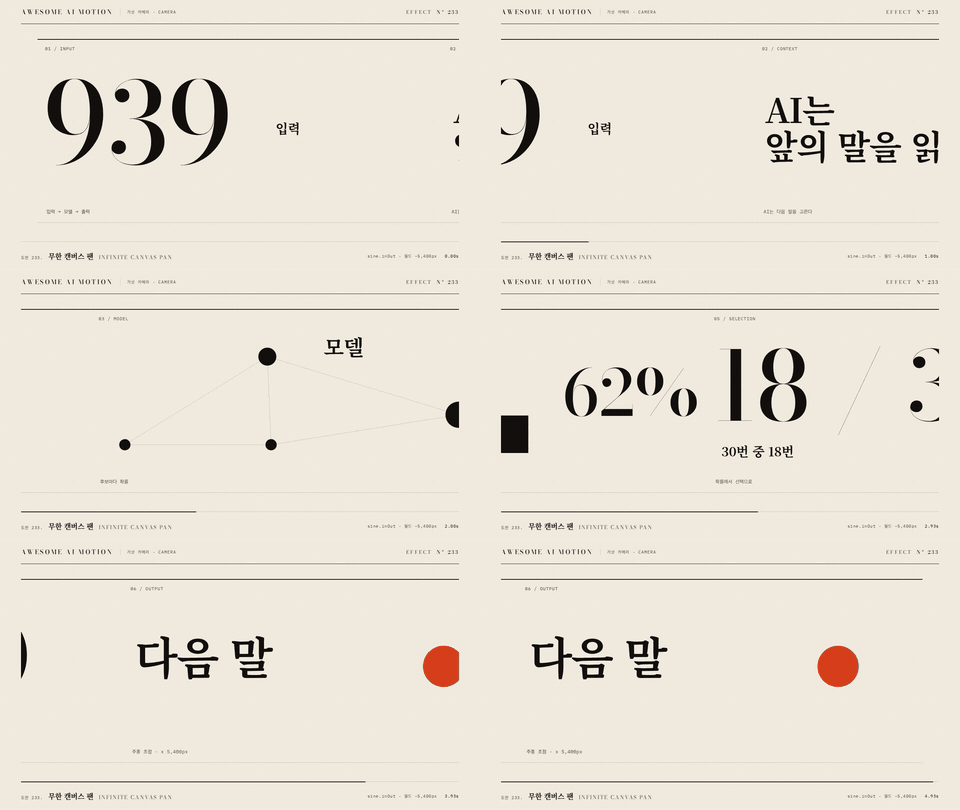
Infinite Canvas Pan
Infinite Canvas Pan

MP4
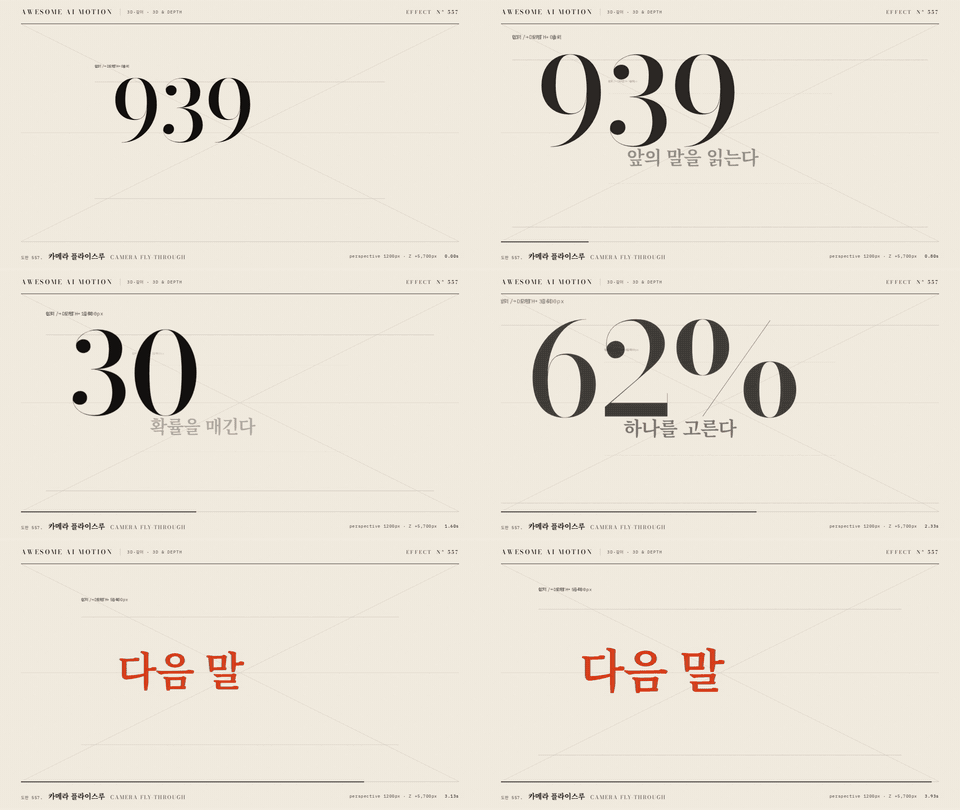
Camera Fly-through
Camera Fly-through

MP4
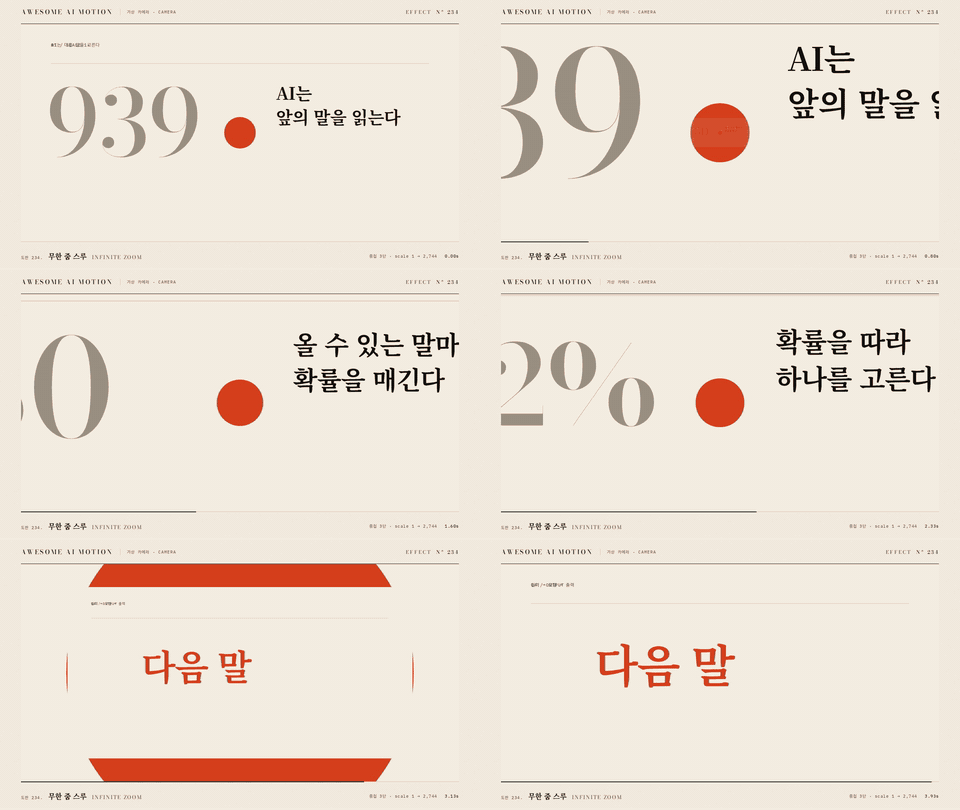
Infinite Zoom
Infinite Zoom

MP4
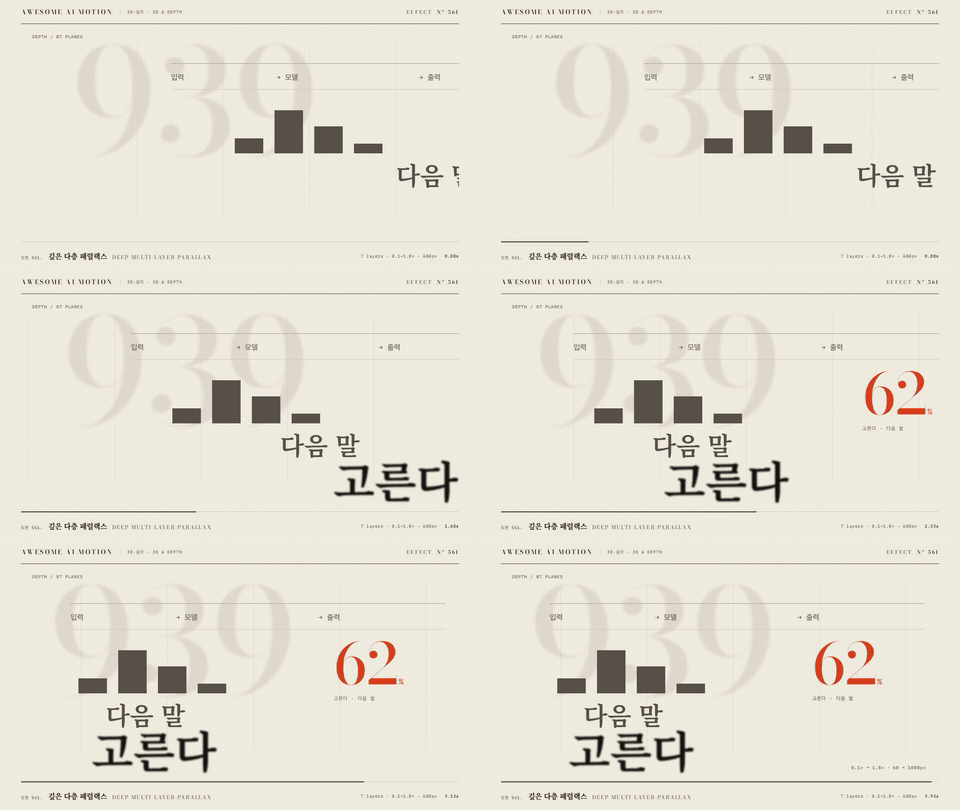
Deep Multi-layer Parallax

MP4
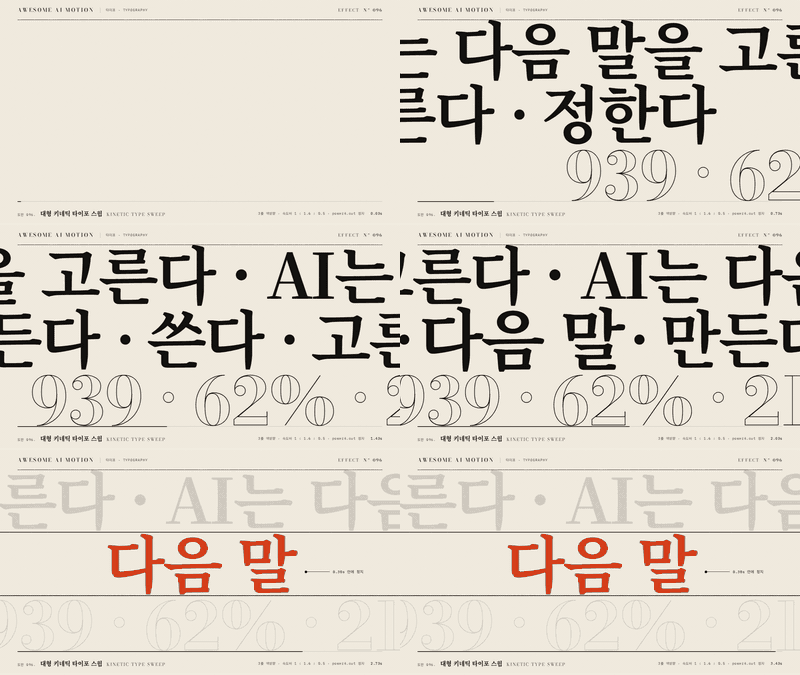
Kinetic Type Sweep
Kinetic Type Sweep

MP4
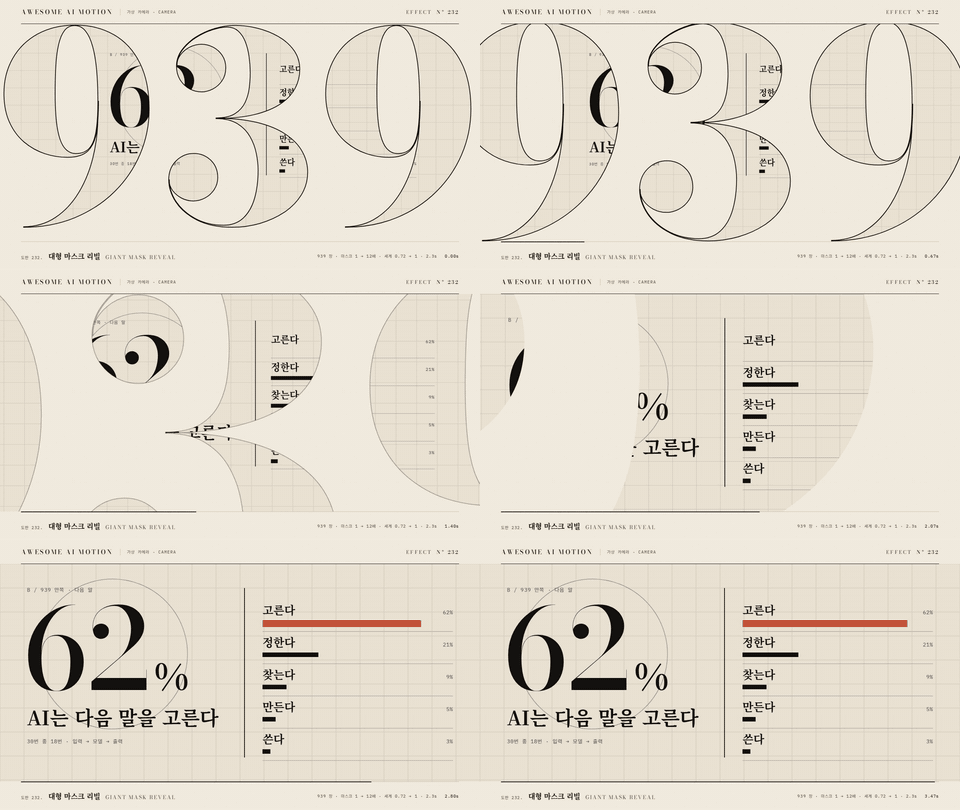
Giant Mask Reveal
Giant Mask Reveal

MP4
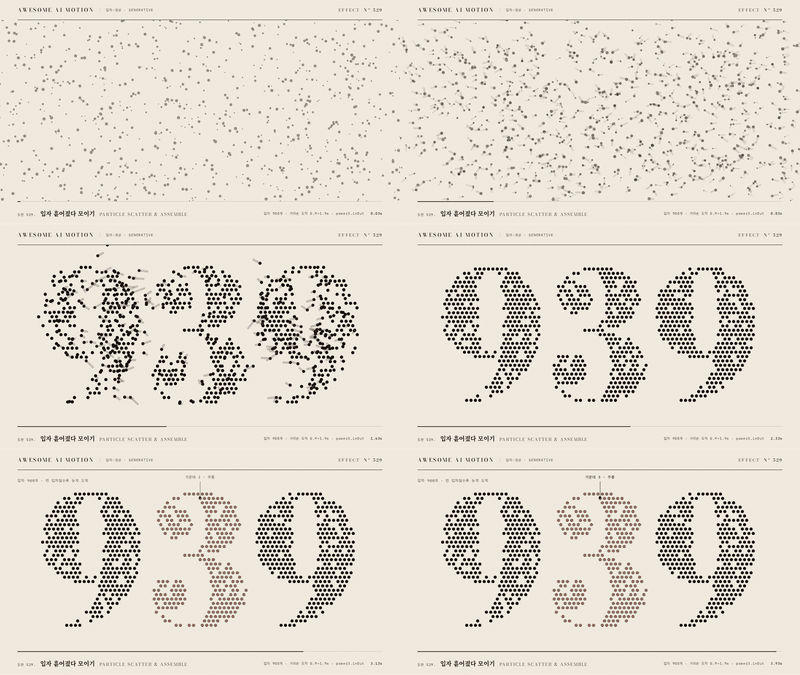
Particle Scatter & Assemble

MP4
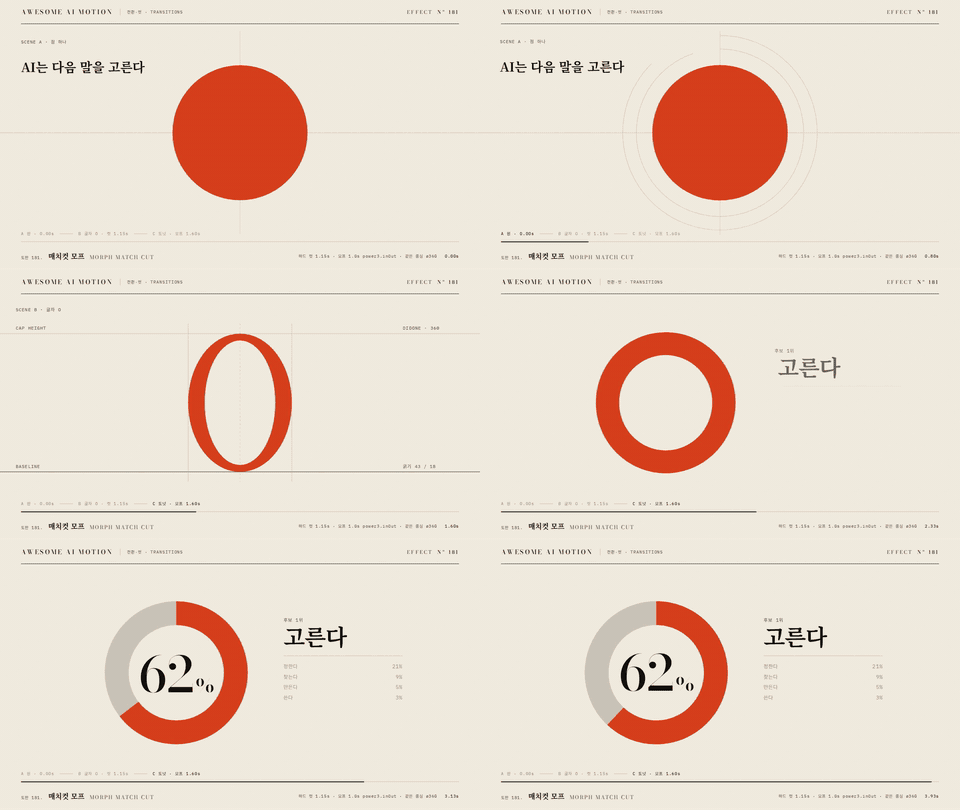
Morph Match Cut
Morph Match Cut

MP4
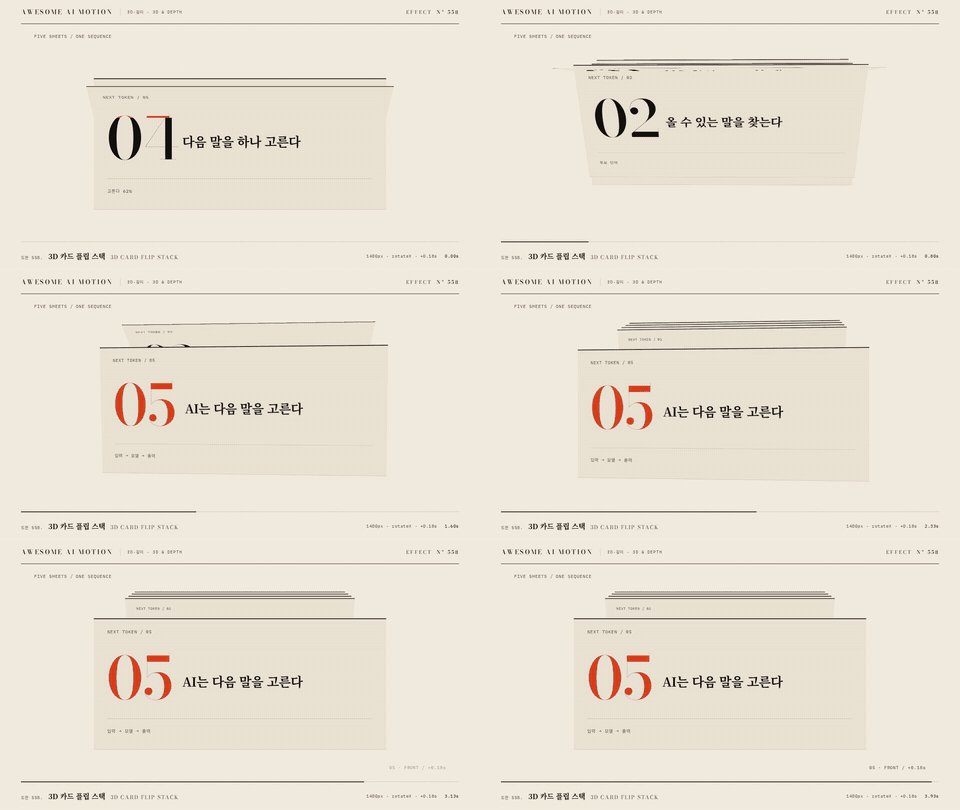
3D Card Flip Stack
3D Card Flip Stack

MP4
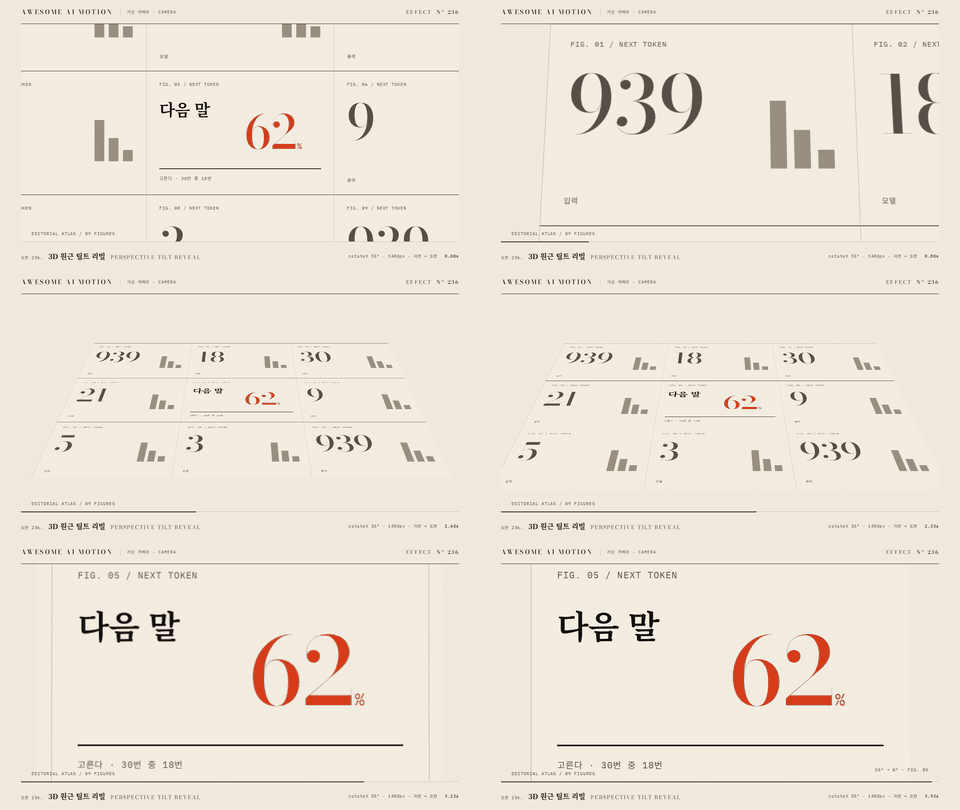
Perspective Tilt Reveal

MP4
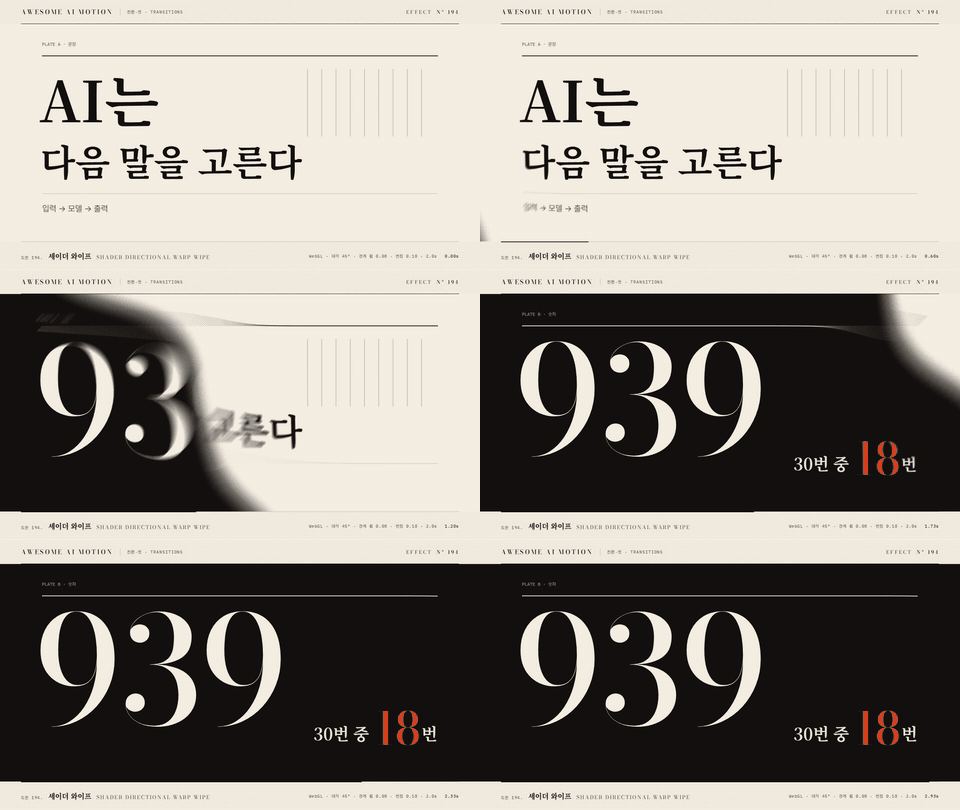
Shader Directional Warp Wipe

MP4
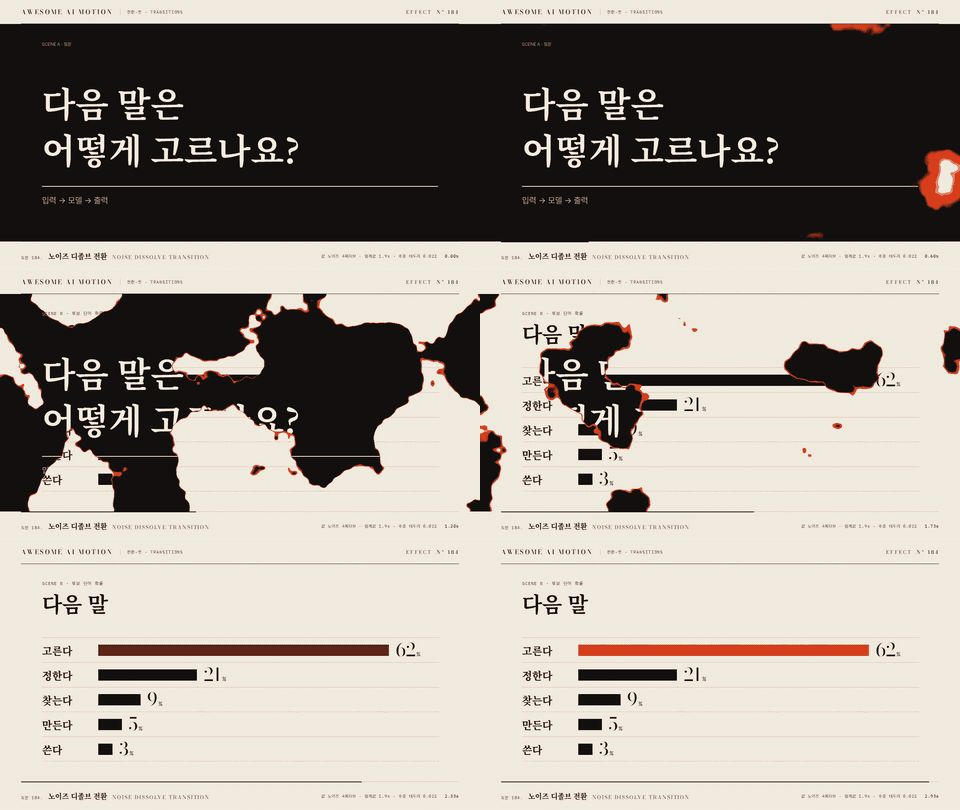
Noise Dissolve Transition

MP4
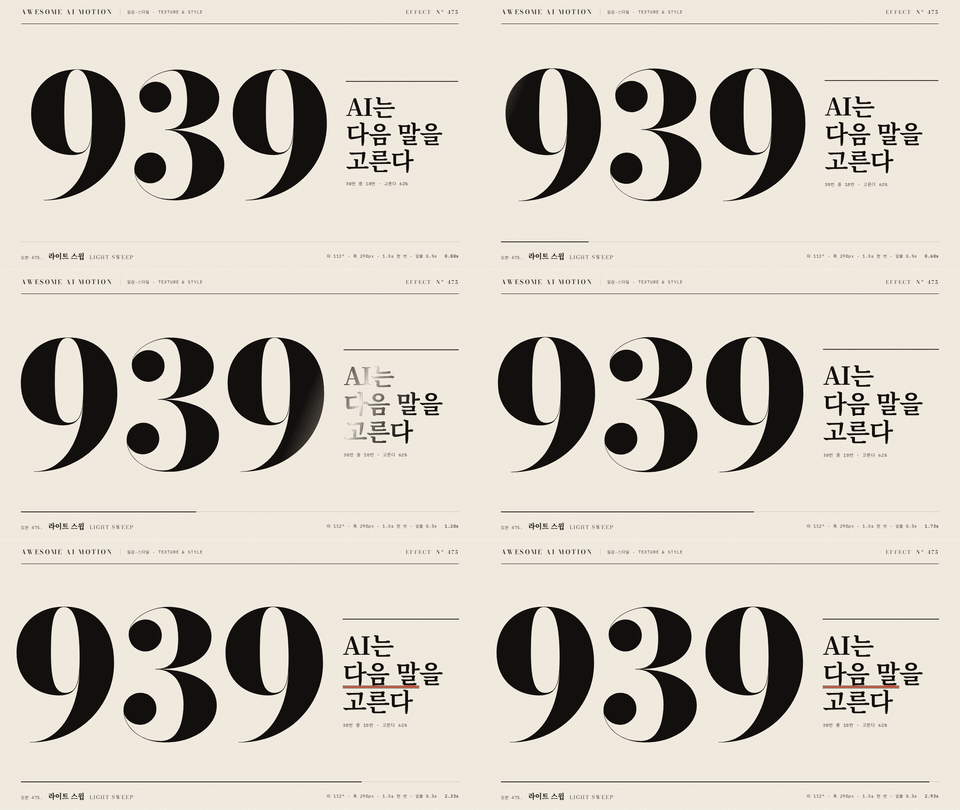
Light Sweep
Light Sweep

MP4
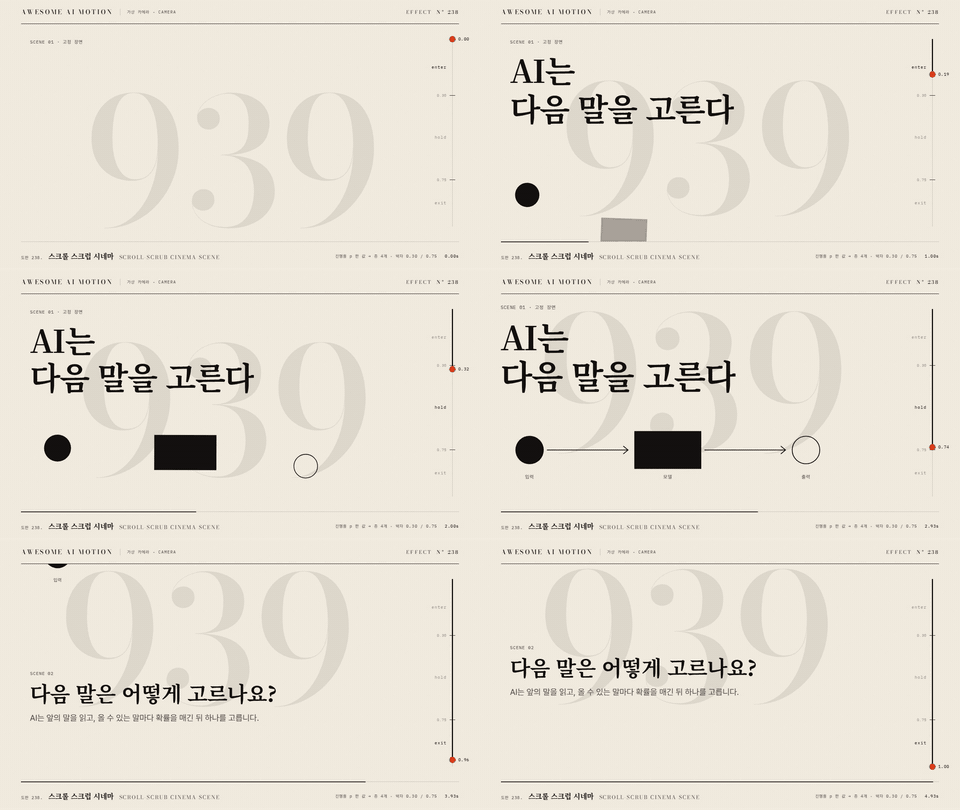
Scroll-scrub Cinema Scene

MP4
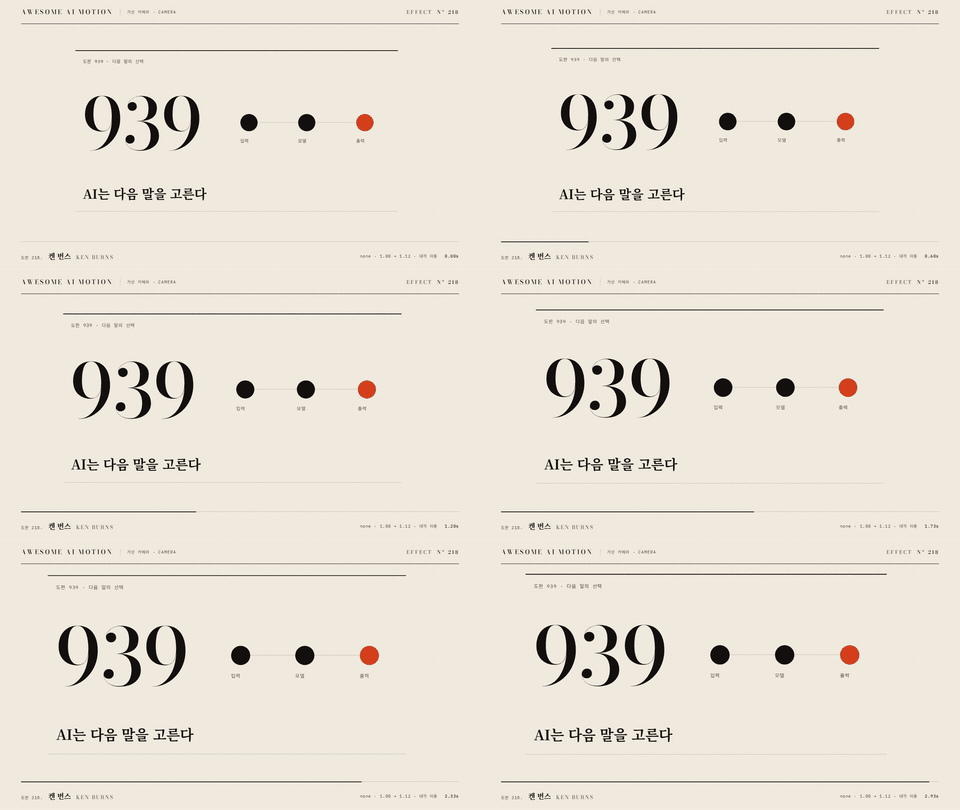
Ken Burns
Ken Burns

MP4
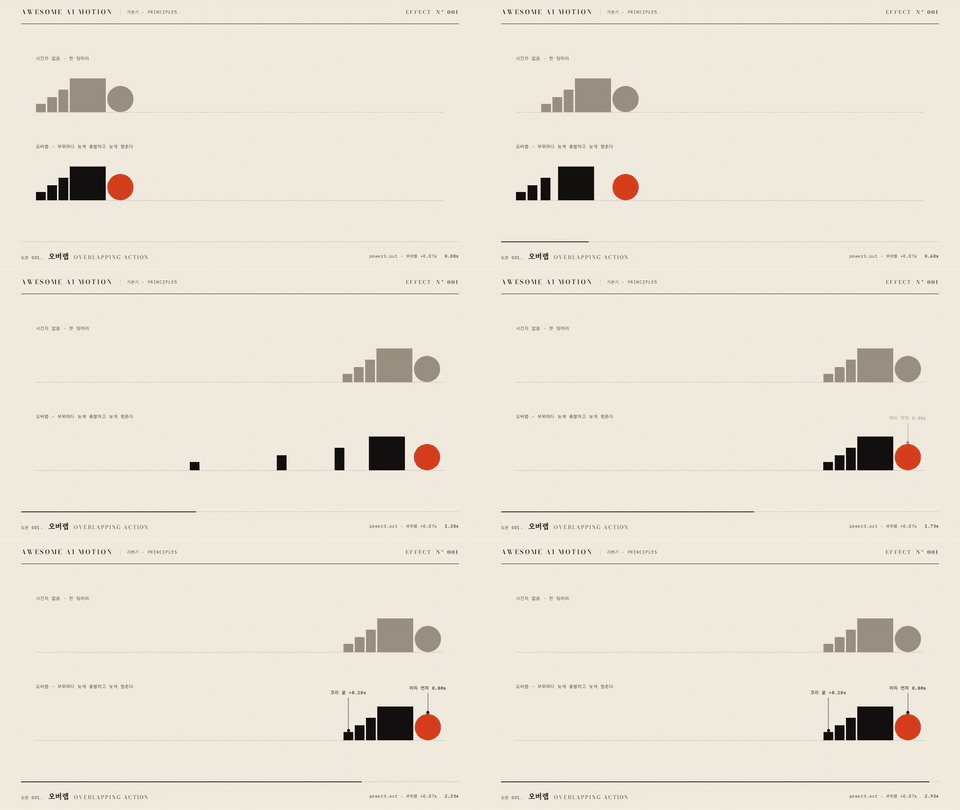
Overlapping Action
Overlapping Action

MP4
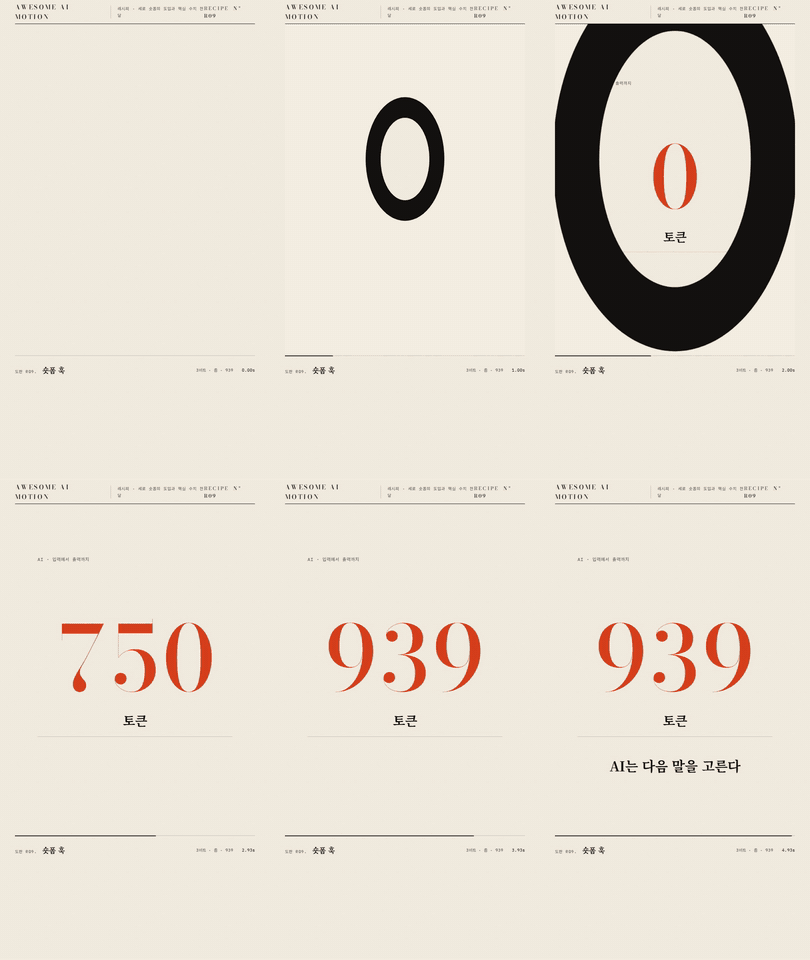
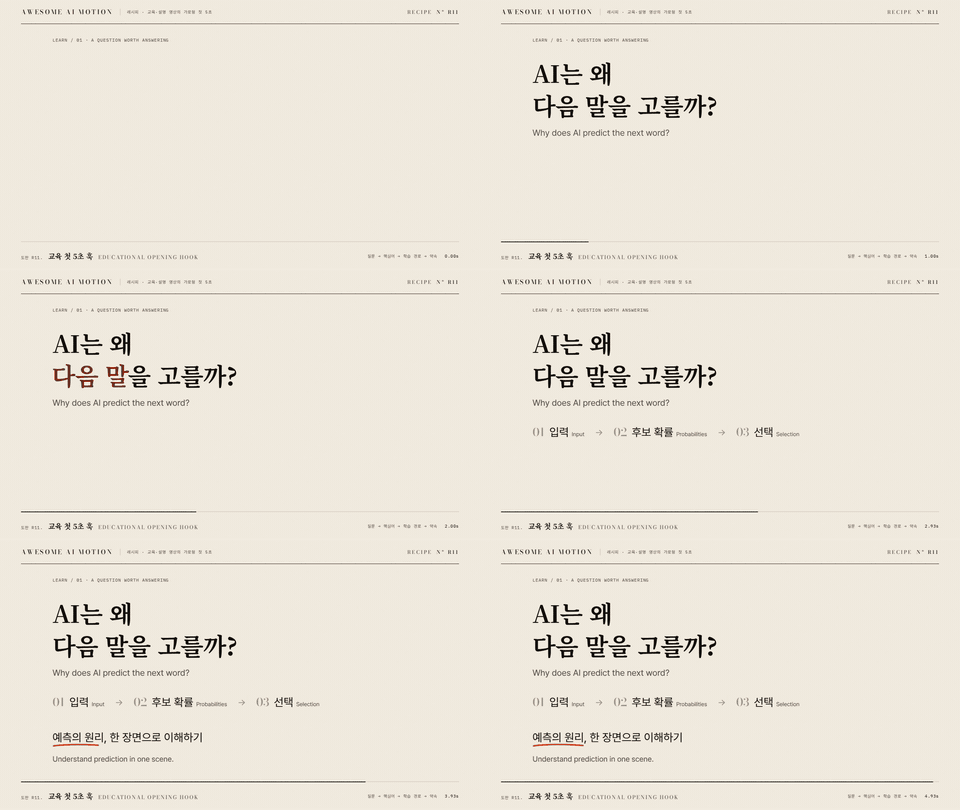
## Eight recipes in motion Watch effects combine into a scene, including the educational opening hook. Click a name or preview to read the recipe.
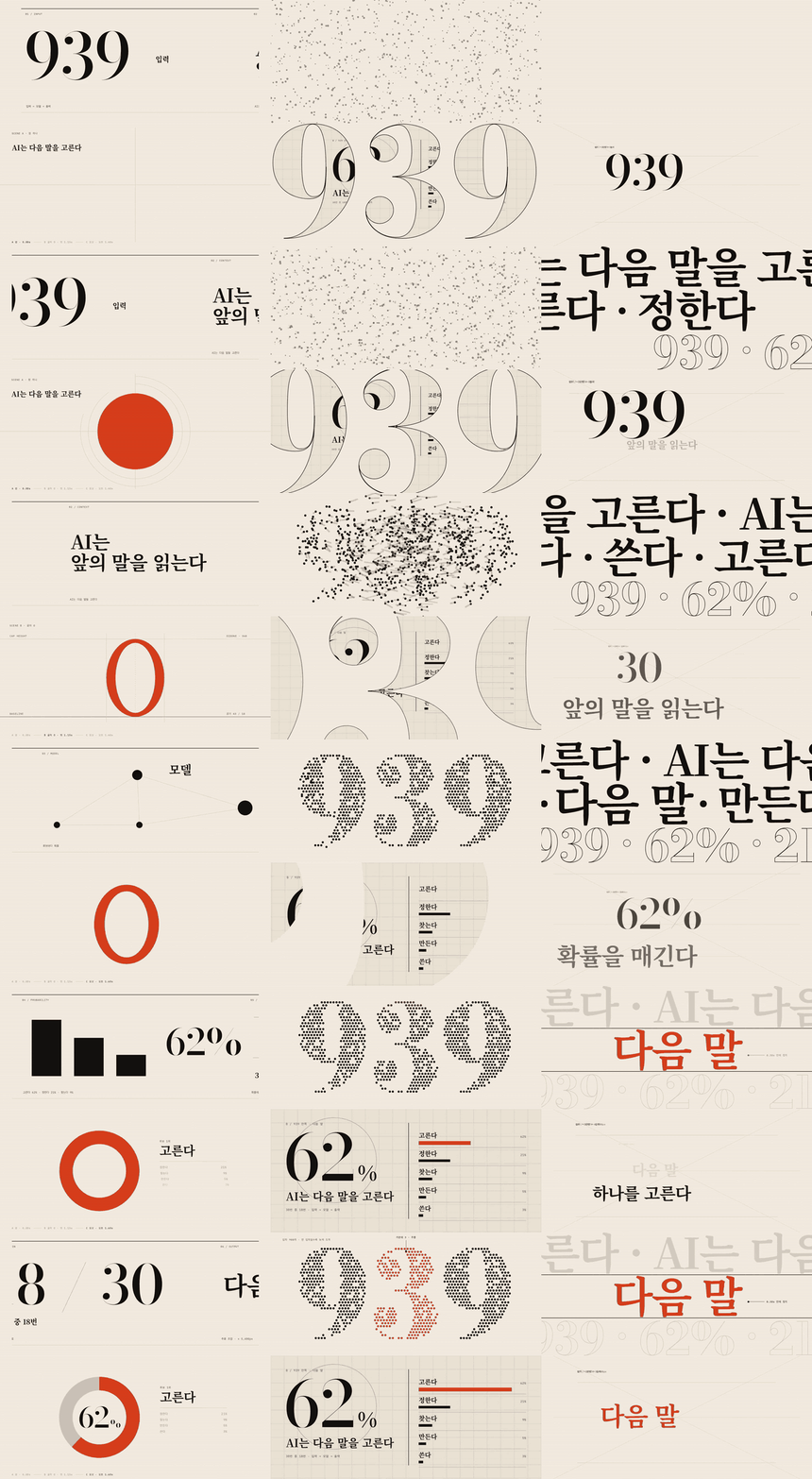
Educational Opening Hook

MP4
Shorts Hook
Shorts Hook

MP4
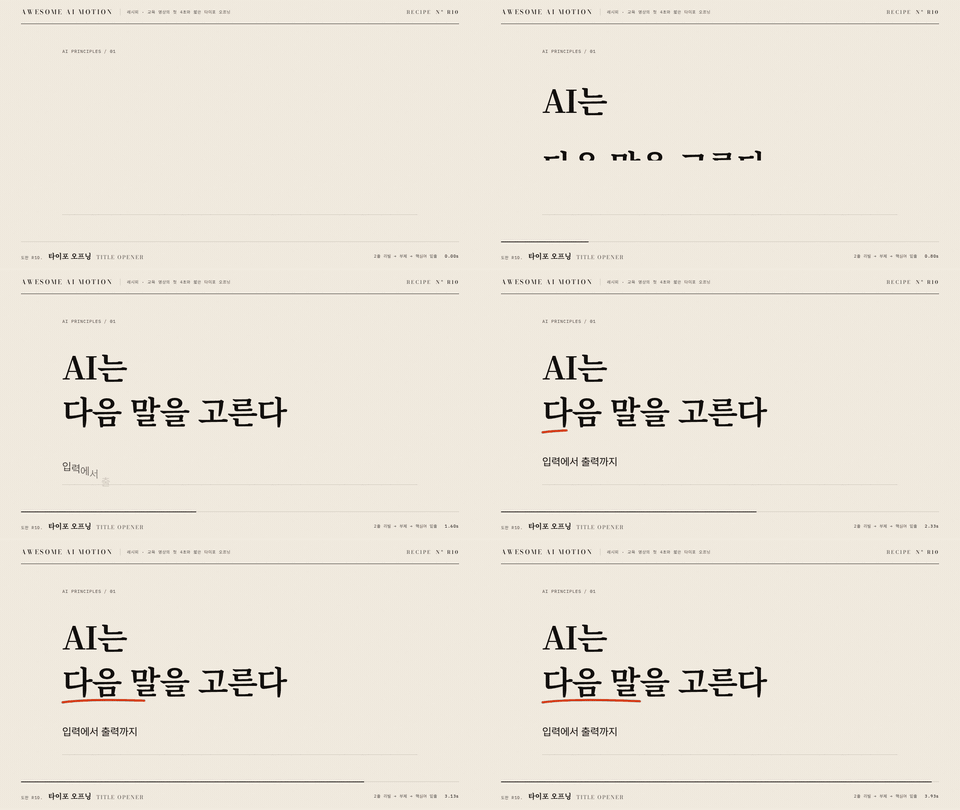
Title Opener
Title Opener

MP4
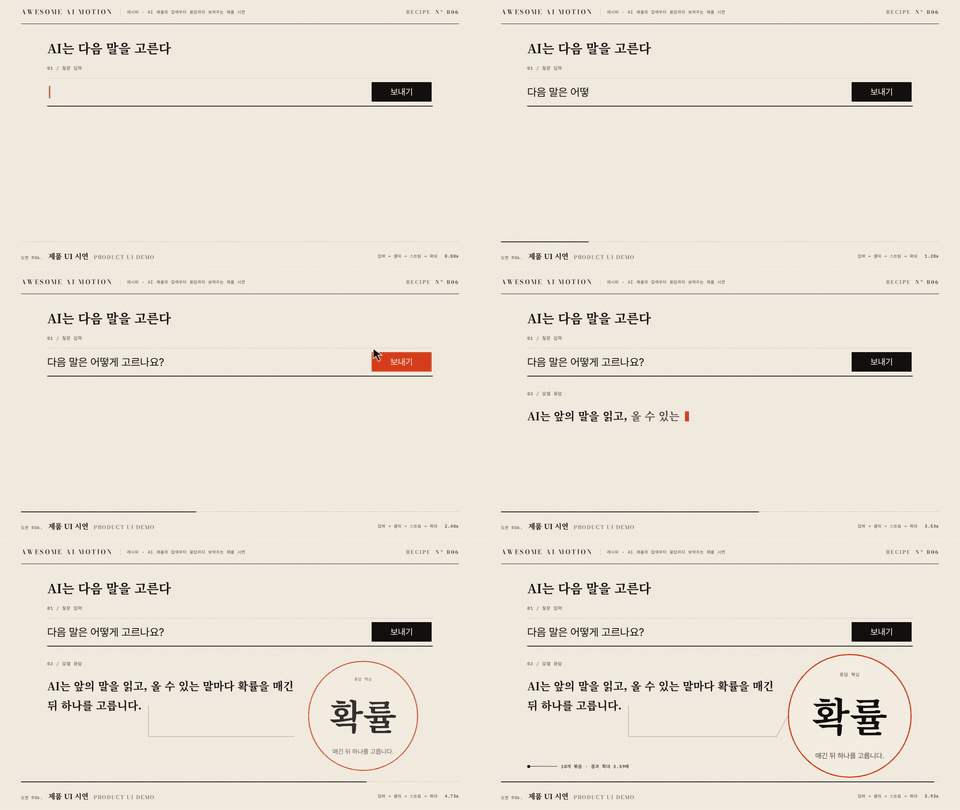
Product UI Demo
Product UI Demo

MP4
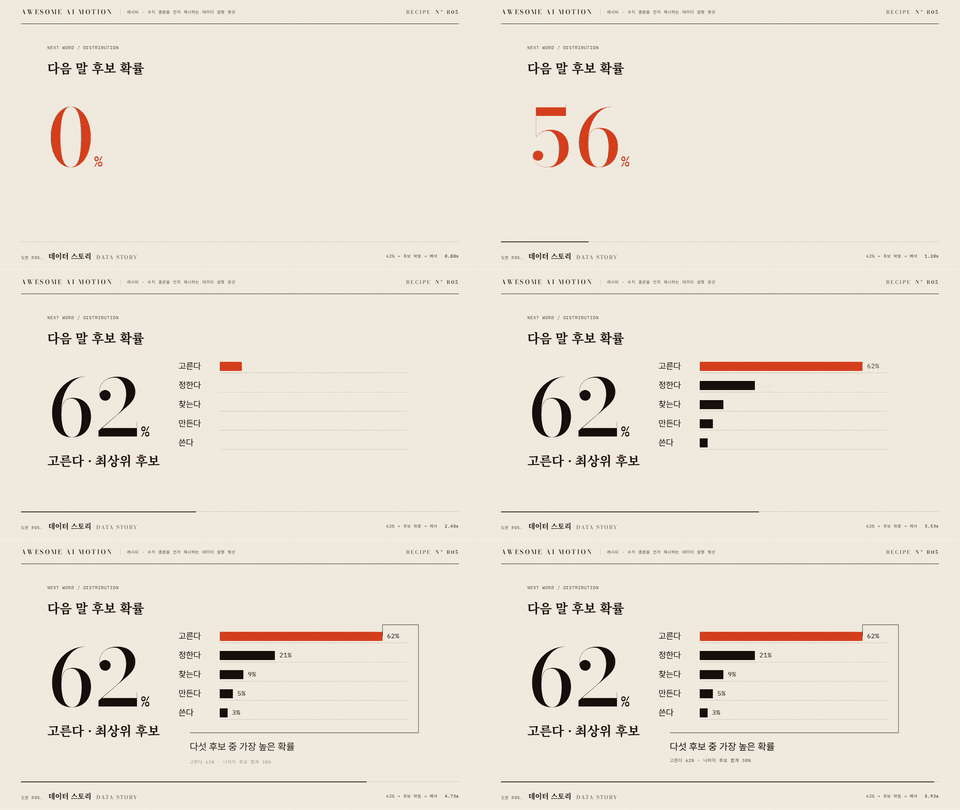
Data Story
Data Story

MP4
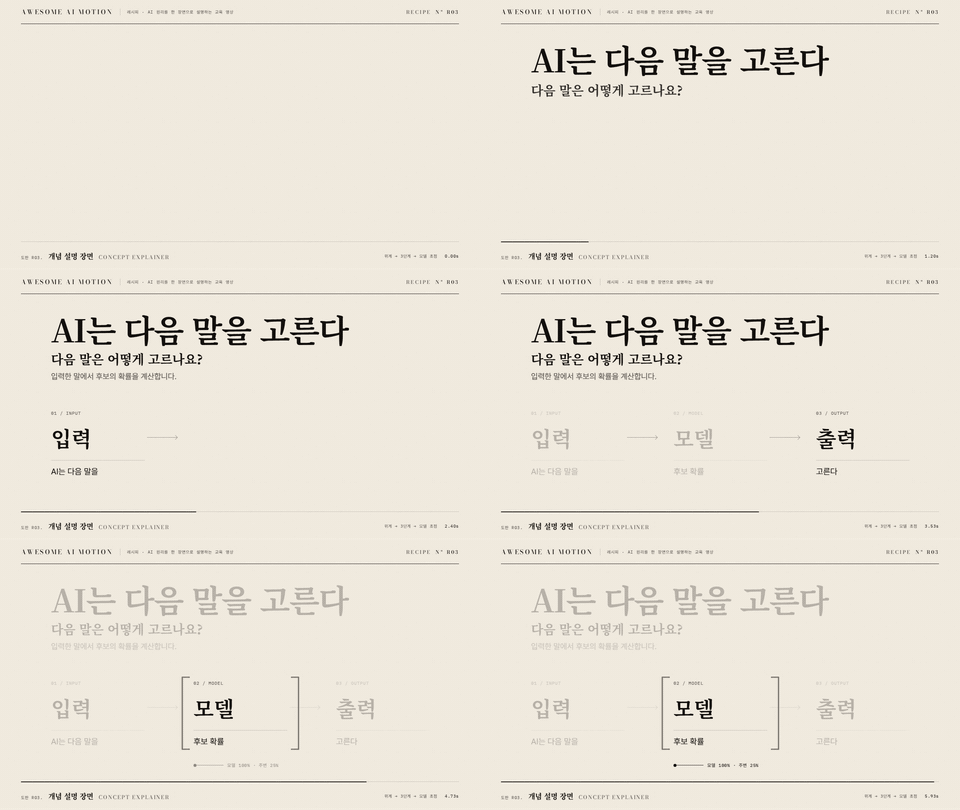
Concept Explainer
Concept Explainer

MP4
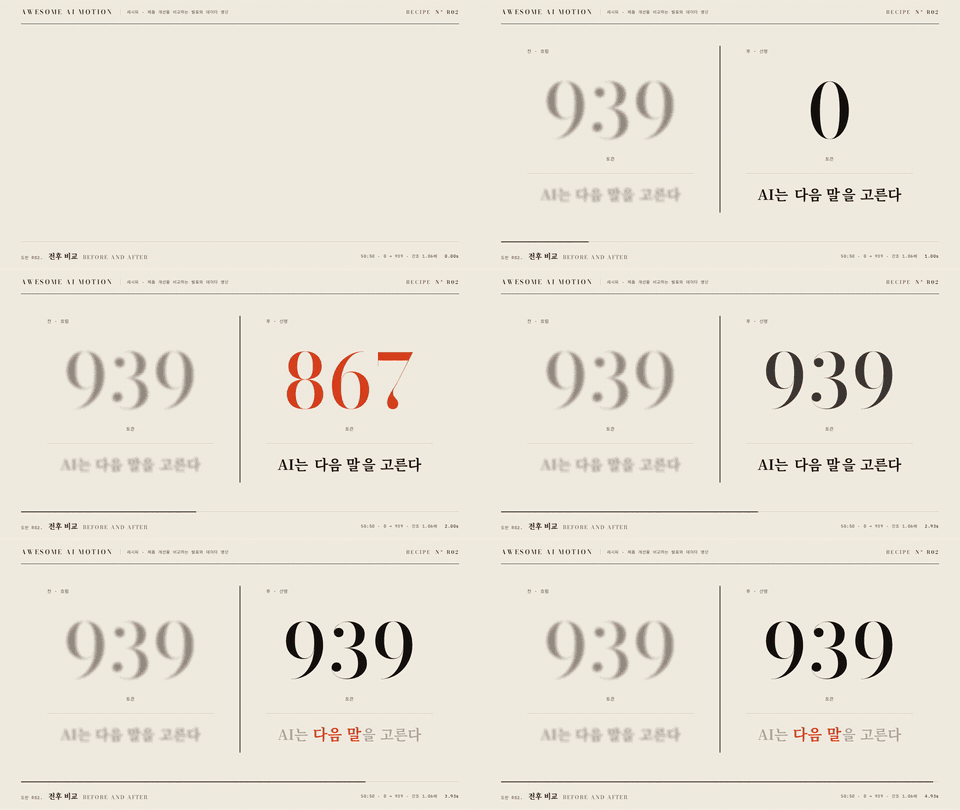
Before and After
Before and After

MP4
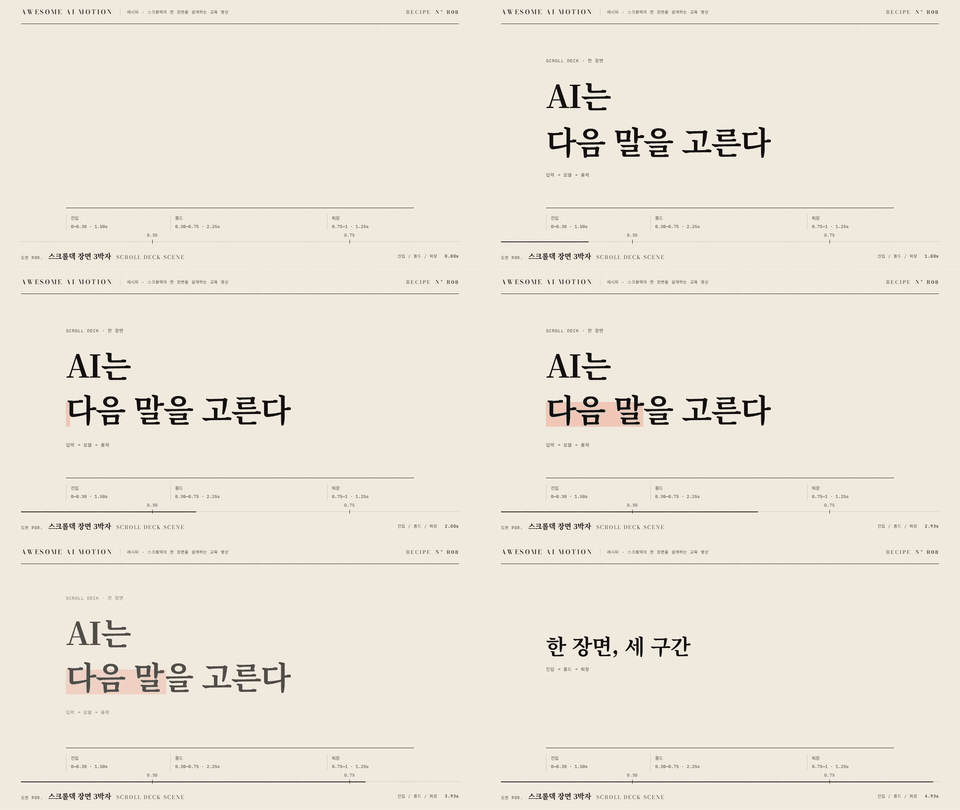
Scroll Deck Scene
Scroll Deck Scene

MP4
Use the [website](https://gongnyang.github.io/awesome-ai-motion/) for slow playback and comparisons of up to four clips. The [full catalog](docs/catalog.md) includes every technique and its clip status. ## Find your next scene | Start here | Use it for | |---|---| | [Website](https://gongnyang.github.io/awesome-ai-motion/) | Browse, play, filter and compare clips | | [Docs contents](docs/README.md) | Navigate the guide without reading every card | | [Full catalog](docs/catalog.md) | All techniques grouped by motion family | | [Decision tables](references/decision-tables.md) | Choose by purpose or medium | | [Recipes](recipes/) | Combine effects into a timed scene | | [Design routes](routes/) | Plan a promo, short, deck or other deliverable; route documents are in Korean | | [Agent workflow](SKILL.md) | Purpose, card, adaptation, render and verification | | [Source data](index.json) | Query effect metadata directly | A card lives at `effects//README.md`. Rendered effects also include `index.html`, `clip.mp4`, `preview.gif` and `poster.jpg`. ## Contributing See [CONTRIBUTING.md](CONTRIBUTING.md) for new effects, improved defaults and reference clips. Keep motion legible, use the shared stage, and verify the rendered result. `index.json` is the canonical catalog. Update the relevant source or generator, then regenerate the docs and website: ```bash node scripts/build.mjs node scripts/check.mjs ``` ## License and sources Original work is covered by [MIT](LICENSE). Source references and component licenses are recorded in [ATTRIBUTIONS.md](ATTRIBUTIONS.md) and each effect card. GSAP and bundled fonts retain their own licenses. Consult the attribution notice when redistributing those assets.