
GhostVM
Isolated macOS workspaces for agents, projects, and clients



Website •
Documentation •
Download
---
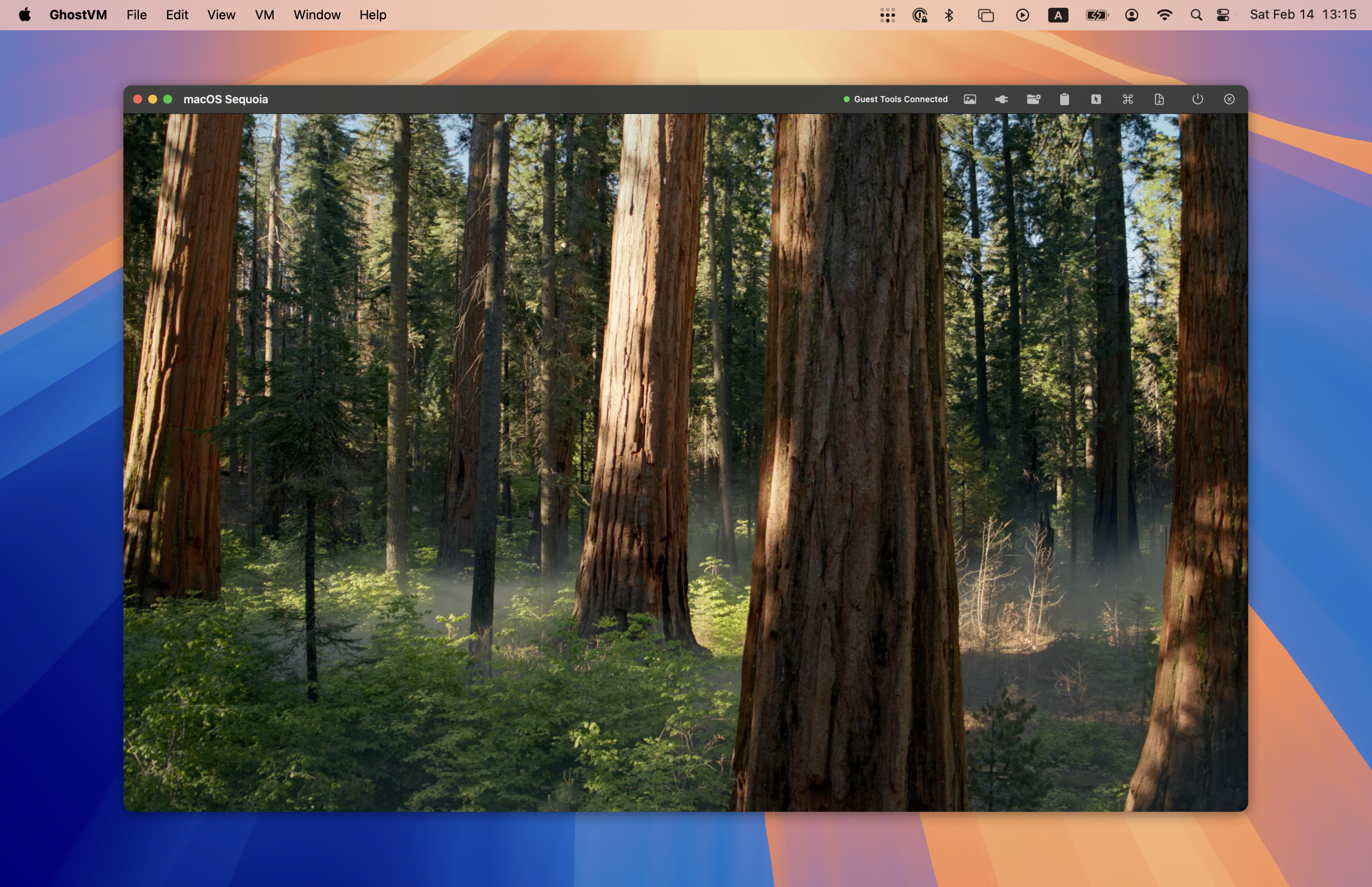
GhostVM is a native macOS app for creating and managing macOS virtual machines on Apple Silicon using Apple's `Virtualization.framework`. Each VM is stored as a self-contained `.GhostVM` bundle that you can copy, move, or back up like any file.
**Perfect for:** AI agent sandboxing, disposable dev environments, testing across macOS versions, and isolating client work.
## Features
- **Native Performance** — Near-native speed with Apple's Virtualization.framework
- **Self-Contained Bundles** — Each workspace is a portable `.GhostVM` folder
- **Snapshots & Clones** — Checkpoint and clone instantly with APFS copy-on-write
- **Deep Host Integration** — Clipboard, files, folders, and automatic port forwarding
- **Scriptable** — Full CLI (`vmctl`) and Unix socket API for automation
## Installation

1. Download the latest DMG from the [releases page](https://github.com/groundwater/GhostVM/releases/latest)
2. Open the DMG and drag **GhostVM.app** to your Applications folder
3. Launch GhostVM and create your first workspace
**Requirements:** macOS 15+ (Sequoia) on Apple Silicon (M1 or later)
## CLI Usage
The `vmctl` command-line tool provides full control over GhostVM virtual machines:
```bash
# Create and install a macOS VM
vmctl init ~/VMs/dev.GhostVM --cpus 6 --memory 16 --disk 128
vmctl install ~/VMs/dev.GhostVM
vmctl start ~/VMs/dev.GhostVM
# Manage snapshots
vmctl snapshot ~/VMs/dev.GhostVM create clean-state
vmctl snapshot ~/VMs/dev.GhostVM revert clean-state
# Remote commands (requires GhostTools in guest)
vmctl remote --name dev exec uname -a
vmctl remote --name dev clipboard get
vmctl remote --name dev apps
```
All Commands
| Command | Description |
|---------|-------------|
| `init ` | Create a new VM bundle (`--cpus`, `--memory`, `--disk`, `--restore-image`) |
| `install ` | Install macOS from a restore image |
| `start ` | Launch the VM (`--headless`, `--shared-folder`) |
| `stop ` | Graceful shutdown |
| `suspend` / `resume` | Suspend and resume VM state |
| `status ` | Report running state and config |
| `snapshot list\|create\|revert\|delete` | Manage snapshots |
| `list` | List all VMs and their status |
| `remote --name exec ` | Run a shell command in the guest |
| `remote --name clipboard get\|set` | Read or write the guest clipboard |
| `remote --name apps` | List running guest applications |
## Building from Source
**Requirements:** Xcode 15+ and [XcodeGen](https://github.com/yonaskolb/XcodeGen)
```bash
brew install xcodegen
git clone https://github.com/groundwater/GhostVM.git
cd GhostVM
make app
```
Build Targets
| Target | Description |
|--------|-------------|
| `make app` | Build GhostVM.app |
| `make cli` | Build vmctl CLI |
| `make test` | Run unit tests |
| `make run` | Build and run attached to terminal |
| `make launch` | Build and launch detached |
| `make dist` | Create distribution DMG |
| `make clean` | Remove build artifacts |
## Notes
- VMs use NAT networking via `VZNATNetworkDeviceAttachment`
- Shared folders use VirtioFS via `VZVirtioFileSystemDeviceConfiguration`
- GhostTools provides clipboard sync, file transfer, and port discovery
- Apple's EULA requires macOS guests to run on Apple-branded hardware
## Project Structure
```
.
├── Makefile # Build orchestration
├── macOS/
│ ├── project.yml # XcodeGen project definition
│ ├── GhostVM/ # Main SwiftUI app (VM manager/launcher)
│ ├── GhostVMHelper/ # Per-VM helper process (display, toolbar, services)
│ ├── GhostVMKit/ # Shared framework (types, VM controller, utilities)
│ ├── GhostTools/ # Guest agent (runs inside VM, vsock communication)
│ └── GhostVMTests/ # Unit tests
└── Website/ # Documentation site (ghostvm.org)
```
## License
**Source code:** License not yet determined.
**Binary (DMG):** The signed DMG distributed via [GitHub Releases](https://github.com/groundwater/GhostVM/releases) is free to use for any purpose. It is provided "as is", without warranty of any kind, express or implied. The authors are not liable for any claim, damages, or other liability arising from the use of the software.